Customer Ratings & Reviews
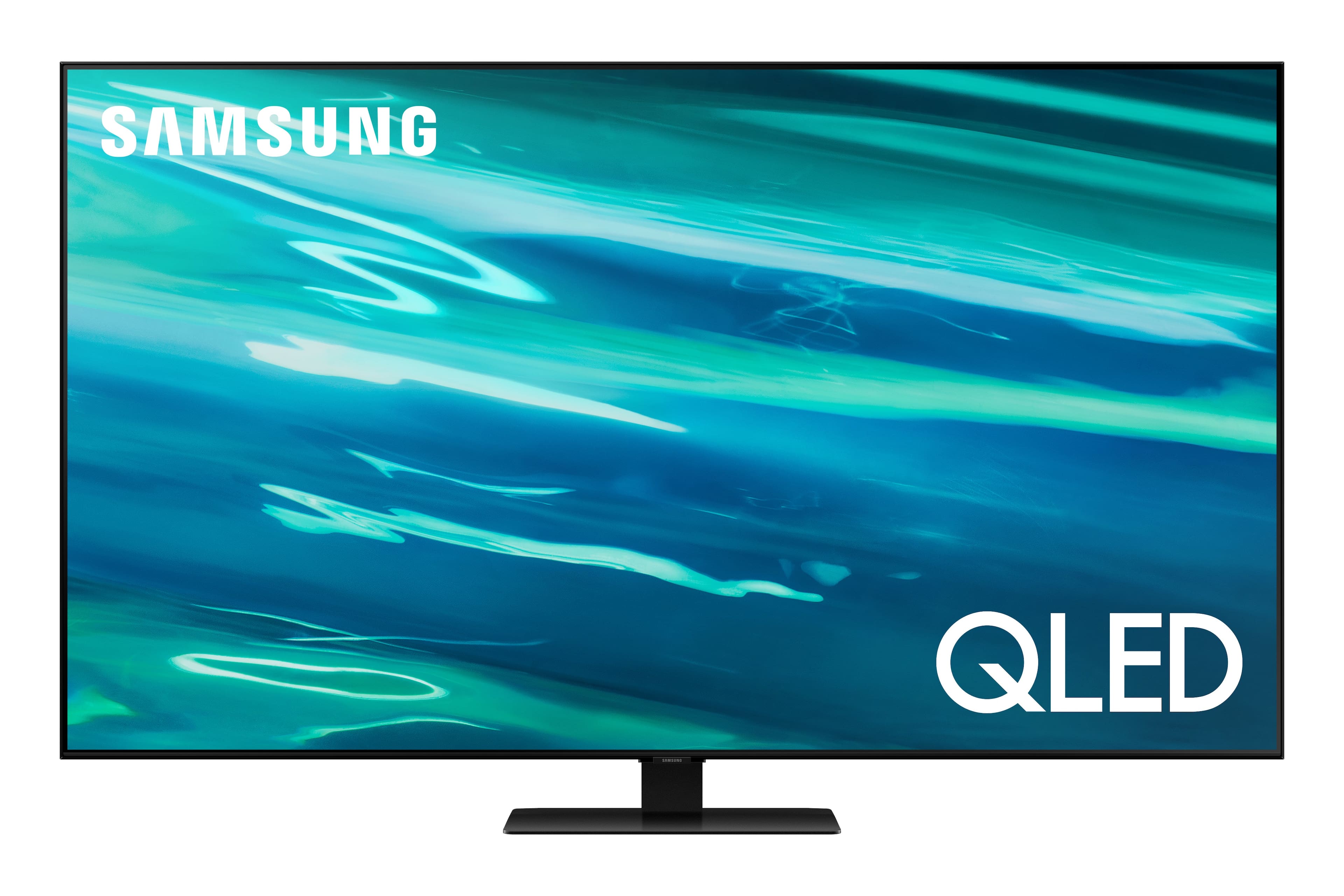
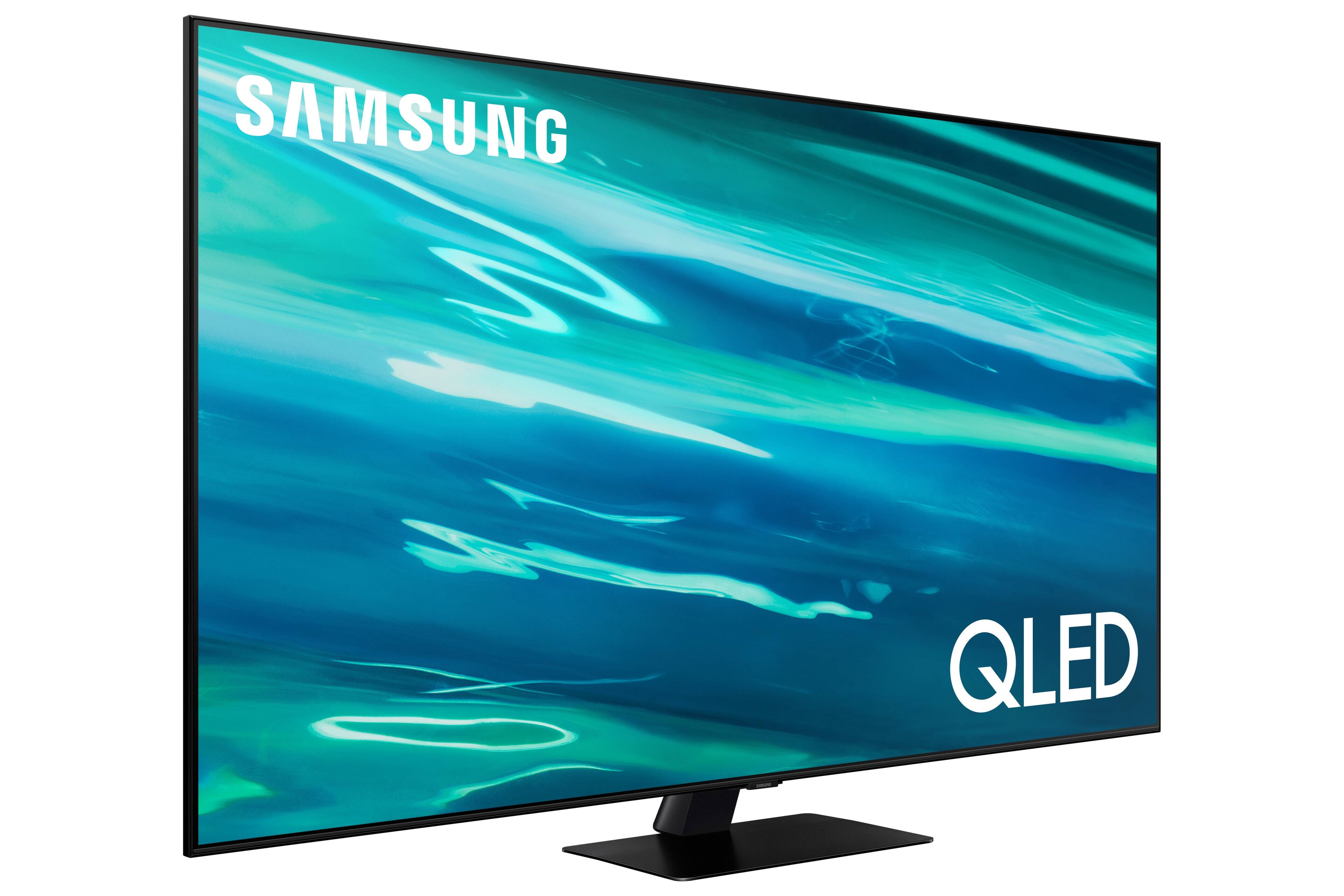
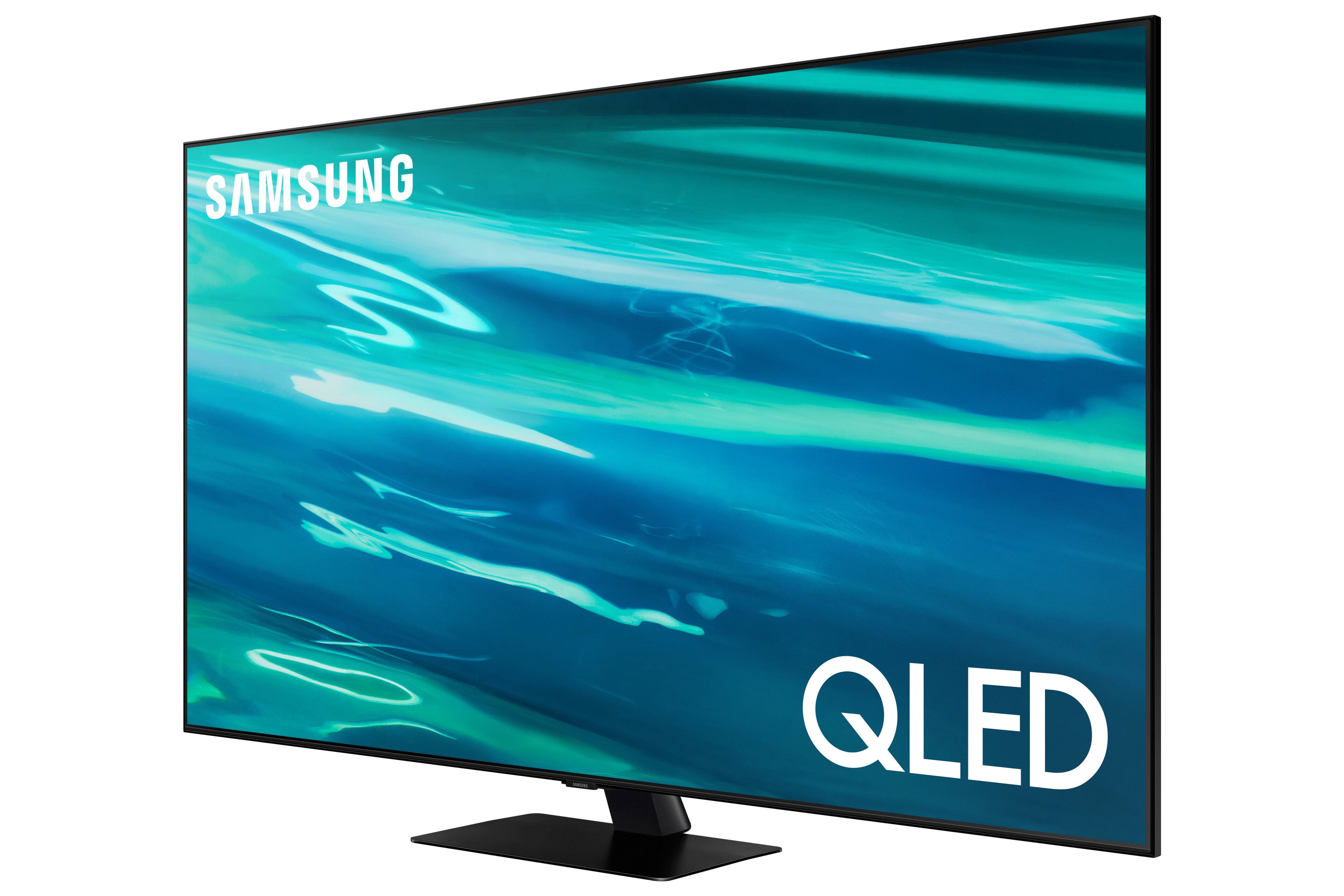
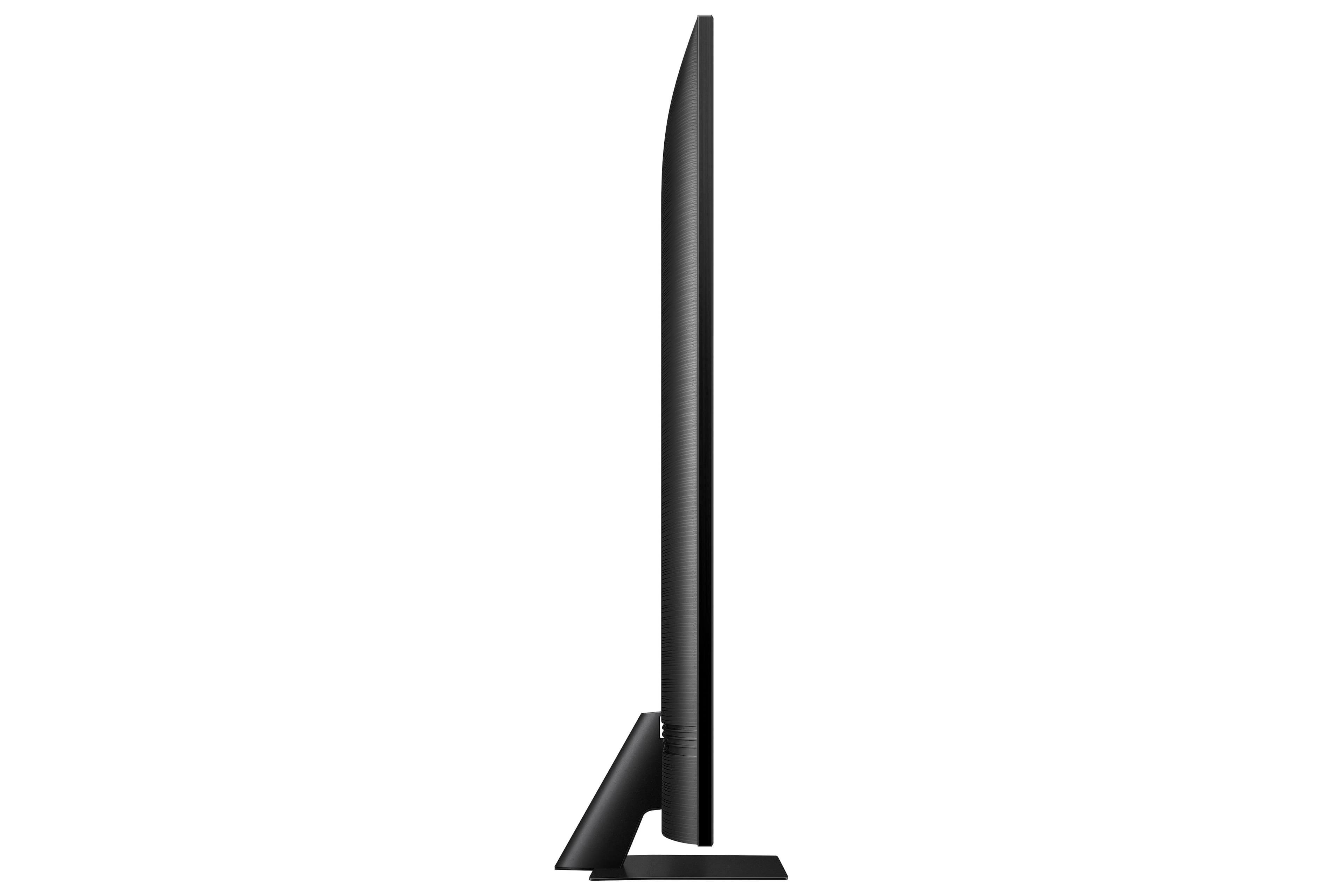
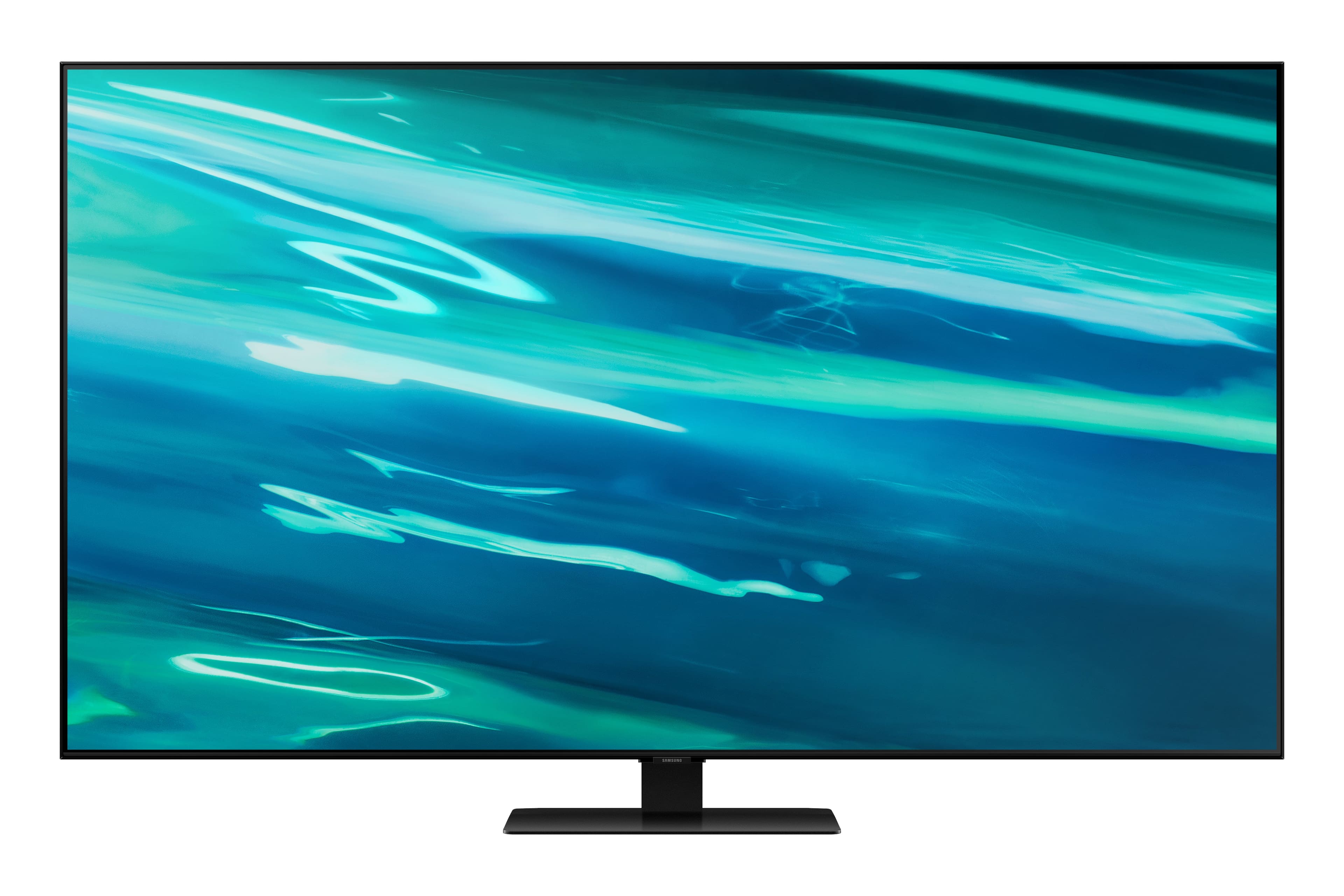
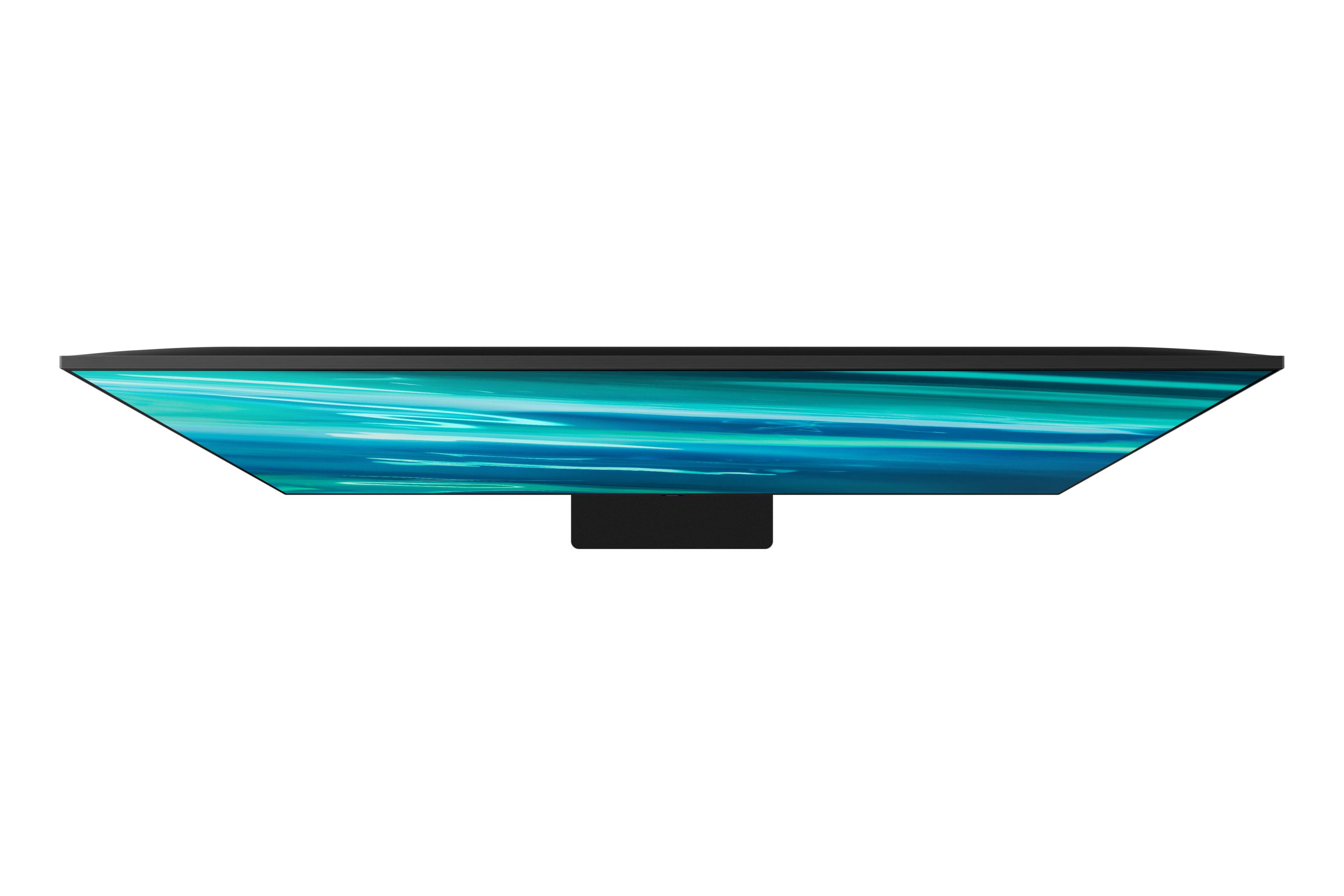
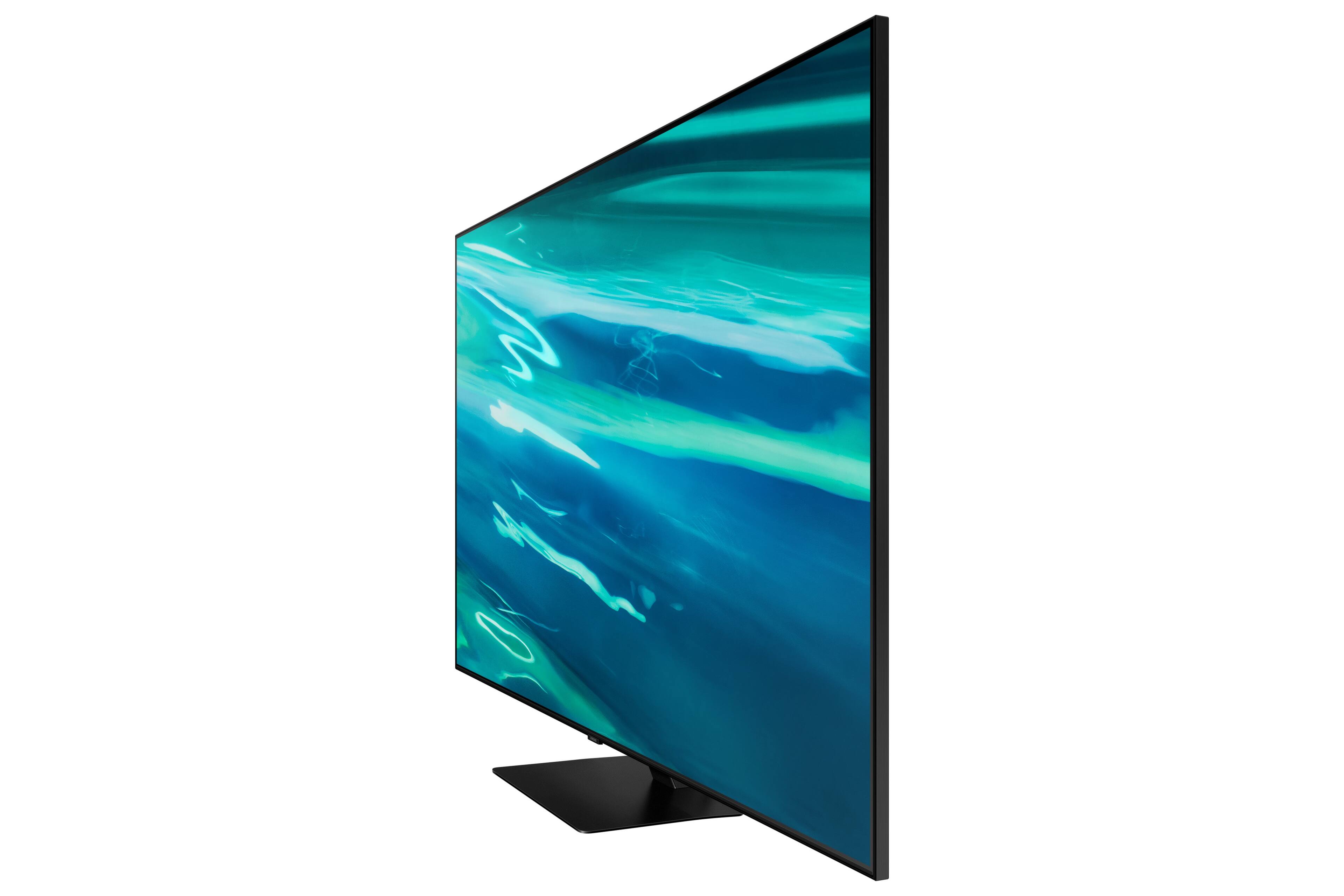
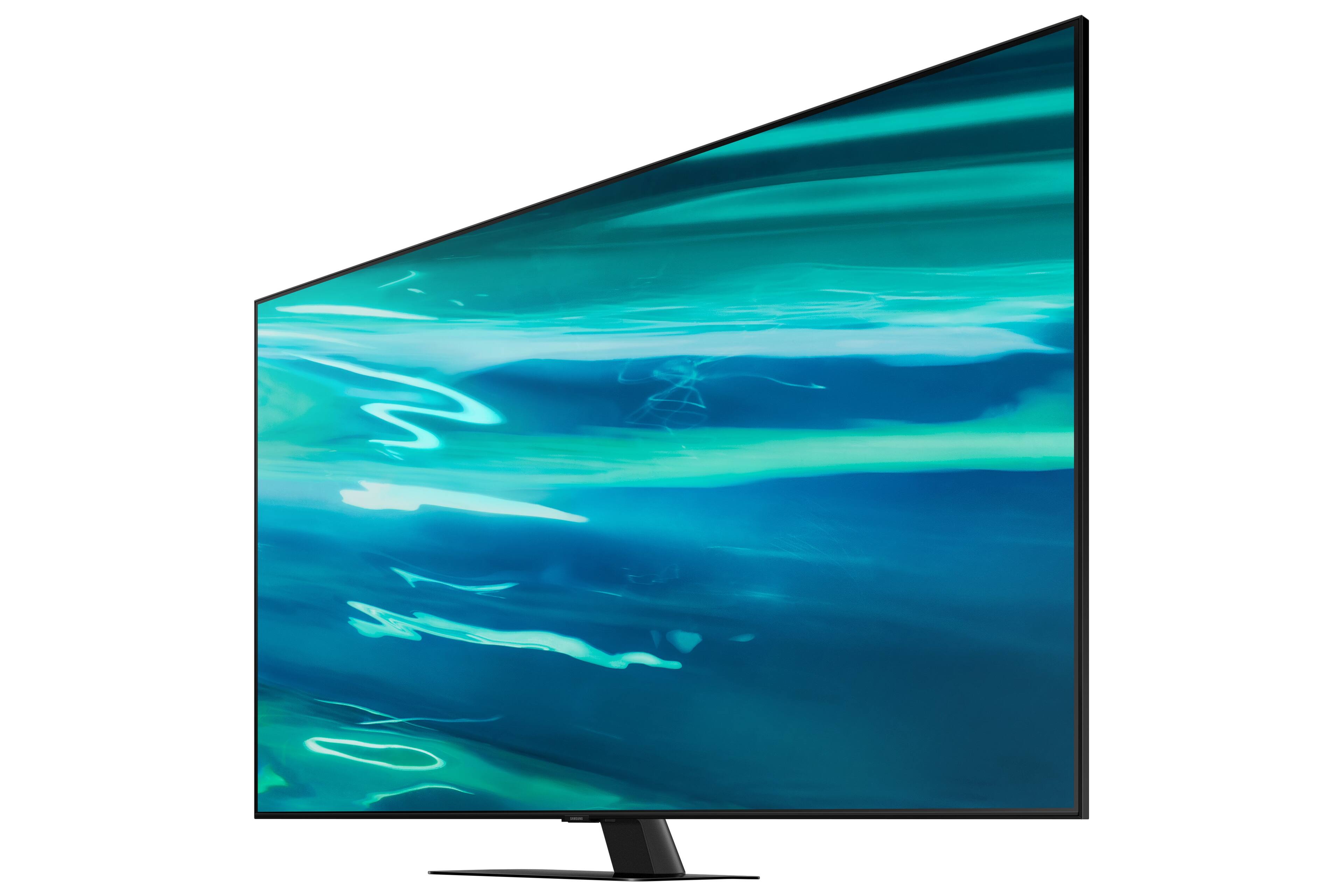
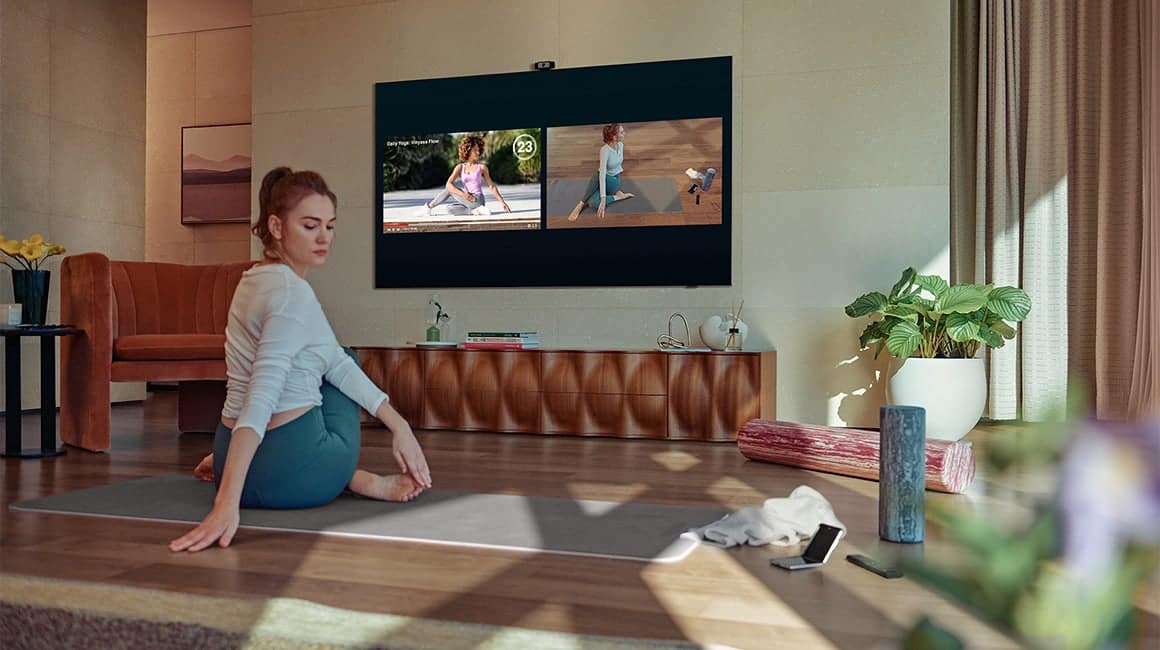
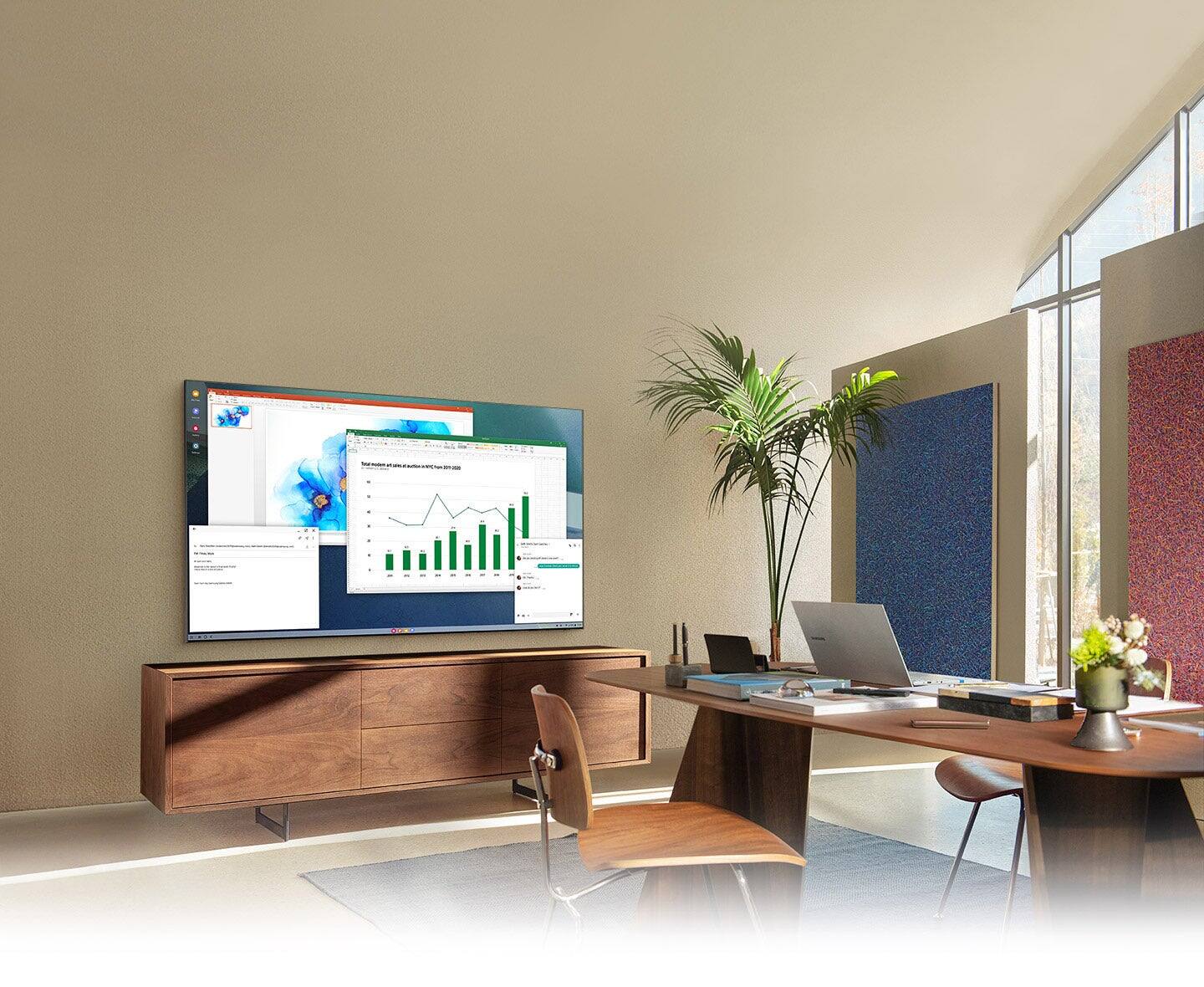







- Model:
- QN75Q80AAFXZA
- SKU:
- 6452059
Rating by feature
- Picture Quality
Rating 4.7 out of 5 stars
- Sound Quality
Rating 4.6 out of 5 stars
- Brightness
Rating 4.7 out of 5 stars
Customers are saying
Customers are enthusiastic about the 75" Class Q80A Series QLED 4K UHD Smart Tizen TV's picture quality, describing it as amazing and unbelievable. They also appreciate its large screen, easy setup, and vibrant colors. While some customers have concerns about the remote control and menu system, the overall sentiment towards this TV is positive.
This summary was generated by AI based on customer reviews.
New Samsung
||Posted . Owned for 1 month when reviewed.This reviewer received promo considerations or sweepstakes entry for writing a review.Love the new smart TV! Perfect for us in our new home!
I would recommend this to a friendsamsung
||Posted . Owned for 1 month when reviewed.This reviewer received promo considerations or sweepstakes entry for writing a review.Outstanding tv would buy another one if it wasnt so expensive
I would recommend this to a friendGeek squad
||Posted . Owned for 3 weeks when reviewed.This reviewer received promo considerations or sweepstakes entry for writing a review.It’s was amazing service. They really did good job!
I would recommend this to a friendNice tv
||Posted . Owned for 1 week when reviewed.This reviewer received promo considerations or sweepstakes entry for writing a review.Great looking tv for the price. Good picture. Easy set up.
I would recommend this to a friendBig tv
||Posted . Owned for 7 months when reviewed.This reviewer received promo considerations or sweepstakes entry for writing a review.Great price for a q led tv bright and smart and big great purchase for me I luv it
I would recommend this to a friendTv purchasr & sound box
||Posted .This reviewer received promo considerations or sweepstakes entry for writing a review.Very satisfied with my purchase and recieved lots of knowledge on it begore purchading
I would recommend this to a friendFantastic 4K TV
||Posted . Owned for 3 weeks when reviewed.This reviewer received promo considerations or sweepstakes entry for writing a review.Fantastic 4K resolution and great user interface. Very cool voice control with the remote.
I would recommend this to a friendSamsung 75in QLED is like a old Godzilla flick
||Posted . Owned for less than 1 week when reviewed.This reviewer received promo considerations or sweepstakes entry for writing a review.I have been a life long purchaser of Samsung televisions and currently have 6 Samsung TV operating in my home. However unfortunately the most recent purchase is the only Samsung that I have had issues with. The sound and lip movement is never in sink. This is the case with and without the Sonos Arc sound bar. I am actually waiting on a replacement TV as I type this note - I hope the show as we are down to the last 30 minutes of their designated delivery window. This said, I am not giving up on Samsung yet but likely will not be the case if Inhave the same issue with the replacemen TV
No, I would not recommend this to a friendBrand response from Samsung
Posted .Kingston4u2,
Thank you for purchasing the Samsung Q80A TV and for sharing your experience with sound delays. Please be sure your firmware is up to date with version 1708.0 (released 9/3/21) which includes updates to address lip sync or audio delays that you are experiencing. You can check this by going to: Settings > Support > Software Update.
If this firmware version is not yet available on your TV, you can download the update on a USB drive and manually update your TV:
1. On Samsung's website (upper right corner), go to: Support > Manuals & Software > Find your TV model.
2. Download the update and extract it to the root of a USB thumb drive. (Do not put it in any folders on the thumb drive.)
3. Connect the USB thumb drive to a USB port on your TV.
4. Navigate to Settings > Support > Software Update, select Update Now, and then select Yes.
5. Follow the on-screen instructions to install the updated software.
Should you ever have questions or need help, please call us at 1-800-SAMSUNG (ask for TVs), available 8AM - 12AM EST, 7 days a week.
For additional support resources, visit us on the Samsung website and click on the ‘Support’ link in the upper right corner of the homepage for:
1) Contact Us: For additional Chat & Text options, choose ‘TVs & Home Theater’ and select your model & topic.
2) Manuals & Software
3) Warranty Info
4) Register a Product: For access to easy warranty support, convenient opt-in to special promos and offers, faster troubleshooting and service, and quick notification of system updates.
~ Samsung Specialist
Tv
||Posted .This reviewer received promo considerations or sweepstakes entry for writing a review.This was a fair value for the tv. The picture was okay not great.
No, I would not recommend this to a friendBrand response from Samsung
Posted .Cleaner,
Thank you for your review of the Q80A QLED 4K Smart TV. With machine learning, our Quantum Processor 4K enhances pictures from any source into crisp 4K.
You can choose from different Picture Modes to suit your preferences. Go to Home > Settings > Picture > Picture Mode to choose from (Standard, Natural, Movie, Dynamic, & Filmmaker Mode. If the image is defined as Filmmaker Mode, it will automatically switch to Filmmaker Mode while watching.)
Intelligent Mode enables the TV to recognize and analyze the surroundings, noise, content, and your usage patterns to provide the best viewing experience. You can enable Intelligent Mode by going to Home > Settings > General > Intelligent Mode Settings. Adaptive Picture, which is among the options, optimizes brightness and provides the best picture quality in real time, based on the lighting condition and your content.
If you would like further assistance with settings adjustments or have any questions, please contact Samsung Customer Support at 1-800-SAMSUNG (ask for TVs), available 8AM - 12AM EST, 7 days a week.
For additional support resources, visit us on the Samsung website and click on the ‘Support’ link in the upper right corner of the homepage for:
1) Chat with Us/Product Help: To begin a chat or find solutions, choose ‘TVs & Home Theater’ and select your model & topic.
2) Manuals, Software, & Warranty Info
~ Samsung Specialist
Pixelation is a problem
||Posted .This reviewer received promo considerations or sweepstakes entry for writing a review.Pixelates a lot with poorer input. Very bright in dark room.
I would recommend this to a friendBrand response from Samsung
Posted .John,
Thank you for purchasing the Q80A TV and sharing your thoughts regarding the image quality. The TV will upscale as best as possible any content sent to it. The closer your content is to 4K, the better the image will look on the screen.
Here are some tips to help improve the picture clarity:
1) HDMI cables are recommended for optimal HD viewing.
2) If you have an analog cable box or satellite box, upgrade to a digital cable box or satellite box.
3) Change the output resolution of your devices, such as digital broadcast receiver, IPTV, and set-top box to UHD or HD.
4) You can further adjust your sharpness, brightness, contrast, color, and more by going to Settings > Picture > Expert Settings
5) Choose a Picture Mode by going to Settings > Picture > Picture Mode and choose from Dynamic, Standard, Natural, Movie, or Filmmaker Mode.
If you are uncomfortable with the default brightness settings, you can customize the brightness level between 0 – 50 to your preference. Go to Home > Settings > Picture > Expert Settings > Brightness.
Should you ever have questions or need help with TV features, specs, or operation, we are here to help. Call us at 1-800-SAMSUNG (ask for TVs), available 8AM - 12AM EST, 7 days a week.
For additional support resources, visit us on the Samsung website and click on the ‘Support’ link in the upper right corner of the homepage for:
1) Chat with Us/Product Help: To begin a chat or find solutions, choose ‘TVs & Home Theater’ and select your model & topic.
2) Manuals, Software, & Warranty Info
~ Samsung Specialist
SOUND
||Posted . Owned for 2 months when reviewed.This reviewer received promo considerations or sweepstakes entry for writing a review.Sound is not that good and needs a sound bar TO BE INSTALLED.
I would recommend this to a friendBrand response from Samsung
Posted .ZMAN,
Thank you for purchasing the Q80A TV and for sharing your feedback regarding the sound quality. Your new TV features SpaceFit Sound to optimize sound tailored to your environment and Active Voice Amplifier (AVA) which further detects disturbances and enhances the on-screen voices for clear dialogue.
Go to Home > Settings > General > Intelligent Mode Settings. Turn the options on or off to meet your needs:
- Active Voice Amplifier is available only when the sound sensor of the TV is active and the sound output is set to TV Speaker, or a Samsung Soundbar interlinked with Adaptive Picture is connected.
- Adaptive Sound+ provides optimized sound quality by analyzing the viewing space and the acoustic components of the content
- Adaptive Volume Automatically adjusts to a specific volume level while you are watching TV.
Several Sound Modes are likewise available to meet your personal preferences: Home > Settings > Sound > Sound Mode
You can also customize sound with Expert Settings.
Go to: Settings > Sound > Expert Settings
To assist you with possible sound settings adjustments for a better audio experience, or choosing a Samsung Soundbar to complement your viewing enjoyment, please reach out to us at 1-800-SAMSUNG (ask for TVs), available 8AM - 12AM EST, 7 days a week.
For additional support resources, visit us on the Samsung website and click on the ‘Support’ link in the upper right corner of the homepage for:
1) Chat with Us/Product Help: To begin a chat or find solutions, choose ‘TVs & Home Theater’ and select your model & topic.
2) Manuals, Software, & Warranty Info
~ Samsung Specialist
Excellent
||Posted .This reviewer received promo considerations or sweepstakes entry for writing a review.Nothing bad to say just buy and see what I am agreeing on
I would recommend this to a friendGood Quality
||Posted . Owned for 6 months when reviewed.This reviewer received promo considerations or sweepstakes entry for writing a review.Really good TV but definitely heavier than expected.
I would recommend this to a friendsam75
||Posted .This reviewer received promo considerations or sweepstakes entry for writing a review.Great TV . just a bit of a Challenge to set up inputs
I would recommend this to a friendSATISFIED CUSTOMER
||Posted . Owned for 1 month when reviewed.This reviewer received promo considerations or sweepstakes entry for writing a review.Very responsive sales staff at the sterling store.
I would recommend this to a friendBack light bleed through
||Posted . Owned for 1 month when reviewed.This reviewer received promo considerations or sweepstakes entry for writing a review.To much back light bleed through on the TV I don’t recommend this TV for watching movies
No, I would not recommend this to a friendSound of the tv is sucks
||Posted . Owned for 1 week when reviewed.This reviewer received promo considerations or sweepstakes entry for writing a review.Sound is not Good .sometimes I can hear like sound coming from a crashes speaker
No, I would not recommend this to a friendBrand response from Samsung
Posted .Irfan,
Thank you for your review of the Q80A TV. We appreciate you sharing your experience with hearing an odd sound coming from your TV. Abnormal sounds will have different causes depending on where the sound originates from. Is the sound coming from your speakers, or is your TV connected to an external audio device like a soundbar? If so, please make sure that the audio cable is connected to the correct audio output connector on the external device.
For antenna or cable connections, check the Signal Information. A low signal level may cause sound distortions. Go to: Settings > Support > Device Care > Self Diagnosis > Signal Information
If the sound is coming from the back of the TV, the expansion and contraction of the TV's outer casing may cause a popping noise. This does not indicate a product malfunction. The TV is safe to use.
You may also want to run a Sound Test by going to:
Settings > Support > Device Care > Self Diagnosis > Sound Test
For further questions or assistance, please contact Samsung Customer Support at 1-800-SAMSUNG (ask for TVs), available 8AM - 12AM EST, 7 days a week.
For additional support resources, visit us on the Samsung website and click on the ‘Support’ link in the upper right corner of the homepage for:
1) Chat with Us/Product Help: To begin a chat or find solutions, choose ‘TVs & Home Theater’ and select your model & topic.
2) Manuals, Software, & Warranty Info
~ Samsung Specialist
Samsung Q80A TV
||Posted . Owned for 3 months when reviewed.This reviewer received promo considerations or sweepstakes entry for writing a review.I did not care for the quality of the picture on this TV and end up returning it.
No, I would not recommend this to a friendBrand response from Samsung
Posted .Texas77024,
Thank you for your review of the Samsung Q80A TV and for sharing the issues that have caused you to return your unit. Your experience is very important to us and will be shared with our product team.
It is possible that your unit needed minor troubleshooting, a firmware update, or adjustments in settings.
Should you ever decide to give Samsung TVs another try and have questions or need assistance with settings, setup, or features, please know we are always here to help. Call us at 1-800-SAMSUNG (ask for TVs), available 8AM - 12AM EST, 7 days a week.
For additional support resources, visit us on the Samsung website and click on the ‘Support’ link in the upper right corner of the homepage for:
1) Contact Us: For additional Chat & Text options, choose ‘TVs & Home Theater’ and select your model & topic.
2) Manuals, Software, & Warranty Info
We hope to regain you as a customer in the future.
~ Samsung Specialist
Faulty
||Posted . Owned for 2 months when reviewed.This reviewer received promo considerations or sweepstakes entry for writing a review.Faulty after less than 2 months of usage. TV does not turn on, when it does it freezes after a few minutes and turns off. Then cycle repeats. Lots of other reviewers reporting the same problem on other forums. Will be returning.
No, I would not recommend this to a friendNot what I hoped for
||Posted . Owned for 1 month when reviewed.This reviewer received promo considerations or sweepstakes entry for writing a review.Not impressed if I wasn’t out of town I would have returned but missed the cut off. Constantly says no internet when turning on then bought it with the Samsung sound bar a mistake I won’t make again.
No, I would not recommend this to a friendBrand response from Samsung
Posted .Hello Hmmm,
Thank you for your review of Samsung's Q80A TV and sharing the details of your issue with Wi-Fi connectivity. A network issue may be the cause. You may want to go through these steps to check your network connection:
1) Make sure that no items that can generate electromagnetic interferences are placed between the TV and the wireless/wired access point.
2) Check if the access point is turned on. If it is on, turn it off, wait 1 or 2 minutes, and then turn it on. Enter the correct password if required.
3) If the wireless connection fails, connect the TV to the access point via a LAN cable. If the TV can connect to the Internet normally via the wired connection, there might be a problem with the access point. In this case, try using a different access point.
4) Perform a network test to check if there is a network problem. Press the Home button on your remote. Navigate to Settings > Support > Device Care > Self Diagnosis> Smart Hub Connection Test
5) Try a cold reboot of your TV by pressing and holding the power button for 5+ seconds until the TV turns off and on again.
Please also be sure that you are always running the latest firmware update. You can check this by going to Settings > Support > Software Update or you can enable Auto Update for convenience.
Should your issue persist, please call Samsung Customer Support at 1-800-SAMSUNG (ask for TVs), available 8AM - 12AM EST, 7 days a week.
For additional support resources, visit us on the Samsung website and click on the ‘Support’ link in the upper right corner of the homepage for:
1) Contact Us: For additional Chat & Text options, choose ‘TVs & Home Theater’ and select your model & topic.
2) Manuals & Software
3) Warranty Info
4) Register a Product: For access to easy warranty support, convenient opt-in to special promos and offers, faster troubleshooting and service, and quick notification of system updates.
~ Samsung Specialist