Customer Ratings & Reviews
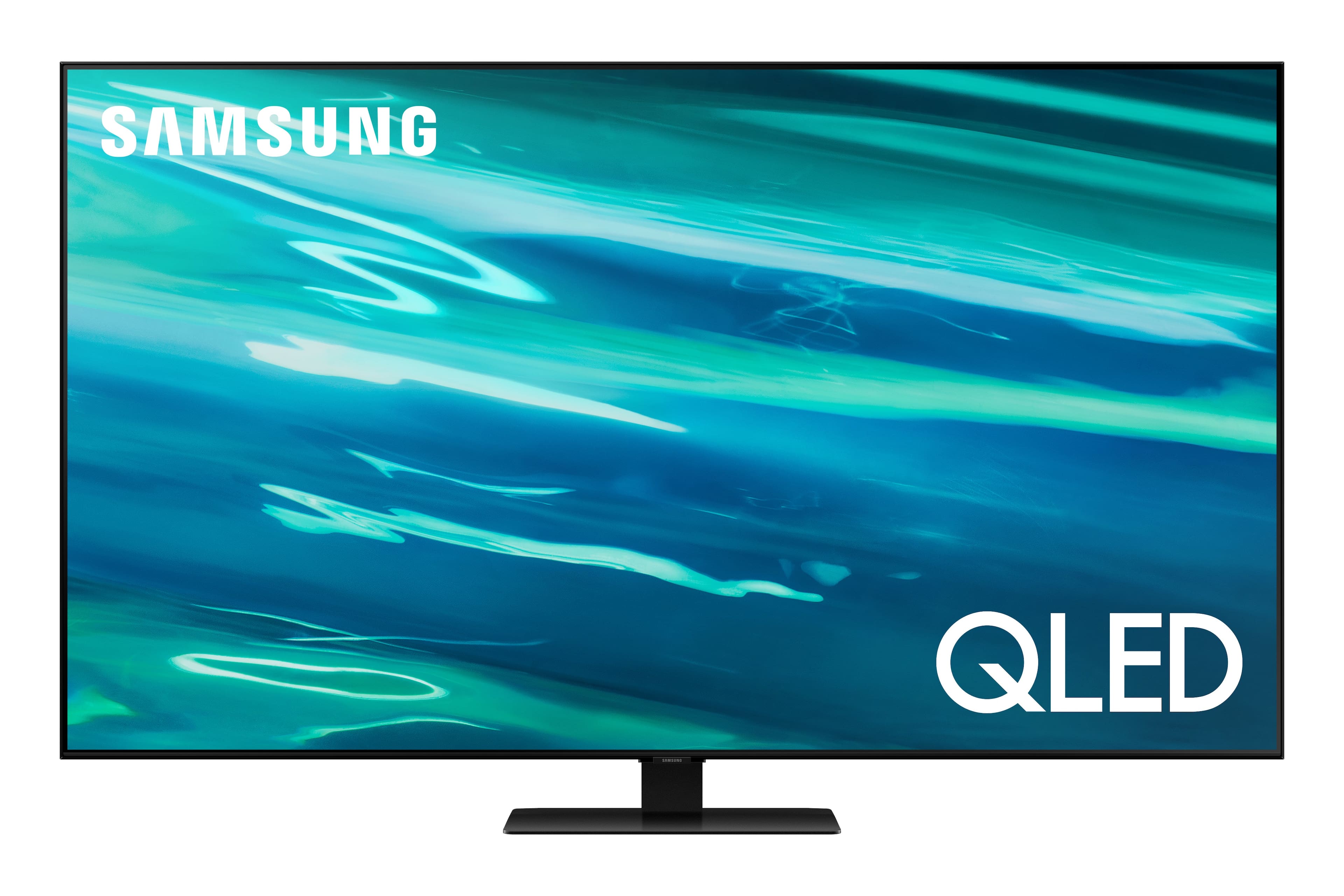
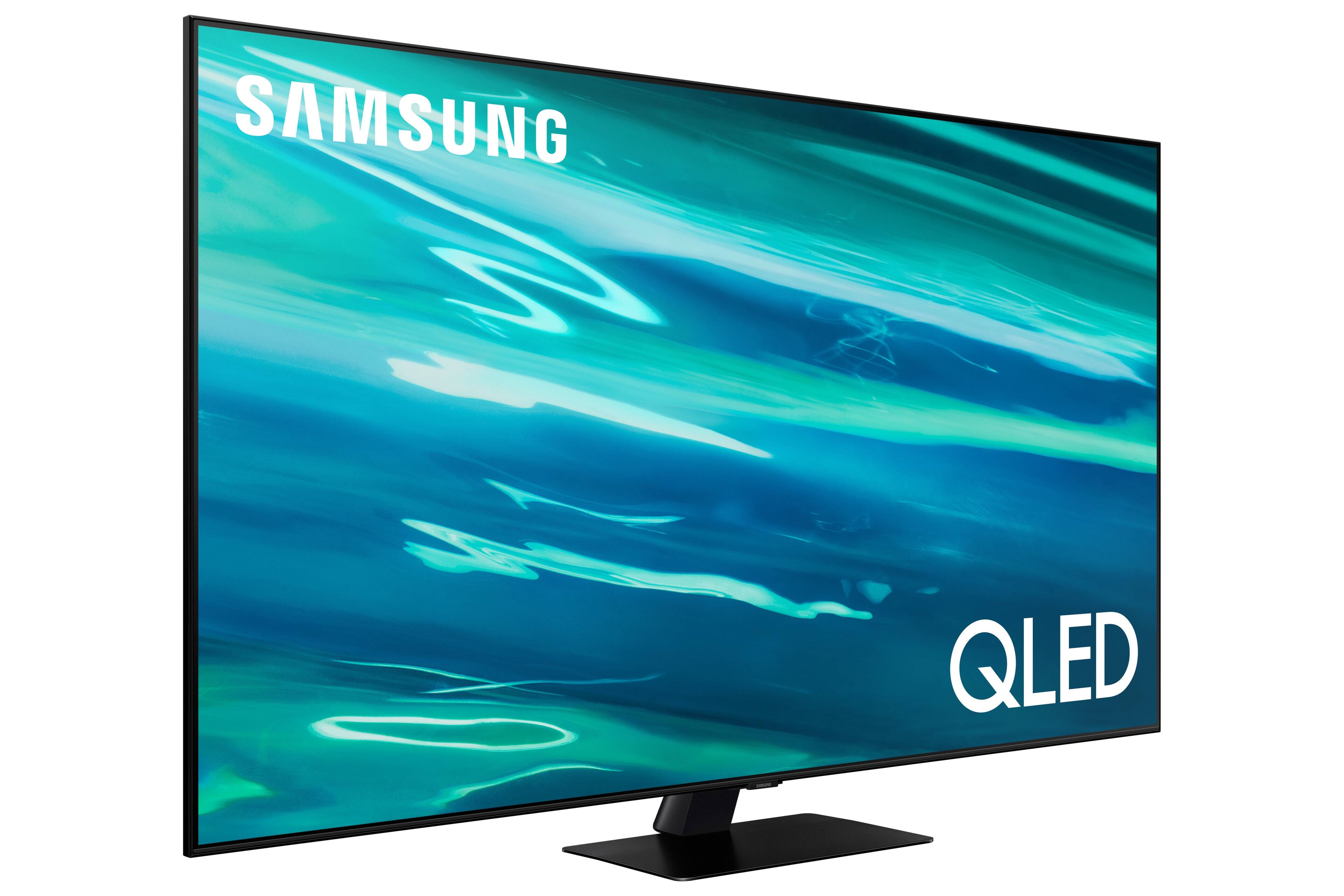
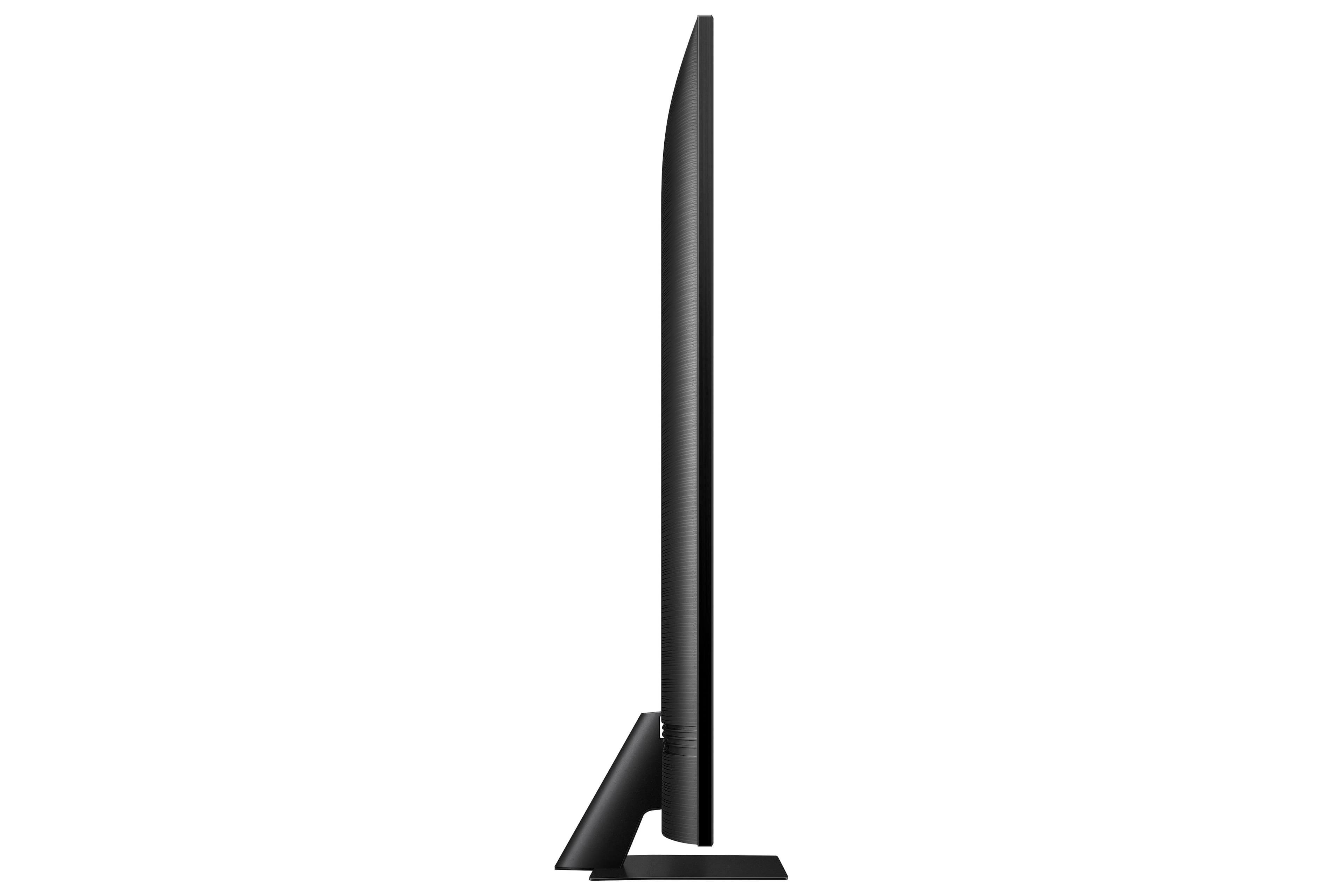
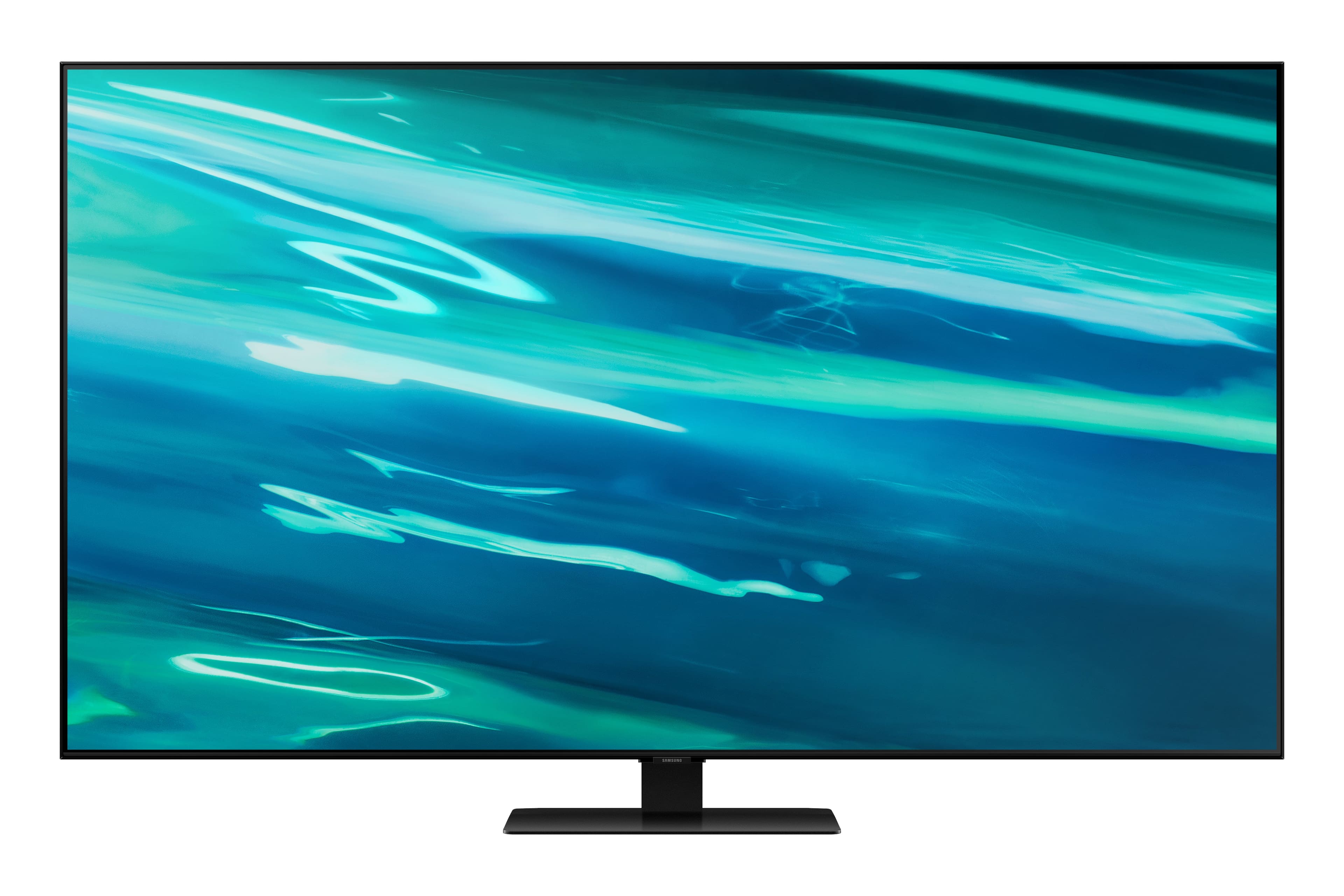
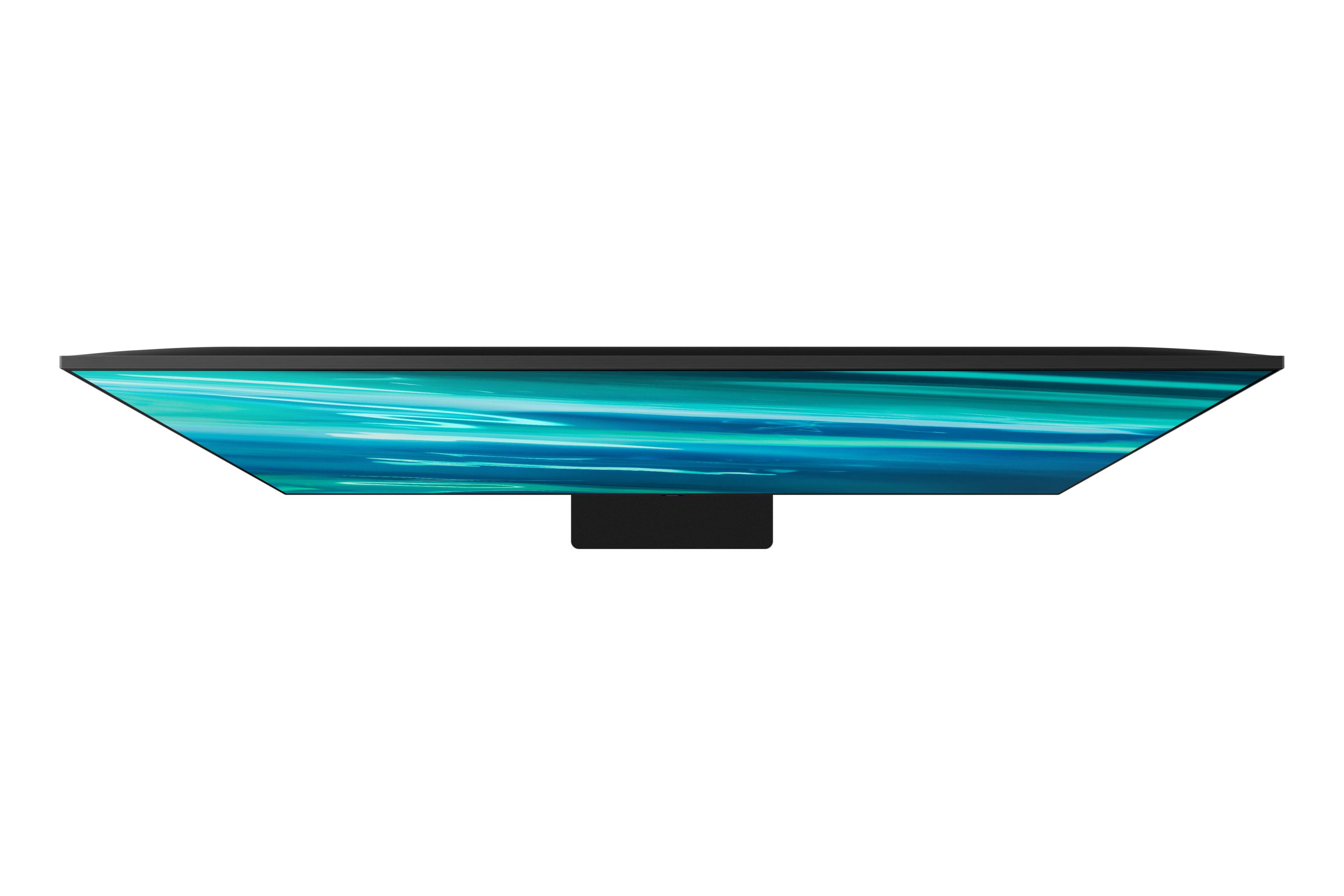
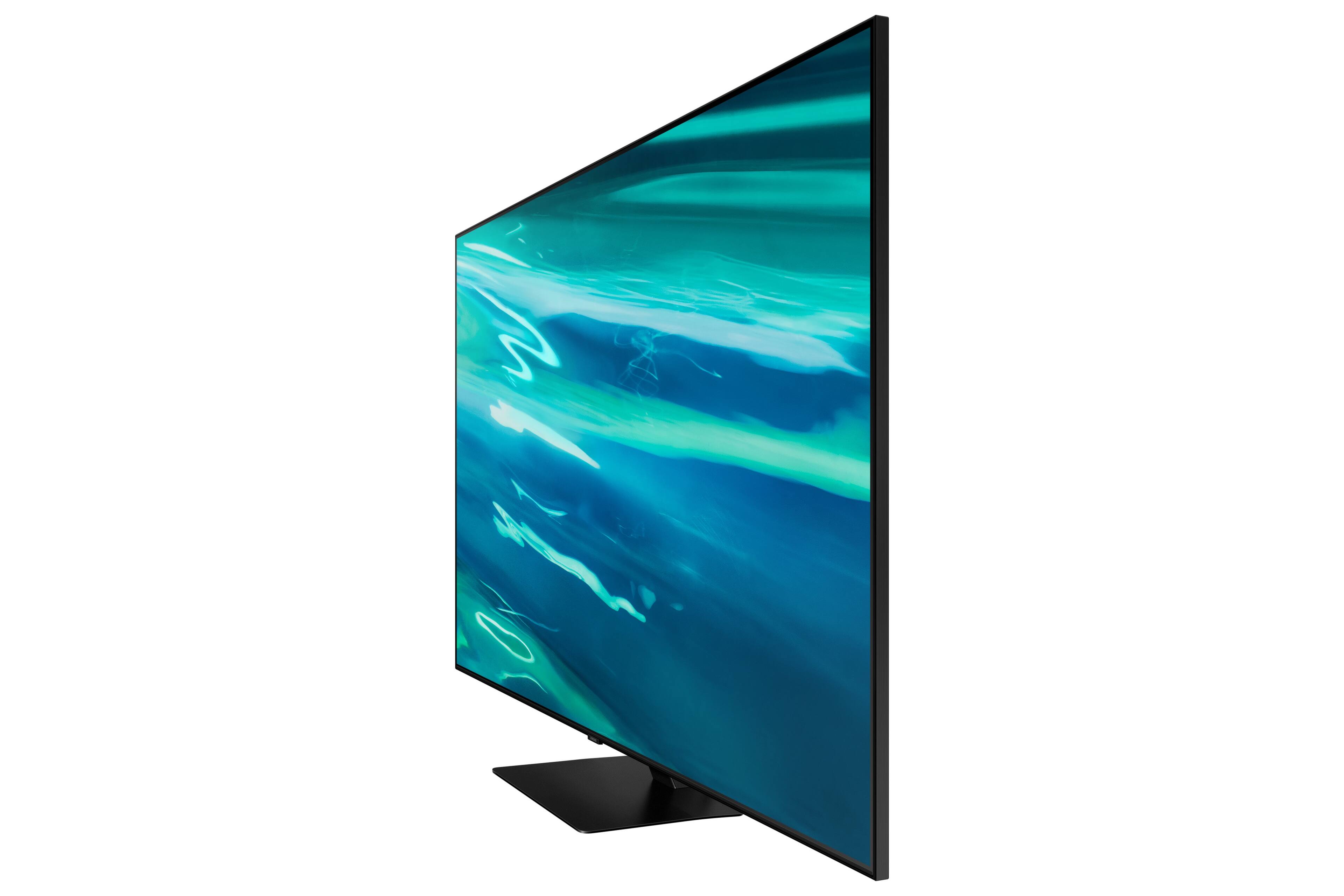
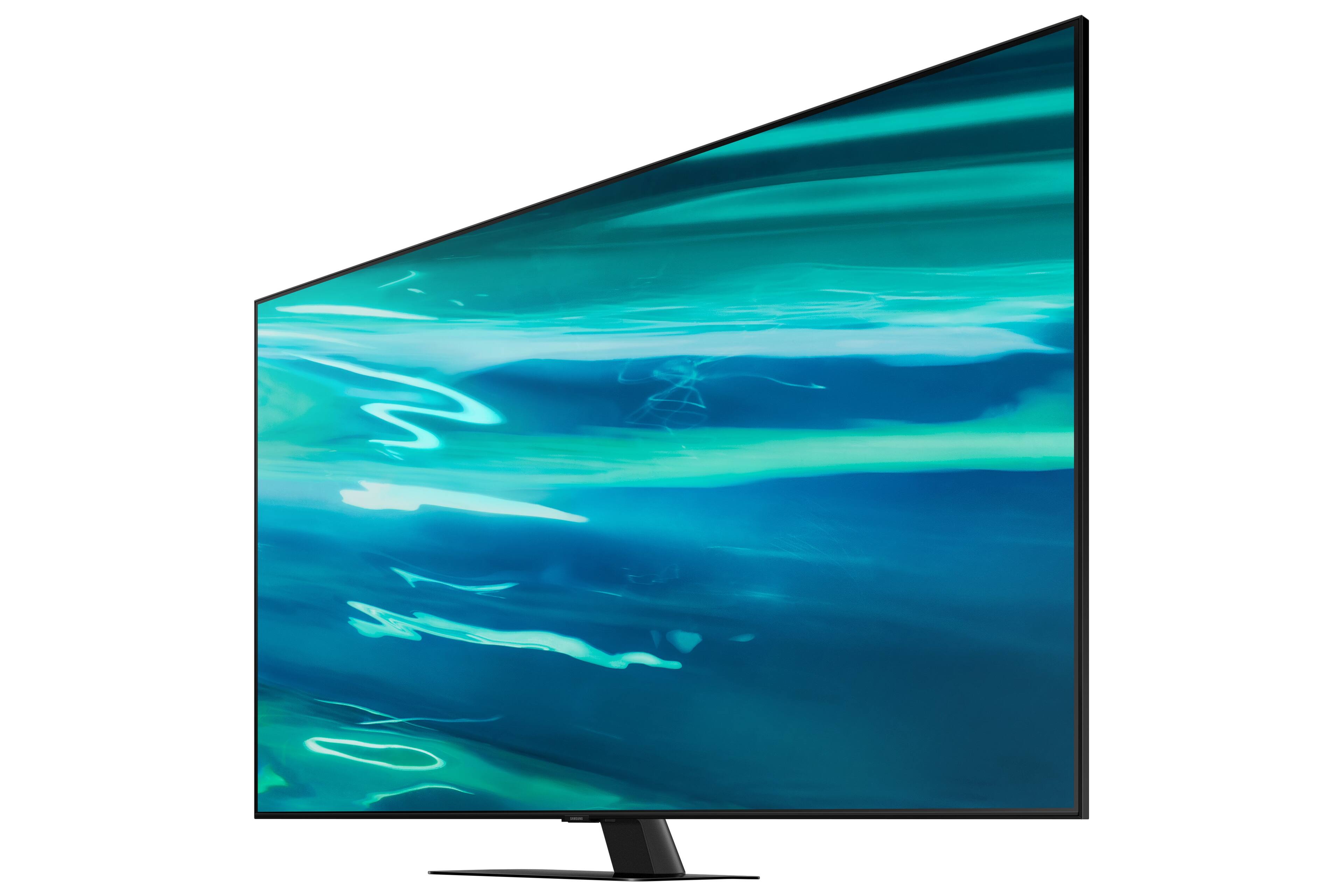
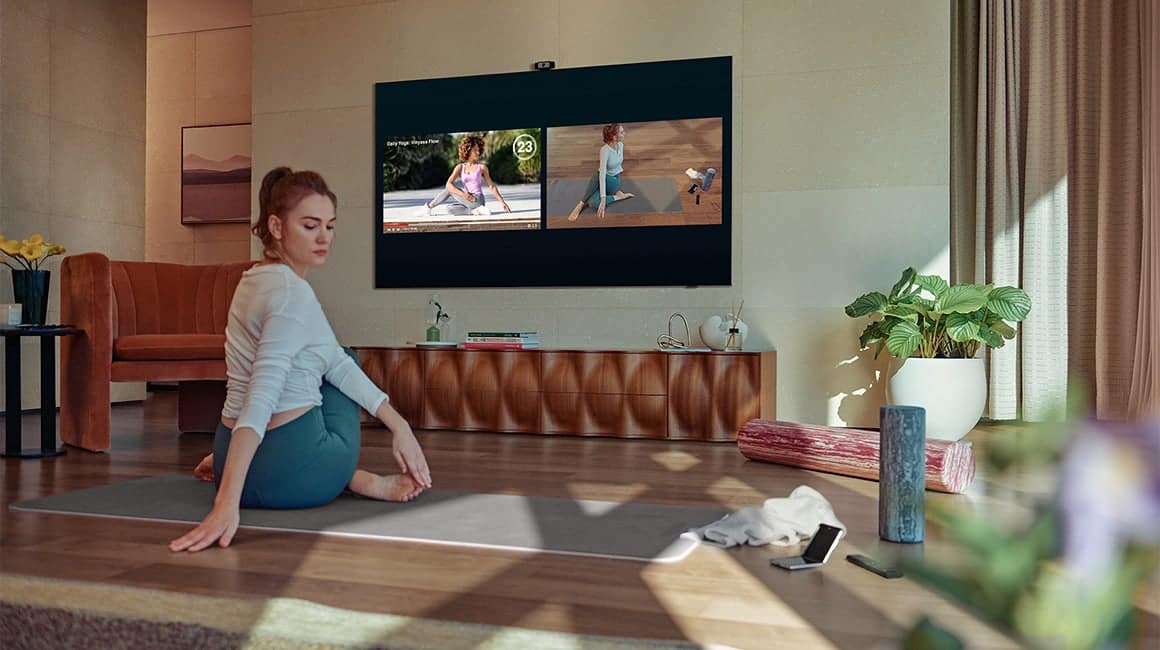
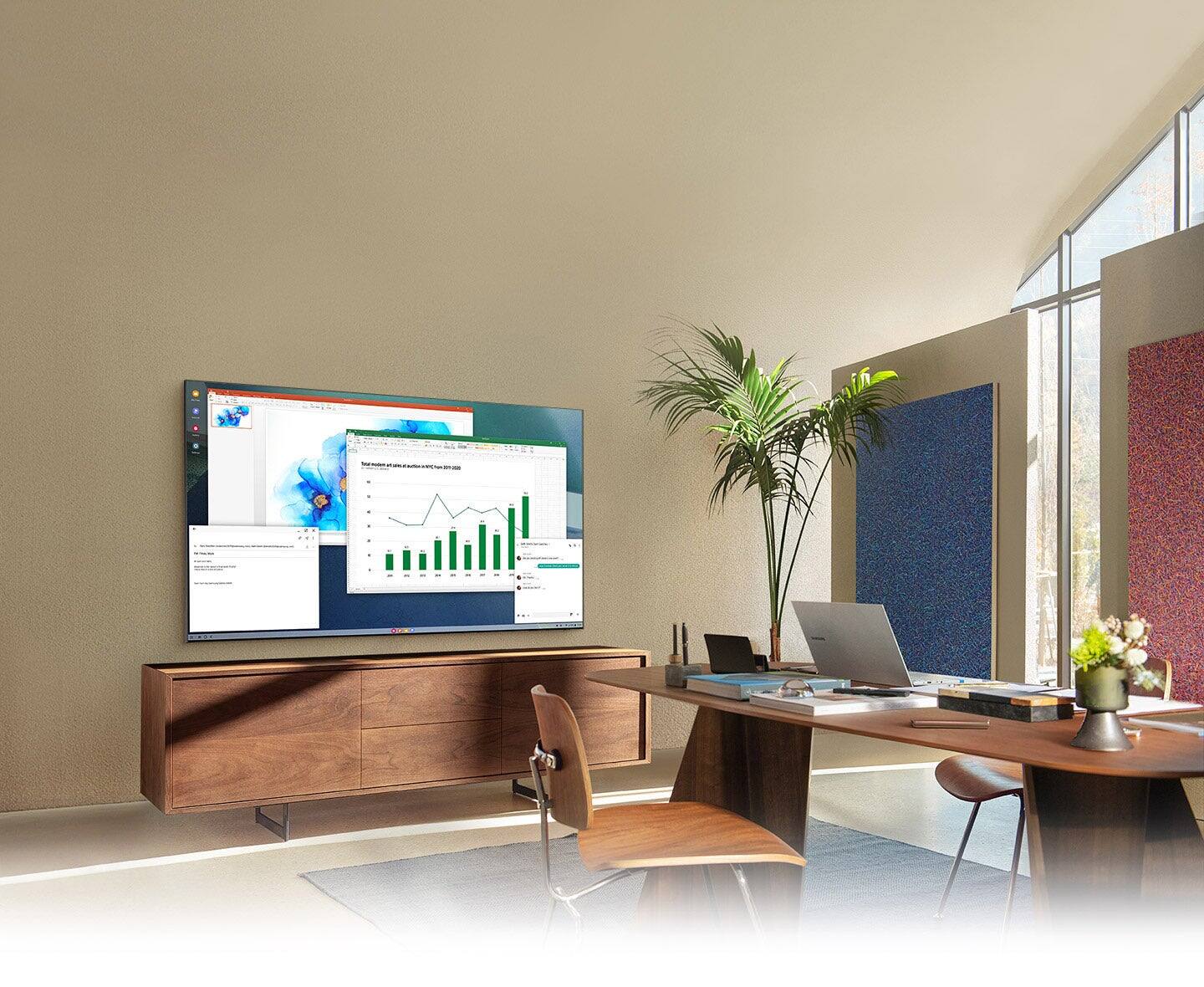
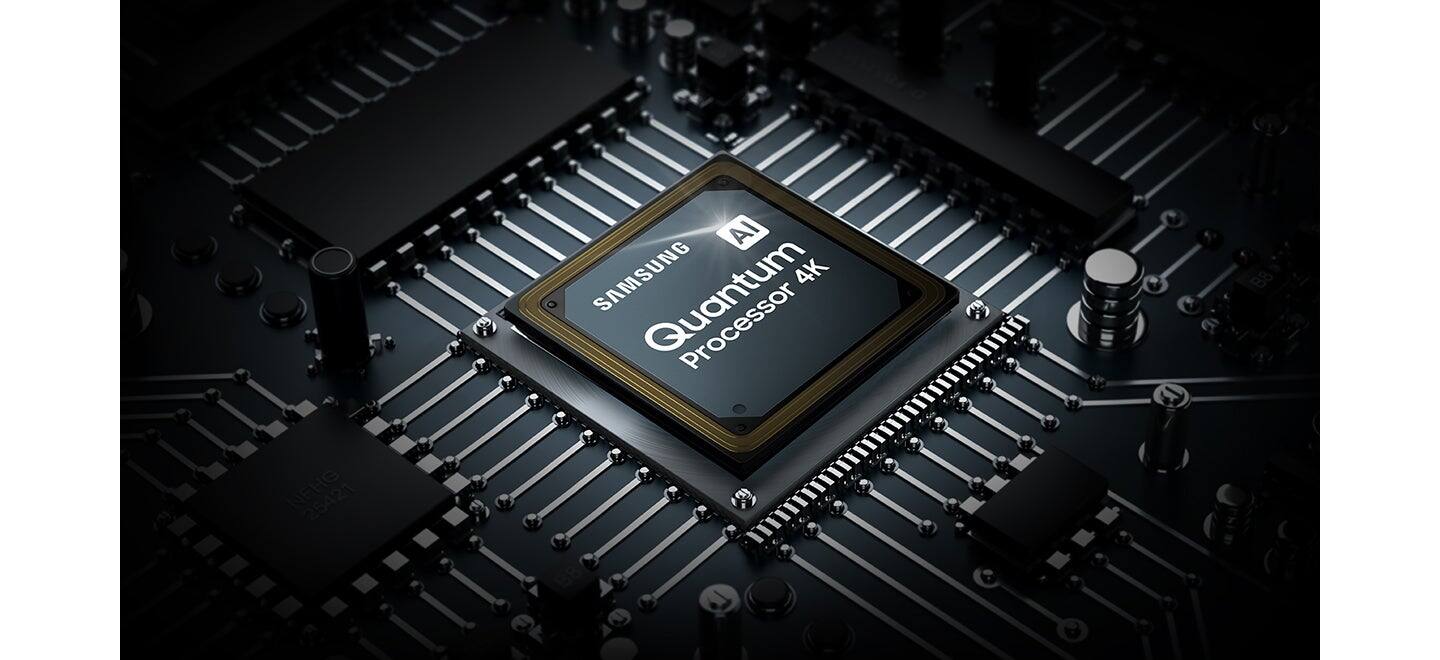
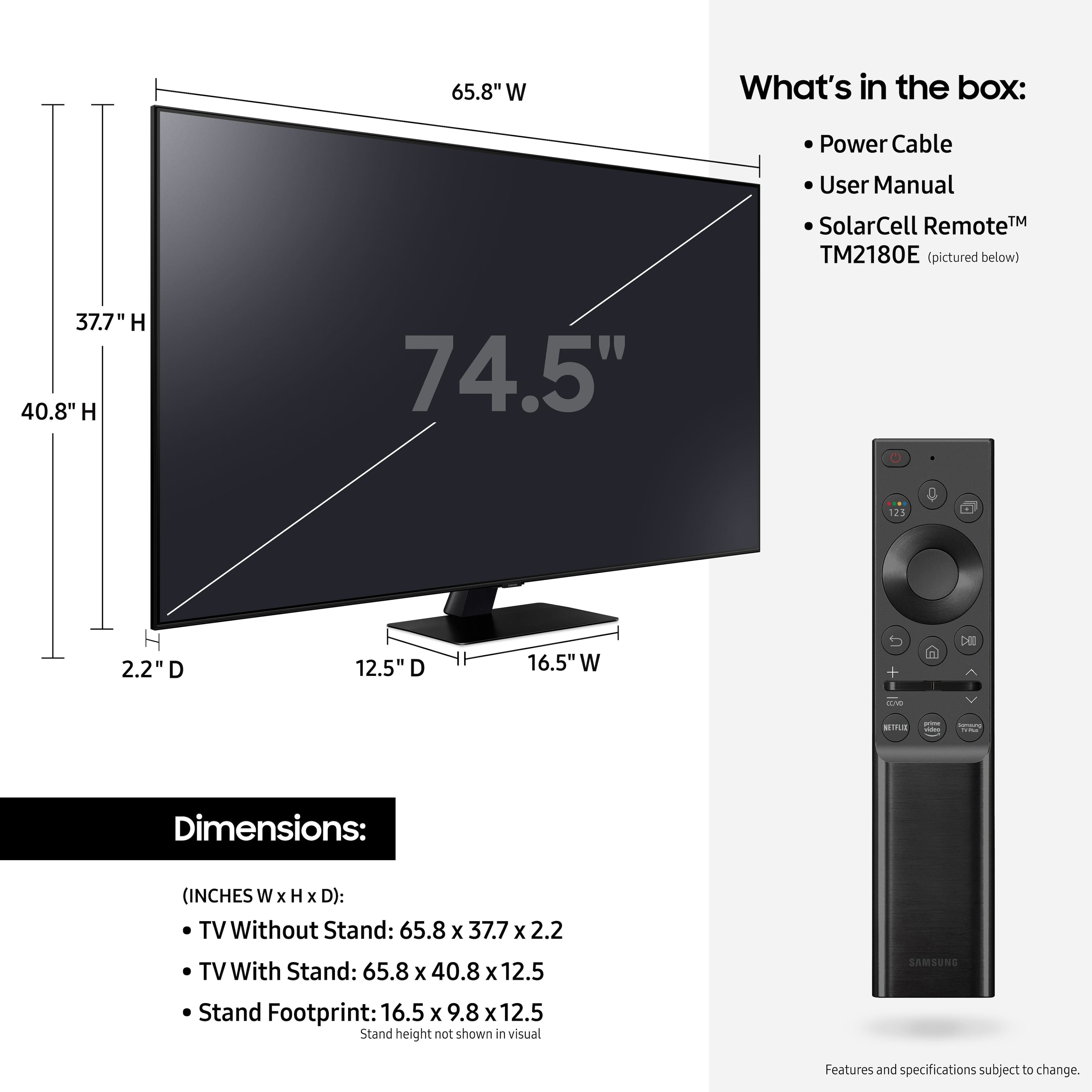







- Model:
- QN75Q80AAFXZA
- SKU:
- 6452059
Rating by feature
- Picture Quality
Rating 4.7 out of 5 stars
- Sound Quality
Rating 4.6 out of 5 stars
- Brightness
Rating 4.7 out of 5 stars
Customers are saying
Customers are enthusiastic about the 75" Class Q80A Series QLED 4K UHD Smart Tizen TV's picture quality, describing it as amazing and unbelievable. They also appreciate its large screen, easy setup, and vibrant colors. While some customers have concerns about the remote control and menu system, the overall sentiment towards this TV is positive.
This summary was generated by AI based on customer reviews.
- Pros mentioned:Picture quality
Unhappy customer
||Posted . Owned for 1 month when reviewed.This reviewer received promo considerations or sweepstakes entry for writing a review.Cannot get any sound, but picture is great. Geek squad too busy to explain how to work the controls. Now owners manual hard copy given to me. Very disappointed.
No, I would not recommend this to a friend Picture should be better
||Posted . Owned for 1 month when reviewed.This reviewer received promo considerations or sweepstakes entry for writing a review.The picture quality is not what you expect. Watching sports the picture is unclear and even some motion issues. It’s not worth the money. Hoping Samsung can help or return to Best Buy.
No, I would not recommend this to a friendBrand response from Samsung
Posted .Mulls,
Thank you for purchasing the Samsung Q80A TV and for sharing details of your image quality. To optimize your picture quality, please be sure your firmware is up to date with version 1805.4 which includes picture quality updates. You can check this by going to: Settings > Support > Software Update.
If the picture you are seeing is not to your liking after performing any necessary firmware updates, there are several picture settings you may want to try adjusting.
You can select the Picture Mode that provides the best viewing experience. Go to Home > Settings > Picture > Picture Mode
1) Standard: Is the default mode suitable for general viewing environments.
2) Natural: Reduces eye strain for a comfortable viewing experience.
3) Movie: Is suitable for watching TV or movies in a dark room.
4) Dynamic: Makes the picture brighter and clearer in bright viewing environments.
5) Filmmaker Mode: You can watch the source content (e.g., movie) as it is. If the image is defined as Filmmaker Mode, it will automatically switch to Filmmaker Mode while watching.
For optimal motion image performance, you may want to adjust the picture clarity setting by going to: Settings > Picture > Expert Settings > Picture Clarity Settings
I hope these tips help! If you would like further assistance with settings, features, or functions, please reach out to Samsung Customer Support at 1-800-SAMSUNG (ask for TVs), available 8AM - 12AM EST, 7 days a week.
For additional support resources, visit us on the Samsung website and click on the ‘Support’ link in the upper right corner of the homepage for:
1) Contact Us: For additional Chat & Text options, choose ‘TVs & Home Theater’ and select your model & topic.
2) Manuals, Software, & Warranty Info
~ Samsung Specialist
Defective out of the box!!!
||Posted .This reviewer received promo considerations or sweepstakes entry for writing a review.I'm so disappointed! I ordered this TV April 18th and had to wait, patiently for the arrival on April 28th.... only to receive a defective TV! It was on sale so, because my previous tv went out on me, I ordered this one...NEW, not "Open Box". The TV only shows gray screen and blinks! There is no picture and there's a white streak under the screen! on the top left hand side! II want a NEW, REPLACEMENT, delivered to me.. TODAY!!! I will update my review after I receive my replacement.
No, I would not recommend this to a friendDark scene issue
||Posted . Owned for 1 month when reviewed.This reviewer received promo considerations or sweepstakes entry for writing a review.I love Samsung, but this didn't make the mark. There was a large white line at the top when watching dark scenes in movies.
No, I would not recommend this to a friendLarry5577
||Posted . Owned for 3 weeks when reviewed.This reviewer received promo considerations or sweepstakes entry for writing a review.TV is extremely dark in low lighting. Refresh rate it’s not very good, there’s a lot of better during action or fast moving shows.
No, I would not recommend this to a friendBrand response from Samsung
Posted .Larry5577,
Thank you for purchasing the Samsung Q80A TV and for sharing details of your image quality. To optimize your picture quality, please be sure your firmware is up to date with version 1560.5 which includes picture quality updates. You can check this by going to: Settings > Support > Software Update.
If the picture you are seeing out-of-the-box are not to your liking, there are several picture settings you may want to try adjusting.
You can select the Picture Mode that provides the best viewing experience. Go to Home > Settings > Picture > Picture Mode
1) Standard: Is the default mode suitable for general viewing environments.
2) Natural: Reduces eye strain for a comfortable viewing experience.
3) Movie: Is suitable for watching TV or movies in a dark room.
4) Dynamic: Makes the picture brighter and clearer in bright viewing environments.
5) Filmmaker Mode: You can watch the source content (e.g., movie) as it is. If the image is defined as Filmmaker Mode, it will automatically switch to Filmmaker Mode while watching.
You may also want to try adjusting additional picture settings if the picture you are seeing is not to your liking.
You can go to: Settings > Picture > Expert Settings and configure the TV settings to your taste with functions such as Brightness, Contrast, Sharpness, Color, Tint (G/R), Picture Clarity Settings, Local Dimming, Contrast Enhancer, and many more.
For optimal motion image performance, you may want to adjust the picture clarity setting by going to: Settings > Picture > Expert Settings > Picture Clarity Settings
- Off: Picture Clarity Settings will always be off
- Auto: Picture Clarity Settings will automatically activate and deactivate based on the type of program being watched
- Custom: Allows custom adjustments and settings to be used. By selecting the Custom option, you can access these advanced settings for Judder Reduction, LED Clear Motion, and Noise Reduction.
Should you need further assistance with features or other product usage, please reach out to Samsung Support at 1-800-SAMSUNG (ask for TVs), available 8AM -12AM EST M-F (9AM – 6PM EST Sat). Or text HELP to 62913.
For additional support resources, visit us on the Samsung website and click on the ‘Support’ link in the upper right corner of the homepage for:
1) More ‘Contact Us’ options – LiveChat, Facebook, Twitter, Samsung Community, Samsung Members app
2) Manuals & Software
3) Warranty Info
4) Product Registration: For access to easy warranty support, convenient opt-in to special promos and offers, faster troubleshooting and service, and quick notification of system updates.
~ Samsung Specialist
Worst tv I ever had
||Posted . Owned for 1 year when reviewed.This reviewer received promo considerations or sweepstakes entry for writing a review.I got this tv after hearing good things about it. It worked for about 6 month and then started flickering, contacted Samsumg about it and and it took 2 visits to tell me that is impossible to fix and to wait to see what was going to be the outcome, in the meantime I have no tv and no answer as to what is going to happen.
No, I would not recommend this to a friendHorrible
||Posted .This reviewer received promo considerations or sweepstakes entry for writing a review.Horrible tv does not work will not connect to internet
No, I would not recommend this to a friendBrand response from Samsung
Posted .Hi there,
Thank you for purchasing the Q80A TV and for sharing the details of your issue with Internet connectivity. A network issue may be the cause. You may want to go through these steps to check your network connection:
1) Make sure that no items that can generate electromagnetic interferences are placed between the TV and the wireless/wired access point.
2) Check if the access point is turned on. If it is on, turn it off, wait 1 or 2 minutes, and then turn it on. Enter the correct password if required.
3) If the wireless connection fails, connect the TV to the access point via a LAN cable. If the TV can connect to the Internet normally via the wired connection, there might be a problem with the access point. In this case, try using a different access point.
4) Perform a network test to check if there is a network problem. Press the Home button on your remote. Navigate to Settings > Support > Device Care > Self Diagnosis> Smart Hub Connection Test
5) Try a cold reboot of your TV by pressing and holding the power button for 5+ seconds until the TV turns off and on again.
6) Please also be sure you have the latest firmware update (ver. 1901.0). You may want to enable automatic updates for convenience. Select Settings > Support > Software Update, then select Auto Update.
If this firmware version is not yet available on your TV, you can download the update on a USB drive and manually update your TV:
1. On Samsung's website (upper right corner), go to: Support > Manuals & Software > Find your TV model.
2. Download the update and extract it to the root of a USB thumb drive. (Do not put it in any folders on the thumb drive.)
3. Connect the USB thumb drive to a USB port on your TV.
4. Navigate to Settings > Support > Software Update, select Update Now, and then select Yes.
5. Follow the on-screen instructions to install the updated software.
For further assistance or service, please contact us at 1-800-SAMSUNG (ask for TVs), available 8AM - 12AM EST, 7 days a week.
For additional support resources, visit us on the Samsung website and click on the ‘Support’ link in the upper right corner of the homepage for:
1) Chat with Us/Product Help: To begin a chat or find solutions, choose ‘TVs & Home Theater’ and select your model & topic.
2) Manuals, Software, & Warranty Info
~ Samsung Specialist
None
||Posted . Owned for 3 weeks when reviewed.This reviewer received promo considerations or sweepstakes entry for writing a review.No reason really unsuccessful picture don like ok
No, I would not recommend this to a friend- Pros mentioned:Picture quality
Samsung 75" Class Q80A series TV
Posted .This reviewer received promo considerations or sweepstakes entry for writing a review.This is the best TV I have owned. After I purchased my 1st Samsung 65" curved TV I knew I would never buy anything other than Samsung again and this purchase of the Q80A assured me I made the right choice. The video and audio options and the ease of the menu are excellent. The picture quality is amazing and unbelievable with the Xbox X console. As a bonus with the Samsung TV's you have Smart Things integration, you can view your Ring cameras, get alerts for other Samsung appliances and more - definitely one of the best purchases I have made, thanks Samsung !
I would recommend this to a friend Replaced 2 im 4 month span
||Posted . Owned for 4 months when reviewed.This reviewer received promo considerations or sweepstakes entry for writing a review.Was completely disappointed in this TV. Had to replace it twice in a 4 month period. 1st TV sound went out the first day. Finally got it replaced. 2nd TV picture went out.
No, I would not recommend this to a friendNever shop here
||Posted .This reviewer received promo considerations or sweepstakes entry for writing a review.A lot of blooming , and location has very bad service, the employees don’t know anything about any product,
No, I would not recommend this to a friendPoor picture quality
||Posted . Owned for 3 weeks when reviewed.This reviewer received promo considerations or sweepstakes entry for writing a review.Very bad picture everything was pixels and we thought Samsung was a great buy nope couldn’t even watch ppv on showtime
No, I would not recommend this to a friendBrand response from Samsung
Posted .Mend,
Thank you for sharing your thoughts on the picture quality of your Q80A QLED TV. If the picture you are seeing out-of-the-box is not to your liking, there are several picture settings you may want to try adjusting.
You can select the Picture Mode that provides the best viewing experience. Go to Home > Settings > Picture > Picture Mode
1) Standard: Is the default mode suitable for general viewing environments.
2) Natural: Reduces eye strain for a comfortable viewing experience.
3) Movie: Is suitable for watching TV or movies in a dark room.
4) Dynamic: Makes the picture brighter and clearer in bright viewing environments.
5) Filmmaker Mode: You can watch the source content (e.g., movie) as it is. If the image is defined as Filmmaker Mode, it will automatically switch to Filmmaker Mode while watching.
You can also go to: Settings > Picture > Expert Settings > to manually fine tune your image.
To ensure that your TV’s picture is optimized, be sure that you are always running the latest firmware update. You can check this by going to Settings > Support > Software Update or you can enable Auto Update for convenience.
For further assistance with settings adjustments, please contact Samsung Customer Support at 1-800-SAMSUNG (ask for TVs), available 8AM - 12AM EST, 7 days a week.
For additional support resources, visit us on the Samsung website and click on the ‘Support’ link in the upper right corner of the homepage for:
1) Chat with Us/Product Help: To begin a chat or find solutions, choose ‘TVs & Home Theater’ and select your model & topic.
2) Manuals, Software, & Warranty Info
~ Samsung Specialist
Samsung 80Q 75 inch TV
||Posted . Owned for 1 week when reviewed.This reviewer received promo considerations or sweepstakes entry for writing a review.Very poor with in a week got technical issue and it’s not turning on
No, I would not recommend this to a friendBrand response from Samsung
Posted .PraveenAnnagowni,
Thank you for purchasing the Samsung Q80A TV. We appreciate your feedback regarding the issues you are experiencing with turning your TV on. Please try a few troubleshooting steps that may help solve the issue:
1) Make sure that the AC power cord is securely plugged in to the TV and the wall outlet.
2) Make sure that the wall outlet is working and the power indicator at the bottom of the TV is lit and glowing a solid red. If it is off, the TV either does not have power, or it is on and the screen is black. If it is blinking, your TV may need service.
3) Try pressing the TV Power button at the bottom of the TV behind the Samsung logo to make sure that the problem is not with the remote control. If the TV turns on, your issue may be with the remote control.
If your issue persists, please contact Samsung Customer Support at 1-800-SAMSUNG (ask for TVs), available 8AM - 12AM EST, 7 days a week.
For additional support resources, visit us on the Samsung website and click on the ‘Support’ link in the upper right corner of the homepage for:
1) Chat with Us/Product Help: To begin a chat or find solutions, choose ‘TVs & Home Theater’ and select your model & topic.
2) Manuals, Software, & Warranty Info
~ Samsung Specialist
Good
||Posted . Owned for 3 weeks when reviewed.This reviewer received promo considerations or sweepstakes entry for writing a review.It’s television is ok and can recommend to Friends
I would recommend this to a friend- Pros mentioned:Picture quality
Samsung - 75" Class Q80A Series QLED 4K UHD Smart
Posted .This reviewer received promo considerations or sweepstakes entry for writing a review.Reviewed at Samsung - BV Wanted to be objective with this tv but I sit there blown away with the picture. The TV is truly amazing - all the video services that stream, picture, actually tv case, sound, are all fantastic.
I would recommend this to a friendBrand response from Samsung
Posted .Steve:
I am happy to hear that your new 2021 Q80A 4K TV is blowing you away. The picture is brought to you by our Direct Full Array designed to bring scenes to life with more precise contrast controlled by in-screen lighting that delivers deep blacks and pure whites with minimal halo or blooming.
If you have any questions about features, settings, etc., Samsung Customer Support is here to help. You can reach us at 1-800-SAMSUNG (ask for TVs), available 8AM -12AM EST, 7 days a week. Or text HELP to 62913.
Samsung Customer Support is here to help if you need assistance or have questions regarding features, functions, setup and more. You can reach us at 1-800-SAMSUNG (ask for TVs), available 8AM -12AM EST, 7 days a week. Or text HELP to 62913.
For additional support resources, visit us on the Samsung website and click on the ‘Support’ link in the upper right corner of the homepage for:
1) More ‘Contact Us’ options – LiveChat, Facebook, Twitter, Samsung Community, Samsung Members app
2) Manuals & Software
3) Warranty Info
4) Product Registration: For access to easy warranty support, convenient opt-in to special promos and offers, faster troubleshooting and service, and quick notification of system updates.
~ Samsung Solutions
- Pros mentioned:Picture quality
I can finally watch Game of Thrones
Posted .This reviewer received promo considerations or sweepstakes entry for writing a review.Got this tv a couple of months ago and love it. I had a much less expensive 4k tv and had no idea how much I missed out on. Watch Game of Thrones on this tv and it's like night and day. Scenes I couldn't make out in the Long Night and now I can actually see what's going on.
I would recommend this to a friend - Pros mentioned:Picture quality
Perfect TV
Posted .This reviewer received promo considerations or sweepstakes entry for writing a review.Love my Samsung 75" Q80A 4K UHD Smart Tizen TV!! I did a lot of research before purchasing this one. Worth the time.
I would recommend this to a friend - Pros mentioned:Picture quality
Samsung QLED
Posted .This reviewer received promo considerations or sweepstakes entry for writing a review.Quality product. Worth buying @ best buy. Tye picture quality and available programs are remarkable
I would recommend this to a friend - Pros mentioned:Picture quality
Recommend this TV
Posted .This reviewer received promo considerations or sweepstakes entry for writing a review.This is a great TV. The picture quality is good. I am very happy with this purchase.
I would recommend this to a friend Do NOT waste your money or your time
Posted .This reviewer received promo considerations or sweepstakes entry for writing a review.The TV stopped working after 50 days, I purchased it on July 13th 2021, it stopped working on August 3rd 2021. Completely stopped at 50 DAYS!!! How is this even acceptable? How is it acceptable that your customer service reps who I contacted didn’t care? The Issue: It power-cycles on showing “QLED” for less than a second with an accompanying sound, then it goes blank. I followed all of the suggested tips I found online, and they didn't work. Granted, most of the tips included adjusting the settings, but that is not even possible. Then it got worse. While researching what was wrong, it turns out this is a common problem with Samsung TVs. According to a number of web sites, they even had a class action lawsuit due to faulty/cheap capacitors. I do not know if that is the issue, but it may be. Also, while looking on this website, there is a new firmware with the date of 3 August 2021. Did Samsung push an update that destroyed my TV? Who knows? Then it got even worse when I called tech support. I am not going to belittle the Indian's on tech support who are hard to understand, but they could at least try. After 51:14 on the phone with two different people it was determined that there is NOT a tech person in my area, it will take 2 "business" days to even arrange to have one coordinate with me to come fix a brand-new TV (with no clear date of when they will even be able to come but they will call me by Wednesday), and I may have a manager call me in the morning to tell me the exact same thing. BTW, it is Friday on Labor Day weekend. No one is working until Tuesday, so I am without a working TV unless I go to the store and purchase a new one (which will probably be an LG). Bottom line: this is completely UNACCEPTABLE!!! I paid $2,599 for a state-of-the-art television that is totally unserviceable in less than 2 months. 2 MONTHS!!! WHY Samsung? Why? Why is your quality so poor? Did you purposely set the bar low for your customer support to be an even lower level of quality then the $2,599 TV I just purchased? I do not know anyone that would find this acceptable. I certainly do not. Do you not know how to get to YES with a loyal customer? I want a TV that works for the money I paid for it. I want to be able to watch college football on Labor Day weekend on my 75" QLED. Terrible TV. Terrible customer support. Thanks for giving me a reason to switch to Apple and LG. You have my info, feel free to contact me. I will be waiting.
No, I would not recommend this to a friendBrand response from Samsung
Posted .CajunSuperJeff,
Thank you for your review of Samsung's Q80A TV and for sharing your thoughts. Your experience is very important to us and will be shared with our product team.
Samsung is committed to providing the best possible product experience, quality, and value. We back this TV with a 1-year limited manufacturer's warranty if purchased brand-new directly from an authorized seller. For full warranty information on your product, please see: https://www.samsung.com/us/support/service/warranty/QN75Q80AAFXZA
Please reach out to us via any of the following so that we can provide step-by-step troubleshooting or answer any questions you may have. You can call us at 1-800-SAMSUNG (ask for TVs), available 8AM - 12AM EST, 7 days a week.
For additional support resources, visit us on the Samsung website and click on the ‘Support’ link in the upper right corner of the homepage for:
1) Contact Us: For additional Chat & Text options, choose ‘TVs & Home Theater’ and select your model & topic.
2) Manuals, Software, & Warranty Info
We hope to hear from you!
~ Samsung Specialist