Customer Ratings & Reviews
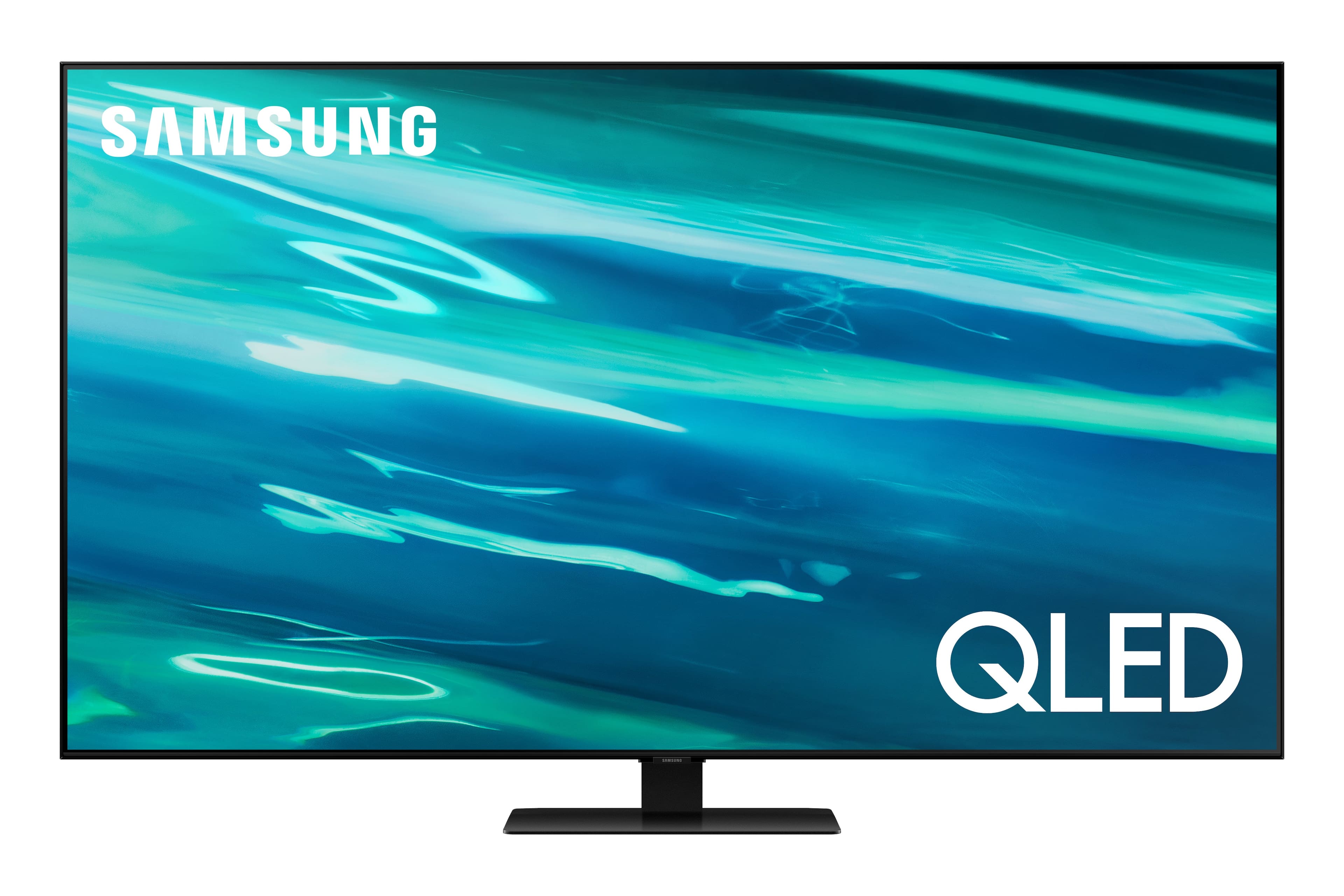
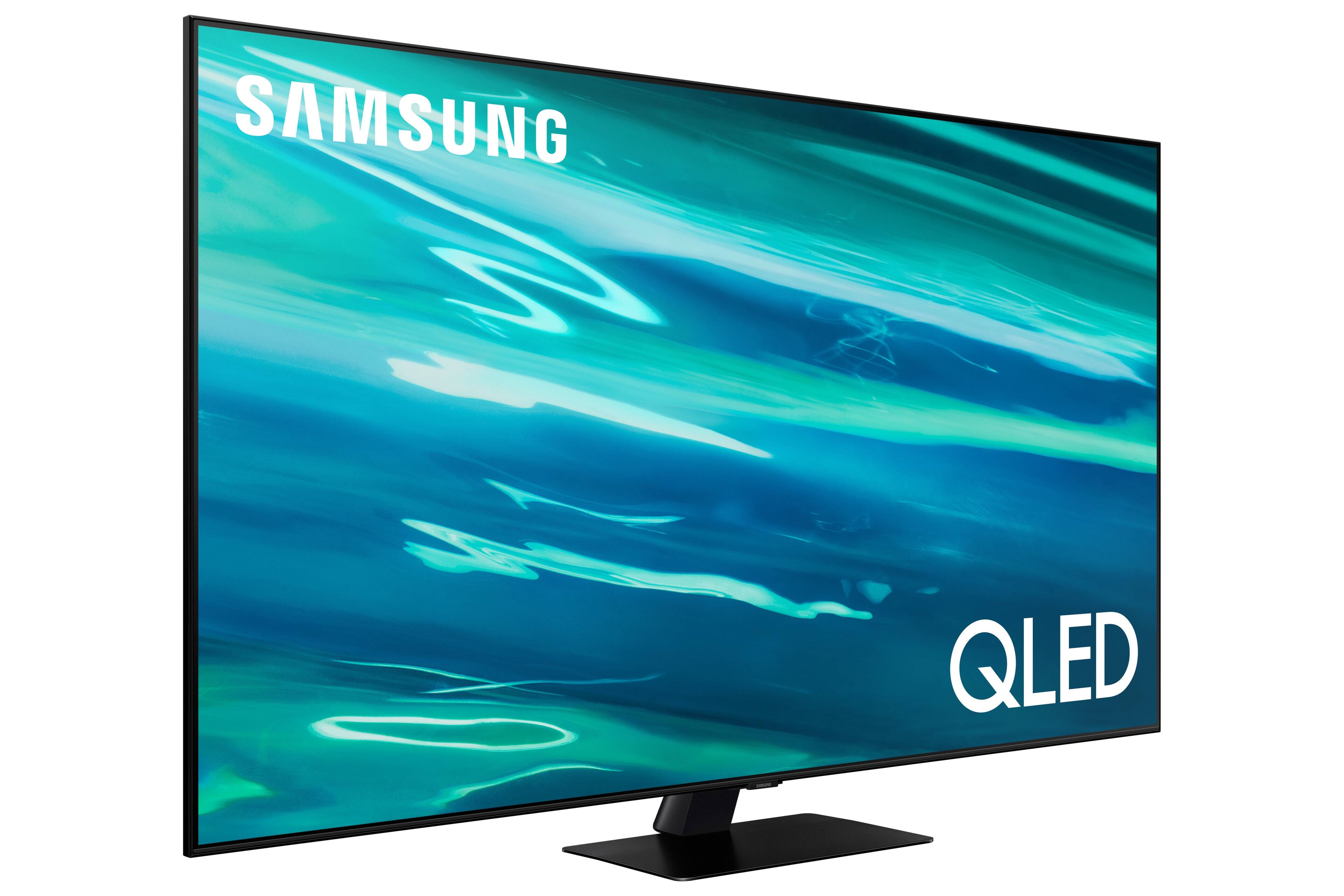
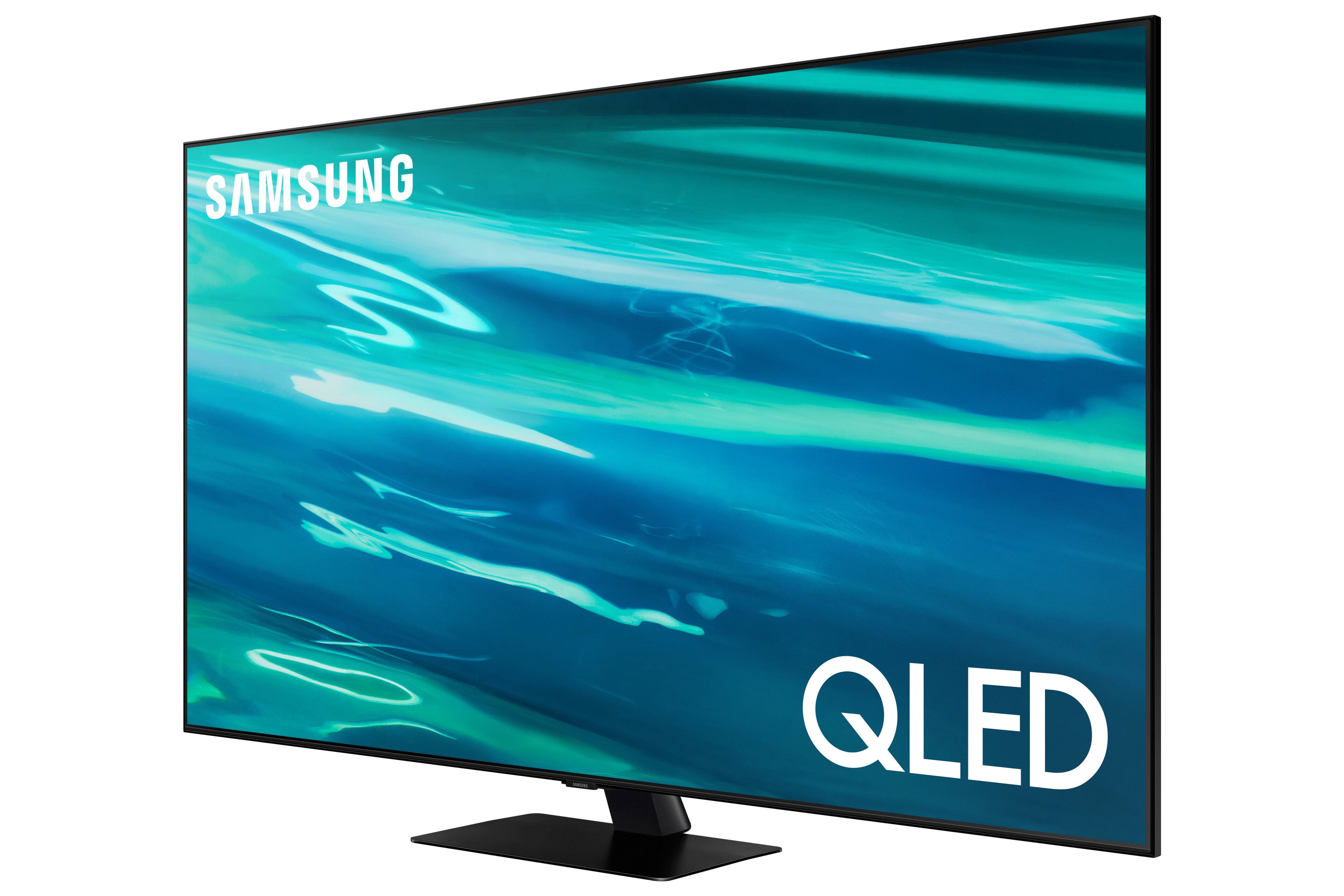
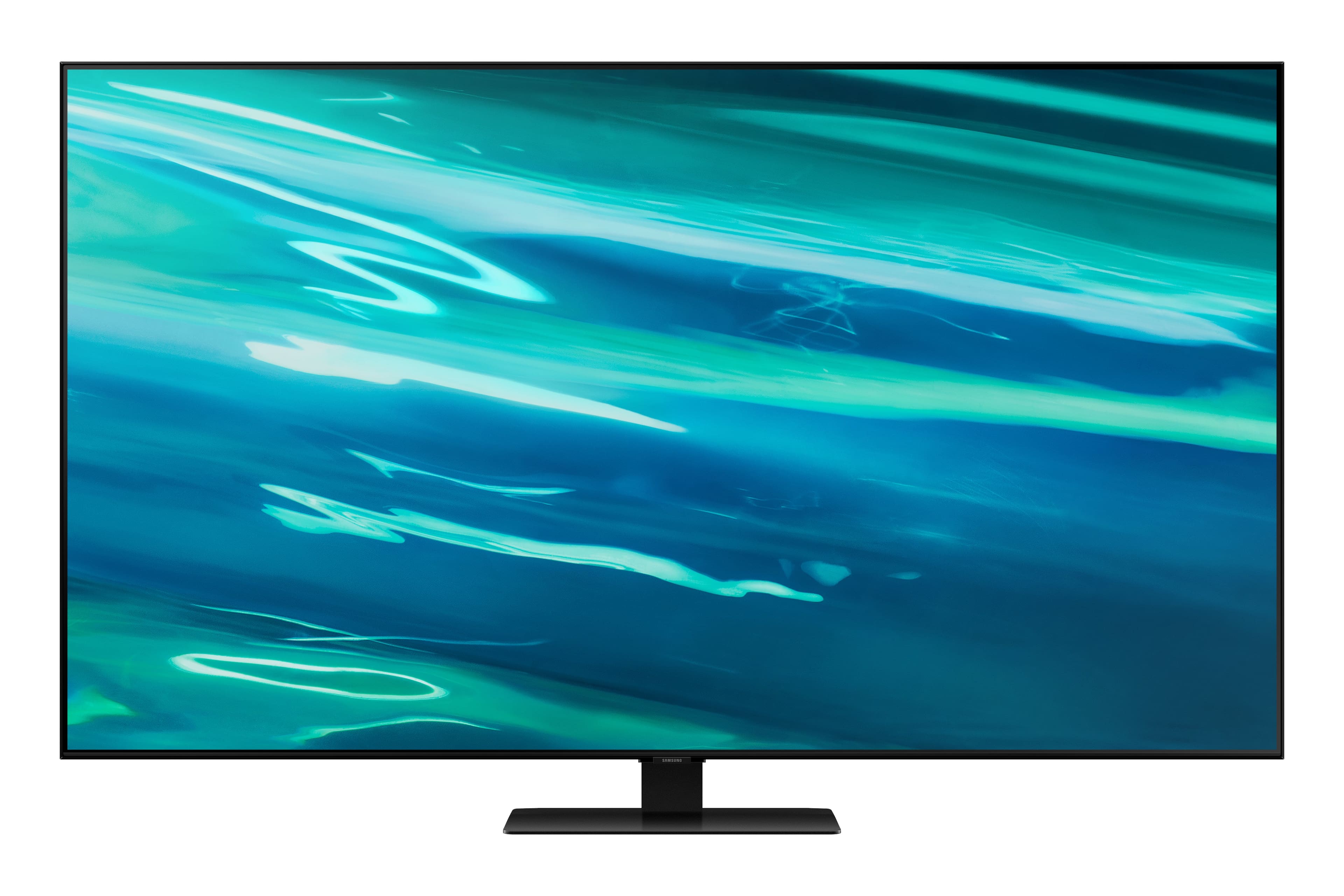
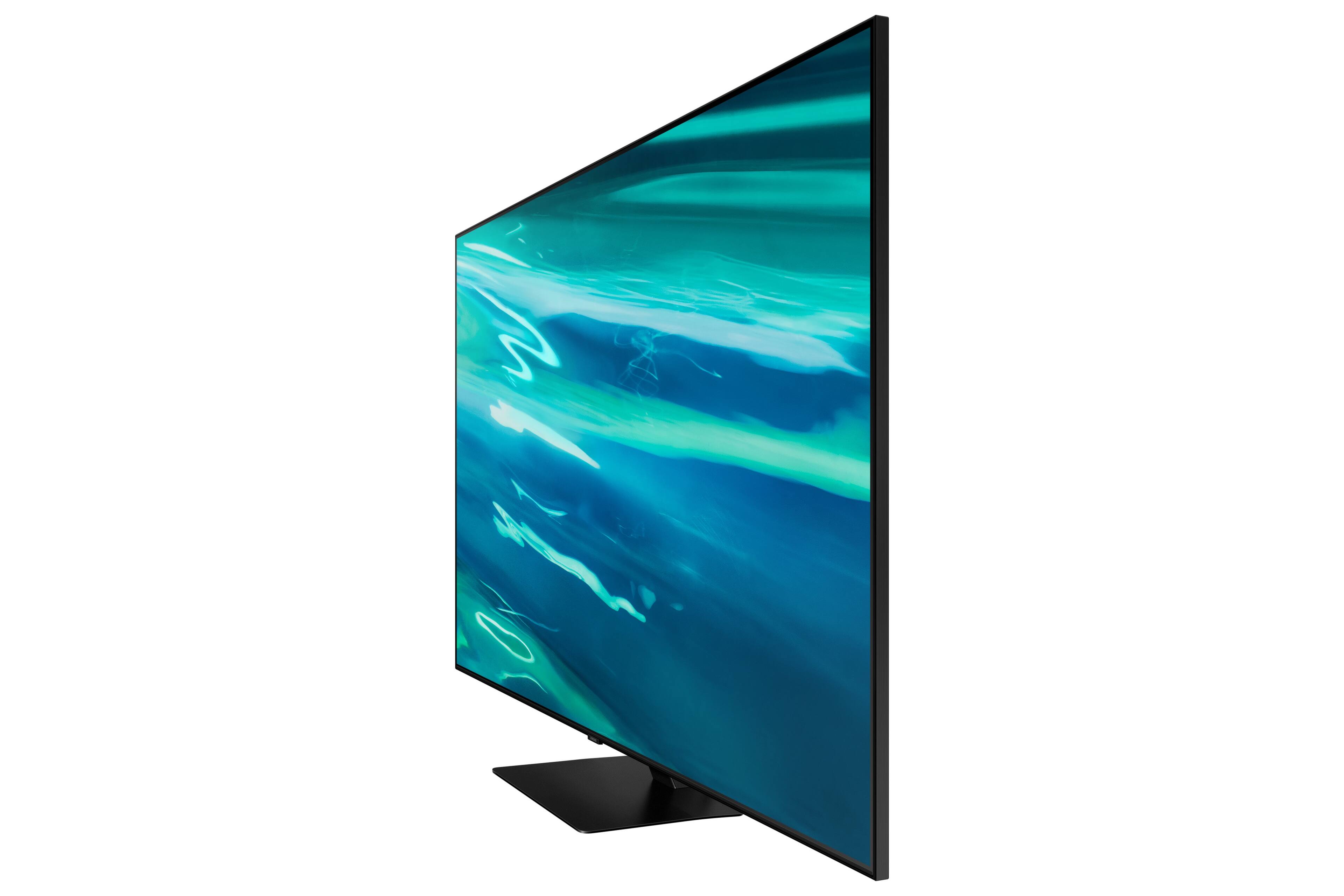
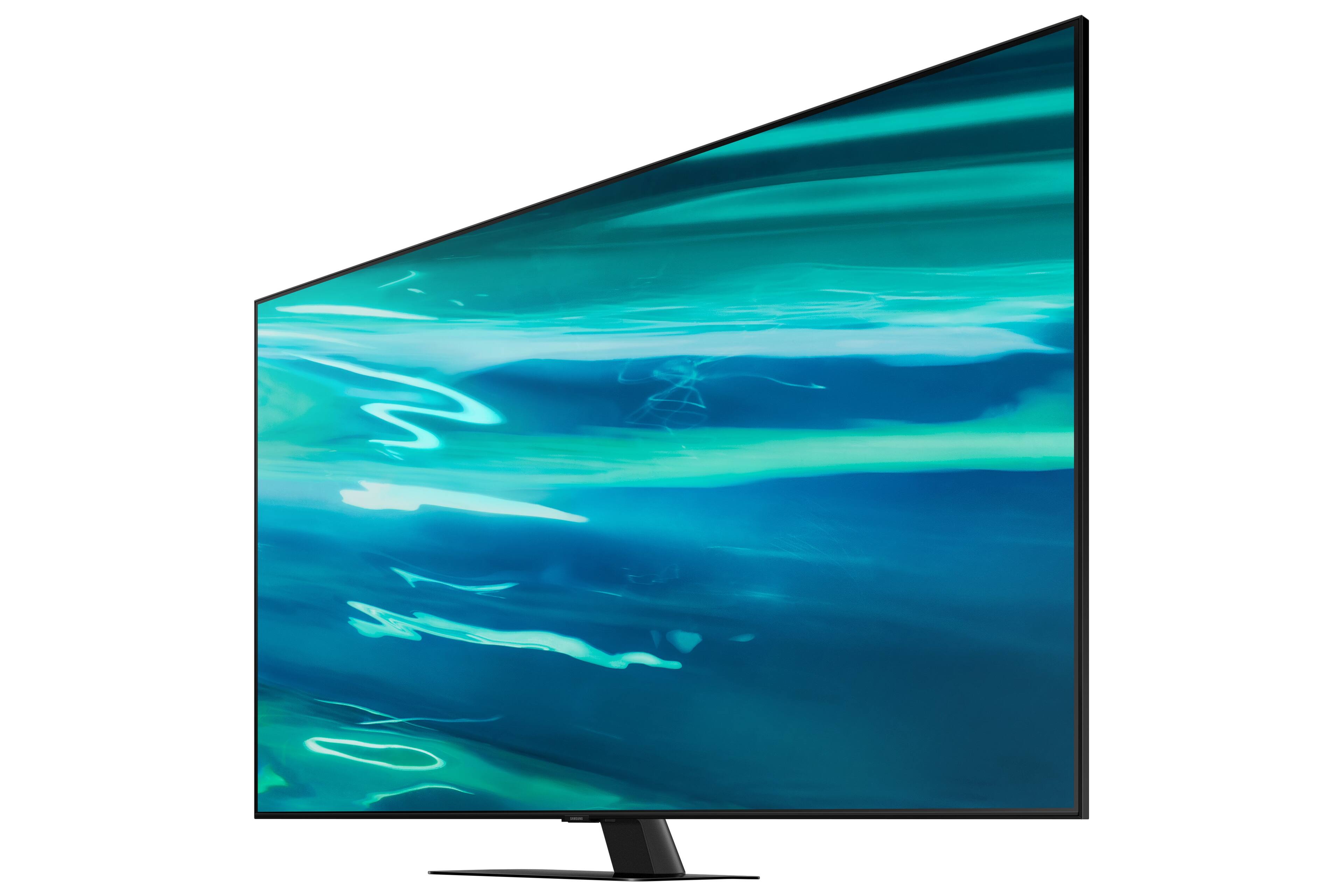







- Model:
- QN75Q80AAFXZA
- SKU:
- 6452059
Rating by feature
- Picture Quality
Rating 4.7 out of 5 stars
- Sound Quality
Rating 4.6 out of 5 stars
- Brightness
Rating 4.7 out of 5 stars
Customers are saying
Customers are enthusiastic about the 75" Class Q80A Series QLED 4K UHD Smart Tizen TV's picture quality, describing it as amazing and unbelievable. They also appreciate its large screen, easy setup, and vibrant colors. While some customers have concerns about the remote control and menu system, the overall sentiment towards this TV is positive.
This summary was generated by AI based on customer reviews.
- Pros mentioned:Picture quality
Ok but not great
Posted .This reviewer received promo considerations or sweepstakes entry for writing a review.Color gamut is good, Grey uniformity is TERRIBLE, Blacks are ok. The Q80R has a way better picture quality than the Q80A. They did improve Tizen responsiveness though.
No, I would not recommend this to a friendBrand response from Samsung
Posted .ShieldTV,
Thank you for purchasing the Samsung Q80A TV and for sharing details of your image quality. To ensure your picture quality is fully optimized, please be sure your firmware is up to date with version 1903.0 which includes picture quality updates. You can check this by going to: Settings > Support > Software Update.
You may want to enable Auto Update for convenience.
Should you need further assistance with image quality adjustments, please give us the opportunity to assist you. Call us at 1-800-SAMSUNG (ask for TVs), available 8AM - 12AM EST, 7 days a week.
For additional support resources, visit us on the Samsung website and click on the ‘Support’ link in the upper right corner of the homepage for:
1) Chat with Us/Product Help: To begin a chat or find solutions, choose ‘TVs & Home Theater’ and select your model & topic.
2) Manuals, Software, & Warranty Info
~ Samsung Specialist