Customer Ratings & Reviews
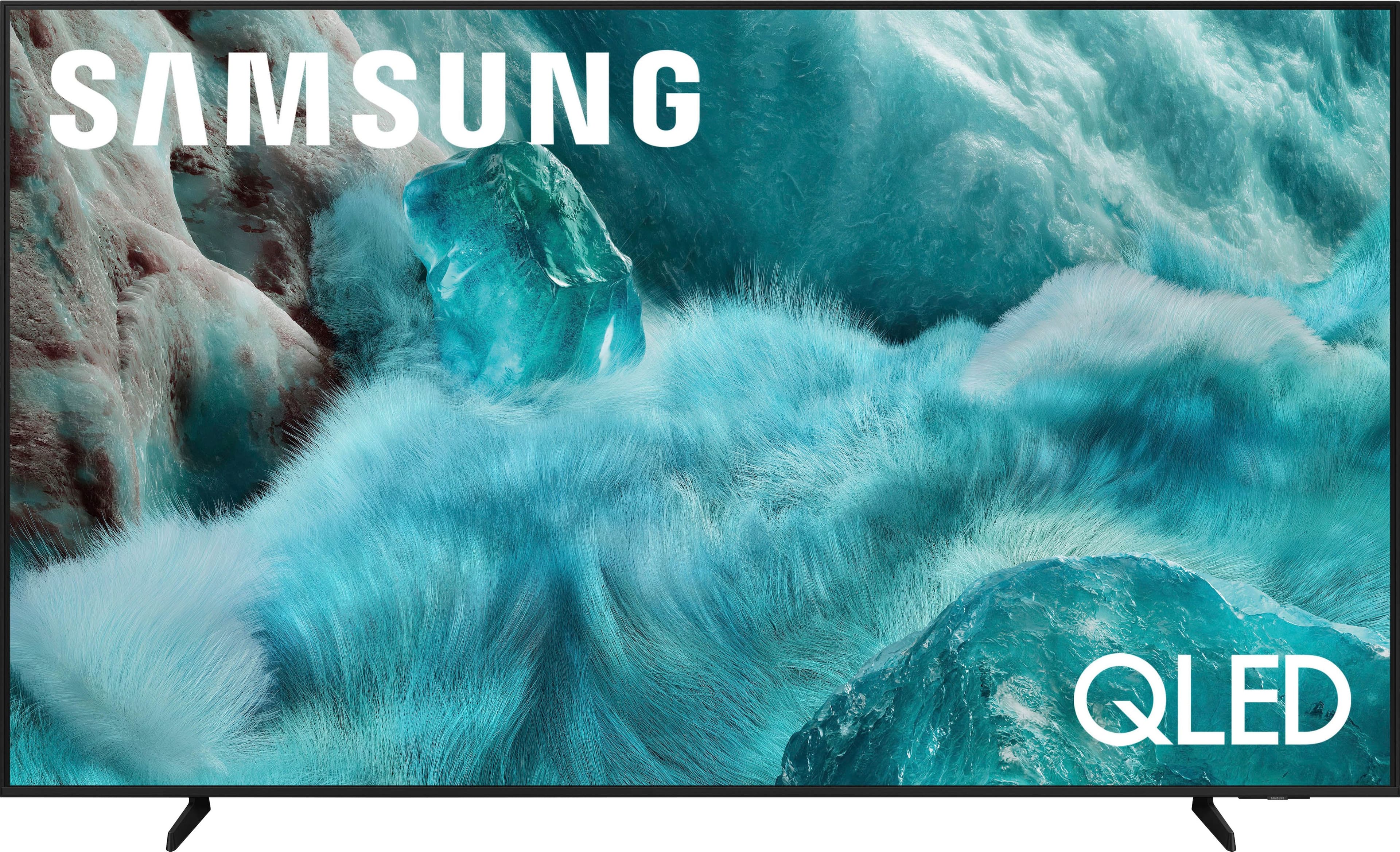
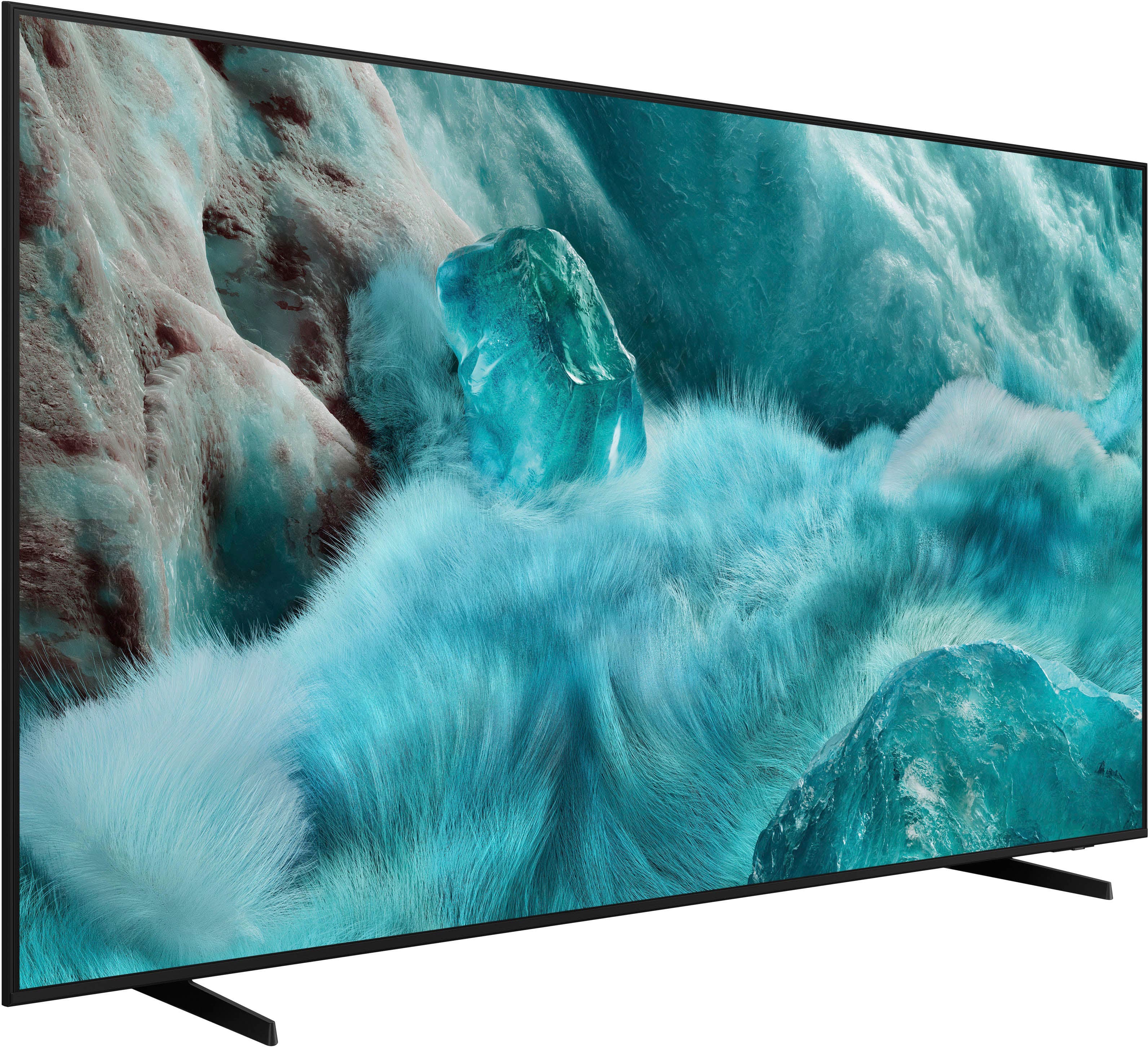
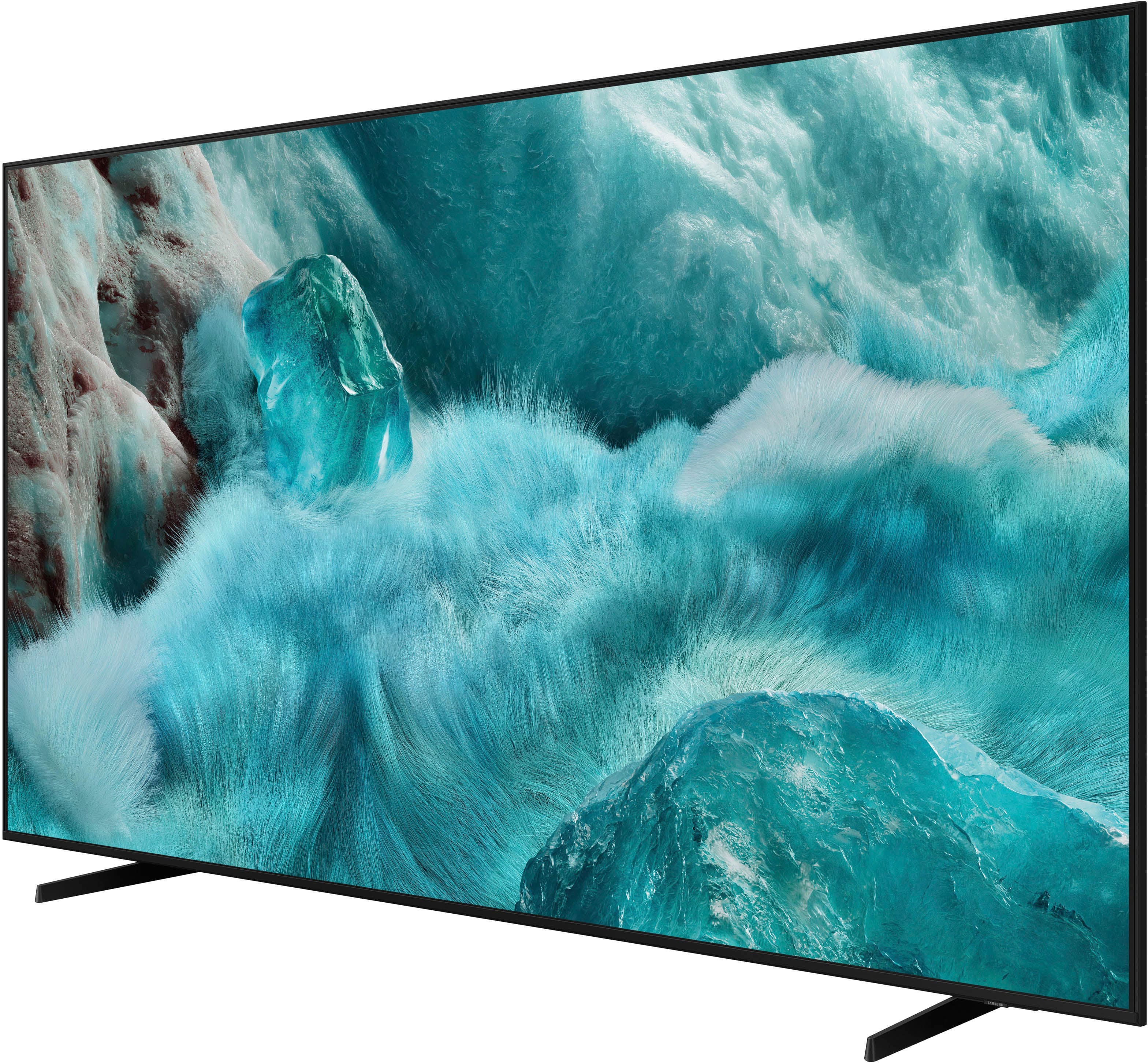
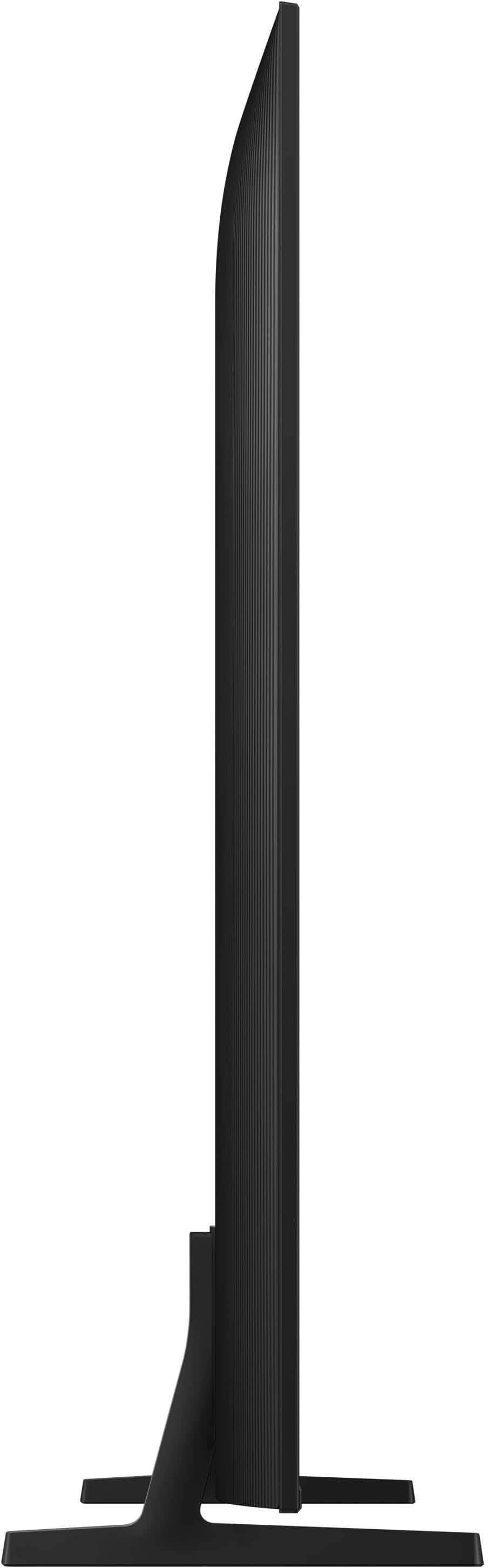

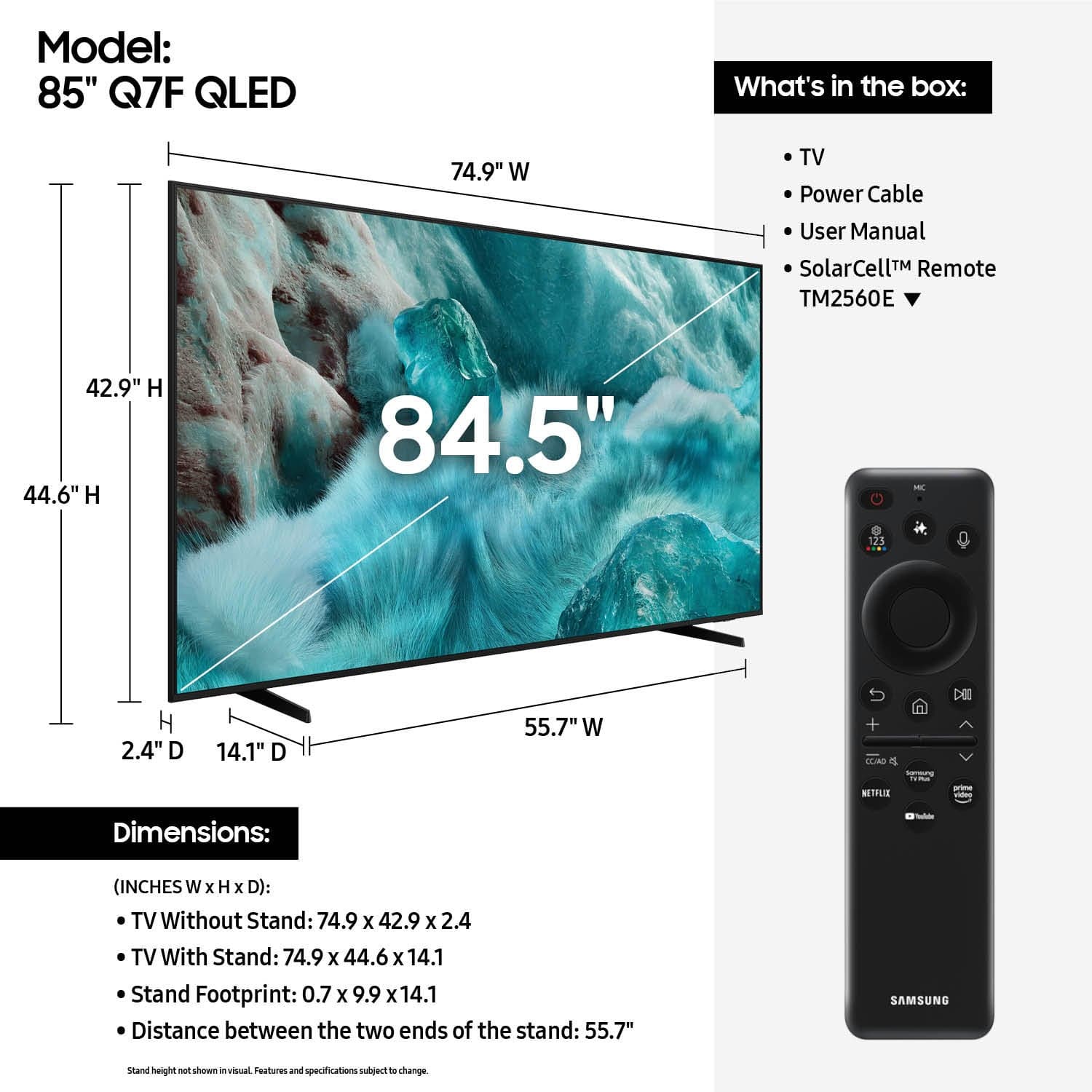











- Model:
- QN85Q7FAAFXZA
- SKU:
- 10214340
Rating by feature
- Picture Quality
Rating 4.9 out of 5 stars
- Sound Quality
Rating 4.7 out of 5 stars
- Brightness
Rating 4.9 out of 5 stars
Stunning QLEDTV with Exceptional Picture and Sound
||Posted . Owned for 1 week when reviewed.This reviewer received promo considerations or sweepstakes entry for writing a review.This QLED TV is absolutely amazing! The picture quality is crystal clear with vibrant colors, deep blacks, and impressive brightness that brings every scene to life. The 4K resolution and HDR make watching movies and shows a truly immersive experience. The sound quality is also excellent, clear and well-balanced even without a soundbar. The smart features are easy to use, and the interface is smooth and responsive. Setup was quick and hassle-free. Overall, this TV offers great value for its price and turns any room into a mini home theater. Highly recommended!
I would recommend this to a friendThe picture quality is out of this world!
||Posted .This reviewer received promo considerations or sweepstakes entry for writing a review.I am blown away by the QLED technology on this Samsung. Colors are vibrant and blacks are very deep, which makes watching movies a real home cinema experience. The brightness is excellent even during the day with plenty of natural light. Highly recommended!
I would recommend this to a friend85" Samsung TV
||Posted . Owned for 1 month when reviewed.This reviewer received promo considerations or sweepstakes entry for writing a review.Excellent picture quality and easy to mount. The tv speakers are not that good. The quality and volume need significant improvements which is surprising for Samsung.
I would recommend this to a friendAmazing tv
Posted .This reviewer received promo considerations or sweepstakes entry for writing a review.My wife and I have been biased to Samsung for 5 years now. Such an amazing product and looks great in our living room!
I would recommend this to a friendSamsung QLED 85"TV
||Posted . Owned for 3 weeks when reviewed.This reviewer received promo considerations or sweepstakes entry for writing a review.This Tv is awesome, picture quality, sound quality, and brightness are all great. It has a ton of features. This Tv is worth every dollar!
I would recommend this to a friendMy experience of the TV
||Posted . Owned for 1 week when reviewed.This reviewer received promo considerations or sweepstakes entry for writing a review.The image was stunning the brightness is great as well as the sound though the only downside from a 5 star is the blackness it was good though not the sharpest definitely recommending it for the amazing price and it being 85 inches
I would recommend this to a friendBig T
Posted .This reviewer received promo considerations or sweepstakes entry for writing a review.Best big tv on my shelf recommend everyone get this tv
I would recommend this to a friendGood image but needs brightness
||Posted . Owned for less than 1 week when reviewed.This reviewer received promo considerations or sweepstakes entry for writing a review.I had a RU (2018) somthing blew up inside so i got the 2024 QLED 60D. Compared to my ru the image quality was less wich is crazy since its 6 years newer( the colors where wat greater tho because of the QLED tech) so i changed it for a QN7F or q7f. And the image quality was better but i compared it before they took the qled 60d ( they picked it up next day after) and the qled 60d was anlot brighter. Less image quality but a lot brighter ( same settings) I thought this tv was supposed to be brighter Over all is still a good tv its better than the RU AND DU and better than rhe QLED 60 d but not as bright ( unless my tv didnt come as it’s supposed to)
I would recommend this to a friendBrand response from Samsung
Posted .GladysM,
We appreciate you sharing your review. Just to clarify, the Q7F and QN7F listed on Best Buy’s site were referring to the same Samsung QLED 4K TV – Q7F is the correct model name. The listing has already been updated to reflect this correction.
If the image appears too dark, we suggest disabling certain energy-saving features, which can automatically adjust brightness and affect how the screen looks.
Go to: Settings > All Settings > General & Privacy > Power and Energy Saving, then turn off Brightness Optimization, Energy Saving Solution, Motion Lighting, and/or Contrast Enhancer.
You can also adjust the Picture Mode to better suit your environment: Settings > All Settings > Picture > Picture Mode
• Standard – Default mode for general viewing
• Dynamic – Brighter and clearer, ideal for well-lit rooms
• Movie – Best for dark room viewing
• Eco – Energy-saving mode
• Filmmaker Mode – Preserves content as intended by creators
You may also want to fine-tune a few Expert Settings like Brightness, Contrast, and Contrast Enhancer. To get there, press Home on your remote, then go to: Settings > All Settings > Picture > Expert Settings. From here, you can adjust the Brightness level (0–50) to your liking.
We also recommend turning on Color Booster Pro under Expert Settings. It uses AI to enhance each scene with deeper color, richer detail, and more lifelike vibrancy in real time.
Lastly, please make sure your TV is running the latest firmware: Home > Home > left directional key > Settings > Support > Software Update > Update Now
We hope these tips help improve your viewing experience. If you need further support, please don’t hesitate to contact us at 1-800-SAMSUNG, 8AM – 12AM EST, 7 days a week. LiveChat is also available via the ‘Support’ link on our website.
~ Samsung Specialist
Happy customer
||Posted .This reviewer received promo considerations or sweepstakes entry for writing a review.Picture very clear. Perfect size for my living room. Love watching all of my shoes with the big screen. Fast delivery as well.
I would recommend this to a friendSamsung 85 inch
||Posted .This reviewer received promo considerations or sweepstakes entry for writing a review.Love this TV! Looks amazing, so big, and crystal clear!
I would recommend this to a friendAmazing tv
||Posted . Owned for 2 weeks when reviewed.This reviewer received promo considerations or sweepstakes entry for writing a review.First time having an 85in Samsung and we love it :)
I would recommend this to a friendGreat TV for the money
||Posted .This reviewer received promo considerations or sweepstakes entry for writing a review.Easy to install an and set up. The channel setup was very intuitive. The picture quality is very good. The remote is supported by either Samsung or Xfinity. For the cost and quality of the performance, I have zero complaints with this product. I would highly recommend to anyone looking for a smart 4k television.
I would recommend this to a friendGreat TV!!
||Posted . Owned for 3 weeks when reviewed.This reviewer received promo considerations or sweepstakes entry for writing a review.Love this tv, the size and the quality are both perfect
I would recommend this to a friendSAMSUNG THE BEST
||Posted .This reviewer received promo considerations or sweepstakes entry for writing a review.Awesome TV! Picture is amazing. Great sound quality. Highly recommend. I have always had Samsung TV's so I finally upgraded to an 85 inch from a 7 year 75 inch. Great value for what I paid plus I got $400 off during Christmas time.
I would recommend this to a friendSamsung 85 Qled
||Posted . Owned for 1 month when reviewed.This reviewer received promo considerations or sweepstakes entry for writing a review.Love the tv I would strongly recommend this to friends and family
I would recommend this to a friendGreat TV
||Posted .This reviewer received promo considerations or sweepstakes entry for writing a review.I am highly satisfied with this product. It was the perfect product for what I need for the space I intended. I would definitely purchase this item again.
I would recommend this to a friendExcellent product
||Posted . Owned for 3 weeks when reviewed.This reviewer received promo considerations or sweepstakes entry for writing a review.I'm really happy with this product! I'm currently relaxing and watching 'A Knight's Tale' on my new 85-inch Samsung TV, and it looks fantastic.
I would recommend this to a friend85” TV
||Posted .This reviewer received promo considerations or sweepstakes entry for writing a review.One of the best TVs out there. Great quality and colors are stunning. Image is crystal clear. We love it
I would recommend this to a friendPrice worthy
||Posted . Owned for 1 month when reviewed.This reviewer received promo considerations or sweepstakes entry for writing a review.Great TV. I love the image, the price was budget friendly. The image has really good quality for the definition.
I would recommend this to a friendNew TV
||Posted .This reviewer received promo considerations or sweepstakes entry for writing a review.Overall very good Television one of the best ive have bought over the past couple of years
I would recommend this to a friend