Customer Ratings & Reviews
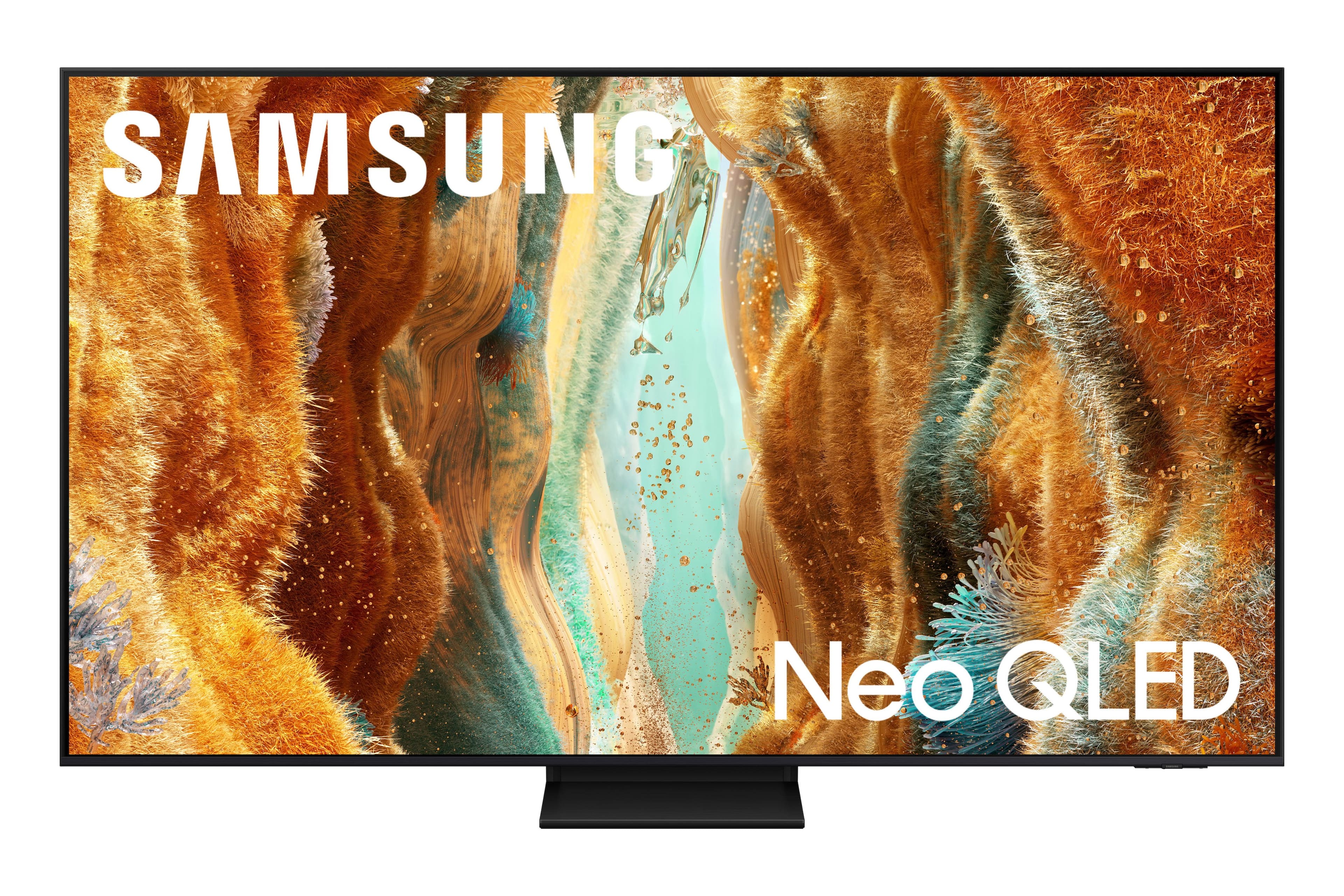

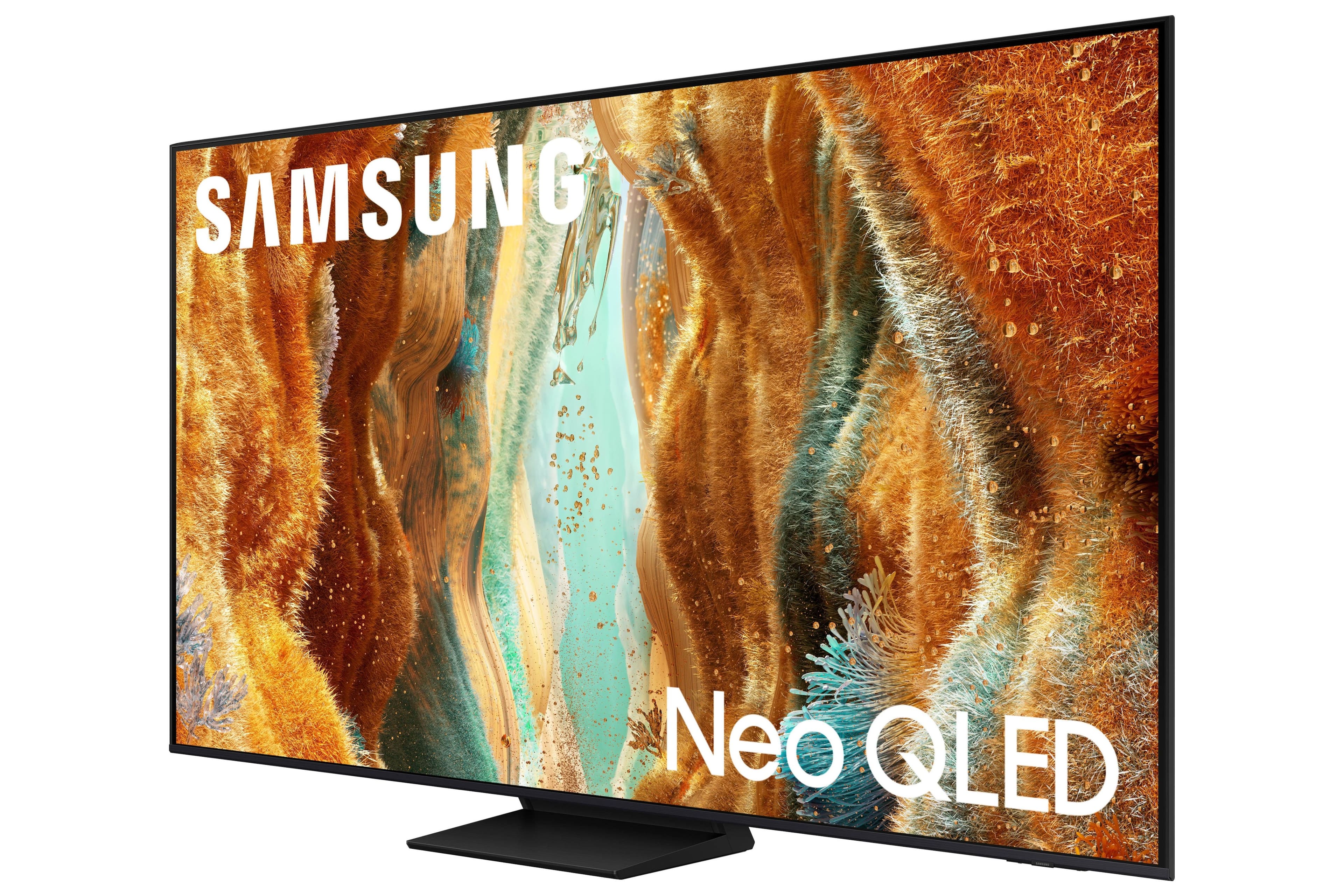
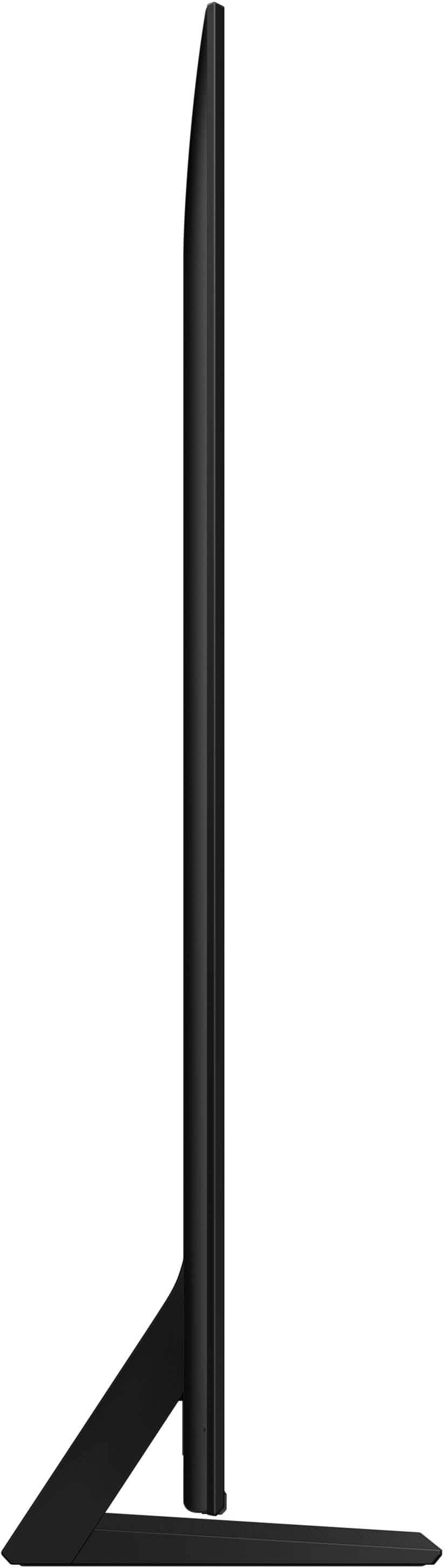





- Model:
- QN85QN70FAFXZA
- |
- SKU:
- 10187667
Customer reviews
Rating 4.8 out of 5 stars with 73 reviews
(73 customer reviews)Rating by feature
- Picture Quality4.9
Rating 4.9 out of 5 stars
- Sound Quality4.6
Rating 4.6 out of 5 stars
- Brightness4.8
Rating 4.8 out of 5 stars
Rated 5 out of 5 stars
Best Thing Since Sliced Bread!!!!!!!
||Posted .This reviewer received promo considerations or sweepstakes entry for writing a review.This TV is IMMACULATE!!!!! The graphics are incredible and I love all of the features on it. I knew Best Buy wouldn't let me down!!!! I got the perfect TV at the perfect price and was even able to finance!!!! Checkout was so quick and ready and the delivery was awesome!!!! Very professional all around!!!!!!
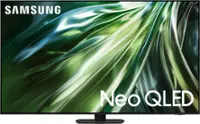
This review is from Samsung - 85” Class QN70F Series Neo QLED Mini LED 4K UHD SamsungVision AI Smart Tizen TV (2025)
I would recommend this to a friendRated 5 out of 5 stars
TV Quality
||Posted . Owned for 3 weeks when reviewed.This reviewer received promo considerations or sweepstakes entry for writing a review.There's so much tv options out there with different quality and prices but there's one Brands that gives you the Full Package and it's Samsung. Let's start by the budget, tho it may be a little expensive, compared to other brands Samsung gives is more affordable with Great Quality for every dollar. The Quality of the screen really good the sound. They have AI in their new generations. Their TVs are really smart. I love samsung because they always give you Excellent Quality overall for your Momey. I'm in love with this tv, definitely made a great Decision.
This review is from Samsung - 85” Class QN70F Series Neo QLED Mini LED 4K UHD SamsungVision AI Smart Tizen TV (2025)
I would recommend this to a friendRated 5 out of 5 stars
Stunning Quality and Performance
||Posted .This reviewer received promo considerations or sweepstakes entry for writing a review.I’m very pleased with this Samsung 85” QN70F Series Neo QLED TV. The picture quality is excellent — bright, sharp, and crystal-clear with incredible color depth. The Mini LED backlighting really makes a difference, especially for movies and sports. The sound is strong out of the box, and pairing it with my sound system took it to another level. Setup was quick and intuitive, and the Tizen smart platform is smooth and easy to navigate. This TV delivers a true theater-like experience at home, and it exceeded my expectations. Highly recommend for anyone looking for a top-tier large screen.
This review is from Samsung - 85” Class QN70F Series Neo QLED Mini LED 4K UHD SamsungVision AI Smart Tizen TV (2025)
I would recommend this to a friendRated 5 out of 5 stars
Great tv.
||Posted . Owned for 2 weeks when reviewed.This reviewer received promo considerations or sweepstakes entry for writing a review.Quality is awesome. Great sound for tv speakers. Love it so far!!
This review is from Samsung - 85” Class QN70F Series Neo QLED Mini LED 4K UHD SamsungVision AI Smart Tizen TV (2025)
I would recommend this to a friendRated 5 out of 5 stars
Samsung 85" Neo QLED
||Posted . Owned for 3 weeks when reviewed.This reviewer received promo considerations or sweepstakes entry for writing a review.Love our new 85 inch Samsung Neo QLED. Nice upgrade from out 65 inch Sony! great for movies and sports
This review is from Samsung - 85” Class QN70F Series Neo QLED Mini LED 4K UHD SamsungVision AI Smart Tizen TV (2025)
I would recommend this to a friendRated 5 out of 5 stars
Great TV for the money beautiful picture
||Posted . Owned for 1 week when reviewed.This reviewer received promo considerations or sweepstakes entry for writing a review.Great TV for the money beautiful picture. I would definitely recommend
This review is from Samsung - 85” Class QN70F Series Neo QLED Mini LED 4K UHD SamsungVision AI Smart Tizen TV (2025)
I would recommend this to a friendRated 4 out of 5 stars
Great price
||Posted . Owned for 1 month when reviewed.This reviewer received promo considerations or sweepstakes entry for writing a review.Great color love the picture only thing I don’t like is the cheap remote control Looks great on my wall
This review is from Samsung - 85” Class QN70F Series Neo QLED Mini LED 4K UHD SamsungVision AI Smart Tizen TV (2025)
I would recommend this to a friendRated 5 out of 5 stars
Samsung never disappoints
||Posted . Owned for 2 weeks when reviewed.This reviewer received promo considerations or sweepstakes entry for writing a review.This tv is all you need. Edge to edge display, thin, 4k resolution, optimized gaming and all of the above. Can't go wrong with this one.
This review is from Samsung - 85” Class QN70F Series Neo QLED Mini LED 4K UHD SamsungVision AI Smart Tizen TV (2025)
I would recommend this to a friendRated 5 out of 5 stars
85” SAMSUNG TV
||Posted . Owned for 2 weeks when reviewed.This reviewer received promo considerations or sweepstakes entry for writing a review.We had great service at your store in Yulee,Fl. The salesman was extremely knowledgeable and helpful. We went with his advice and picked the Samsung. It’s amazing! Thank you
This review is from Samsung - 85” Class QN70F Series Neo QLED Mini LED 4K UHD SamsungVision AI Smart Tizen TV (2025)
I would recommend this to a friendRated 5 out of 5 stars
Great brand for every tech needs
||Posted .This reviewer received promo considerations or sweepstakes entry for writing a review.I have been buying all Samsung products for my house and I have been very impressed
This review is from Samsung - 85” Class QN70F Series Neo QLED Mini LED 4K UHD SamsungVision AI Smart Tizen TV (2025)
I would recommend this to a friendRated 5 out of 5 stars
Great TV, quite heavy.
||Posted . Owned for 3 weeks when reviewed.This reviewer received promo considerations or sweepstakes entry for writing a review.The tv came out great. Mounting it was a bit of a challenge, I would recommend a professional as it’s extremely heavy.
This review is from Samsung - 85” Class QN70F Series Neo QLED Mini LED 4K UHD SamsungVision AI Smart Tizen TV (2025)
I would recommend this to a friendRated 5 out of 5 stars
Samsung TV
Posted .This reviewer received promo considerations or sweepstakes entry for writing a review.This Samsung TV will not disappoint you. The picture quality is top notch and so it the sound quality.
This review is from Samsung - 85” Class QN70F Series Neo QLED Mini LED 4K UHD SamsungVision AI Smart Tizen TV (2025)
I would recommend this to a friendRated 5 out of 5 stars
Awesome TV - value for money spent
||Posted . Owned for 1 month when reviewed.This reviewer received promo considerations or sweepstakes entry for writing a review.Very light weight. The picture though is beautiful, Don’t know what more to say, love this screen. It is a pleasure watching our shows on it.
This review is from Samsung - 85” Class QN70F Series Neo QLED Mini LED 4K UHD SamsungVision AI Smart Tizen TV (2025)
I would recommend this to a friendRated 5 out of 5 stars
Cant beat Samsung TVs
||Posted . Owned for 2 weeks when reviewed.This reviewer received promo considerations or sweepstakes entry for writing a review.Great quality picture, alot of features. Looks good on the wall. Cant go wrong with Samsung tvs, owned them for 15 years, never an issue
This review is from Samsung - 85” Class QN70F Series Neo QLED Mini LED 4K UHD SamsungVision AI Smart Tizen TV (2025)
I would recommend this to a friendRated 5 out of 5 stars
Oyr 85in tv
Posted .This reviewer received promo considerations or sweepstakes entry for writing a review.Awesome tv, at first it seemed very big for our size of frontroom but now its just perfect
This review is from Samsung - 85” Class QN70F Series Neo QLED Mini LED 4K UHD SamsungVision AI Smart Tizen TV (2025)
I would recommend this to a friendRated 5 out of 5 stars
Great price, quality and safe packing.
||Posted .This reviewer received promo considerations or sweepstakes entry for writing a review.We picked this up at the store ourselves since it was so large. Did not want to take a chance on damage during delivery. This was packed very well by manufacturer with clear instructions on how to unpack carefully. Pre programmed and easy to connect to our surround sound. One suggestion since so long and tall was if there was an indent or built in handle on the back for easier lifting. Everything else was smooth setting up, great price.
This review is from Samsung - 85” Class QN70F Series Neo QLED Mini LED 4K UHD SamsungVision AI Smart Tizen TV (2025)
I would recommend this to a friendRated 5 out of 5 stars
Good buy
||Posted .This reviewer received promo considerations or sweepstakes entry for writing a review.Great picture and super easy to set up. The install was pretty easy as well.
This review is from Samsung - 85” Class QN70F Series Neo QLED Mini LED 4K UHD SamsungVision AI Smart Tizen TV (2025)
I would recommend this to a friendRated 5 out of 5 stars
Samsung 85 inch TV
||Posted . Owned for 3 months when reviewed.This reviewer received promo considerations or sweepstakes entry for writing a review.Excellent purchase, very satisfied with the TV's quality. The picture is incredible for gaming and the sound is spectacular. The service in the store was also very good. I recommend them 100%.
This review is from Samsung - 85” Class QN70F Series Neo QLED Mini LED 4K UHD SamsungVision AI Smart Tizen TV (2025)
I would recommend this to a friendRated 5 out of 5 stars
Good tv
||Posted .This reviewer received promo considerations or sweepstakes entry for writing a review.Nice picture love the tv. 85 inch is massive . Tv picture is amazing
This review is from Samsung - 85” Class QN70F Series Neo QLED Mini LED 4K UHD SamsungVision AI Smart Tizen TV (2025)
I would recommend this to a friendRated 5 out of 5 stars
Another satisfied customer!
Posted .This reviewer received promo considerations or sweepstakes entry for writing a review.Samsung did not disappoint! Great price and great product!
This review is from Samsung - 85” Class QN70F Series Neo QLED Mini LED 4K UHD SamsungVision AI Smart Tizen TV (2025)
I would recommend this to a friend