Customer Ratings & Reviews


- Model:
- MZ-7KE256BW
- |
- SKU:
- 1660001
Customer reviews
Rating 4.9 out of 5 stars with 102 reviews
(102 customer reviews)to a friend
Customers are saying
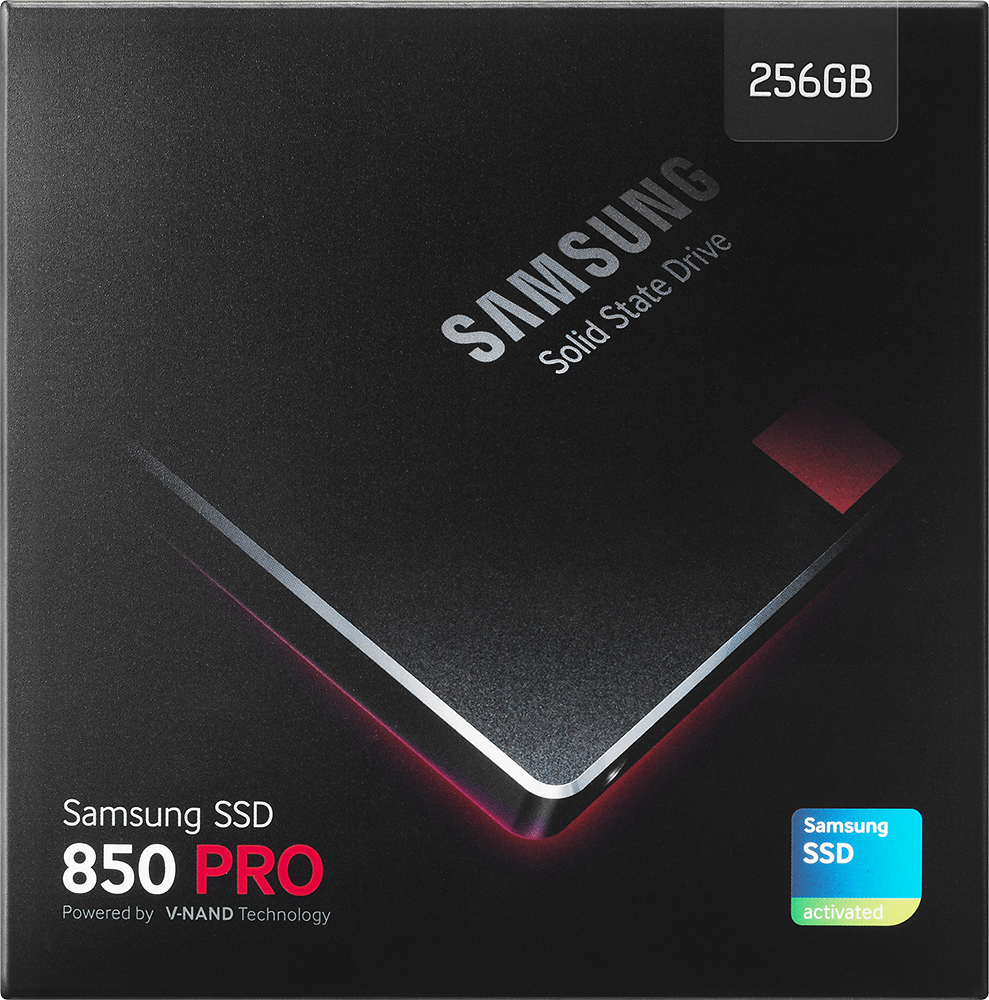
Customers are positive about the 850 PRO 256GB Internal SATA III Solid State Drive for Laptops. Many appreciate the significantly faster boot times and easy installation process. The drives themselves are also praised for their performance. There were no negative customer comments reported.
This summary was generated by AI based on customer reviews.
- Pros mentioned:Performance
Rated 5 out of 5 stars
High performance SSD
||Posted .This reviewer received promo considerations or sweepstakes entry for writing a review.Works perfectly in my computer system. MLC is great!
I would recommend this to a friend - Pros mentioned:Performance
Rated 5 out of 5 stars
Dependable SSD
||Posted .This reviewer received promo considerations or sweepstakes entry for writing a review.Dependable and high performance. I am pleased with this product!
I would recommend this to a friend - Pros mentioned:Performance
Rated 5 out of 5 stars
great performance
||Posted .This reviewer received promo considerations or sweepstakes entry for writing a review.Great performance i love this SSD, my laptop improved so much.
I would recommend this to a friend Rated 4 out of 5 stars
so far works good
||Posted .This reviewer received promo considerations or sweepstakes entry for writing a review.the cloning software included is easy to use. need more time to be tested.
I would recommend this to a friend- Pros mentioned:Speed
Rated 5 out of 5 stars
Nice
||Posted .This reviewer received promo considerations or sweepstakes entry for writing a review.Ok this has great speed on it. Nice features and great looking
I would recommend this to a friend - Pros mentioned:Performance
Rated 5 out of 5 stars
Would buy again!
||Posted .This reviewer received promo considerations or sweepstakes entry for writing a review.Works well as a replacement drive. Truse your data to name brands.
I would recommend this to a friend - Pros mentioned:Speed
Rated 5 out of 5 stars
Great SSD with great insurance!
||Posted .This reviewer received promo considerations or sweepstakes entry for writing a review.The SSD is incredibly fast and also comes with 10 year warranty!
I would recommend this to a friend - Pros mentioned:Speed
Rated 5 out of 5 stars
Samsung 850 pro ssd
||Posted .This reviewer received promo considerations or sweepstakes entry for writing a review.This ssd is very fast and built to deliver impressive results.
I would recommend this to a friend - Pros mentioned:Performance
Rated 4 out of 5 stars
It's a hard drive
||Posted .This reviewer received promo considerations or sweepstakes entry for writing a review.It's a hard drive and it does it's job once put into a laptop. I would have bought it anywhere but BB had a better price that day. Use in your laptops and it will increase it's speed and performance. You want specifics, google it.
I would recommend this to a friend - Pros mentioned:Performance
Rated 5 out of 5 stars
SSD performance
||Posted .This reviewer received promo considerations or sweepstakes entry for writing a review.Not really much to say other than superior performance.
I would recommend this to a friend - Pros mentioned:Performance
Rated 5 out of 5 stars
Very nice SSD
||Posted .This reviewer received promo considerations or sweepstakes entry for writing a review.Works great as a personal cloud to back my iphone up to.
I would recommend this to a friend - Pros mentioned:Performance
Rated 5 out of 5 stars
Great Replacement
||Posted .This reviewer received promo considerations or sweepstakes entry for writing a review.Used this to replace 15" Macbook Pro and it runs like new.
I would recommend this to a friend - Pros mentioned:Performance
Rated 5 out of 5 stars
Extra space
||Posted .This reviewer received promo considerations or sweepstakes entry for writing a review.Great device that serves its purpose. Quick and easy to add.
I would recommend this to a friend - Pros mentioned:Speed
Rated 5 out of 5 stars
Simply Fast!
||Posted .This reviewer received promo considerations or sweepstakes entry for writing a review.Made my MacBook 2011 run JUST as fast as a 2016 Retina!!
I would recommend this to a friend Rated 5 out of 5 stars
Bought in 2017 still going strong
||Posted .This reviewer received promo considerations or sweepstakes entry for writing a review.This make a huge difference in system response. Perfect size for my system drive and it now boots up lightning quick! I purchased Samsung because of their reputation and warranty and have not been disappointed
I would recommend this to a friendRated 5 out of 5 stars
The best of the best
||Posted .This reviewer received promo considerations or sweepstakes entry for writing a review.Put this in as my new C drive before the WIndows 10 free upgrade ended. Do some research, Samsung makes the best solid state drives on the market. The extra $ is worth it. Make sure to use their Magician software to maximize it's potential.
I would recommend this to a friendRated 5 out of 5 stars
Excellent replacement SSD drive
||Posted .This reviewer received promo considerations or sweepstakes entry for writing a review.The Samsung Pro line of SSD drives continue to give excellent performance and speed over time when coupled with Windows 10 or Mac OS X. It's worth a few dollars more to get the Pro version that has a 10-year warranty.
I would recommend this to a friendRated 5 out of 5 stars
Perfect for external storage.
||Posted .This reviewer received promo considerations or sweepstakes entry for writing a review.Using as an external HDD and it’s working out perfectly.
I would recommend this to a friend- Pros mentioned:Build quality
Rated 4 out of 5 stars
Better Build Quality
Posted .This reviewer received promo considerations or sweepstakes entry for writing a review.Upon me attempting to upgrade to a SSD in my new computer, I was most surprised to find that most solid state drives are made with a metal housing, this makes no sense to me. Basically every HDD ever made is made from a hardened chunk of quality aluminum as the housing, so for most solid state drives to be made of a metal housing, when the lesser technology HDD's are all made of aluminum, this seems illogical. This is one of the few SSD's made with an aluminum housing, so the fact that it costs a bit more than some other SSD's, this is why, better build quality. I installed this Samsung SSD in my new Asus desktop, by the following process. Step 1: I first downloaded the Samsung data migration software from the Samsung website using my older computer while hooked up to the internet, then I saved the software to a USB storage drive. The same Samsung software is included on the CD with this SSD package, but downloading it beforehand made my process accomplishable. Step 2: I opened my Asus desktop and unplugged the SATA and power cables from the internal DVD drive and used them to hook up this Samsung SSD. Step 3: I hooked up the power cable, HDMI cable, keyboard and mouse cables, then I turned on the new Asus computer and then I installed the Samsung data migration software that I had saved onto the USB storage drive. Step 4: I ran the Samsung data migration software and cloned Windows 8.1 onto this Samsung SSD, the process of cloning Windows is simple using the Samsung software. Step 5: I turned off the Asus computer and opened it back up and removed the cables from the SSD and re-plugged them into the DVD drive, then I unplugged the internal HDD and used those cables to plug in this Samsung SSD. (I did not prefer to have the internal HDD plugged in and running, adding heat to the inside of this computer, so I decided I would use only the SSD inside and use an external hard drive plugged in by way of USB for any bulk storage needs) Step 6: Upon startup I pressed the f2 button to enter bios to make sure the Samsung SSD was first on the boot up list. (Newer computers might have a more advanced bios that will automatically recognize the boot up drive, and so it might not be necessary to do this for newer computers. The button necessary to enter bios varies from computer to computer and the computer startup process has a flash screen saying which button to press) Step 7: I hooked up the Asus desktop cables again and started the computer. Task accomplished The only unexpected event upon cloning the software is the following: Once I had the SSD installed and the computer turned on, I noticed the Samsung SSD did not show up in the my computer section of Windows, yet once I opened the Samsung data migration software, the Samsung SSD was viewable as the available drive to clone Windows onto. I guess the cloning process formats the SSD first before the cloning begins, and most likely storage drives that are not formatted will not show up in the my computer section of Windows.
I would recommend this to a friend - Pros mentioned:Performance
Rated 5 out of 5 stars
Fast & Reliable
Posted .This reviewer received promo considerations or sweepstakes entry for writing a review.This is my second SSD installed as a secondary drive on my laptop to complement my 512GB SSD same model line. Increased my overall performance of my laptop as I no longer have any spinning drives to access. The drive comes with cloning software if you require an exact copy of an existing drive. The software is fairly straight forward and easy to use. Note, that you will need a SATA cable with power, not included in order to accomplish this. You won't be disappointed with performance and make sure to install Samsung's Disk Management software included in order to monitor and optimize your drive. This was very helpful in helping me optimize my two drives (the reason why I stayed with the same manufacturer) based on my usage, requirements and OS settings. You can also encrypt the drive using the same software. Overall, I would highly recommend this drive or even the 512GB model. I have been running the 512GB model for over a year now so I don't suspect any issues with the 256GB model either.
I would recommend this to a friend