Customer Ratings & Reviews
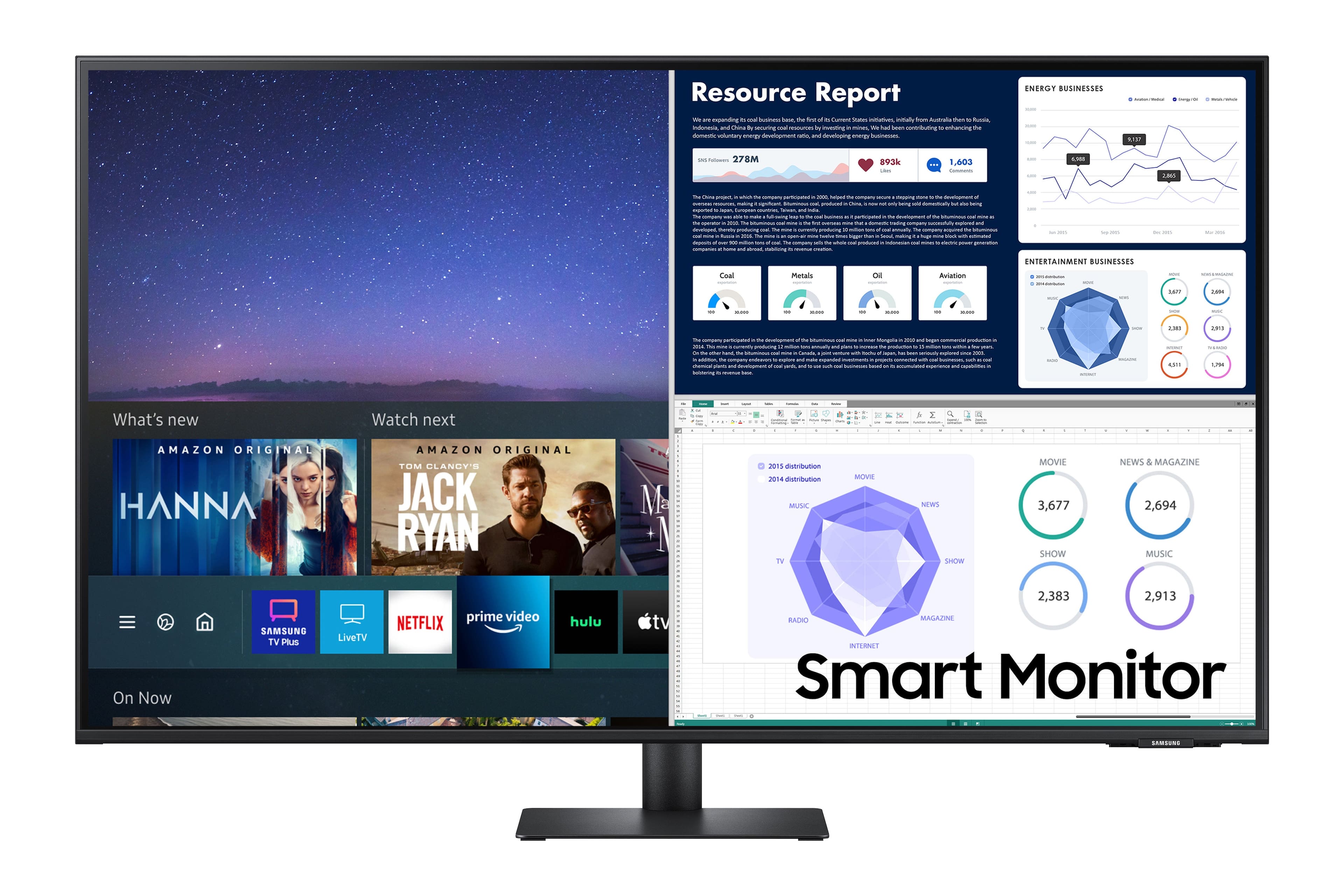
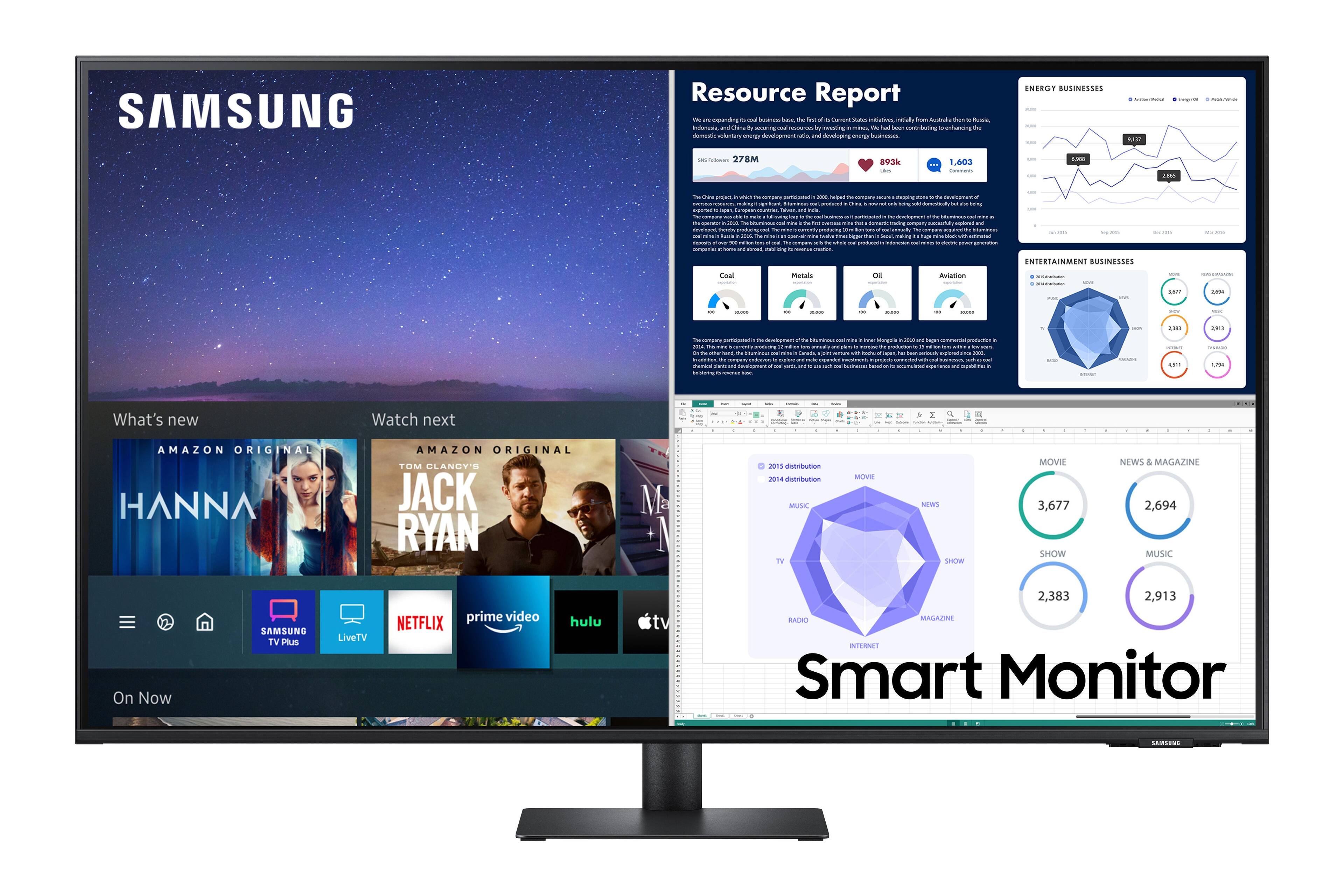
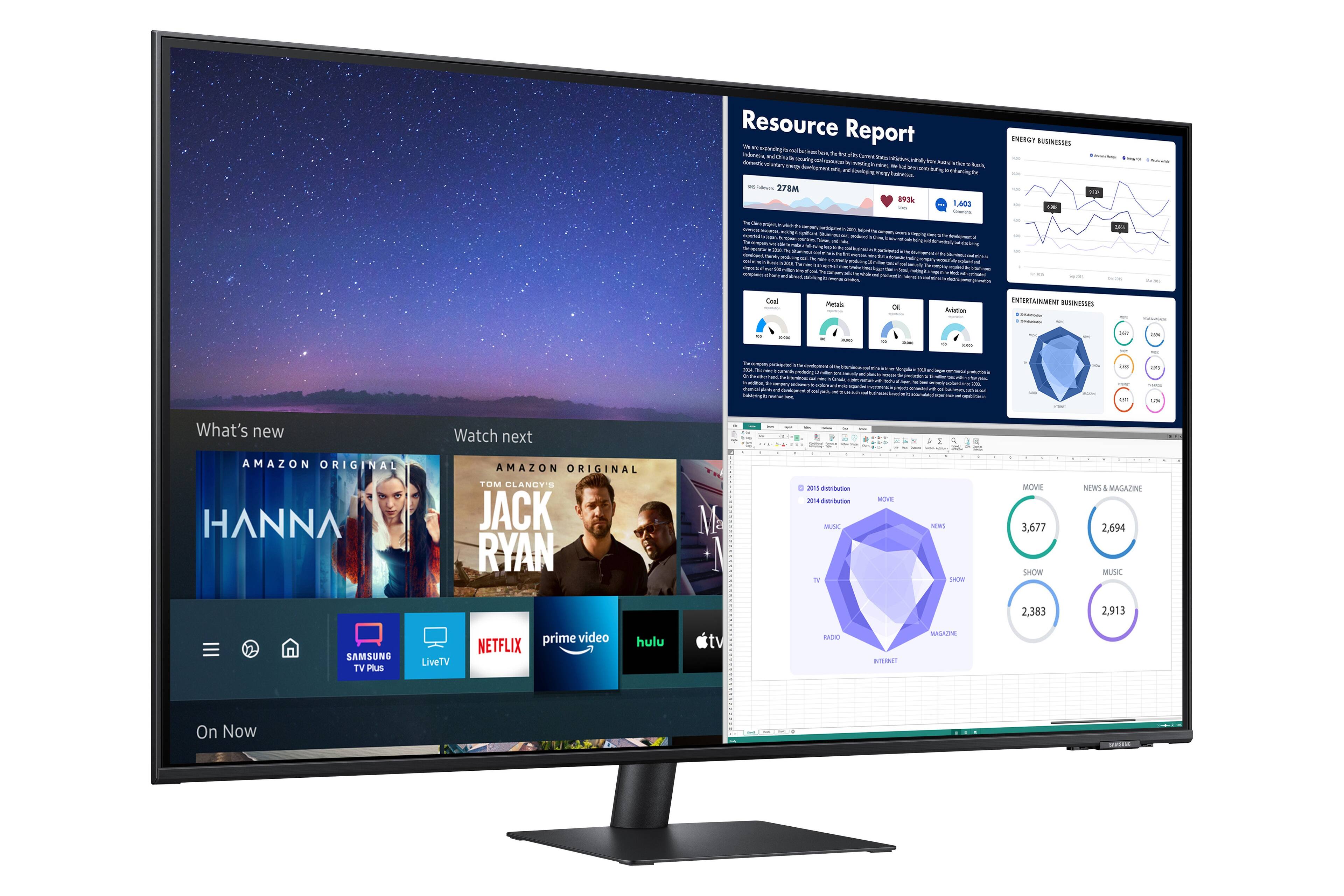
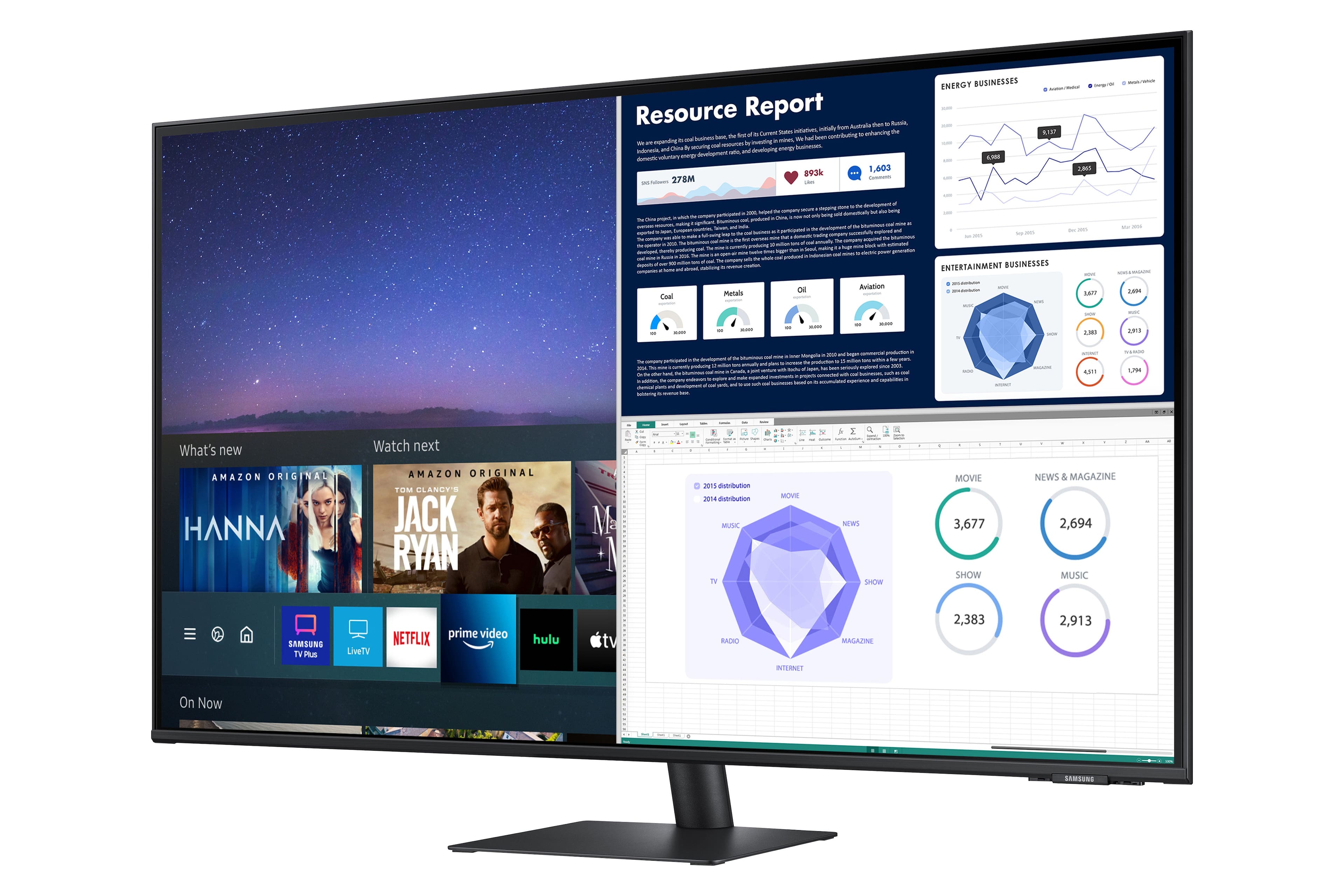
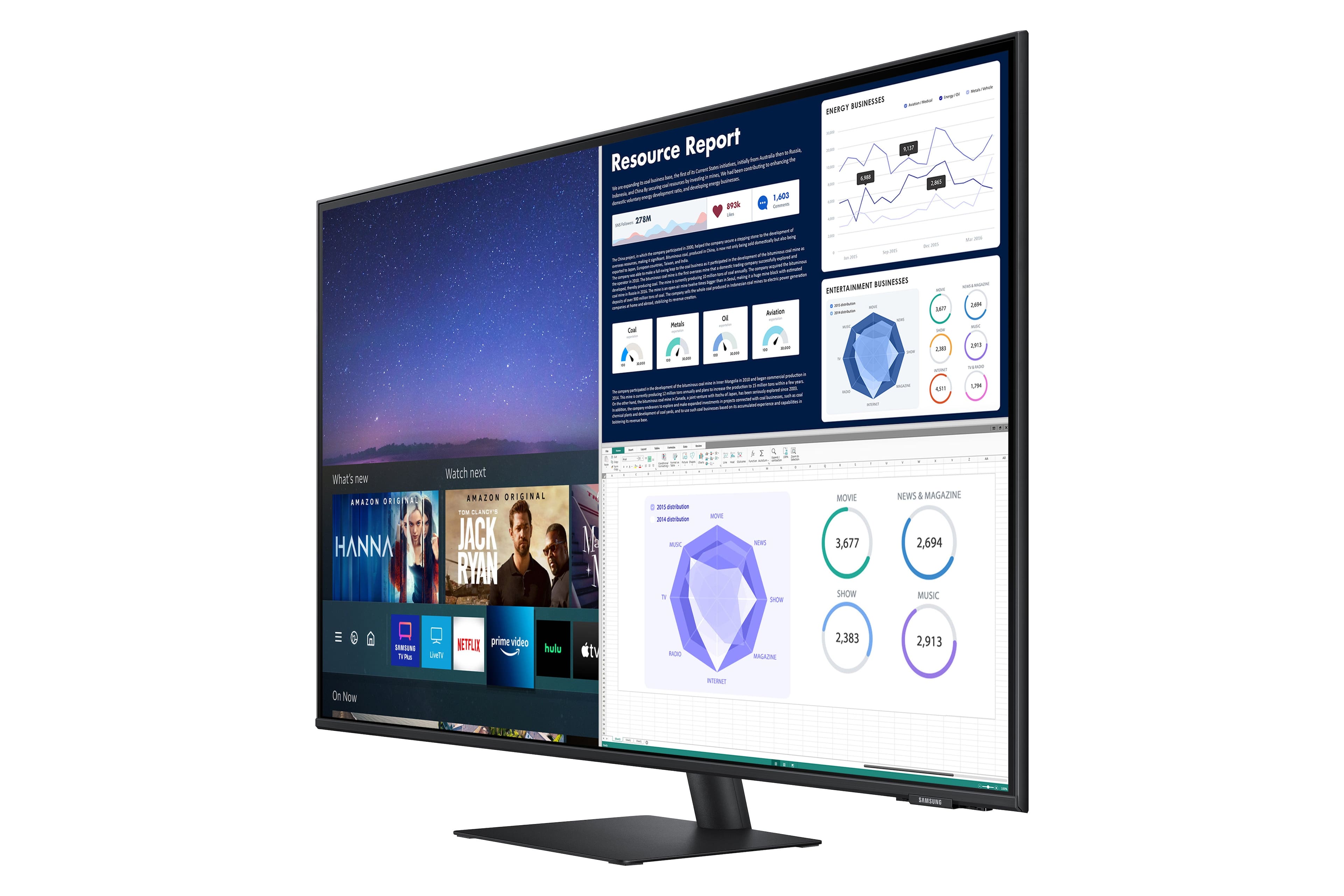
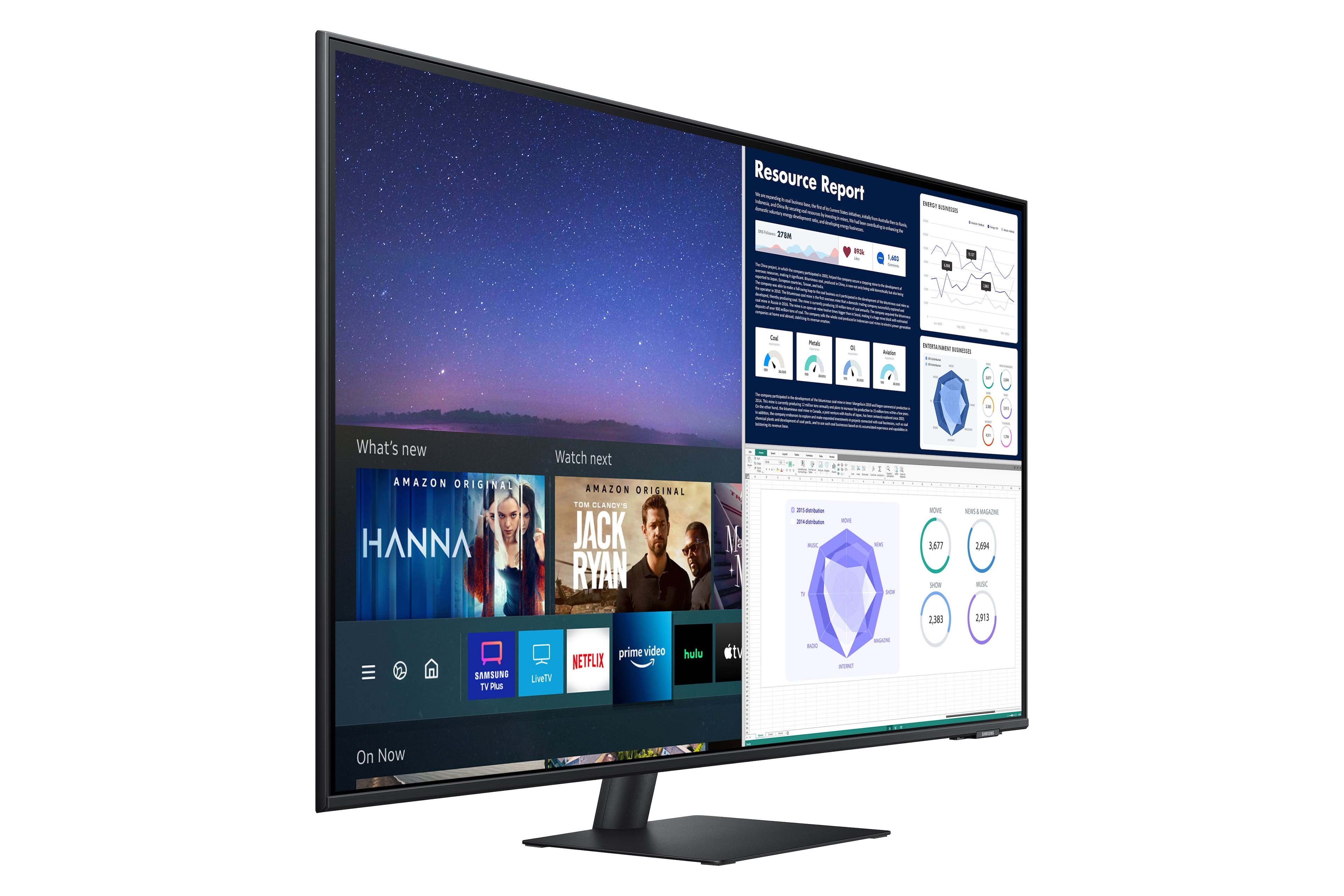
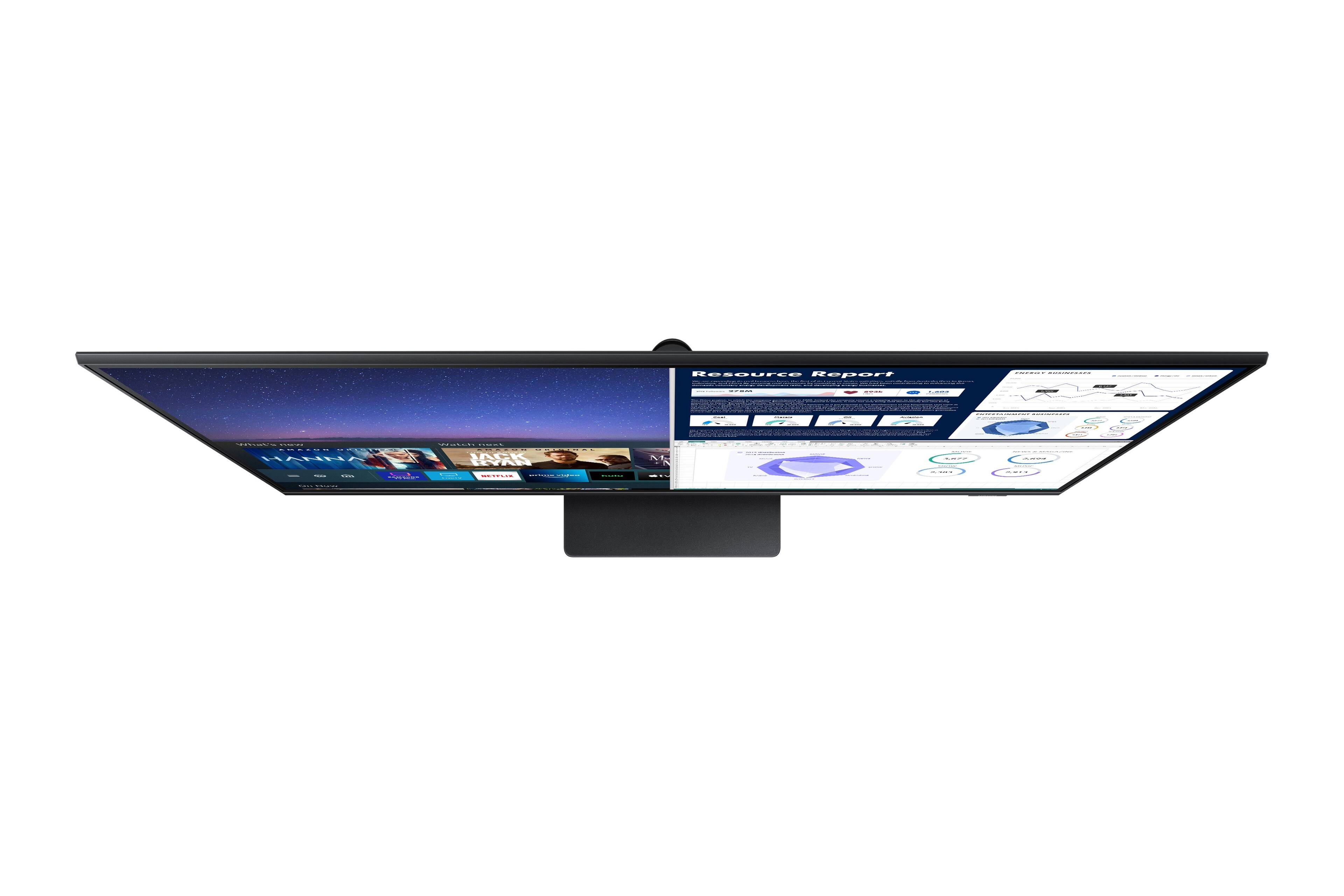
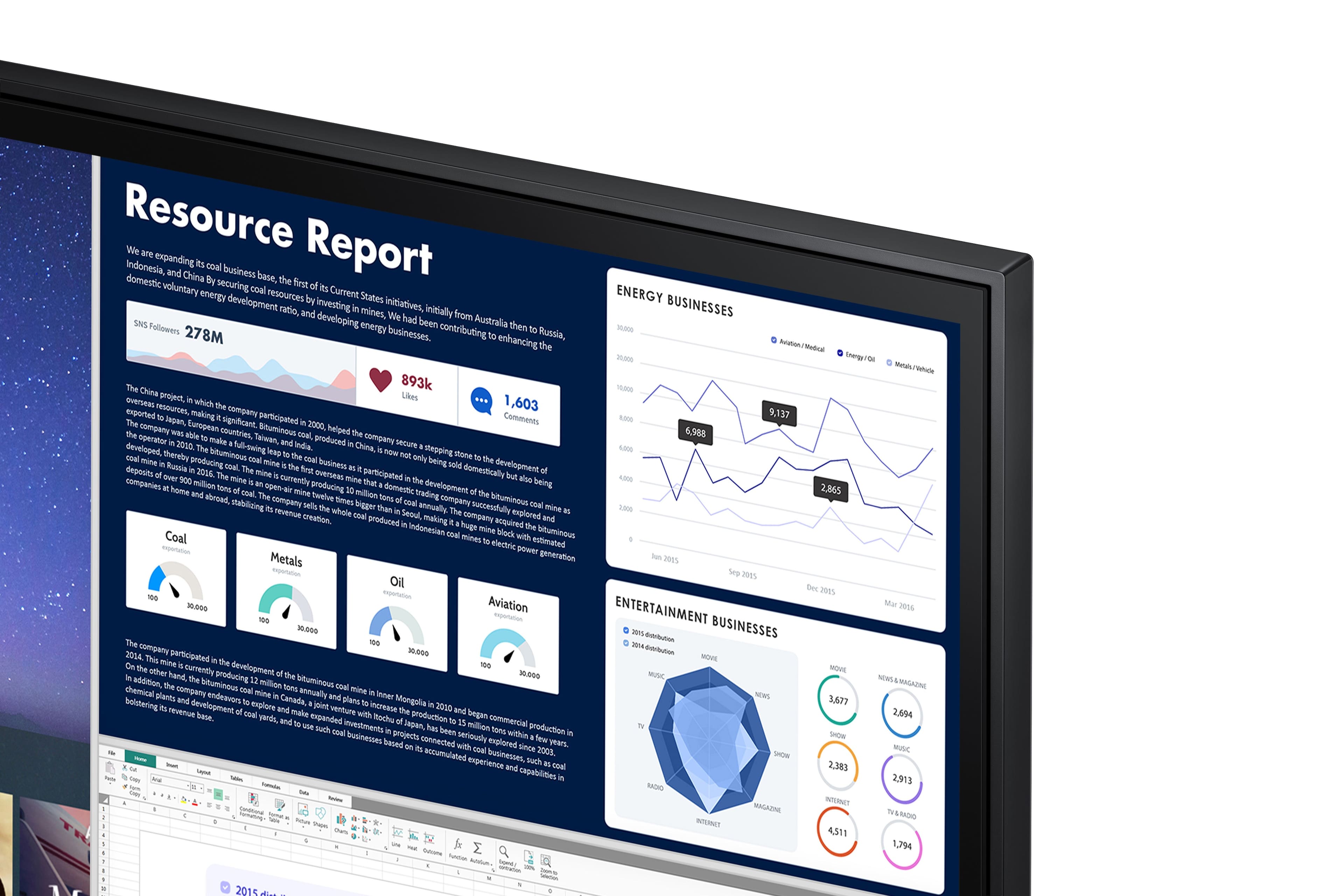
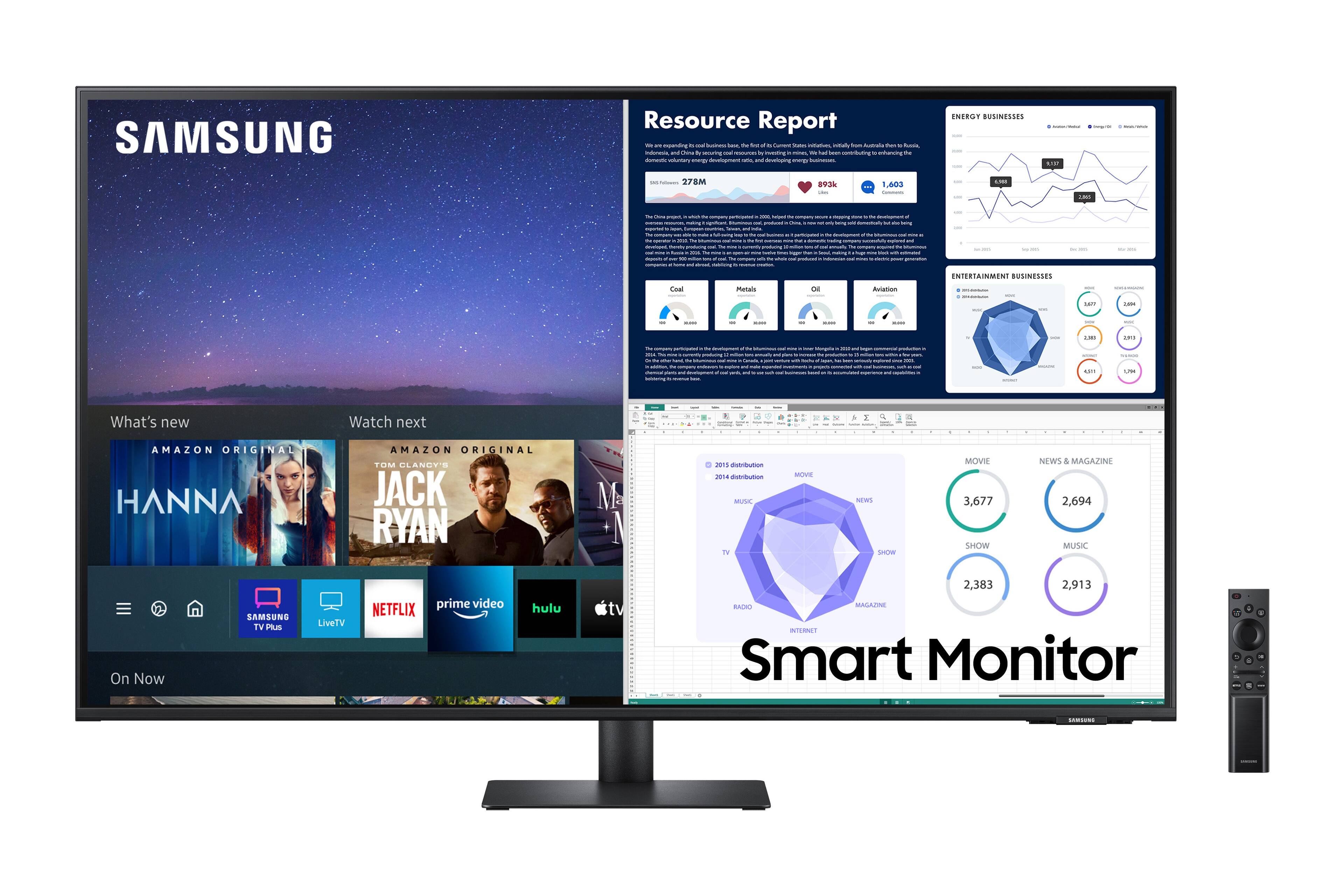
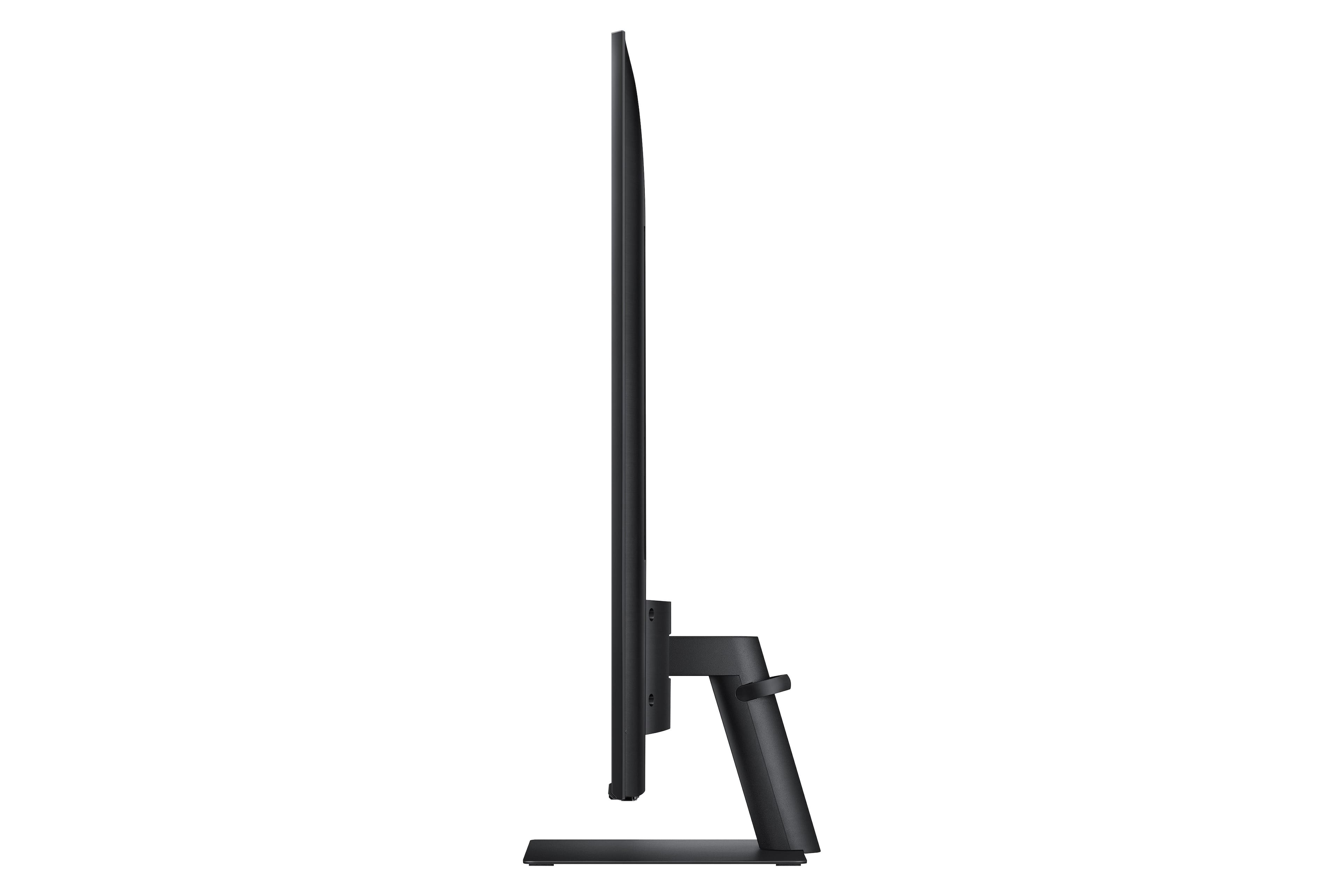

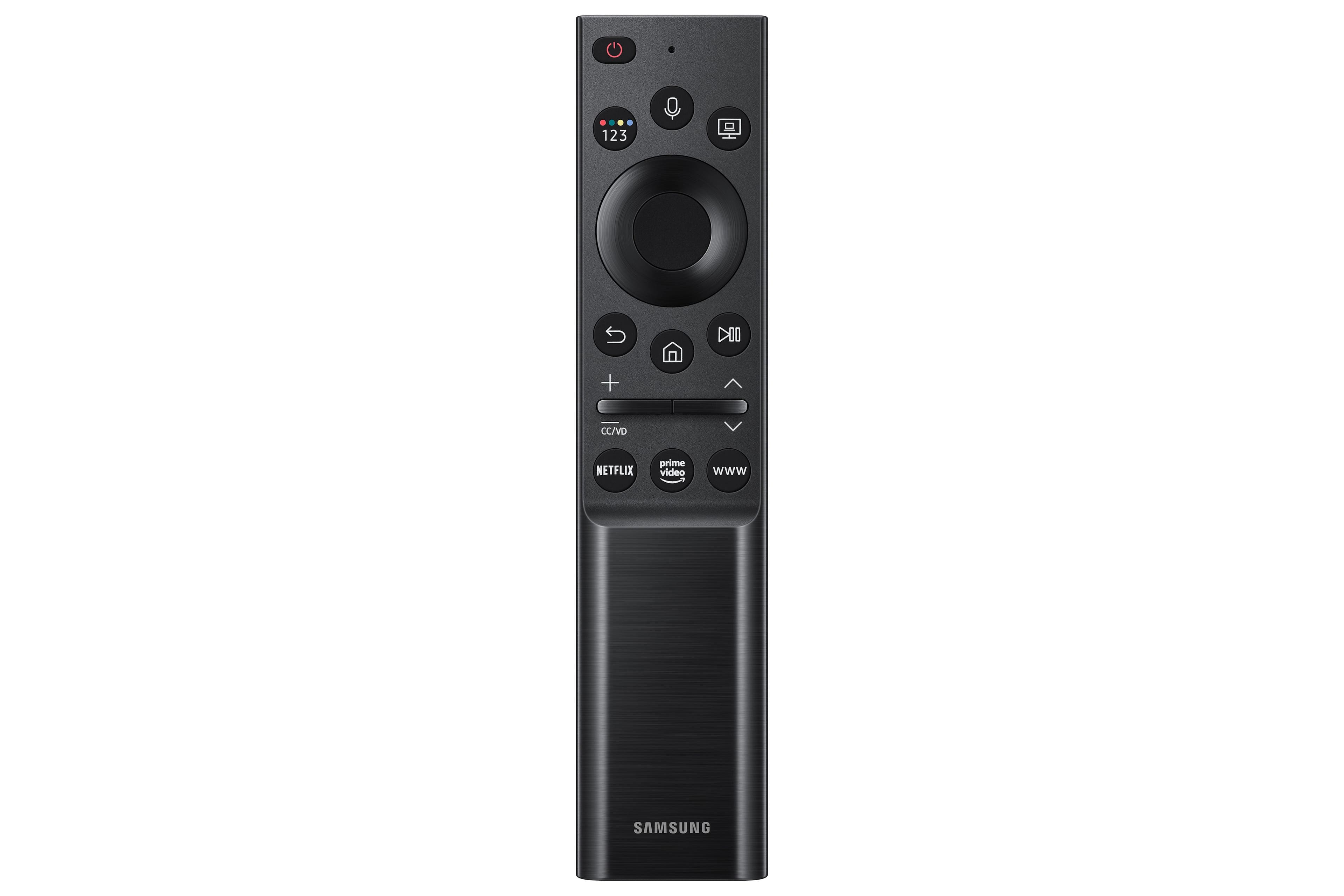
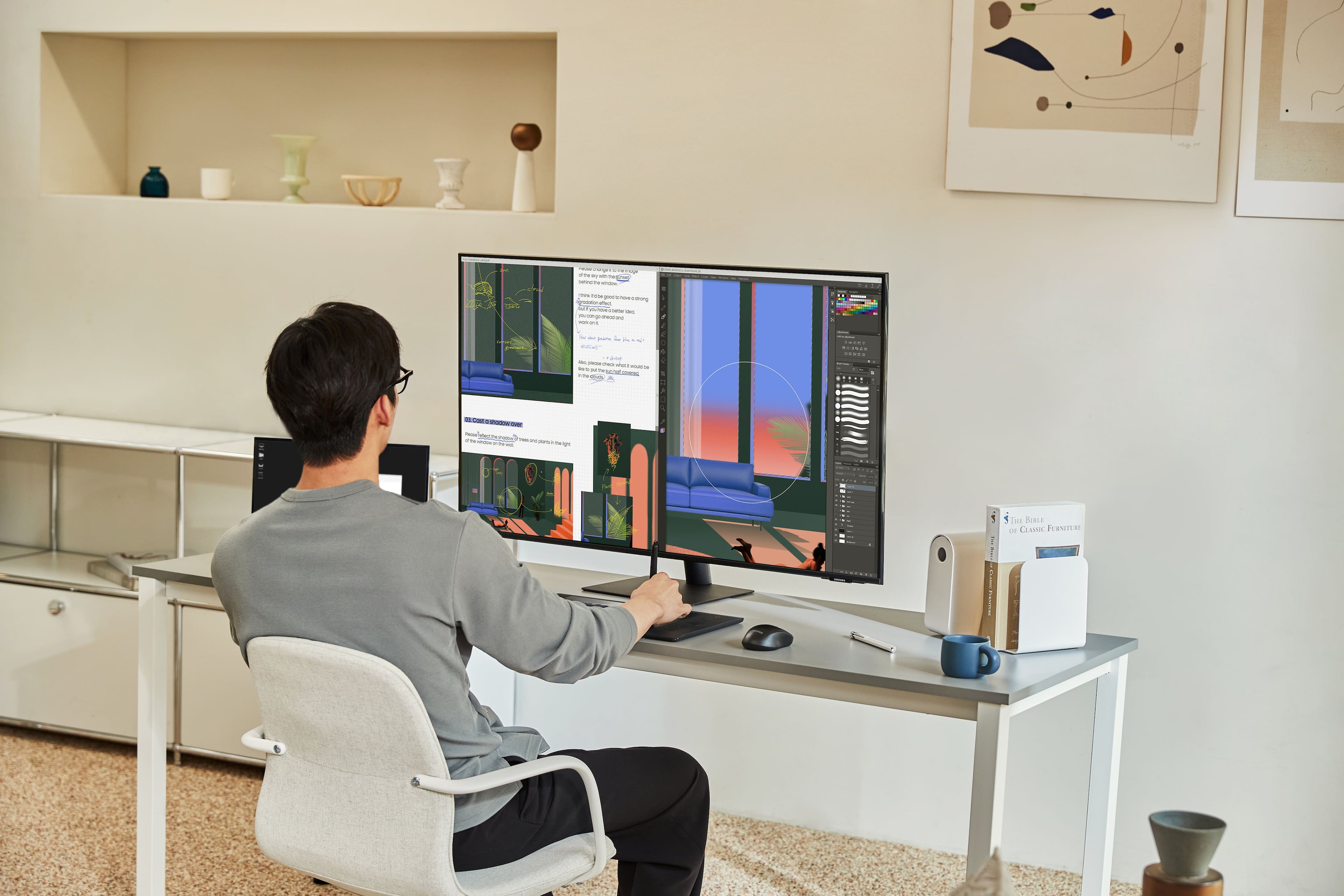
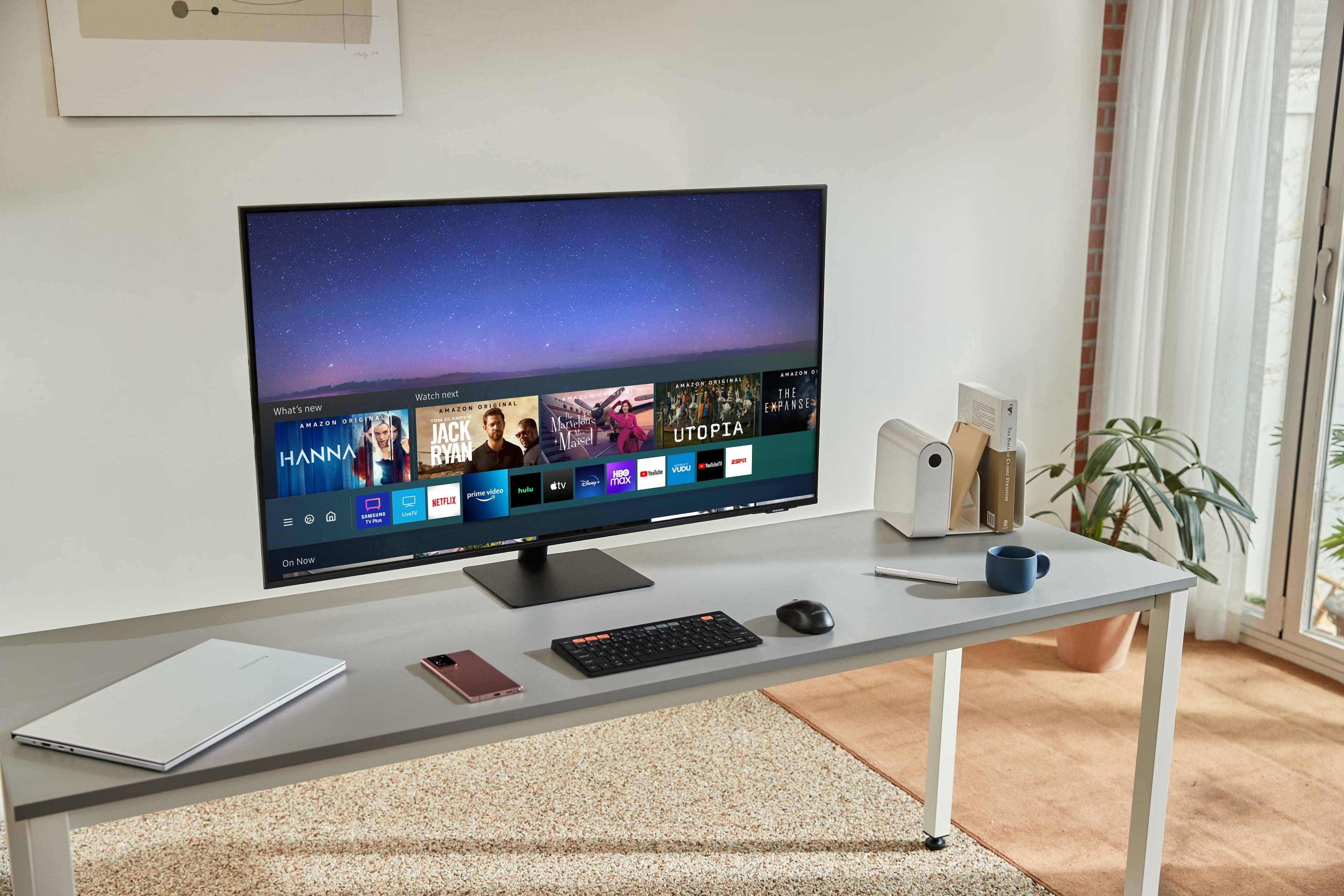
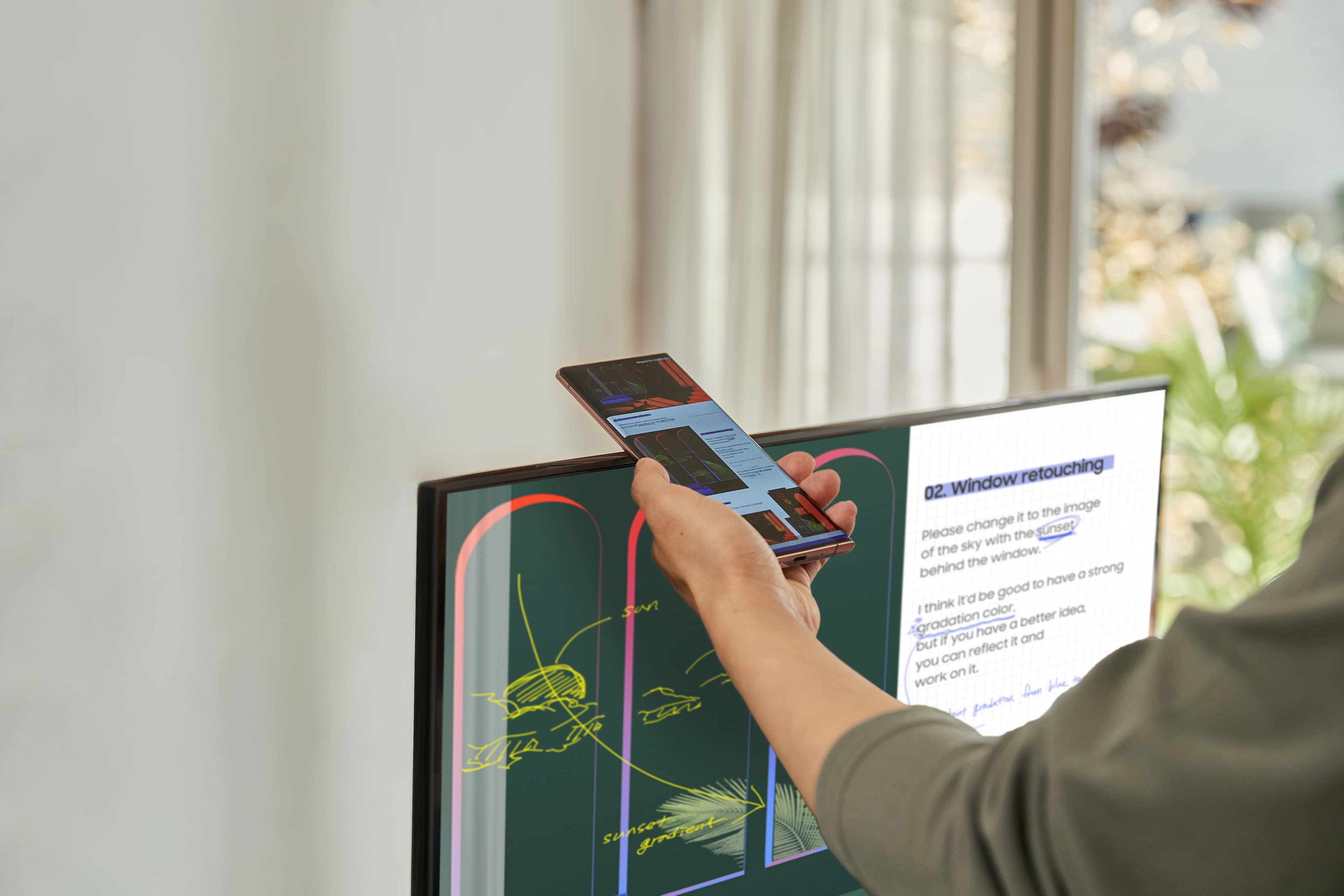

- Model:
- LS43AM702UNXZA
- SKU:
- 6463479
Rating by feature
- Ease of Use
Rating 4.2 out of 5 stars
- Value
Rating 4.2 out of 5 stars
- Quality
Rating 4.3 out of 5 stars
Customers are saying
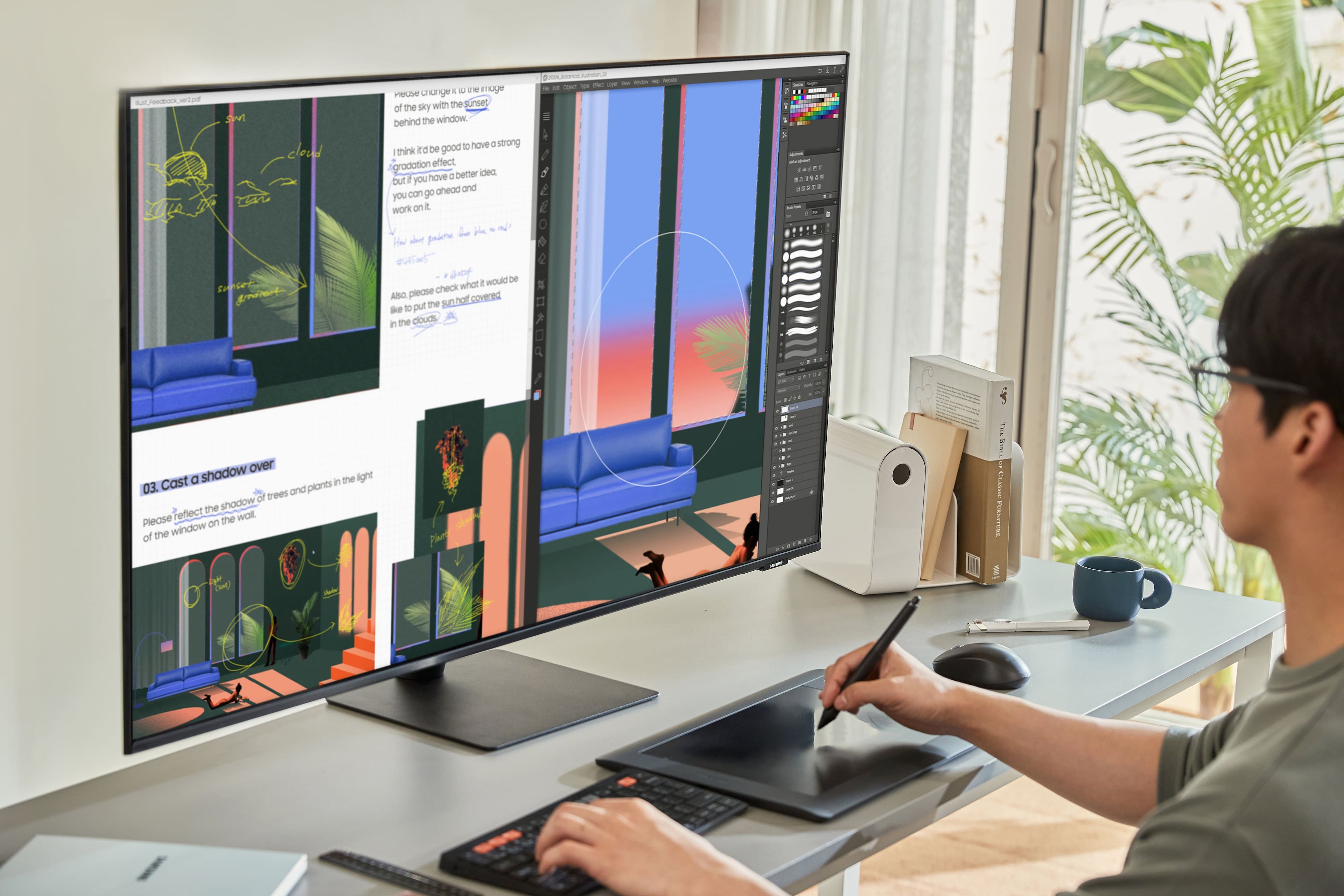
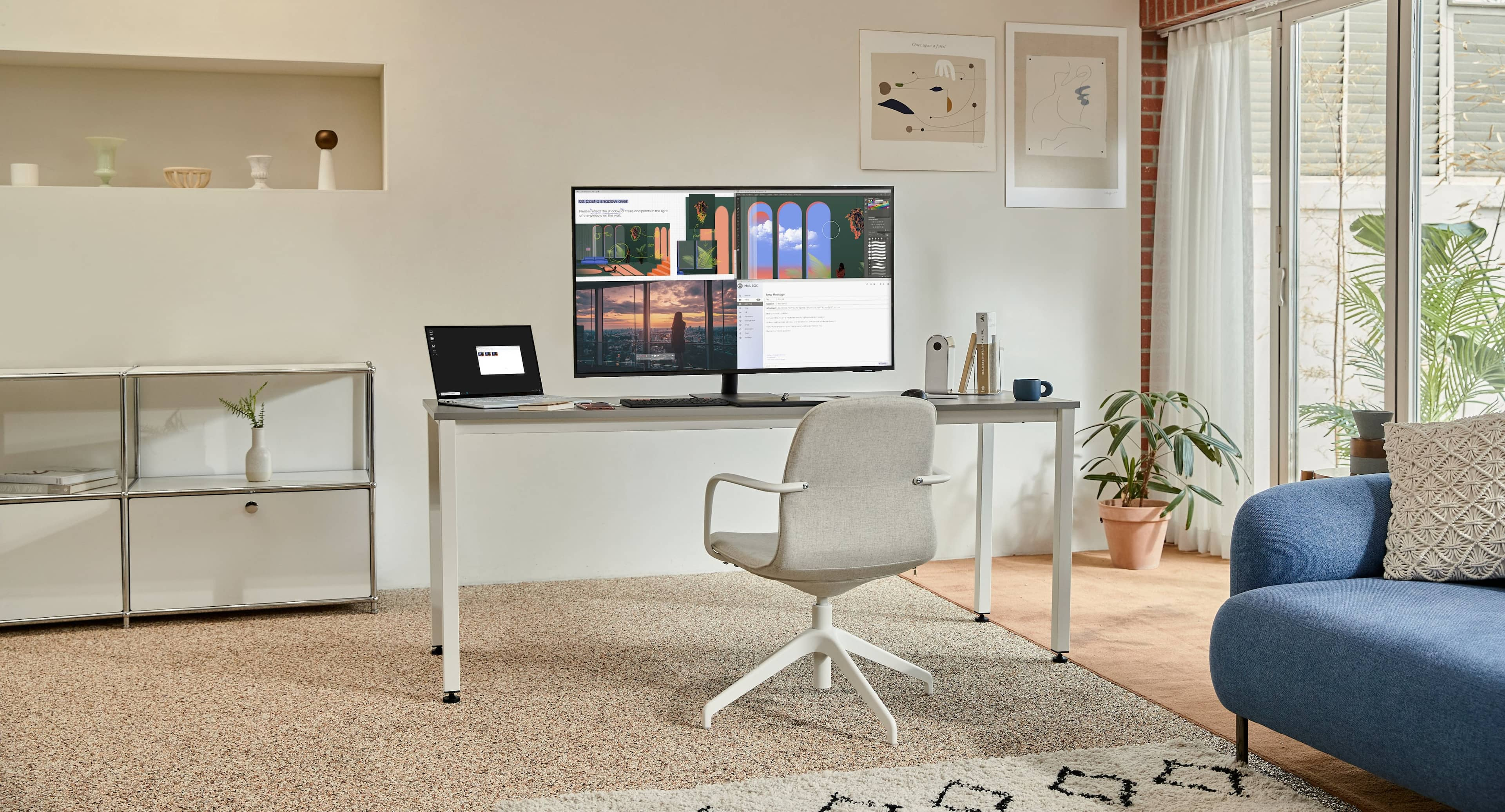
Customers have good things to say about the AM702 Series 43" Smart Tizen 4K UHD Monitor's large screen size and excellent image quality. The monitor's sound quality, ease of use, and resolution also receive positive feedback, with many appreciating its value for the price. The inclusion of a solar-powered remote and USB-C connectivity are additional features praised by users. There were no negative comments reported.
This summary was generated by AI based on customer reviews.
TURN THE SETTING "GAME MODE" ON!!!
||Posted . Owned for less than 1 week when reviewed.This reviewer received promo considerations or sweepstakes entry for writing a review.Think my first review didn't go through but all in all this monitor is dark even with all the brightness and contrast all the way up. TURN GAME MODE ON!!! Adds a lot of brightness and an amazing monitor I love it in full 4k and all the workspace I have. I almost returned it because it was too dark until I found the GAME MODE setting. Think game mode was off comparing the Samsung on the Left and the LG on the Right. But the single pic is with it on
I would recommend this to a friend- Pros mentioned:Price
Awesome Purchase but shipping was BAD!!!
||Posted . Owned for less than 1 week when reviewed.This reviewer received promo considerations or sweepstakes entry for writing a review.This monitor is really good for the money and value.I’m really impressed and more than satisfied with my purchase. I bought this open box so the price point was awesome considering how much all the thunderbolt 3/4 docks cost $300-500 and you still have to purchase additional dongles and adaptors so finding this with built-in USB-C connectivity was a much better value being incorporated into a 43” monitor plus there additional features like Airplay 2 connectivity. The shipping time was great but the boxing of my the merchandise was BAD!! I was surprise it wasn’t damaged due too the fact of the condition of the box. I have bought plenty of open-box but this was my worst experience with packaging of the merchandise.
I would recommend this to a friend - Pros mentioned:Screen size
I love this monitor
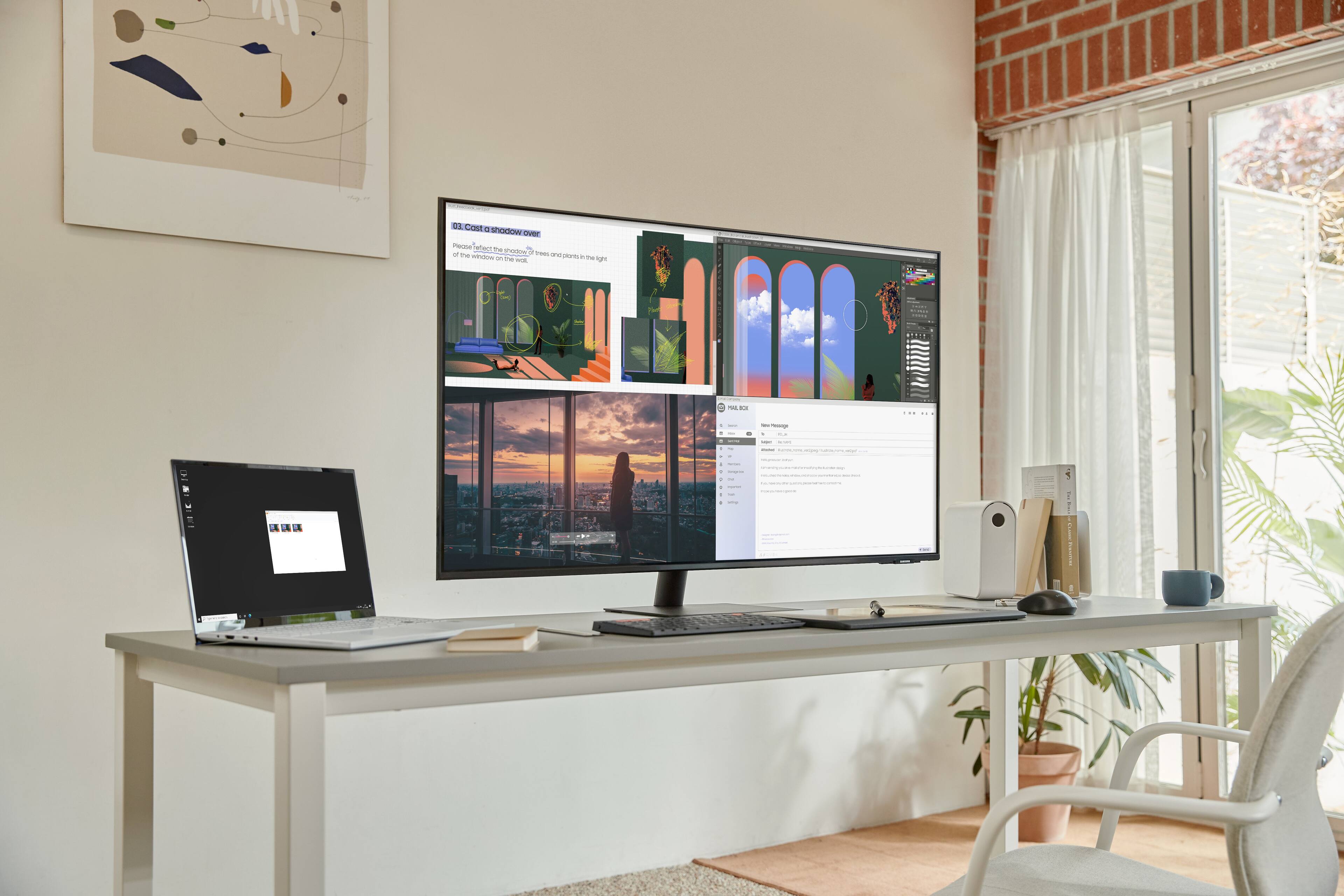
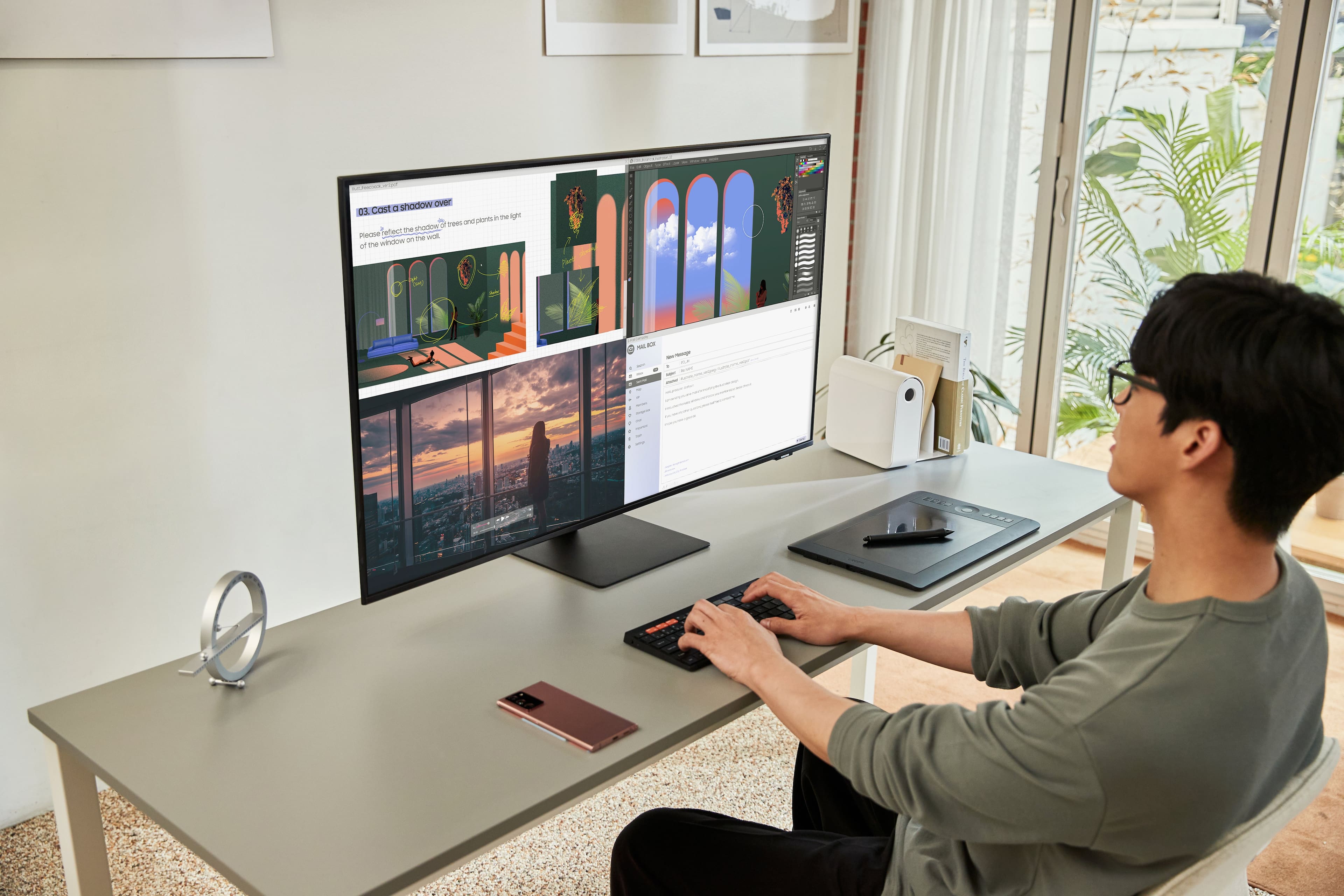
||Posted . Owned for 9 months when reviewed.This reviewer received promo considerations or sweepstakes entry for writing a review.I love this monitor, I use PowerToys to create multiple distinct zones in the screen. If you were to equally divide it into 4 sections, it would be equivalent to four 21” monitors stacked on top of each other. I first had an issue trying to connect my surface tablet and my surface laptop using the provided 4K USB-C cable, but switching it out with a Thunderbolt 3 cable worked. Its great only needing to use one USB-C wire to connect the display + provide power. I was able to put away my docking station and cable management is now a breeze, I love how clean my desk looks. I highly recommend this to everyone, I tell my coworkers about it all the time, my home setup is now more efficient than my in office setup. Side note: I mainly use this monitor for work but Ive watched shows on it a couple of times and its nice that Samsung TV Plus is free with hundreds of channels.
I would recommend this to a friend - Pros mentioned:Resolution, Screen size
Perfect for WFH!
||Posted . Owned for 10 months when reviewed.This reviewer received promo considerations or sweepstakes entry for writing a review.Love this screen. I was able to remove two large monitors from my desk and have this ONE screen. I can fit a handful of windows on it just fine for work. It connects to my Macbook Pro perfectly and doubles as a nice tv on breaks :)
I would recommend this to a friend - Pros mentioned:Sound quality
Multitask AND Movies!
||Posted .This reviewer received promo considerations or sweepstakes entry for writing a review.Can’t say enough about this monitor. First, the set up was easy from start to finish and took less than 30 minutes. The sound quality is incredible and now I can watch a movie while eating lunch :D! Most importantly, the ability to multitask on this is nothing short of epic - Samsung delivers big@!!!
I would recommend this to a friend Impressive!
||Posted . Owned for 1 month when reviewed.This reviewer received promo considerations or sweepstakes entry for writing a review.I purchased 2 of these for my home office. Was able to get all my streaming apps (vudu, disney+, you tube tv, hbo max, etc... They are great. Only 1 drawback I have found, that is I cannot use them both as monitors simultaneously. When connecting with my laptop, i can only use 1 at a time as a monitor. Not a killer for me as a 43" monitor can handle many spreadsheets. I use the other to watch MLB or NFL Network while working. Excellent quality and a respectable pricepoint for a 4k monitor. Remotes are battery free. No more AAA. The remotes are a great innovation. If a Samsung rep reads this and knows a way i can use them both as monitors simultaneously, I'd love to hear from you. Id give this monitor two thumbs up.
I would recommend this to a friendHorrible product!!!!
||Posted . Owned for less than 1 week when reviewed.This reviewer received promo considerations or sweepstakes entry for writing a review.I just received the smart monitor and it has major issues. It does not turn on. It attempts to load and would not bypass the initial Samsung smart monitor page.
No, I would not recommend this to a friendBrand response from Samsung
Posted .I am very sorry to hear that your monitor will not turn on.
Please contact Samsung Customer Support so that we can better understand your issue and assist with a solution.
You can reach us via any of the below options:
If you need further assistance, we are here to help. You can reach Samsung Support at 1-800-SAMSUNG, available 8AM - 12AM EST (Mon-Fri) / 9AM - 11PM EST (Sat-Sun).
Or visit our Samsung website and click on the SUPPORT link in the upper right corner for:
• Contact Us Options (LiveChat, Remote Support, Facebook, Twitter)
• Product Support
• Manuals and Downloads
• Warranty Info
• Product Registration: Registering your product gives you access to easy warranty support, convenient opt-in to special promos and offers, faster troubleshooting and service, and quick notification of system updates
• Samsung Community: A great resource for getting help from Samsung moderators and customers
• …and more
Registering your product gives you access to easy warranty support, convenient opt-in to special promos and offers, faster troubleshooting and service, and quick notification of system updates.
Samsung stands behind the quality and performance of every product we manufacture, and we back this model with a 1-year manufacturer's limited warranty, if purchased brand-new directly from an authorized seller.
Again, I am very sorry for the inconveniences you have had and hope that we will hear from you soon.
-Samsung Monitor
Decent for the price, but with some quirks
||Posted . Owned for less than 1 week when reviewed.This reviewer received promo considerations or sweepstakes entry for writing a review.I ordered both this monitor and the LG 43UN700-B, kept this one. Pros: * Came from dual 27" display setup, I love the increased screen real-estate and fewer cables * It's a BGR sub-pixel panel but the text clarity is decent (at least on a Mac, didn't test ClearType on Windows), the LG 43UN700-B sports an IPS panel, text clarity is identical to my eyes. * Lightweight and thin, this is the main reason I kept this monitor instead of the LG, it's only 18 lbs without stand, the LG is much heavier and bulkier. * Good backlight uniformity control. The LG has dark corners and edges, this Samsung is much better. Cons: * This is very subjective but I hate those TV features, just want a simple computer monitor. * Don't connect it to wifi unless you really want to use it as a TV, once connected it will load Ads and menu navigation will be terribly slow. I disabled wifi after firmware upgrade, Ads are still there but at least you don't need to wait for 5 seconds after pressing a button on the remote. * Don't connect through HDMI, text is visibly mushier with HDMI, use the provided USB-C cable. This is the same on the LG btw. * Color is quite off out of the box, I haven't calibrated yet hopefully it will be OK. * No signal when computer wake from sleep, extremely annoying. Do a search you will find lots of people complaining about this issue, it happens on both Mac and Windows. What worked for me so far: 1. Turn on the monitor; 2. Open my MBP from clamshell mode, wait for the laptop to fully wake up; 3. Unplug the USB-C cable, wait; 4. Replug the USB-C cable, wait, 5. If monitor still show no signal, repeat step 3 and 4. This is ridiculous, my 6 years old Dell monitor wakes up when I type on my wireless keyboard while the laptop stay in clamshell mode...
I would recommend this to a friendBrand response from Samsung
Posted .I’m sorry to see that you rated this product 3 stars, which indicates dissatisfaction.
If there is anything we can do to assist you and improve your product experience, please contact Samsung Customer Support via:
1-800-SAMSUNG, available 8AM - 12AM EST (Mon-Fri) / 9AM - 11PM EST (Sat-Sun).
Your thoughts and opinions are very important to Samsung and we hope to hear from you.
- Pros mentioned:Resolution, Screen size
Huge screen, great work monitor
||Posted . Owned for 1 week when reviewed.This reviewer received promo considerations or sweepstakes entry for writing a review.Huge display that I'm using with a MacBook pro 15" 2018/2019 model with the supplied USB-C cable(came with monitor) . Charges my laptop just fine despite being only 65watts. I've never seen any battery drain so far. The setup was slightly confusing as it appeared I was stuck for awhile after trying to connect it with my galaxy S20 phone. However after pressing the home button on the remote I was able to switch the input to my laptop. I turned the MacBook display scaling to down to 1x so now I get the full 4k resolution and it's a massive amount of space, much more than my 2x 24" 1920x1200 dell monitors I used previously. The only downside is this has no audio outputs which is perhaps a normal feature for monitors but this thing is more like a TV and it would have been nice addition to have. Also perhaps it'd be nice if the USB ports were 3.0 rather than 2.0 so it's not a great hub. For the price and feature set this really can't be beat. It's a nice TV too and has plenty of apps for video streaming.
I would recommend this to a friend really big but better suited for entertainment.
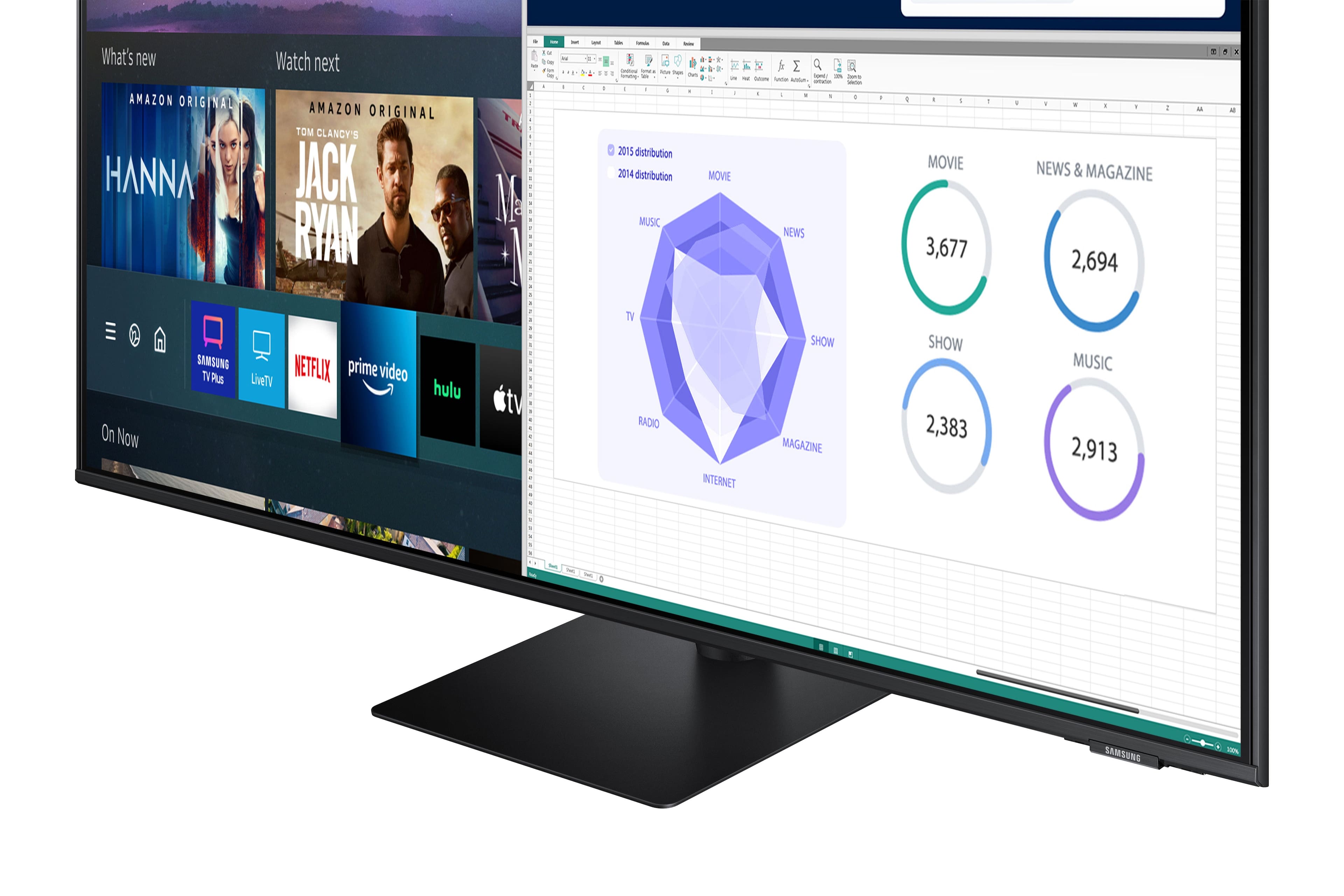
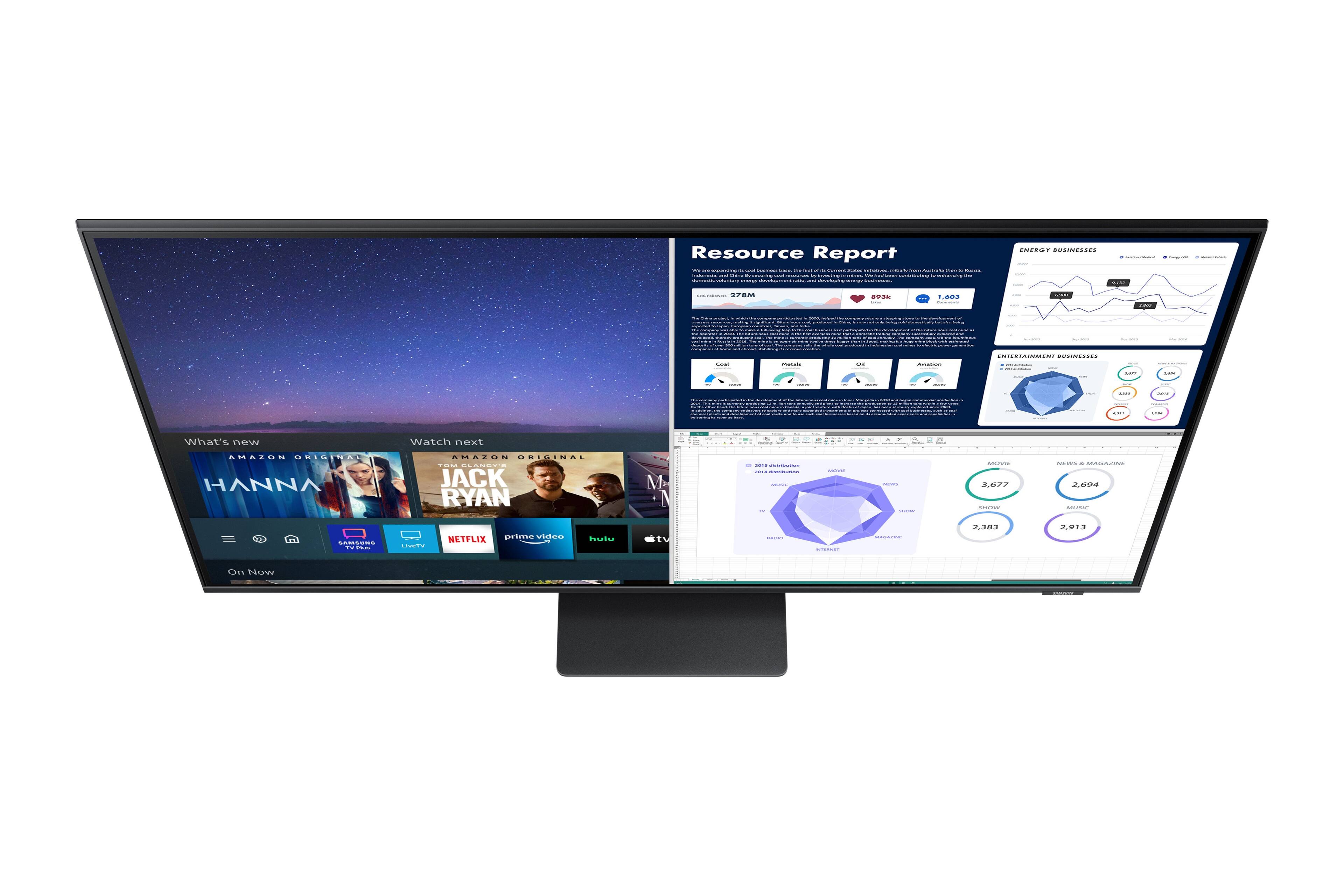
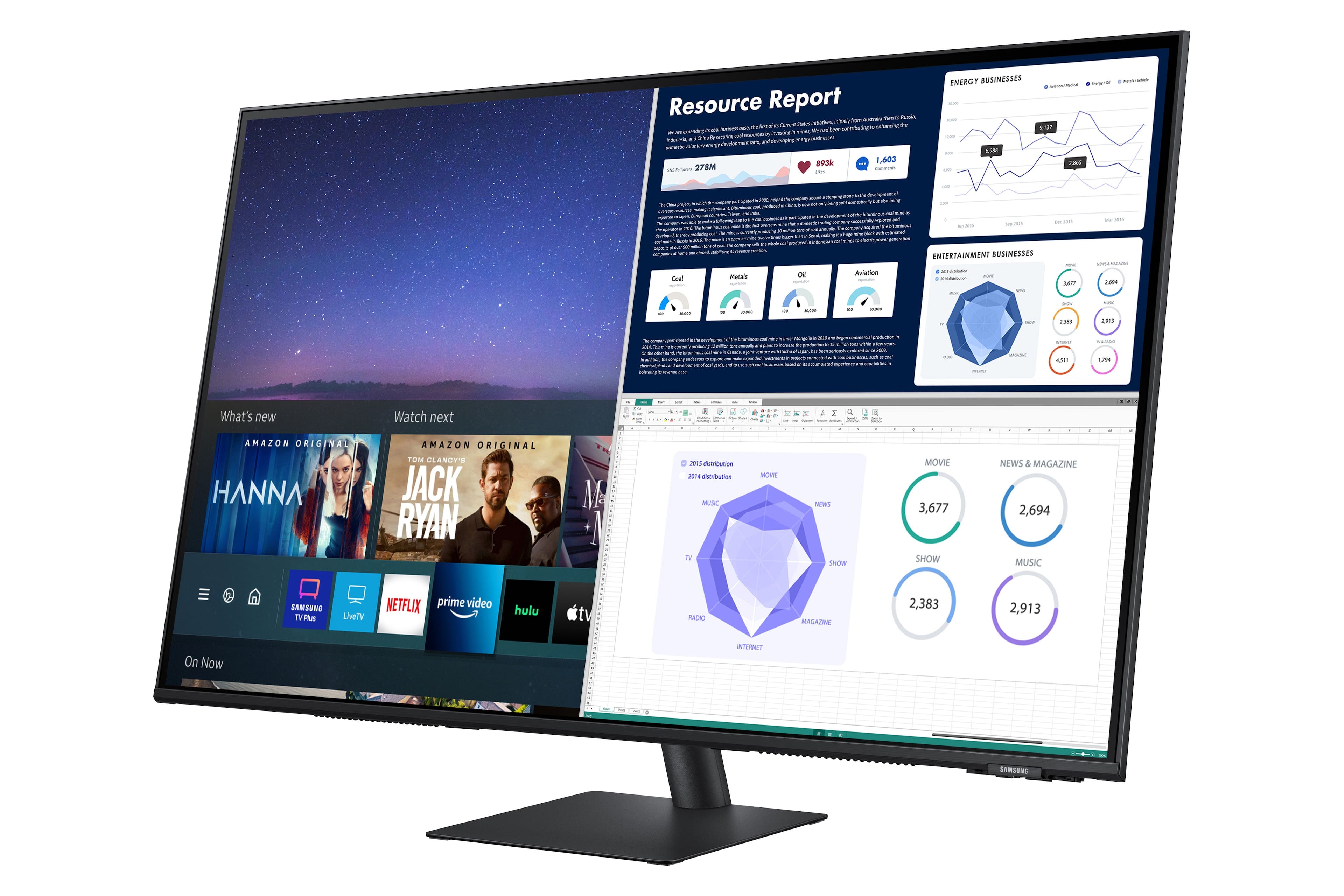
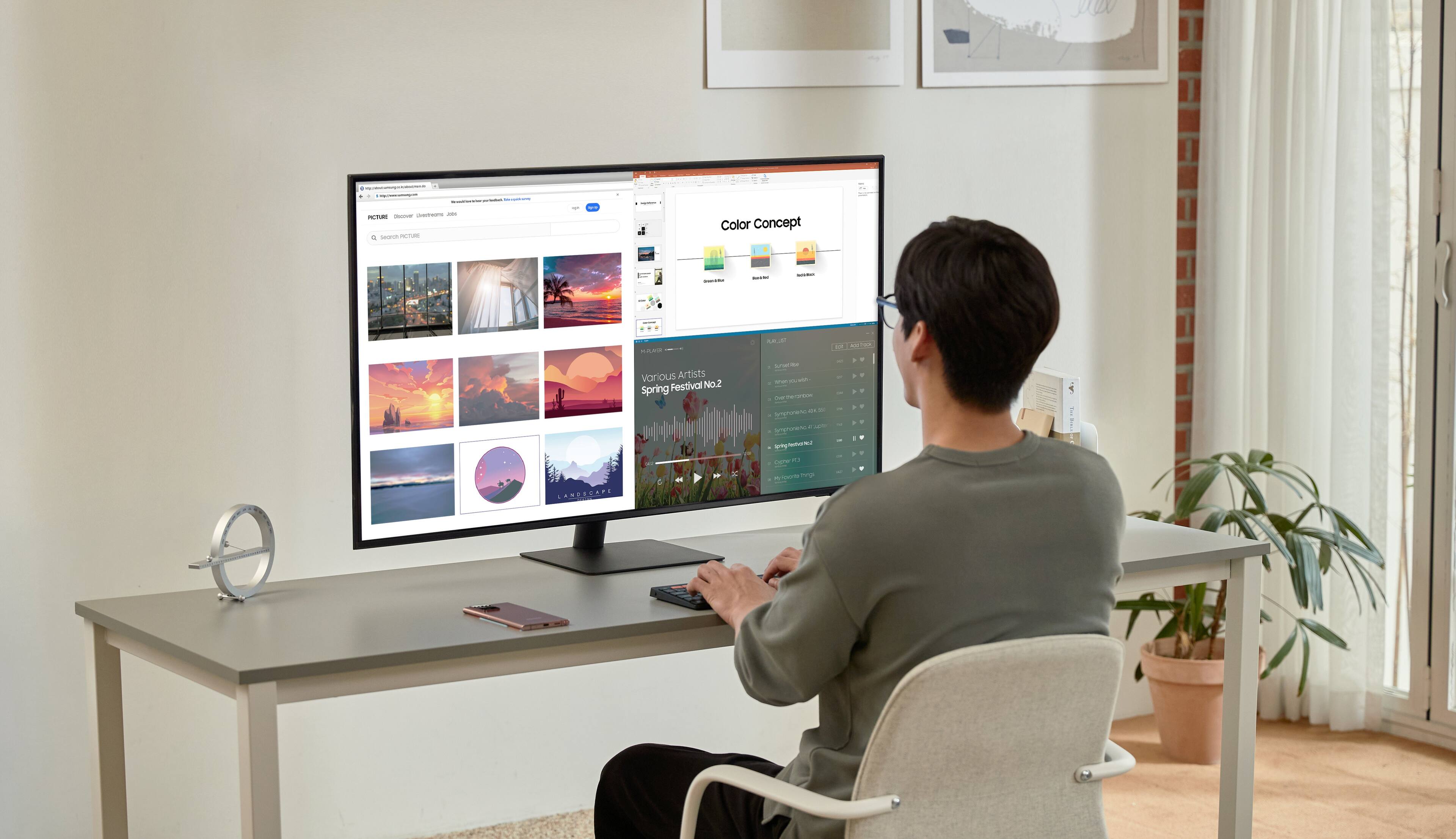
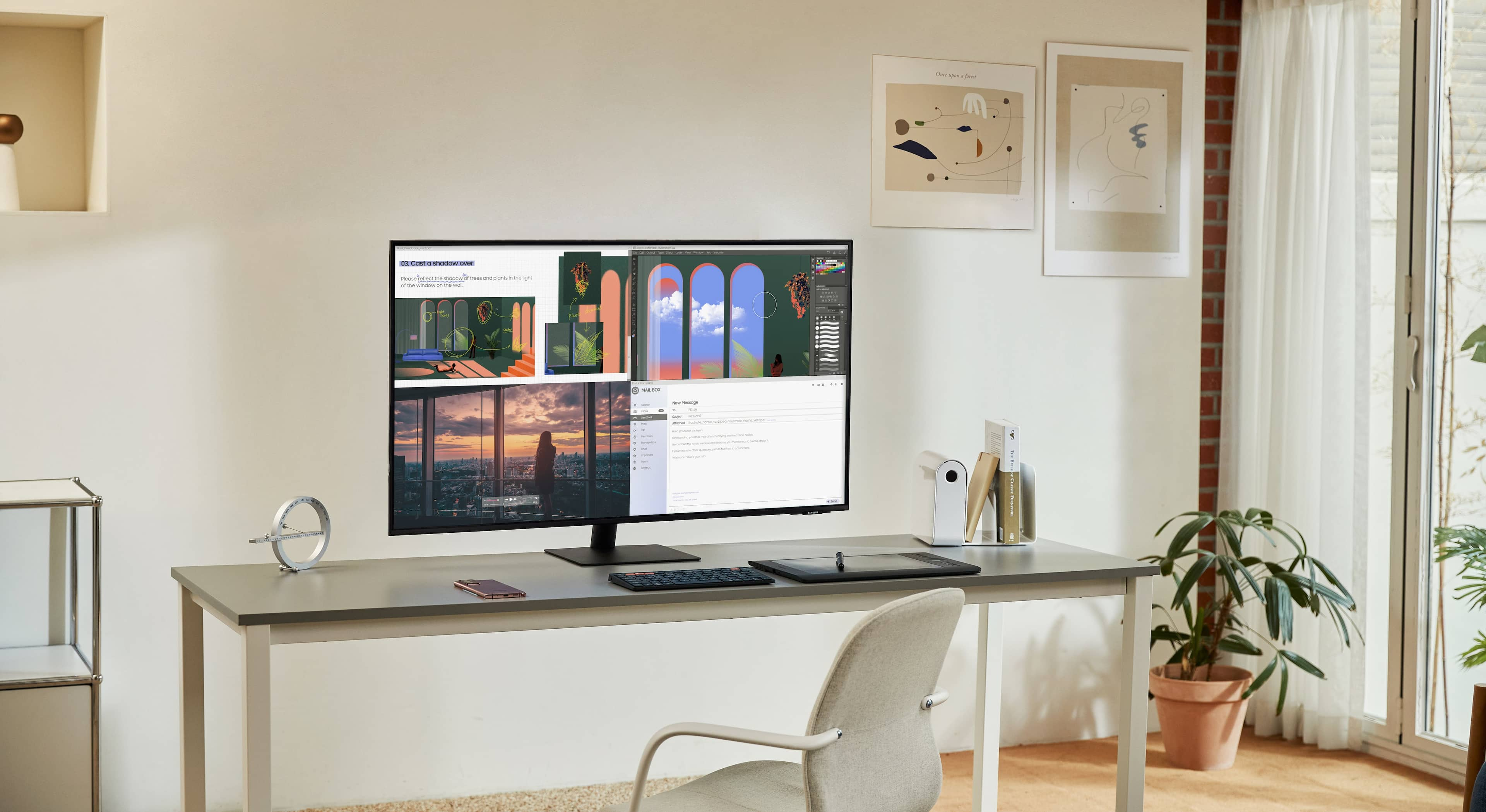
||Posted . Owned for 1 week when reviewed.This reviewer received promo considerations or sweepstakes entry for writing a review.Pictures shows use as a pc monitor. it does not auto size windows like the photo, you are limited to windows resizing tools. Not as clear as IPS type panel for text. The most annoying thing is the monitor darkens when using a dark background, making the taskbar icons hard to see. Smart TV functions work very well and media quality is excellent. Refresh and Response time are not very well suited for gaming.
I would recommend this to a friend- Pros mentioned:Screen size
More than meets the eye.
||Posted . Owned for 1 month when reviewed.This reviewer received promo considerations or sweepstakes entry for writing a review.I needed a new monitor for my desktop computer and this was about as big as I felt comfortable without going to a curved display. What I got was a TV disguised as a monitor. Stand alone capability for Roku, Disney, Apple+ TV, etc., plus a great monitor which becomes outstanding in Game Mode. Even the remote is solar powered, but can use room lighting or tap into the USB-C plug on the back to charge. Glad I purchased this.
I would recommend this to a friend - Pros mentioned:Price, Screen size
The best of the best of the Best Buy
||Posted . Owned for more than 2 years when reviewed.This reviewer received promo considerations or sweepstakes entry for writing a review.Very easy to set up good clear picture good clear price I don’t know what else you want but I liked it
I would recommend this to a friend Overall great monitor for home office
||Posted . Owned for more than 2 years when reviewed.This reviewer received promo considerations or sweepstakes entry for writing a review.All in all a good monitor for home office. One major downside is that it has very poor automatic source recognition. Meaning, that you need most of the time manually pick your source (HDMI vs USB-C) via the remote. Is especially a hassle when are constantly switching between work and home laptop.
I would recommend this to a friend- Pros mentioned:Resolution, Screen size
Great screen
||Posted . Owned for 1 month when reviewed.This reviewer received promo considerations or sweepstakes entry for writing a review.I really like the concept of the monitor ajd tv for my home office. With my comouter in the day and tv at night its really easy to use and a space saver. I am able to have multiple screens open at one time and so easy to manipulate. This even comes with a remote that is solar panel controlled that all I have to do is leave by the window. Has built in speakers and amazing resolution.
I would recommend this to a friend Great working monitor
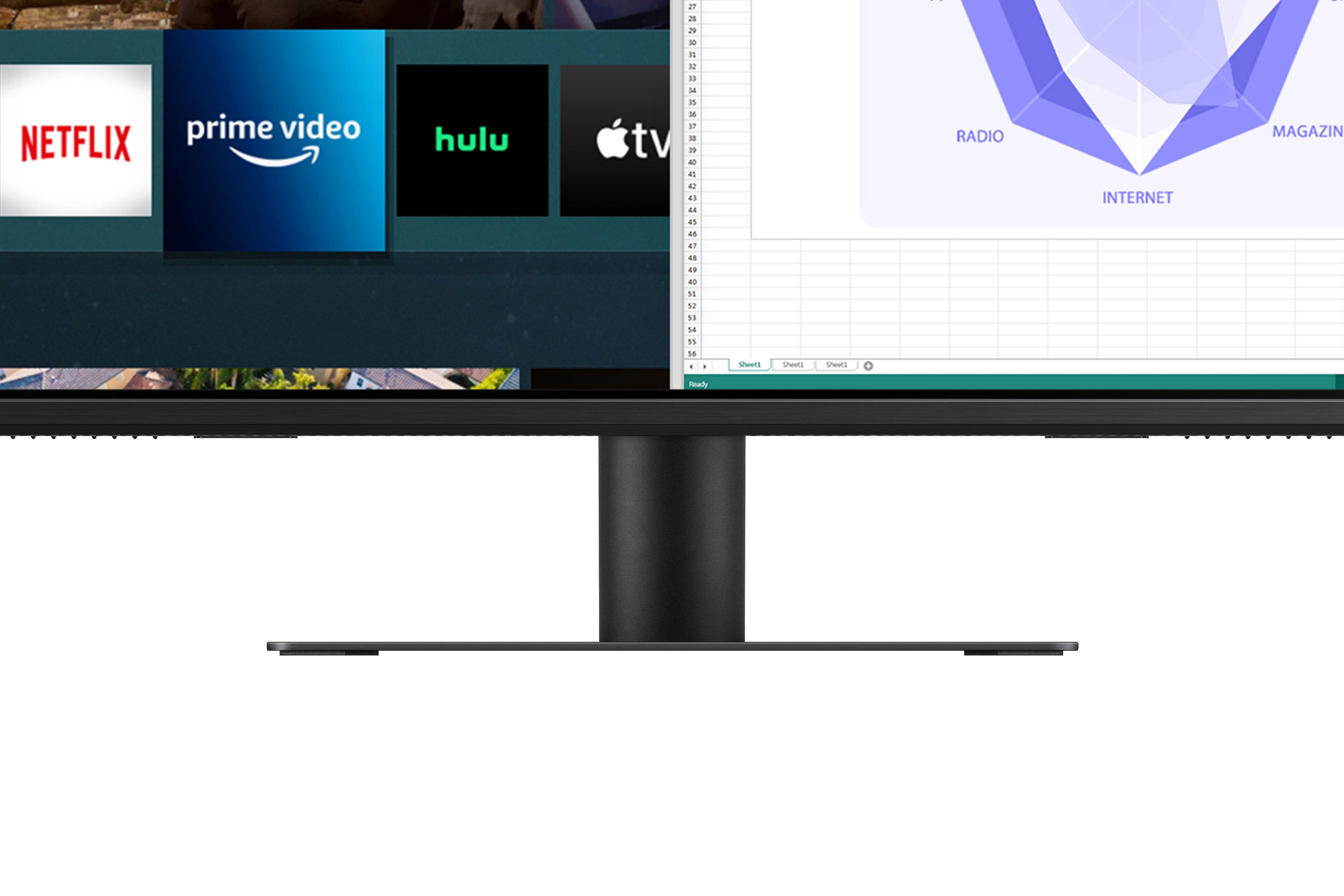
||Posted . Owned for less than 1 week when reviewed.This reviewer received promo considerations or sweepstakes entry for writing a review.Overall a great monitor for the office. Not tested for games but for everything else the image is sharp. The interface is a little slow but the color recreation is good. My only slight grumble is the stand. On a standing desk it wobbles way more than my previous 43” TV that I had been using as a monitor. I might have to look for a VESA adapter and a more rigid stand.
I would recommend this to a friend- Pros mentioned:Screen size
A really nice monitor
||Posted . Owned for 1 month when reviewed.This reviewer received promo considerations or sweepstakes entry for writing a review.This is a great monitor. Big and beautiful. You can connect a laptop with a single usb c cable for video and charging. I use it with a galaxy book pro 360 and get excellent 4k resolution. It was difficult for me to figure out how all the inputs worked until I finally found the input configuration settings. Then it walked you through the process step by step. I thought it could have been a little more user friendly to find these settings. Here was my problem. I had it shipped to home, and guess what? After removing from box I realized the screen was shattered. I returned it to the nearest best buy store and the staff were very helpful and reordered it for me. Thankfully that one arrived unscathed. So if you had it shipped to your home and are having problems with it, it well may have been damaged in transit. But it's a great monitor, one of the best computer related purchases I've made.
I would recommend this to a friend 43" Samsung M7 Smart Monitor (aka: AM702 Series)
||Posted . Owned for 4 months when reviewed.This reviewer received promo considerations or sweepstakes entry for writing a review.Great monitor. I bought this to replace my old 34" LG Ultrawide monitor. I mounted it on an Ergotron LX arm (I used a wall mount but attached it to a pole) Use a flat steel (Husky brand) adaptor plate 100x100 to 200x200. The Husky adaptor plate makes the monitor far less "flexy" as well... Make sure you use the correct length/depth screws though. The stand that this 43" M7 comes with is wimpy in my opinion...but since I'm not using it I really don't have any other complaints after 4 months.
I would recommend this to a friend- Pros mentioned:Screen size
Wonderful Monitor
||Posted . Owned for 1 year when reviewed.This reviewer received promo considerations or sweepstakes entry for writing a review.I love it. I use multiple windows when I work and this monitor is so large that I can see everything efficiently.
I would recommend this to a friend - Pros mentioned:Sound quality
Great Monitor, Lousy Customer Service
||Posted . Owned for less than 1 week when reviewed.This reviewer received promo considerations or sweepstakes entry for writing a review.I ordered this monitor on October 7, 2021. I was pleasantly surprised that it arrived on October 9, 2021, when it was supposed to arrive on October 15, 2021. (Great big thank you) I opened the box and removed the monitor, and proceeded to put the stand on the monitor. I found that the packages holding the screws had screw missing. I still put it together, minus the missing screw and connected it to my computer. Great monitor, and unlike someone wrote, it does have speakers. Very good speakers. I called Samsung up about the missing part and was told to call another toll free number. No one answered after a hour and so I pressed 2 to have a call back. When I received the call back, I couldn't hear the woman clearly because she refused to take it off speaker. I asked her to remove it from speaker and she threw me into the queue that no one answers. Again, I pressed 2 for a call back and never got one. Today, is Tuesday October 12, 2021 and I made a call and pressed 2 for a call back and after a couple of hours of waiting, still no call back. This is lousy customer service. Samsung needs to fire its American service providers and hire professionals.
I would recommend this to a friendBrand response from Samsung
Posted .Thank you for purchasing the Samsung - AM702 Series Smart Monitor. I do apologize that you have and issues getting the missing parts. We want to ensure you are calling the right number, please see the information below.
Should you ever need assistance with using Samsung Monitor products, please reach out to us at
1-800-SAMSUNG, available 8AM - 12AM EST (Mon-Fri) / 9AM - 11PM EST (Sat-Sun).
Samsung is committed to providing the best possible product experience, quality, and value, and we are always here to help with any of your questions or concerns.
-Samsung Monitors
Nice
||Posted . Owned for 10 months when reviewed.This reviewer received promo considerations or sweepstakes entry for writing a review.Helps me see everything I want to. No distorted pictures either.
I would recommend this to a friend