Customer Ratings & Reviews
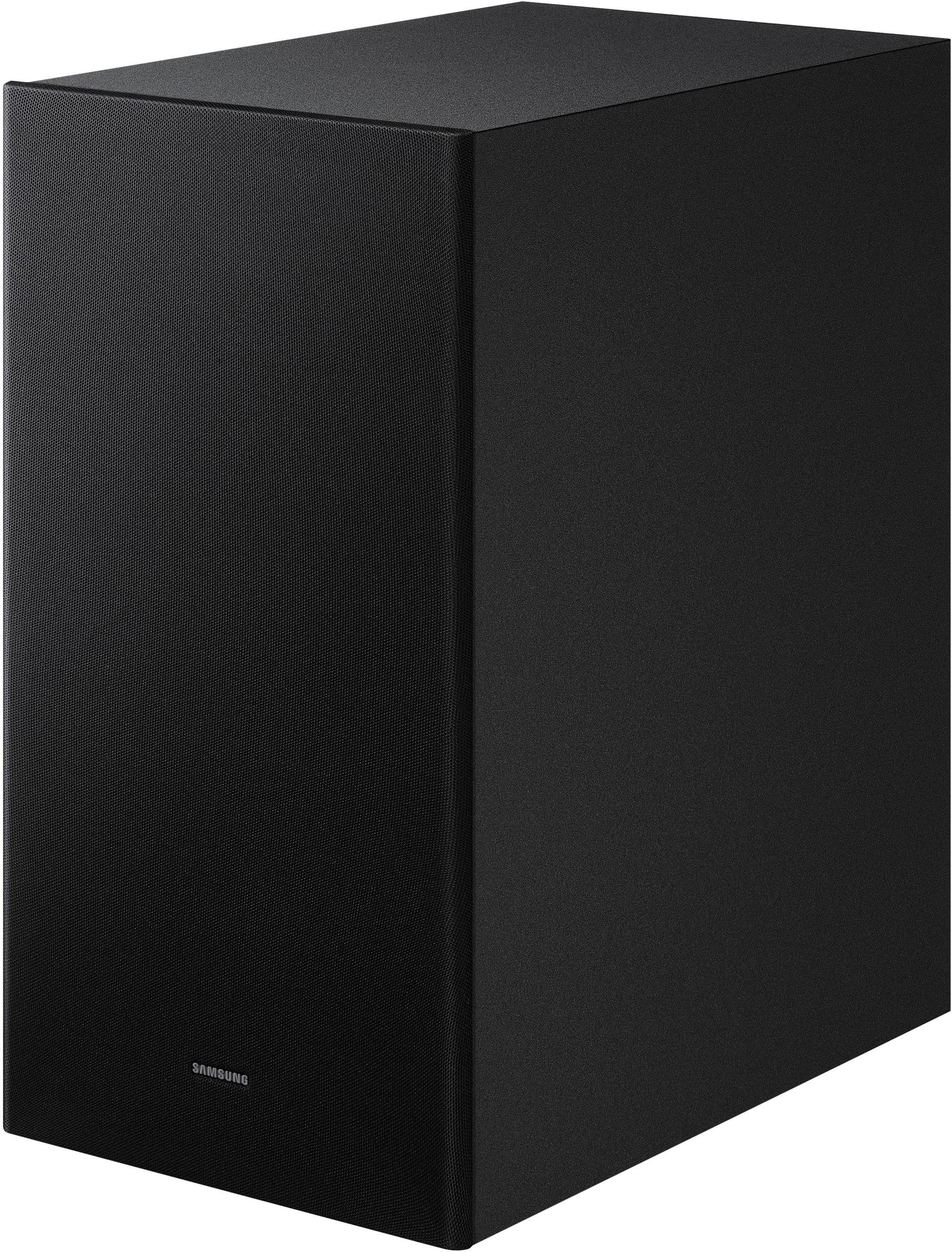
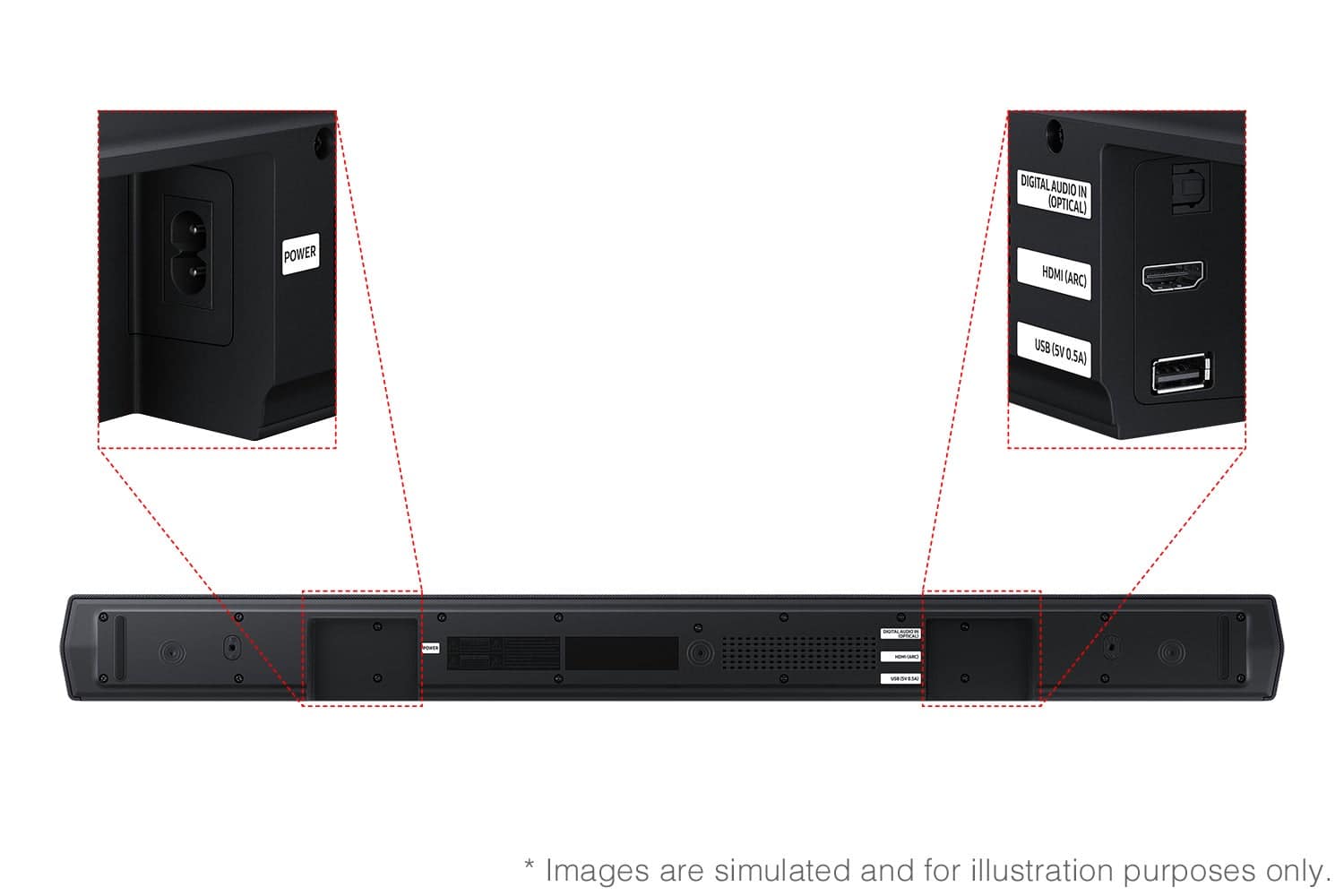
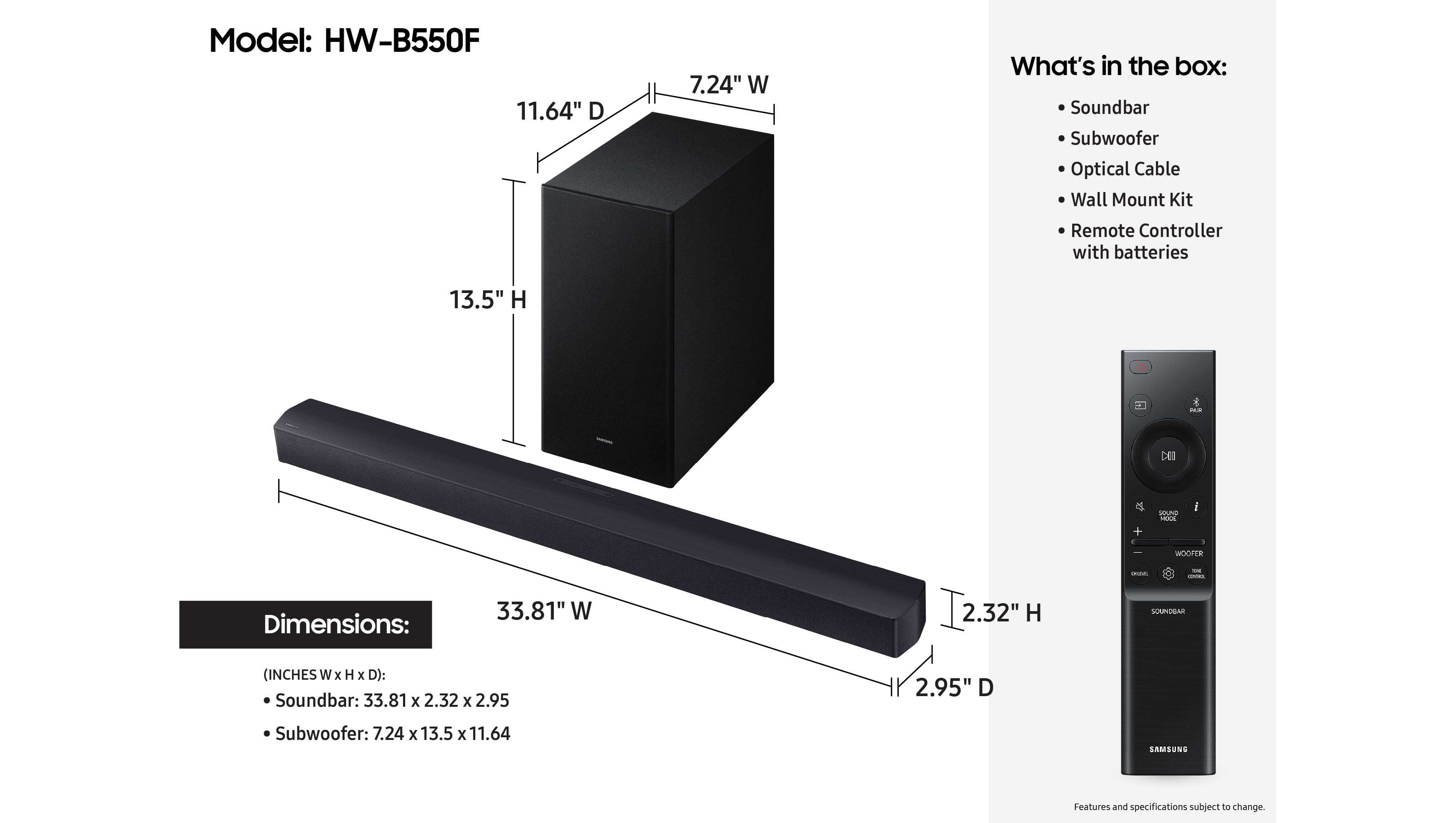
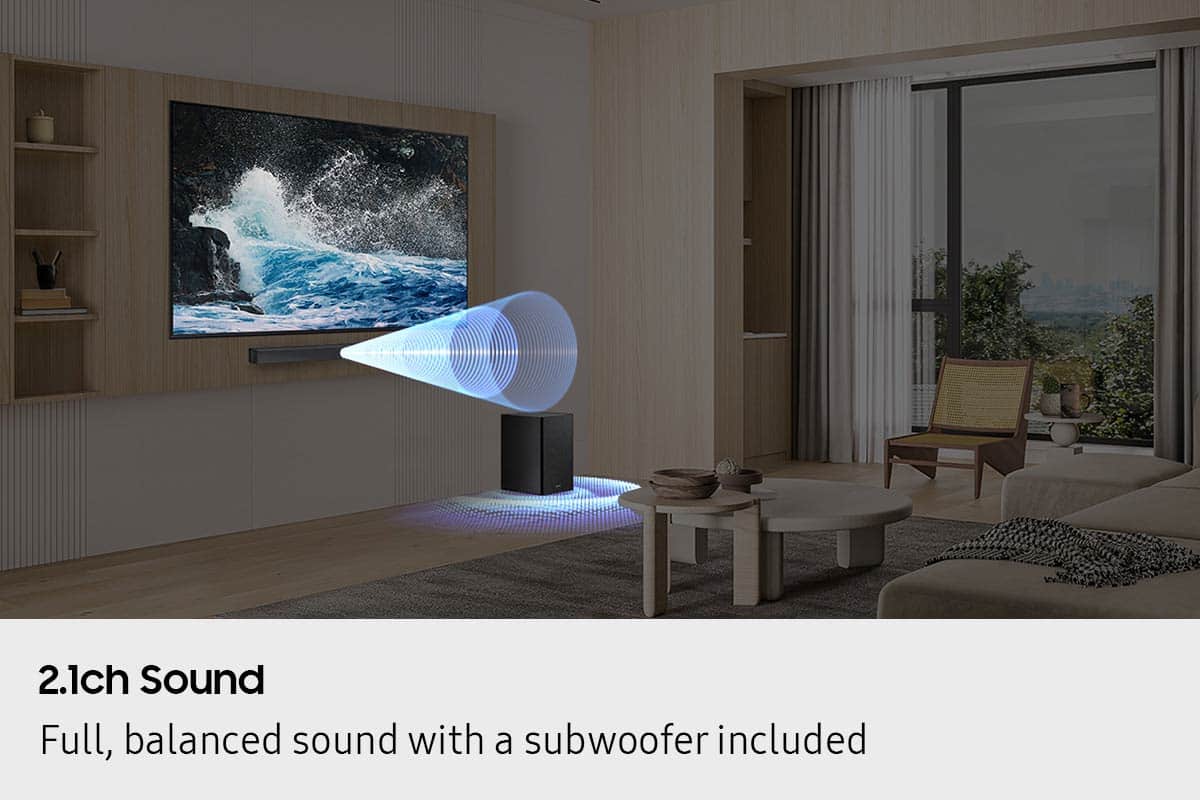
- Model:
- HW-B550F/ZA
- SKU:
- 11914113
Rating by feature
- Value
Rating 4.7 out of 5 stars
- Quality
Rating 4.7 out of 5 stars
- Ease of Use
Rating 4.7 out of 5 stars
Samsung Sound Bar
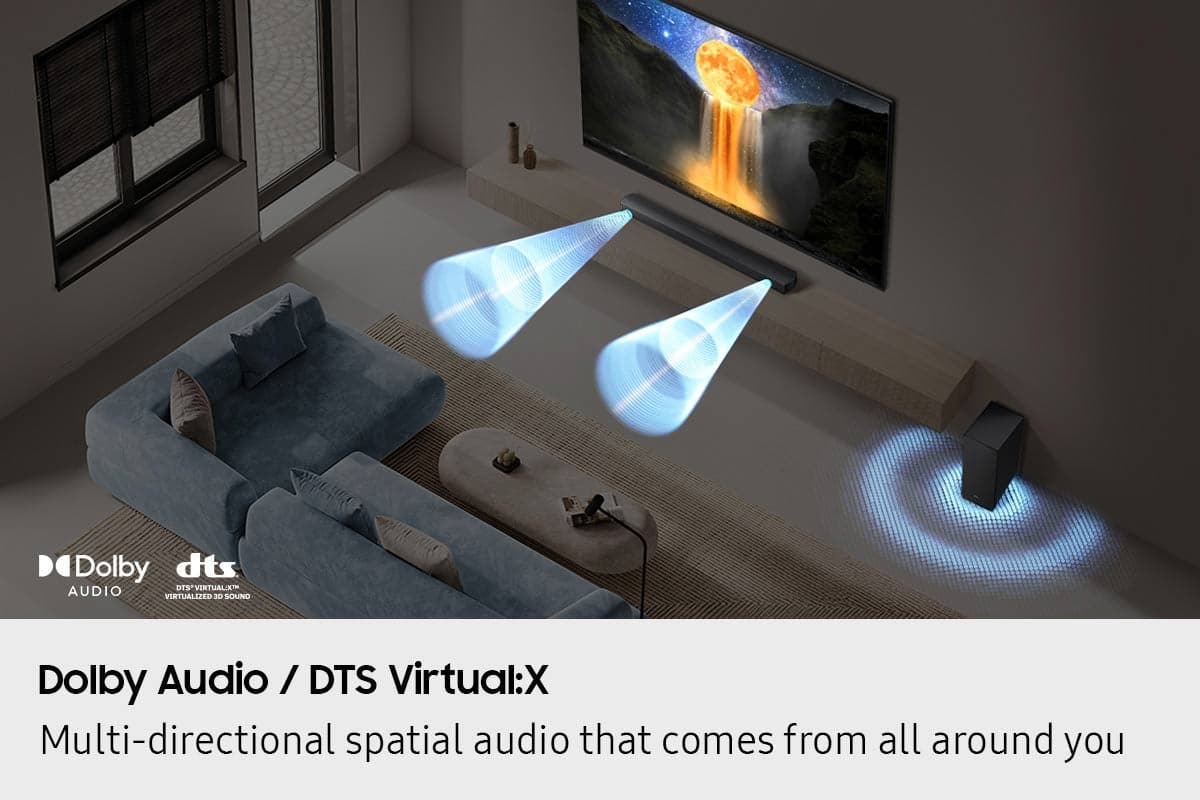
||Posted . Owned for 3 weeks when reviewed.This reviewer received promo considerations or sweepstakes entry for writing a review.This sound bar sounds so crisp. Has good bass and it hasn’t given me any issuers. Got a good deal at the store. The two gents that helped me knew how to explain the best and most affordable sounds bars they had.
I would recommend this to a friendSamsung Soundbar B series review
||Posted . Owned for 2 weeks when reviewed.This reviewer received promo considerations or sweepstakes entry for writing a review.This little bar really packs a punch and fills the room. So pleasantly surprised by its impact
I would recommend this to a friendGreat product
||Posted . Owned for 1 month when reviewed.This reviewer received promo considerations or sweepstakes entry for writing a review.Good sound quality quick and easy instalation. Also good size not to big doesn't take up alot of space
I would recommend this to a friendSound bar, Samsung
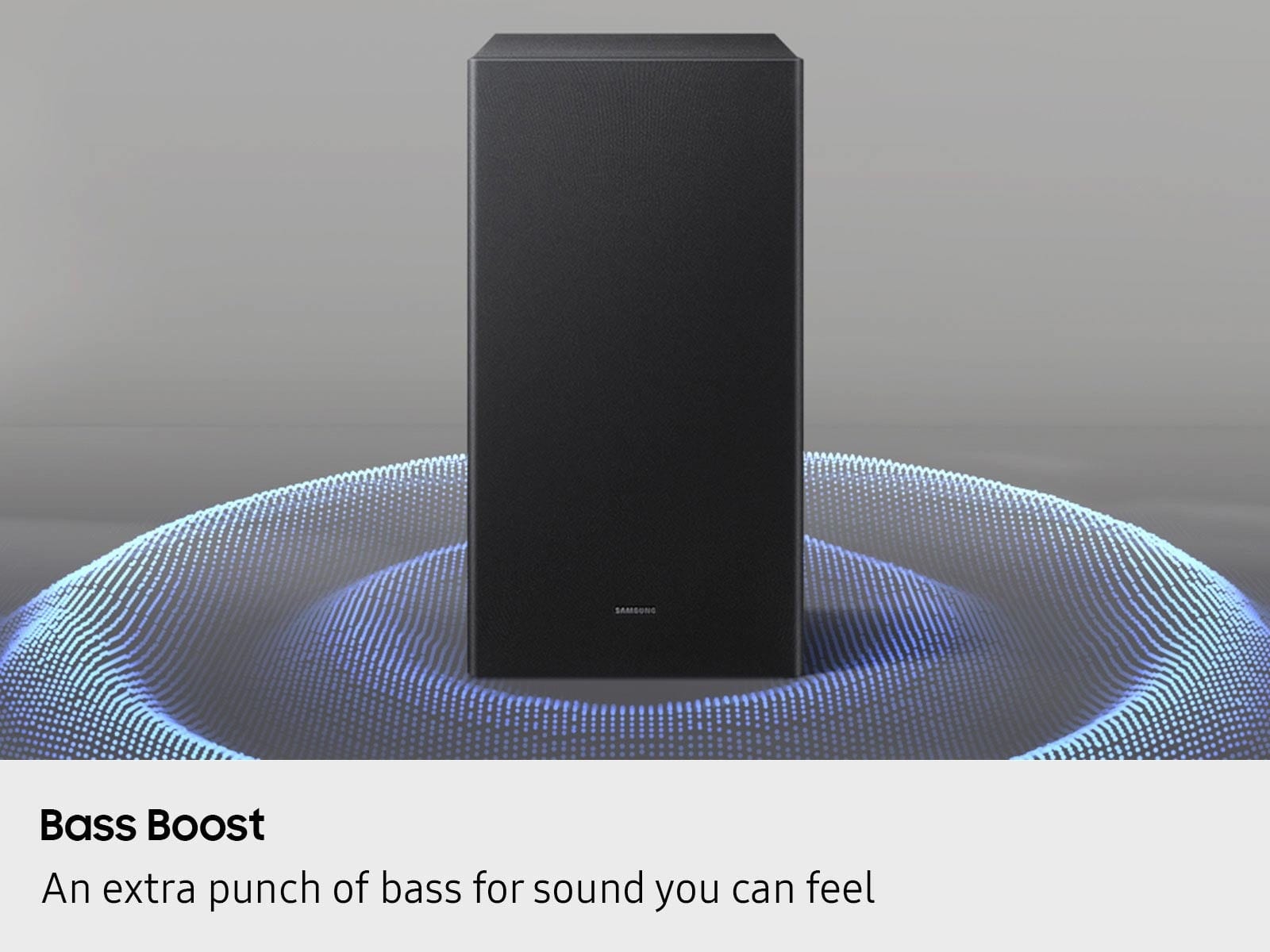
||Posted . Owned for 2 weeks when reviewed.This reviewer received promo considerations or sweepstakes entry for writing a review.Sound great, and sub woofer sound perfect with ultra bass. I totaly recomended this sound bar
I would recommend this to a friendPerfect
||Posted . Owned for 3 months when reviewed.This reviewer received promo considerations or sweepstakes entry for writing a review.It’s worth more the price dammmmmm My apartment is boooming It’s top notch perfect sound quality
I would recommend this to a friendSound bar
||Posted . Owned for 1 month when reviewed.This reviewer received promo considerations or sweepstakes entry for writing a review.Excellent product, I love this sound bar. I love its system. I recommend this sound bar to anyone looking to buy a TV.
I would recommend this to a friendSound bar
||Posted .This reviewer received promo considerations or sweepstakes entry for writing a review.I like it...wasn't looking for anything to outrageous so this is perfect for the room its in
I would recommend this to a friendSamsung soundbar
||Posted . Owned for 3 weeks when reviewed.This reviewer received promo considerations or sweepstakes entry for writing a review.Money will spent. The sound is so much better than I thought it would be, considering the price I paid for it. Super satisfied.
I would recommend this to a friendSoudbar
||Posted . Owned for 2 weeks when reviewed.This reviewer received promo considerations or sweepstakes entry for writing a review.The Samsung soundbar and subwoofer is grate. Ilke being in the theater.
I would recommend this to a friendSound Bar
||Posted . Owned for 4 months when reviewed.This reviewer received promo considerations or sweepstakes entry for writing a review.Awesome sound. Easy to connect with the smart TV we purchased.
I would recommend this to a friendBluetooth is the issue
||Posted . Owned for 1 month when reviewed.This reviewer received promo considerations or sweepstakes entry for writing a review.the Bluetooth do not always stay connected and you have to keep doing it when you hook it up to the tv not to use the Bluetooth the subwoofer is not powerful as it is on Bluetooth but sound is ok for the price if the subwoofer is not a major thing a little disappointed about the bluetooth connection
No, I would not recommend this to a friendBrand response from Samsung
Posted .Hi MBooks,
We appreciate you taking a moment to review the Samsung HW-B550F Soundbar.
There are a few things you may want to check:
1) The maximum wireless signal transmission distance is about 33 ft.
2) Electronic devices may cause radio interference. Devices that generate electromagnetic waves should be kept away from the Soundbar main unit - e.g., microwaves, wireless LAN devices, etc.
3) Also, please be sure you have the latest firmware update. You can find the update on the product page of your HW-B550F on the Samsung website.
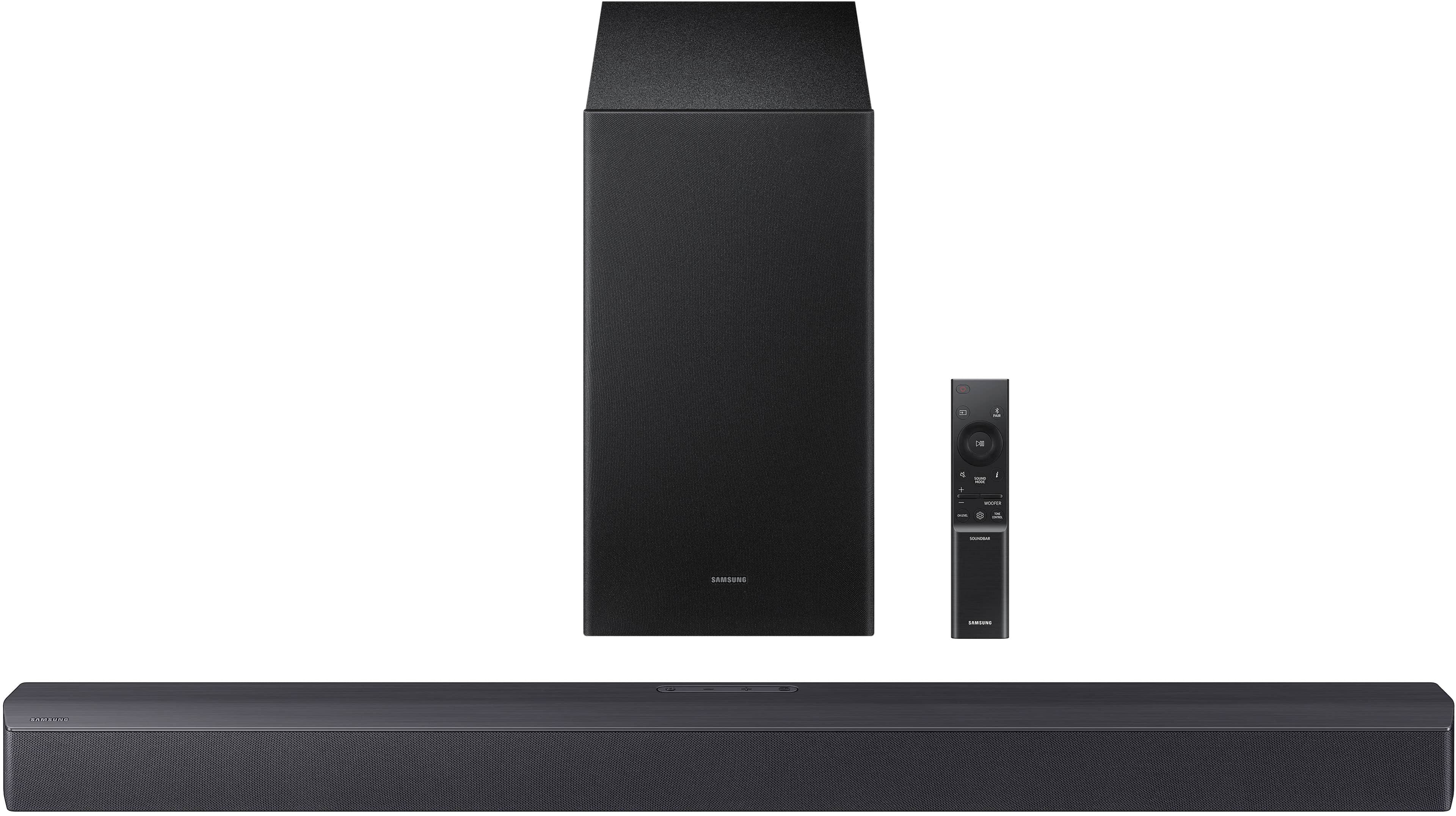
By pressing the TONE CONTROL button, you can adjust the volume of the treble or bass sound. Press the button to select TREBLE or BASS and then adjust the volume between -6~+6 by using the Up/Down buttons.
Press and hold the SOUND CONTROL button for about 5 seconds to adjust the sound for each frequency band. 150Hz, 300Hz, 600Hz, 1.2kHz, 2.5kHz, 5kHz, and 10kHz are selectable using the Left/Right buttons and each can be adjusted to a setting between -6 to +6 using the Up/Down buttons. (Make sure the Sound mode is set to “STANDARD”.
Additionally, using the WOOFER button on the remote, you can adjust the subwoofer’s volume between -6 to +6 by toggling the button up or down. To set the subwoofer volume level to 0, press the button down.
With the optional SWA-9250S Wireless Rear Speaker Kit connected you can adjust the volume by using the provided Soundbar remote. Press CH LEVEL and select REAR LEVEL, then use the Up/Down buttons to adjust the volume within a -6 to +6 range.
If you need more help, Samsung is here for you. Please call us at 1-800-SAMSUNG, 8AM - 12AM EST (Ask for Soundbars), 7 days a week. Our Live Chat agents are also available by clicking on the ‘Support’ link on our website.
~ Samsung Solutions
Boom!
||Posted . Owned for 2 weeks when reviewed.This reviewer received promo considerations or sweepstakes entry for writing a review.Grid speakers! The base is booming! Decent bluetooth range for the wireless speakers also!
I would recommend this to a friendVery Good
||Posted .This reviewer received promo considerations or sweepstakes entry for writing a review.Sound quality is good. The price is worth it. Works well with Samsung TV.
I would recommend this to a friendGreat Sound
||Posted . Owned for 1 month when reviewed.This reviewer received promo considerations or sweepstakes entry for writing a review.Great sound, love the low end from the sub, love the clarity.
I would recommend this to a friendSamsung sound bar and subwoofer
||Posted . Owned for 1 month when reviewed.This reviewer received promo considerations or sweepstakes entry for writing a review.My son absolutely enjoyd his sound system. He is an avid video game player and sound means everything to him.
I would recommend this to a friendSoundbar
||Posted .This reviewer received promo considerations or sweepstakes entry for writing a review.Fast and best and I’m really enjoying the sound bar as well
No, I would not recommend this to a friendSamsung Sound bar.
||Posted .This reviewer received promo considerations or sweepstakes entry for writing a review.Excellent sound and really easy to connect it via Bluetooth.
I would recommend this to a friendsamsung-b-series-2-1c
||Posted . Owned for 3 weeks when reviewed.This reviewer received promo considerations or sweepstakes entry for writing a review.It was a gift for my sister and she loved it. I have one for myself great soundbar i highly recommend this brand.
I would recommend this to a friendMy review
||Posted . Owned for 2 weeks when reviewed.This reviewer received promo considerations or sweepstakes entry for writing a review.Easy to hook up great sound....makes a big difference in sound quality
I would recommend this to a friendVery pleased with my purchase
||Posted .This reviewer received promo considerations or sweepstakes entry for writing a review.Crisp sound and easy to install. I am very pleased with the product.
I would recommend this to a friend