Customer Ratings & Reviews
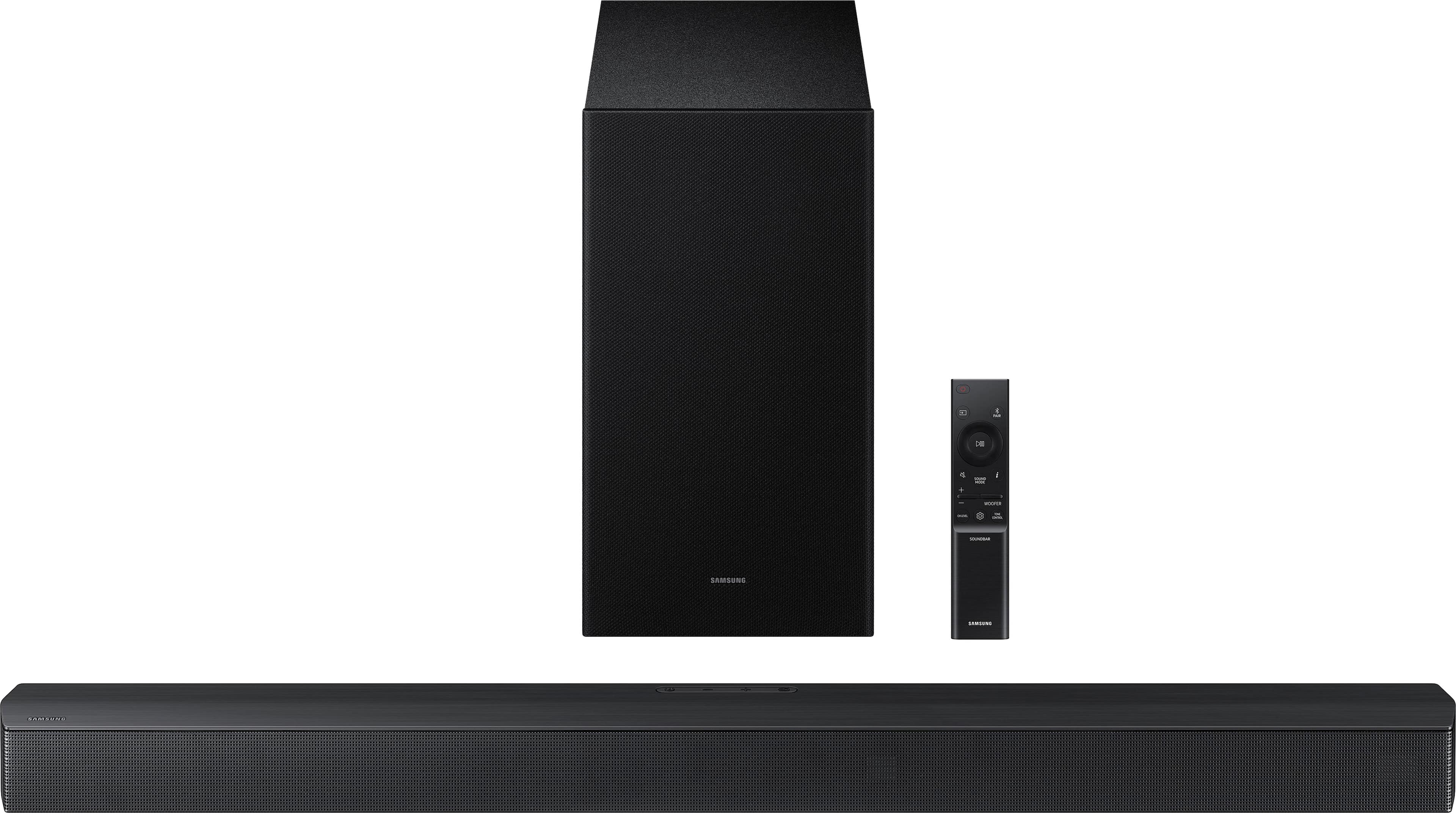
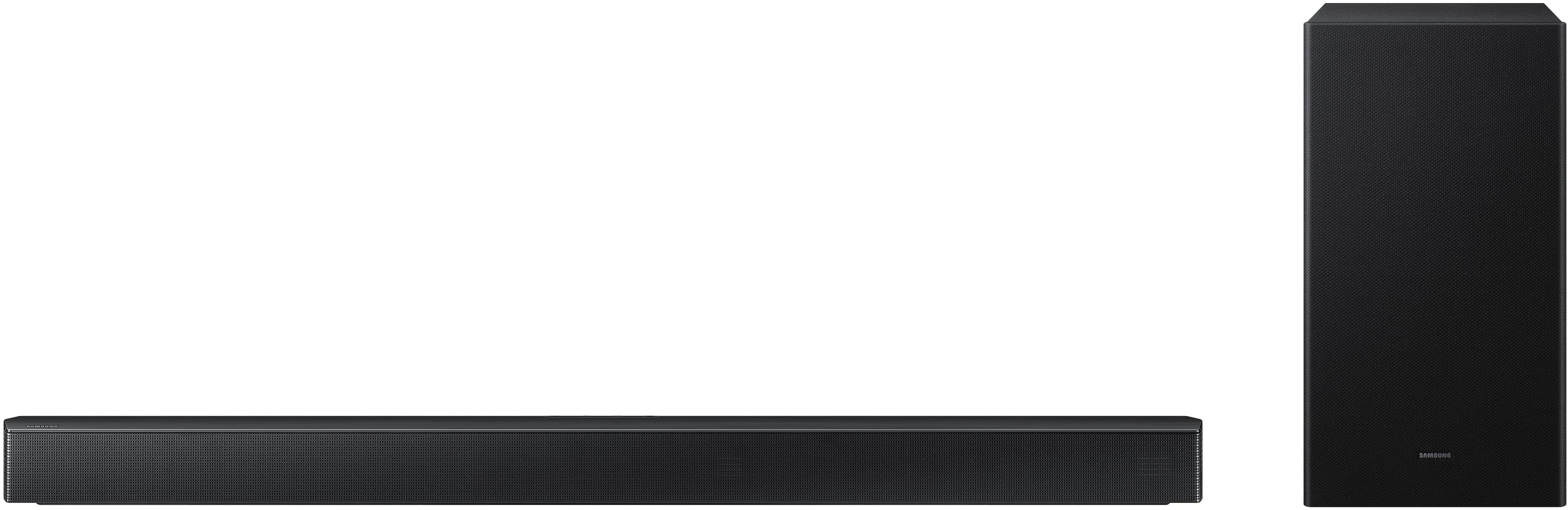
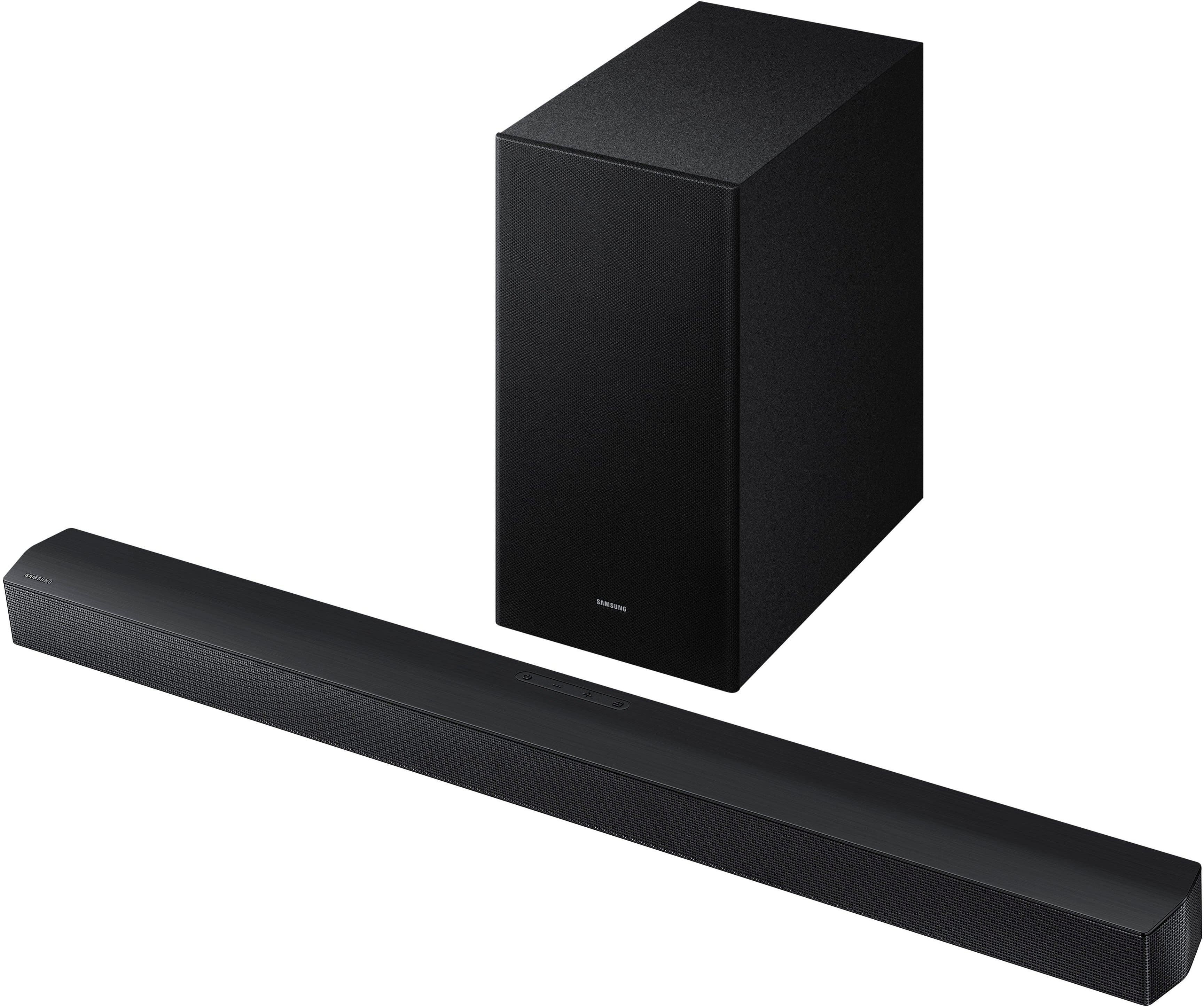
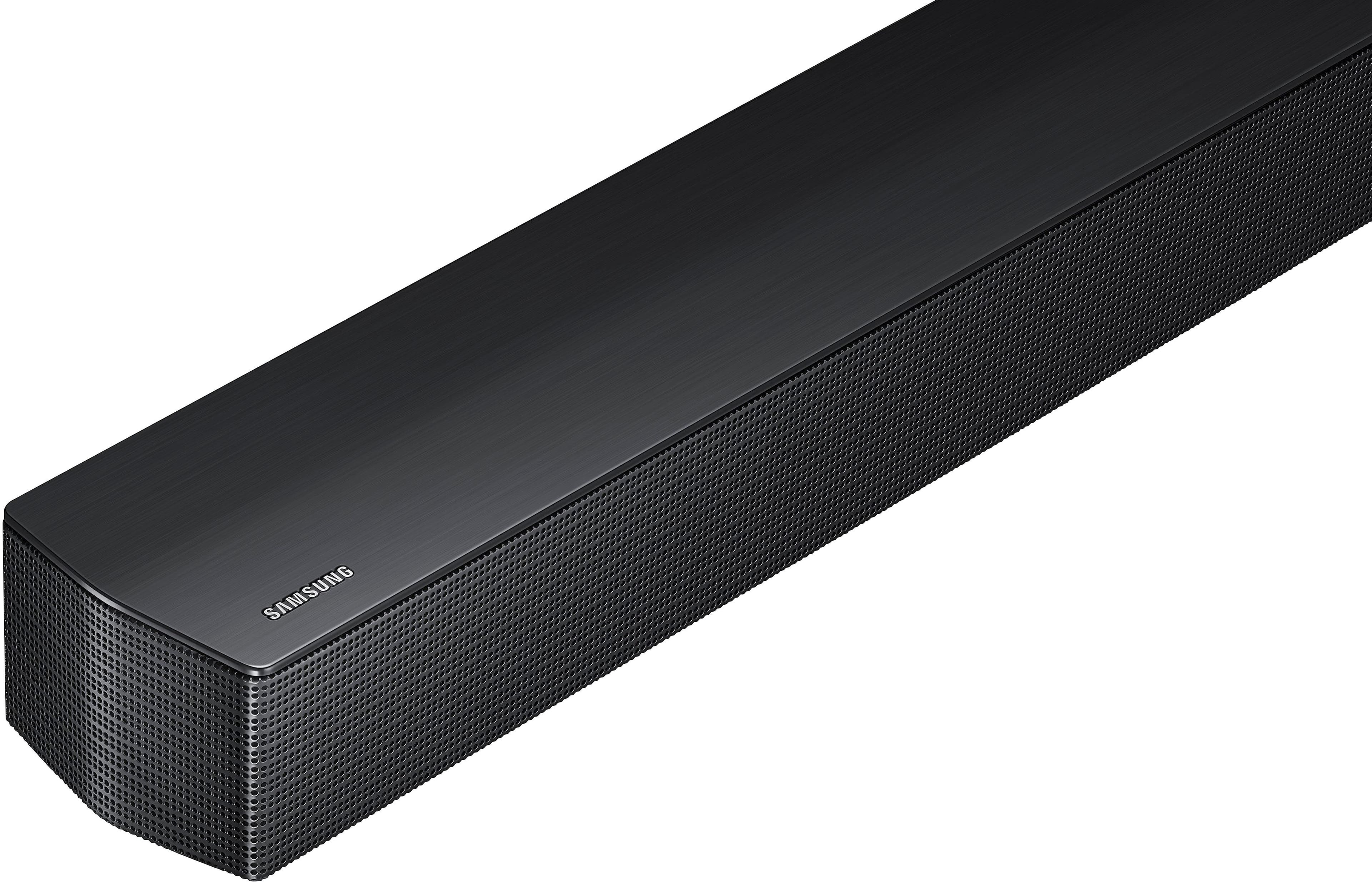
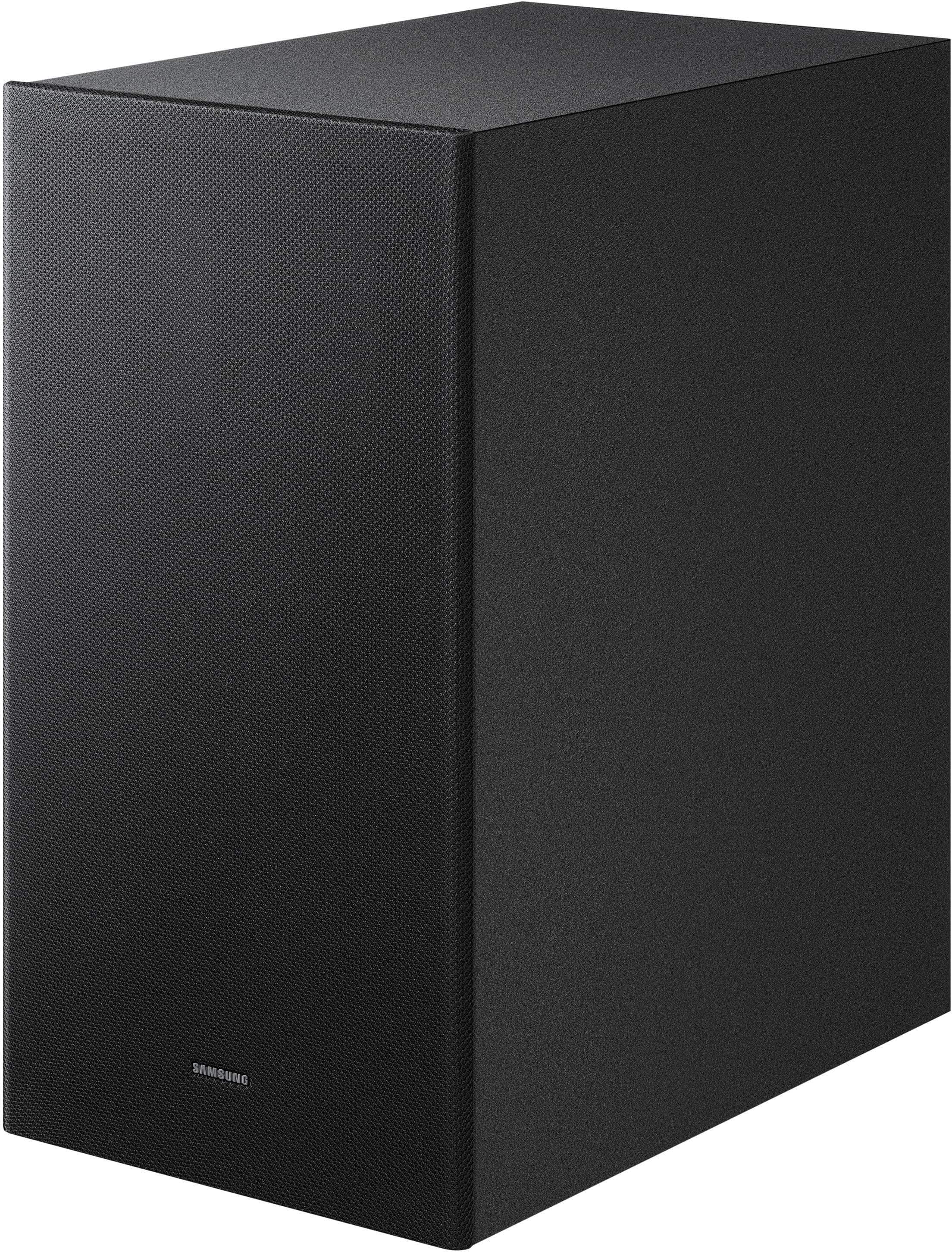
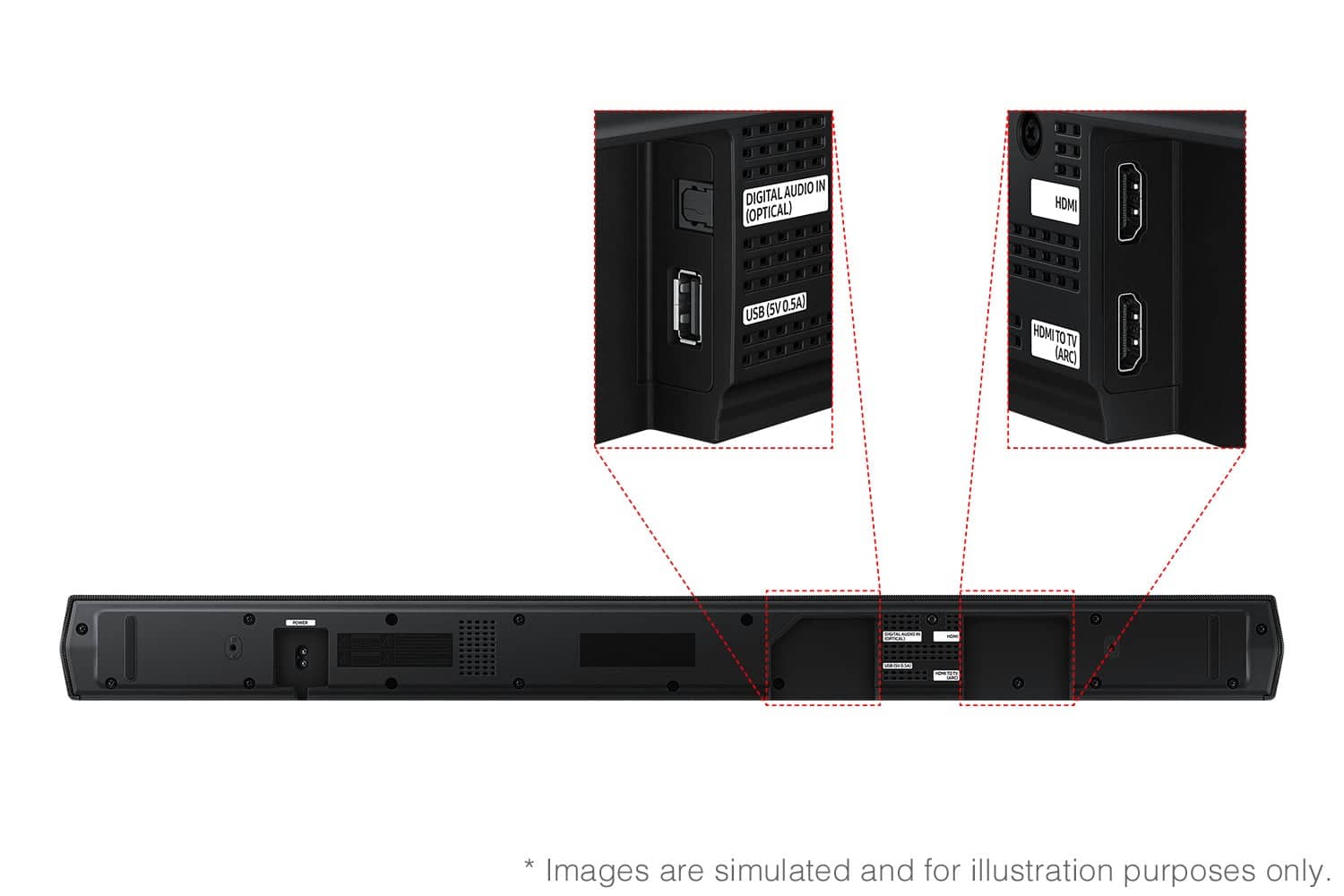
- Model:
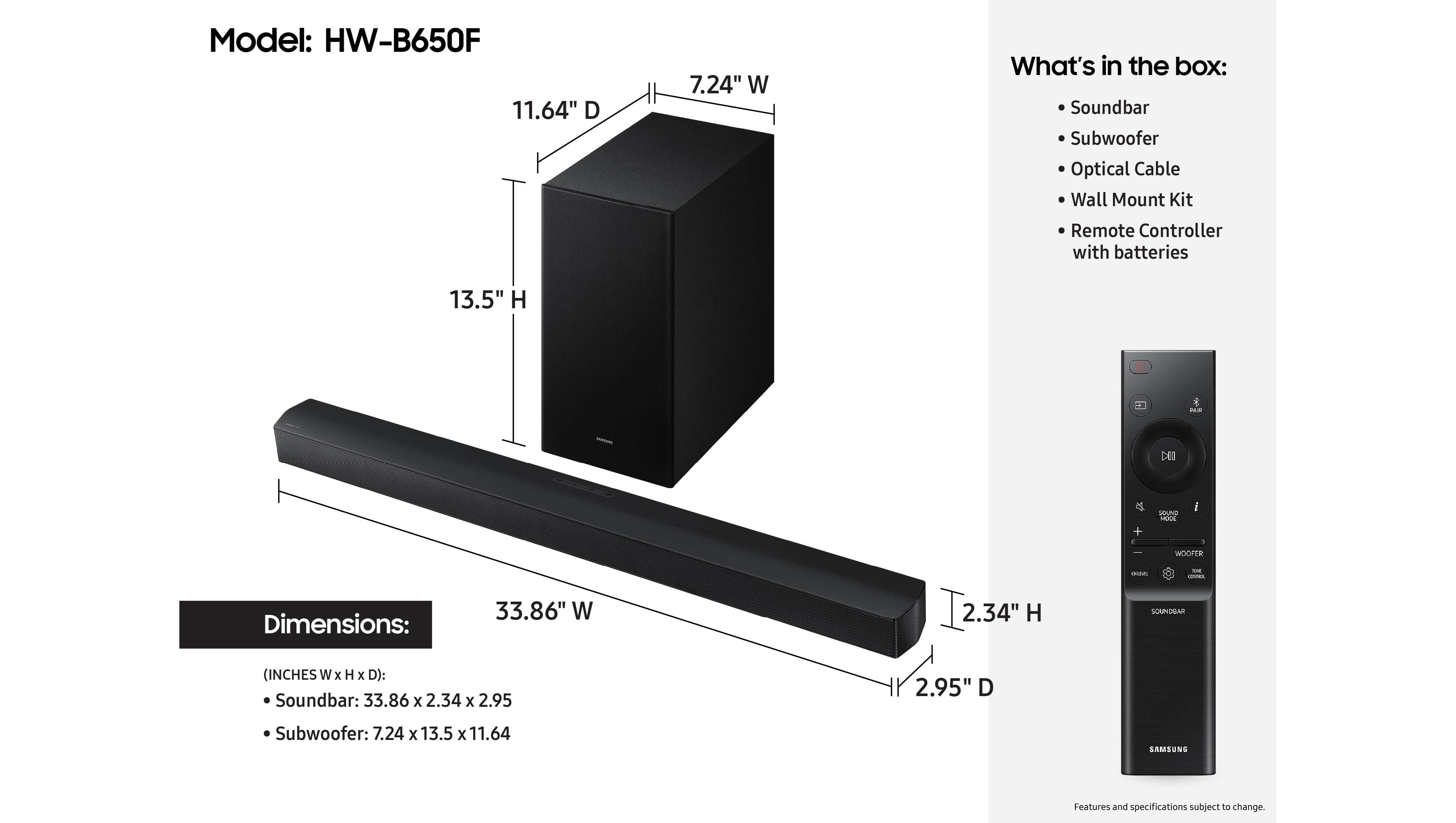
- HW-B650F/ZA
- SKU:
- 11445580
Rating by feature
- Value
Rating 4.7 out of 5 stars
- Quality
Rating 4.7 out of 5 stars
- Ease of Use
Rating 4.8 out of 5 stars
- Pros mentioned:Sound quality
Amazng
||Posted . Owned for 3 weeks when reviewed.This reviewer received promo considerations or sweepstakes entry for writing a review.This soundbar is absolutely amazing. Superb sound. You will not be disappointed with this. I also love that this has night mode so you can fall asleep or not wake anyone up with this feature. 10/10 recommend.
I would recommend this to a friend - Pros mentioned:Sound quality
Amazing value
||Posted . Owned for 2 weeks when reviewed.This reviewer received promo considerations or sweepstakes entry for writing a review.Sounds incredible, definitely carries much more than the TV speakers did. Very easy setup, can be controlled with TV remote if using HDMI. Bass is full.
I would recommend this to a friend - Pros mentioned:Sound quality
Great soundbar and at a reasonable price
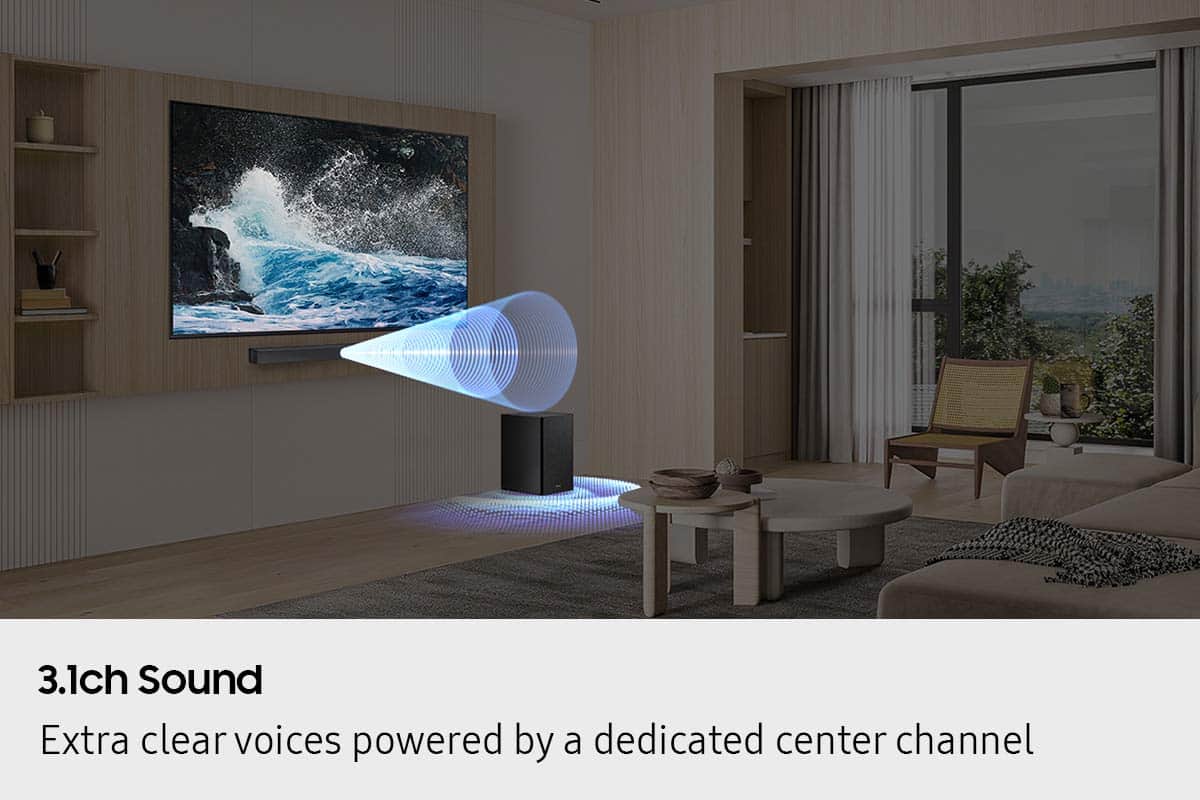
||Posted . Owned for 2 weeks when reviewed.This reviewer received promo considerations or sweepstakes entry for writing a review.Sound is great. Dialog is clear and loud during action movies. Very happy with this sound system.
I would recommend this to a friend - Pros mentioned:Sound quality
Greaat sound
||Posted . Owned for 1 month when reviewed.This reviewer received promo considerations or sweepstakes entry for writing a review.Great sound bar replaced old surround 5 in 1 speaker system and am totally pleased.
I would recommend this to a friend - Pros mentioned:Sound quality
Love it
||Posted .This reviewer received promo considerations or sweepstakes entry for writing a review.Great system with great quality sound. Bass is deep
I would recommend this to a friend - Pros mentioned:Sound quality
Sound Bar
||Posted . Owned for 2 weeks when reviewed.This reviewer received promo considerations or sweepstakes entry for writing a review.Perfect Base Bar Sound quality.. And Good For Home Garage Anywhere
I would recommend this to a friend - Pros mentioned:Sound quality
Movie Theater Sound in a Park Model Camper!
||Posted . Owned for 2 weeks when reviewed.This reviewer received promo considerations or sweepstakes entry for writing a review.Sounds awesome in our park model camper. It sounds like we are in a movie theater. :)
I would recommend this to a friend - Pros mentioned:Sound quality
Powerful
||Posted .This reviewer received promo considerations or sweepstakes entry for writing a review.Its excellent upgraded from a sony soundbar its powerful worth buying sounds like the movies Theater The technology is great
I would recommend this to a friend - Pros mentioned:Sound quality
Samsung Budget Sound Bar
||Posted . Owned for 1 month when reviewed.This reviewer received promo considerations or sweepstakes entry for writing a review.For this price you can’t do any better than this soundbar it provides great sound for gaming and movies. It provides clear sound and I never need to go over 25 for the volume
I would recommend this to a friend Seamless sync with Samsung TV
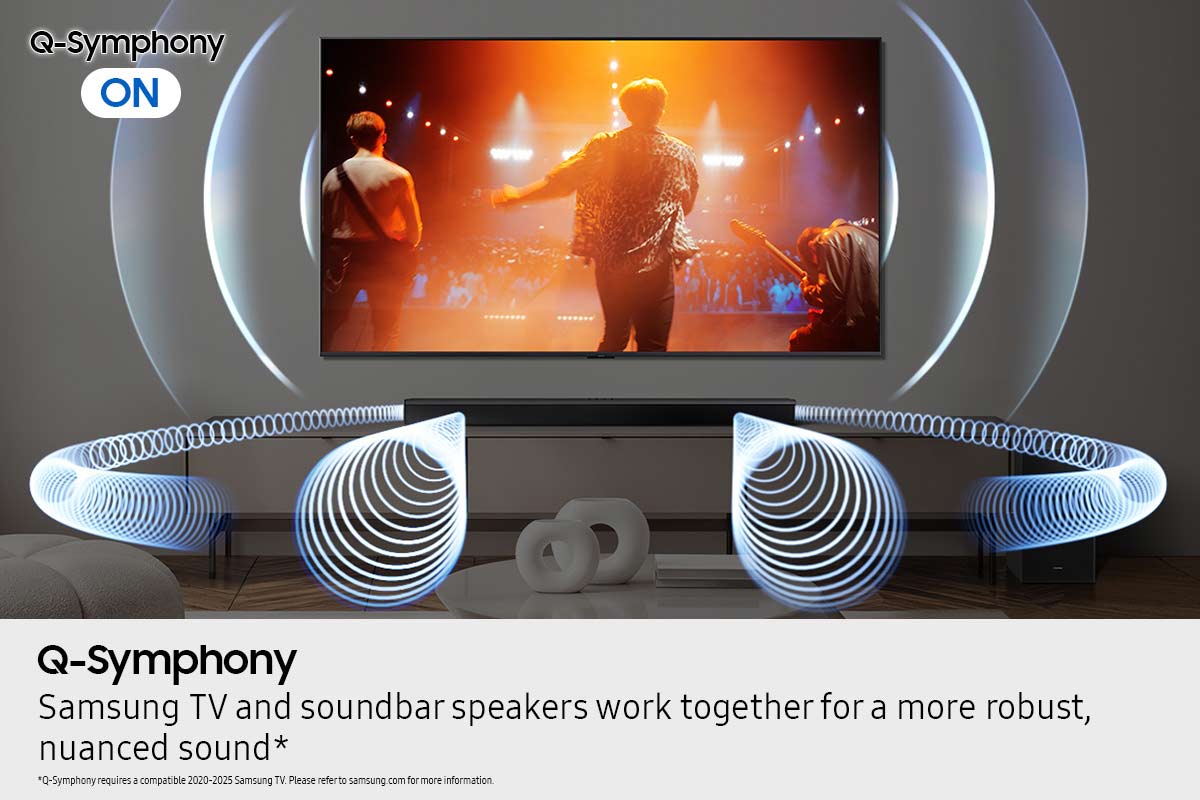
||Posted . Owned for 1 month when reviewed.This reviewer received promo considerations or sweepstakes entry for writing a review.Big fan of Samsung. This sound bar practically installed itself. Plug and play with seamless integration with my Frame TV. Works just fine with single remote from TV.
I would recommend this to a friend- Pros mentioned:Sound quality
Great quality for the price
||Posted . Owned for 1 month when reviewed.This reviewer received promo considerations or sweepstakes entry for writing a review.Sound quality is very good and clear . You need to change the settings on the soundbar depending on what you’re watching to get the best quality sound .
I would recommend this to a friend - Pros mentioned:Sound quality
Samsung Sound bar and Bass combo
||Posted . Owned for 1 month when reviewed.This reviewer received promo considerations or sweepstakes entry for writing a review.Perfect fit for our samsung. Definitely a nice upgrade in sound compared to the TV speakers.
I would recommend this to a friend - Pros mentioned:Setup ease
soundbar
||Posted . Owned for 2 weeks when reviewed.This reviewer received promo considerations or sweepstakes entry for writing a review.Easy to install, wireless connection soundbar and sub but the subwoofer is only six inches not 8 or 10 did not sound good
No, I would not recommend this to a friendBrand response from Samsung
Posted .Hello BoniT,
Thank you for taking a moment to review the Samsung HW-B550F Soundbar.
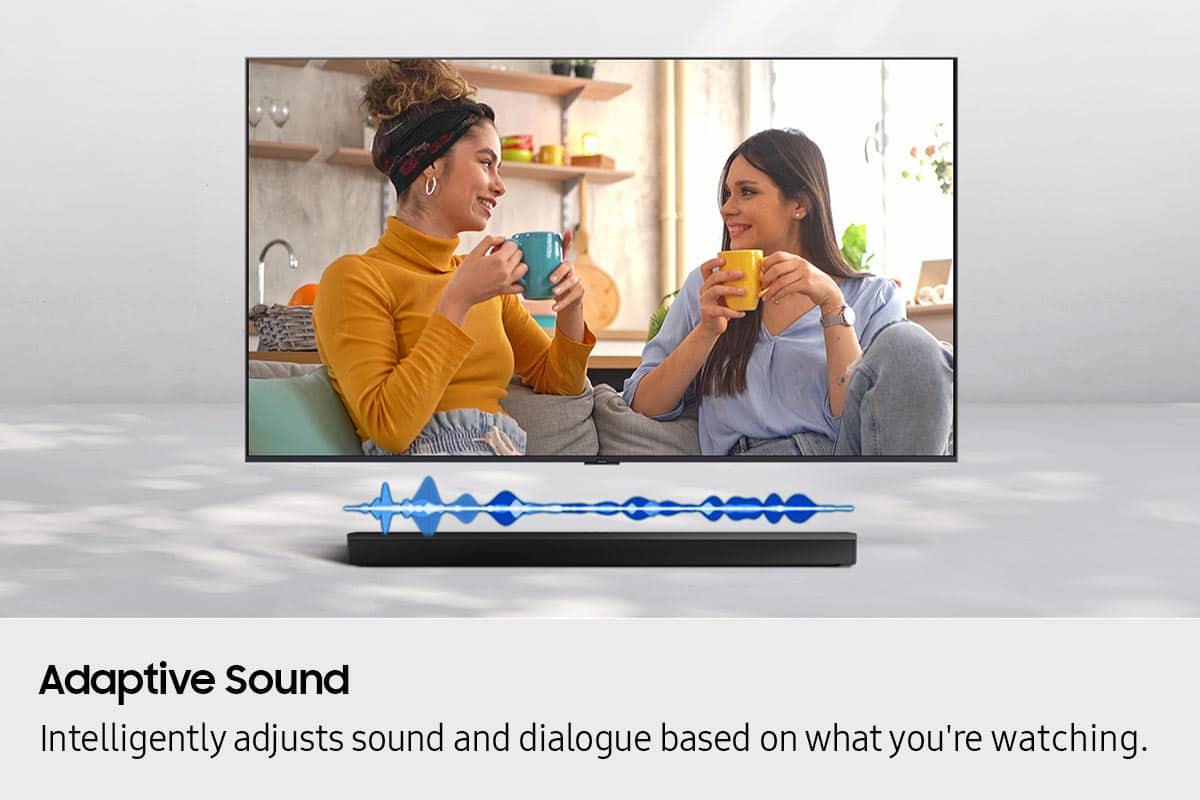
You can optimize your audio performance to your liking by pressing the SOUND MODE button on your soundbar remote, and then selecting the desired sound effect by choosing SURROUND SOUND, BASS BOOST, GAME, ADAPTIVE, DTS VIRTUAL:X, STANDARD.
By pressing the TONE CONTROL button, you can adjust the volume of the treble or bass sound. Press the button to select TREBLE or BASS and then adjust the volume between -6~+6 by using the Up/Down buttons.
Press and hold the SOUND CONTROL button for about 5 seconds to adjust the sound for each frequency band. 150Hz, 300Hz, 600Hz, 1.2kHz, 2.5kHz, 5kHz, and 10kHz are selectable using the Left/Right buttons and each can be adjusted to a setting between -6 to +6 using the Up/Down buttons. (Make sure the Sound mode is set to “STANDARD”.
Additionally, using the WOOFER button on the remote, you can adjust the subwoofer’s volume between -6 to +6 by toggling the button up or down. To set the subwoofer volume level to 0, press the button down.
With the optional SWA-9250S Wireless Rear Speaker Kit connected you can adjust the volume by using the provided Soundbar remote. Press CH LEVEL and select REAR LEVEL, then use the Up/Down buttons to adjust the volume within a -6 to +6 range.
If you need more help, Samsung is here for you. Please call us at 1-800-SAMSUNG, 8AM - 12AM EST (Ask for Soundbars), 7 days a week. Our Live Chat agents are also available by clicking on the ‘Support’ link on our website.
~ Samsung Solutions
- Pros mentioned:Sound quality
Great Soundbar
||Posted .This reviewer received promo considerations or sweepstakes entry for writing a review.This soundbar is small but sounds so loud and works perfectly
I would recommend this to a friend - Pros mentioned:Sound quality
Great soundbar
||Posted .This reviewer received promo considerations or sweepstakes entry for writing a review.Amazing sound quality. The bass can shake the floor when loud enough and it makes even the softer sounds on the movies come through.
I would recommend this to a friend - Pros mentioned:Sound quality
Soundbar review
||Posted . Owned for 3 weeks when reviewed.This reviewer received promo considerations or sweepstakes entry for writing a review.The sound when demonstrated with music at BestBuy was the exact quality I was looking for. This system gives a better base than other systems for the price
I would recommend this to a friend - Pros mentioned:Sound quality
Samsung - B-series HW-B650F 3.1 Ch DTS
||Posted .This reviewer received promo considerations or sweepstakes entry for writing a review.Excellent sounds. Works great with my Samsung TV.
I would recommend this to a friend - Pros mentioned:Sound quality
Love it!!!
||Posted . Owned for 2 weeks when reviewed.This reviewer received promo considerations or sweepstakes entry for writing a review.So glad I bought this soundbar. It sounds fantastic. We love how everything sounds.
I would recommend this to a friend - Pros mentioned:Sound quality
Works well with Samsung TV
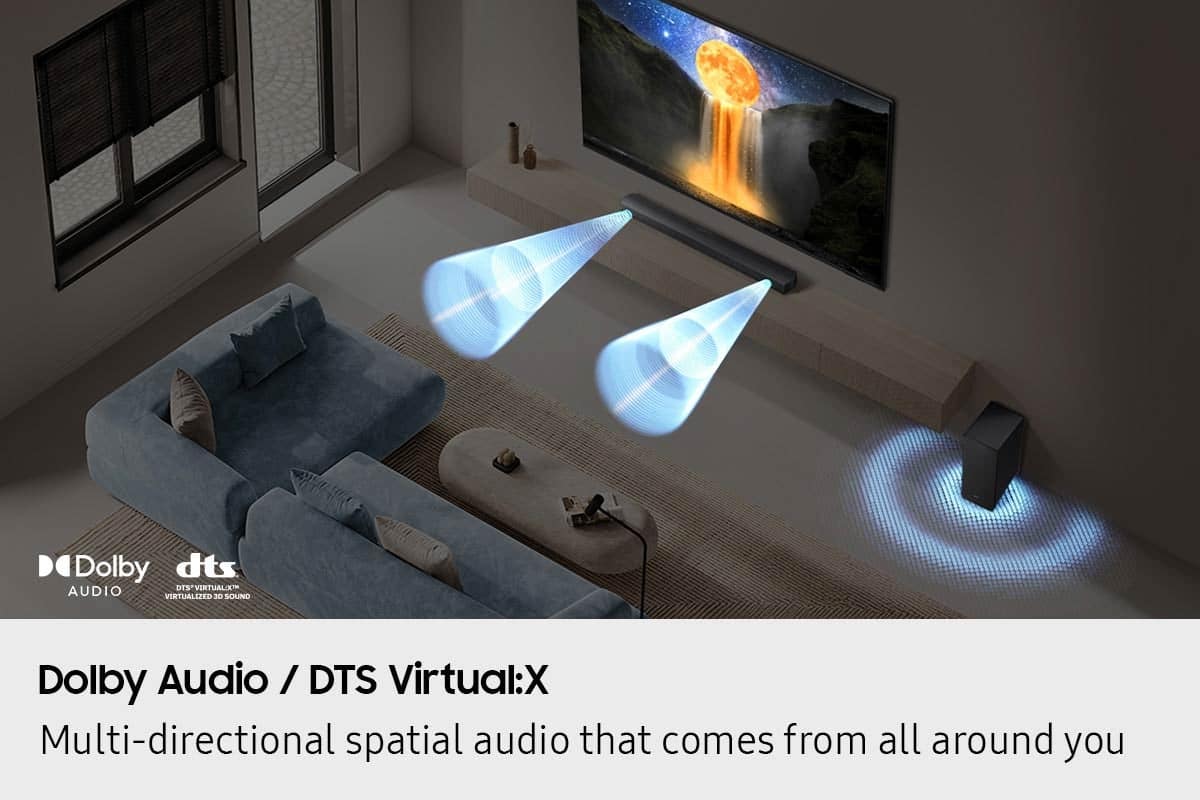
||Posted . Owned for 1 week when reviewed.This reviewer received promo considerations or sweepstakes entry for writing a review.This sound bar is great quality and makes you feel like you are right there inside the screen no matter what you are watching
I would recommend this to a friend - Pros mentioned:Sound quality
Good price-Good sound
||Posted . Owned for 1 month when reviewed.This reviewer received promo considerations or sweepstakes entry for writing a review.If you’re looking for a good soundbar/subwoofer combo that’s reasonably priced, I recommend this one. It has plenty of sound adjustments, including 6 different sound modes to choose from to enjoy your tv experience the way you want.
I would recommend this to a friend