Customer Ratings & Reviews
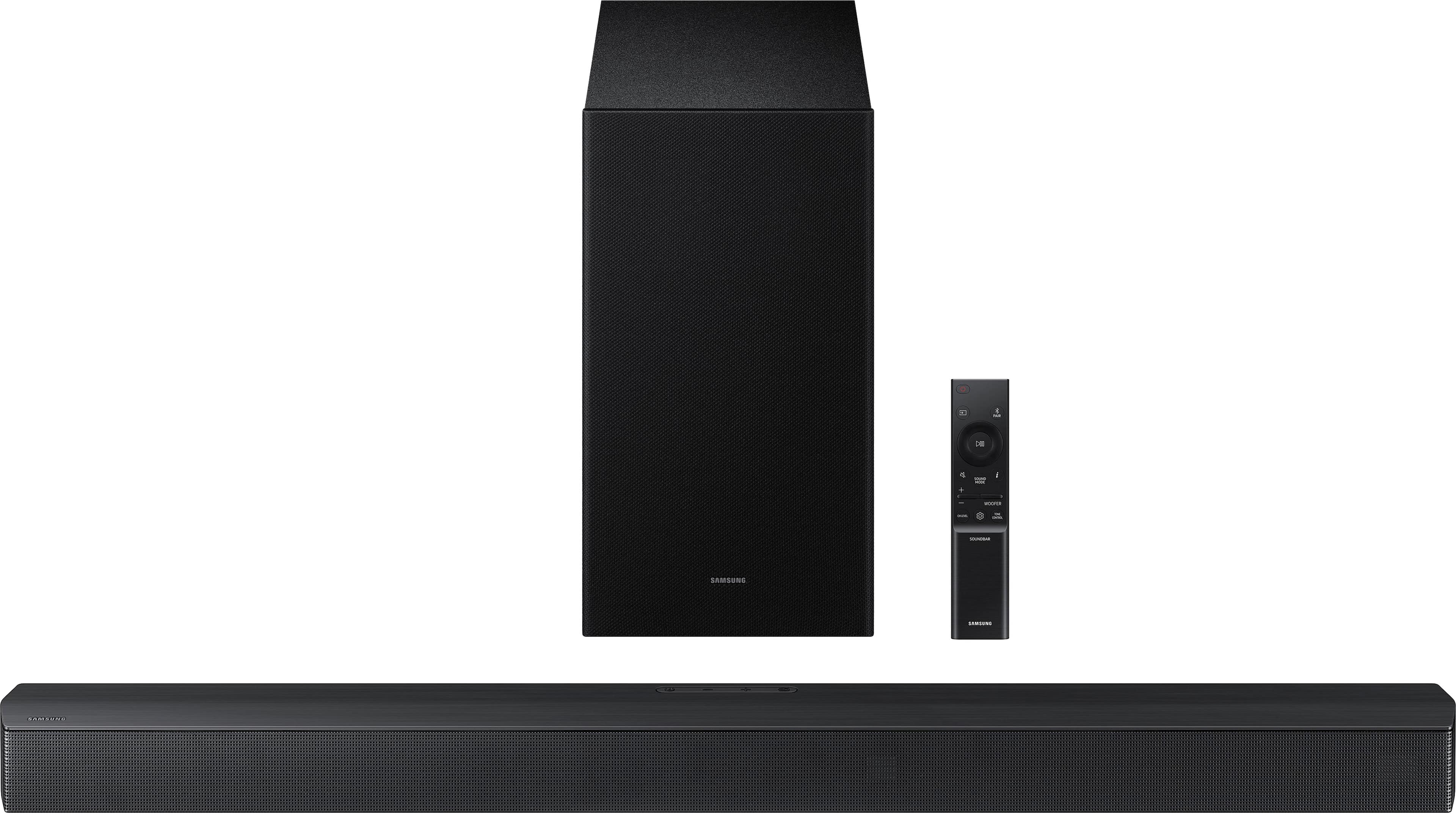
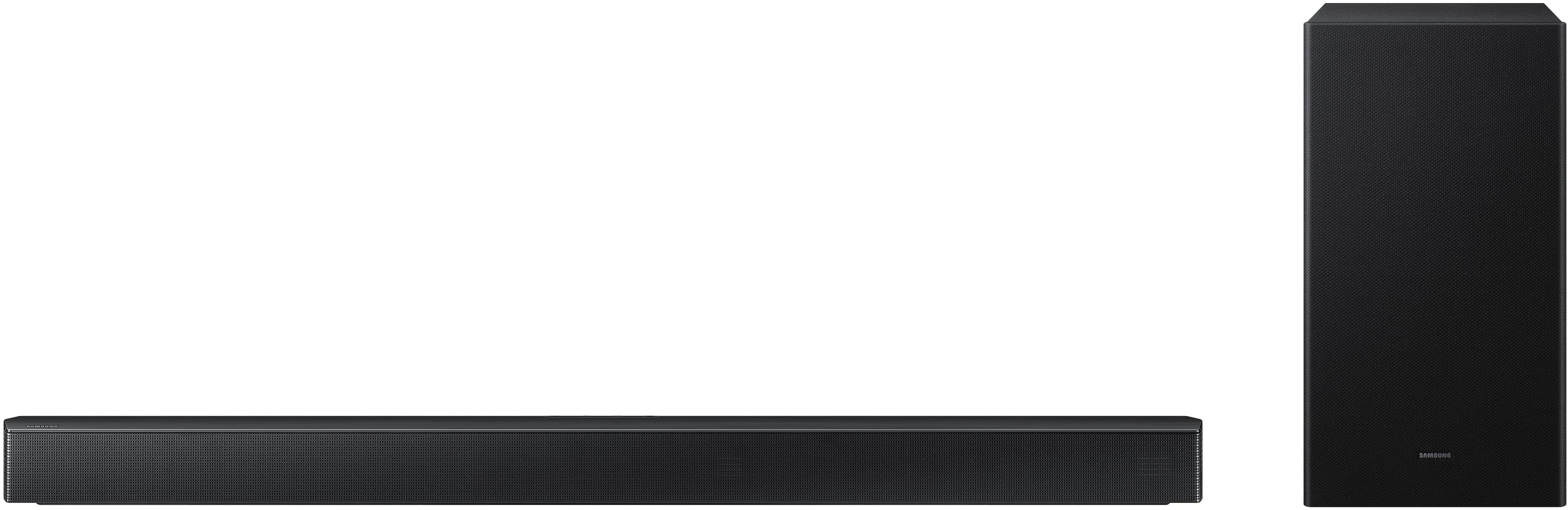
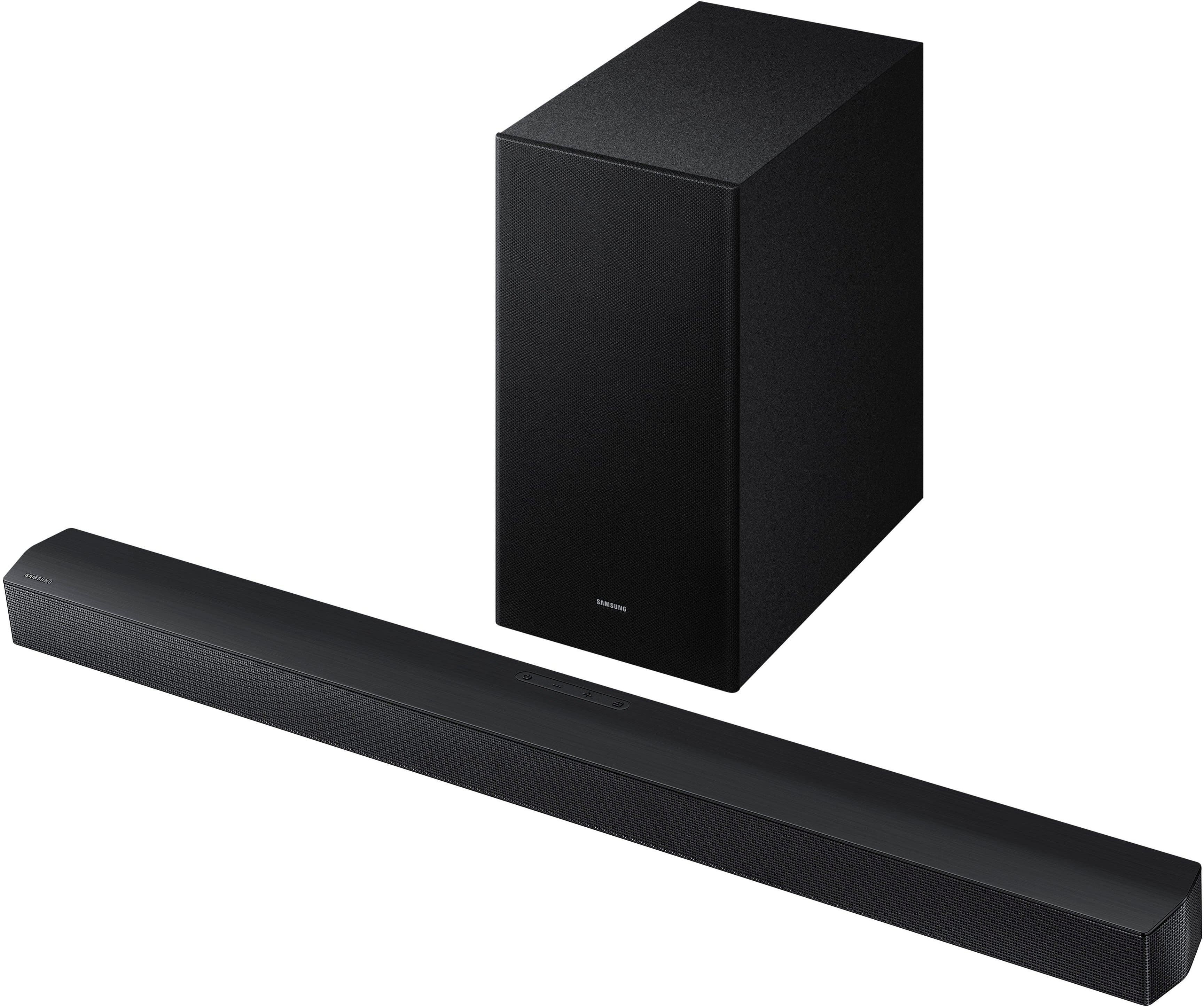
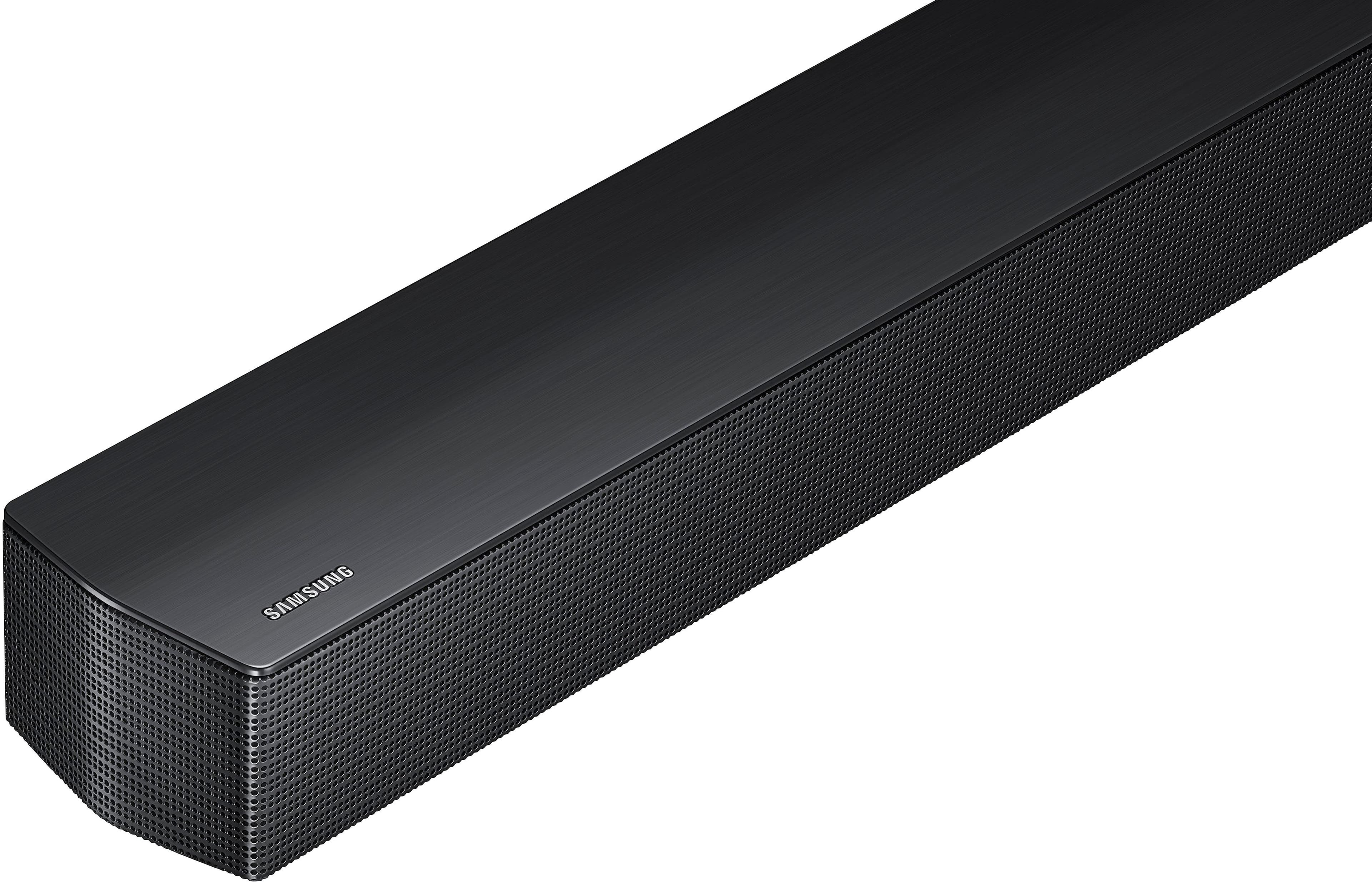
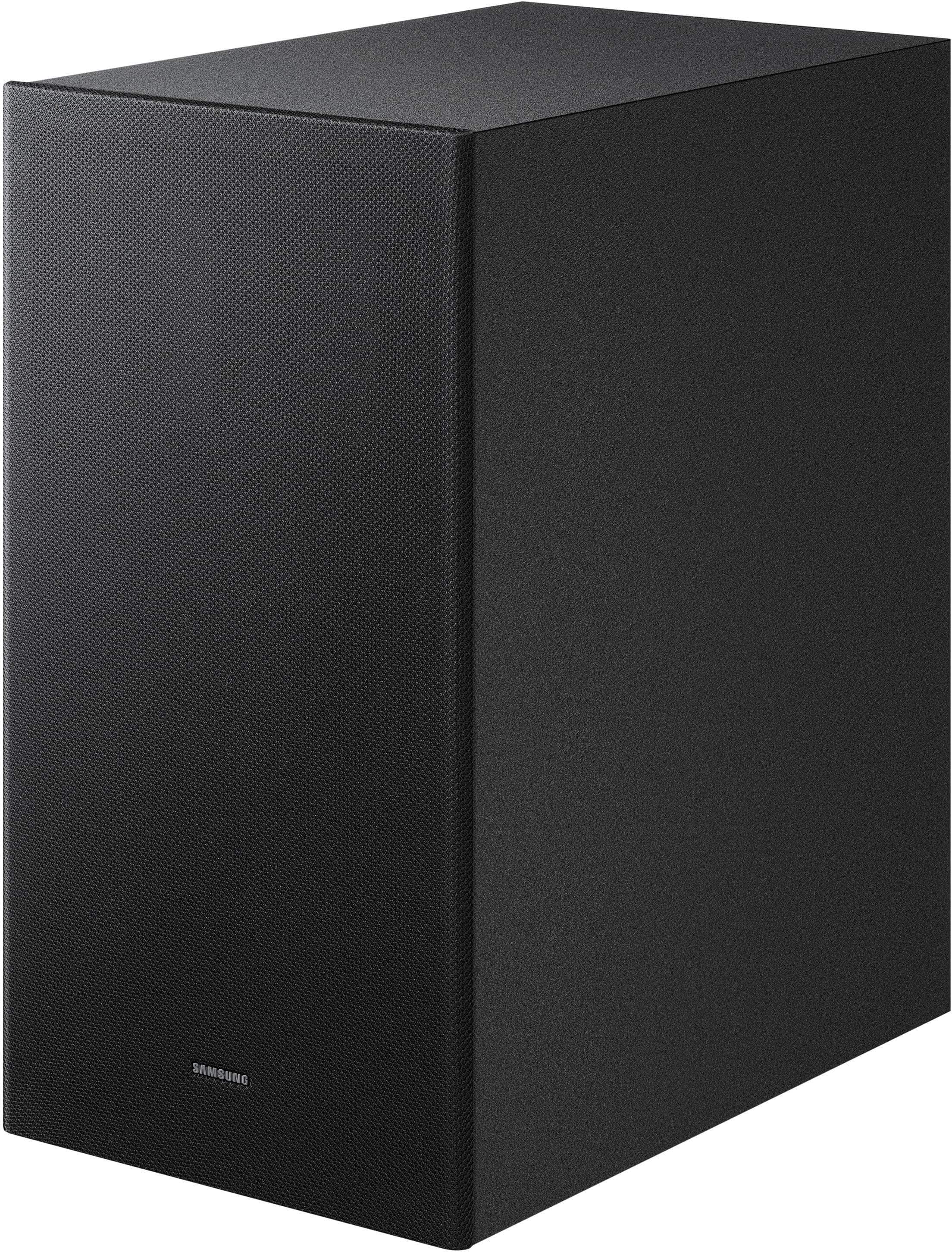
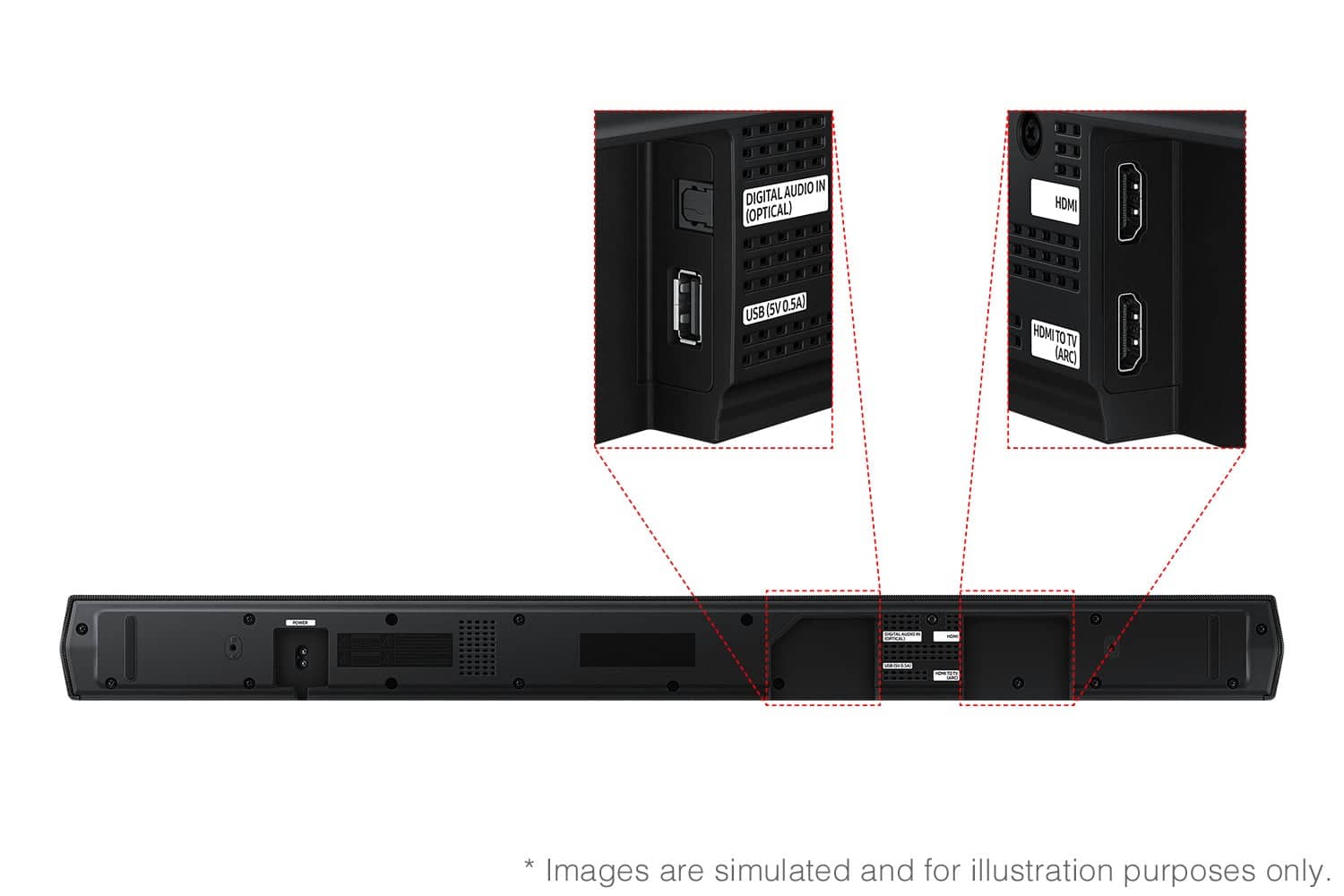
- Model:
- HW-B650F/ZA
- SKU:
- 11445580
Rating by feature
- Value
Rating 4.7 out of 5 stars
- Quality
Rating 4.7 out of 5 stars
- Ease of Use
Rating 4.8 out of 5 stars
Best product ever
||Posted . Owned for 2 weeks when reviewed.This reviewer received promo considerations or sweepstakes entry for writing a review.Best of the best recommended for someone that has a Samsung
I would recommend this to a friendSound
||Posted . Owned for 1 month when reviewed.This reviewer received promo considerations or sweepstakes entry for writing a review.I can get a hold of all the small sounds that were hard to hear
I would recommend this to a friendGreat soundbar system for Samsung Frame TV 55in
||Posted .This reviewer received promo considerations or sweepstakes entry for writing a review.Works with my Samsung FrameTV 55in perfectly. Sound ouput is so much better than what comes out of TV alone. You have to try to see the difference!
I would recommend this to a friend- Pros mentioned:Sound quality
cheaper vizio is better
||Posted . Owned for 2 weeks when reviewed.This reviewer received promo considerations or sweepstakes entry for writing a review.bought this samsung for my parents house.. paid $250 was on promotion.. it has decent sound but i still think my vizio with 2 extra little speaker system for $175 @ best buy sounds way better
No, I would not recommend this to a friendBrand response from Samsung
Posted .Hi chuy,
Thank you for taking a moment to review the Samsung HW-B650F Soundbar.
You can optimize your audio performance to your liking by pressing the SOUND MODE button on your soundbar remote, and then selecting the desired sound effect by choosing SURROUND SOUND, BASS BOOST, GAME, ADAPTIVE, DTS VIRTUAL:X, STANDARD.
By pressing the TONE CONTROL button, you can adjust the volume of the treble or bass sound. Press the button to select TREBLE or BASS and then adjust the volume between -6~+6 by using the Up/Down buttons.
Press and hold the SOUND CONTROL button for about 5 seconds to adjust the sound for each frequency band. 150Hz, 300Hz, 600Hz, 1.2kHz, 2.5kHz, 5kHz, and 10kHz are selectable using the Left/Right buttons and each can be adjusted to a setting between -6 to +6 using the Up/Down buttons. (Make sure the Sound mode is set to “STANDARD”.
Additionally, using the WOOFER button on the remote, you can adjust the subwoofer’s volume between -6 to +6 by toggling the button up or down. To set the subwoofer volume level to 0, press the button down.
With the optional SWA-9200S Wireless Rear Speaker Kit connected you can adjust the volume by using the provided Soundbar remote. Press CH LEVEL and select REAR LEVEL, then use the Up/Down buttons to adjust the volume within a -6 to +6 range.
If you need more help, Samsung is here for you. Please call us at 1-800-SAMSUNG, 8AM - 12AM EST (Ask for Soundbars), 7 days a week. Our Live Chat agents are also available by clicking on the ‘Support’ link on our website.
~ Samsung Solutions
VERY PLEASED
||Posted . Owned for 1 month when reviewed.This reviewer received promo considerations or sweepstakes entry for writing a review.Im very pleased. The soundbar works great. Samsung equipment is the best.
I would recommend this to a friendClear and loud
||Posted . Owned for 3 weeks when reviewed.This reviewer received promo considerations or sweepstakes entry for writing a review.Great quality for the price happy with the purchase
I would recommend this to a friendBest buy is the best.
||Posted . Owned for 3 weeks when reviewed.This reviewer received promo considerations or sweepstakes entry for writing a review.So far so good. Only had for a few weeks so time will tell.
I would recommend this to a friendFavor.
||Posted . Owned for 3 weeks when reviewed.This reviewer received promo considerations or sweepstakes entry for writing a review.Totally satisfied, very good price and perfornance outstanding. Best buy is good place to shop for household items. Also the sale rep. Good personal attitudes.
I would recommend this to a friendSamsung soundbar
||Posted . Owned for 2 weeks when reviewed.This reviewer received promo considerations or sweepstakes entry for writing a review.Excelente price, perfect for what I looking for and I'm very happy with my soundbar.
I would recommend this to a friendNo sir
||Posted . Owned for 2 weeks when reviewed.This reviewer received promo considerations or sweepstakes entry for writing a review.Doesn’t have a voice command button it should have a microphone
No, I would not recommend this to a friendBrand response from Samsung
Posted .Hello Debbie,
Thank you for taking a moment to review the Samsung HW-B650F Soundbar. I’m sorry to hear that your experience did not match your expectations.
You can optimize your audio performance to your liking by pressing the SOUND MODE button on your soundbar remote, and then selecting the desired sound effect by choosing SURROUND SOUND, BASS BOOST, GAME, ADAPTIVE, DTS VIRTUAL:X, STANDARD.
By pressing the TONE CONTROL button, you can adjust the volume of the treble or bass sound. Press the button to select TREBLE or BASS and then adjust the volume between -6~+6 by using the Up/Down buttons.
Press and hold the SOUND CONTROL button for about 5 seconds to adjust the sound for each frequency band. 150Hz, 300Hz, 600Hz, 1.2kHz, 2.5kHz, 5kHz, and 10kHz are selectable using the Left/Right buttons and each can be adjusted to a setting between -6 to +6 using the Up/Down buttons. (Make sure the Sound mode is set to “STANDARD”.
Additionally, using the WOOFER button on the remote, you can adjust the subwoofer’s volume between -6 to +6 by toggling the button up or down. To set the subwoofer volume level to 0, press the button down.
With the optional SWA-9250S Wireless Rear Speaker Kit connected you can adjust the volume by using the provided Soundbar remote. Press CH LEVEL and select REAR LEVEL, then use the Up/Down buttons to adjust the volume within a -6 to +6 range.
If you need more help, Samsung is here for you. Please call us at 1-800-SAMSUNG, 8AM - 12AM EST (Ask for Soundbars), 7 days a week. Our Live Chat agents are also available by clicking on the ‘Support’ link on our website.
~ Samsung Solutions
Samsung Quality Soundbar..Great.
||Posted . Owned for 3 weeks when reviewed.This reviewer received promo considerations or sweepstakes entry for writing a review.Great sounding soundbar from Samsung. Very easy to install. Practically programs itself. Syncs easily with my Samsung tv
I would recommend this to a friendGreat soundbar
||Posted . Owned for 2 weeks when reviewed.This reviewer received promo considerations or sweepstakes entry for writing a review.Love it, sounds great and works really well in large space
I would recommend this to a friendGreat addition to my TV.
||Posted . Owned for 1 month when reviewed.This reviewer received promo considerations or sweepstakes entry for writing a review.Works well, the components are just what I needed.
I would recommend this to a friendSamsung Soundbar
||Posted . Owned for 1 month when reviewed.This reviewer received promo considerations or sweepstakes entry for writing a review.The soundbar works great and the size is perfect to set on the console in front of the TV.
I would recommend this to a friendSou dbar
||Posted . Owned for 1 month when reviewed.This reviewer received promo considerations or sweepstakes entry for writing a review.For the money can’t beat the sound quality. Set up was a breeze
I would recommend this to a friendAwesome
||Posted . Owned for 1 month when reviewed.This reviewer received promo considerations or sweepstakes entry for writing a review.Awesome! Easy to connect and set up. highly recommended!
I would recommend this to a friendGreat with new Samsung devices
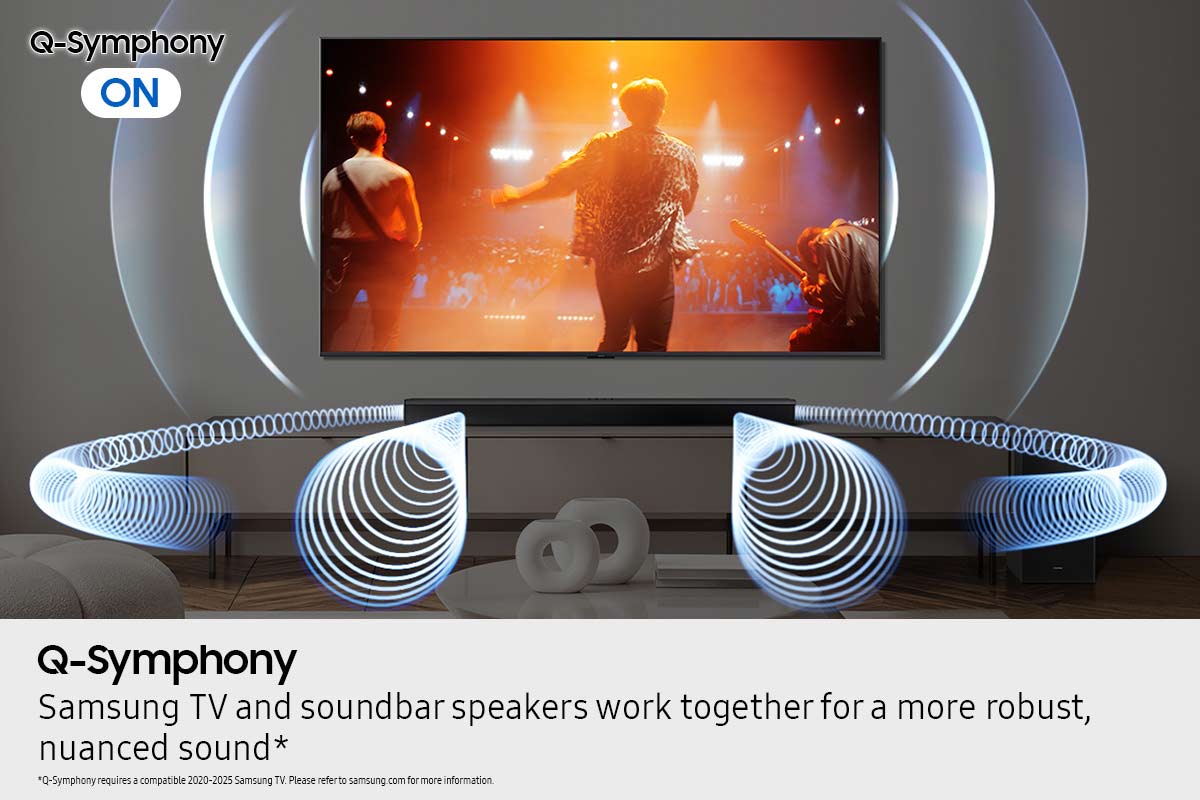
||Posted . Owned for 2 weeks when reviewed.This reviewer received promo considerations or sweepstakes entry for writing a review.Q-Symphony is a great bargain. Feels like a home theater setup for a much more manageable price. Works great with my Samsung S90D
I would recommend this to a friendSamsung B-series
||Posted . Owned for 3 months when reviewed.This reviewer received promo considerations or sweepstakes entry for writing a review.It's great item highly recommended for a home theater The employees answered every question I had.
I would recommend this to a friendTotally Awesome Sauce
||Posted . Owned for 2 weeks when reviewed.This reviewer received promo considerations or sweepstakes entry for writing a review.Great customer service & awesome system for our t.v..
I would recommend this to a friendSoundbar
||Posted . Owned for 1 week when reviewed.This reviewer received promo considerations or sweepstakes entry for writing a review.THIS SOUNDBAR IS AMAZING! Makes it sound like you’re in a movie theatre. 10/10 would recommend
I would recommend this to a friend