Customer Ratings & Reviews
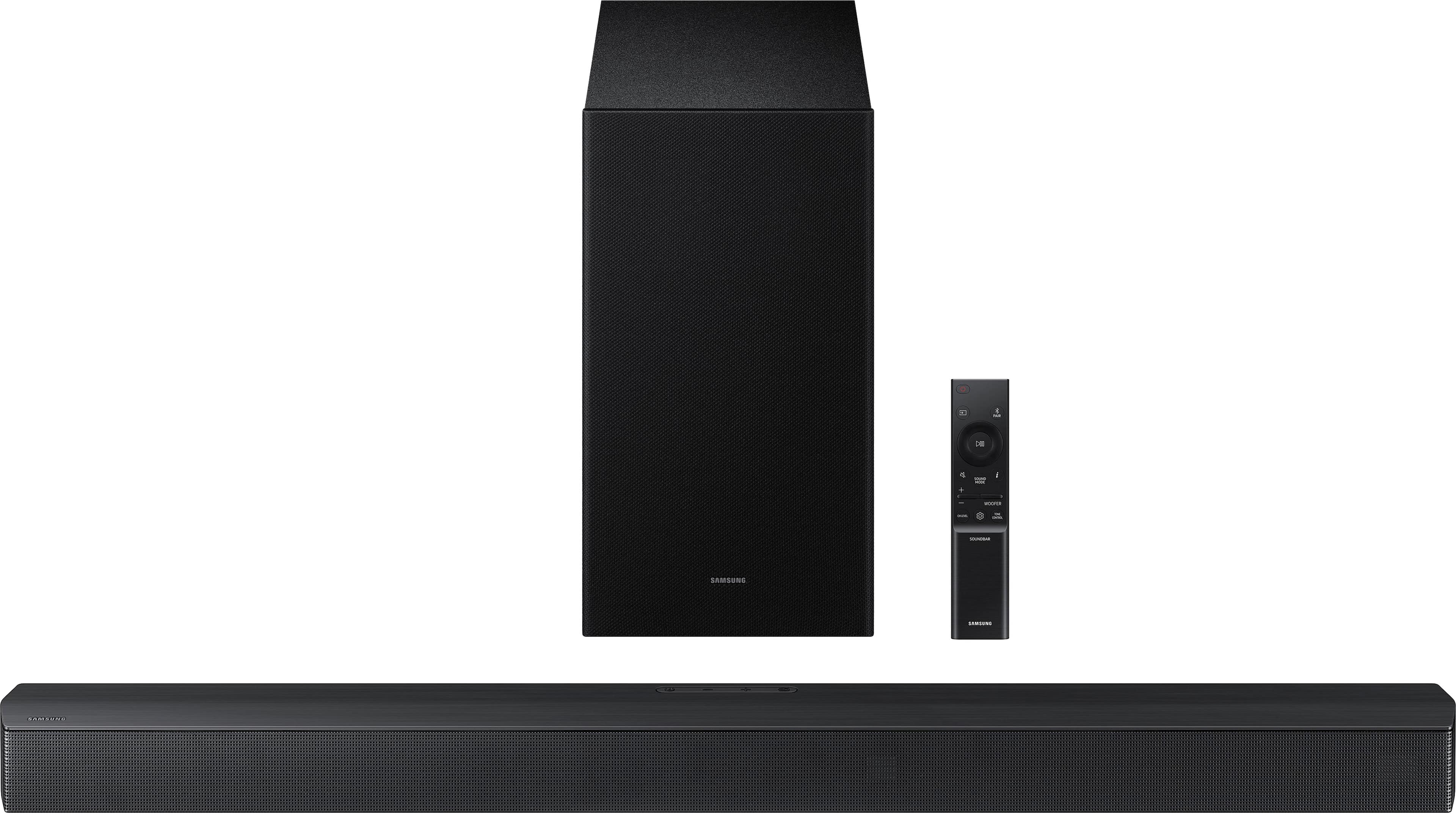
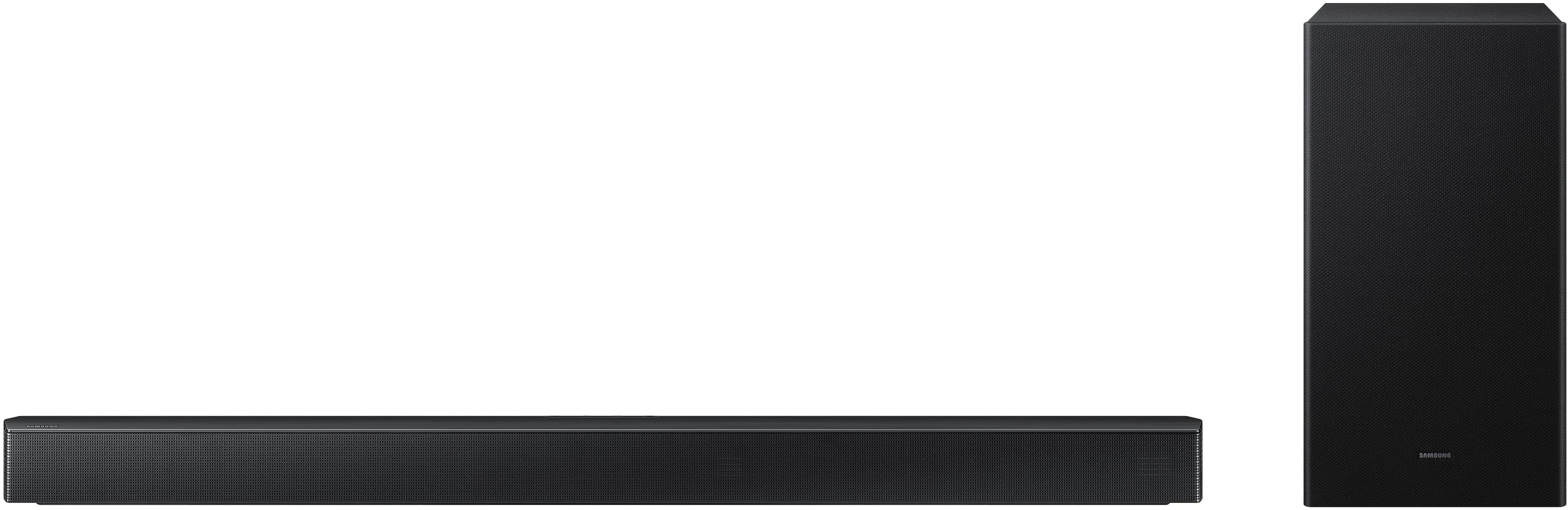
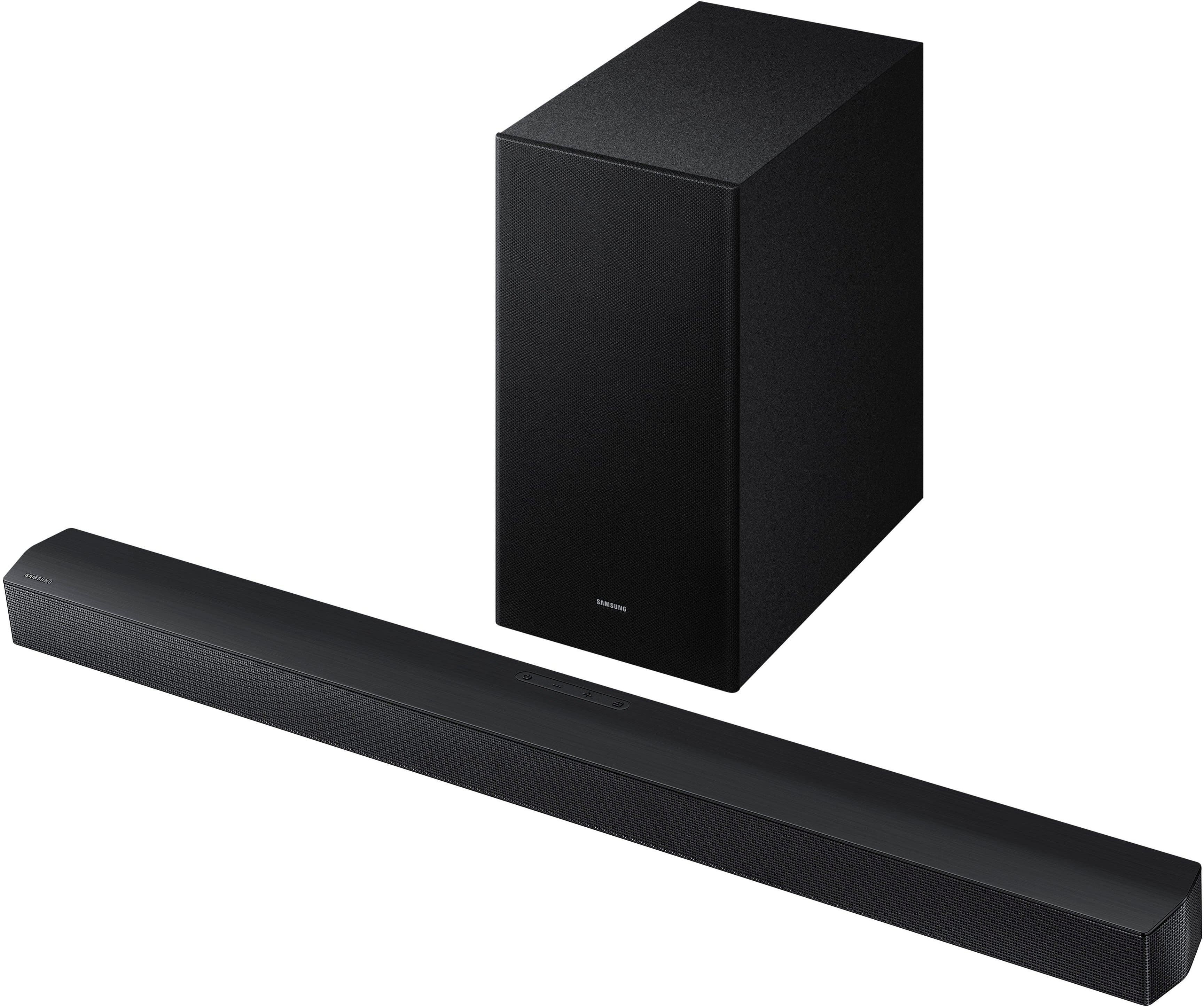
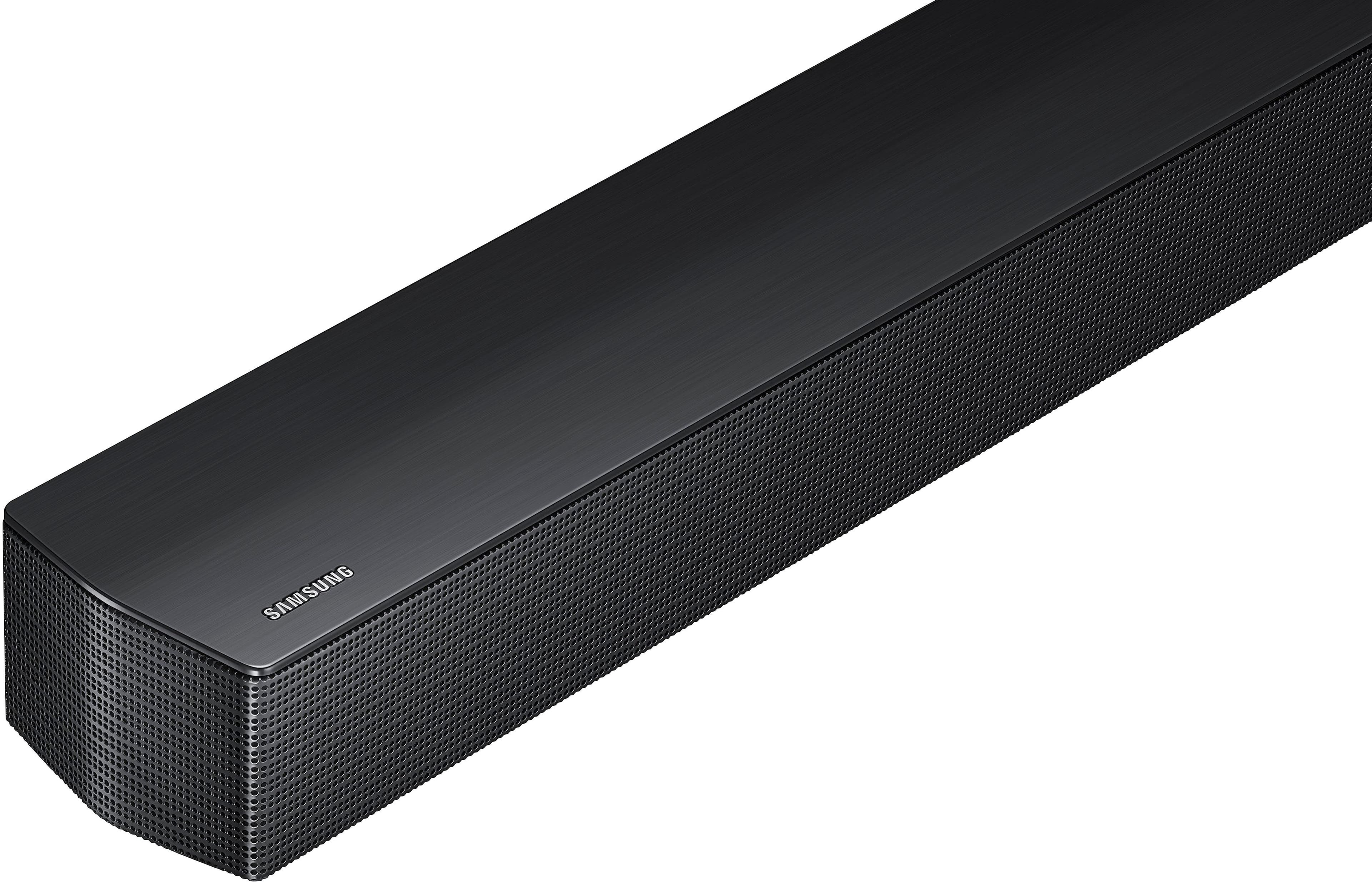
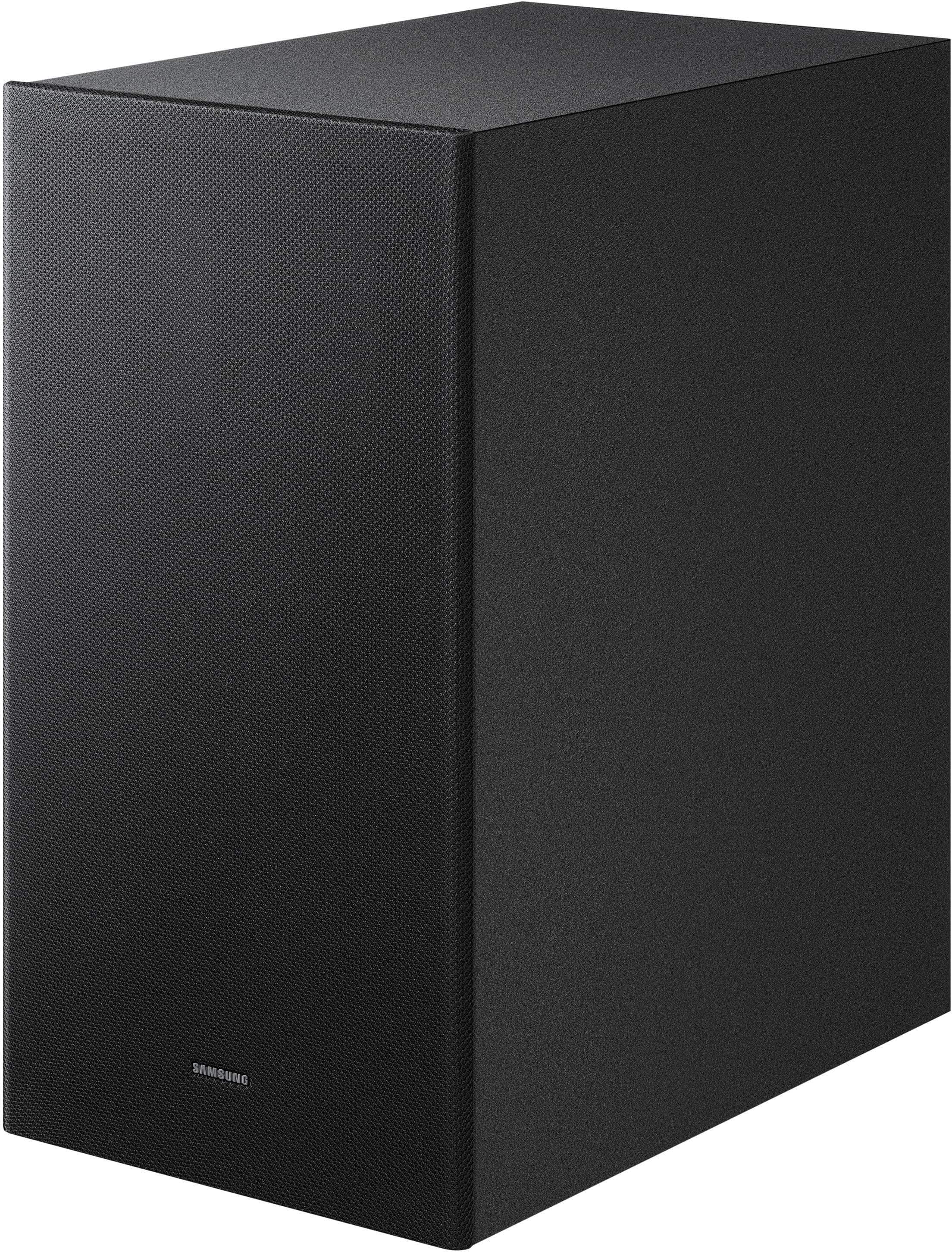
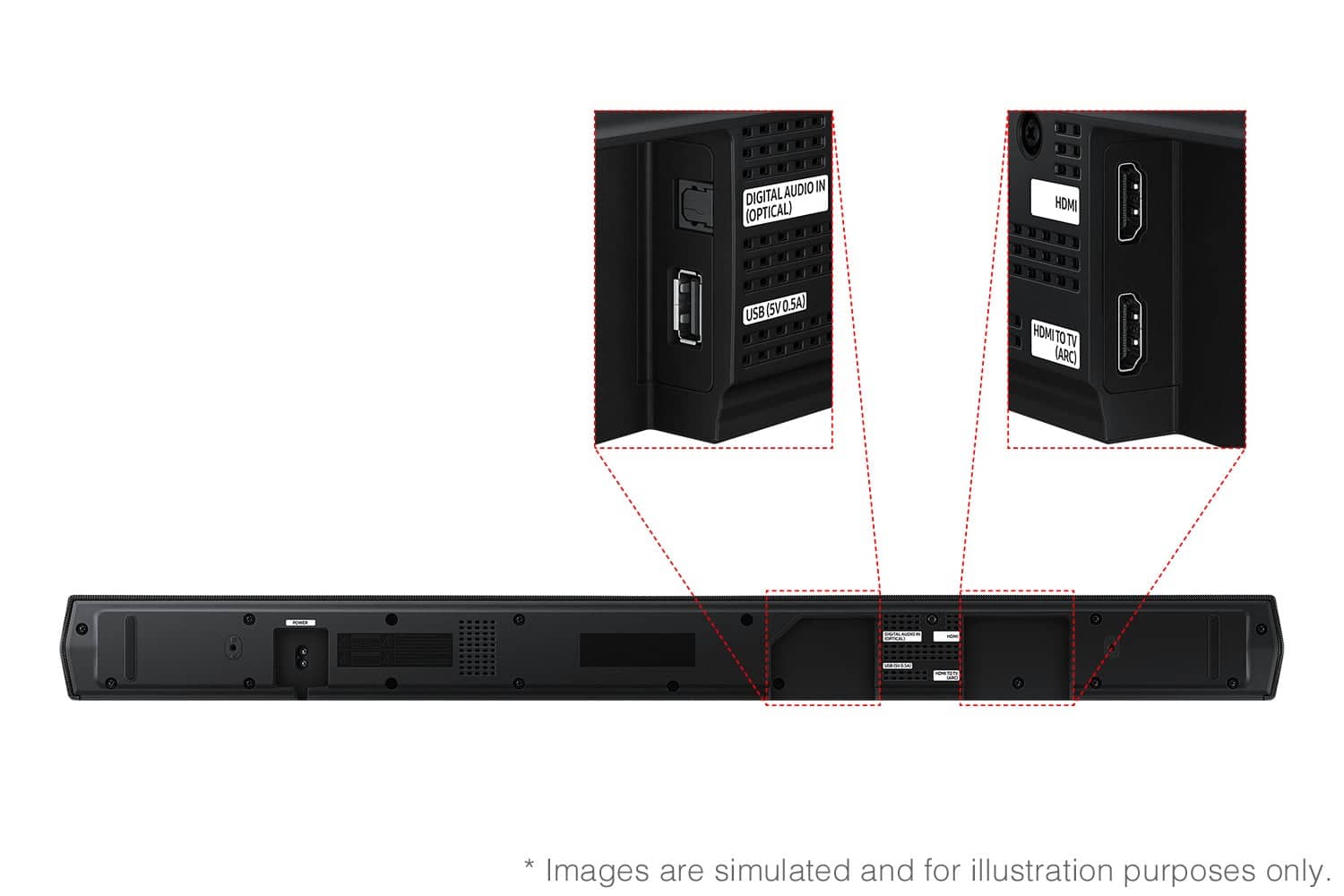
- Model:
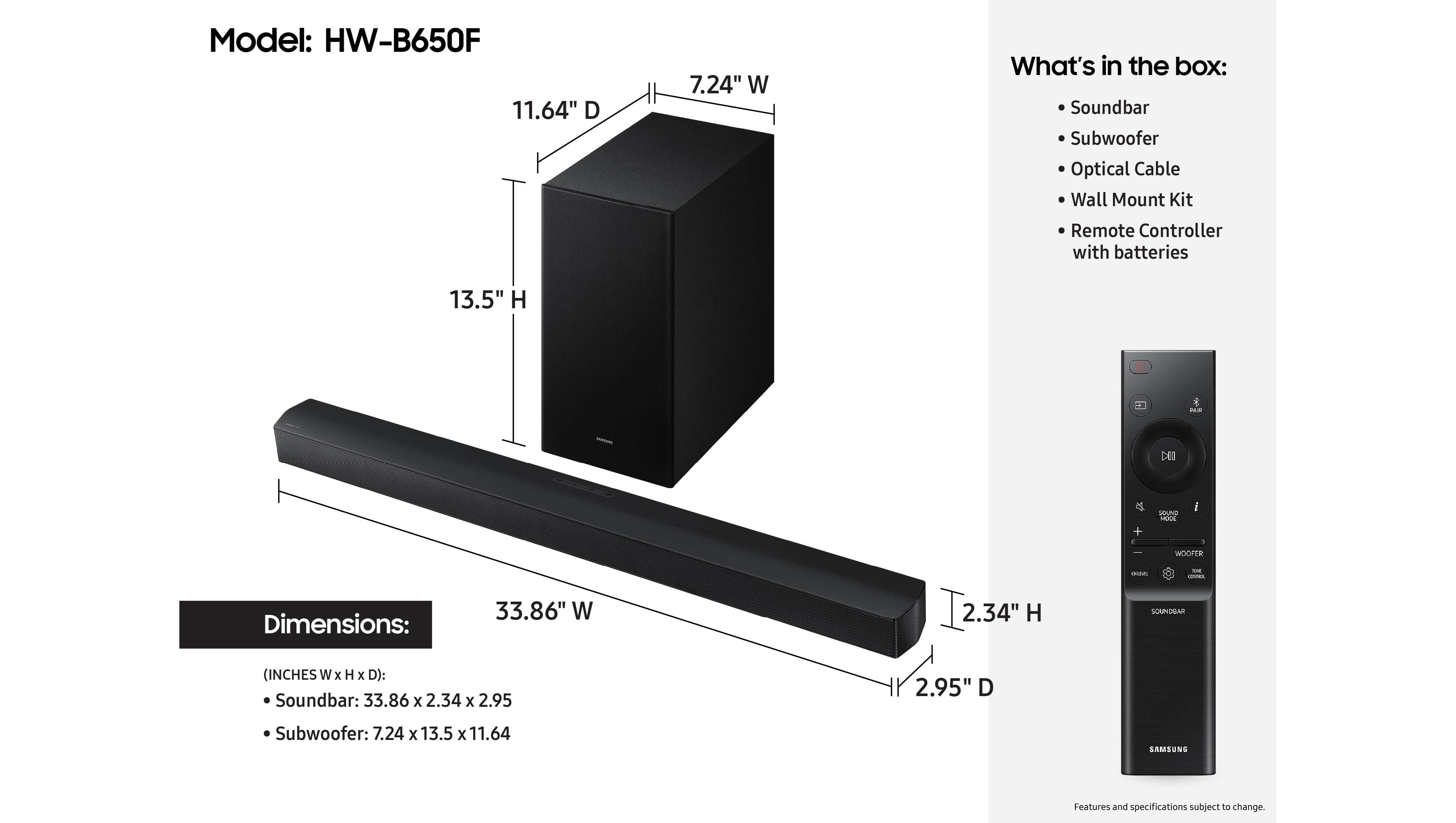
- HW-B650F/ZA
- SKU:
- 11445580
Rating by feature
- Value
Rating 4.7 out of 5 stars
- Quality
Rating 4.7 out of 5 stars
- Ease of Use
Rating 4.8 out of 5 stars
Soundbar
||Posted . Owned for 1 month when reviewed.This reviewer received promo considerations or sweepstakes entry for writing a review.Good Value for price. Easy installation. Would recommend
I would recommend this to a friendAdded a whole new dimension to the sounds.
||Posted . Owned for 1 month when reviewed.This reviewer received promo considerations or sweepstakes entry for writing a review.Purchased with a new smart TV. Setup was easier then I was expecting. This soundbar make sounds from shows and movies to seem almost three dimensional.
I would recommend this to a friendSamsung Soundbar
||Posted . Owned for 2 weeks when reviewed.This reviewer received promo considerations or sweepstakes entry for writing a review.Works great. Wish I would have bought one years ago
I would recommend this to a friendGood Option
||Posted . Owned for 3 weeks when reviewed.This reviewer received promo considerations or sweepstakes entry for writing a review.Good option for my S90f TV, took some learning for best setting and optic vs HDMI connection.
I would recommend this to a friendGreat buy at Best Buy
||Posted . Owned for 2 weeks when reviewed.This reviewer received promo considerations or sweepstakes entry for writing a review.Perfect price and perfect size for a TV in the bedroom. Great quality for the price.
I would recommend this to a friendSamsung - B-series HW-B650F 3.1 Ch DTS Virtual:X S
||Posted . Owned for 3 weeks when reviewed.This reviewer received promo considerations or sweepstakes entry for writing a review.this sound system is acoustic and much more functional. Very smooth running from mobile and TV.
I would recommend this to a friendGreat purchase
||Posted . Owned for 1 month when reviewed.This reviewer received promo considerations or sweepstakes entry for writing a review.All good. Product was exactly as described. Very happy with it
I would recommend this to a friendGreat sound bar - works flawlessly!
||Posted . Owned for 1 month when reviewed.This reviewer received promo considerations or sweepstakes entry for writing a review.Great Product - Super Easy installation. It came with brackets which the salesperson was not aware of - a pleasant surprise!
I would recommend this to a friendGreat simple soundbar
||Posted . Owned for 1 month when reviewed.This reviewer received promo considerations or sweepstakes entry for writing a review.Procured this for my grandparents was a nice addition and soo helpful to their hearings .
I would recommend this to a friendMy review
||Posted .This reviewer received promo considerations or sweepstakes entry for writing a review.Easy to set up. Bass response is substantial. Attractive price.
I would recommend this to a friendSound bar
||Posted . Owned for 3 weeks when reviewed.This reviewer received promo considerations or sweepstakes entry for writing a review.The sound bar has worked fine and we are happy with it.
I would recommend this to a friendSounds
||Posted . Owned for 3 weeks when reviewed.This reviewer received promo considerations or sweepstakes entry for writing a review.Actually an awesome sound system. Hooked up quickly, and worked great. Mom can hear the TV better as well.
I would recommend this to a friendSoundbar
||Posted . Owned for 3 weeks when reviewed.This reviewer received promo considerations or sweepstakes entry for writing a review.Very happy with this purchase and excellent customer service
I would recommend this to a friendIt's okay for the price
||Posted . Owned for 1 week when reviewed.This reviewer received promo considerations or sweepstakes entry for writing a review.I typically love Samsung products. This sounds bar is just so-so in my opinion. For the $350 sticker price, I was hoping for something decent. It should cost about half that price based on what you get.
No, I would not recommend this to a friendBrand response from Samsung
Posted .Hello LeeLee21,
We appreciate you taking a moment to review the Samsung HW-B650F Soundbar. We value your feedback and will share it with our teams.
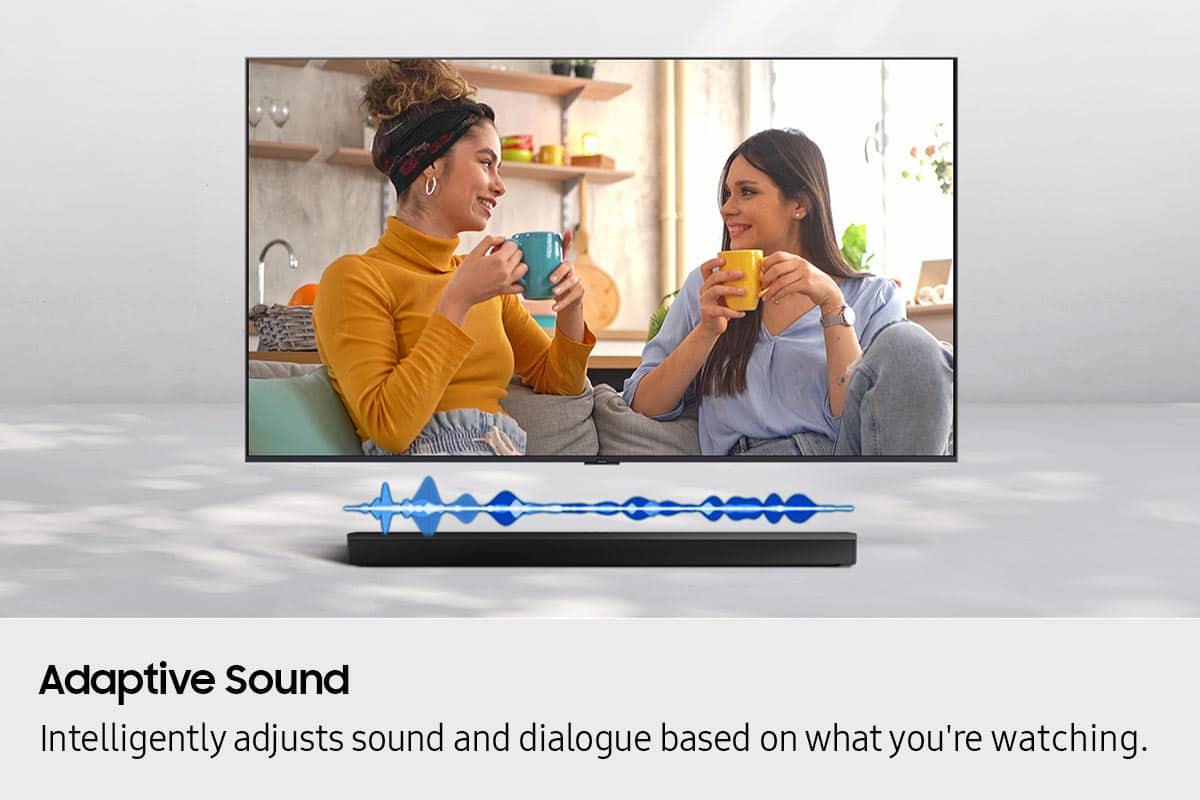
You can optimize your audio performance to your liking by pressing the SOUND MODE button on your soundbar remote, and then selecting the desired sound effect by choosing SURROUND SOUND, BASS BOOST, GAME, ADAPTIVE, DTS VIRTUAL:X, STANDARD.
By pressing the TONE CONTROL button, you can adjust the volume of the treble or bass sound. Press the button to select TREBLE or BASS and then adjust the volume between -6~+6 by using the Up/Down buttons.
Press and hold the SOUND CONTROL button for about 5 seconds to adjust the sound for each frequency band. 150Hz, 300Hz, 600Hz, 1.2kHz, 2.5kHz, 5kHz, and 10kHz are selectable using the Left/Right buttons and each can be adjusted to a setting between -6 to +6 using the Up/Down buttons. (Make sure the Sound mode is set to “STANDARD”.
Additionally, using the WOOFER button on the remote, you can adjust the subwoofer’s volume between -6 to +6 by toggling the button up or down. To set the subwoofer volume level to 0, press the button down.
With the optional SWA-9250S Wireless Rear Speaker Kit connected you can adjust the volume by using the provided Soundbar remote. Press CH LEVEL and select REAR LEVEL, then use the Up/Down buttons to adjust the volume within a -6 to +6 range.
If you need more help, Samsung is here for you. Please call us at 1-800-SAMSUNG, 8AM - 12AM EST (Ask for Soundbars), 7 days a week. Our Live Chat agents are also available by clicking on the ‘Support’ link on our website.
~ Samsung Solutions
Definitely 5 stars!!
||Posted .This reviewer received promo considerations or sweepstakes entry for writing a review.Outstanding customer service!! Very helpful and informative. I'm very happy with my purchase!
I would recommend this to a friendGood value
||Posted .This reviewer received promo considerations or sweepstakes entry for writing a review.Several weeks in and I'm satisfied so far. Set up was easy.
I would recommend this to a friendPerfect
||Posted . Owned for 3 weeks when reviewed.This reviewer received promo considerations or sweepstakes entry for writing a review.I love this it is Perfect for my new apt and doesn't take up any room.
I would recommend this to a friendthnaks
||Posted . Owned for 1 month when reviewed.This reviewer received promo considerations or sweepstakes entry for writing a review.i liked the product because was a good price for good quality
I would recommend this to a friendOlder and custom for life
||Posted . Owned for 3 weeks when reviewed.This reviewer received promo considerations or sweepstakes entry for writing a review.A great product and customer service and the delivery was on time. Thank you so much.
I would recommend this to a friend75" Samsung TV
||Posted .This reviewer received promo considerations or sweepstakes entry for writing a review.already stated great quality.....niot much more t o say
I would recommend this to a friend