Customer Ratings & Reviews
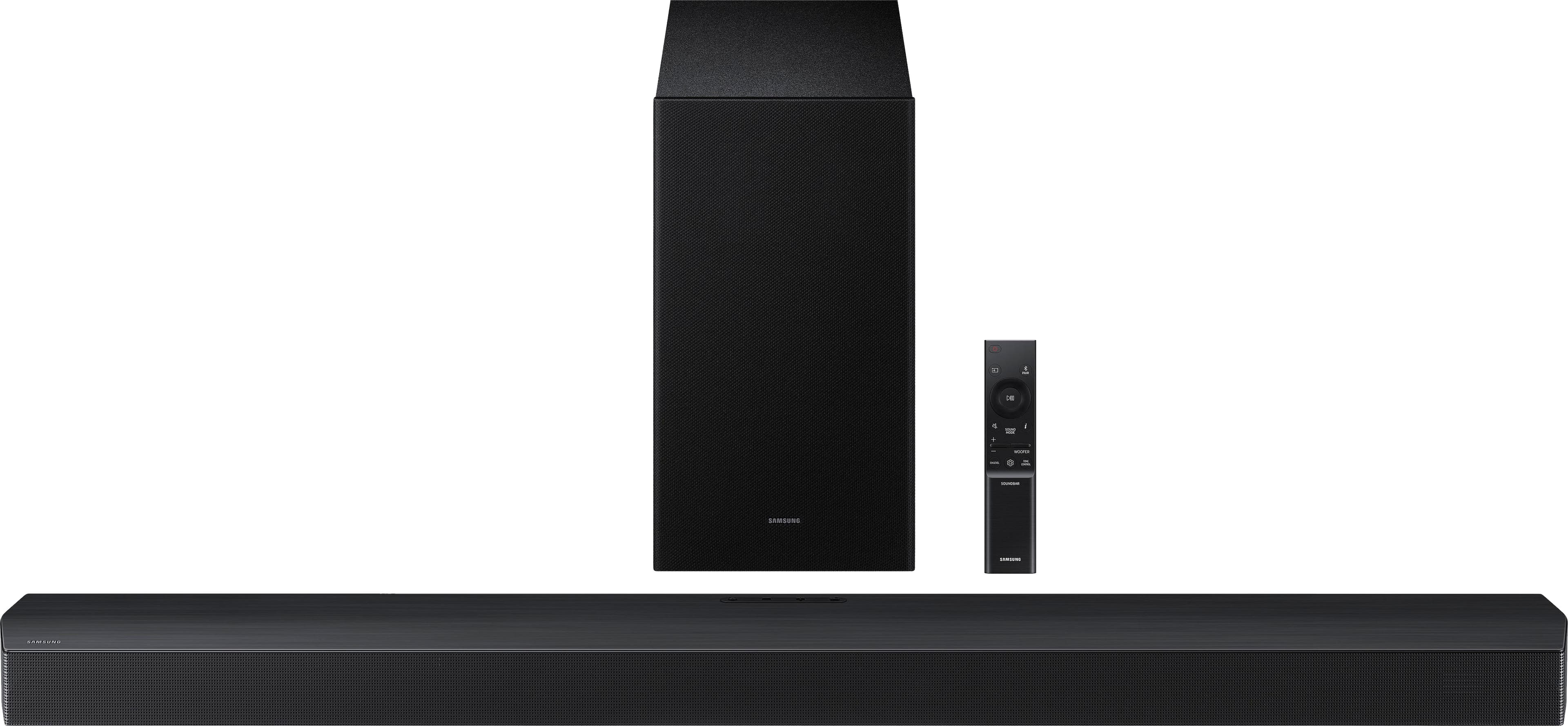
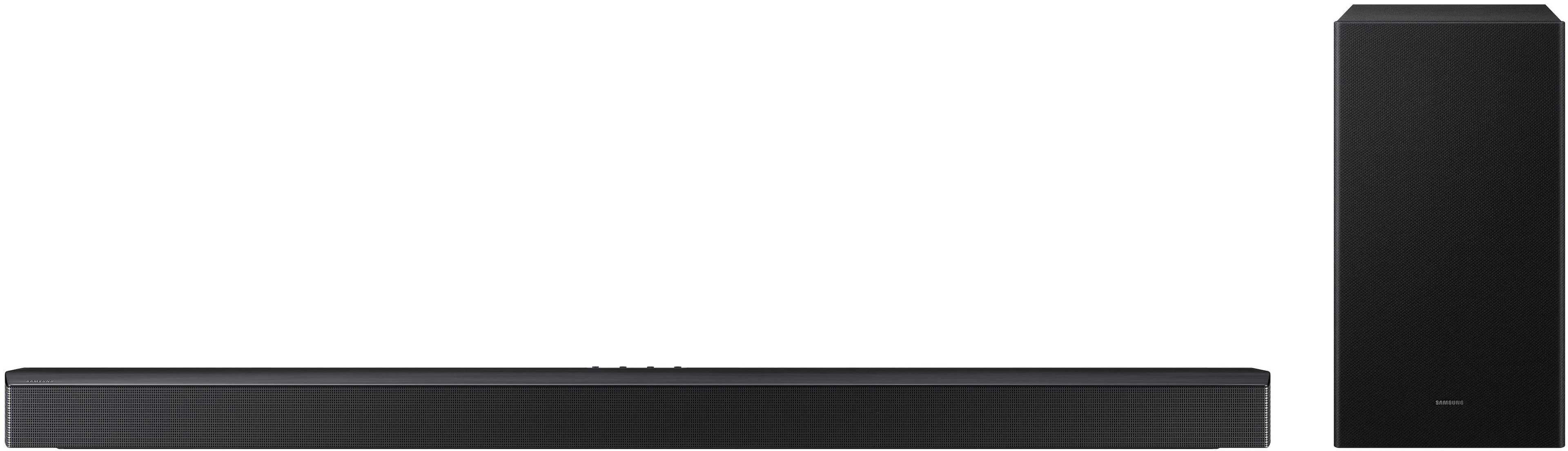
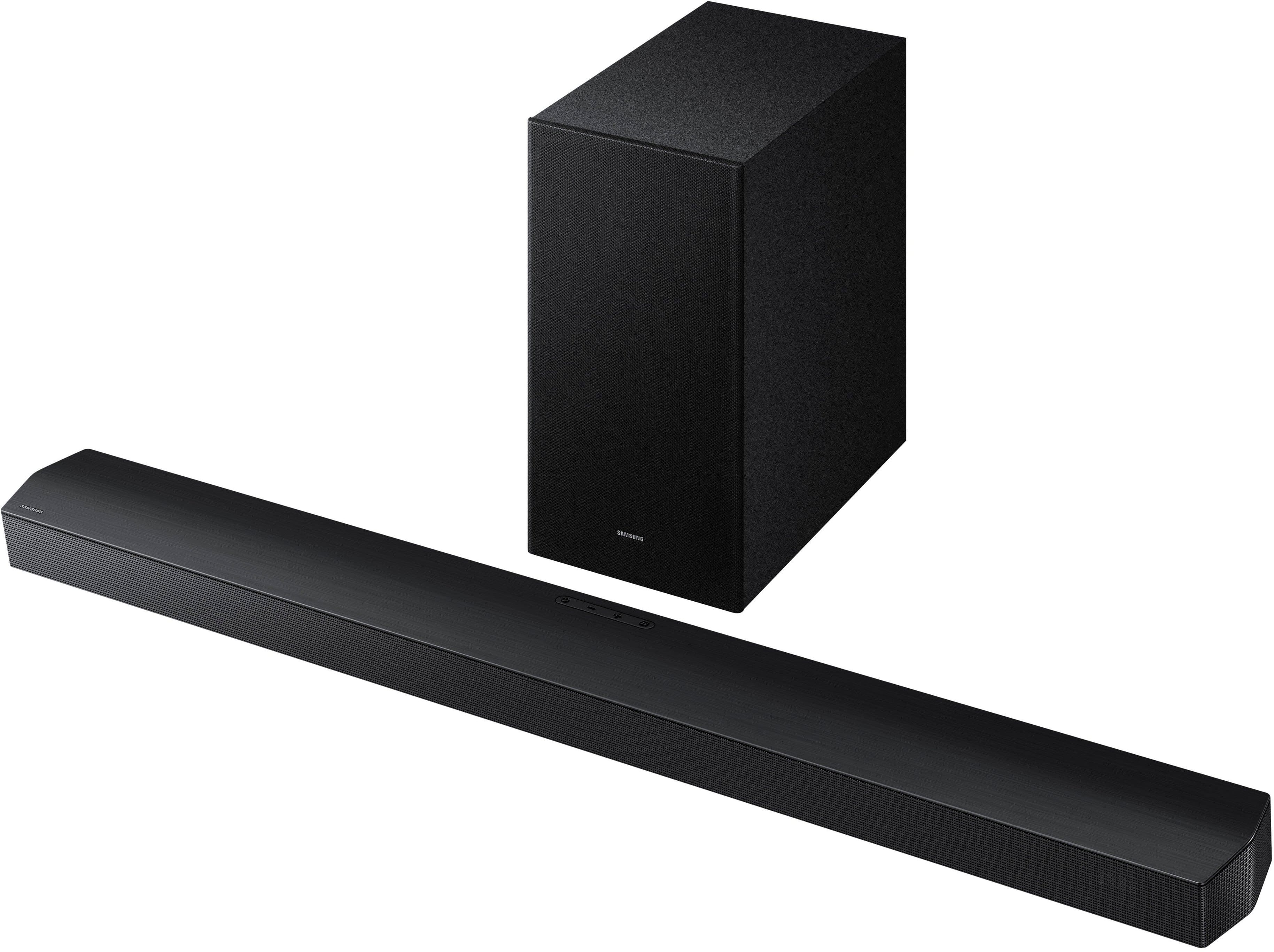
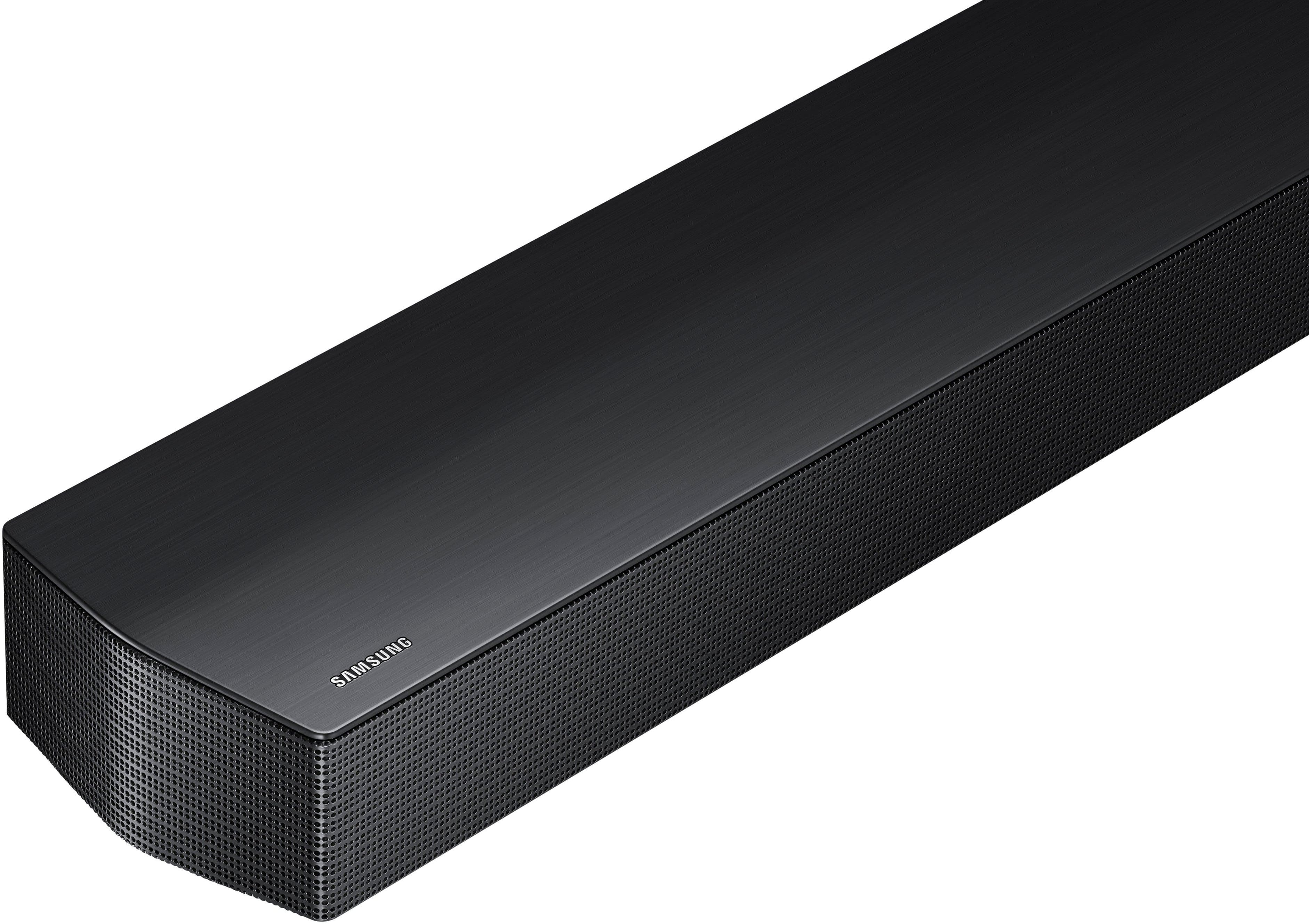
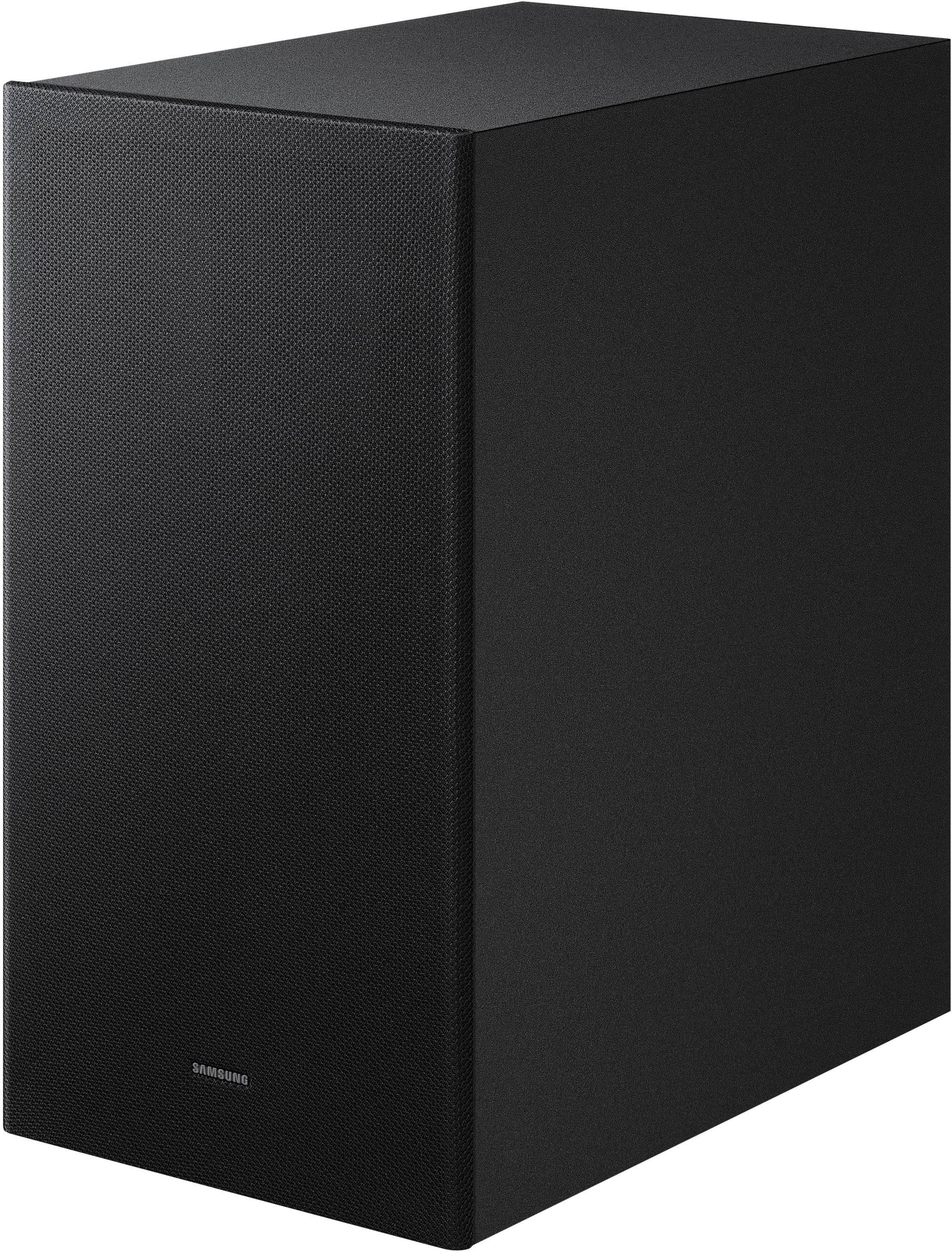
- Model:
- HW-B750F/ZA
- SKU:
- 6619388
Rating by feature
- Value
Rating 4.7 out of 5 stars
- Quality
Rating 4.7 out of 5 stars
- Ease of Use
Rating 4.8 out of 5 stars
Customers are saying
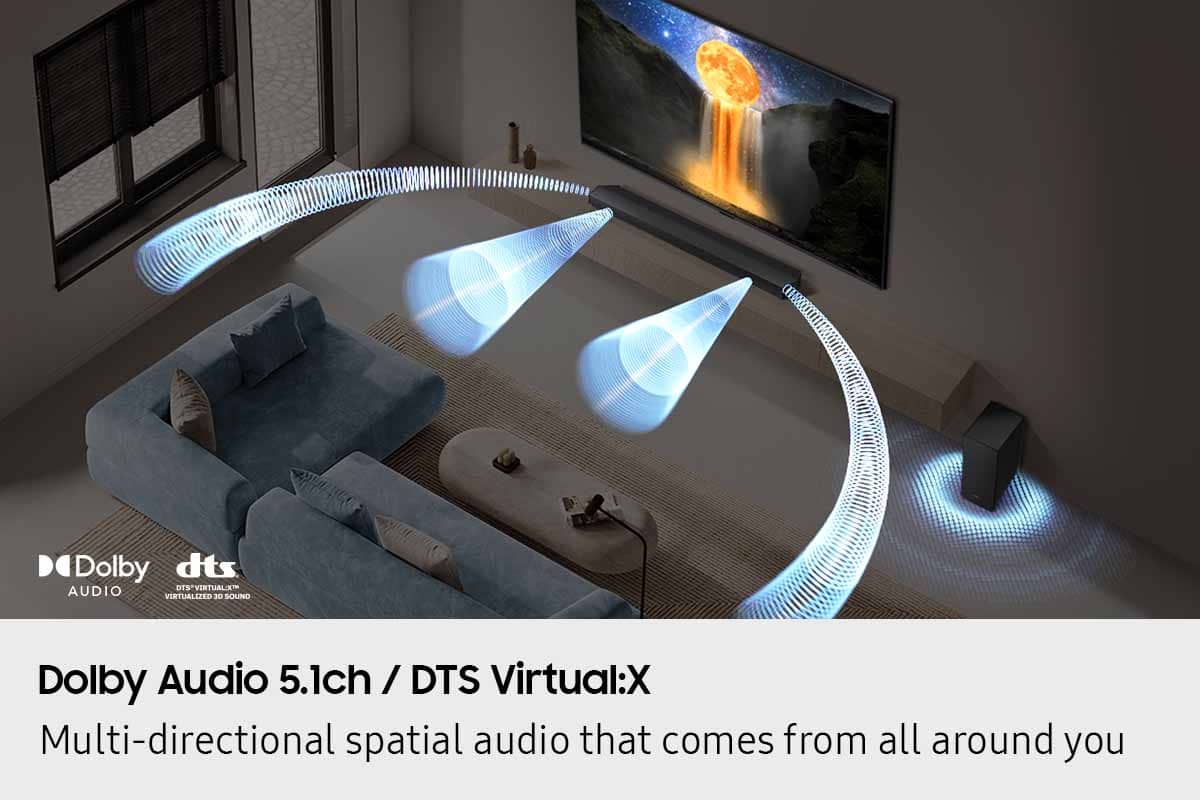
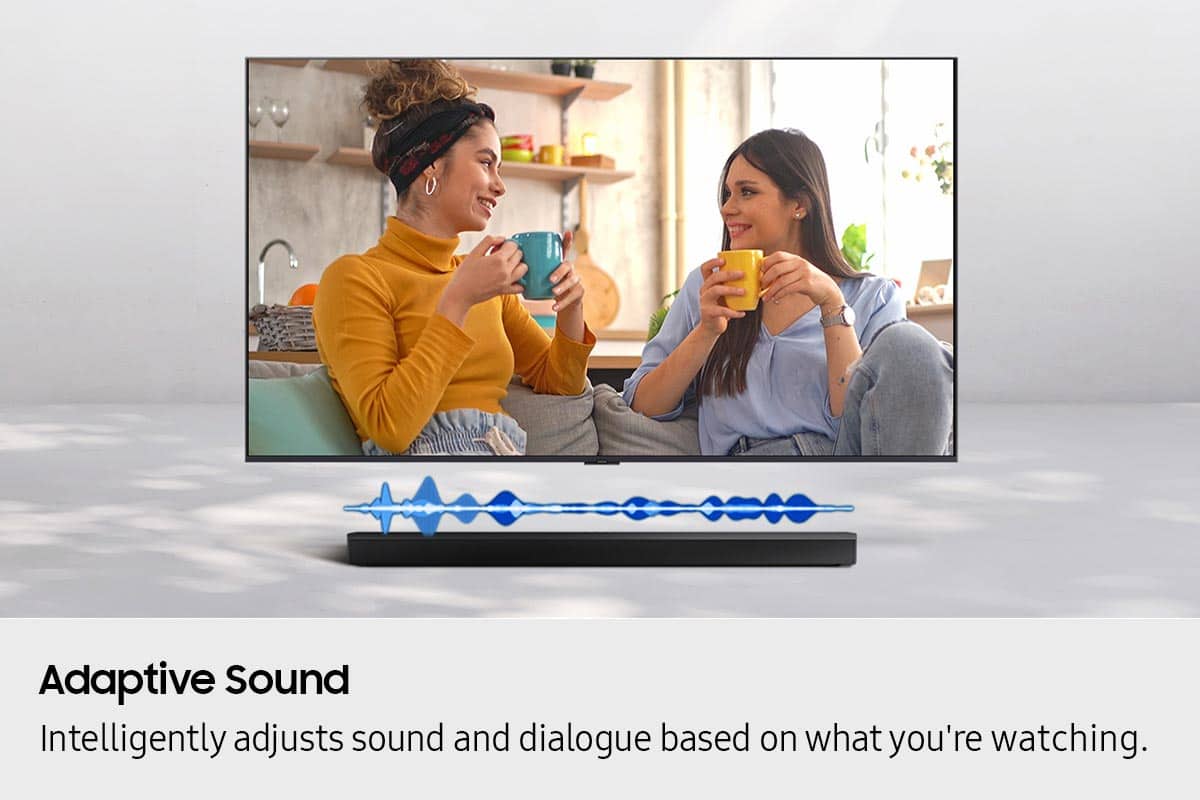
Customers highly value the B-series HW-B750F 5.1 Ch DTS Virtual:X Soundbar with Subwoofer's sound quality, describing it as excellent. They also appreciate the easy setup process. Additionally, the bass performance is surprisingly solid.
This summary was generated by AI based on customer reviews.
Samsung surround sound
||Posted . Owned for 3 weeks when reviewed.This reviewer received promo considerations or sweepstakes entry for writing a review.Great sounding surround. Pairs well with Samsung TV. Easy to hook up.
I would recommend this to a friend- Pros mentioned:Sound quality
Satisfied customer
||Posted . Owned for 1 month when reviewed.This reviewer received promo considerations or sweepstakes entry for writing a review.Powerful surround sound system. Cinematic experience.
I would recommend this to a friend Excellent sound bar
||Posted .This reviewer received promo considerations or sweepstakes entry for writing a review.This is a very nice soundbar for the price. Would buy again. Delivery was right on time.
I would recommend this to a friend- Pros mentioned:Sound quality
Best ever
||Posted . Owned for 3 weeks when reviewed.This reviewer received promo considerations or sweepstakes entry for writing a review.good sound quality. I love it, at just 25 it’s explosive
I would recommend this to a friend Samsung sound bar
||Posted . Owned for 1 month when reviewed.This reviewer received promo considerations or sweepstakes entry for writing a review.Works perfectly for my situation. Considering purchasing the rear channel speakers.
I would recommend this to a friend- Pros mentioned:Sound quality
Fell short.
||Posted . Owned for 3 weeks when reviewed.This reviewer received promo considerations or sweepstakes entry for writing a review.Aound quality is good, volune is plenty, individual adjustability, but the bass just rumbles. No thunder.
I would recommend this to a friendBrand response from Samsung
Posted .Hi RandyD,
Thank you for taking a moment to review the Samsung HW-B750F Soundbar.
There are two adjustments that can be made to maximize bass from the soundbar and subwoofer:
1. Using the WOOFER button on the remote, you can adjust the level between -6 to +6. To set the subwoofer volume level to 0, press the button in.
2. Adjust the bass control by pressing the TONE CONTROL button on the remote control, then select BASS to increase the level. You can adjust the volume between -6 to +6 by using the Up/Down buttons.
For precise audio adjustments, you can use the 7-band frequency equalizer to optimize the sound for your room acoustics.
I hope this helps. For further assistance with features, settings, adjustments, or functions please contact Samsung Customer Support. Call us at 1-800-SAMSUNG (Ask for Soundbars), 8AM - 12AM EST, 7 days a week. Or visit us on the Samsung website and click on the ‘Support’ link for:
• Live Chat
• Manuals, Software, & Warranty Info
• Creating a service ticket
~ Samsung Solutions
- Pros mentioned:Sound quality
Stellar sounds.
||Posted .This reviewer received promo considerations or sweepstakes entry for writing a review.Outstanding sound and quality. Too bad I put it in a room that too big. I am still able to hear clear sounds.
I would recommend this to a friend - Pros mentioned:Sound quality
Sound bar
||Posted . Owned for 1 month when reviewed.This reviewer received promo considerations or sweepstakes entry for writing a review.Good quality sound bar. It goes good with certain shows
I would recommend this to a friend - Pros mentioned:Sound quality
Great sound bar
||Posted . Owned for 2 weeks when reviewed.This reviewer received promo considerations or sweepstakes entry for writing a review.I love it sounds so good in my home setting up was very easy
I would recommend this to a friend - Pros mentioned:Sound quality
Easy to connect and great sound
||Posted . Owned for 1 month when reviewed.This reviewer received promo considerations or sweepstakes entry for writing a review.Easy to pair ans woks seemlessly. Great sound also!
I would recommend this to a friend We love it
||Posted . Owned for 1 month when reviewed.This reviewer received promo considerations or sweepstakes entry for writing a review.Bought this as a Christmas gift for my boyfriend. He absolutely loves it!
I would recommend this to a friend- Pros mentioned:Sound quality
Packs a punch
||Posted . Owned for 1 week when reviewed.This reviewer received promo considerations or sweepstakes entry for writing a review.Great sound for a small price. Def getting for my other rooms
I would recommend this to a friend - Pros mentioned:Sound quality
Samsung sound bar
||Posted . Owned for 2 weeks when reviewed.This reviewer received promo considerations or sweepstakes entry for writing a review.Good sound good quality! Exelent price! Exelent item
I would recommend this to a friend All good.
||Posted . Owned for 3 weeks when reviewed.This reviewer received promo considerations or sweepstakes entry for writing a review.Works fine when it’s installed properly. We had to have geek guys come back up cause it wasn’t connect to the proper input. All good now.
I would recommend this to a friendGreat sound and easy to connect
||Posted .This reviewer received promo considerations or sweepstakes entry for writing a review.I think this sound bar is great. Assemble it, connect it to your TV, then go to YouTube and play Bach's Passacaglia in C minor. The sub-woofer picks up the extremely low notes of the organ piece wonderfully.
I would recommend this to a friendSammy
||Posted . Owned for 3 weeks when reviewed.This reviewer received promo considerations or sweepstakes entry for writing a review.Sounds good. The only problem is it doesn't turn on automatically because the TV is a different brand and does not support this sound bar.
I would recommend this to a friendBrand response from Samsung
Posted .Hi washer,
Thank you for taking a moment to review the Samsung HW-B750F Soundbar.
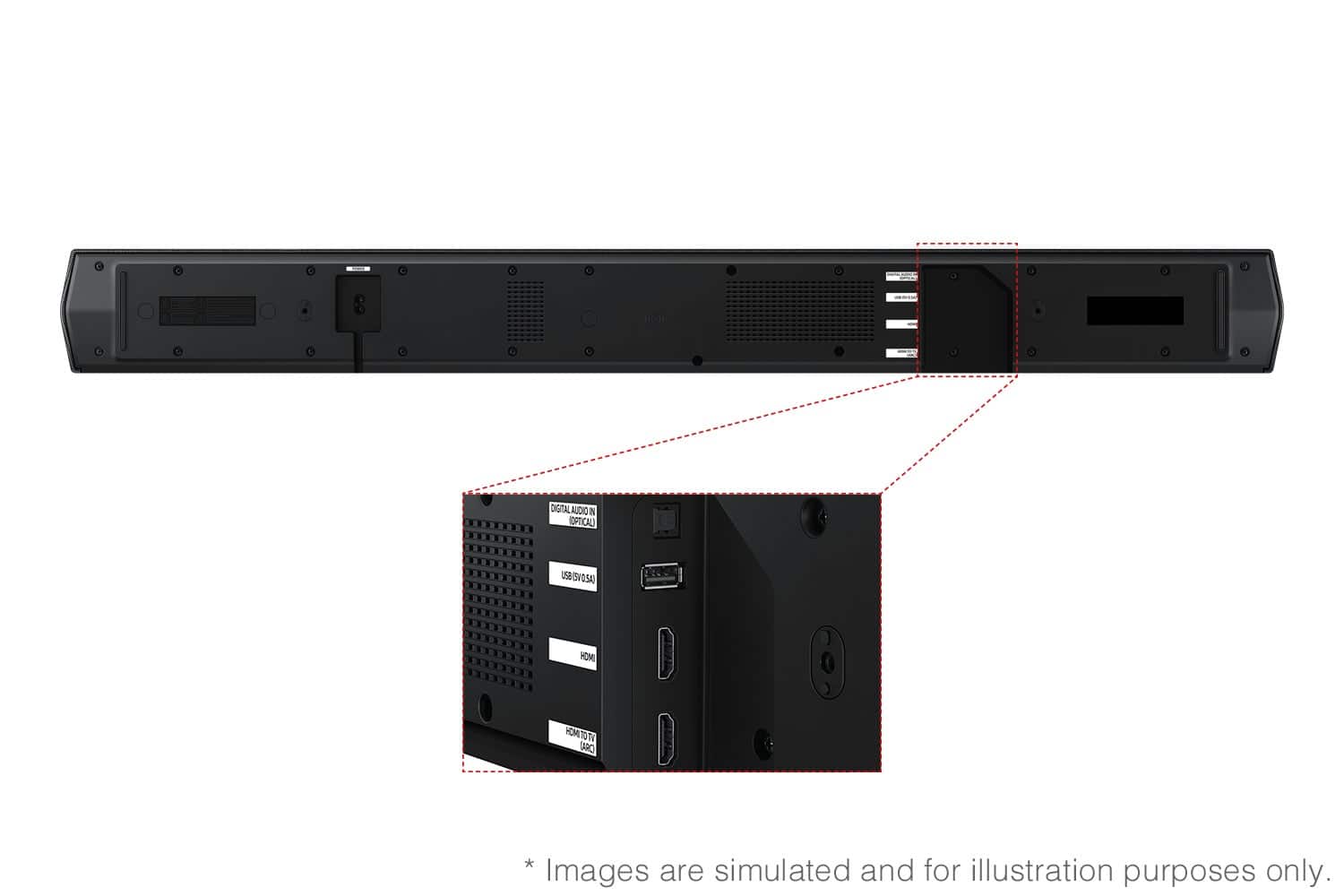
In all configurations (Optical, Bluetooth, and ARC) when the TV is turned ON, the Soundbar will turn ON. If your soundbar is not turning on, it could be due to another reason. For example, if the Soundbar was used to connect to another device (say a smart phone), then it will remember the last device (smart phone) and wait for a command from that device (the smartphone) and ignore the TV ON command.
You may want to try using a HDMI-ARC connection to the TV. When the TV turns ON, it will send a command to turn on the Soundbar and forces the source on the Soundbar to change to HDMI-ARC. This would make the Soundbar change the source from the prior state it was in.
If your soundbar and Samsung TV are connected by an optical cable, Auto Power Link will turn your soundbar on automatically when you turn on the TV.
To use Auto Power Link, follow the steps below:
1) Connect your soundbar to your TV with an optical cable.
2) Set the soundbar to D.IN mode by pressing Source on the remote or soundbar.
3) Press and hold the left direction on the direction pad on the remote for more than 5 seconds or until Auto Power Link appears on the soundbar display to activate or deactivate Auto Power Link.
If you need more help, Samsung is here for you. Please call us at 1-800-SAMSUNG, 8AM - 12AM EST (Ask for Soundbars), 7 days a week. Our Live Chat agents are also available by clicking on the ‘Support’ link on our website.
~ Samsung Solutions
- Pros mentioned:Sound quality
Good starter sound bar
||Posted . Owned for 1 month when reviewed.This reviewer received promo considerations or sweepstakes entry for writing a review.It offers great sound quality for the price. The only downside is that the HDMI arc passthrough only supports 1080p
I would recommend this to a friendBrand response from Samsung
Posted .Hello Bob,
Thank you for sharing your review of the HW-B750F Soundbar. We value your feedback and will share it with our teams.
If there is anything we can do to improve your enjoyment such as helping to optimize settings for your specific sound scenario, please contact Samsung Customer Support. Just give us a call at 1-800-SAMSUNG (Ask for Soundbars), 8AM - 12AM EST, 7 days a week. Our Live Chat agents are also available by clicking on the ‘Support’ link on our website.
~ Samsung Solutions
- Pros mentioned:Sound quality
Must buy
||Posted .This reviewer received promo considerations or sweepstakes entry for writing a review.This soundbar makes all the difference on family movie nights! Clear sound all around.
I would recommend this to a friend Great surround sound!
||Posted .This reviewer received promo considerations or sweepstakes entry for writing a review.Everything works great, as advertised. Strongly recommend!
I would recommend this to a friend- Pros mentioned:Sound quality
Soundbar
||Posted .This reviewer received promo considerations or sweepstakes entry for writing a review.Sounds great and easy to set up and a great price!!
I would recommend this to a friend