Customer Ratings & Reviews
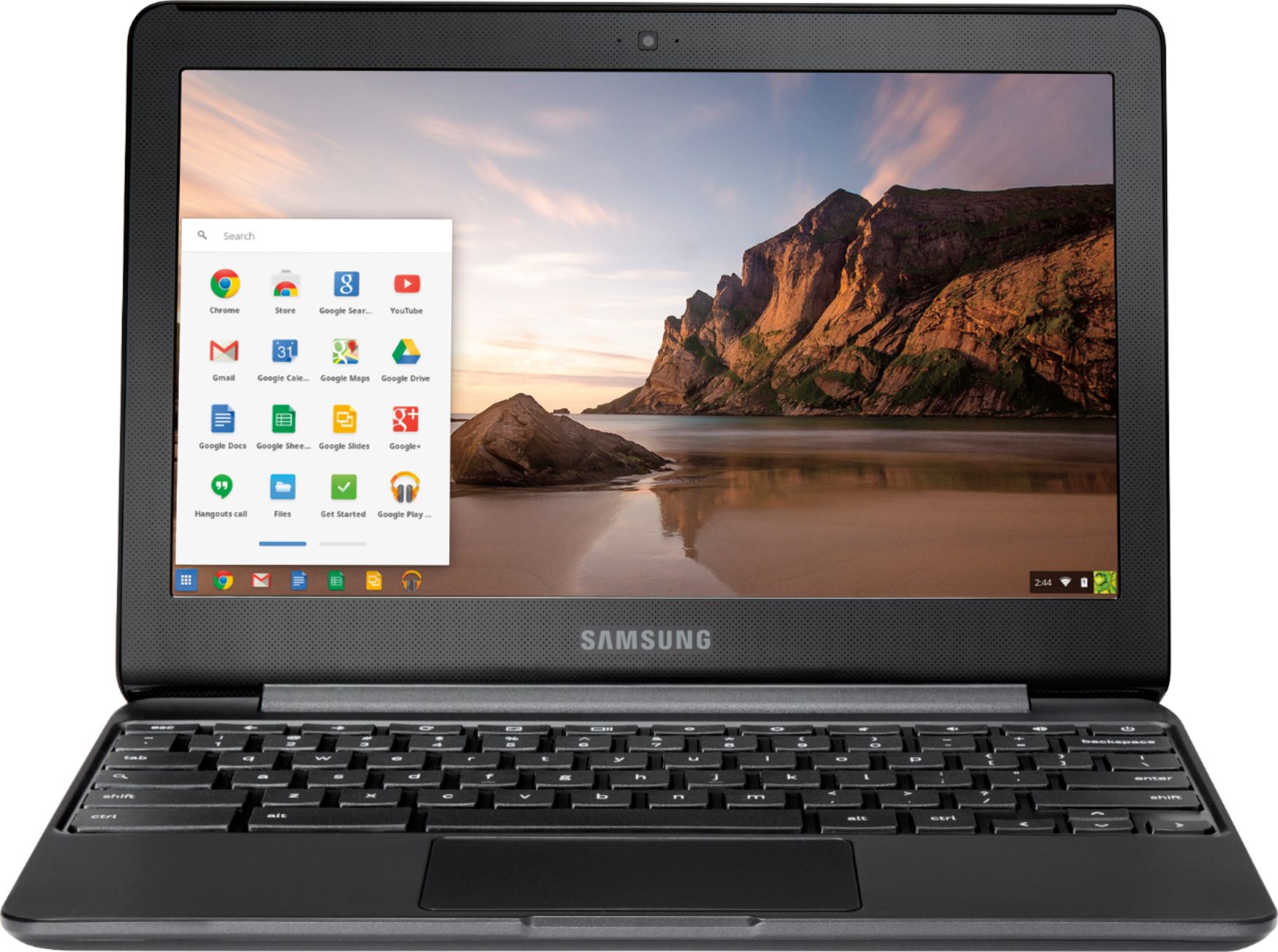
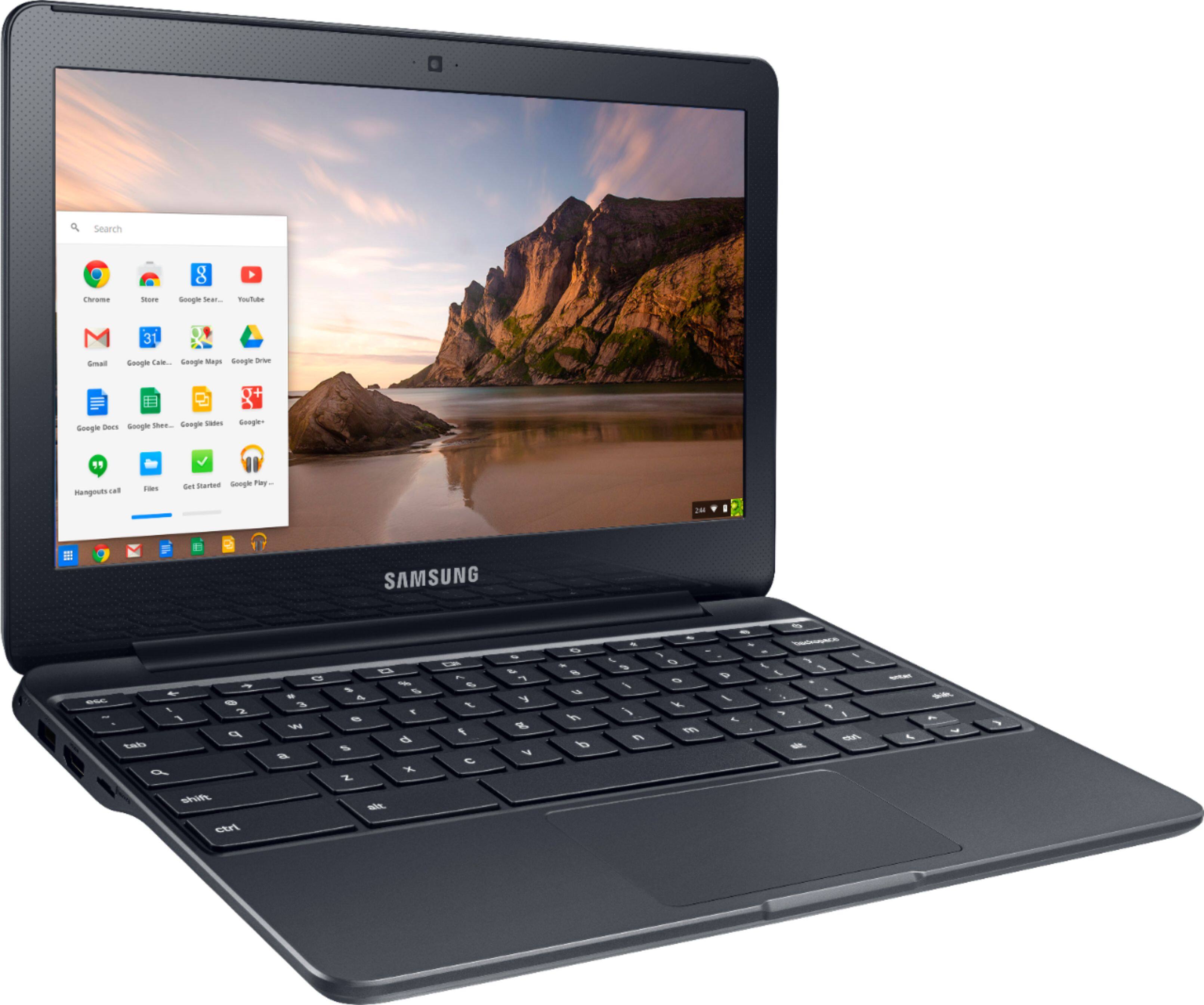
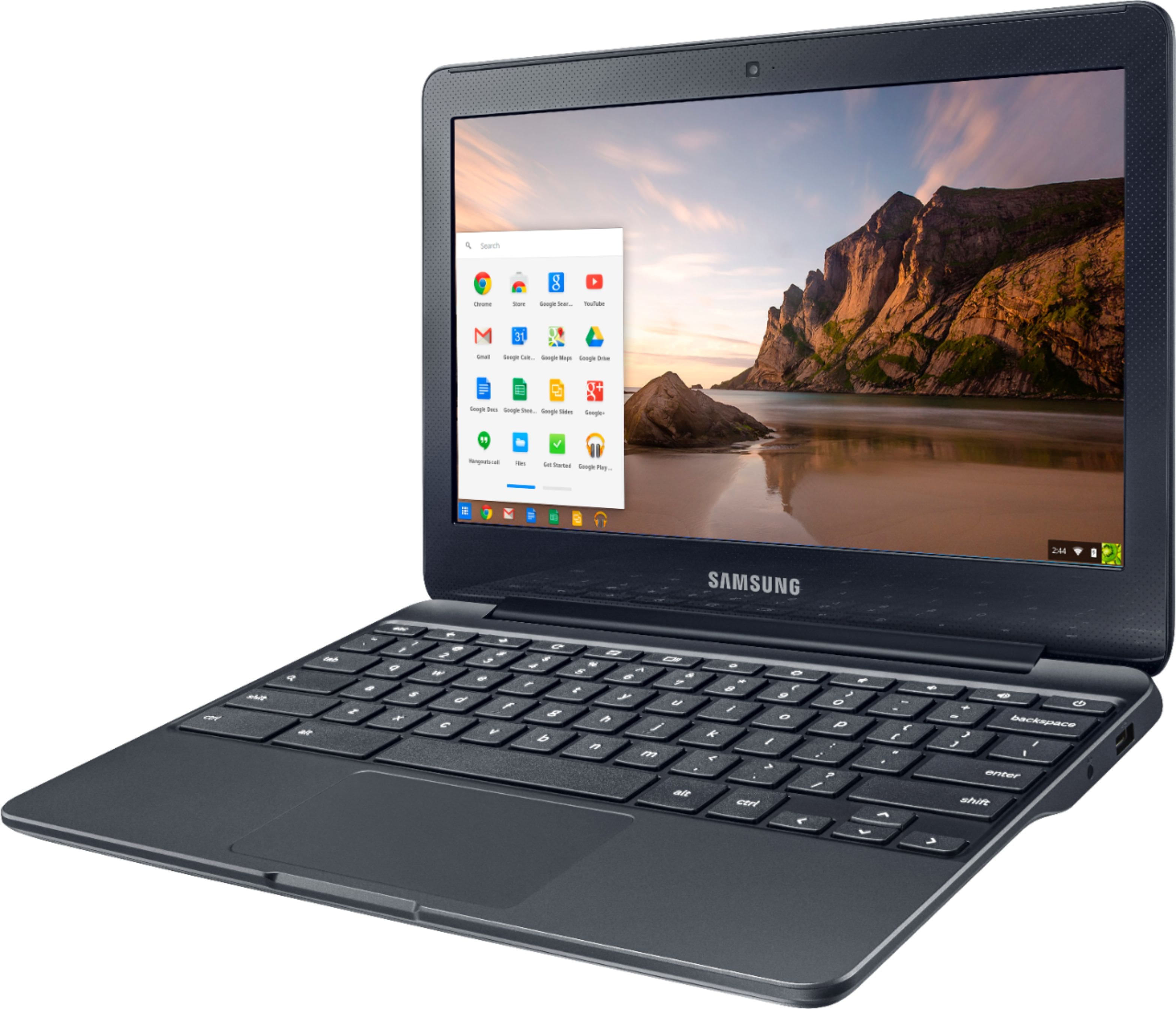



- Model:
- XE500C13-K03US
- |
- SKU:
- 5756800
Customer reviews
Rating 4.5 out of 5 stars with 1786 reviews
(1,786 customer reviews)Rating by feature
- Value4.6
Rating 4.6 out of 5 stars
- Quality4.4
Rating 4.4 out of 5 stars
- Ease of Use4.5
Rating 4.5 out of 5 stars
Customers are saying
Customers are satisfied with the Chromebook's ease of use, size, price, and battery life. Many appreciate its lightweight design and sufficient performance for everyday tasks such as web browsing. However, some customers expressed concerns about the screen quality and compatibility with certain applications and software. The operating system's differences from traditional systems were also noted by some users.
This summary was generated by AI based on customer reviews.
- Pros mentioned:Size
Rated 5 out of 5 stars
Great chromebook
||Posted .This reviewer received promo considerations or sweepstakes entry for writing a review.Bought this for my son to use in school and he loves it ,says it runs very well....fulfulling his needs at school for all the study material he needs to check in the school .Easily fits in his backpack and according him...it looks cool ;-) .
I would recommend this to a friend - Pros mentioned:Size, Weight
Rated 4 out of 5 stars
Great buy
||Posted .This reviewer received promo considerations or sweepstakes entry for writing a review.It was my sister’s bday so we didn’t want to get an expensive laptop for her cuz she will be finishing school soon anyways. So we thought we should just get her some light, small and easy to take around with her to school. The price was great too because it was on sale.
I would recommend this to a friend - Pros mentioned:Weight
Rated 4 out of 5 stars
It's a chromebook... Limited but works.
||Posted .This reviewer received promo considerations or sweepstakes entry for writing a review.This Chromebook was purchased for my daughter to use at school because it was actually significantly less expensive than a tablet device. In the end, it is a Chromebook, which means it is pretty limited in terms of what you can do with it. Her school uses Google apps and Google classroom... Essentially this device is an internet-access, school work only device for her. It is definitely not meant to replace a full-blown computer or laptop. Given that it is a Chromebook, it has good battery life, is light weight, and is actually pretty robust (able to withstand a certain amount of abuse) for a 10 year-old.
I would recommend this to a friend - Pros mentioned:Size
Rated 4 out of 5 stars
Great light wieght
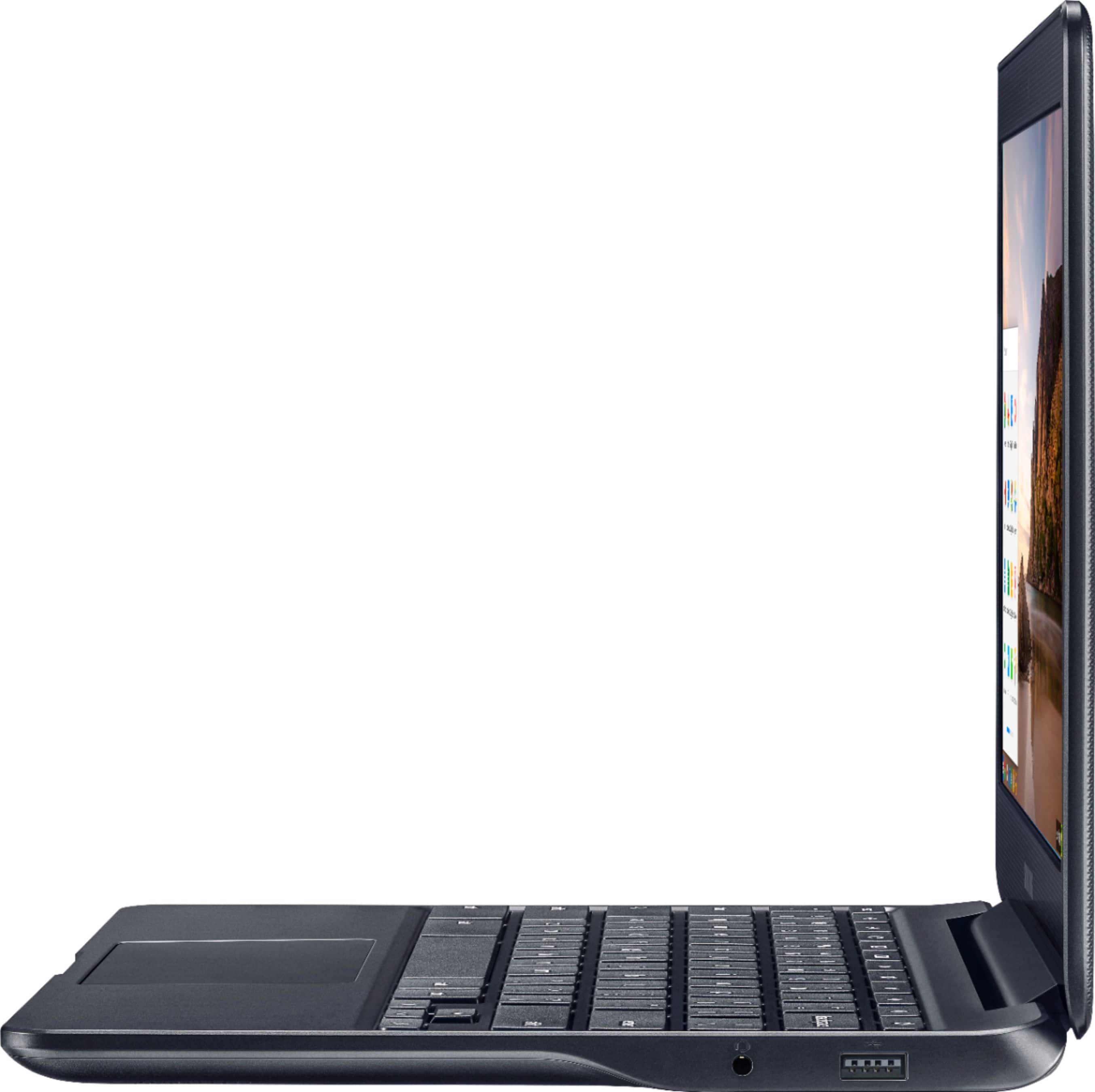
||Posted .This reviewer received promo considerations or sweepstakes entry for writing a review.Get 10-13 hours on a full charge.Browsing, gaming, streaming the whole time, not just sitting idle! Small size makes it incredibly lightweight and ultra portable.Chromebook has two available USB ports, as well as a port for HDMI, headphones, and an SD card reader.
I would recommend this to a friend - Cons mentioned:Screen quality
Rated 5 out of 5 stars
One of the better budget chromebooks
||Posted .This reviewer received promo considerations or sweepstakes entry for writing a review.I have an Acer and it feels like a toy, although it works fine. The Samsung feels like a laptop. Keyboard and trackpad both work well. Had one issue with an usb mouse, but after turning the mouse on and off, it works fine now. I haven't noticed and slow downs or lag with multiple tabs open. I preferred this model for the 4GB of RAM, 32GB of storage and no touchscreen. Backlit keyboard would have been a nice addition. I haven't tested the cam out yet, but I assume it's similar mediocre quality as most chromebooks.
I would recommend this to a friend - Pros mentioned:Size
Rated 5 out of 5 stars
Great for price
||Posted .This reviewer received promo considerations or sweepstakes entry for writing a review.The battery life is better than advertised, and the size is very nice for catching up on emails, web use, and light office work. It isn't at a level to replace a work laptop or desktop, but it offers a lot for the price.
I would recommend this to a friend - Pros mentioned:Ease of use, Size
Rated 4 out of 5 stars
awkward to use
||Posted .This reviewer received promo considerations or sweepstakes entry for writing a review.I own two desktops and two laptops. I bought this chromebook because is very compact and is easy to carry around. I find the chromebook a bit awkward to use compare to a regular computer. For a fraction of the price, I can't complain.
No, I would not recommend this to a friend - Pros mentioned:WeightCons mentioned:Screen quality
Rated 4 out of 5 stars
Lightweight, compact, quiet, functional
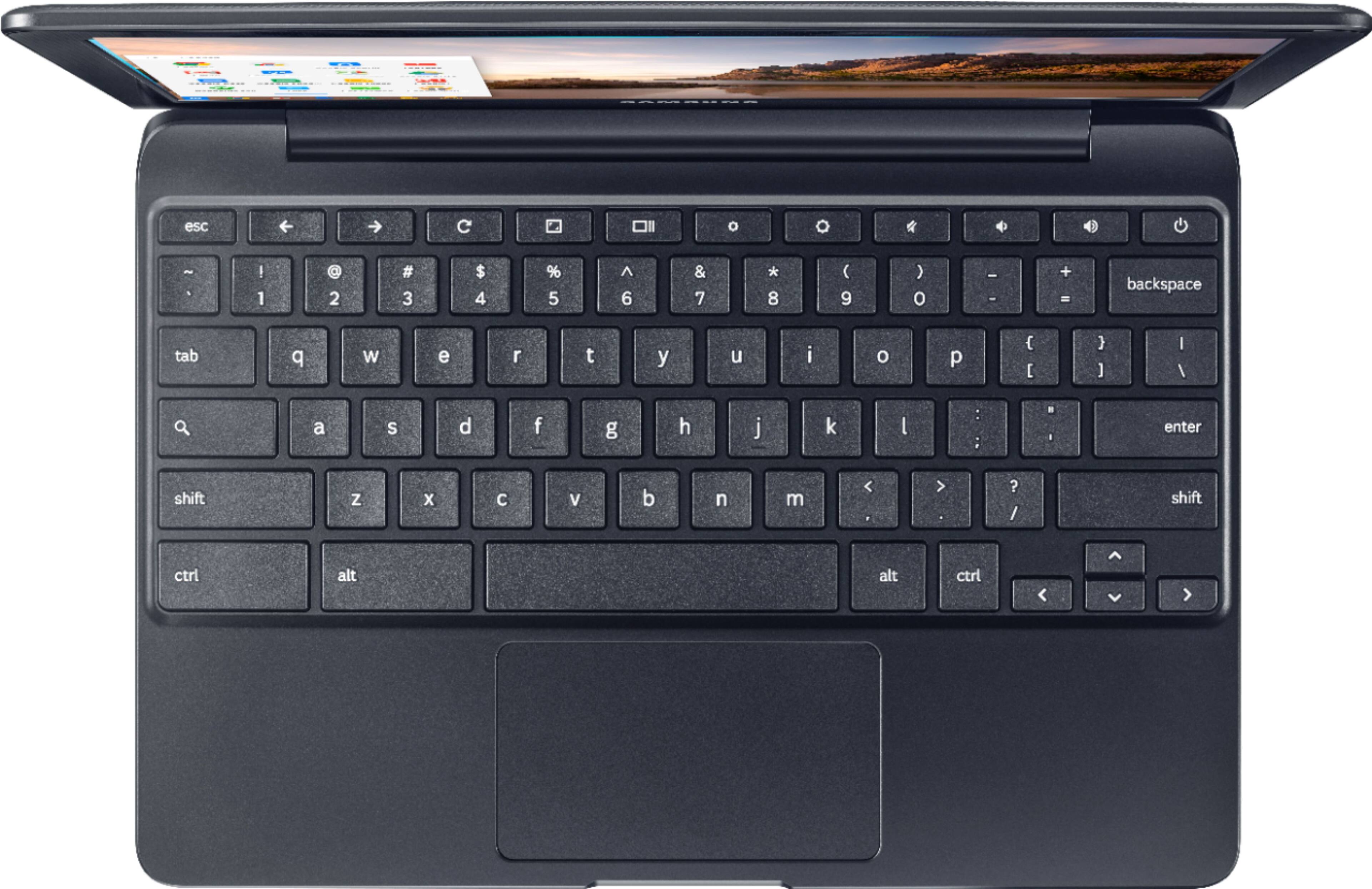
Posted .This reviewer received promo considerations or sweepstakes entry for writing a review.I did some serious comparing before choosing this Chromebook. Read to the end if you want to know what I compared this to before buying it. Pros: - Syncs with your Google/GMail account. - Solid, durable case - Small, compact, lightweight - Micro SD Card slot allows for expanding storage. (I tested this theory with a 16GB Micro SD, and it allows read/write permission. I’m going to buy a 200GB Micro SD). - The 4GB of RAM seems plenty fast even when multitasking. Opening and closing programs has a .5 second lag, only noticeable if you’re used to a faster device. - Samsung makes quality electronics - The 11” screen (not touch screen) is well encased in the plastic shell, giving me confidence it won’t be easily punctured nor shattered. - The 11” screen is not touch-screen (because this is not a 2-in-1 like most other laptops) - If you have access to the internet, this Chromebook has it all; GoogleDocs is your word processor instead of having to install one. There’s a Chrome Web Store which works just like an Apps store, but the apps you are used to probably aren’t going to work on the Chromebook. - The “Taskbar” is traditional and you can pin your favorite programs to it. - 7 hours of battery life (under constant use with a 75% screen brightness). It sleeps very well, so as long as nothing is plugged into the USB while it sleeps, your battery should hold its charge wherever you left it. You can also disable WiFi in sleep mode. And if you dim the screen while in use, you can get 10 hours of continual use - even if connected to WiFi the whole time. - This device is very user-friendly. It’s bare-bones and great for a kid’s first laptop (with the exception of the power supply being fragile - read the “cons”) - The keys are individual, sturdy plastic. They feel easy to press .They’re evenly spaced so I rarely hit 2 keys at the same time, and the spacing makes it easy to type in the dark. The F and J key have a bump for reference. - Everything is easily saved to Google Drive. If you download or save something, it goes in your Download folder, and as you’re looking at it, the next folder in the window is your Google Drive. Click and drag it to the Google Drive, and it’ll be there (if you’re online and have a Google Drive). - I like the touchpad. I hate Apple with the one huge button and no right-click function. This touchpad responds to a tap or a click anywhere on the pad! To ‘right-click,’ use 2 fingers to press the pad. - It’s an Energy Star product, which means it’s power efficient both unplugged and plugged in. - If going idle or leaving your workstation, you can lock the device manually, or set it to lock when the lid is shut. Unlock it with your Gmail password, or create a PIN if you have an arduous password. - Bluetooth capability. Connect to a Bluetooth speaker to play music, or to a headset, etc. - Can Cast to a Chromecast device or Smart TV. - 2 USB ports (one is an eSATA for certain external drives, and the other is a USB 2.0) - HDMI port Cons: - It doesn't come charged out of the box. and the instructions say allow it to fully charge before its first use. It takes maybe 2-4 hours to fully charge. - You need a Gmail account to use many of the functions (Gmail is great, so just make one!) - The power supply is very small and looks fragile. When plugged in, it looks like a small amount of force, twist, or impact will break the plug off in the slot. - The screen can't open more than 180 degrees - The keyboard is not backlit - which is great for power and price reasons, but inconvenient if you work in the dark. - The speakers are underneath and they don't get very loud. I mean, they barely reach normal speech volume at full blast (maybe because they’re pointing to your lap). In a quiet/normal room, it sounds good enough. Luckily, there's a headphone jack, or use a bluetooth speaker/stereo/smart tv. - 32GB internal storage. Luckily, you can buy a 200GB Micro SD Card and use that as expansive memory (I tested it with my 16GB Micro SD card and it allows read/write permission). - When in sleep mode with the lid closed, I don’t think it continues to download nor will it run programs such as an alarm clock. - If you don’t have internet 100% of the time, then you might feel limited in the functions of this device. Like I said, use the SD Card to store movies, music, and programs, and you won’t feel limited when offline. - There’s a learning curve because some of the traditional keys are absent and there isn’t a “start” or “explore” button. Even CAPS Lock is replaced with a search key (which acts as the “Start” or “Explore” button.) And there’s no Right Click button; instead, use two fingers when you click, and that’s the ‘right click’ function. - Personalizing the settings isn’t as quick and has fewer possibilities than most laptops. - Not all Apps will work. You can’t visit the App Store and find anything you want. There’s a Chrome Web Store which has basically what you need, but not everything you might need. What I was looking for: 11-inch, lightweight, compact, built-in camera, at least 1 USB but preferably 2, (large storage capacity - I wish), under or around $250, factory warranty. None of these end up having more than a 32GB capacity, but all of them have an SD card slot and a USB which can be used for an external drive. I narrowed the comparison down to 3 devices: 1)This one 2) Acer 2-in1 Chromebook 11" touch-screen with Intel Celeron 4GB Memory, 32GB EMMC with 1 USB 2.0, 1 USB 3.0, HDMI, headphone jack, SD card slot, 1-year factory warranty for $299 3) Asus 11" Chromebook, Rockchip Cortex A17, 4GB Memory, 16GB SSD, HDMI, headphone jack, SD Card slot, 2 USB 2.0, 1-year factory warranty, $199. HINT: To take a Screenshot, hit CTRL+the small key above the 6. (It’s got a square and 2 vertical lines).
I would recommend this to a friend Rated 5 out of 5 stars
Great for email & searching the internet
||Posted .This reviewer received promo considerations or sweepstakes entry for writing a review.The Samsung Chromebook is easy to use, compact and solid and a good price point. I was looking for something that was quick to check email, social media and search and shop on the internet while on a WiFi connection, that has a built-in keyboard. But most of all something I could use and not have to be concerned with getting viruses and adware that has a built-in keyboard. Chromebooks are great for teens, seniors and anyone because with a free Google you get storage on Google Drive and all the free Google apps like Docs for word processing and Sheets for spreadsheets. The battery life is great and it recharges quickly. Just an all around great product depending on your needs.
I would recommend this to a friend- Pros mentioned:Price, Size
Rated 4 out of 5 stars
Great little netbook
||Posted .This reviewer received promo considerations or sweepstakes entry for writing a review.It does exactly what I wanted it to do. There's much faster computers out there, but for the price, and the size, there's no complaints about this at all.
I would recommend this to a friend Rated 5 out of 5 stars
Great Chromebook
||Posted .This reviewer received promo considerations or sweepstakes entry for writing a review.Took my Chromebook out of box and took less than 5 minutes to set it up. It's fast to download pages and has plenty of storage. I can use it all day without having to recharge it.
I would recommend this to a friend- Pros mentioned:Ease of use, Speed
Rated 5 out of 5 stars
Speedy
||Posted .This reviewer received promo considerations or sweepstakes entry for writing a review.Love my chromebook. Its fast, super easy to carry around. I am starting an online business and liked the idea of being able to travel and have my computer at hand. Its great!
I would recommend this to a friend - Pros mentioned:Size, Speed
Rated 5 out of 5 stars
Compact and Fast!
||Posted .This reviewer received promo considerations or sweepstakes entry for writing a review.I got this Chromebook during the Best Buy Black Friday sales. What a bargain! It is compact, fast, and has a lot of useful ports (SD Card, HDMI and USB). Great purchase
I would recommend this to a friend - Pros mentioned:Ease of use
Rated 5 out of 5 stars
Compact
||Posted .This reviewer received promo considerations or sweepstakes entry for writing a review.This is such a great laptop for college! Makes carrying between classes a breeze and the battery life is very good! Would recommend to high school and college students.
I would recommend this to a friend - Pros mentioned:Ease of use, Weight
Rated 5 out of 5 stars
Love Chromebook especially the Samsung Version
||Posted . Owned for more than 2 years when reviewed.This reviewer received promo considerations or sweepstakes entry for writing a review.I have been using a Chromebook since the product has come out. This is the 3rd one that I have acquired. My preferred vendor for the Chromebook is Samsung. It is lightweight, simple to use and compact to take along anywhere. I would highly recommend this Samsung Chromebook to anyone that wants an internet ready laptop which is light and durable.
I would recommend this to a friend - Pros mentioned:Ease of use, Price
Rated 5 out of 5 stars
Third grader loves it!
||Posted .This reviewer received promo considerations or sweepstakes entry for writing a review.My son uses a chrome book at school and we were looking for something he could use at home. This has been great. Easy for him to use and at a very affordable price.
I would recommend this to a friend - Pros mentioned:Speed, WeightCons mentioned:Screen quality
Rated 5 out of 5 stars
Great computer for someone not so tech savvy
||Posted .This reviewer received promo considerations or sweepstakes entry for writing a review.I bought this for my mom for Christmas. She isn't very good with technology but she can easily use this. It's not the most robust machine out there, but for someone who only checks email, browses the web and uses social media this is great. It's fast, lightweight and doesn't take up a lot of room. Only downside is a 11.6 inch screen is a bit small. I wish it came in a bigger size, maybe 13 inches.
I would recommend this to a friend - Pros mentioned:Speed
Rated 5 out of 5 stars
Outstanding
||Posted .This reviewer received promo considerations or sweepstakes entry for writing a review.Great performance! Great value, if it fits your needs. We are a Google family, this machine offers us all the functions my wife uses all the time at high-speed.
I would recommend this to a friend - Pros mentioned:Price, Weight
Rated 5 out of 5 stars
Perfectly Portable in Every Way!
||Posted .This reviewer received promo considerations or sweepstakes entry for writing a review.You can't beat this Chromebook. Lightweight, stylish, great battery life, and in metallic black! The price is terrific. I love to write but hate doing it at home--I mean non-stop screaming kids, dogs to be walked, cats to be fed, piles of clothes calling to me to fold them... so when I go into avoidance mode I grab this baby and she goes right along with me! She'll make you look good!
I would recommend this to a friend - Pros mentioned:Ease of use, Weight
Rated 5 out of 5 stars
Great for quick tasks
||Posted .This reviewer received promo considerations or sweepstakes entry for writing a review.Great little chromebook and easy to use. It is lightweight so you can transport it easily without the extra bulk.
I would recommend this to a friend