Customer Ratings & Reviews


- Model:
- HW-B550/ZA
- SKU:
- 6505159
Rating by feature
- Value
Rating 4.7 out of 5 stars
- Quality
Rating 4.7 out of 5 stars
- Ease of Use
Rating 4.7 out of 5 stars
Customers are saying
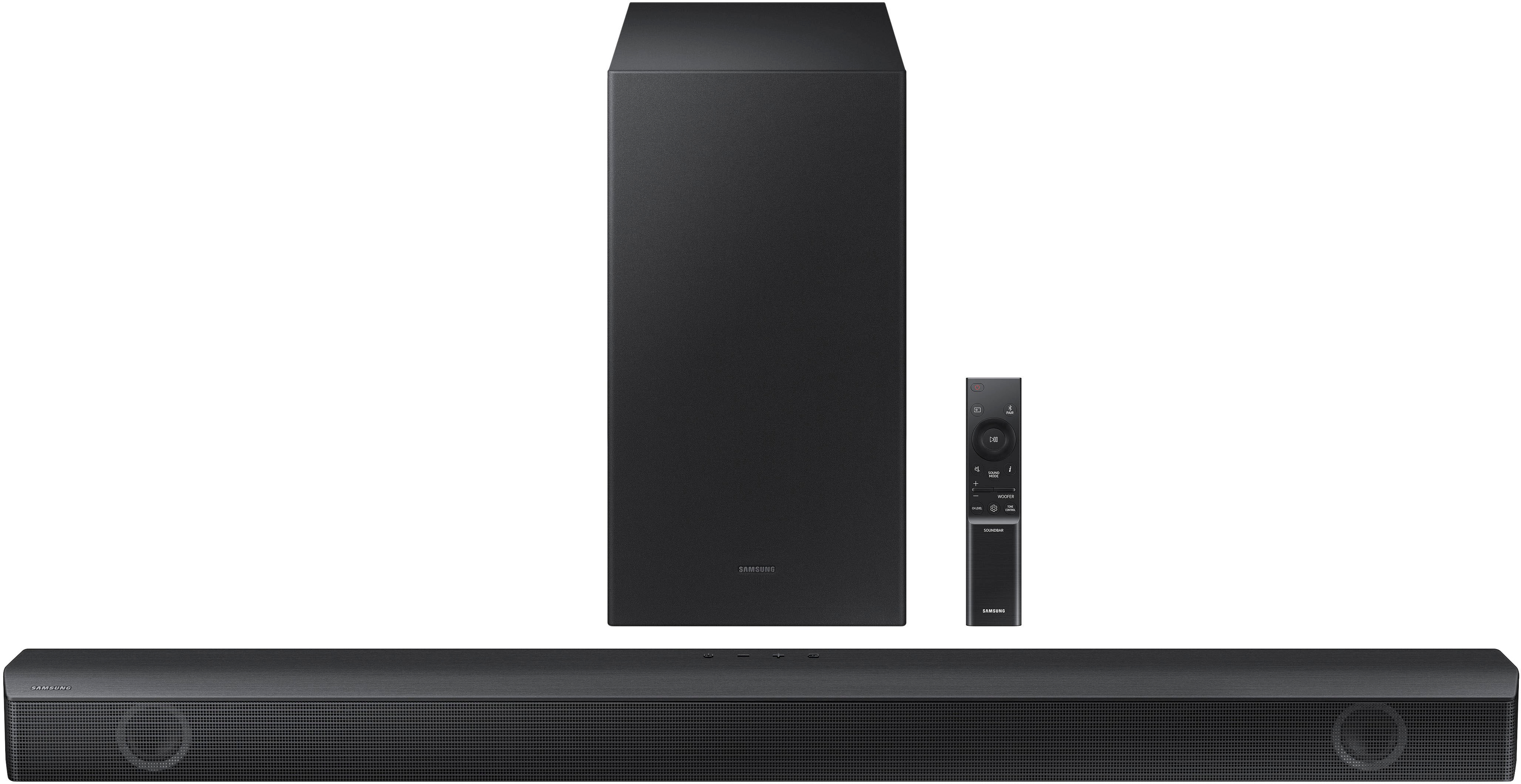
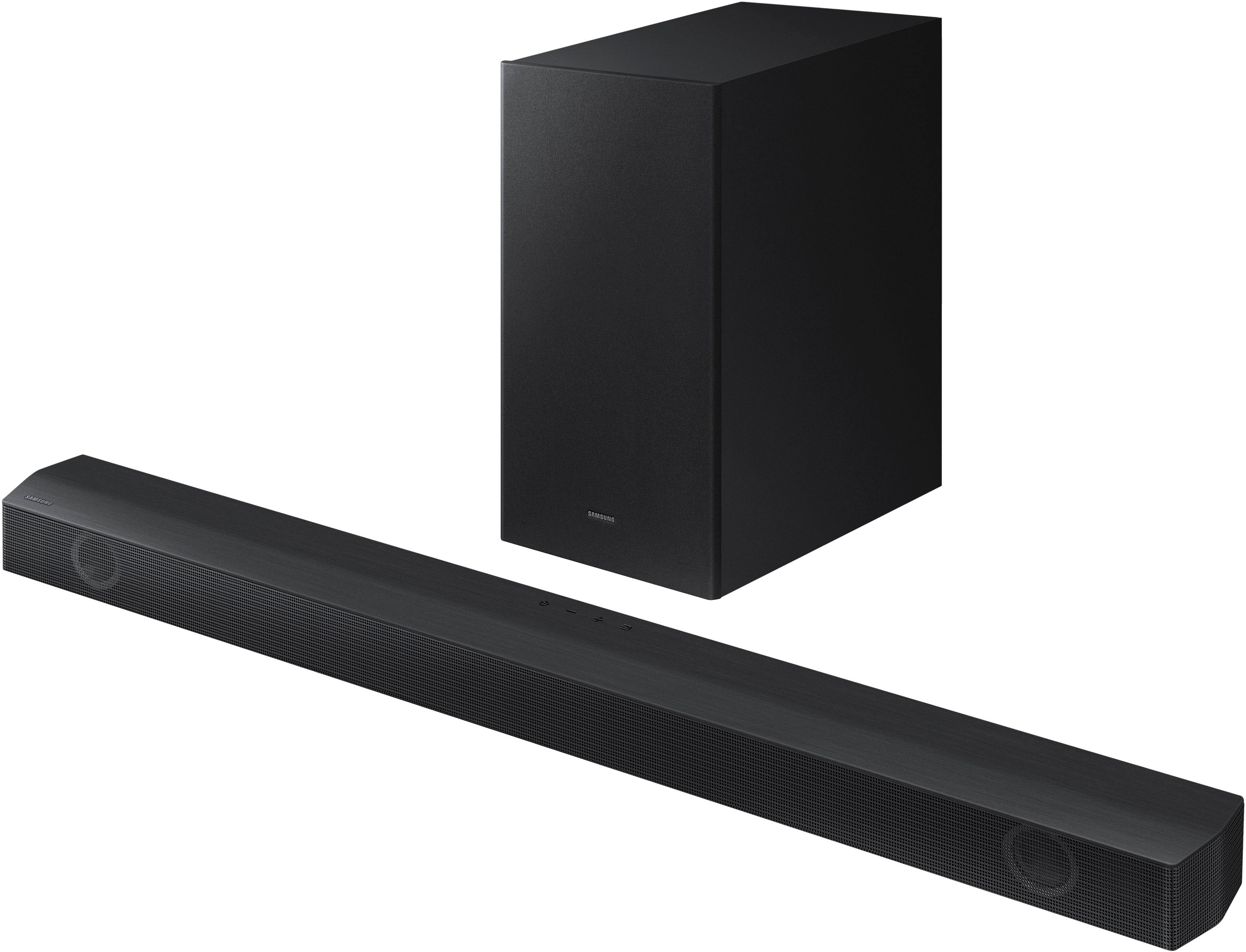
Customers value the HW-B550 2.1ch Soundbar's exceptional sound quality, ease of use, and strong bass response, frequently praising its performance for movies and ease of setup. Many also appreciate its compact size and Bluetooth connectivity. A small number of users reported some issues with the remote control's functionality.
This summary was generated by AI based on customer reviews.
Best Buy going down hill
||Posted . Owned for 1 week when reviewed.This reviewer received promo considerations or sweepstakes entry for writing a review.Best buy has been going down hill recently. I purchased the Samsung Sound Bar which I was excited about. The package came on-time though the Box had obvious been opened and repackaged the PowerSupply for the Soundbar bass tube was missing and the power supply for the bar was for a Bose System not Samsung. I attempted to use the Customer Service Chatbot twice only to be disconnected and got no where…I called the BesBuy Customer Service which said there was nothing they could do and Since it was an openBox it that I would have to go the individual store…They could not provide me with the information which was frustrating because I ordered the item from online and had it shipped to me…I found knock off Wires on Amazon which ranged from $20 to $35 I stated if they can credit me this amount this would make the deal whole…the customer service rep refused to assist me and stared to return it to any store…So I wasted two hours of my life waiting on hold and now I get to drive an hour and half to correct a mistake that they made! Terrible service! Thanks for nothing bestbuy
No, I would not recommend this to a friendBrand response from Samsung
Posted .DanK,
Please know you are leaving a review and 1-star rating for the HW-B550, but we are sorry to hear of your Best Buy experience, nonetheless. You may want to consider providing feedback directly to the Best Buy store where you made your purchase.
Should you have questions on the HW-B550 itself, Samsung is here for you. You can reach us at 1-800-SAMSUNG, 8AM - 12AM EST, 7 days a week. Our LiveChat agents are also available by clicking on the ‘Support’ link on our website.
~ Samsung Solutions
- Pros mentioned:Ease of use
Best ever
||Posted . Owned for 1 month when reviewed.This reviewer received promo considerations or sweepstakes entry for writing a review.Honestly couldn’t find a better product and the fact how easy it is to use too
I would recommend this to a friend Samsung speakers
||Posted . Owned for 3 weeks when reviewed.This reviewer received promo considerations or sweepstakes entry for writing a review.Thinking of getting another one maybe different brand because the audio isn't as crisp as I was looking foward to.
No, I would not recommend this to a friendBrand response from Samsung
Posted .Hello LinoG,
I’m sorry to hear that you’re not fully satisfied with the sound quality of your HW-B550 Soundbar.
Here are some tips to optimize the audio performance to your liking by pressing the SOUND MODE button on your soundbar remote, and then selecting the desired sound effect by choosing SURROUND SOUND, BASS BOOST, GAME, ADAPTIVE, DTS VIRTUAL:X, STANDARD.
By pressing the TONE CONTROL button, you can adjust the volume of the treble or bass sound. Press the button to select TREBLE or BASS and then adjust the volume between -6~+6 by using the Up/Down buttons.
Press and hold the SOUND CONTROL button for about 5 seconds to adjust the sound for each frequency band. 150Hz, 300Hz, 600Hz, 1.2kHz, 2.5kHz, 5kHz, and 10kHz are selectable using the Left/Right buttons and each can be adjusted to a setting between -6 to +6 using the Up/Down buttons. (Make sure the Sound mode is set to “STANDARD”.
Additionally, using the WOOFER button on the remote, you can adjust the subwoofer’s volume between -6 to +6 by toggling the button up or down. To set the subwoofer volume level to 0, press the button down.
If you need more help, Samsung is here for you. Please call us at 1-800-SAMSUNG, 8AM - 12AM EST (Ask for Soundbars), 7 days a week. Our Live Chat agents are also available by clicking on the ‘Support’ link on our website.
~ Samsung Solutions
- Pros mentioned:Sound quality
Great Value
||Posted . Owned for 3 weeks when reviewed.This reviewer received promo considerations or sweepstakes entry for writing a review.Needs an sound bar for my new TV. This was just right and the price was right.
I would recommend this to a friend - Pros mentioned:Price
Pete1
||Posted . Owned for 3 weeks when reviewed.This reviewer received promo considerations or sweepstakes entry for writing a review.Exceptional product,great affordable price and will buy another one for my son
I would recommend this to a friend - Pros mentioned:Sound quality
Loud
||Posted . Owned for 2 weeks when reviewed.This reviewer received promo considerations or sweepstakes entry for writing a review.Great sound, have this in my living room area, and i am really enjoying it.
I would recommend this to a friend - Pros mentioned:Sound quality
Awesome sound
||Posted .This reviewer received promo considerations or sweepstakes entry for writing a review.Sound is amazing quality is amazing. Great equipment for the price
I would recommend this to a friend Not what I thought it would be
||Posted . Owned for 3 weeks when reviewed.This reviewer received promo considerations or sweepstakes entry for writing a review.Our previous sound bar, which was OMN, sounds better, in my opinion. This doesn't have much bass or volume
No, I would not recommend this to a friendBrand response from Samsung
Posted .Hi LynetteL,
I am sorry to hear that you are not completely satisfied with the overall volume of the HW-B550 soundbar. If you don't have a surround system, you will probably want to select PCM audio on your TV. You'll get much louder volume that way, and potentially better sound quality.
If your Digital Output Audio Format isn't set to PCM, for instance if you have a Dolby option selected, then you will likely notice decreased maximum volume. Dolby options are designed for surround systems (like 3.1.2 or 7.1), whereas PCM provides great sound quality for stereo speakers.
On a Samsung TV this can be found at Home > Settings > Sound > Expert Settings. (It can also be found in the Quick Settings.)
The subwoofer is responsible for low frequency sounds, like the rumbles of an explosion in an action movie or the bass guitar and drum in your favorite music. It adds rich bass tones and deepens the sound quality you hear, but since the subwoofer only plays low tones, it will be silent when low frequency sounds are not in use. If you would like louder (or softer) bass from your subwoofer, you can adjust the level by toggling the WOOFER button on the soundbar remote, and then adjusting the level from -6 to +6. To set the subwoofer volume level to 0, press the button down.
Also, you can also add the SWA-9200S Rear Speaker Kit to create a multi-channel system for a true surround sound experience. Check it out at Best Buy: https://www.bestbuy.com/site/samsung-swa-9200s-za-2-0ch-wireless-rear-speaker-kits-black/6510790.p?skuId=6510790
If you need more help, Samsung is here for you. Please call us at 1-800-SAMSUNG, 8AM - 12AM EST (Ask for Soundbars), 7 days a week. Our LiveChat agents are also available by clicking on the ‘Support’ link on our website.
~ Samsung Solutions
- Pros mentioned:Sound quality
Samsung soundbar
||Posted . Owned for 3 weeks when reviewed.This reviewer received promo considerations or sweepstakes entry for writing a review.I love the clearness of the sound. The price, and easy to setup.
I would recommend this to a friend - Pros mentioned:Sound quality
Great sound
||Posted . Owned for 1 week when reviewed.This reviewer received promo considerations or sweepstakes entry for writing a review.Made my tv look and sound better with this worth the spend
I would recommend this to a friend - Pros mentioned:Sound quality
Great sound!
||Posted . Owned for 3 weeks when reviewed.This reviewer received promo considerations or sweepstakes entry for writing a review.Great sound quality! Love this for our family movie nights!!
I would recommend this to a friend - Pros mentioned:Sound quality
Great sound
||Posted . Owned for 2 weeks when reviewed.This reviewer received promo considerations or sweepstakes entry for writing a review.Easy to set up and sounds great. Really makes a difference
I would recommend this to a friend - Pros mentioned:Sound quality
Hermoso
||Posted . Owned for 2 weeks when reviewed.This reviewer received promo considerations or sweepstakes entry for writing a review.Super facil de usar y con espacio Perfecto sonido fuerte
I would recommend this to a friend - Pros mentioned:Sound quality
My new toy
||Posted . Owned for less than 1 week when reviewed.This reviewer received promo considerations or sweepstakes entry for writing a review.I Love it! it's perfect accent to my Samsung 65 inch T,V
I would recommend this to a friend - Pros mentioned:Sound quality
Great sound for a great price
||Posted . Owned for 3 weeks when reviewed.This reviewer received promo considerations or sweepstakes entry for writing a review.I can geel the TV and its a great bar for a great price!
I would recommend this to a friend - Pros mentioned:Sound quality
Mediocre Soundbar for 2023
||Posted . Owned for 1 week when reviewed.This reviewer received promo considerations or sweepstakes entry for writing a review.Doesn’t support 4K pass through - why bother with ARC in 2023. Sound was decent. Setup easy.
No, I would not recommend this to a friendBrand response from Samsung
Posted .Hello NBNY,
Thank you for sharing your thoughts regarding the HW-B550 Soundbar.
So you are aware the ARC HDMI port will allow the Soundbar to be easily controlled with the TV/Cable remote. Plus HDMI will carry a better audio signal, giving a better overall experience.
If you need more help, Samsung is here for you. Please call us at 1-800-SAMSUNG, 8AM - 12AM EST (Ask for Soundbars), 7 days a week. Our LiveChat agents are also available by clicking on the ‘Support’ link on our website.
~ Samsung Solutions
Ok quilty
||Posted . Owned for 3 weeks when reviewed.This reviewer received promo considerations or sweepstakes entry for writing a review.Have to stull turn way up to hear it good and clear.Bur over all its ok.easy to sink into the tv.
No, I would not recommend this to a friendBrand response from Samsung
Posted .Hello CharlesT,
I am sorry to hear that you are not completely satisfied with the overall volume of the Samsung HW-B550 soundbar.
If you don't have a surround system, you will probably want to select PCM audio on your TV. You'll get much louder volume that way, and potentially better sound quality.
If your Digital Output Audio Format isn't set to PCM, for instance if you have a Dolby option selected, then you will likely notice decreased maximum volume. Dolby options are designed for surround systems (like 3.1.2 or 7.1), whereas PCM provides great sound quality for stereo speakers.
On a Samsung TV this can be found at Home > Settings > Sound > Expert Settings. (It can also be found in the Quick Settings.)
I hope this tip helps improve your enjoyment. For more help, please call us at 1-800-SAMSUNG (Ask for Soundbars), 8 AM – 12 AM EST, 7 days a week. LiveChat with an agent as well as manuals, software, and warranty info can be found at the ‘Support’ link on our Samsung website.
~ Samsung Solutions
- Pros mentioned:Sound quality
great sound
||Posted . Owned for 3 weeks when reviewed.This reviewer received promo considerations or sweepstakes entry for writing a review.great sound never heard such surround sounds before
I would recommend this to a friend - Pros mentioned:Sound quality
Samsung - HW-B550/ZA 2.1ch Soundbar with Dolby Au
||Posted . Owned for 1 month when reviewed.This reviewer received promo considerations or sweepstakes entry for writing a review.Wondrous product, and works with television love it.
I would recommend this to a friend Great
||Posted .This reviewer received promo considerations or sweepstakes entry for writing a review.Great sound bar excellent sound quality and volume
I would recommend this to a friend