Customer Ratings & Reviews


- Model:
- HW-B550/ZA
- SKU:
- 6505159
Rating by feature
- Value
Rating 4.7 out of 5 stars
- Quality
Rating 4.7 out of 5 stars
- Ease of Use
Rating 4.7 out of 5 stars
Customers are saying
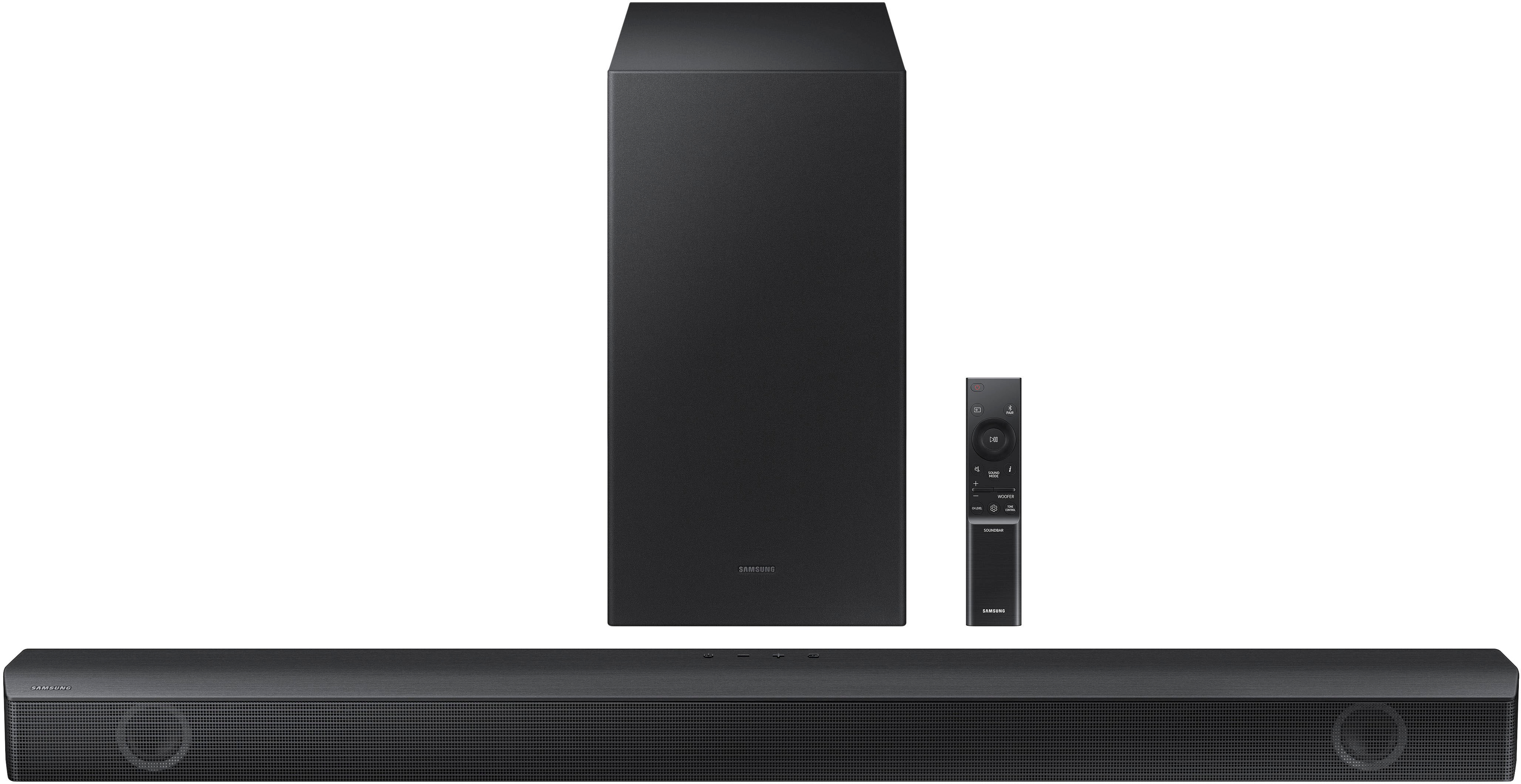
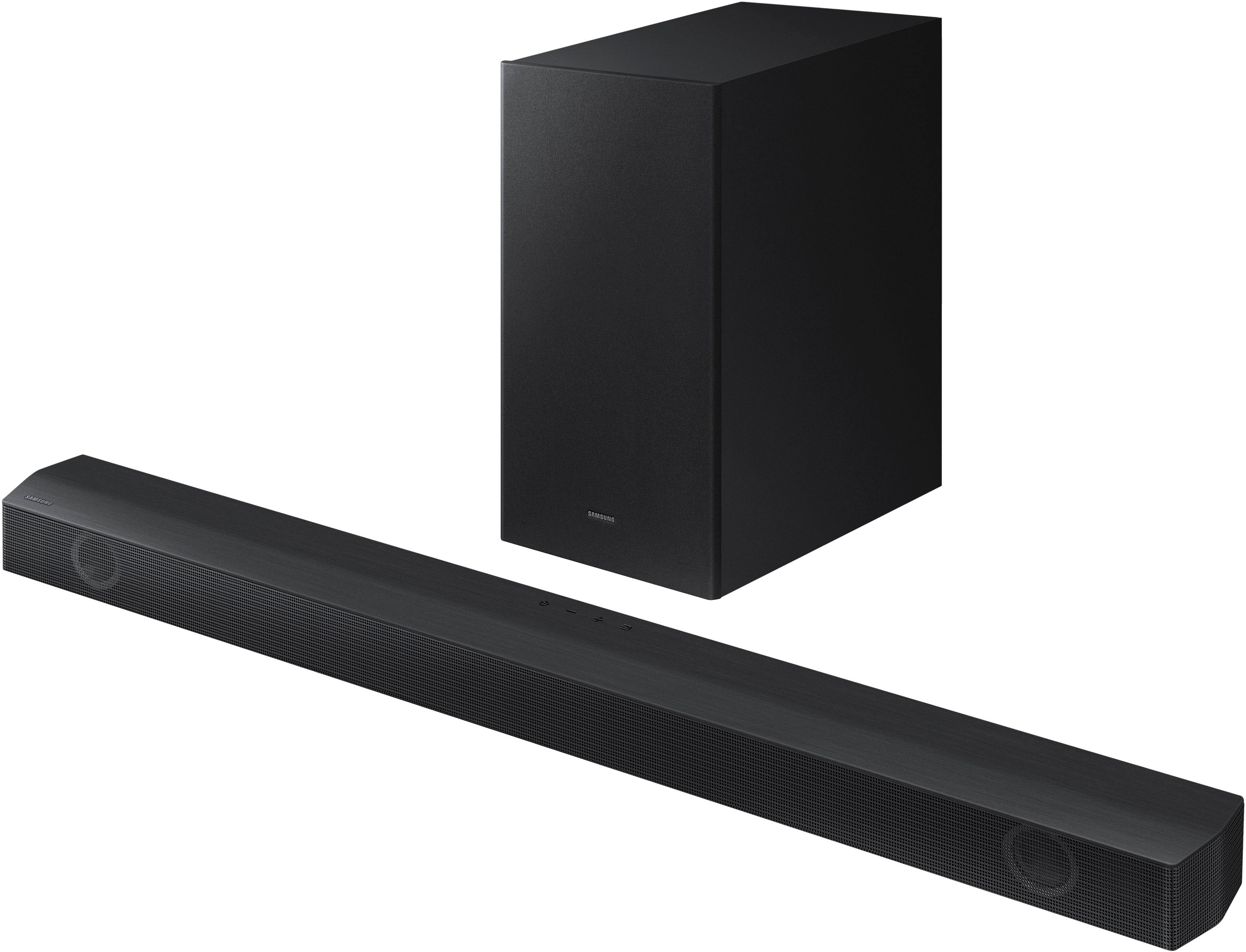
Customers value the HW-B550 2.1ch Soundbar's exceptional sound quality, ease of use, and strong bass response, frequently praising its performance for movies and ease of setup. Many also appreciate its compact size and Bluetooth connectivity. A small number of users reported some issues with the remote control's functionality.
This summary was generated by AI based on customer reviews.
- Pros mentioned:Ease of use
Samsung
Posted .This reviewer received promo considerations or sweepstakes entry for writing a review.No problems with it it works good and was easy to get ready
I would recommend this to a friend - Pros mentioned:Sound quality
Samsung
Posted .This reviewer received promo considerations or sweepstakes entry for writing a review.I had this for two weeks now and it’s awesome Samsung soundbar
I would recommend this to a friend - Pros mentioned:Ease of use
JJandLJ
Posted .This reviewer received promo considerations or sweepstakes entry for writing a review.The Samsung Sound Bar has good sound output and it is easy to operate.
I would recommend this to a friend - Pros mentioned:Sound quality
Great Sound
Posted .This reviewer received promo considerations or sweepstakes entry for writing a review.Very nice in this price range, wonderful full sound range.
I would recommend this to a friend - Pros mentioned:Sound quality
Best sound system for a good price
Posted .This reviewer received promo considerations or sweepstakes entry for writing a review.Amazing!!! Sounds bomb!!!!!!!!!!!!!!’nnn nnnnnnnnn
I would recommend this to a friend Love Best Buy
Posted .This reviewer received promo considerations or sweepstakes entry for writing a review.Best Buy set up our Samsung TV and stayed to make sure we knew how to use operate it. We are over 80 years old and very much appreciated their kind and professional manner.
I would recommend this to a friend- Cons mentioned:Remote control
Keep getting the run around
Posted .This reviewer received promo considerations or sweepstakes entry for writing a review.The soundbar works great, but the remote will not work. We can’t adjust the spoken volume in relation to the background sounds, and can barely understand a movie. Twice Samsung has promised to send a new remote, and twice they have “ canceled” the ticket due to faulty information. I have sent serial number pictures, proper addresses, everything they’ve asked for on two different occasions, ……and nothing happens. Then I contact them, and the “ticket has been canceled”. They won’t stand behind their product. Makes me so mad to get a continual run around.
No, I would not recommend this to a friendBrand response from Samsung
Posted .Hello PeterE,
Thank you for sharing your review regarding the HW-B550 Soundbar and Samsung Customer Support. I am sorry to see that you are experiencing these issues, please know that we are here to help you.
The HW-B550 has two features that will improve the overall dialogue.
When you press the CH LEVEL button on the remote you will see VIRTUAL CENTER LEVEL scroll across the LED display of your Soundbar, from here you can use the UP/DOWN buttons (the top and bottom of the circle pad) to adjust this level between -6 to +6.
By pressing the SOUND CONTROL button (which looks like a gear) until you see VOICE ENHANCE scroll across the LED display you can turn this feature on or off by using the same UP/DOWN buttons on the provided Soundbar remote.
If we can help with anything else, please call us at 1-800-SAMSUNG (Ask for Soundbars), 8 AM – 12 AM EST, 7 days a week. LiveChat with an agent as well as manuals, software, and warranty info can be found at the ‘Support’ link on our Samsung website.
~ Samsung Solutions
Sound Bat Review
Posted .This reviewer received promo considerations or sweepstakes entry for writing a review.The sound from the TV is amplified. Great gift. Definitely recommend
I would recommend this to a friendSumsong sound bar
Posted .This reviewer received promo considerations or sweepstakes entry for writing a review.Bast buy is the best option around here in springfiled va
I would recommend this to a friendnice
Posted .This reviewer received promo considerations or sweepstakes entry for writing a review.Perfect for the money. Easy set up with nice remote control
I would recommend this to a friendSamsung sound bar
Posted .This reviewer received promo considerations or sweepstakes entry for writing a review.Great item for the price. Sound could be a lil better.
I would recommend this to a friend- Pros mentioned:Bass
Samsung without any highs
Posted .This reviewer received promo considerations or sweepstakes entry for writing a review.Sounds ok..lots of bass and it's definitely not good with out the rear speakers. No highs without them. Don't waste your money on just the soundbar and the woofer.
No, I would not recommend this to a friendBrand response from Samsung
Posted .Hello Coats,
Thank you for purchasing the HW-B550 Soundbar. I am sorry to see that you are not completely satisfied with your purchase.
You can optimize your audio performance to your liking by pressing the SOUND MODE button on your soundbar remote, and then selecting the desired sound effect by choosing SURROUND SOUND, BASS BOOST, GAME, ADAPTIVE, DTS VIRTUAL:X, STANDARD.
By pressing the TONE CONTROL button, you can adjust the volume of the treble or bass sound. Press the button to select TREBLE or BASS and then adjust the volume between -6~+6 by using the Up/Down buttons.
Press and hold the SOUND CONTROL button for about 5 seconds to adjust the sound for each frequency band. 150Hz, 300Hz, 600Hz, 1.2kHz, 2.5kHz, 5kHz, and 10kHz are selectable using the Left/Right buttons and each can be adjusted to a setting between -6 to +6 using the Up/Down buttons. (Make sure the Sound mode is set to “STANDARD”.
Additionally, using the WOOFER button on the remote, you can adjust the subwoofer’s volume between -6 to +6 by toggling the button up or down. To set the subwoofer volume level to 0, press the button down.
If you need more help, Samsung is here for you. Please call us at 1-800-SAMSUNG, 8AM - 12AM EST (Ask for Soundbars), 7 days a week. Our LiveChat agents are also available by clicking on the ‘Support’ link on our website.
~ Samsung Solutions