Customer Ratings & Reviews

- Model:
- XE510C24-K01US
- |
- SKU:
- 5882808
Customer reviews
Rating 4.2 out of 5 stars with 41 reviews
(41 customer reviews)to a friend
Customers are saying
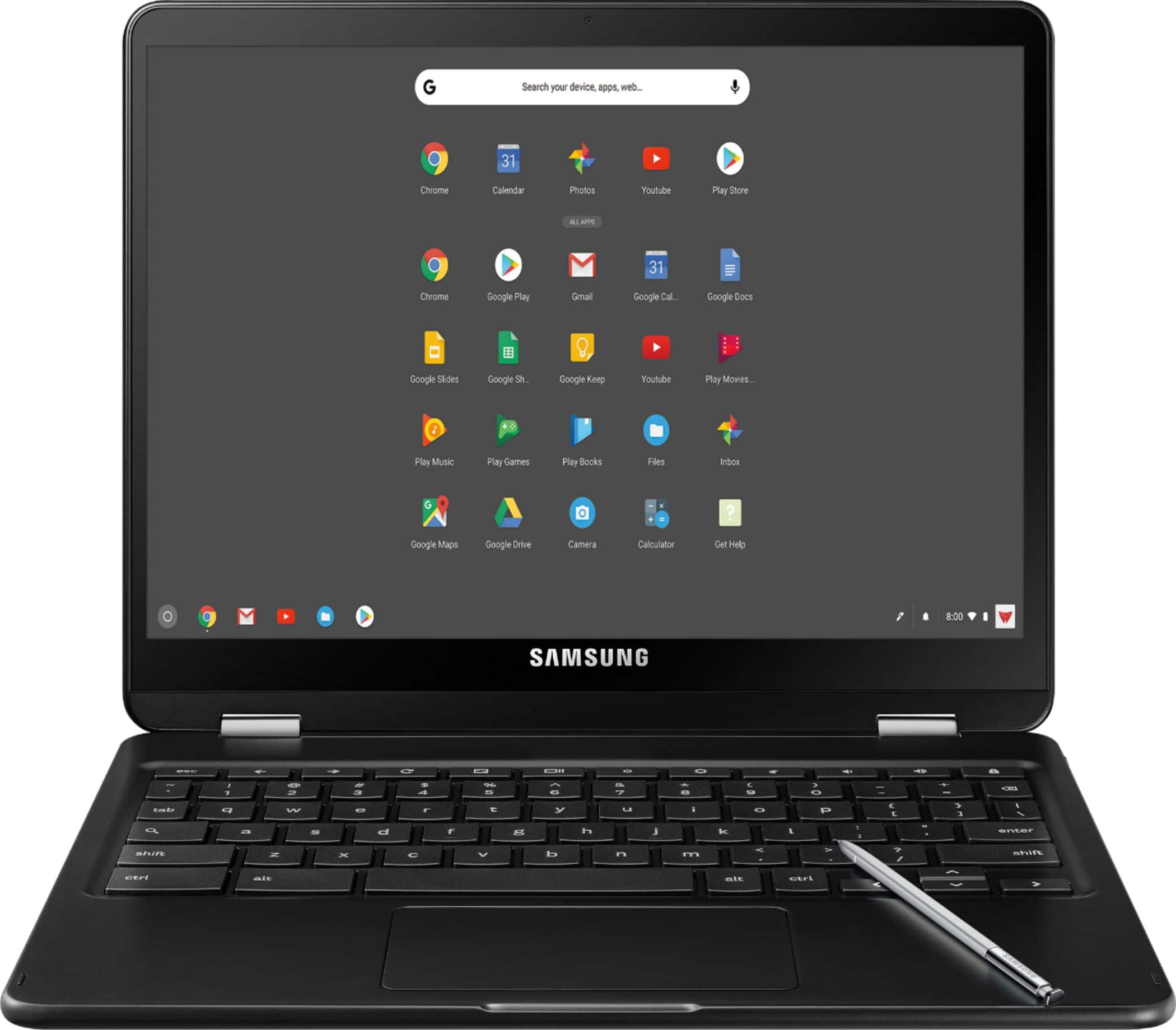
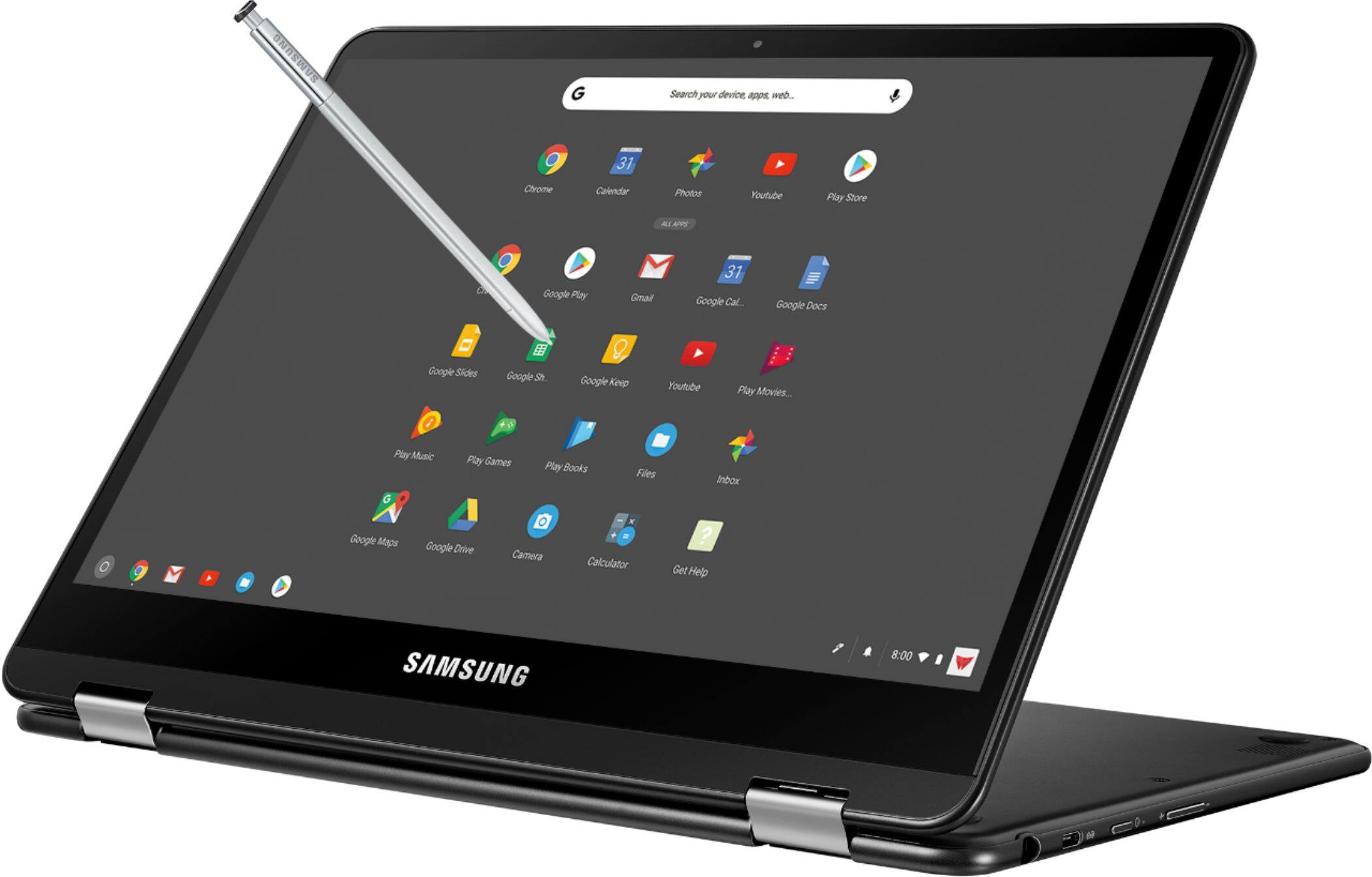
Customers frequently mention the excellent screen quality and long battery life of the Pro 12.3" Touch-Screen Chromebook. Its lightweight and portable design also receives positive feedback, making it convenient for various uses. Many appreciate the ease of use, particularly for schoolwork. There were no negative customer comments reported.
This summary was generated by AI based on customer reviews.
- Pros mentioned:Battery life, Screen quality, Weight
Rated 4 out of 5 stars
Worth it!
||Posted .This reviewer received promo considerations or sweepstakes entry for writing a review.Great machine so far. It has excellent battery life, vibrant colors and a responsive touchscreen. Android apps have worked well. Very lightweight and portable. My only improvement suggestion would be a backlit keyboard.
I would recommend this to a friend - Pros mentioned:Screen quality
Rated 5 out of 5 stars
An excellent little device with a few caveats
||Posted .This reviewer received promo considerations or sweepstakes entry for writing a review.I use this device primarily as a replacement for my laptop for day-to-day work. The device itself is solidly built and the smaller than usual keyboard did not cause me any of the issues that some others report. The tactile feedback is fine and I was able to adapt without issue to the smaller keys. The screen is AMAZING. All caps, no stop. It's so awesome that I find myself stopping to just look at how clear everything is, especially when its at full brightness while plugged in. I do not run it at full resolution as I've found that the system recommended resolution is fine for word processing and internet surfing. If I were to watch a movie I would definitely make sure I was getting the appropriate output but its a gorgeous screen either way. The S pen is not as integrated with Word or Google Docs as I had hoped given that the Pixelbook has a pen now. I would love to have the ability to write notes during a presentation in the margins as when with a client it is far less obtrusive to use a tablet than it is to use the chromebook as a laptop. I'm not sure whether to blame Samsung or Google or Microsoft here. Most of my work is done through a VPN or via online login platforms so the chromebook has nearly replaced my Windows laptop entirely and for the price, it cannot be beat. That being said, the native Word app does not seem to have integration with Google Drive which is mind numbing as it does support other platforms. Hopefully soon.
I would recommend this to a friend - Pros mentioned:Ease of use
Rated 5 out of 5 stars
Great laptop
||Posted .This reviewer received promo considerations or sweepstakes entry for writing a review.I’ve been away from google for awhile. It’s nice to be back. This laptop is fast, easy to use and very versatile. My grandchildren are in heaven.
I would recommend this to a friend Rated 4 out of 5 stars
Very good device with minor issues
||Posted .This reviewer received promo considerations or sweepstakes entry for writing a review.I'm a big Android user and I use to carry an Android tablet with me along with my phone. I like having two separate devices so that I can watch a show on one and browse the internet on the other at the same time. Android tablets are a dying market, options for a new tablets are getting smaller every year and features are not as appealing as your phone's. Android support on phones are already bad but on tablets, they're non-existent. After some research, I've come to find out that Google's Chromebooks were going to support Android apps. I was excited and decided on getting a Chromebook Pro. The Samsung Chromebook Pro is a very well designed and built laptop. The all metal build feels great in your hands, and you tend to forget that is a Chromebook, not a windows machine. Here are some pros and cons that I found with this device. Pros: - Form factor and design. Beautiful looking device with an all metal construction makes it look as good as a Macbook Pro. - Display. The best display in any Chromebook so far. High resolution and vivid colors. - Convertible. It has a touchscreen, being able to turn it into a 12" tablet is useful. - S-Pen. The S-Pen is always a welcoming feature in the Galaxy Note line. Now you have an even bigger screen to draw and/or take notes with. - Supports Android Apps. While limited, it is nice that you can run an app if you can't find a chrome extension. - USB-C. Not only does it take USB-C for charging, but it also has 2 ports, one on each side! And yes, you can charge from either side. -Intel Processor. More powerful than an ARM processor and can handle a lot more tabs open and multitasking. Cons: - Keyboard. Keys like the backspace is the same size as the letter keys, making it easy to press the wrong key when typing. The layout could be better. - Battery life. This could be a personal issue, but I feel the battery life could hold up a little longer. - Android App instability. Intel processors aren't the best at emulating Android, so you're more likely to run into problems than the Chromebook Plus. - Build quality. You can feel the device creaking around the palm rest area on each side of the touchpad. Additionally, the touchscreen suffered from a known issue in the Chromebook Plus and I had to send mine to get serviced after owning it for 20 days. Overall, I do not regret buying this device. It has replaced my tablet and has provided with more features to take advantage of. Samsung's customer service was great and quick. They repaired my device and got it back to my in under 10 days.
I would recommend this to a friend- Pros mentioned:Weight
Rated 5 out of 5 stars
our 3rd chromebook
||Posted .This reviewer received promo considerations or sweepstakes entry for writing a review.we have 3 of these. original 2 were for business. 3rd for home. very convenient. light, so it's very mobile. would definitely purchase again. only concerns, the first one we purchased had software issues that still aren't resolved. also, the pen on the first one broke the first day. no issues on other 2 devices.
I would recommend this to a friend Rated 4 out of 5 stars
Great device, not for everyone
||Posted .This reviewer received promo considerations or sweepstakes entry for writing a review.Love this Chromebook so far, bought this mid-July and no troubles yet. Possible to use this device to replace existing tablets, although a handful of apps end up buggy.
I would recommend this to a friend- Pros mentioned:Screen quality
Rated 5 out of 5 stars
Great Chromebook, good pen support!
||Posted .This reviewer received promo considerations or sweepstakes entry for writing a review.I wouldn't necessarily recommend this as a first Chromebook, but if you have used any Chromebook before, this one is an upgrade. No other Chromebook under $1000 comes close (and I'm not sure the more expensive ones do either -- the screen on this one is great, and it has pen+pressure support).
I would recommend this to a friend - Pros mentioned:Ease of use
Rated 4 out of 5 stars
Great buy for school
||Posted .This reviewer received promo considerations or sweepstakes entry for writing a review.Bought this for our high school kid and he uses it all the time for his school work both in the classroom and home.
I would recommend this to a friend - Pros mentioned:Screen quality, Weight
Rated 5 out of 5 stars
MacOS to ChromeOS
||Posted .This reviewer received promo considerations or sweepstakes entry for writing a review.When shopping chromebook, shop by hardware quality! This Samsung has it all! - The touch panel is quite responsive and quite beautiful - It's lightweight and durable - It's battery life is "decent". Though for the size of the device and how much processor power I'm pushing on the Core M3, the few hours I'm getting out of the battery is understandable. If you're migrating from a Full OS device to Chrome OS I would recommend this device. It's not too expensive, but still provides good quality hardware. Just keep the power supply on hand.
I would recommend this to a friend Rated 3 out of 5 stars
Excellent product - poor fit/finish
||Posted .This reviewer received promo considerations or sweepstakes entry for writing a review.Highly recommend this particular Chromebook. Seems like very good bang-for-buck value, however let down by the cheap feel and plain matte black paint. Almost feels like they forgot to paint the final coat. If you don't mind the finish I bet you'll enjoy this 2 in 1.
I would recommend this to a friendRated 4 out of 5 stars
Nice Device
||Posted .This reviewer received promo considerations or sweepstakes entry for writing a review.Bought for my 6th grader for school. Great device. Only complaint - the stylus got stuck in the device! I think the spring may have broken. However, don't let that deter you, great Chromebook that allows drawing just like the more expensive Surface products.
I would recommend this to a friendRated 5 out of 5 stars
It's a great computer/tablet !!!
||Posted .This reviewer received promo considerations or sweepstakes entry for writing a review.There is a small learning curve, but after a bit of confusion, the rest was magic. This is my first Chromebook and I am a convert/believer.....I cannot imagine ever going back to a conventional windows environment...Please Samsung, backlight the keyboard next time....If we're willing to pay this kind of money for your excellent product, I feel we deserve that consideration...
I would recommend this to a friend- Pros mentioned:Screen quality
Rated 5 out of 5 stars
So far so good
||Posted .This reviewer received promo considerations or sweepstakes entry for writing a review.I'm a college student and this is perfect for quick assignments, emails, tests, and reading. It's also a great tablet for my son to use. I really love the large keyboard and the great screen. The only thing I don't like is the speaker quality.
I would recommend this to a friend - Pros mentioned:Screen quality
Rated 4 out of 5 stars
Returned
||Posted .This reviewer received promo considerations or sweepstakes entry for writing a review.Ended up returning to purchase Samsung galaxy tab 3. Nothing personal against the chromebook but felt would gain more use from tablet.
I would recommend this to a friend - Pros mentioned:Ease of use
Rated 5 out of 5 stars
Awesome New Upgrade
||Posted .This reviewer received promo considerations or sweepstakes entry for writing a review.This laptop is amazing. Chrome OS is becoming so much more convenient for all around use. Great for pretty much anything and at a really good price for its quality.
I would recommend this to a friend Rated 5 out of 5 stars
Bad for playing a lot of music
||Posted . Owned for 1.5 years when reviewed.This reviewer received promo considerations or sweepstakes entry for writing a review.Overall, this Chromebook works great in many ways. However, I have a lot of music in my Google play account. So, when I saw the limited space on hard drive of this computer, I bought a 128 gig SD card. It can read files off of that card, but it cannot play music from it.
I would recommend this to a friend- Pros mentioned:Screen quality
Rated 2 out of 5 stars
Beautiful display but that's not enough.
||Posted .This reviewer received promo considerations or sweepstakes entry for writing a review.I love the display. It's one of the best out there but, you I am fairly disappointed with the battery life. It clearly has a lot of pixels to play and that brings down the battery very quickly. Also, the biggest issue that I have with this Chromebook is the keyboard. The keyboard is very difficult to get used to. Also, the material used in the keyboard is extremely basic. Something you'd find in a $150 Chromebook. I can look past that but the way the keyboard has been set up due to the dimensions of the Chromebook, it's very difficult to get used to it. And for that reason, I am actually planning to exchange this for Asus Flip 302 which doesn't have high a resolution screen but it definitely has that premium keyboard, nicely laid out so you don't miss the truncated tab/delete buttons and I read that their battery performance is much superior to Samsung Chromebook Pro.
No, I would not recommend this to a friend Rated 4 out of 5 stars
Great chromebook at the time of buying 4 years ago
||Posted .This reviewer received promo considerations or sweepstakes entry for writing a review.It was a great and has been a great chromebook. After having it for four years, it has barely shown any major signs of wear or really slowing down for the most part. I wish the screen got brighter, working on it outside can be a challenge to see it the sun is directly on it. It does what it's supposed to do well like browsing the web and other minor tasks. I am now looking to upgrade, though I don't have to, I just want to.
I would recommend this to a friendRated 5 out of 5 stars
Excellent for the traveling professional
||Posted .This reviewer received promo considerations or sweepstakes entry for writing a review.Really impressed with the Chromebook Pro. Travels well. I was able to work on papers in Docs and presentation on Slides even without WiFi on long international flights.
I would recommend this to a friend- Pros mentioned:Screen quality
Rated 4 out of 5 stars
good laptop
||Posted .This reviewer received promo considerations or sweepstakes entry for writing a review.So far, so good. Lightweight and compact, but large enough screen to watch movies and play games.
I would recommend this to a friend