Customer Ratings & Reviews
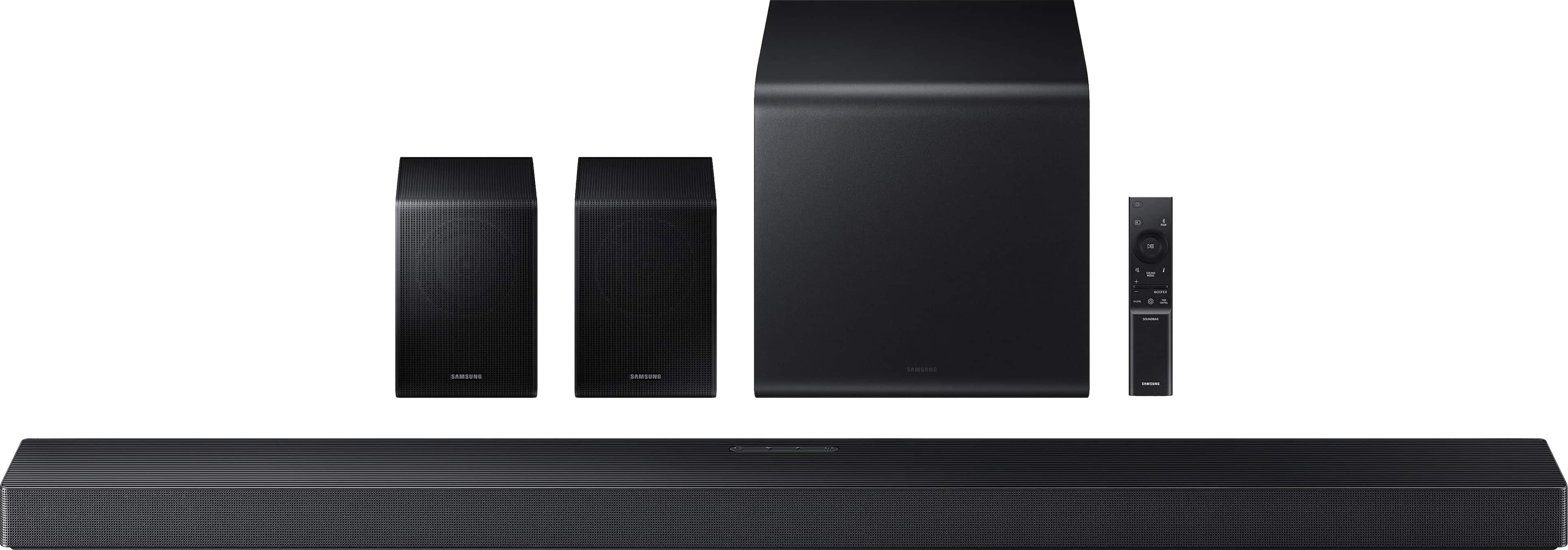


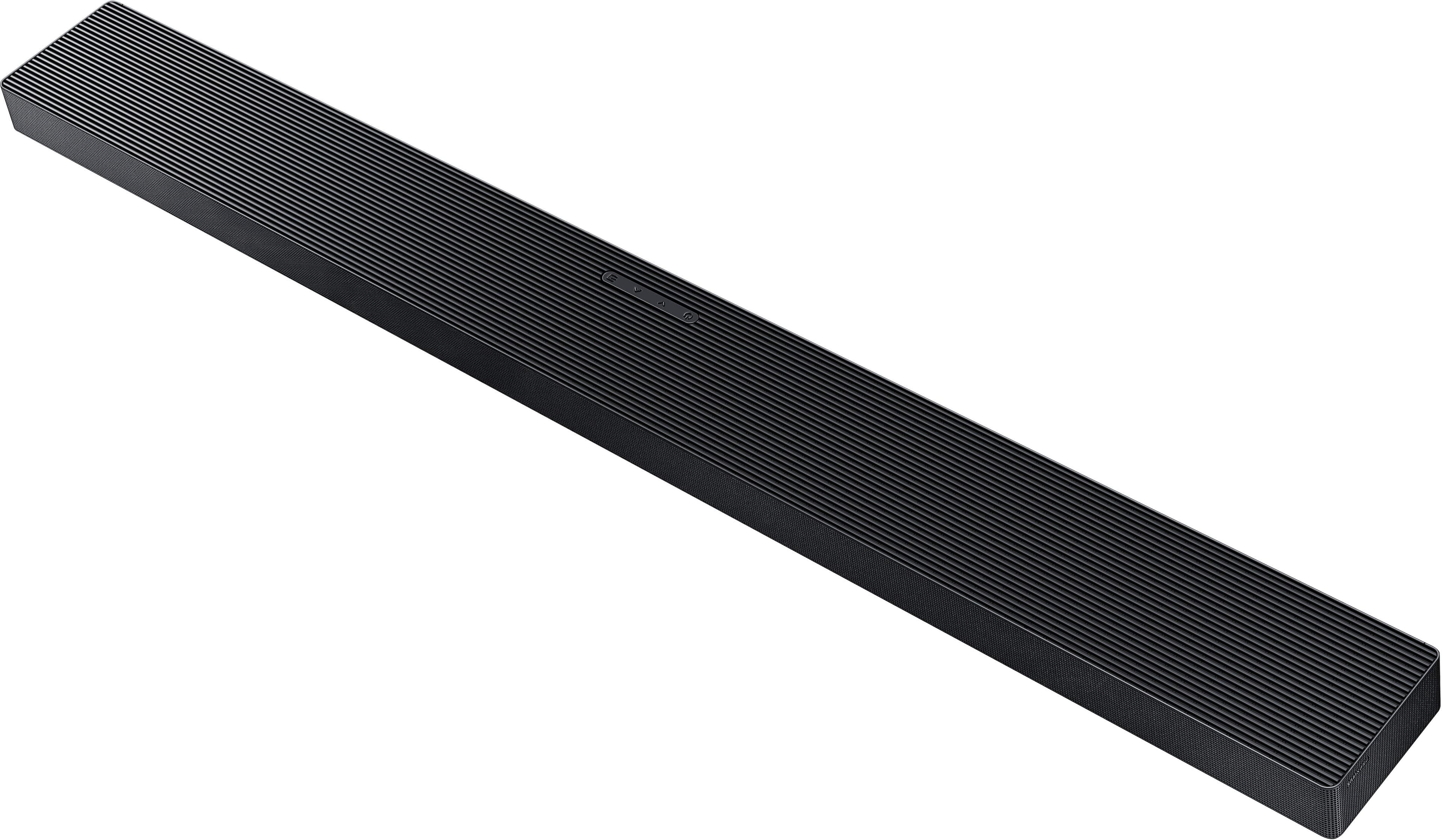
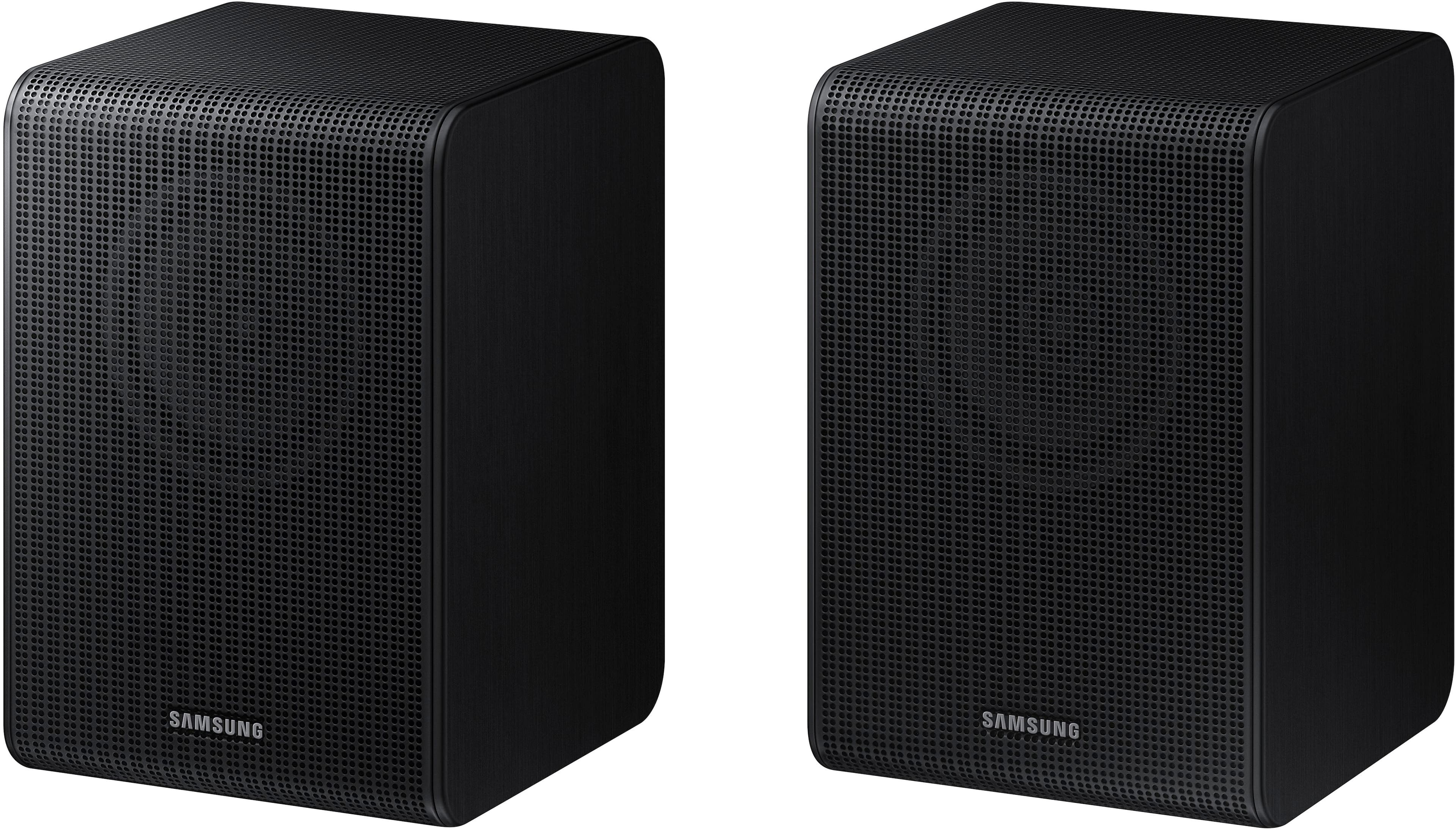
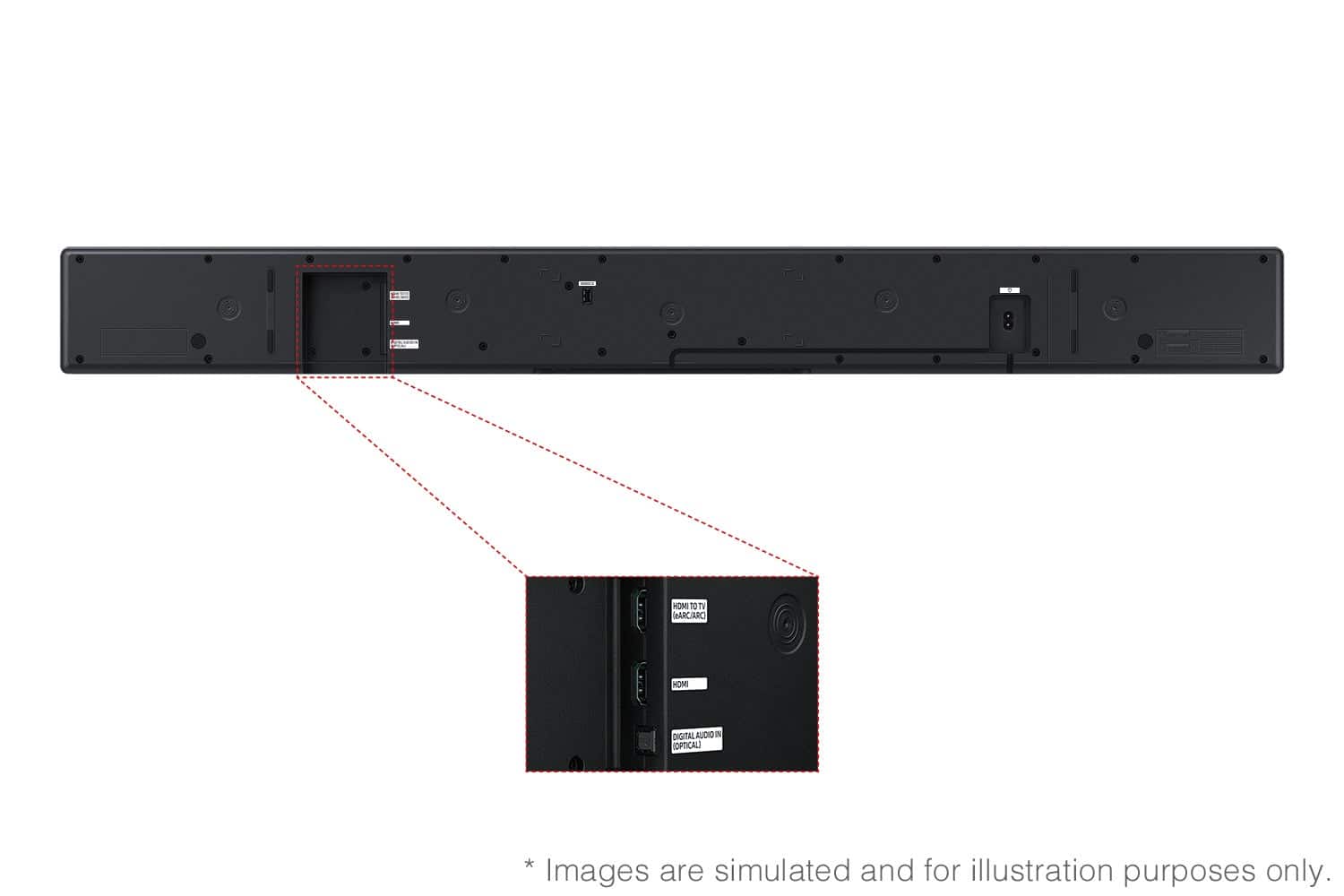
- Model:
- HW-QS750F/ZA
- SKU:
- 12208743
Rating by feature
- Value
Rating 4.5 out of 5 stars
- Quality
Rating 4.6 out of 5 stars
- Ease of Use
Rating 4.6 out of 5 stars
Awesome sound
||Posted . Owned for 3 weeks when reviewed.This reviewer received promo considerations or sweepstakes entry for writing a review.Really enjoying this system. For the money it is great. Also nice that the rear speakers can be hidden easily, plugged in behind you, and no wires going to tv.
I would recommend this to a friendSurround sound Samsung
||Posted .This reviewer received promo considerations or sweepstakes entry for writing a review.Great product great service. Thank you for helping.
I would recommend this to a friendBad Sound System
||Posted . Owned for 1 month when reviewed.This reviewer received promo considerations or sweepstakes entry for writing a review.I wanted wireless rear speakers for my bedroom, but as i was setting them up, they lost power for some reason. Still figuring out why the rear speakers don't show that the power is going to them, like when they were first plugged into the wall outlet. the sound from the soundbar is a nice improvement from just the TV speakers, but the subwoofer doesn't seem to work either, even though it shows that it is connected through Bluetooth.
No, I would not recommend this to a friendBrand response from Samsung
Posted .Hello RandallR,
We appreciate you taking a moment to review the Samsung HW-QS750F Soundbar. Your experiences and feedback are very important to us and will be shared with our product teams.
You can try optimizing audio performance for your specific content by pressing the SOUND MODE button on your remote and then selecting the desired sound effect by choosing STANDARD, SURROUND SOUND, GAME PRO, VOICE ENHANCE, NIGHT MODE, or ADAPTIVE SOUND
You can further adjust TREBLE and BASS via the TONE CONTROL button by pressing the UP/DOWN button on your soundbar remote.
Press and hold the SOUND CONTROL button for about 5 seconds to adjust the sound for each frequency band. 150Hz, 300Hz, 600Hz, 1.2kHz, 2.5kHz, 5kHz, and 10kHz are selectable using the Left/Right buttons and each can be adjusted to a setting between -6 to +6 using the Up/Down buttons. (Make sure the Sound mode is set to “STANDARD”.)
To control the volume of each speaker, select CENTER LEVEL or TOP LEVEL in Sound Settings, and then adjust the volume between -6 to +6 by using the Up/Down buttons.
With the Wireless Rear Speakers connected, you can adjust the volume by using the provided Soundbar remote. Press CH LEVEL and select REAR LEVEL, then use the Up/Down buttons to adjust the volume within a -6 to +6 range.
If the video on the TV and audio from the Soundbar are not synchronized, select SYNC in Sound Control, and then set the audio delay between 0~300 milliseconds by using the Up/Down buttons.
If you’d like more help with settings, please know we’re here to help! Call us at 1-800-SAMSUNG (Ask for Soundbars), 8AM - 12AM EST, 7 days a week. Or visit us on the Samsung website and click on the ‘Support’ link for:
• Live Chat
• Manuals, Software, & Warranty Info
• Creating a service ticket
~ Samsung Solutions
Ultra Sound System
||Posted . Owned for 3 weeks when reviewed.This reviewer received promo considerations or sweepstakes entry for writing a review.GREAT Sound bar system, works awesome with my Samsung TV
I would recommend this to a friendIt will blow you away!
||Posted .This reviewer received promo considerations or sweepstakes entry for writing a review.Awesome.....try it with the beginning of Top Gun. It will blow you away. Rear speakers and base speaker make it happen!
I would recommend this to a friendSound bar system
||Posted . Owned for 2 weeks when reviewed.This reviewer received promo considerations or sweepstakes entry for writing a review.We listen to this sound system in the store, and it sounded great, but when we set it up at home, everything sounds like it is coming out of the sound bar at the TV. Very little seems to be coming out of the surround speakers. This system is not as plug and play as it was sold to me. For the money it sounds just okay.
No, I would not recommend this to a friendBrand response from Samsung
Posted .Hi TheaterSystem,
We appreciate you taking a few moments to review the Samsung HW-QS750F Soundbar.
You can try optimizing audio performance for your specific content by pressing the SOUND MODE button on your remote and then selecting the desired sound effect by choosing STANDARD, SURROUND SOUND, GAME PRO, VOICE ENHANCE, NIGHT MODE, or ADAPTIVE SOUND
You can further adjust TREBLE and BASS via the TONE CONTROL button by pressing the UP/DOWN button on your soundbar remote.
Press and hold the SOUND CONTROL button for about 5 seconds to adjust the sound for each frequency band. 150Hz, 300Hz, 600Hz, 1.2kHz, 2.5kHz, 5kHz, and 10kHz are selectable using the Left/Right buttons and each can be adjusted to a setting between -6 to +6 using the Up/Down buttons. (Make sure the Sound mode is set to “STANDARD”.)
To control the volume of each speaker, select CENTER LEVEL or TOP LEVEL in Sound Settings, and then adjust the volume between -6 to +6 by using the Up/Down buttons.
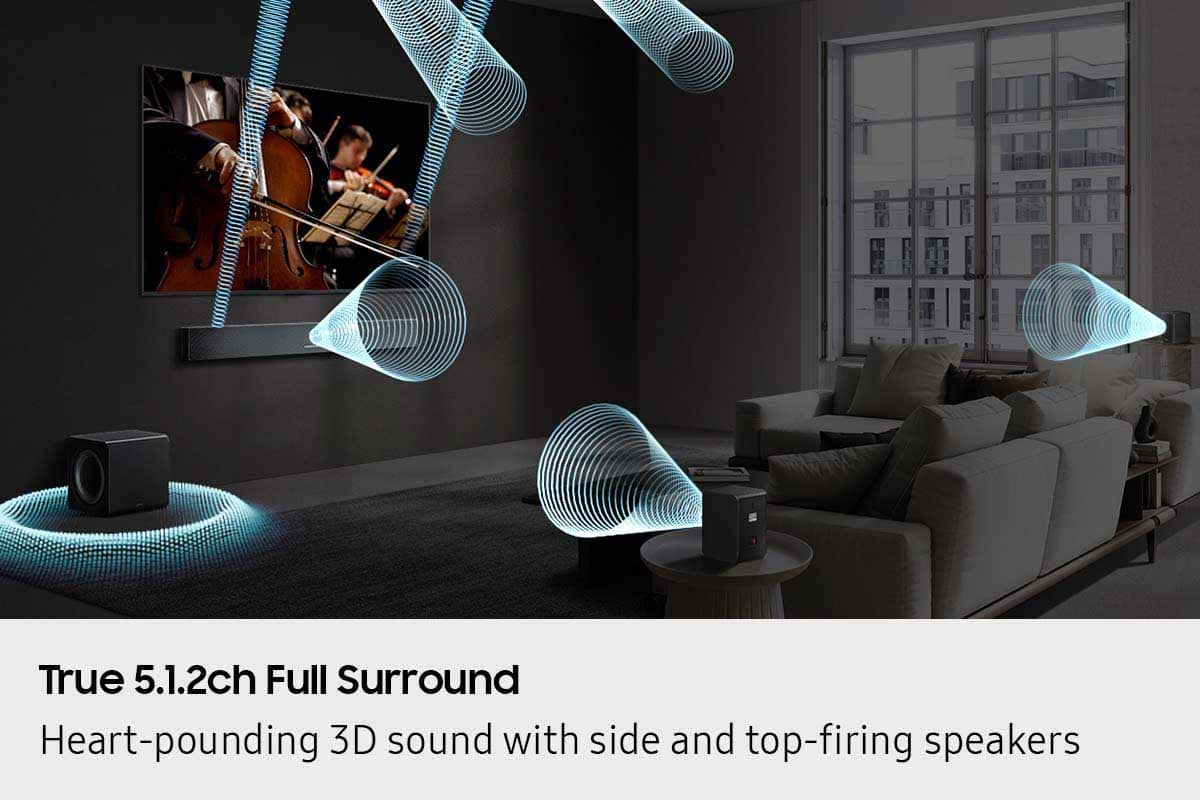
With the Wireless Rear Speakers connected you can adjust the volume by using the provided Soundbar remote. Press CH LEVEL and select REAR LEVEL or REAR TOP LEVEL, then use the Up/Down buttons to adjust the volume within a -6 to +6 range.
If the video on the TV and audio from the Soundbar are not synchronized, select SYNC in Sound Control, and then set the audio delay between 0~300 milliseconds by using the Up/Down buttons.
If you need more help, Samsung is here for you. Please call us at 1-800-SAMSUNG, 8AM - 12AM EST (Ask for Soundbars), 7 days a week. Live Chat with an agent as well as manuals, software, creating a service ticket, and warranty info can be found at the ‘Support’ link on our Samsung website.
~ Samsung Solutions
The awesome feeling
||Posted . Owned for 3 weeks when reviewed.This reviewer received promo considerations or sweepstakes entry for writing a review.It was an awesome experience with my new soundbar.
I would recommend this to a friendI’m enjoying what I bought
||Posted . Owned for 3 weeks when reviewed.This reviewer received promo considerations or sweepstakes entry for writing a review.I’m happy with the tv I was looking for a perfect tv and the person that took care of me understood what I was looking for
I would recommend this to a friendFunctional good separation sound
||Posted . Owned for 1 month when reviewed.This reviewer received promo considerations or sweepstakes entry for writing a review.The Bar loads through Bluetooth and generally functions as expected only occasionally dropping the connection to TV
I would recommend this to a friendSoundbar
||Posted . Owned for 1 month when reviewed.This reviewer received promo considerations or sweepstakes entry for writing a review.Works and sounds great. Have it in our basement and it’s great for movies and sports games.
I would recommend this to a friendWarran P.
||Posted .This reviewer received promo considerations or sweepstakes entry for writing a review.Have problem at first buy with the supports from sale men. The issue is solve, thank you.
I would recommend this to a friendWhattta guy
||Posted . Owned for 3 weeks when reviewed.This reviewer received promo considerations or sweepstakes entry for writing a review.To be honest the bar us awesome but the manager who sold it to me what the rrwson it gets 5 stars whatta guy
I would recommend this to a friendShipping could have improved
||Posted . Owned for 3 weeks when reviewed.This reviewer received promo considerations or sweepstakes entry for writing a review.Item is great, bought as like new open box. Received all the items mostly loose via mail, with very little wrapping for protection. Hardly looks like new after mail service fumbled it around, dents and scratches a plenty. No complaints about the product itself
I would recommend this to a friendBrand response from Samsung
Posted .Hi TIMW,
Please know you are leaving a review and 3-star rating for the HW-QS750F, but we are sorry to hear of your Best Buy experience, nonetheless. You may want to consider providing feedback directly to the Best Buy store where you made your purchase.
Should you have questions on the HW-QS750F itself, Samsung is here for you. You can reach us at 1-800-SAMSUNG, 8AM - 12AM EST, 7 days a week. Our LiveChat agents are also available by clicking on the ‘Support’ link on our website.
~ Samsung Solutions
Not what l was told
||Posted . Owned for 2 weeks when reviewed.This reviewer received promo considerations or sweepstakes entry for writing a review.Just ok was told this was completely wireless but it is not not real happy with the salesman failing to know product
No, I would not recommend this to a friendBrand response from Samsung
Posted .Hello PeggyB,
Thank you for purchasing the Samsung HW-QS750F Soundbar System, which comes with a subwoofer and rear speaker kit. We appreciate you sharing your thoughts about the wireless description of the rear speakers.
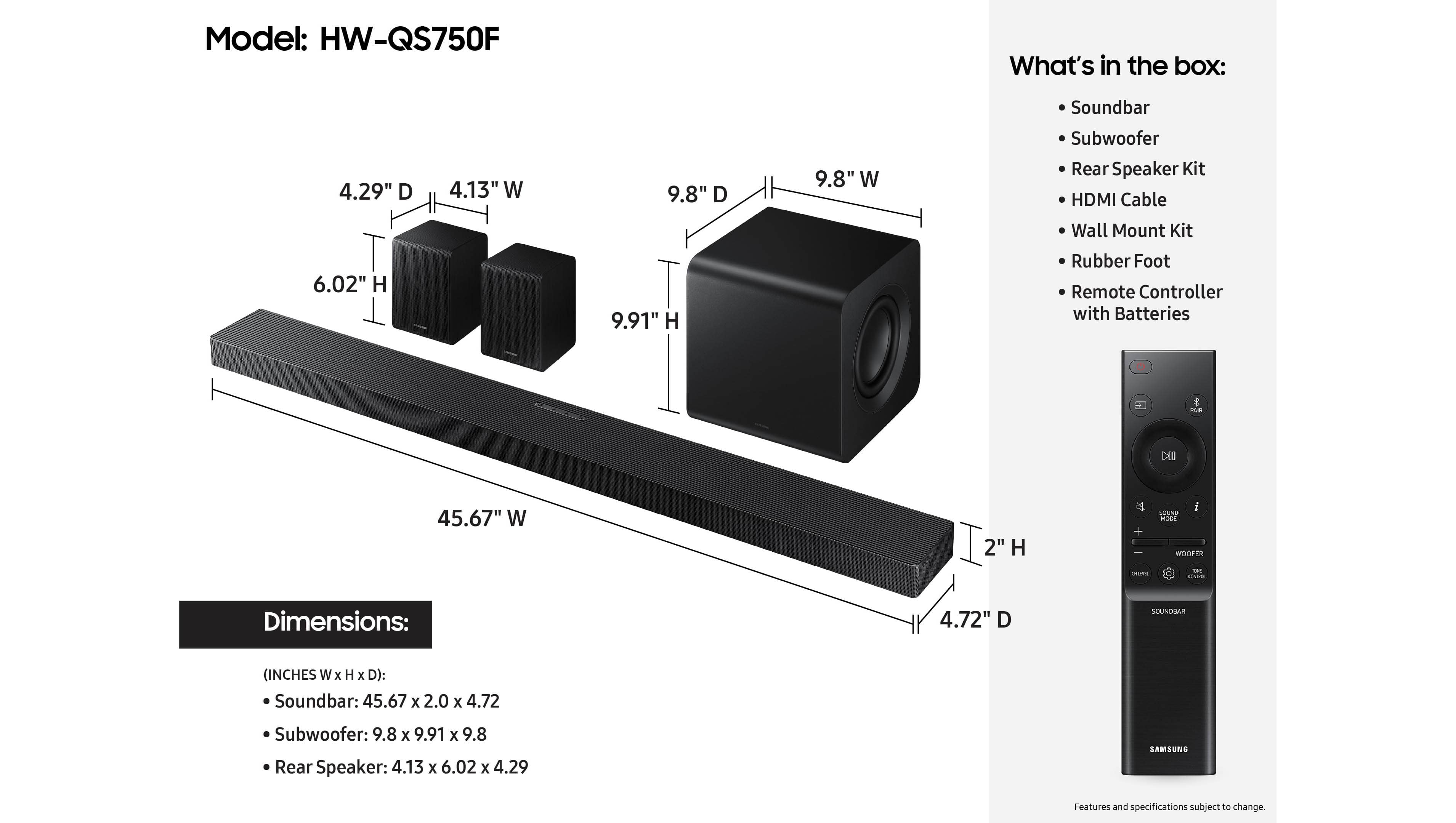
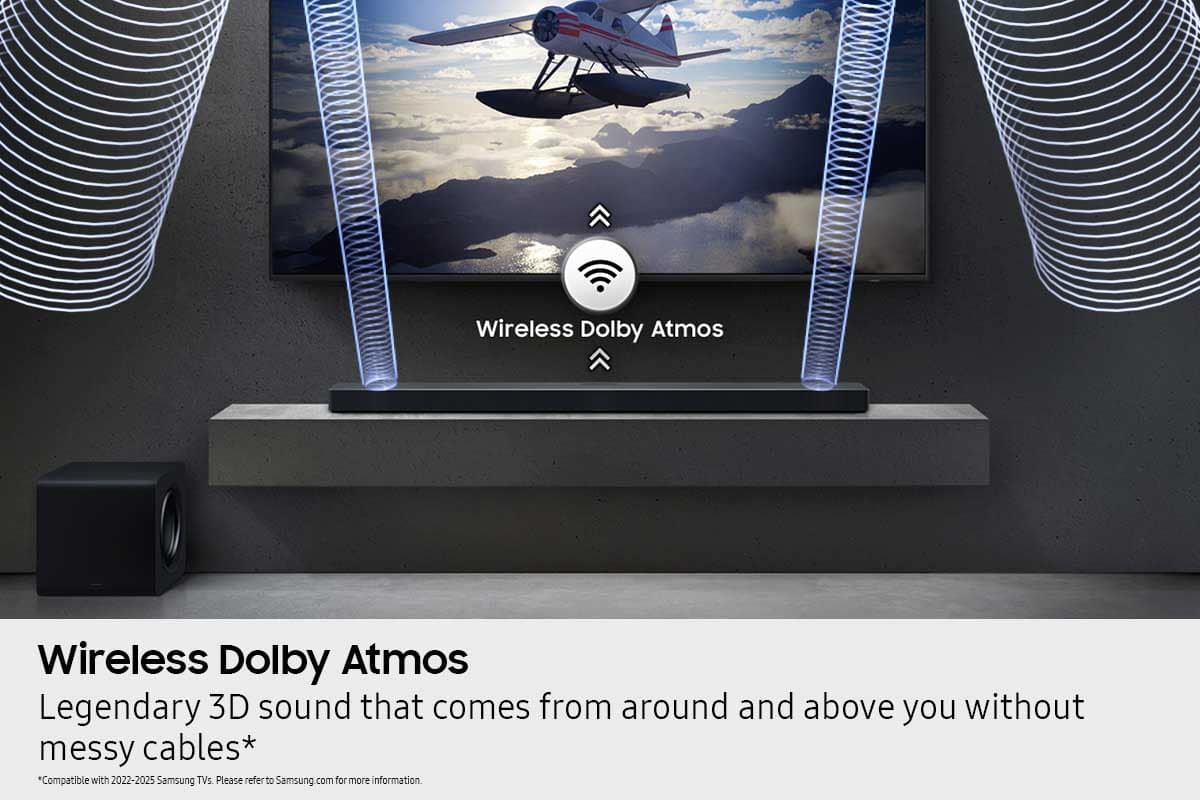
Occasionally, customers have trouble hiding and running speaker wires from the front of the room (where their soundbar is) to the back of their room (where they have their rear speakers). The Rear Speaker Kit eliminates that hassle. Connect the rear speakers to its wireless module and place these three in the back of your room. One wire is required to connect each rear speaker to the wireless module. Then plug in the power cable to the module. The “wireless” convenience is in connecting your soundbar and any other speakers at the front of the room to the rear speakers – this can now be done via Wi-Fi through the wireless module, eliminating any clutter of long wires running the length of your room.
If we can help with anything else, please call us at 1-800-SAMSUNG (Ask for Soundbars), 8 AM – 12 AM EST, 7 days a week. Live Chat with an agent as well as manuals, software, creating a service ticket, and warranty info can be found at the ‘Support’ link on our Samsung website.
~ Samsung Solutions
Amazing
||Posted . Owned for 1 week when reviewed.This reviewer received promo considerations or sweepstakes entry for writing a review.Best deal ever did not lnow about the bundle discount amazing deal!!!
I would recommend this to a friend0 stars Bestbuy 5 stars Samsung see review
||Posted . Owned for 2 weeks when reviewed.This reviewer received promo considerations or sweepstakes entry for writing a review.Purchased as a open box "excellent" item. Upon receiving it there were missing items and packing material. This was ordered online and delivered. Best buy did not verify this returned item and just sent it out. Zero stars for bestbuy. Now the soundbar is amazing at the price point. Paired up with a new samsung tv, that was purchased new in store and now have a enjoyable setup.
I would recommend this to a friendBrand response from Samsung
Posted .Hello JohnK,
Please know you are leaving a review and a 1-star rating for the HW-QS750F, but we are sorry to hear of your Best Buy experience, nonetheless. You may want to consider providing feedback directly to the Best Buy store where you made your purchase.
Should you have questions on the xxx itself, Samsung is here for you. You can reach us at 1-800-SAMSUNG, 8AM - 12AM EST, 7 days a week. Our LiveChat agents are also available by clicking on the ‘Support’ link on our website.
~ Samsung Solutions
Samsung SoundBar HW-QS700F / HW-QS750F
||Posted .This reviewer received promo considerations or sweepstakes entry for writing a review.Disappointed, have a samsung qled tv so thought the sound bar would give us better dialogue, not the case. Voices are still extremely low and when music or sound effect comes on it blows you out of your seat. Did the adjustments recommended from manual and online line still the same. I have read online that it can be blamed on the sound mix when movie or TV show was produced, if so adjust mix thru the tv or the soundbar or both. Just very disappointed.
No, I would not recommend this to a friendBrand response from Samsung
Posted .Hello Hbar,
We appreciate you taking a few moments to review the Samsung HW-QS750F Soundbar.
You can activate Active Voice Amplifier, which will break down the room noise so that the onscreen voices are always optimized. Also, switch the sound mode to Adaptive Sound Mode, which will analyze scenes in real time to pull out the most important audio based on the type of content.
I hope this tip helps improve your enjoyment. For more help, please call us at 1-800-SAMSUNG (Ask for Soundbars), 8 AM – 12 AM EST, 7 days a week. Live Chat with an agent as well as manuals, software, creating a service ticket, and warranty info can be found at the ‘Support’ link on our Samsung website.
~ Samsung Solutions
Stopped Working After 1 Month – 7 Weeks and Still
||Posted . Owned for 3 months when reviewed.This reviewer received promo considerations or sweepstakes entry for writing a review.The worst experience I’ve ever had with a soundbar. It stopped working after just one month, and Best Buy and Samsung service have been unable to fix it for nearly 7 weeks. There has been a complete lack of communication, misinformation about the repair status, and an overall terrible customer experience. I would strongly recommend staying away from this product.
No, I would not recommend this to a friendBrand response from Samsung
Posted .Hi unhappycustomer,
Thank you for taking a few moments to review the Samsung HW-QS750F Soundbar.
Samsung is committed to providing the best possible product experience, quality, and value. We back this Samsung Soundbar with a 1-year limited manufacturer's warranty, including authorized repair for manufacturer defect, if purchased brand-new directly from an authorized seller.
Should you ever have questions or need help, Samsung is here for you. Just give us a call at 1-800-SAMSUNG (Ask for Soundbars), 8AM - 12AM EST, 7 days a week. Our Live Chat agents are also available by clicking on the ‘Support’ link on our website.
~ Samsung Solutions
Wrong item
||Posted .This reviewer received promo considerations or sweepstakes entry for writing a review.Wrong item was received. I didn’t order this item sorry
I would recommend this to a friendBrand response from Samsung
Posted .Hello RaymondB,
Please know you are leaving a review and 3-star rating for the HW-QS750F, but we are sorry to hear of your Best Buy experience, nonetheless. You may want to consider providing feedback directly to the Best Buy store where you made your purchase.
Should you have questions on the HW-QS750F itself, Samsung is here for you. You can reach us at 1-800-SAMSUNG, 8AM - 12AM EST, 7 days a week. Our LiveChat agents are also available by clicking on the ‘Support’ link on our website.
~ Samsung Solutions
Theater system.
||Posted . Owned for 2 weeks when reviewed.This reviewer received promo considerations or sweepstakes entry for writing a review.this product is overrated misleading in the store thinking about returning the Samsung -Q- series, I was told they were theater speakers so unhappy.
No, I would not recommend this to a friendBrand response from Samsung
Posted .Hello RochelleW,
Thank you for taking a moment to review the Samsung HW-QS750F Soundbar.
You can further adjust TREBLE and BASS via the TONE CONTROL button by pressing the UP/DOWN button on your soundbar remote.
Press and hold the SOUND CONTROL button for about 5 seconds to adjust the sound for each frequency band. 150Hz, 300Hz, 600Hz, 1.2kHz, 2.5kHz, 5kHz, and 10kHz are selectable using the Left/Right buttons and each can be adjusted to a setting between -6 to +6 using the Up/Down buttons. (Make sure the Sound mode is set to “STANDARD”.)
To control the volume of each speaker, select CENTER LEVEL or TOP LEVEL in Sound Settings, and then adjust the volume between -6 to +6 by using the Up/Down buttons.
With the Wireless Rear Speakers connected you can adjust the volume by using the provided Soundbar remote. Press CH LEVEL and select REAR LEVEL or REAR TOP LEVEL, then use the Up/Down buttons to adjust the volume within a -6 to +6 range.
If the video on the TV and audio from the Soundbar are not synchronized, select SYNC in Sound Control, and then set the audio delay between 0~300 milliseconds by using the Up/Down buttons.
I hope this tip helps improve your enjoyment. For more help, please call us at 1-800-SAMSUNG (Ask for Soundbars), 8 AM – 12 AM EST, 7 days a week. Live Chat with an agent as well as manuals, software, creating a service ticket, and warranty info can be found at the ‘Support’ link on our Samsung website.
~ Samsung Solutions