Customer Ratings & Reviews


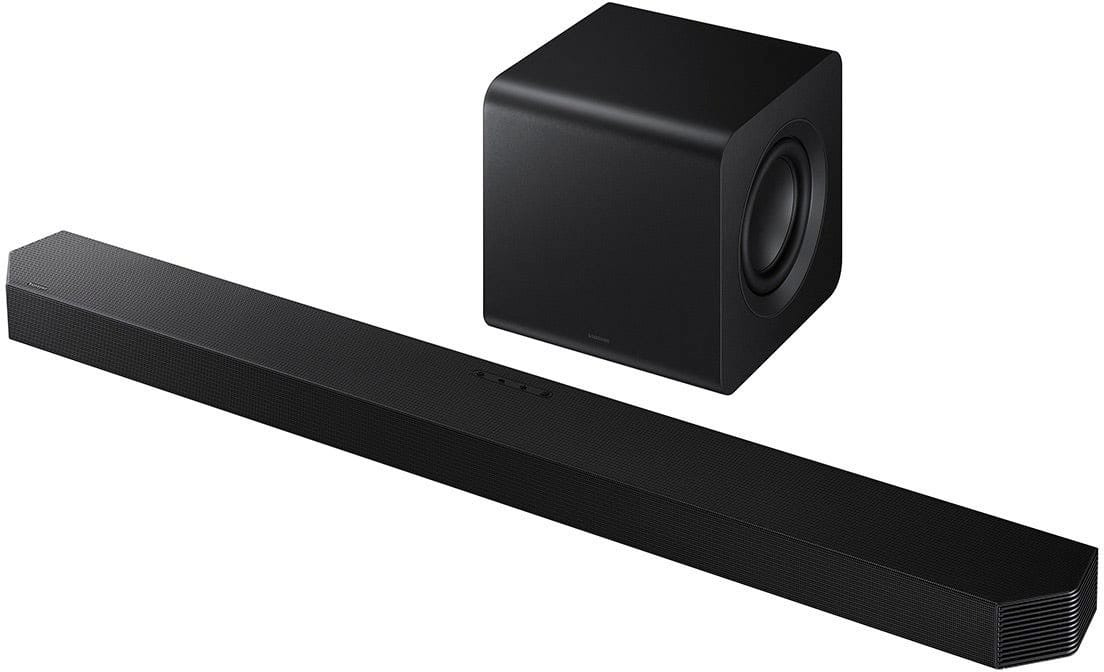
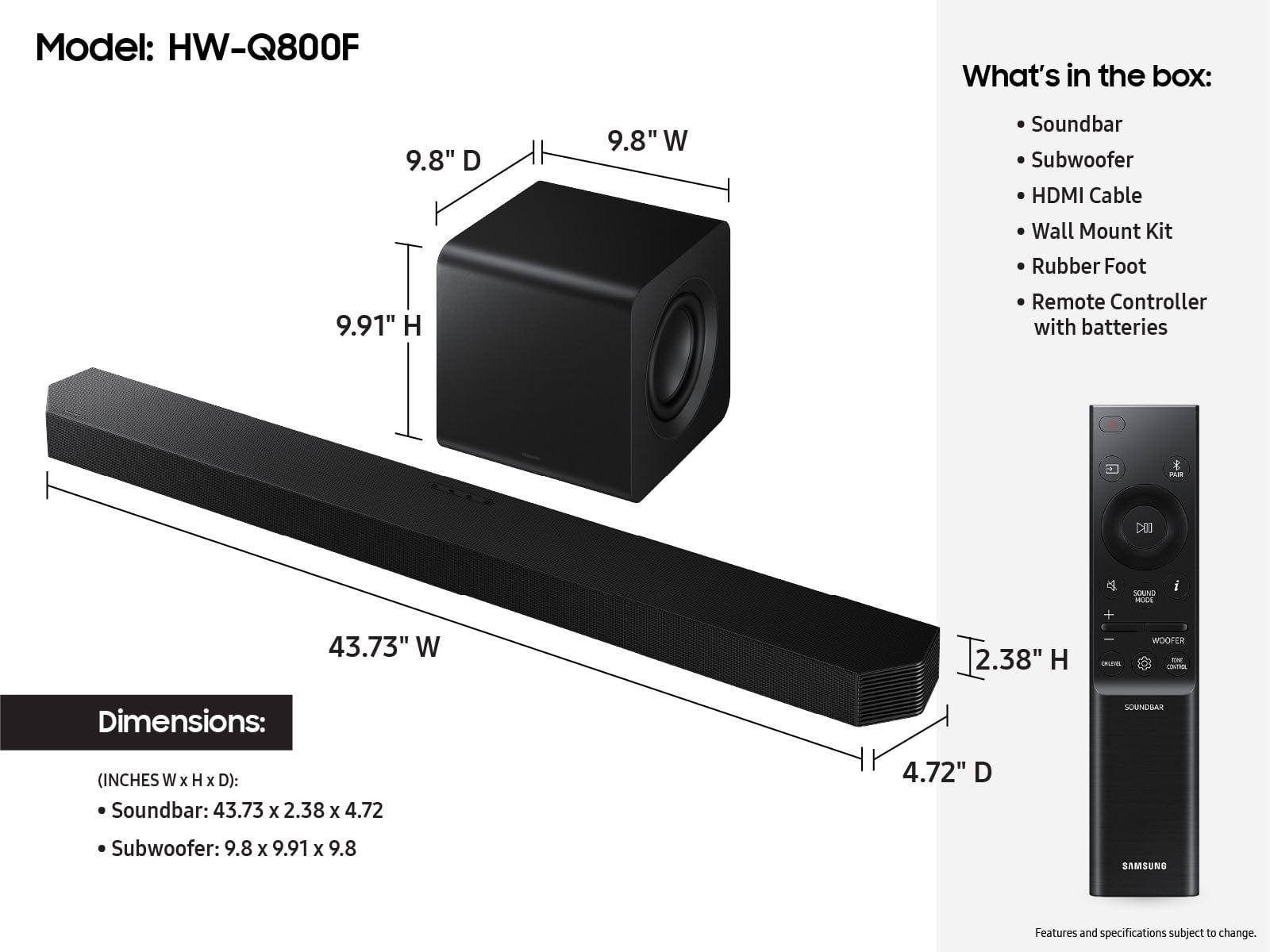

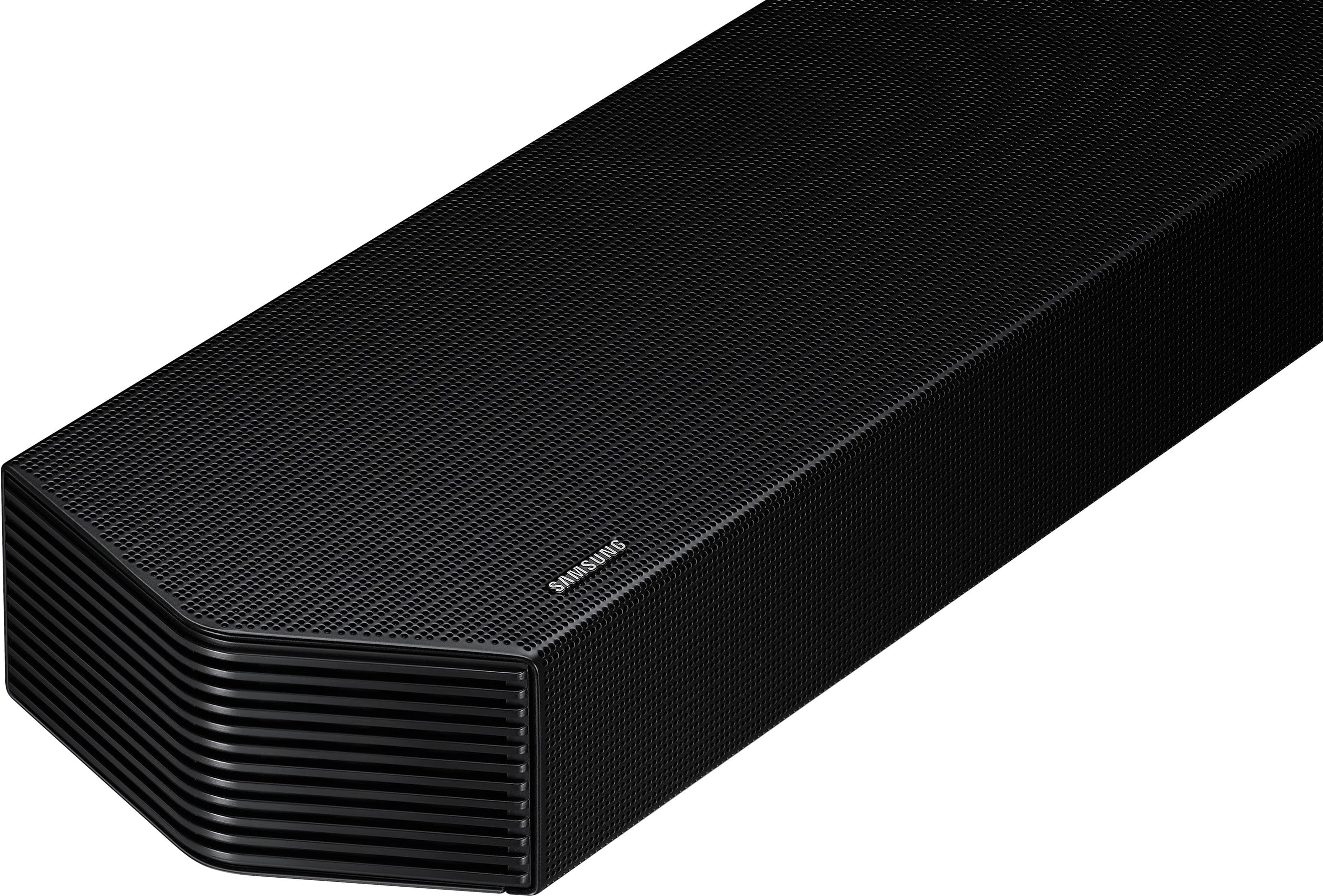
- Model:
- HW-Q800F/ZA
- SKU:
- 10187562
Rating by feature
- Value
Rating 4.6 out of 5 stars
- Quality
Rating 4.8 out of 5 stars
- Ease of Use
Rating 4.8 out of 5 stars
Outstanding sound.
||Posted . Owned for 2 weeks when reviewed.This reviewer received promo considerations or sweepstakes entry for writing a review.Great spund without four individual speakers. I love mot have yards of soeaker wire to contend with, and no extraneous speakers to place.
I would recommend this to a friendSound bar
||Posted . Owned for 3 weeks when reviewed.This reviewer received promo considerations or sweepstakes entry for writing a review.Sound is amazing. Much better than the sound system we used to have!
I would recommend this to a friendSound bar
||Posted . Owned for 1 month when reviewed.This reviewer received promo considerations or sweepstakes entry for writing a review.Love this great sound this sound bar enhances my tvs sound it feels like theatre sound
I would recommend this to a friendTITLE
||Posted . Owned for 1 month when reviewed.This reviewer received promo considerations or sweepstakes entry for writing a review.Pretty good quality/ bass not to heavy and not that loud speakers that the only down side on this item
I would recommend this to a friendMy Sound Bar
||Posted . Owned for 1 month when reviewed.This reviewer received promo considerations or sweepstakes entry for writing a review.Absolutely wonderful, room filling sound. I don't know why I never had a Samsung sound bar before.
I would recommend this to a friendGreat Quality
||Posted . Owned for 3 weeks when reviewed.This reviewer received promo considerations or sweepstakes entry for writing a review.Great sound quality! works great with our Samsung TV, the wireless integration is perfect, no lag time at all
I would recommend this to a friendSoundbar
||Posted . Owned for 1 week when reviewed.This reviewer received promo considerations or sweepstakes entry for writing a review.Great sound, pairs nicely with my 85” Samsung tv. Very pleased
I would recommend this to a friendGood soundbar, but Alexa functionality is limited
||Posted .This reviewer received promo considerations or sweepstakes entry for writing a review.I'd give the soundbar/subwoofer 4 or 5 stars (although the settings process could be easier). The 3 stars is due to the inability to set it up in Alexa as a speaker that can be used to play various media via an Alexa Assistant device (other than the Alexa Assistant built-in to my TV). While I can add the soundbar to Alexa and handle some basic functions (e.g. on/off, mute/unmute) via my other Alexa Assistant devices, I'm unable to direct these other Alexa devices to play media on the soundbar (e.g. I can't use my Echo device or the Alexa app on my phone to direct media to be played on the soundbar). After much research on the internet, I've found that this is a common issue. In addition, the product pages on samsung.com and on bestbuy.com both say that Alexa is "built-in" to the soundbar. "Alexa built-in" is supposed to mean that the device can work as an Alexa Assistant device in itself. This is different than "Works with Alexa," which means the device can connect to ANOTHER Alexa Assistant device. To date, I've seen no evidence that Alexa is "built-in" to the device. The User Manual makes no mention of this whatsoever, and I haven't found any other support material about how to access any "built-in" Alexa functionality in the soundbar.
No, I would not recommend this to a friendBrand response from Samsung
Posted .Hi DebbieS,
Thank you for taking a few moments to review the HW-Q800F Samsung Soundbar.
The HW-Q800F does have Alexa built in, so you can use it without a TV or other devices.
First, connect the soundbar to Wi-Fi using the SmartThings app on your phone. Once connected, sign in to your Amazon account in the app to enable Alexa. After setup is complete, simply say “Alexa” followed by your command.
You can use Alexa for music, volume control, and smart home commands using just the soundbar.
Also, please make sure the mic on the soundbar is not muted.
If you need more help, Samsung is here for you. Please call us at 1-800-SAMSUNG, 8AM - 12AM EST (Ask for Soundbars), 7 days a week. Live Chat with an agent as well as manuals, software, creating a service ticket, and warranty info can be found at the ‘Support’ link on our Samsung website.
~ Samsung Solutions
Great sound!
||Posted . Owned for 1 month when reviewed.This reviewer received promo considerations or sweepstakes entry for writing a review.easy to set up and connect. There is no lag when using the bluetooth.
I would recommend this to a friendAmazing sound bar
||Posted . Owned for 1 month when reviewed.This reviewer received promo considerations or sweepstakes entry for writing a review.This sound bar is really good the subwoofer is extremely strong n the sound is amazing
I would recommend this to a friendCan’t beat value and performance
||Posted .This reviewer received promo considerations or sweepstakes entry for writing a review.Overall a really good all in one soundbar. Definitely exceeded my expectation.
I would recommend this to a friendAwsome
||Posted . Owned for 6 months when reviewed.This reviewer received promo considerations or sweepstakes entry for writing a review.Great sound, easy to use, looks good paired with tv
I would recommend this to a friendHappy
||Posted . Owned for 1 month when reviewed.This reviewer received promo considerations or sweepstakes entry for writing a review.Very happy with this soundbar - movie theatre experience.
I would recommend this to a friendHigh value for the low price!
||Posted . Owned for 2 weeks when reviewed.This reviewer received promo considerations or sweepstakes entry for writing a review.The best by far of the q-series. It’s wild to say this being the lower end, but it sounded the best in my space. The sub is strong and packs a punch, the soundbar could be louder but it still sounds good.
I would recommend this to a friendEar love
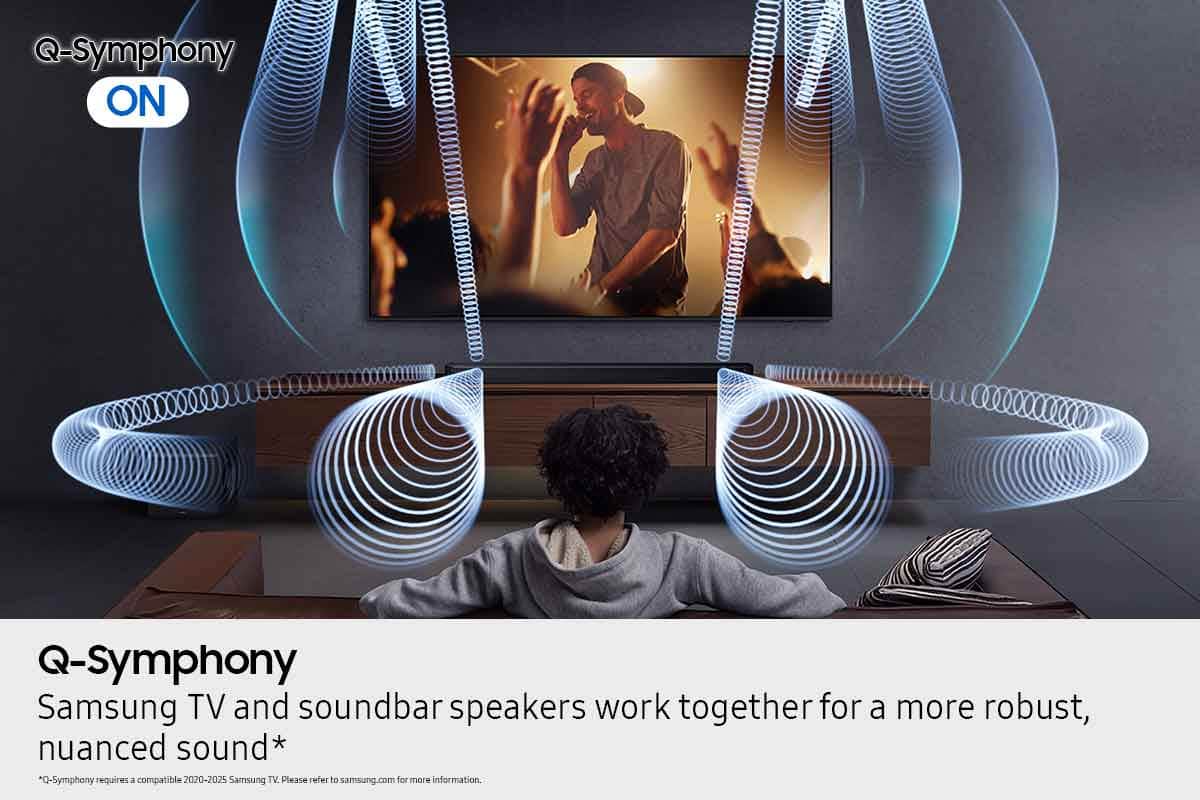
||Posted . Owned for 1 month when reviewed.This reviewer received promo considerations or sweepstakes entry for writing a review.This sound bar is best but ever when put with my new tv and put into symphony the sound is perfection movie quality
I would recommend this to a friendSamsung Q series Q800F soundbar
||Posted . Owned for 3 weeks when reviewed.This reviewer received promo considerations or sweepstakes entry for writing a review.This sounds so good we did not hookup our AV unit for surround.
I would recommend this to a friendSamsung soundbar
||Posted .This reviewer received promo considerations or sweepstakes entry for writing a review.oh my i was so excited purchasing this soundbar, I just moved into my own place and when it’s time to clean and do things around the house it just makes my energy 10x better
I would recommend this to a friendSound quality is fantastic!
||Posted . Owned for 1 month when reviewed.This reviewer received promo considerations or sweepstakes entry for writing a review.Coming from using just the tv audio to a sound ststem like this makes all the difference! Well worth it
I would recommend this to a friendGreat sound!
||Posted . Owned for 2 weeks when reviewed.This reviewer received promo considerations or sweepstakes entry for writing a review.Great sound for the price! Big and full, can also be quiet and keep the details. Very dynamic. Very easy to set up. Love it!
I would recommend this to a friendGreat sound, customer support was great
||Posted . Owned for 1 month when reviewed.This reviewer received promo considerations or sweepstakes entry for writing a review.Sound quality is great. We had to call customer support for set up. There could have been better instructions to install it correctly.
I would recommend this to a friend