Customer Ratings & Reviews


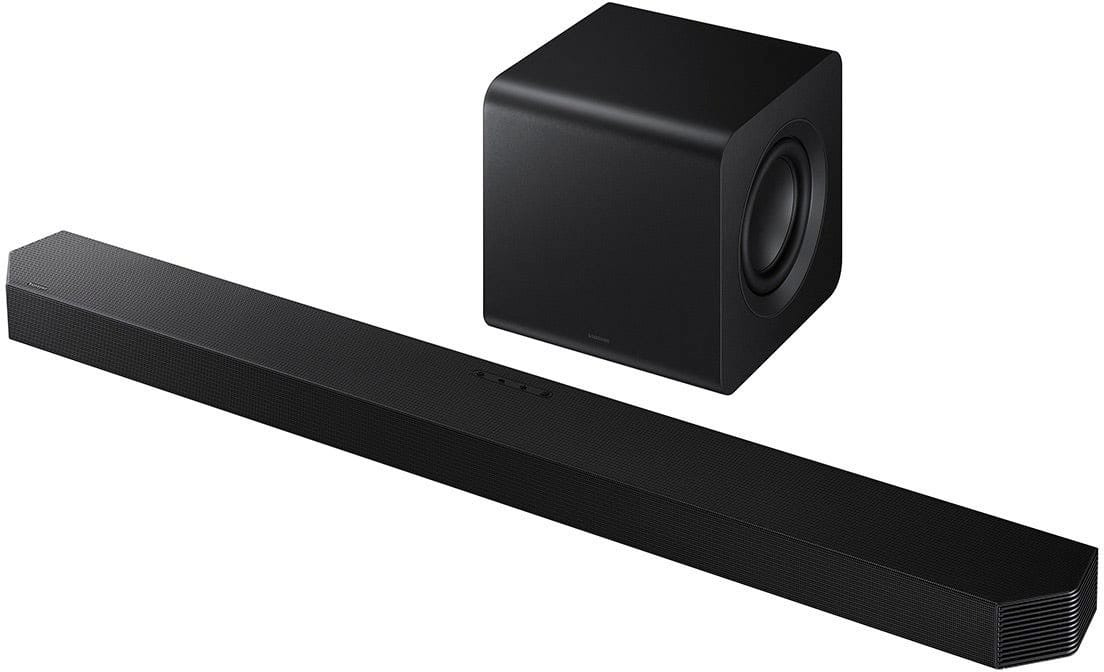
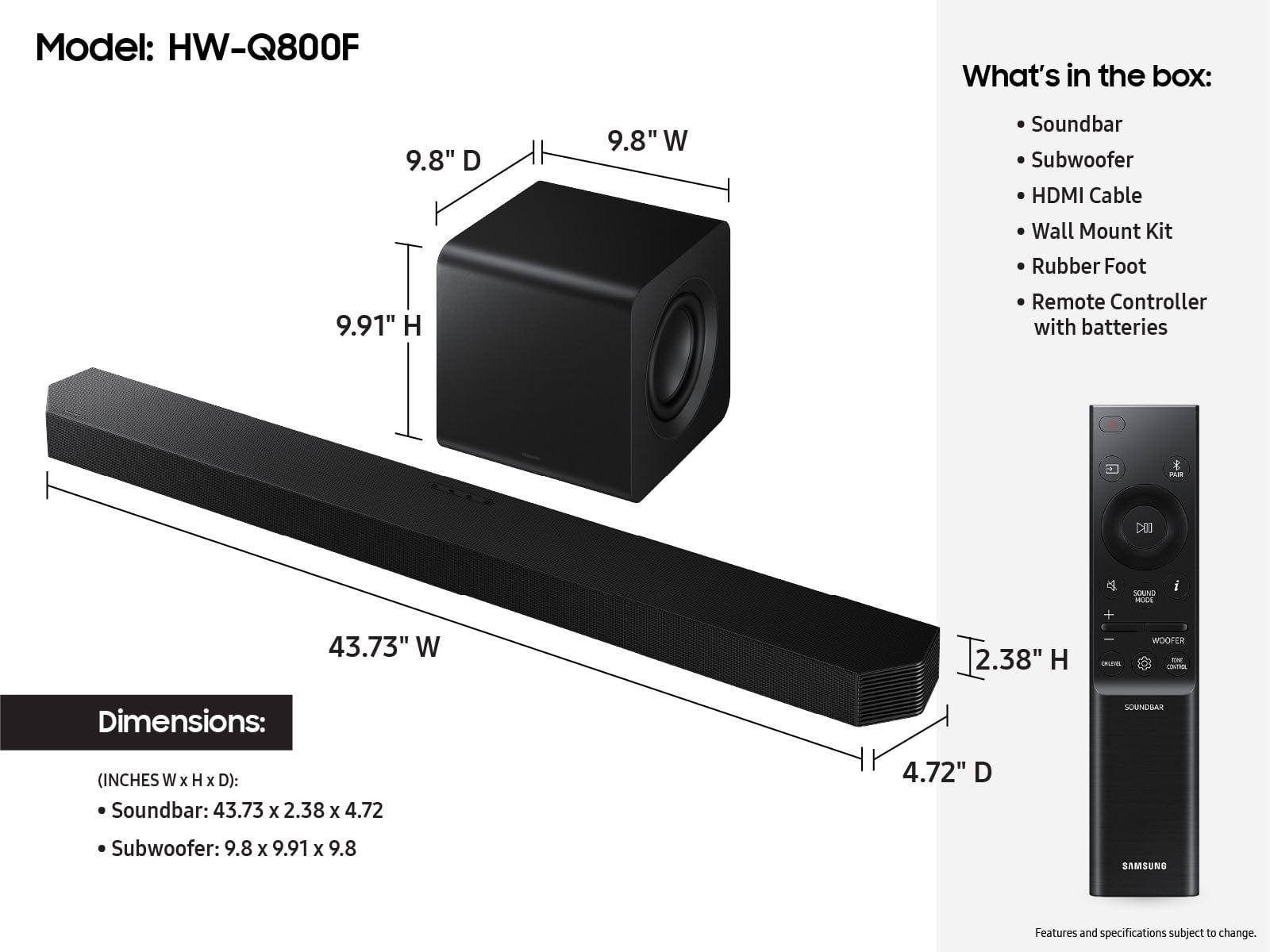

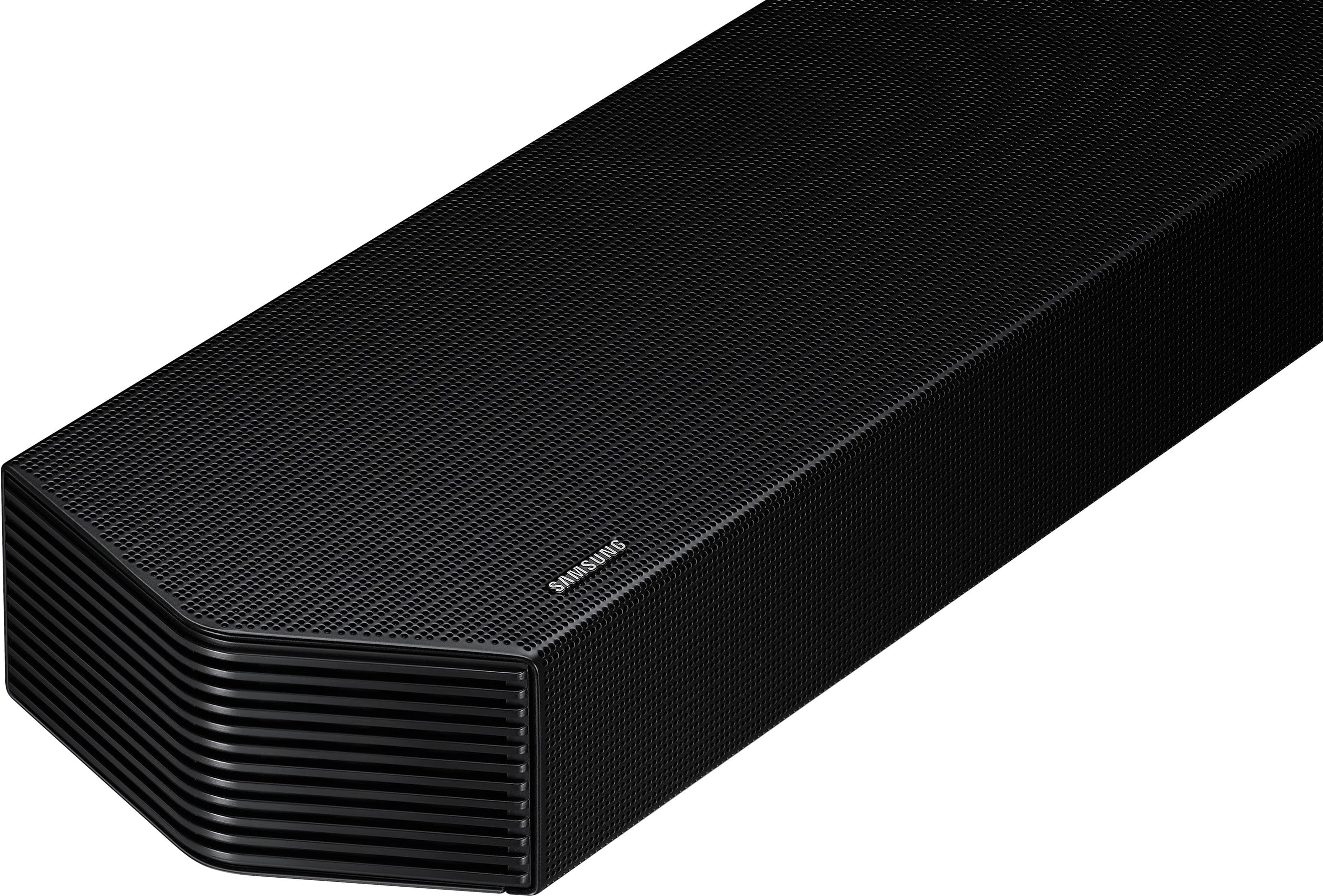
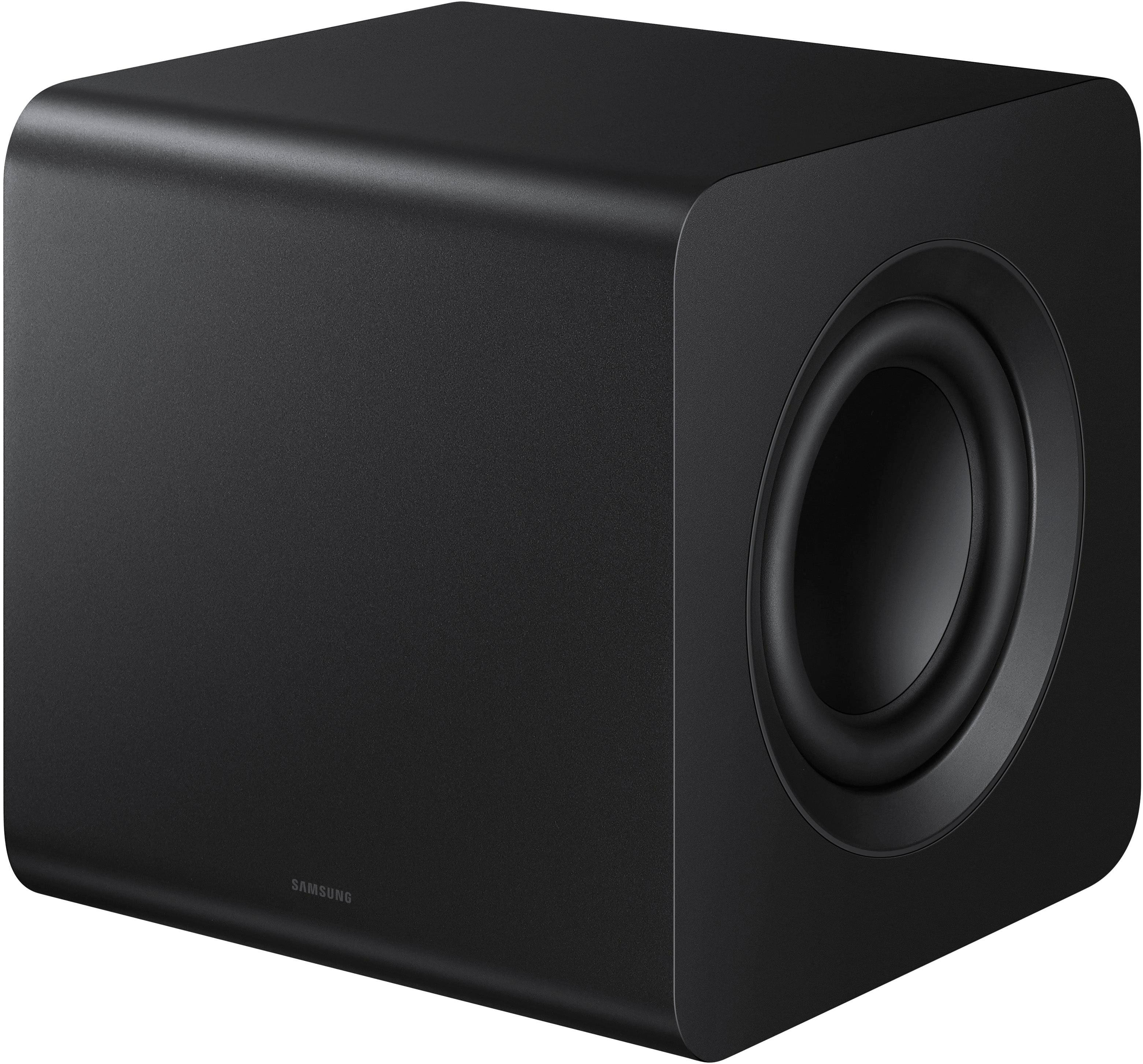
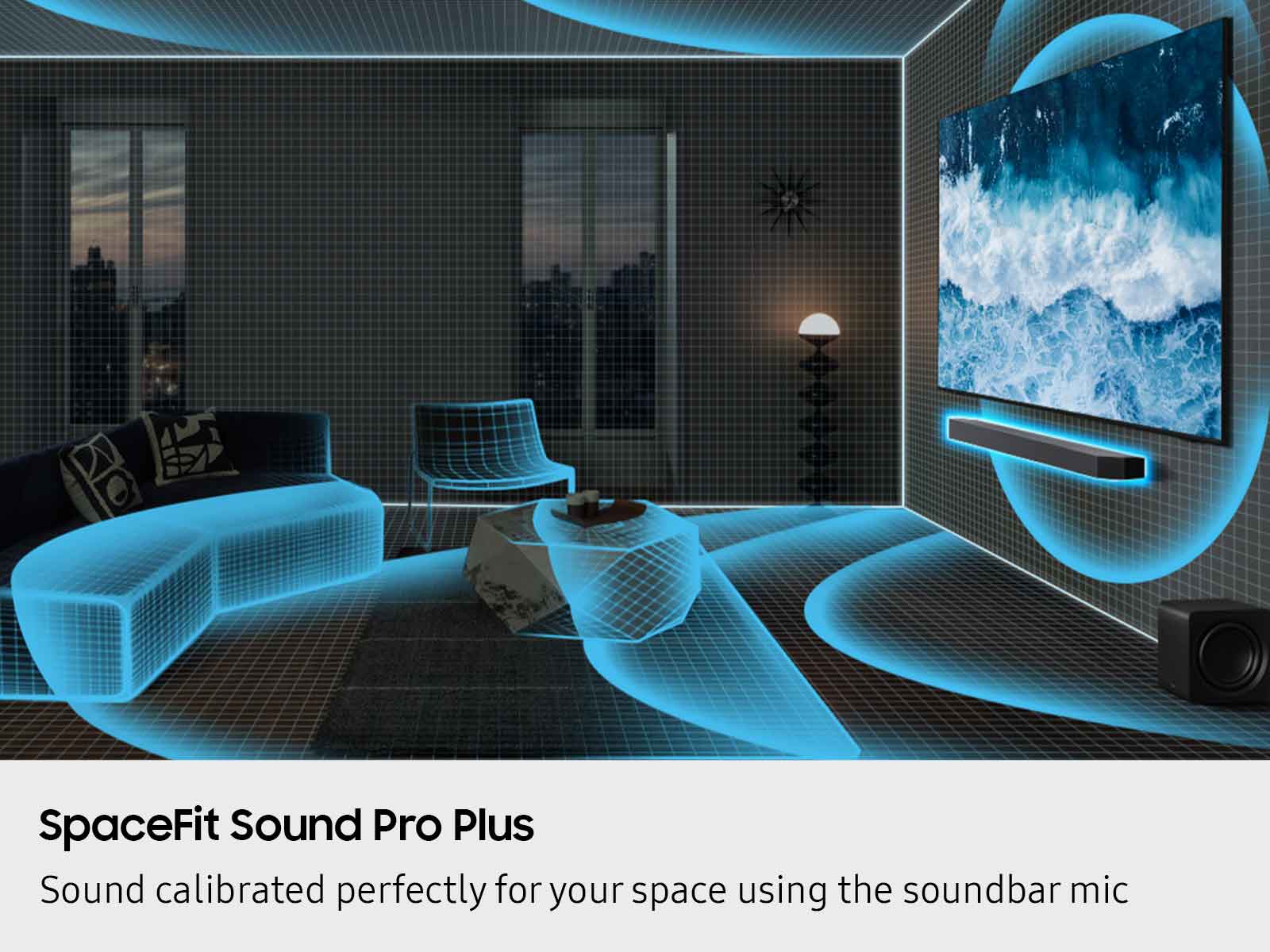
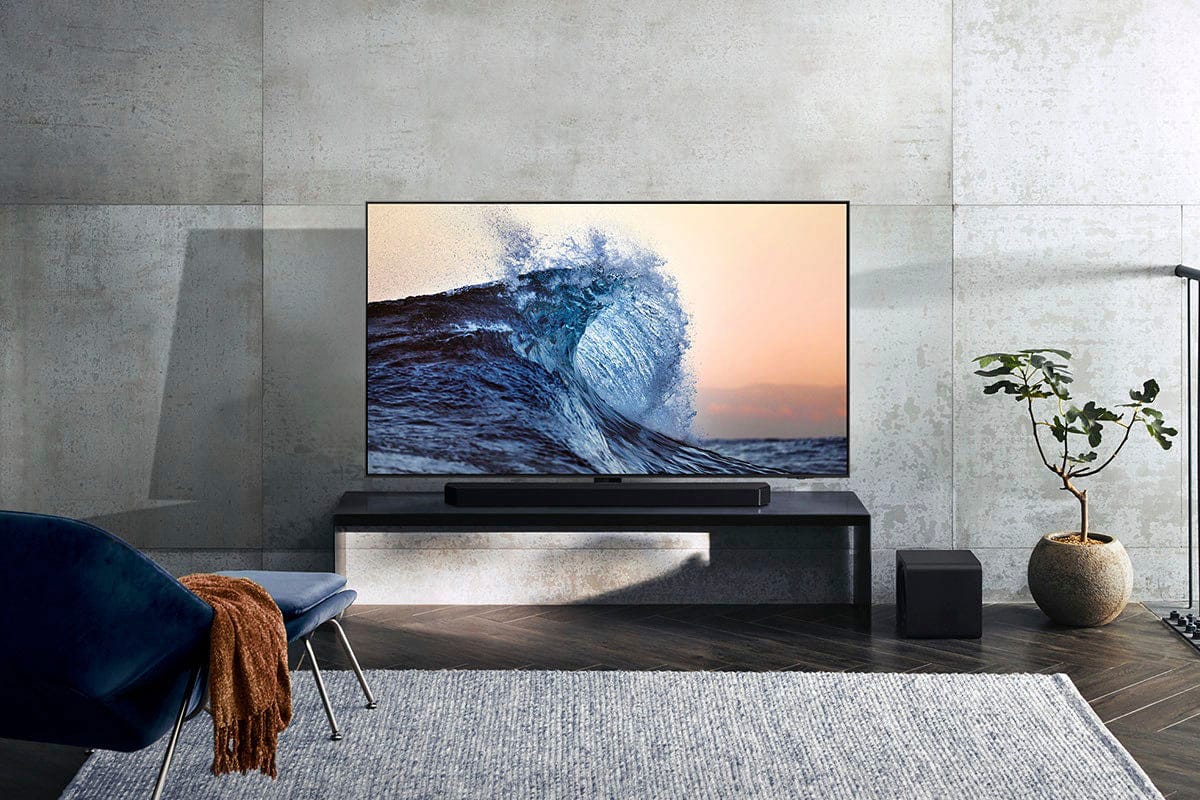
- Model:
- HW-Q800F/ZA
- SKU:
- 10517870
Rating by feature
- Value
Rating 4.6 out of 5 stars
- Quality
Rating 4.8 out of 5 stars
- Ease of Use
Rating 4.8 out of 5 stars
Worth it
||Posted . Owned for 3 weeks when reviewed.This reviewer received promo considerations or sweepstakes entry for writing a review.Sound quality is great. Is amazing how simple it was to connect to my tv.
I would recommend this to a friendAmazing Sound
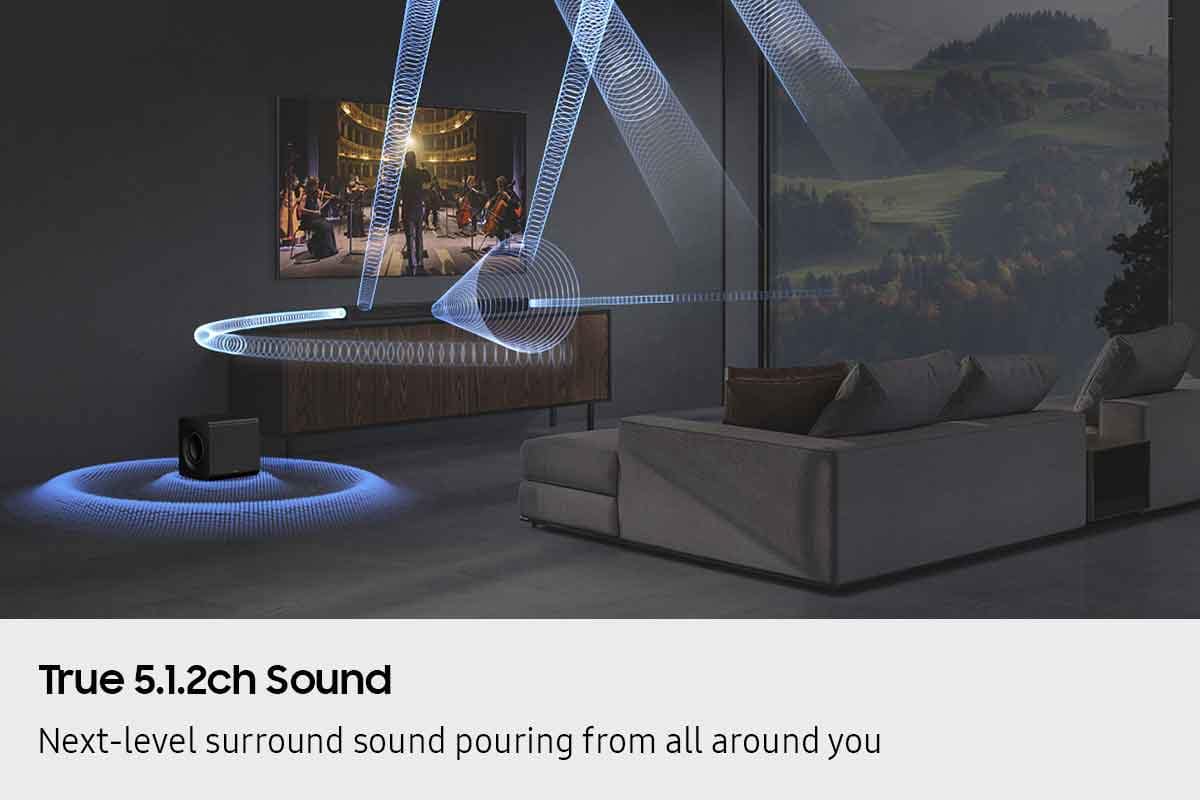
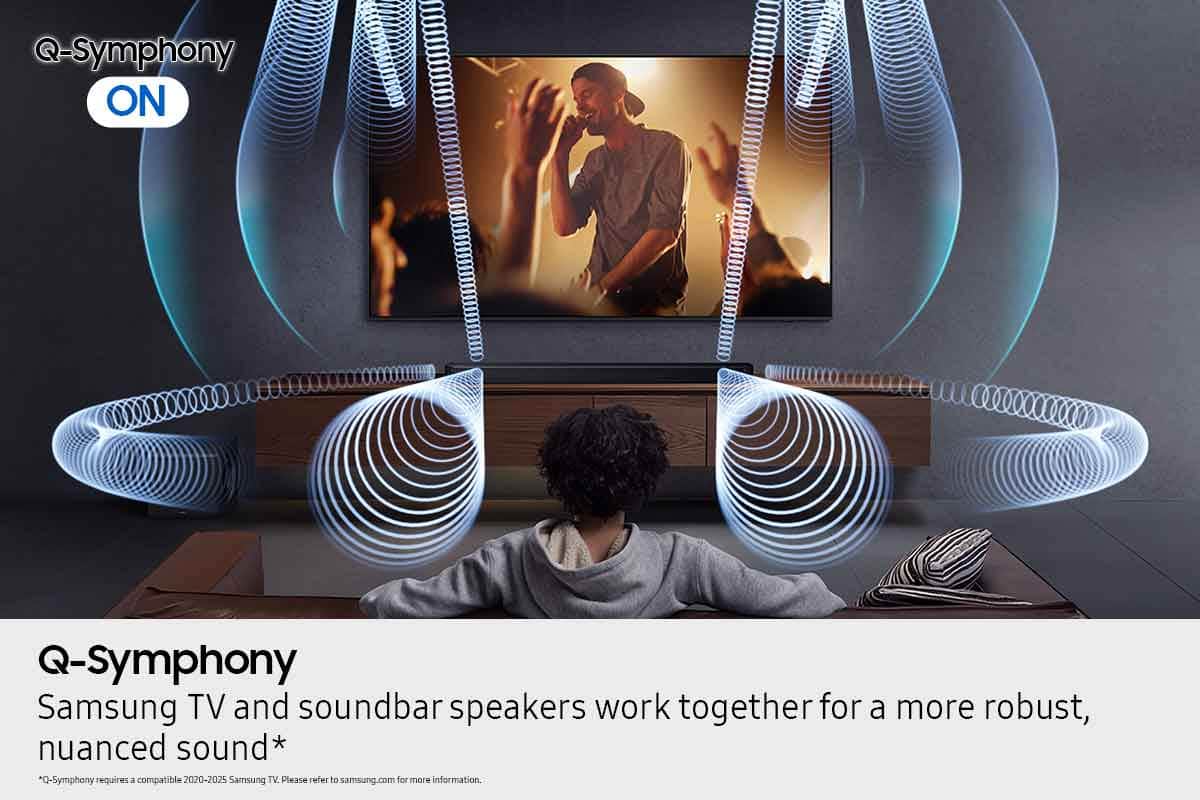
||Posted .This reviewer received promo considerations or sweepstakes entry for writing a review.This was a great addition to my home theater. Q-Symphony is a major improvement to the home theater experience
I would recommend this to a friendSoundbar
||Posted . Owned for 3 weeks when reviewed.This reviewer received promo considerations or sweepstakes entry for writing a review.great sound for a mid priced sound bar. We crank it up and clear as day
I would recommend this to a friendGreat Sound
||Posted . Owned for 3 weeks when reviewed.This reviewer received promo considerations or sweepstakes entry for writing a review.Amazing sound. Easy to set up and use. Would definitely recommend.
I would recommend this to a friendMind Blowing!
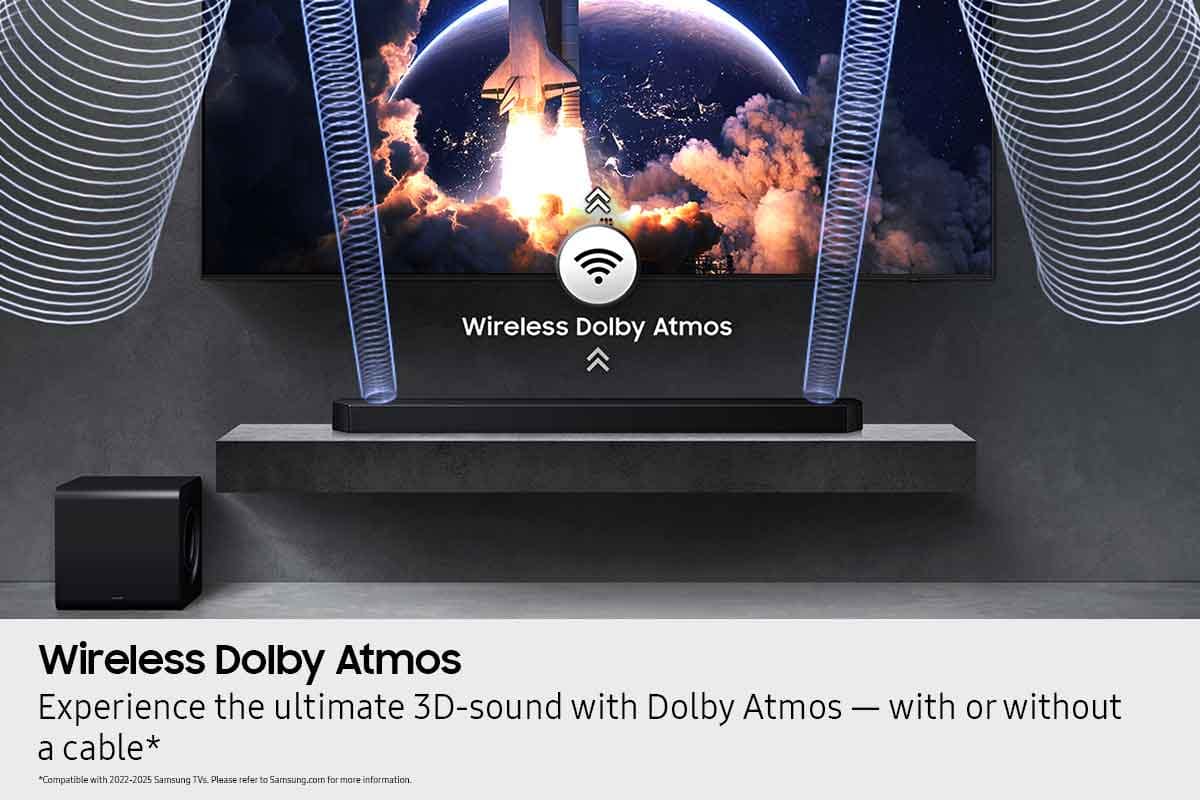
||Posted . Owned for 2 weeks when reviewed.This reviewer received promo considerations or sweepstakes entry for writing a review.This surround sound is definitely a game changer. My whole house vibrates when we watch Dolby Atmos content. I highly recommend it!
I would recommend this to a friendNice sounds synthetic
||Posted . Owned for 3 weeks when reviewed.This reviewer received promo considerations or sweepstakes entry for writing a review.Great!! theater soundbar Enjoyed wireless subwoof
I would recommend this to a friendBest Buy For Life.
||Posted .This reviewer received promo considerations or sweepstakes entry for writing a review.Well I am a loyal Best Buy customer, when it comes to excellent service, that’s what you receive at Best Buy. This guys go out of their way to make sure that you are satisfy and getting quality equipment. Thanks Best Buy.
I would recommend this to a friendGreat product
||Posted .This reviewer received promo considerations or sweepstakes entry for writing a review.Sounds great. Very happy with it. Highly recommended
I would recommend this to a friendSound bar not as expected for the $$$$
||Posted . Owned for 2 months when reviewed.This reviewer received promo considerations or sweepstakes entry for writing a review.Excellent for movies, but no so good for dialogs. I have tried multiple setting on equalizer to no avail. Sound does work excellent with Samsung S90D-2024 TV, and with blue tooth for music
No, I would not recommend this to a friendBrand response from Samsung
Posted .Hi ScottW,
We appreciate you taking a moment to review the HW-Q800F Samsung Soundbar.
To improve your experience, press the Sound Mode button on your remote control and select Adaptive Sound. In Adaptive Sound mode, the soundbar analyzes the content and volume to optimize the audio rendering resulting in clearer dialogue.
If connected to the SmartThings app, you can also enable the Voice Enhancement feature through the Advanced Sound Settings.
If you need more help, Samsung is here for you. Please call us at 1-800-SAMSUNG, 8AM - 12AM EST (Ask for Soundbars), 7 days a week. Live Chat with an agent as well as manuals, software, creating a service ticket, and warranty info can be found at the ‘Support’ link on our Samsung website.
~ Samsung Solutions
Great Soudbar
||Posted . Owned for 1 month when reviewed.This reviewer received promo considerations or sweepstakes entry for writing a review.Soundbar works great, it paired well with TV and additional speakers.
I would recommend this to a friendupgrade that old sound bar
||Posted .This reviewer received promo considerations or sweepstakes entry for writing a review.Very glad we purchased this sound bar, it is awesome!
I would recommend this to a friendGreat sound!
||Posted . Owned for 1 week when reviewed.This reviewer received promo considerations or sweepstakes entry for writing a review.Best Buy North Wales staff were really helpful. However, brick and mortar stores need to get with the inventory as I had to order from Amazon to get HDMI cables and other accessories.
I would recommend this to a friendDecent soundbar
||Posted .This reviewer received promo considerations or sweepstakes entry for writing a review.Great sounds. Some sync issues with TV when using Qsync. Not very synced…
I would recommend this to a friendAmazing
||Posted . Owned for 1 month when reviewed.This reviewer received promo considerations or sweepstakes entry for writing a review.Great product everything works as it should I would for sure recommend this.
I would recommend this to a friendSoundbar
||Posted . Owned for 2 weeks when reviewed.This reviewer received promo considerations or sweepstakes entry for writing a review.Amazing quality very happy with my purchase! I’m so thrilled with the quality of this product!
I would recommend this to a friendWow.
||Posted . Owned for less than 1 week when reviewed.This reviewer received promo considerations or sweepstakes entry for writing a review.Tried 2024 soundbars and they weren’t this good. The way this handles dialog and details in lovies and music is incredible. The subwoofer also has a great connection where i’m able to place it back by my sofa to create a fuller space and sound
I would recommend this to a friendGreat for bedroom
||Posted . Owned for 3 weeks when reviewed.This reviewer received promo considerations or sweepstakes entry for writing a review.For a bedroom this is great! Tried in living room first and not enough volume for large space but a standard bedroom is perfect.
I would recommend this to a friendQ-series sound bar
||Posted . Owned for 3 weeks when reviewed.This reviewer received promo considerations or sweepstakes entry for writing a review.Sound is terrible, I have read the reviews, tried the tuning procedures. Bass is non-existent. Setup was great, sound is terrible
No, I would not recommend this to a friendBrand response from Samsung
Posted .Hi KentZ,
We appreciate you taking a moment to review the HW-Q800F Samsung Soundbar.
To improve your audio experience, the HW-Q800F features a wide range of sound modes and settings allowing you to fine tune the sound to your liking. Pressing the SOUND CONTROL button on your remote allows you to select the desired sound effect. You can select Spacefit sound, AVA, Voice Enhance mode, Night mode, Sync, Surround speaker mode, and Virtual. The desired item can be adjusted using the Up/Down buttons.
Alternatively, with the sound mode set to standard, press and hold the SOUND CONTROL button for about 5 seconds to adjust the sound for each frequency band. 150Hz, 300Hz, 600Hz, 1.2kHz, 2.5kHz, 5kHz, and 10kHz are selectable using the Left/Right buttons and each can be adjusted to a setting between -6 to +6 using the Up/Down buttons.
By pressing the SOUND MODE button on your remote, and then selecting the desired sound effect by choosing STANDARD, SURROUND SOUND, GAME PRO, or ADAPTIVE SOUND.
If you would like louder (or softer) bass from your subwoofer, you can adjust the level by rocking the WOOFER button on the soundbar remote, and then adjusting the level from -6 to +6. To set the subwoofer volume level to 0, press the button in.
You can adjust the Treble and Bass by pressing the TONE CONTROL button then use the UP/DOWN buttons to change the levels between -6 to +6.
With the optional SWA-9500S Wireless Rear Speakers connected you can adjust the volume by using the provided Soundbar remote. Press CH LEVEL and select REAR LEVEL or REAR TOP LEVEL, then use the Up/Down buttons to adjust the volume within a -6 to +6 range.
I hope these tips help you further enjoy the experience from your new Samsung Soundbar.
If you need more help, Samsung is here for you. Please call us at 1-800-SAMSUNG, 8AM - 12AM EST (Ask for Soundbars), 7 days a week. Live Chat with an agent as well as manuals, software, creating a service ticket, and warranty info can be found at the ‘Support’ link on our Samsung website.
~ Samsung Solutions
Samsung HW-Q800F Soundbar
||Posted .This reviewer received promo considerations or sweepstakes entry for writing a review.Works but don't believe the marketing hype for room filling sound.
I would recommend this to a friendBrand response from Samsung
Posted .Hello AlanT,
We appreciate you taking a moment to review the Samsung HW-Q800F Soundbar.
To improve your audio experience, the HW-Q800F features a wide range of sound modes and settings allowing you to fine tune the sound to your liking. Pressing the SOUND CONTROL button on your remote allows you to select the desired sound effect. You can select Spacefit sound, AVA, Voice Enhance mode, Night mode, Sync, Surround speaker mode, and Virtual. The desired item can be adjusted using the Up/Down buttons.
Alternatively, with the sound mode set to standard, press and hold the SOUND CONTROL button for about 5 seconds to adjust the sound for each frequency band. 150Hz, 300Hz, 600Hz, 1.2kHz, 2.5kHz, 5kHz, and 10kHz are selectable using the Left/Right buttons and each can be adjusted to a setting between -6 to +6 using the Up/Down buttons.
By pressing the SOUND MODE button on your remote, and then selecting the desired sound effect by choosing STANDARD, SURROUND SOUND, GAME PRO, or ADAPTIVE SOUND.
If you would like louder (or softer) bass from your subwoofer, you can adjust the level by rocking the WOOFER button on the soundbar remote, and then adjusting the level from -6 to +6. To set the subwoofer volume level to 0, press the button in.
You can adjust the Treble and Bass by pressing the TONE CONTROL button then use the UP/DOWN buttons to change the levels between -6 to +6.
Also, you can also add the SWA-9500S Rear Speaker Kit to create a multi-channel system for a true surround sound experience.
I hope this tip helps improve your enjoyment. For more help, please call us at 1-800-SAMSUNG (Ask for Soundbars), 8 AM – 12 AM EST, 7 days a week. Live Chat with an agent as well as manuals, software, creating a service ticket, and warranty info can be found at the ‘Support’ link on our Samsung website.
~ Samsung Solutions
Just ok
||Posted . Owned for 3 weeks when reviewed.This reviewer received promo considerations or sweepstakes entry for writing a review.It’s better than the TV but not as good as we had hoped.
No, I would not recommend this to a friendBrand response from Samsung
Posted .Hello AmyR,
Thank you for taking a few moments to review the Samsung HW-Q800F Soundbar.
To improve your audio experience, the HW-Q800F features a wide range of sound modes and settings allowing you to fine tune the sound to your liking. Pressing the SOUND CONTROL button on your remote allows you to select the desired sound effect. You can select Spacefit sound, AVA, Voice Enhance mode, Night mode, Sync, Surround speaker mode, and Virtual. The desired item can be adjusted using the Up/Down buttons.
Alternatively, with the sound mode set to standard, press and hold the SOUND CONTROL button for about 5 seconds to adjust the sound for each frequency band. 150Hz, 300Hz, 600Hz, 1.2kHz, 2.5kHz, 5kHz, and 10kHz are selectable using the Left/Right buttons and each can be adjusted to a setting between -6 to +6 using the Up/Down buttons.
By pressing the SOUND MODE button on your remote, and then selecting the desired sound effect by choosing STANDARD, SURROUND SOUND, GAME PRO, or ADAPTIVE SOUND.
If you would like louder (or softer) bass from your subwoofer, you can adjust the level by rocking the WOOFER button on the soundbar remote, and then adjusting the level from -6 to +6. To set the subwoofer volume level to 0, press the button in.
You can adjust the Treble and Bass by pressing the TONE CONTROL button then use the UP/DOWN buttons to change the levels between -6 to +6.
I hope this tip helps improve your enjoyment. For more help, please call us at 1-800-SAMSUNG (Ask for Soundbars), 8 AM – 12 AM EST, 7 days a week. Live Chat with an agent as well as manuals, software, creating a service ticket, and warranty info can be found at the ‘Support’ link on our Samsung website.
~ Samsung Solutions