Customer Ratings & Reviews

- Model:
- GP-U999SJVLDAA
- SKU:
- 6265832
to a friend
Customers are saying
Customers are impressed with the SmartThings Smart Outlet's ease of use, compatibility with other smart home systems, and reliable connectivity. Many appreciate the straightforward setup process and the outlet's consistent performance. While some find the size a bit large and the price higher than expected, the positive feedback on functionality outweighs these concerns. The outlet's voice control capabilities are also frequently praised.
This summary was generated by AI based on customer reviews.
Super slow
||Posted .This reviewer received promo considerations or sweepstakes entry for writing a review.It does the work but it takes about 3-4 minutes to turn the outlet on from the moment I send the instruction from my phone.
No, I would not recommend this to a friendBrand response from Samsung
Posted .Thank you for the review. I am sorry to hear the outlet is not meeting your expectations. When devices don't work properly, sometimes the best tip is to unpair from the app and the hub, reset the device and reinstall. The instructions for your version of the outlet is here -- https://support.smartthings.com/hc/en-us/articles/205957620-Set-up-and-connect-the-SmartThings-Outlet
Distance from the Hub and walls/building materials in between can also affect performance. Try moving the outlet plug closer to the Hub to see if it speeds up communication. Adding additional outlets and bulbs to use as repeaters can also enhance speed and performance.
If you need additional assistance, our dedicated team can be reached at 1-866-813-2404 or by email via [email protected]. Thank you for being a Samsung customer. ~Samsung Brand Ambassador
Requires hub
||Posted .This reviewer received promo considerations or sweepstakes entry for writing a review.This smart plug requires a separate hub. Not easy to use with a smart speaker such as Alexa or Ok Google.
No, I would not recommend this to a friendI haven't set this up yet
||Posted .This reviewer received promo considerations or sweepstakes entry for writing a review.Looks very well made and very easy to install... we will see
I would recommend this to a friendBrand response from Samsung
Posted .Thank you for your feedback. If you should need assistance setting up your device, you can find instructions on our SmartThings website here -- https://support.smartthings.com/hc/en-us/articles/205957620
If you need additional assistance, our team of SmartThings experts can help at 1-866-813-2404 or by email via [email protected]. Thank you for choosing Samsung SmartThings. ~Samsung Brand Ambassador
Connection issues
||Posted .This reviewer received promo considerations or sweepstakes entry for writing a review.Can not get it to connect to my phone or my iq 2 panel with does it all if I could get it too work I imagine would be great
No, I would not recommend this to a friendBrand response from Samsung
Posted .Thank you for the review. I apologize for the connection issues you have experienced. All SmartThings sensors and devices including the Outlet require the SmartThings Hub. Please make sure you have the SmartThings Hub installed as well as the latest version of the SmartThings app (the logo is a large circle surround by five little circles). If you haven't already, please reach out to our SmartThings support team for assistance with setup and installation. We can be reached at 1-866-813-2404 or by email via [email protected]. Thank you for choosing SmartThings. ~Samsung Brand Ambassador
Worthless
||Posted .This reviewer received promo considerations or sweepstakes entry for writing a review.This smart plug wasn’t as smart as it says. Could not get it to sinc.
No, I would not recommend this to a friendBrand response from Samsung
Posted .Thank you for the review and I'm sorry you experienced issues during setup. Please make sure you are using the latest version of the SmartThings app (the logo is a large circle surrounded by five little circles). Please also make sure you have the SmartThings Hub properly installed. For your reference, the instructions for installing your version of the outlet is here -- https://support.smartthings.com/hc/en-us/articles/205957620-Set-up-and-connect-the-SmartThings-Outlet
If you need additional assistance, our dedicated team can be reached at 1-866-813-2404 or by email via [email protected]. Thank you for being a Samsung customer. ~Samsung Brand Ambassador
Working with Wink Hub 2, but with a little effort
Posted .This reviewer received promo considerations or sweepstakes entry for writing a review.The SmartThings Outlet is currently working really well. I currently have it connected to my Wink Hub 2. I ended up having to attach it as a "Generic Zigbee Light," and it took a large number of times before I managed to get it connected. I tried moving the Wink Hub 2 away from my router, and setting it up to work with WiFi, which didn't help, but in case it is (for some odd reason) important, it has WiFi setup as a backup, and is plugged into Ethernet directly next to my 5ghz, and 2.4ghz router. Eventually, I did get it connected. I ended up resetting the Outlet by putting it into pairing mode first, then removing it from the Wink app, then re-adding it to the Wink app. It now works more quickly than the iHome WiFi outlet. Bottom line: If you have Wink, give it a shot, but don't be surprised if it takes some work and elbow grease to get it working with your system.
I would recommend this to a friend- Pros mentioned:Connectivity
Easy smart plug
Posted .This reviewer received promo considerations or sweepstakes entry for writing a review.Have tried several "smart" plugs in the past. All of them fell flat, or just pooped out after a month. This one from Samsung has turned out GREAT so far. Easy to sync up with the entire HUB system, and hasn't had any connectivity issues as of yet. Samsung's whole smart system is great.
I would recommend this to a friend Works great!
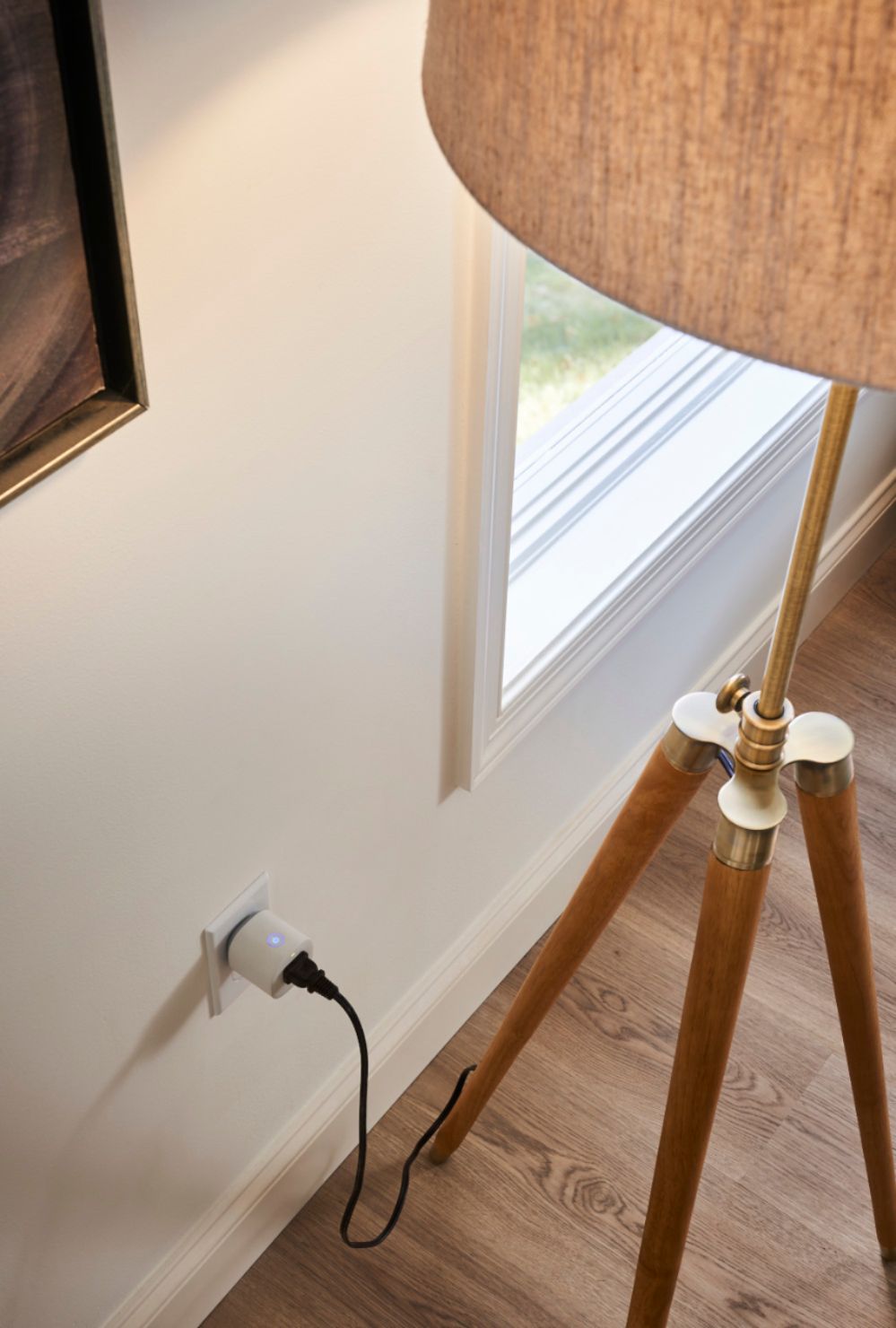
Posted .This reviewer received promo considerations or sweepstakes entry for writing a review.Are use this in my living room connected to my lamp and it works as intended.
I would recommend this to a friendGreat product
Posted .This reviewer received promo considerations or sweepstakes entry for writing a review.Around Christmas got started getting into the smart home and been loving it.
I would recommend this to a friend