Customer Ratings & Reviews

- Model:
- MU-PE4T0S/AM
- SKU:
- 10517854
Rating by feature
- Value
Rating 4.7 out of 5 stars
- Quality
Rating 4.9 out of 5 stars
- Ease of Use
Rating 4.9 out of 5 stars
T7 SSD
||Posted . Owned for 3 weeks when reviewed.This reviewer received promo considerations or sweepstakes entry for writing a review.Great external SD drive. Rugged and dependable drive
I would recommend this to a friendSsd
||Posted . Owned for 3 weeks when reviewed.This reviewer received promo considerations or sweepstakes entry for writing a review.Reliable and durable solid state drive for the price
I would recommend this to a friendIt's okay SSD
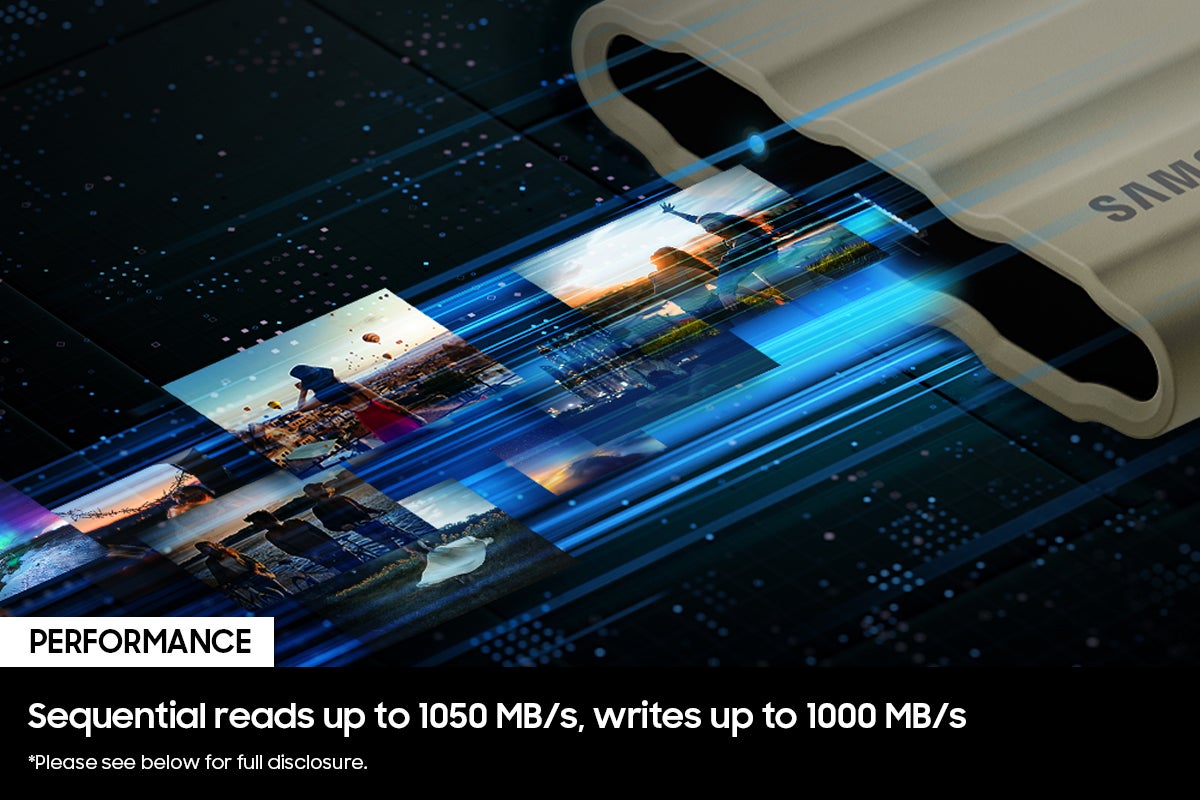
||Posted . Owned for 1 month when reviewed.This reviewer received promo considerations or sweepstakes entry for writing a review.It's a pretty good SSD. But the read-write speed specification is completely unreal!. I use it with mac studio with usb-c port and I just get around 490mbps read write speed
I would recommend this to a friendWorks well
||Posted . Owned for 3 weeks when reviewed.This reviewer received promo considerations or sweepstakes entry for writing a review.Easy set up. Works well. No complaints at this time.
I would recommend this to a friendWorth it
||Posted . Owned for 3 weeks when reviewed.This reviewer received promo considerations or sweepstakes entry for writing a review.Does what it needs to. Doesn't get too hot, doesn't feel cheap
I would recommend this to a friendGood
||Posted . Owned for 3 weeks when reviewed.This reviewer received promo considerations or sweepstakes entry for writing a review.Really good ssd. Worth the money. Nice product. Would recommend.
I would recommend this to a friendBest
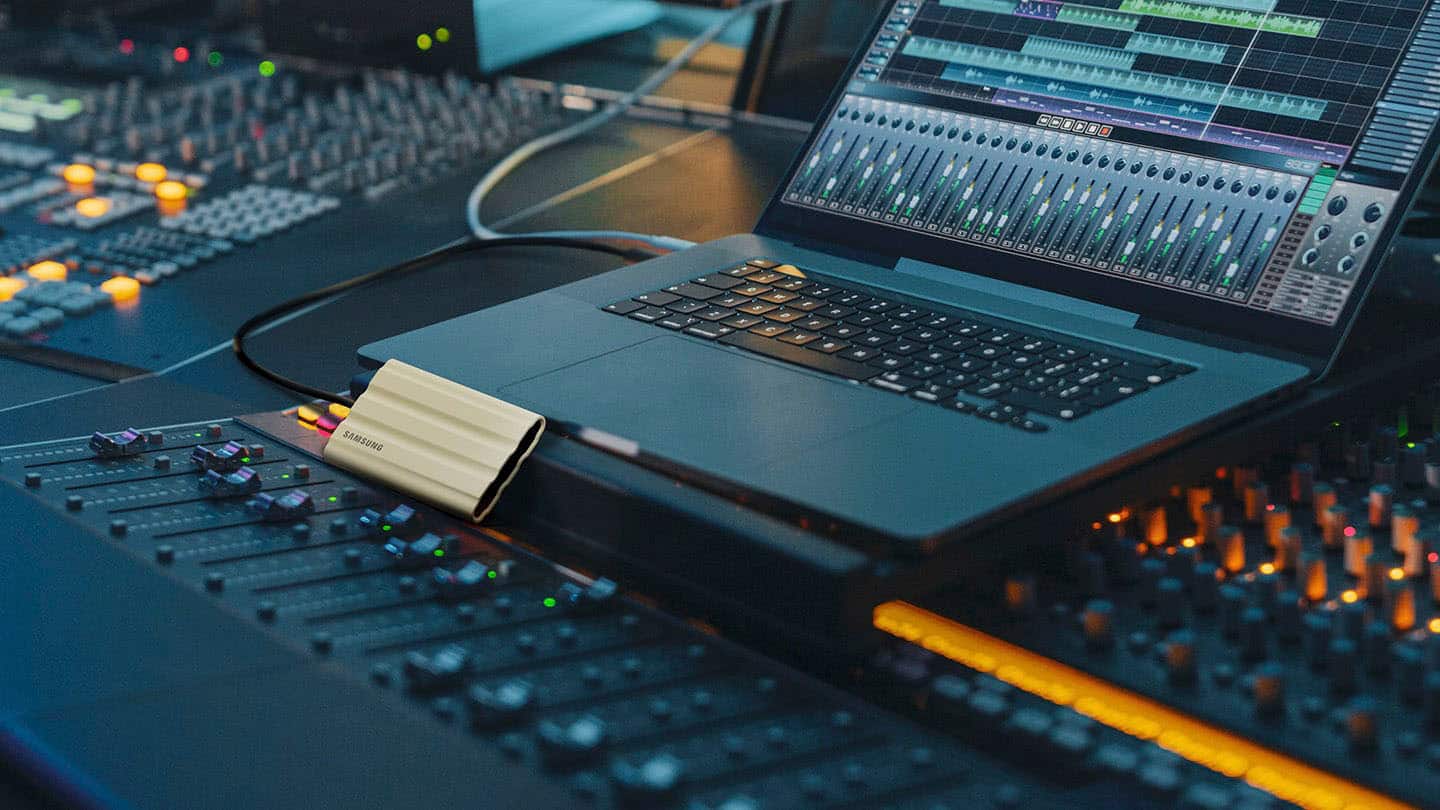
||Posted . Owned for 1 week when reviewed.This reviewer received promo considerations or sweepstakes entry for writing a review.Best option for this hard drive less space and good internal room for my music
I would recommend this to a friendNot bad
||Posted . Owned for 1 month when reviewed.This reviewer received promo considerations or sweepstakes entry for writing a review.It's okay it works but it made me partition it and I don't want the thing partitioned I want one giant hard drive
I would recommend this to a friendBrand response from Samsung
Posted .JonP:
Thank you for choosing the T7 Shield SSD!
To remove all existing partitions and make your T7 Shield SSD a single unallocated drive, you can follow these steps depending on your operating system:
WINDOWS:
Connect the T7 Shield SSD to your computer.
Press Win + X and select Disk Management.
Locate your T7 Shield drive in the list.
Right-click each partition on the drive and select Delete Volume.
Once all partitions are deleted, the drive will show as Unallocated.
macOS:
Open Disk Utility (Applications > Utilities > Disk Utility).
Select the T7 Shield SSD from the sidebar.
Click Erase at the top.
Choose a format (e.g., exFAT for cross-platform compatibility).
Click Erase to remove all partitions and reformat the drive.
I hope these tips help. You can always contact us for further help:
1) Call: 1-800-SAMSUNG (ask for Storage Devices). Available 9AM - 12AM EST (Mon-Fri)
2) Email: [email protected]
3) LiveChat 9AM-9PM EST (Mon-Fri) - https://www.livehelpnow.net/lhn/lcv.aspx?d=34834&ms=&zzwindow=0&lhnid=29783
- Samsung Memory
More space
||Posted .This reviewer received promo considerations or sweepstakes entry for writing a review.Provided much needed space at a reasonable price!!
I would recommend this to a friendSkerr
||Posted . Owned for 3 months when reviewed.This reviewer received promo considerations or sweepstakes entry for writing a review.This is very helpful when traveling great and quick storage.
I would recommend this to a friendFast and reliable storage
||Posted . Owned for 2 months when reviewed.This reviewer received promo considerations or sweepstakes entry for writing a review.Fantastic drive. Fast read and write speeds. Great value.
I would recommend this to a friendWorks as it should just overpriced
||Posted . Owned for 3 weeks when reviewed.This reviewer received promo considerations or sweepstakes entry for writing a review.Should be priced around what refurbished drives are at now in my opinion or atleast sale price 159 instead of 219 retail.
I would recommend this to a friendCost
||Posted . Owned for 1 month when reviewed.This reviewer received promo considerations or sweepstakes entry for writing a review.Cost is always high on these things. They go on sale for half price so why not make them 2/3 the cost maybe you would sell more.
I would recommend this to a friendSolid but Slow
||Posted . Owned for 3 months when reviewed.This reviewer received promo considerations or sweepstakes entry for writing a review.Quality construction but has some performance slowdown on large file transfers. It became too slow to transfer large files over 300GB. It would perform in the 2-400MB range until about 300GB in, then it would slow down to 15-25MB per second. Ultimately i couldnt use it to securely ship data to my data center.
I would recommend this to a friendNot Reliable
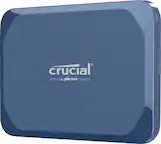
||Posted . Owned for 1.5 years when reviewed.This reviewer received promo considerations or sweepstakes entry for writing a review.I have bought two Samsung 4TB Shield SSD drives, two Samsung T7 2TB Shield drives and two Samsung T7 2TB drives. The 2TB drives have all been reliable but the 4TB drives have not. I have had to send both of them back to Samsung, one of them twice because their transfer speeds dropped to almost nothing when they should be getting 500-575 Mb/s when connected to a USB 3.1 input. There are others who have seen this problem as well. I have found Crucial 4TB SSD drives to be far more stable and reliable. If you are considering getting a Samsung 4TB T7 Shield just take this this into consideration.
No, I would not recommend this to a friendBrand response from Samsung
Posted .Lewie70:
We always aim to deliver a great experience, and it’s unfortunate to hear the T7 Shield 4TB SSD did not meet your expectations.
Please know that Samsung is committed to providing the best possible product experience, quality, and value, and your feedback will be shared with our product team.
If there’s anything we can do to further improve your experience, please let us know by contacting Samsung Support at:
1) Call: 1-800-SAMSUNG (ask for Memory). Available 9AM - 12AM EST (Mon-Fri)
2) Email: [email protected]
3) LiveChat 9AM-9PM EST (Mon-Fri) - https://www.livehelpnow.net/lhn/lcv.aspx?d=34834&ms=&zzwindow=0&lhnid=29783
Again, thanks for sharing your review and for choosing Samsung.
- Samsung Memory
Not as fast as I'd hoped
||Posted . Owned for 1 month when reviewed.This reviewer received promo considerations or sweepstakes entry for writing a review.I'd heard great things about this unit. I bought it hoping it would read & write faster than my 4 year old SanDisk 500GB Extreme PRO. It was close, but the T7 was slower, so I returned it. Beyond that I'm sure it does what it's designed to do.
I would recommend this to a friendBrand response from Samsung
Posted .Bucketofish:
We appreciate your feedback regarding the speed of your Samsung T7 Shield SSD and have returned it. Should you ever decide to give Samsung SSDs another try and have questions, we are always here to help.
1) Call: 1-800-SAMSUNG (ask for Memory). Available 9AM - 12AM EST (Mon-Fri)
2) Email: [email protected]
3) LiveChat 9AM-9PM EST (Mon-Fri) - https://www.livehelpnow.net/lhn/lcv.aspx?d=34834&ms=&zzwindow=0&lhnid=29783
The Samsung Members Community is also a great resource for getting help from Samsung moderators and customers: https://us.community.samsung.com/
We hope you will consider Samsung again in the future.
- Samsung Memory
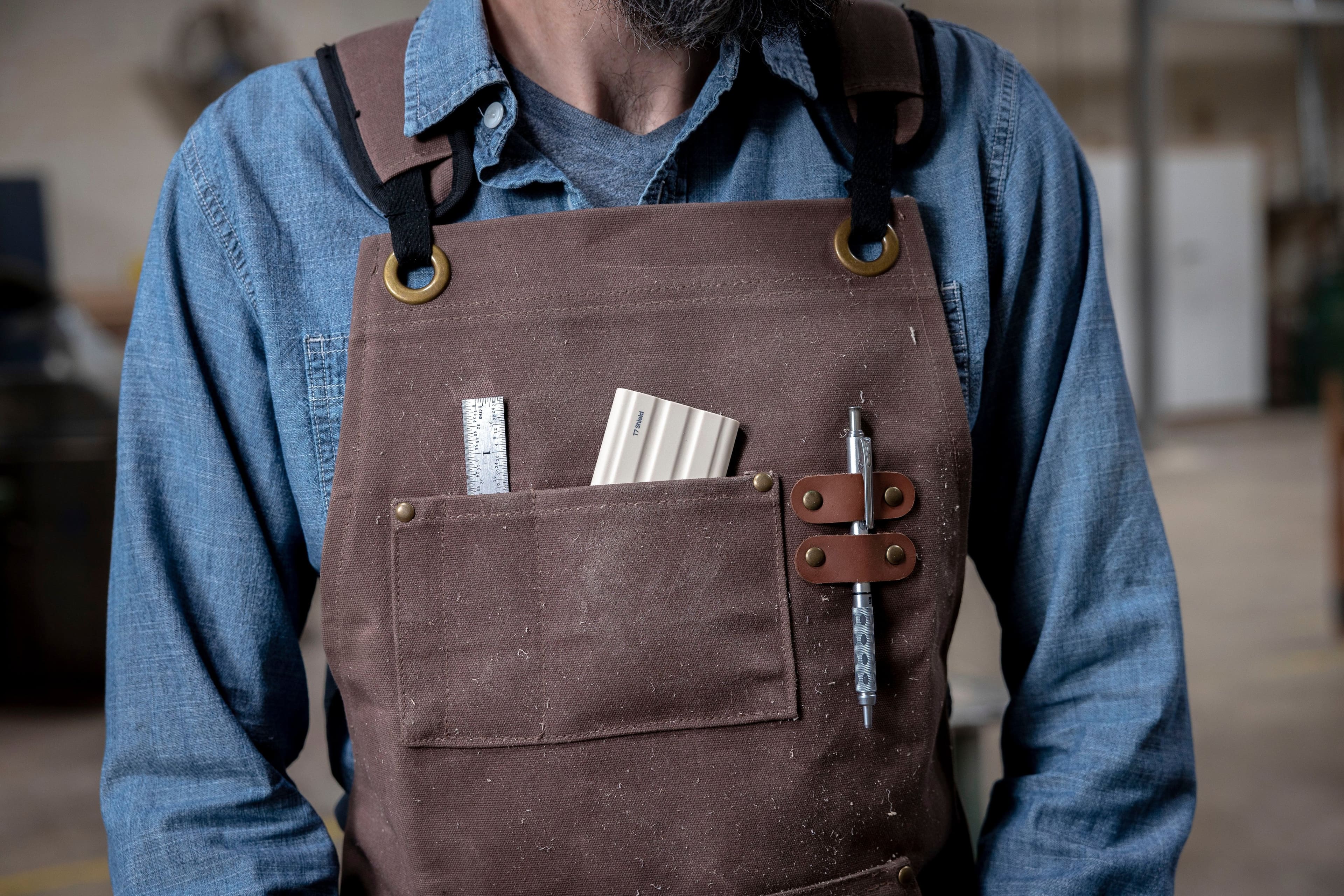
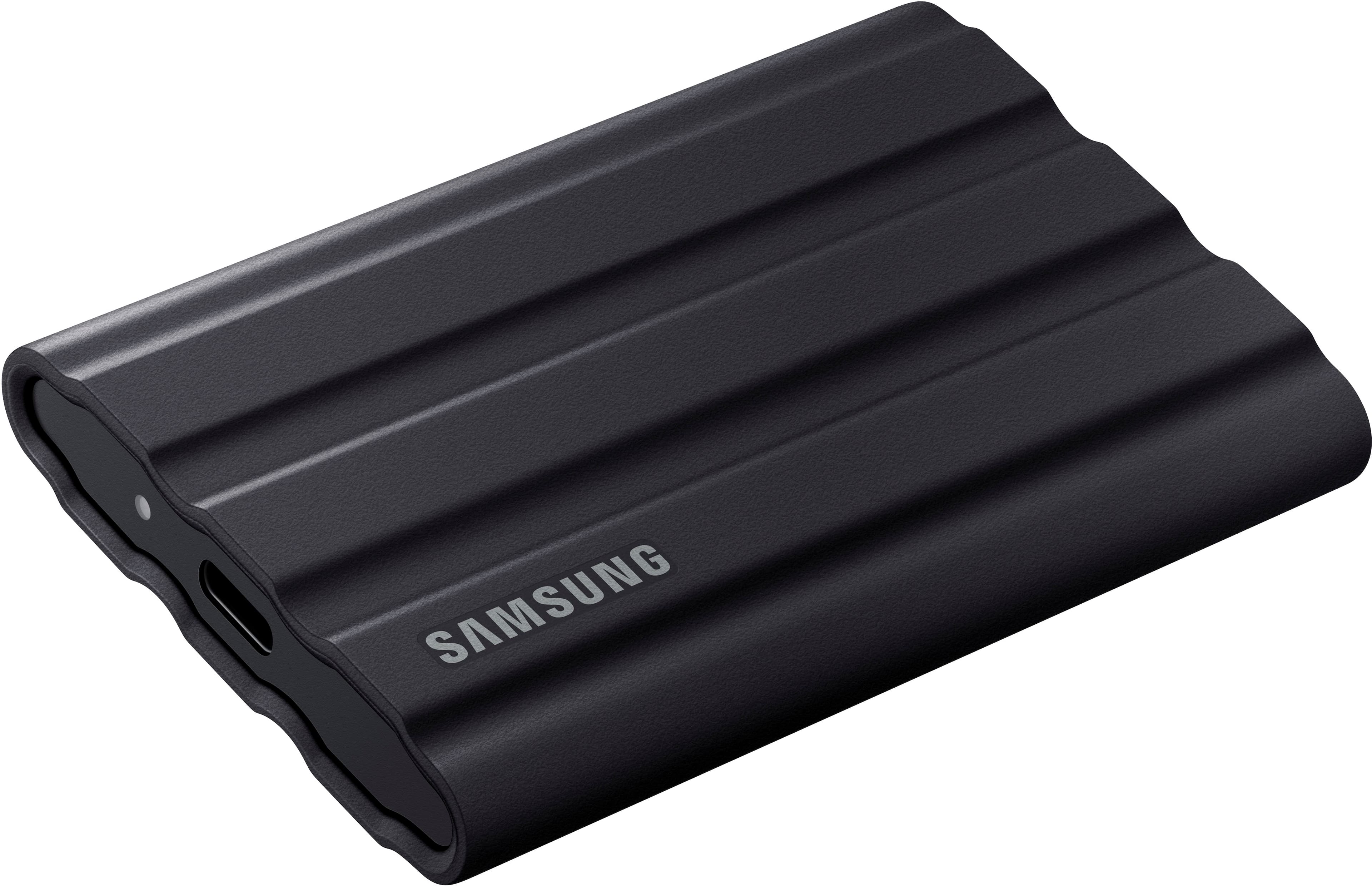
I question it being waterproof.
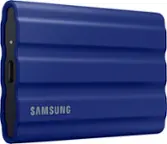
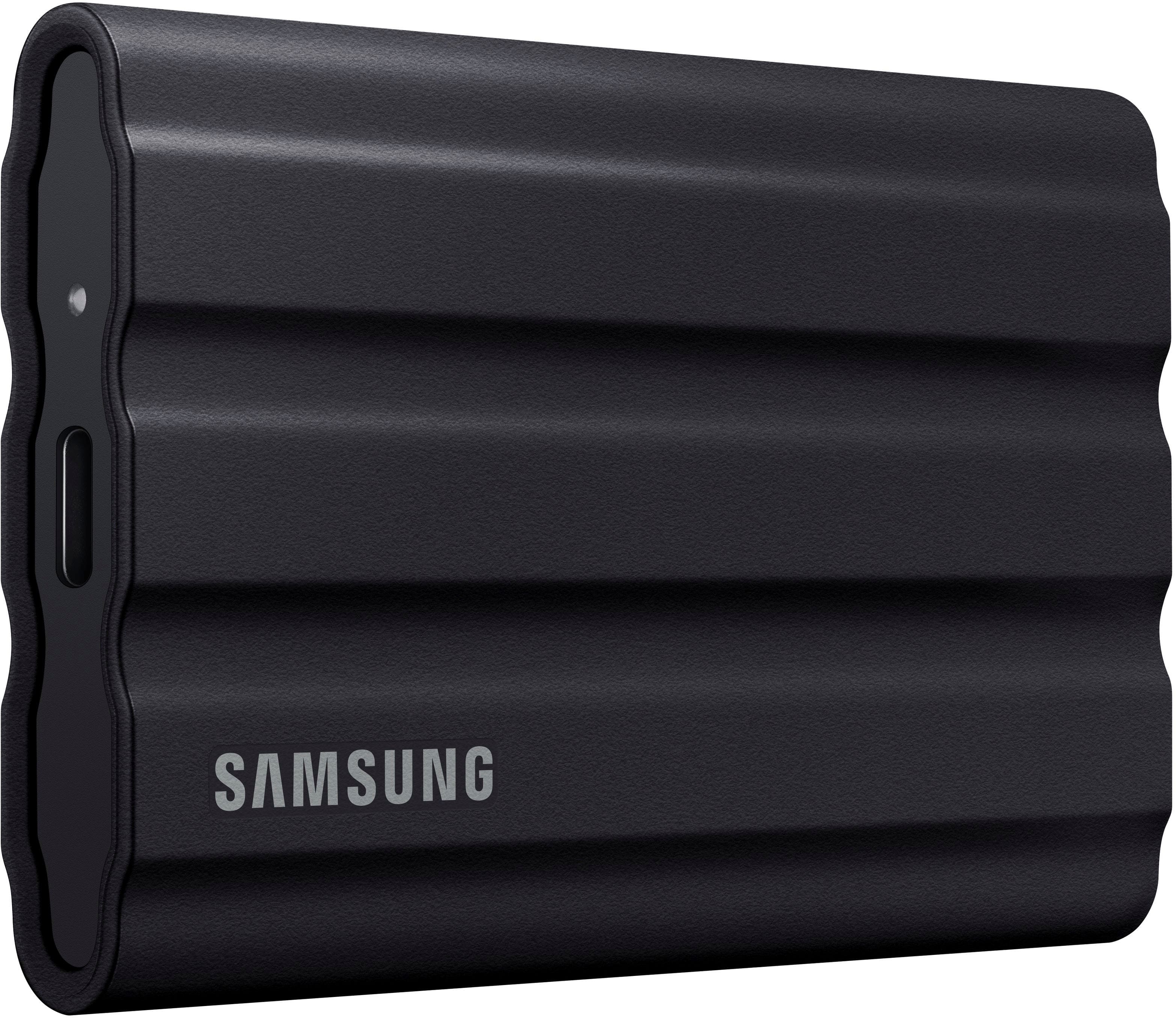
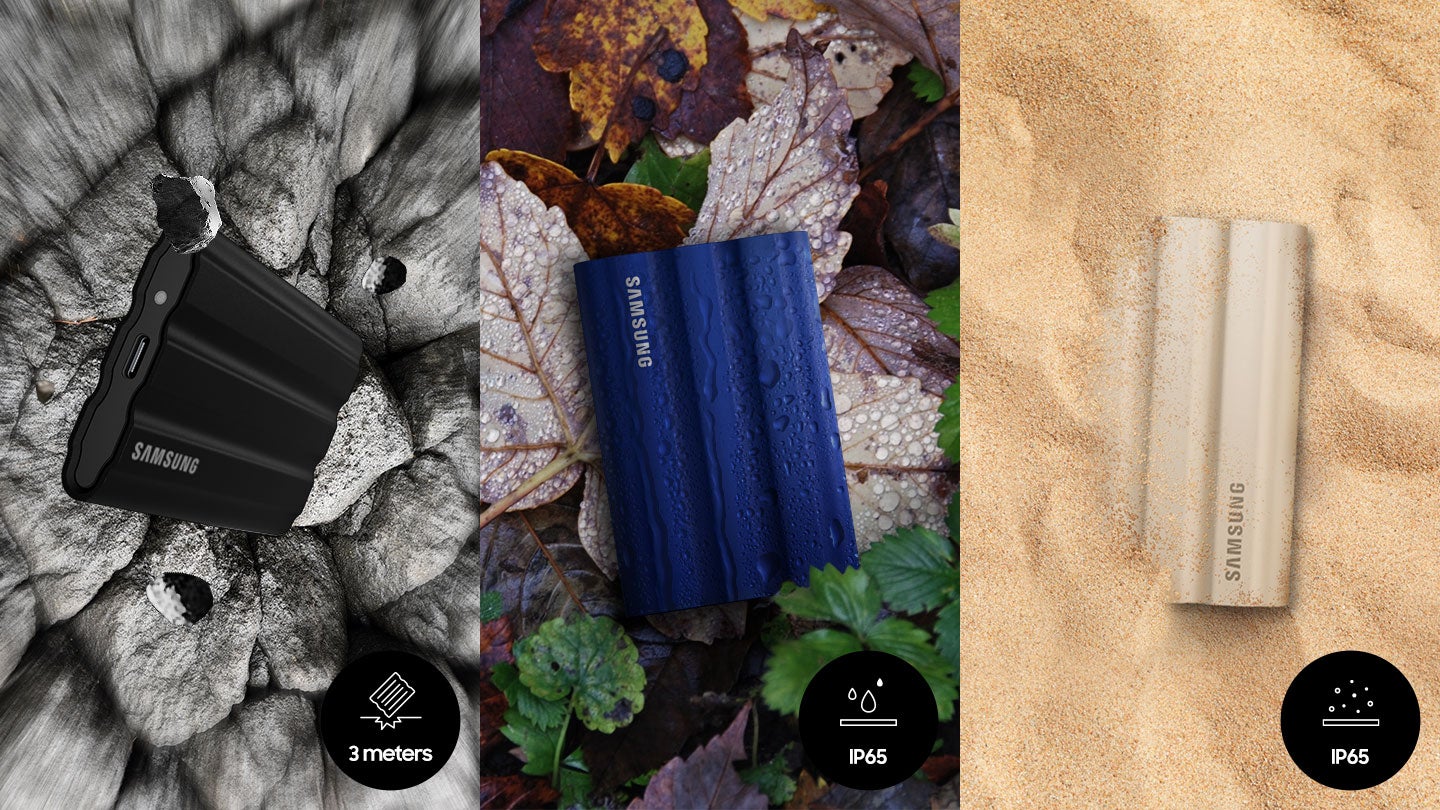
||Posted . Owned for 1 month when reviewed.This reviewer received promo considerations or sweepstakes entry for writing a review.This drive is noticeably bulkier than the standard T7 drive I also have. I was disappointed to see that it does NOT include a rubber cover over the USB C port. This makes me question how truly “waterproof “ it can be. I’m sure it will work fine as a storage drive and it’s probably more resistant to being dropped. But I definitely wouldn’t consider it really waterproof. For the price I’m disappointed that Samsung was too cheap to include a USB port cover.
No, I would not recommend this to a friendBrand response from Samsung
Posted .Customer:
Thank you for purchasing the Samsung T7 Shield SSD and for your review. We value your feedback regarding the design of your drive. Your feedback is very important to us and will be shared with our product team.
Should you ever have questions or need assistance using this product, please contact Samsung Customer Support.
1) Call: 1-800-SAMSUNG (ask for Memory or press #, then 6 for Memory products)
Available 9AM – 9PM EST (Mon-Fri)
2) Email: [email protected]
3) Or visit us on the Samsung website and click on the SUPPORT link in the upper right corner of the homepage for:
a) Chat with Us/Product Help: To begin a chat or find solutions, choose ‘Computing – Memory & Storage’ and select your model & topic.
Thanks for choosing Samsung for your memory storage needs!
- Samsung Memory
Samsung External Drive.
||Posted . Owned for 2 weeks when reviewed.This reviewer received promo considerations or sweepstakes entry for writing a review.Very Rugged and Good Value for the Price . Should come with better Storage container
I would recommend this to a friendMeh
||Posted . Owned for 1 month when reviewed.This reviewer received promo considerations or sweepstakes entry for writing a review.Did not work with my samsung S22 ultra. Works with my galaxy 8 tablet though.
I would recommend this to a friendBrand response from Samsung
Posted .AlexS:
I’m very sorry for the difficulties you’ve experienced with your T7 SSD. We completely understand your frustrations, and we are here to help.
The T7 Shield is compatible with Android devices using USB-C. Please contact Samsung Customer Support directly so that we can better investigate your issue and assist you towards a resolution.
1) Call: 1-800-SAMSUNG (ask for Memory or press #, then 6 for Memory products)
Available 9AM – 9PM EST (Mon-Fri)
2) Email: [email protected]
3) Or visit us on the Samsung website and click on the SUPPORT link in the upper right corner of the homepage for:
a) Chat with Us/Product Help: To begin a chat or find solutions, choose ‘Computing – Memory & Storage’ and select your model & topic.
Samsung is committed to providing the best possible product experience, quality, and value, and we are always here to help with any of your questions or concerns.
We look forward to hearing from you soon.
- Samsung Memory
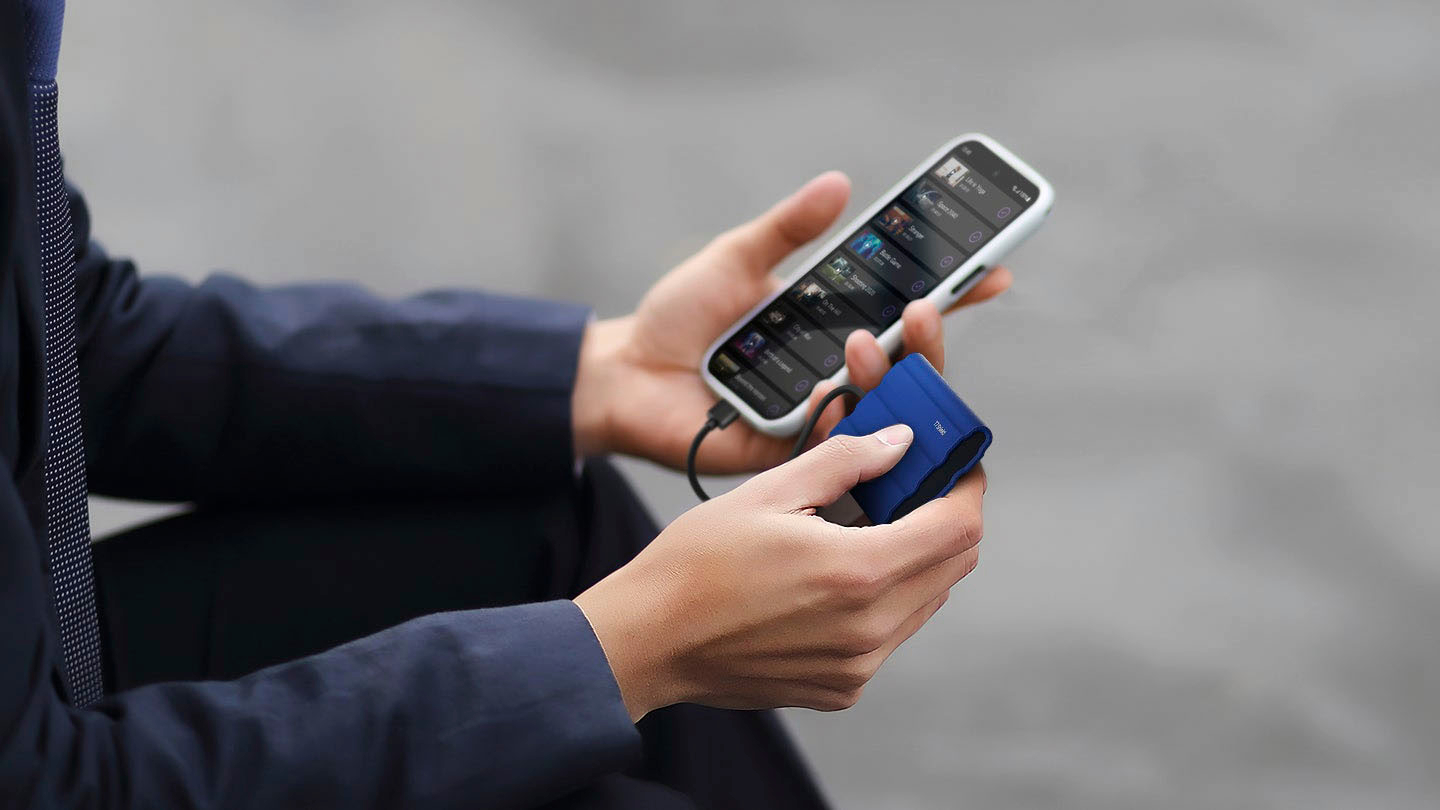
Good SSD. Bad app for smartphone.
||Posted . Owned for 2 months when reviewed.This reviewer received promo considerations or sweepstakes entry for writing a review.Pretty good but the app do not detect the SSD when I connected it to my smartphone. I have tried with other phones but it is always the same, SSD is not detected.
I would recommend this to a friendBrand response from Samsung
Posted .David:
I’m sorry to hear that your out-of-box experience fell short of your expectations.
The T7 Shield may not be compatible with all devices but is compatible with Android devices using USB-C.
Please contact Samsung Customer Support directly so that we can better investigate your issue and assist you towards a resolution.
1) Call: 1-800-SAMSUNG (ask for Memory or press #, then 6 for Memory products)
Available 9AM – 9PM EST (Mon-Fri)
2) Email: [email protected]
3) Or visit us on the Samsung website and click on the SUPPORT link in the upper right corner of the homepage for:
Chat with Us/Product Help: To begin a chat or find solutions, choose ‘Computing – Memory & Storage’ and select your model & topic.
Thank you for choosing Samsung for your storage needs. We look forward to hearing from you.
- Samsung Memory