Customer Ratings & Reviews
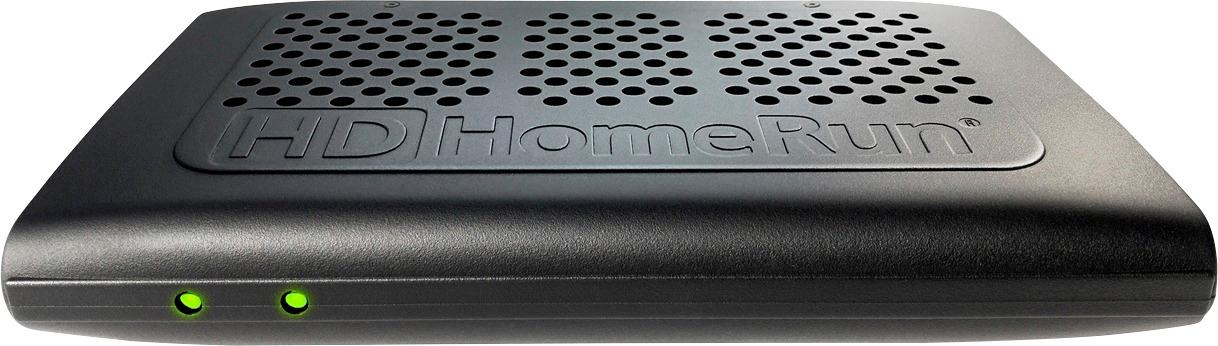
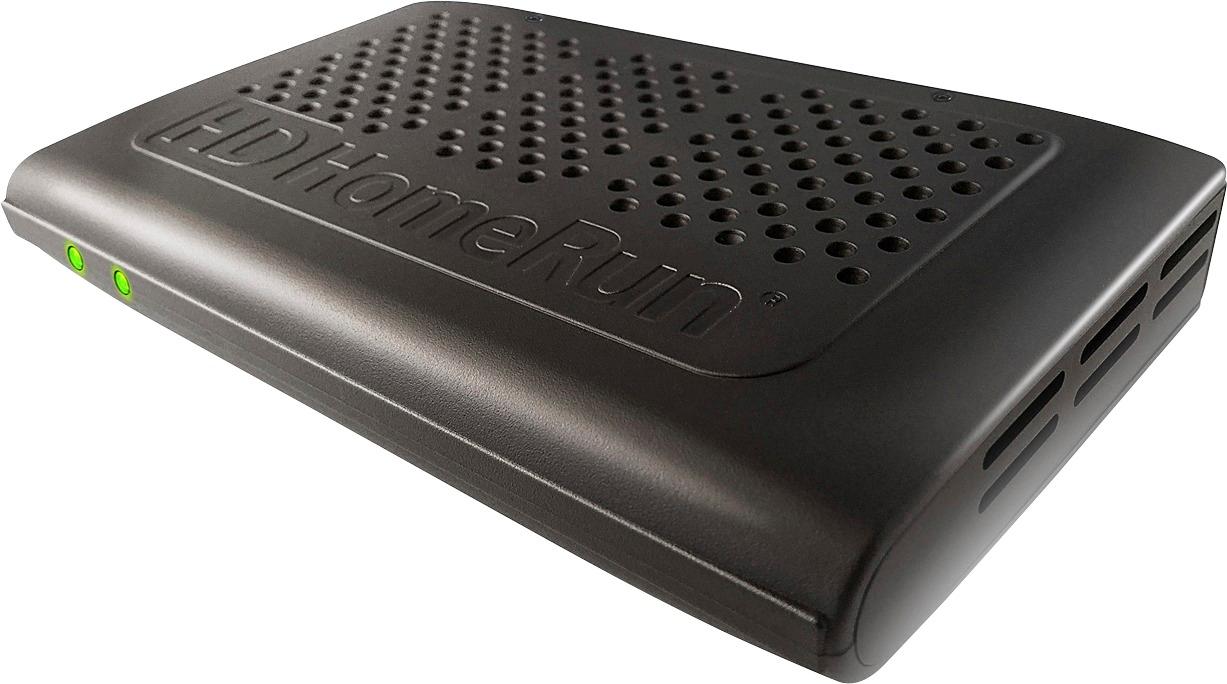




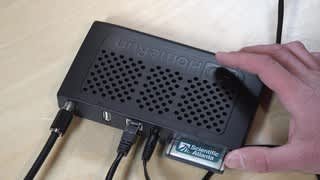
- Model:
- HDHR3-CC
- |
- SKU:
- 8548056
Customer reviews
Rating 4.1 out of 5 stars with 36 reviews
(36 customer reviews)to a friend
Customers are saying
Customers enjoy the ease of setup and excellent performance of the PRIME Tuner with CableCARD. Many found the setup process quick and straightforward. Positive feedback highlights the device's ability to meet expectations and provide a high-quality viewing experience. Users appreciate its capabilities for watching and recording multiple channels simultaneously.
This summary was generated by AI based on customer reviews.
- Pros mentioned:Setup
Rated 4 out of 5 stars
Get HD from your cable without paying extra for i!
||Posted .This reviewer received promo considerations or sweepstakes entry for writing a review.Positives: Setup is reasonable. If you have tried cutting the cable you know you can get almost all your local channels free over the air in HD. So why pay the cable company extra for something that is all ready free!?! The box pays for its self in less than a year. It was costing me $10 for the HD service and 5.99 for the additional box so 15.99. I'm now saving a month! Think I break even in 7 or 8 months. Cons: Not compatible with Roku. No channel guide on PS3 Can be slow to start showing the channel. It's connection is not WIFI. (minor) once setup it will send the signal over your Wi-Fi network Verdict: Wish there was a Roku channel. Embrace the change to save some change. Get it. It's a good buy
I would recommend this to a friendBrand response from HDHomeRun Sales & Support
Posted .welcome to the family
Rated 4 out of 5 stars
Replaced 2 cable boxes, saved $20/month
||Posted .This reviewer received promo considerations or sweepstakes entry for writing a review.The Silicon Dust HD Homerun Prime does what it says. The only trouble I had was not the company's fault - it was Comcast's fault. You go to your cable TV company and get a CableCard. Put the card into the HD Homerun Prime. Download the software from Silicon Dust and call the CATV company to activate the card. It took me 5 calls to get the card activated correctly. Here's a tip: When you call your CATV company to activate the card make sure you tell the rep that you are NOT USING TIVO. This way the rep enters the correct numbers so the card will load your channels from the cable company. The only other issue I have is that the picture sometimes freezes or pixelates, but wait a minute and it will clear up. Silicon Dust is working on this. Make sure you use CAT6 Ethernet cable, and if you're streaming wirelessly to other computers, make sure you use an AC router and AC wireless adapters. This way you can send HD to those computers. By the way, Best Buy's price was the best one I found via eBay.
I would recommend this to a friendRated 4 out of 5 stars
Decent Cablebox alternative
||Posted .This reviewer received promo considerations or sweepstakes entry for writing a review.Took about 30 min to get up and running with my local FIOS cable service. Most of that time was spent getting my cable card activated through my service provider and then waiting for a full channel scan. Currently evauating whether the HDHR app on XBOX One and integration with Plex Live TV / DVR (on non DRM channels) is a worth while replacement for the costly set top boxes from the cable company. As of writing this, the HDHR app on Xbox One does not support premium DRM channels after some bugs with the latest Xbox update. Hopefully it will be resolved soon. That aside, Plex seems to work great. The native IOS HDHR apps have a weird video sync issue that causes the video to stutter frequently so haven’t really used it much. Live TV integration with Kodi works fine (minus DRM support) and although most all channels are available on Windows 10 / Xbox platforms, channel navigation with just a remote can be frustrating. It seems Xbox does not accept IR number pad inputs so you’re forced to scroll through the entire channel list or use a wireless keyboard / Xbox controller keyboard add on to type in channel numbers. Time will tell if this passes the wife test and hopefully will let me save a significant amount of my cable bill by turning in my cable boxes and canceling DVR service.
I would recommend this to a friendBrand response from HDHomeRun Sales & Support
Posted .*** UPDATE - Xbox team assisted our engineering team to correct what Xbox update broke
DRM content viewing on Xbox is BACK and working as of November 2nd, 2017 firmware release
please update your HDHomeRun PRIME FW to this latest release and continue enjoying DRM content viewing on your XBoxOne
great way to save money on those set top box rentals
Xbox - err.. yes engineering is working with them on a fix - stay tuned and follow our forums for updates
Thank you for the review and welcome to the family
- Pros mentioned:Setup
Rated 3 out of 5 stars
Works but needs improvement
||Posted .This reviewer received promo considerations or sweepstakes entry for writing a review.I used Optimum Cable Card for the service and after couple of phone calls, I got the unit up and working. Pros _________________ 1. Quick and easy setup (depends on the Cable company) 2. Works with 3 devices. 3. Has guide data. 4. Save money. Cons _____________ 1. Do not buy if you are using anything other than an Xbox One or Windows 10 PC. You cannot watch DRM channels on any device other than Windows 10 devices. So if you have a firestick or Apple TV you are out of luck. 2. Since the picture is through a network you will experience lower picture quality and sound quality and not a 100% smooth playback. 3. The guide doesn't give you much information compared to the Cable boxes.
No, I would not recommend this to a friendBrand response from HDHomeRun Sales & Support
Posted .Thank you for your review and welcome to the family. We appreciate your detailed comments
We would like to address the Cons here
1. Correct - as of this review DRM content is available to view in Windows 10 (incl Xbox One)
We continue to work with Android team to get this working in that platform next. There has been a lot of changes in how Android allows protected content and CableLabs certification requires we "protect " the content well so this is not taken lightly - stay tuned as we continue to work toward this
2. We always recommend a Wired Ethernet connection on something like streaming live tv. But knowing this is not always the case, we then recommend a solid WiFi signal in the users home. Many use a strong AC network or MESH network and have a great experience. We cannot control the strength of your home network but we can offer suggestions that help
3. Hopefully you are using our patented Slice View guide which shows program artwork image as well as Synopsis of our the program on now or any one of the upcoming shows in the Slice View guide. Our goal is to Guide Surf without blocking your view of show that is currently playing.
Rated 5 out of 5 stars
TV on All Your Devices
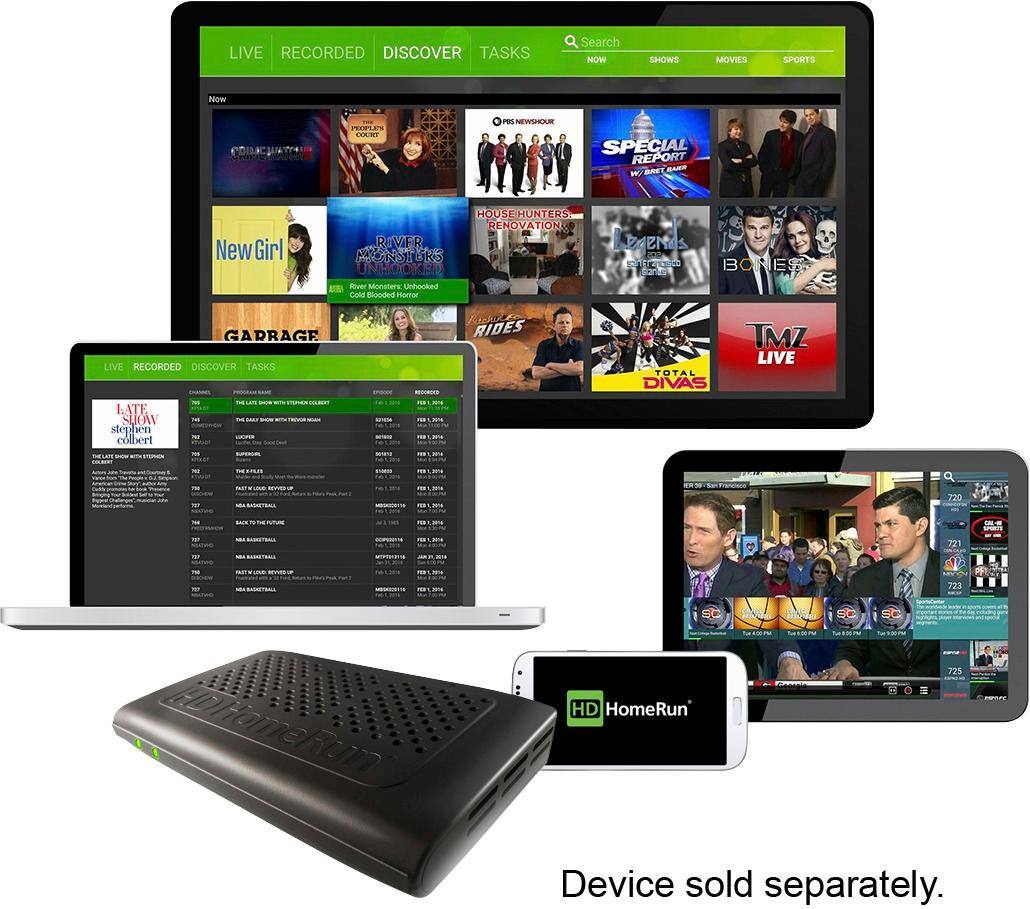
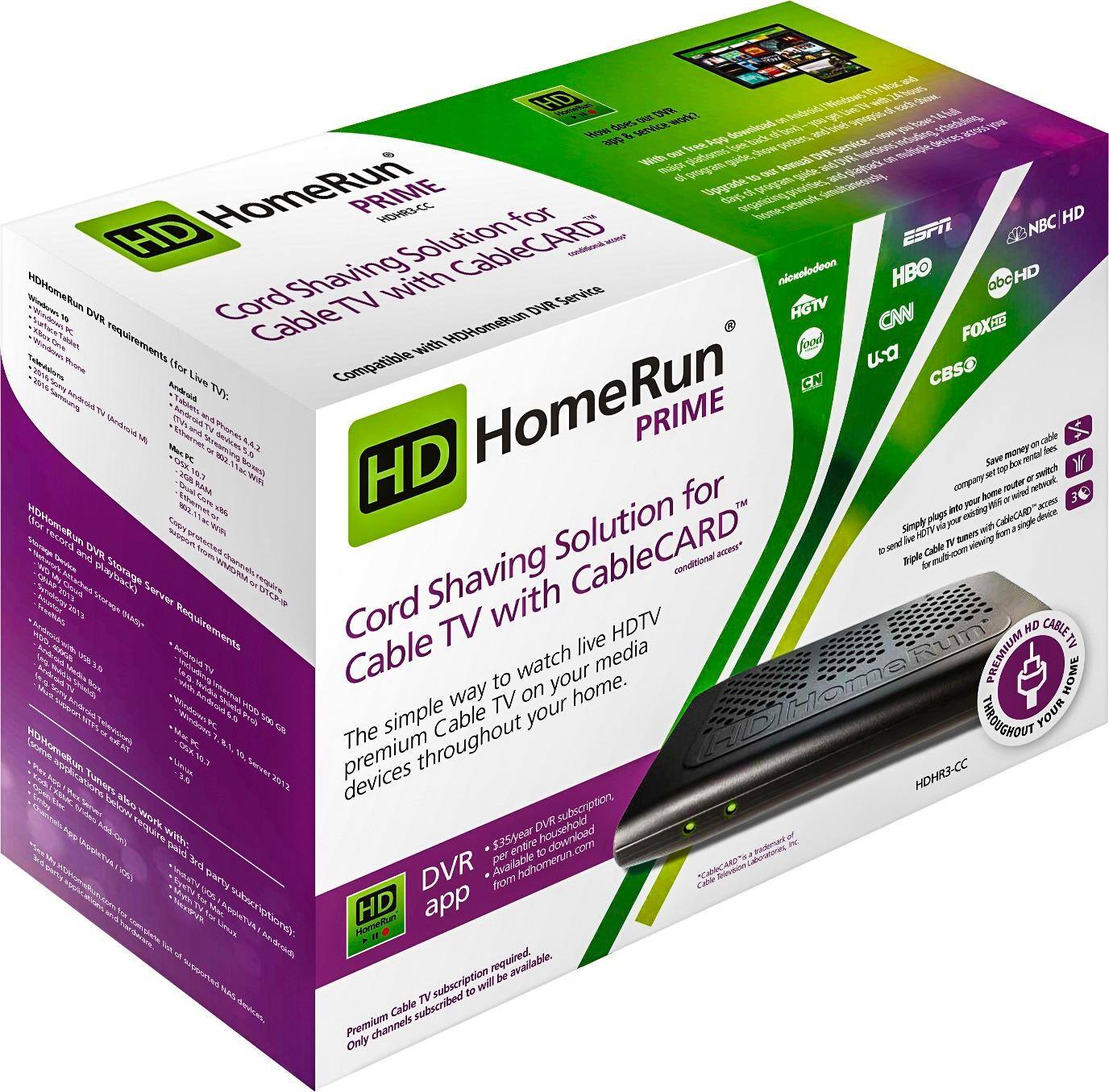
||Posted .This reviewer received promo considerations or sweepstakes entry for writing a review.The HDHomeRun Prime is a device that connects to the Coaxial Cable that enters your house from your Cable Company's drop-box outside, and also connects to your home's Ethernet wiring. It comes with a slot for a "Cable Card" that unscrambles the encrypted channels. You rent the Cable Card from your Cable Company for about $5 per month. You can then return your Cable Company's Set-Top Box/DVR and save about $20 per month per TV. You then install the free HDHomeRun Software on any Windows 10 PC or Tablet and Android Phone or Tablet or IOS Phone, computer or Tablet, Xbox One or PlayStation 4. All of those devices can access the three separate tuners on the HDHomeRun and watch any three program simultaneously. For $60 per year you can load the HDHomeRun DVR software on any one of the PCs or a NAS (Network Accessible Storage) device if you have one. That will enable you to record as much Cable TV as the hard drives you choose will hold. Any of the other PCs, Tablets etc. on your network will be able to access the recorded shows and watch them any time. The HDHomeRun Prime works with Cable TV. You can also purchase HDHomeRun Connect which will take the free signal from an antenna and allow you record or watch it live with no Cable Company fees at all.
I would recommend this to a friendBrand response from HDHomeRun Sales & Support
Posted .mix and match Cable and OTA HDHomeRun tuners is the optimum set up giving you the best 1080i HD from the antenna on broadcast channels and allowing you to still see all you favorite Cable TV channels and Save a ton of money on Set Top Box rentals from your cable provider = best of both worlds.
Thanks for the review
- Pros mentioned:Performance
Rated 5 out of 5 stars
Great way to Cut the Cord
||Posted .This reviewer received promo considerations or sweepstakes entry for writing a review.At least some of the way to cut the cord. No more paying for cable boxes. This is my second device and now allows me to watch and record 6 different channels at once. This company does a great job with updates and has a great user base.
I would recommend this to a friend Rated 5 out of 5 stars
Almost plug-n-play... almost
||Posted .This reviewer received promo considerations or sweepstakes entry for writing a review.I did a LOT of research in looking for a device I could buy yo keep cable but ditch all my Spectrum equipment. This device was the easiest one I found to set up and use, and it was. You will need to download the HD Homerun app to a PC on your network even if you're using another media server like Windows or Plex. The Homerun app will access the cable card settings and allow you to scan for channels through the browser. HOWEVER, depending on your cable provider, you may need a tuning adapter. Spectrum says you CANNOT get your channels without it. Your coaxial cable goes into the adpater then out to the Homerun Prime, and you also run a "printer" USB from the adapter tot he Prime so you can access adapter settings through the same browser. AND... you may not be able to get ALL the cable channels as many are DRM protected encryption. Talk to your TV tech support about how to get the tuner to decrypt those channels so the Prime can tune to them. I have yet to do this but I was under the impression that the tuning adapter was supposed to allow the Prime to tune to DRM channels. OVERALL... very easy to uise and the channles I am currently getting I am watching and recording through Plex, although I downloaded the Homerun app to my android box and that works great too, maybe better as the program guide is more conventional. GO TO Lon.TV on YouTube for EXCELLENT reviews and demos.
I would recommend this to a friendBrand response from HDHomeRun Sales & Support
Posted .Thanks for the great review and call out for our friend Lon. We appreciate the extensive research and glad we offered the right solution for you. Welcome to the family
Rated 4 out of 5 stars
Great option for saving cable box fees
||Posted .This reviewer received promo considerations or sweepstakes entry for writing a review.Used this to replace 4 cable boxes to save about $18 a month. This isn't as friendly as the original cable boxes, but all the channels are available once you get it up and running. I do have an issue with one tv where with audio and video don't sync properly. Aside from that, it puts tv in the kids rooms without having to pay for boxes for them all.
I would recommend this to a friendBrand response from HDHomeRun Sales & Support
Posted .Saving money is our goal here. Cord Shavers are just as important to us as Cord Cutters - its all about saving money
Welcome to the family and thanks for the review
- Pros mentioned:Setup
Rated 5 out of 5 stars
It's a Blessing!
||Posted .This reviewer received promo considerations or sweepstakes entry for writing a review.After months of trying to get my Ceton 4 tuner card working, I gave up on it because Ceton kept saying it was a signal strength issue and Comcast said signal was fine. Many visits by Comcast and many contacts with Ceton. I researched tuner cards and decided HDHomeRun was the best, so I ordered it via Best Buy, who price matched. It took me 5 minutes to set up hardware and a whole 5 minutes to have it up and running perfectly!!!
I would recommend this to a friendBrand response from HDHomeRun Sales & Support
Posted .Thanks and welcome to the family
Rated 5 out of 5 stars
Great product
||Posted .This reviewer received promo considerations or sweepstakes entry for writing a review.I have been using this device in place of a set top box for about 5 years and it worked great until lightning struck and actually blew the top off one of the chips. So this is a replacement.
I would recommend this to a friend- Pros mentioned:Performance
Rated 4 out of 5 stars
Great for Plex DVR using Cable
||Posted .This reviewer received promo considerations or sweepstakes entry for writing a review.I can’t eliminate cable cost effectively without loosing the best priced performance option for broadband. This permits using Plex the DVR instead paying more to Comcast.
I would recommend this to a friend Rated 3 out of 5 stars
Not as nifty as I thought....
||Posted .This reviewer received promo considerations or sweepstakes entry for writing a review.It is has some pretty cool features, and definitely helps cut the cost. However, it does lack some basic things I wish I could do.
No, I would not recommend this to a friendBrand response from HDHomeRun Sales & Support
Posted .Do tell.... what missing features are these ? They may be in the works
We love details
Rated 4 out of 5 stars
Check your provider first
||Posted .This reviewer received promo considerations or sweepstakes entry for writing a review.This works great with some cable providers, but NOT with SPECTRUM. Check your provider first~!
I would recommend this to a friendBrand response from HDHomeRun Sales & Support
Posted .We are CableLabs Certified for ALL USA Cable Providers so if you are having issues, please contact [email protected] for assistance. Should not be an issue with Spectrum
- Pros mentioned:Performance
Rated 5 out of 5 stars
Awesome
||Posted .This reviewer received promo considerations or sweepstakes entry for writing a review.This thing does what it says it can do. I have it running and a laptop and 2 roku boxes. I absolutely love it!
I would recommend this to a friend Rated 4 out of 5 stars
A must buy
||Posted .This reviewer received promo considerations or sweepstakes entry for writing a review.I’m using this HDHomeRun with Plex. The setup does have its quirks but It works. I’ll try anything to avoid leasing from Comcast. Beyond the lease for their box, Comcast set up data limits - recoding through this HDHomeRun avoids Comcast data as it’s viewing (recording) from within their network. It’s my understanding that you’re charged data when watching shows through apps on AppleTv or FireTv. The only reason for four stars is lack of AppleTV app for live tv. iOS app is fantastic.
I would recommend this to a friendBrand response from HDHomeRun Sales & Support
Posted .We are looking into an AppleTV app, but in the meantime, have you considered the Channels app for AppleTV? It works perfectly with HDHomeRun hardware and gets rave reviews. Welcome to the HDHomeRun family!
Rated 4 out of 5 stars
Great 3 tuner
||Posted .This reviewer received promo considerations or sweepstakes entry for writing a review.It gets 4 stars cause product does not show tuner led when tuner is used. Older products shows lcds
I would recommend this to a friendRated 2 out of 5 stars
Good Concept, Poor Implementation
||Posted .This reviewer received promo considerations or sweepstakes entry for writing a review.I purchased my HDHomerun Prime so i could stream my Comcast cable throughout my home through my apple tv's. This was supposed to allow me to drop all of my cable boxes through Comcast and save some money. Everything worked but the aspect ratio was off. I was unable to get video to show full screen on my televisions. After numerous calls to Comcast and Silicondust without resolution, I had to return the HDHomeRun.
No, I would not recommend this to a friendBrand response from HDHomeRun Sales & Support
Posted .Apple TV does not support protected (DRM) content
Sorry this solution did not meet your needs
Hope to have something for you in the future
Rated 5 out of 5 stars
Works perfectly, Cable Card installed
||Posted .This reviewer received promo considerations or sweepstakes entry for writing a review.I use EyeTV on my Mac, Windows Media Center on my Windows PC, Android for phone. I'm able to watch and record with EyeTV and Media Center. I'm only able to watch on my Android phone. Best Cable TV Tuner Ever! This device only works with Cable and a Cable card. It will not pull stations out of the Air or pull Cable TV without a cable card.
I would recommend this to a friendRated 5 out of 5 stars
Cable Card and Plex
||Posted .This reviewer received promo considerations or sweepstakes entry for writing a review.US this to DVR and live TV with PLEX for if not cord cutting cord shaving to reduce the bill
I would recommend this to a friendBrand response from HDHomeRun Sales & Support
Posted .Saving $$ is the key - cutting or shaving -
Welcome to the family
- Pros mentioned:Performance
Rated 5 out of 5 stars
Works great with plex
||Posted . Owned for 1 year when reviewed.This reviewer received promo considerations or sweepstakes entry for writing a review.Set this up with plex and my cable. It took a little plus upgrading my pc but works great once everything is running.
I would recommend this to a friend