Customer Ratings & Reviews
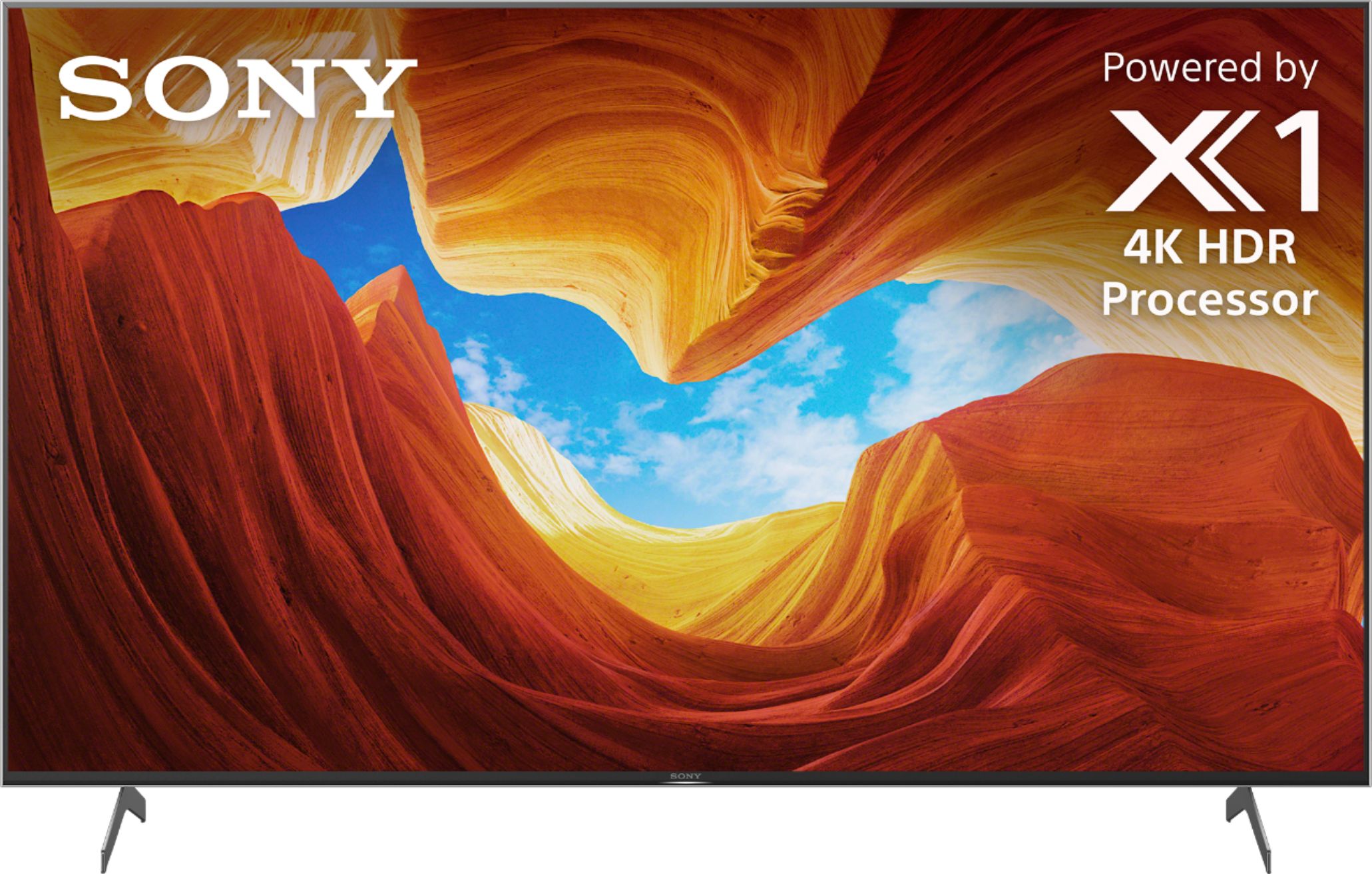
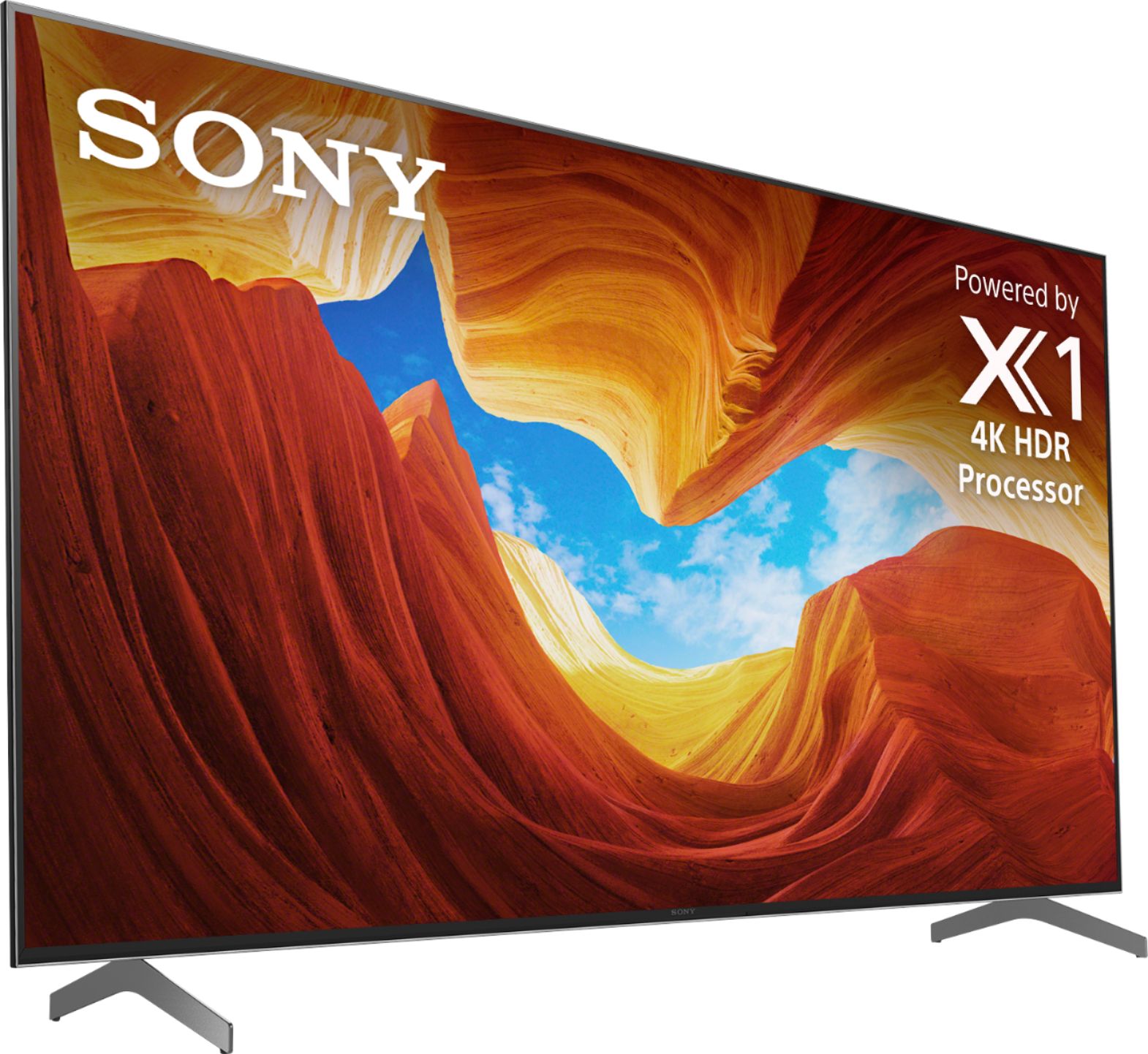
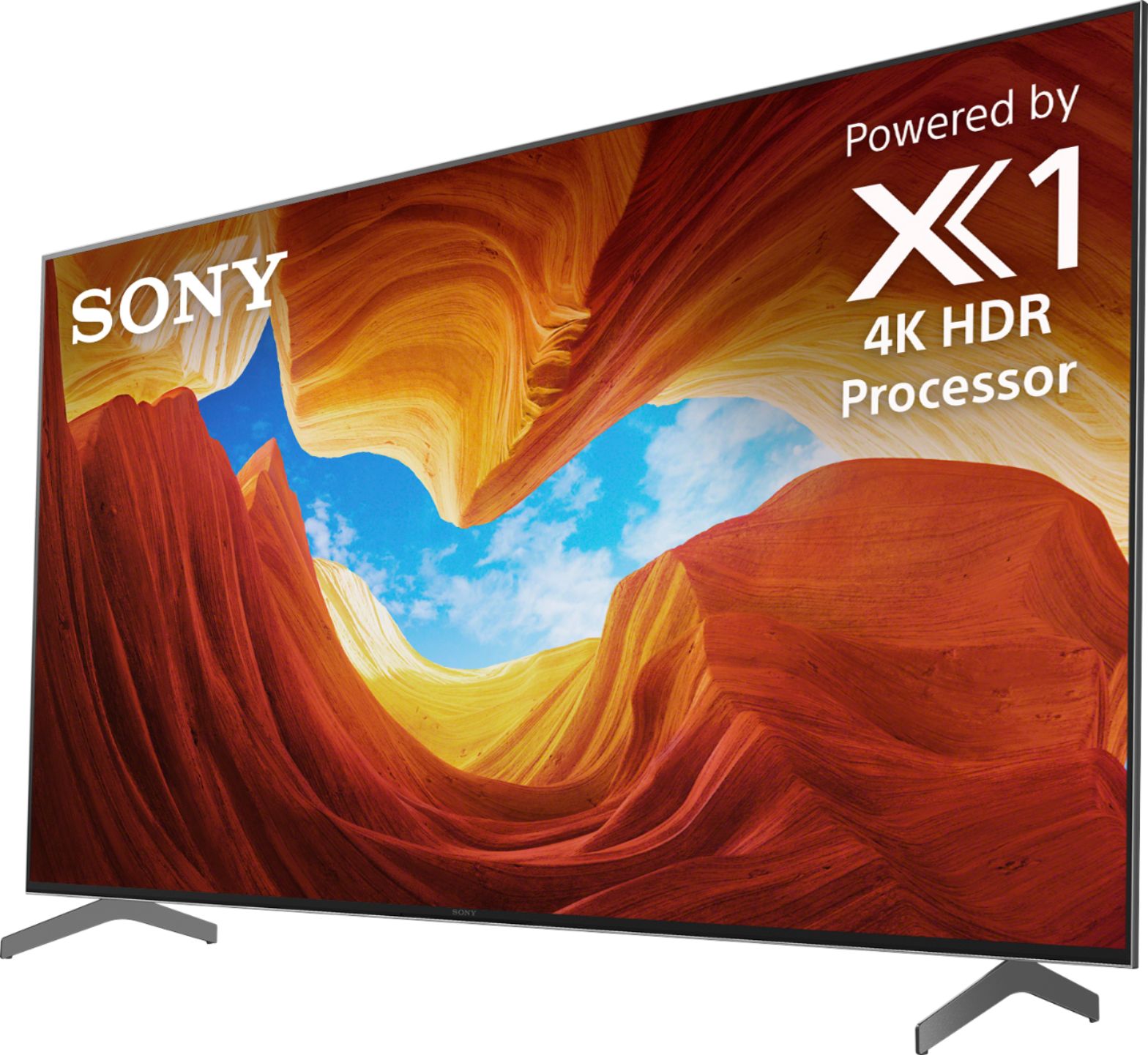
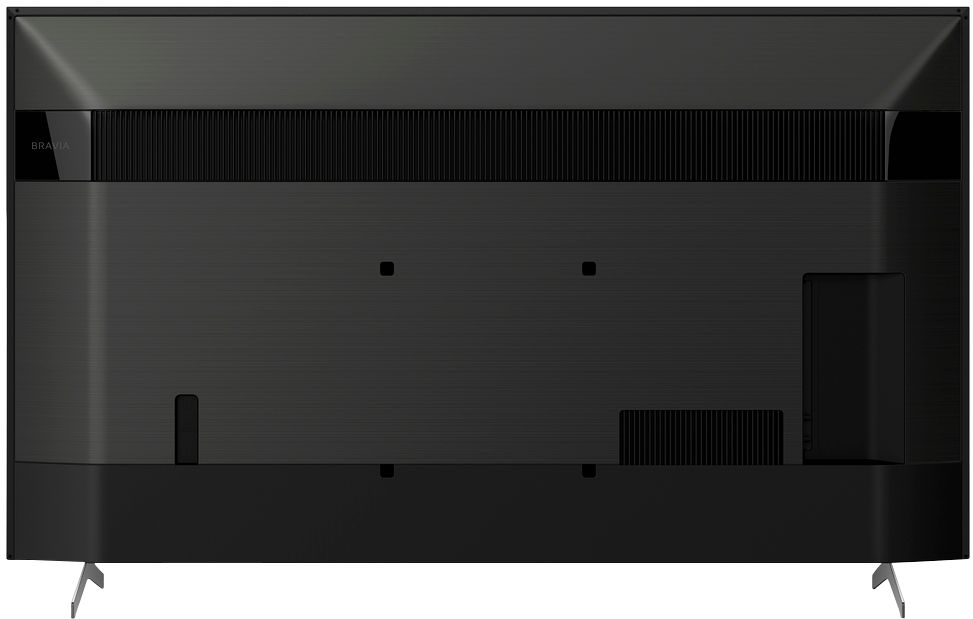



- Model:
- XBR65X900H
- SKU:
- 6401205
Rating by feature
- Picture Quality
Rating 4.7 out of 5 stars
- Sound Quality
Rating 4.3 out of 5 stars
- Brightness
Rating 4.6 out of 5 stars
Customers are saying
Customers are impressed with the 65" Class X900H Series LED 4K UHD Smart Android TV's picture quality, describing it as great, flawless, and amazing. They also appreciate its gaming capabilities, calling it perfect for gaming and streaming. The TV's price point is seen as a positive aspect, with customers saying it offers great value for the money. The easy setup process is another advantage mentioned by users.
This summary was generated by AI based on customer reviews.
Intermitent Wifi
||Posted . Owned for 1 month when reviewed.This reviewer received promo considerations or sweepstakes entry for writing a review.TV does what needs to do. Bright enough on my lit living room so that's good news. The main issue I have with it is: Wifi keeps disconnecting! This happens even after I follow the soft reset instructions from the Geek Squad
No, I would not recommend this to a friendBrand response from SonyListens
Posted .Hi Customer,
Thank you for purchasing X900H Full Array LED TV.
We regret to hear that you're having issue with this TV. What software version does your unit have or running on? There is an issue in the XBR X900H / X90CH TV software which may cause the built-in Wi-Fi connection to turn off. This issue will be addressed in an upcoming software update. Please ensure your TV has the latest firmware installed by going to Help > System Software Update > Software Update.
In the meantime, restart the TV each time the Wi-Fi connection turns off. On the remote control, press and hold the Power button until Restart appears on the TV screen, and then press Enter to restart it.
If you are unable to resolve your concern, may we contact you to help? If so, please email the below information to [email protected] or chat with us from Sony’s e-support webpage. Apologies if you disclosed some of this information in your review and to customer service, we just want to ensure that we have your accurate details at the time of communication.
Full Name:
Best Buy Username:
Telephone Number:
Sony Model Number:
Additional Information regarding your experience with the X900H:
We are sorry for the inconvenience and hope to speak to you to resolve this matter. We appreciate you and thanks again for shopping Sony!
Sincerely,
Jay
so many technical issues
||Posted . Owned for 5 months when reviewed.This reviewer received promo considerations or sweepstakes entry for writing a review.Having constant sound issues to where i have to unplug the set to get sound back. also the apps rarely work correctly. I have always used Sony for my televisions but this is the first time I regretted a purchase.
No, I would not recommend this to a friendBrand response from SonyListens
Posted .Hi John,
Thank you for choosing and purchasing our Sony X900H Ultra HD Smart TV.
We regret to hear that you're having sound issues and the apps rarely works. This is definitely not the experience we want you to have with our premium TVS. We’d love to help you troubleshoot your problem by isolating your sources and understanding your connections.
In the meantime, please ensure your TV software is updated with version v6.0466 installed. Updating the software improves general performance and stability of your TV.
What are the applications that you're having an issue with? What error message you're getting when you try to access the app?
Additionally, please try troubleshooting the audio issue by following the steps below.
https://www.sony.com/electronics/support/televisions-projectors-lcd-tvs-android-/xbr-65x900h/articles/00250275
May we contact you to help and get more information? If so, please email the below information to [email protected].
Apologies if you disclosed some of this information in your review and to customer service, we just want to ensure that we have your accurate details at the time of communication.
Full Name:
Best Buy Username:
Telephone Number:
Sony TV Model Number:
Additional Information regarding your experience with the X900H
We are sorry for the inconvenience and hope to speak to you to resolve this matter.
We appreciate you and thanks again for shopping Sony!
Sincerely,
Erin
DO NOT BUY!!!
||Posted . Owned for 11 months when reviewed.This reviewer received promo considerations or sweepstakes entry for writing a review.I bought this TV in October and it was great! Now after an update early this year it constantly jitters if motionflow is on. Sony’s solution is to completely turn off motionflow, which is ridiculous as they clearly caused the issue. Also with motionflow on it still looks blurry for continuously moving images. The UI is also getting quite laggy just a year later. Do not buy this TV if you plan on using motionflow at all, spend the extra money and either get the OLED model with X1 Ultimate or go LG. It’s clear they cut costs with the new X1 processor. Waste of money.
No, I would not recommend this to a friendBrand response from SonyListens
Posted .Hi 3spooky5me,
Thank you for choosing and purchasing our X900H Full Array LED TV.
We are sorry that you're having an issue where the TV constantly jitters if motionflow is on after the update. This is definitely not the experience we'd like you to have. We'd love to help you troubleshoot your problem and turn this into a pleasant experience.
It looks like you already contacted our support specialist regarding this matter, may we please have your case or reference number so we can check and review your file? In the meantime, please also check the troubleshooting article below: https://www.sony.com/electronics/support/televisions-projectors-lcd-tvs-android-/xbr-65x900h/articles/S1F1702
May we contact you to help and get more information? If so, please email the below information to [email protected].
Apologies if you disclosed some of this information in your review and to customer service, we just want to ensure that we have your accurate details at the time of communication.
Full Name:
Best Buy Username:
Telephone Number:
Sony TV Model Number:
Additional Information regarding your experience with the X900H
We are sorry for the inconvenience and hope to speak to you to resolve this matter.
We appreciate you and thanks again for shopping Sony!
Sincerely,
Erin
Good TV
||Posted . Owned for less than 1 week when reviewed.This reviewer received promo considerations or sweepstakes entry for writing a review.The TV picture at best buy doesn't look anything like the picture hanging on my wall and I have already gone in and adjusted the settings but that didn't help much.
No, I would not recommend this to a friendBrand response from SonyListens
Posted .Hi Potato, thank you for purchasing the X900H Ultra HD Smart TV.
We’re sorry to hear that the picture quality did not meet your expectations. We’d love to help you troubleshoot your problem by isolating your sources and understanding your connections.
May we contact you to help? If so, please email the below information to [email protected]
Full Name:
Best Buy Username:
Telephone Number:
Sony TV Model Number:
Additional Information regarding your experience with the X900H
We are sorry for the inconvenience and hope to speak to you to resolve this matter. We appreciate you and thanks again for shopping Sony!
Sincerely,
Erin
Terrible TV
||Posted .This reviewer received promo considerations or sweepstakes entry for writing a review.Worst TV I’ve ever owned. After only having it for 1.5 months, it just stopped working. We went through every trouble shooting option with no luck. Sony sent us a replacement and the day after it arrived, it stopped working as well. I will never buy a Sony TV again.
No, I would not recommend this to a friendBad Quality Control will ruin your experience
||Posted .This reviewer received promo considerations or sweepstakes entry for writing a review.Received the TV, unboxed it and set it up. There is a block of dead pixels on the right side of the screen, and there is an area with 3 stuck/red pixels on the other side. I will have to return the unit and possibly wait some time to get a replacement. I may update the overall rating once I get a good unit. However this doesn't change the fact the overall experience is now a mostly negative one. Obviously many people will get fine TVs and they will work appropriately, but do make sure to check the panel against a neutral background to make sure all 4K of the pixels you paid for are working.
No, I would not recommend this to a friendBrand response from SonyListens
Posted .Hi Steve,
Thank you for choosing and purchasing our Sony X900H Ultra HD Smart TV.
We’re sorry to hear that you received a damaged unit. This is definitely not the experience we want our customers to have.
We understand your disappointment and hope that you will be able to have a better experience with a working replacement TV.
We want to make sure you’re taken care of and assist you in getting your replacement TV as fast as possible.
May we contact you to help? If so, please email the below information to [email protected] or call us at 1-800-222-7669.
Apologies if you disclosed some of this information in your review and to customer service, we just want to ensure that we have your accurate details at the time of communication.
Full Name:
Best Buy Username:
Telephone Number:
Sony TV Model Number:
Additional Information regarding your experience with the X900H,
We are sorry for the inconvenience and hope to speak to you to resolve this matter.
We appreciate you and thanks again for shopping Sony!
Sincerely,
Jay
OK.
||Posted . Owned for 1 month when reviewed.This reviewer received promo considerations or sweepstakes entry for writing a review.Picture is not what it’s hyped up to be. It’s comparable to an older Samsung qled that we have. Little disappointed. It does get bright tho for bright rooms. But. Overall just not quite what we expected.
No, I would not recommend this to a friendBrand response from SonyListens
Posted .Hi Raudi28,
Thank you for choosing and purchasing our Sony X900H Ultra HD Smart TV.
We regret to hear that the picture quality did not meet your expectations. We appreciate all of your feedback as it helps improve the product.
You can configure various settings related to the TV display such as color and brightness for picture quality.
Press the HOME button, then select [Settings] — [Display & Sound] — the desired option.
May we contact you to help? If so, please email the below information to [email protected]. Apologies if you disclosed some of this information in your review and to customer service, we just want to ensure that we have your accurate details at the time of communication.
Full Name:
Best Buy Username:
Telephone Number:
Sony TV Model Number:
Additional Information regarding your experience with the X900H
We are sorry for the inconvenience and hope to speak to you to resolve this matter.
We appreciate you and thanks again for shopping Sony!
Sincerely,
Erin
- Cons mentioned:Tv performance
Sony is junk
||Posted .This reviewer received promo considerations or sweepstakes entry for writing a review.Tv shuts off and buzzes every now and then, thought Sony was a good brand
No, I would not recommend this to a friendBrand response from SonyListens
Posted .Hi Stayawayfromsony,
Thank you for choosing and purchasing our Sony X900H Ultra HD Smart TV.
We are sorry to hear that the TV shuts off and buzzes. This is usually not the case with our premium TVs, and we apologize for the inconvenience this caused you. We’d love to help you troubleshoot your problem by isolating your sources and understanding your connections.
May we know when was the issue started? In the meantime, please ensure you're TV has the latest firmware installed by going to Help > System Software Update > Software Update.
Please also try doing a soft reset by holding down the power button for 8 seconds then choose reset.
May we contact you to help? If so, please email the below information to [email protected].
Apologies if you disclosed some of this information in your review and to customer service, we just want to ensure that we have your accurate details at the time of communication.
Full Name:
Best Buy Username:
Telephone Number:
Sony TV Model Number:
Additional Information regarding your experience with the X900H
We are sorry for the inconvenience and hope to speak to you to resolve this matter.
We appreciate you and thanks again for shopping Sony!
Sincerely,
Erin
Not too satisfied
||Posted .This reviewer received promo considerations or sweepstakes entry for writing a review.Been having issues since the start . After a apparent update this tv is having issues , turning off and on by itself . Crashing . Also apparently the hdmi 2.1 update is not gonna be as good as people expected . I would do more research if your gonna be looking for a tv that’s gonna be perfect for the new consoles coming out .
No, I would not recommend this to a friendBrand response from SonyListens
Posted .Hi Azurhion , thank you for purchasing X900H Ultra HD Smart TV. We are sorry to hear that your TV restarts by itself. This is usually not the case with our premium TV. Please be assured we take this very seriously and continuously strive to improve our products. We'd also love to help you troubleshoot your problem by isolating your sources and understanding your connections. Please try doing a soft reboot by holding down the power button for 8 seconds then choose reset. If this does not correct the issue, please follow the steps on the link below. https://www.sony.com/electronics/support/articles/00032613 As for the 2.1 update, there will be another update to unlock even more HDMI 2.1 features in the future. The latest update added 4K 120fps and eARC as well as Apple TV+ and parental controls. May we contact you to help? If so, please email the below information to [email protected]. Apologies if you disclosed some of this information in your review and to customer service, we just want to ensure that we have your accurate details at the time of communication. Full Name: Best Buy Username: Telephone Number: Sony TV Model Number: Additional Information regarding your experience with the X900H We are sorry for the inconvenience and hope to speak to you to resolve this matter. We appreciate you and thanks again for shopping Sony! Sincerely, Erin
Buy a Samsung!
||Posted . Owned for 1 week when reviewed.This reviewer received promo considerations or sweepstakes entry for writing a review.Tv looked good, not great. Have windows behind my couch so there was a constant glare so I returned and went with the Samsung q80 for its anti glare screen. Now that’s a great tv!
No, I would not recommend this to a friendBrand response from SonyListens
Posted .Hi Ps5guy,
Thank you for choosing and purchasing our Sony X900H Ultra HD Smart TV.
We regret to hear that the TV had to be returned. This is usually not the case with our premium TVs nor the experience we'd like you to have. The best viewing distance depends on the size and the display resolution of the TV. The recommended distance for comfortable viewing depends on the video or program you are watching, the viewing environment, and the physical conditions of the person watching it. We appreciate all of your feedback as it helps improve the product and we hope that you still consider Sony in your future purchases.
Sincerely,
Erin
DON’T BEST BUY, Sony is quality, but not this one!
||Posted . Owned for 1 month when reviewed.This reviewer received promo considerations or sweepstakes entry for writing a review.I went in to buy an LG 75”, got talked into the Sony 65”, “the last one left!”, the best quality for $1000. A week later it wouldn’t recognize DirecTV on the HDMI. Had to replug each time. Got rid of DirecTV. Then it wouldn’t recognize my security camera HDMI. Now the Google assistant doesn’t hear my voice, and I bought it just 7 weeks ago and now I can’t return even as credit, as I want to buy even another big screen. Amazon!
No, I would not recommend this to a friendBrand response from SonyListens
Posted .Hi Unhappy, We are sorry you are encountering issues with your TV. We have identified the cause and have issued a firmware update to resolve this issue. You should have received a notification on your TV to download the latest firmware, just make sure you have an active internet connection. If you are unable to resolve your concern, please email us at [email protected] with the following details:
Name:
Best Buy Username:
Model Number:
Issue:
Telephone Number: Regards, Sony Social Support
Tv
||Posted . Owned for 1 month when reviewed.This reviewer received promo considerations or sweepstakes entry for writing a review.Not happy at all. The quality of the TV is not good. I was told it was a good TV good quality good picture. That is not true at all.
No, I would not recommend this to a friendBrand response from SonyListens
Posted .Hi Buddy00,
Thank you for purchasing the X900H Ultra HD Smart TV.
we regret to hear that the TV did not meet your expectations. This is definitely not the experience we'd like you to have. We'd love to help you troubleshoot the issue and turn your experience around.
May we contact you to help? If so, please email the below information to [email protected]
Full Name:
Best Buy Username:
Telephone Number:
Sony TV Model Number: Additional Information regarding your experience with the X900H
We are sorry for the inconvenience and hope to speak to you to resolve this matter. We appreciate you and thanks again for shopping Sony!
Sincerely,
Erin
Avoid at all costs
||Posted . Owned for less than 1 week when reviewed.This reviewer received promo considerations or sweepstakes entry for writing a review.Overall horrible purchase. I deeply regret buying this tv. The audio cuts in and out every 4-5 seconds, the google play app won't play any movies, and the tv doesn't even have most of the features advertised until Sony rolls an update out to you. Would not advise buying. Avoid at all costs. I now have to figure out how to return a 65" TV that doesn't do any of the things it's advertised to do.
No, I would not recommend this to a friendBrand response from SonyListens
Posted .Hi wiseguy,
Thank you for choosing and purchasing our Sony X900H BRAVIA Smart TV.
We are sorry to hear that the TV sound cuts out and won't play movies from the Google Play App. This is definitely not the experience wed like you to have. We’d love to help you troubleshoot your problem by isolating your sources and understanding your connections.
In the meantime, please follow the steps below to fix the issues.
Sound Issue: https://helpguide.sony.net/tv/husltn2/v1/en-003/08-05_11.html
Google Play Movies: https://www.sony.com/electronics/support/televisions-projectors-lcd-tvs-android-/xbr-65x900h/articles/00118084
We also recommend making sure the TV has the latest software installed. Firmware update version v6.0414 is now available to address some issues including sound.
https://www.sony.com/electronics/support/televisions-projectors-lcd-tvs-android-/xbr-65x900h/articles/00254079
Should you need further assistance, please email the below information to [email protected].
Apologies if you disclosed some of this information in your review and to customer service, we just want to ensure that we have your accurate details at the time of communication.
Full Name:
Best Buy Username:
Telephone Number:
Sony TV Model Number:
Additional Information regarding your experience with the X900H:
We value you being a Sony customer. Sorry for the inconvenience and hope to speak directly to try to resolve this matter.
Sincerely,
Erin
ARC hdmi is fatally flawed
||Posted . Owned for 1 month when reviewed.This reviewer received promo considerations or sweepstakes entry for writing a review.Purchased the 65 900h It boasts ARC hdmi comparability but it does not work. Well, it works for 10 seconds and the the Sony TV automatically switches to internal speakers with a message unable to connect to ARC. My settings on my receiver are correct, and I am using a very high end high speed HDMI cable (s)
No, I would not recommend this to a friendBrand response from SonyListens
Posted .Hi flippingoutoverscreen,
Thank you for choosing and purchasing our Sony X900H Ultra HD Smart TV.
We are sorry to hear about the issue you have encountered when using HDMI ARC. This is definitely not the viewing experience we want you to have. We'd love to help you troubleshoot the issue and turn your experience around.
In the meantime, please follow the steps on the link below to resolve your problem.
https://www.sony.com/electronics/support/televisions-projectors-lcd-tvs-android-/xbr-65x900h/articles/00191214
If you're unable to resolve your concern, please email the below information to [email protected].
Apologies if you disclosed some of this information in your review and to customer service, we just want to ensure that we have your accurate details at the time of communication.
Full Name:
Best Buy Username:
Telephone Number:
Sony TV Model Number:
Additional Information regarding your experience with the X900H:
Thank you so much for choosing Sony!
Sincerely,
Erin
Good tv but it randomly restarts
||Posted . Owned for 1 month when reviewed.This reviewer received promo considerations or sweepstakes entry for writing a review.X900H 65" randomly restarts after the most recent update. It's already happened 7 times. Noticed others are having a similar issue. I performed the factory reset as recommended above. This has not resolved the random restart issue. Please advise as this is extremely annoying and makes me less likely to recommend or purchase other Sony products in the future. Thank you.
No, I would not recommend this to a friendBrand response from SonyListens
Posted .Hi Willy,
Thank you for choosing and purchasing our Sony X900H Ultra HD Smart TV.
We are sorry you are encountering issues with your TV following a firmware update. We have identified the cause and have issued a firmware update to resolve this issue. You should have received a notification on your TV to download the latest firmware, just make sure you have an active internet connection. If you are unable to resolve your concern, we're here to assist you further.
May we contact you to help? If so, please email the below information to [email protected].
Apologies if you disclosed some of this information in your review and to customer service, we just want to ensure that we have your accurate details at the time of communication.
Full Name:
Best Buy Username:
Telephone Number:
Sony TV Model Number:
Additional Information regarding your experience with the X900H
We are sorry for the inconvenience and hope to speak to you to resolve this matter.
We appreciate you and thanks again for shopping Sony!
Sincerely,
Erin
Not worth it.
||Posted . Owned for 3 weeks when reviewed.This reviewer received promo considerations or sweepstakes entry for writing a review.I wish I could give this zero stars. It worked for 15 min, then it powered off by itself. The red light at the bottom of the TV started blinking red. I looked up the issue online and it said something was wrong with the backlight board. We returned it. It was a major inconvenience. Best advice, pay a little more if you can and buy a different TV.
No, I would not recommend this to a friendBrand response from SonyListens
Posted .Hi MyTVExperiencewithSony,
Thank you for purchasing X900H Full Array LED TV.
We are sorry to hear that the TV turns off by itself and the LED light is blinking red which had to be returned. This is usually not the case with our premium TVs nor the experience we'd like you to have. We do have recommended troubleshooting steps that would help fix the power issue. Reference: https://www.sony.com/electronics/support/articles/00153674
We appreciate all of your feedback and we are sorry for the inconvenience.
Thank you for shopping Sony!
Sincerely,
Erin
Terrible motion blur. TERRIBLE!
||Posted . Owned for 1 week when reviewed.This reviewer received promo considerations or sweepstakes entry for writing a review.Terrible motion blur. Cannot watch sports. Or anything moving for that matter. So frustrating! Contacted Sony customer support. Was told to turn off motion flow. This made it worse. We have tried everything to fix this TV. We don’t even bother turning it on anymore. Don’t waste your money!
No, I would not recommend this to a friendBrand response from SonyListens
Posted .Hi Karg, we're so sorry to hear you're having an issue when watching sports videos. This is definitely not the viewing experience we wanted you to have on our premium TV. We're not sure what audio-video device or apps you are using when watching sports videos, however, you may try following the steps below and see if it resolves the problem.
Press the HOME button, then select [Settings] — [Display & Sound] — Picture — Select Motion — Select CineMotion setting, set it to Low or Off — Select Motionflow — Select Off.
ref: https://helpguide.sony.net/tv/husltn2/v1/en-003/01-03-09_01.html?hl=motionflow
If the issue persists, please update the firmware of your X900H to the latest version (v6.0466 - released February 23, 2021). The firmware update improves the functionality and features of your TV. It also provides fixes to any performance issues that you are encountering. For instructions, please refer to the following link:
https://www.sony.com/electronics/support/televisions-projectors-lcd-tvs-android-/xbr-65x900h/downloads
If this does not help, please email the below information to [email protected].
Apologies if you disclosed some of this information in your review and to customer service, we just want to ensure that we have your accurate details at the time of communication.
Case Number (if any):
Full Name:
Best Buy Username:
Telephone Number:
Sony TV Model Number:
Additional Information regarding your experience with the X900H:
We value you being a Sony customer. Sorry for the inconvenience and hope to speak directly to try to resolve this matter.
Thank you for letting us help assist you.
Sincerely,
Romeo
SONY IS TRASH. GET THE WARRANTY IF YOU DO!!!
||Posted . Owned for less than 1 week when reviewed.This reviewer received promo considerations or sweepstakes entry for writing a review.First day of usage and it's dead. Flashing red 4x... meaning dead. I literally just hooked it up today and ran a few games of Warzone off the PS5 and done. I can't put into words how upset I am. I've used an old Vizio for the last 5yrs with never a problem and this Sony doesn't make it ONE FRIGGIN DAY.
No, I would not recommend this to a friendBrand response from SonyListens
Posted .Hi WorkerB,
Thank you for choosing and purchasing our Sony X900H BRAVIA Smart TV.
We are sorry to hear the TV was dead on the first day of usage. This is definitely not the experience we'd like you to have. We’d love to help you troubleshoot your problem and turn this into a better experience.
In the meantime, please try following the steps below.
When the standby indicator blinks in red
Resetting the TV may solve the issue when it is caused by a temporary malfunction.
Reference: https://www.sony.com/electronics/support/televisions-projectors-lcd-tvs-android-/xbr-65x900h/articles/00114591
Follow the steps below to see if any devices connected to the TV are causing the issue (such as an overload by a malfunctioning device or a data communication issue).
Turn off the TV.
Disconnect all devices (such as an external USB hard disk drive and HDMI connection device) from the TV.
Turn on the TV, then make sure that the indicator does not blink (which means the TV has no issues).
Connect the disconnected devices one by one to the TV.
If the indicator starts blinking after a certain device is connected, check the device for an issue.
May we contact you directly to assist you? If so, please email the below information to [email protected].
Apologies if you disclosed some of this information in your review and to customer service, we just want to ensure that we have your accurate details at the time of communication.
Full Name:
Best Buy Username:
Telephone Number:
Sony TV Model Number:
Additional Information regarding your experience with the X900H:
We value you being a Sony customer. Sorry for the inconvenience and hope to speak directly to try to resolve this matter.
Sincerely,
Erin
I am very disappointed with SONY! Don't buy this
||Posted . Owned for 4 months when reviewed.This reviewer received promo considerations or sweepstakes entry for writing a review.Very disappointed with Sony! The speaker makes unpleasant noise every now and then casting your laptop is a pain. Wifi disconnects pretty much every day (even though all other devices are up and running). And sometimes it just blacks out all of a sudden. Can I get my money back?
No, I would not recommend this to a friendBrand response from SonyListens
Posted .Hi Palak, we are sorry to hear that you are experiencing issues with your 65" X900H TV. We'd love to troubleshoot the issue and make this a better experience for you. In the meantime, may we know if the audio issue occurs on specific channels, inputs or built-in applications of the TV? For the Wi-Fi signal drops
1. The Wi-Fi signal strength is weak
Place the router close to your TV, then check if the signal strength has improved.
2. Your TV is too close to the router
It is recommended that the TV and router be at least 1 meter (3 feet) apart.
3 . Other devices are connected to the same network
If other devices are downloading large-sized files, such as videos, the network speed may slow down. Cancel or wait until this activity completes and try again.
4. Restart your TV and reset your router
May we contact you to help? If so, please email the below information to [email protected]
Apologies if you disclosed some of this information in your review and to customer service, we just want to ensure that we have your accurate details at the time of communication.
Full Name:
Best Buy Username:
Telephone Number:
Model Number:
Issue:
Regards,
Carl
I got a lemon.
||Posted . Owned for 3 weeks when reviewed.This reviewer received promo considerations or sweepstakes entry for writing a review.We are currently working with Sony to exchange the TV. It randomly freezes for 5 seconds and shuts itself off and then reboots. My rating may not be fair because lemon purchases do exist. I can re-evaluate this TV after we receive the replacement.
No, I would not recommend this to a friendBrand response from SonyListens
Posted .Hi Anne , thank you for purchasing X900H Ultra HD Smart TV.
We are sorry to hear that your TV freezes, shuts off and then reboots. This is usually not the case with our premium TV. Please be assured we take this very seriously and continuously strive to improve our products. It seems that a replacement TV is on its way, feel free to re-evaluate the TV once you receive the new one. We also hope that you'll have a great experience this time.
Should you need further assistance, please email the below information to [email protected].
Apologies if you disclosed some of this information in your review and to customer service, we just want to ensure that we have your accurate details at the time of communication.
Full Name:
Best Buy Username:
Telephone Number:
Sony TV Model Number:
Additional Information regarding your experience with the X900H
We are sorry for the inconvenience and hope to speak to you to resolve this matter.
We appreciate you and thanks again for shopping Sony!
Sincerely,
Erin