Customer Ratings & Reviews
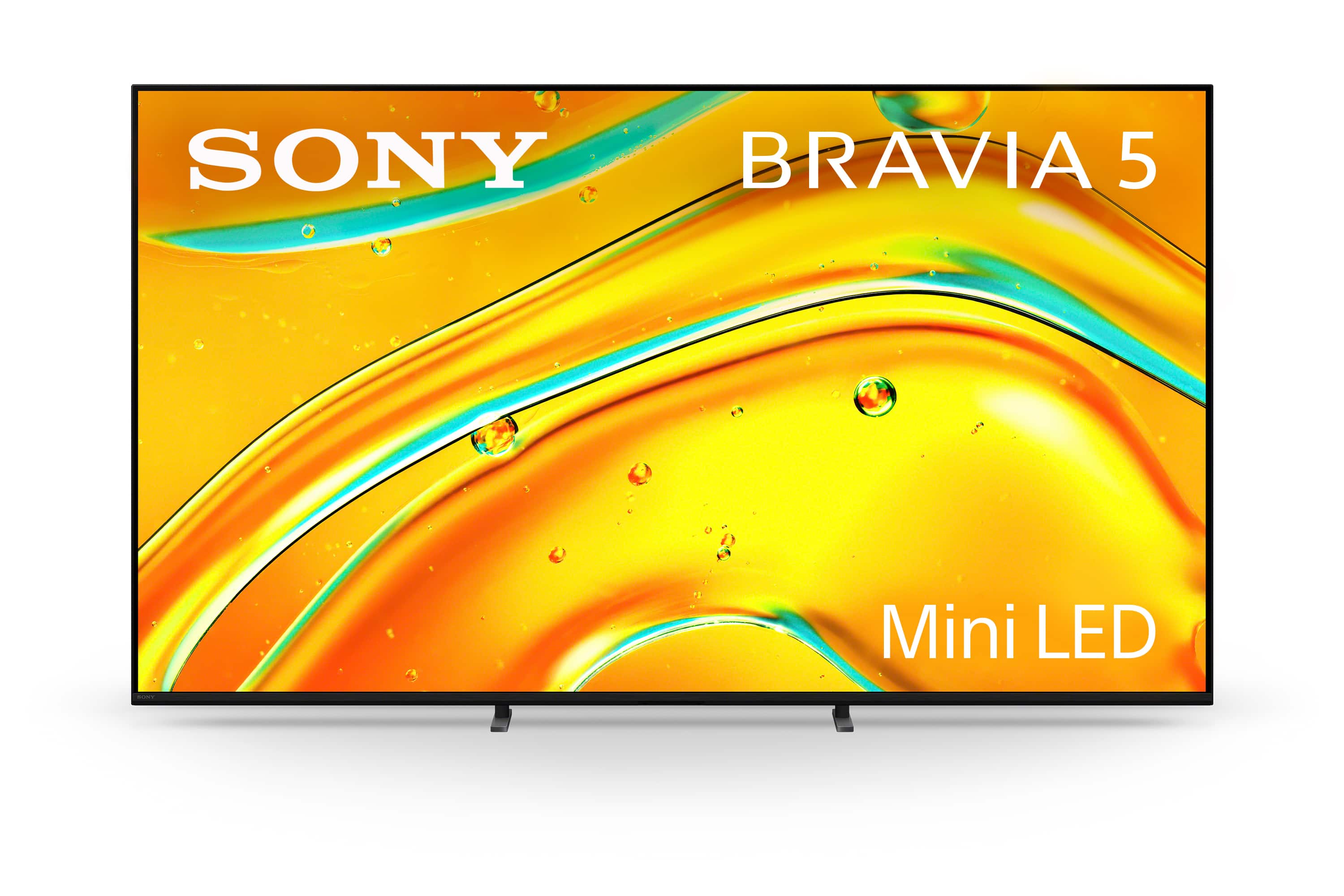
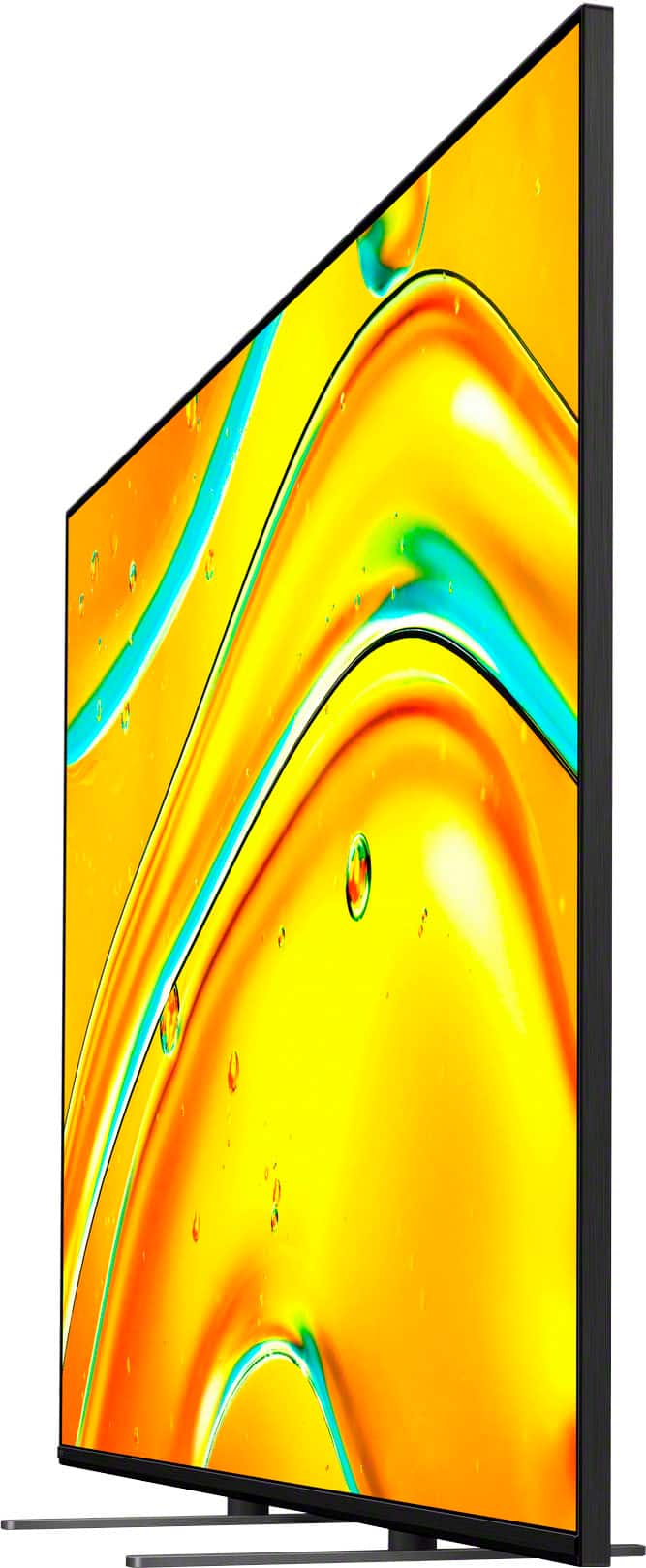
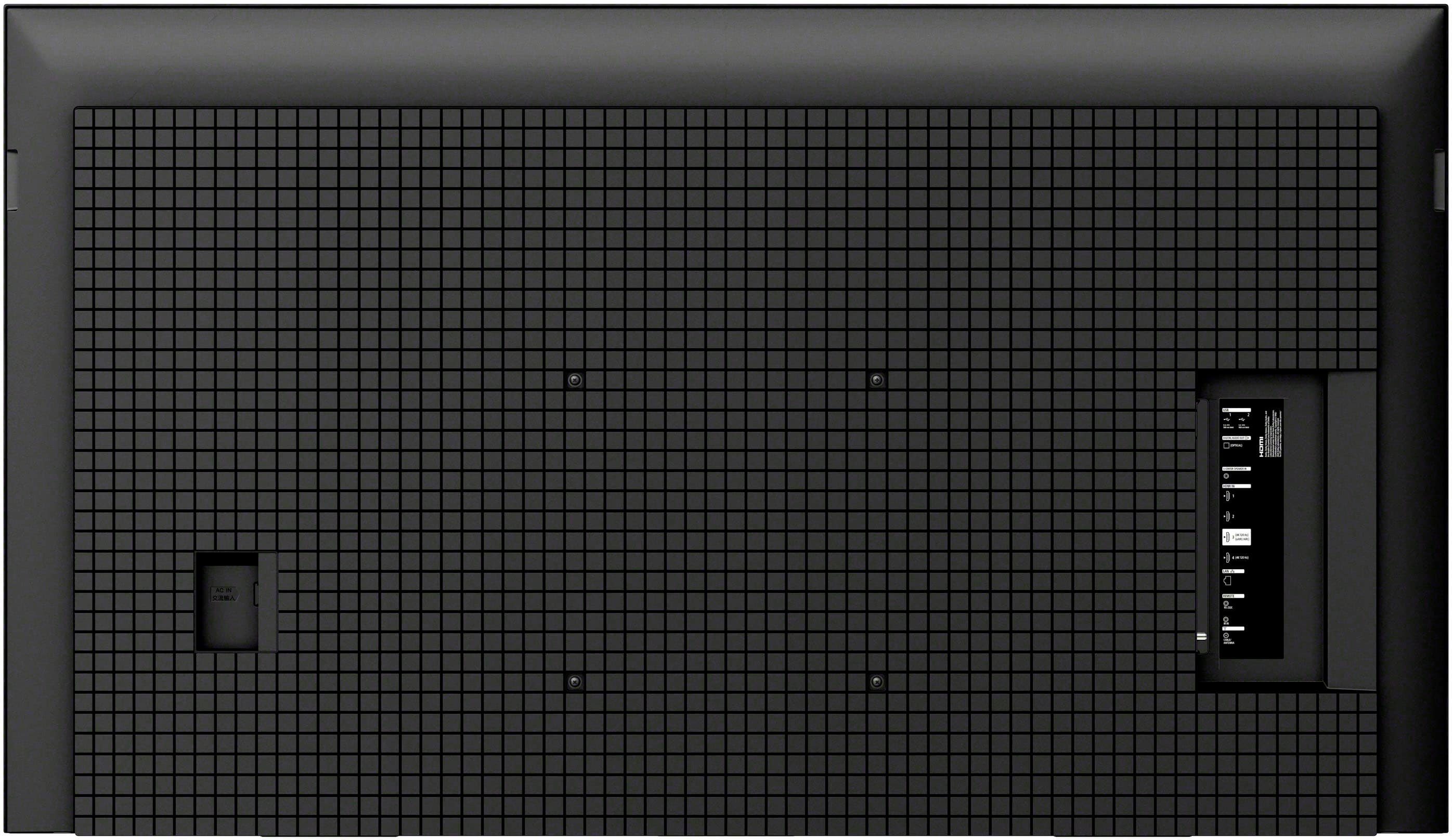
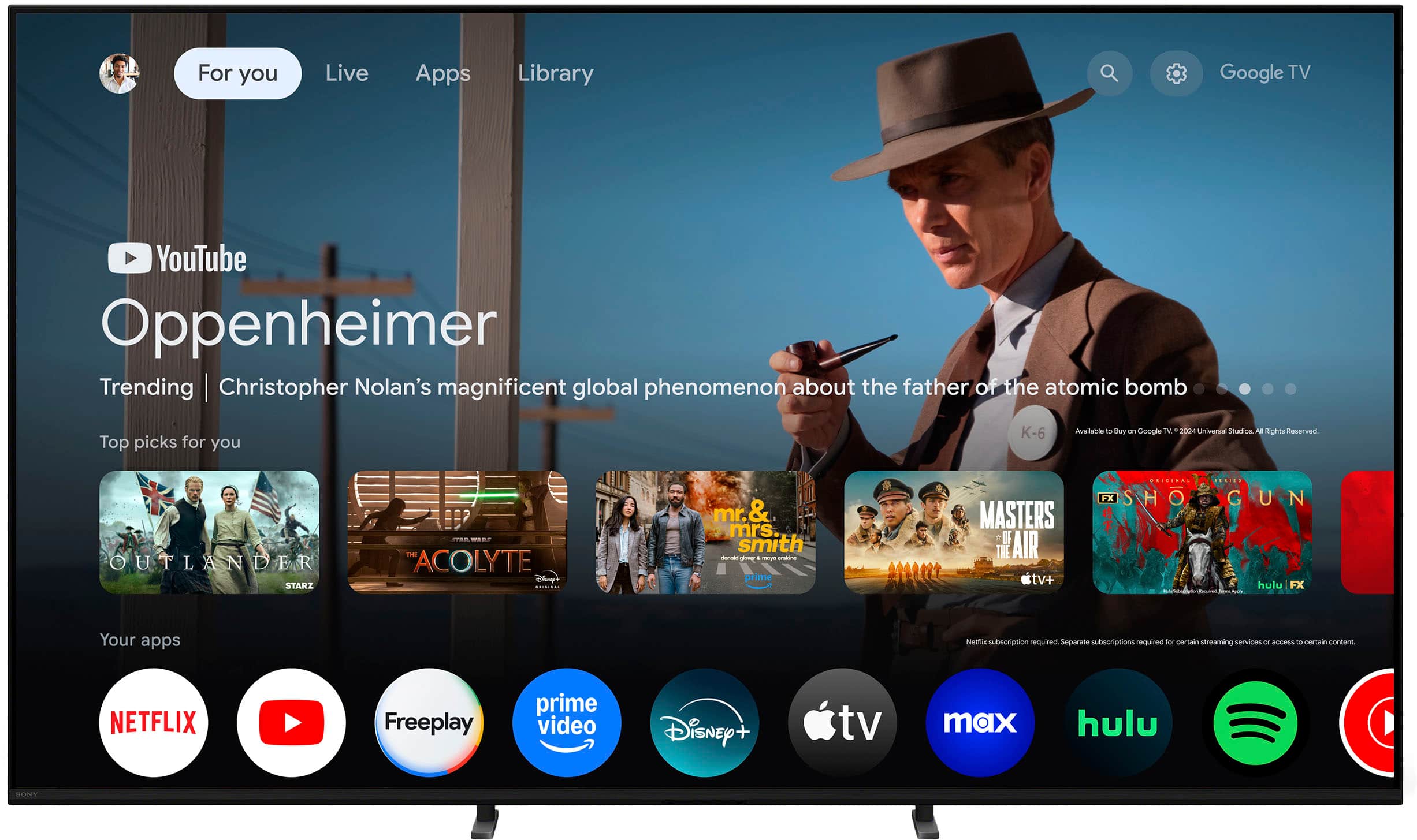


- Model:
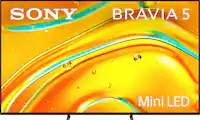
- K75XR50
- SKU:
- 10101546
Rating by feature
- Picture Quality
Rating 4.7 out of 5 stars
- Sound Quality
Rating 4.5 out of 5 stars
- Brightness
Rating 4.7 out of 5 stars
Best Buy review
||Posted . Owned for 1 week when reviewed.This reviewer received promo considerations or sweepstakes entry for writing a review.Enjoying the purchase thus far; salespeople & installation team were courteous & professional.
I would recommend this to a friendBrand response from SonyListens
Posted .Hello AnselA,
Thank you for choosing Sony!
We're truly heartened to learn that you're enjoying your K75XR50 TV! It's also great to hear that the salespeople and installation team were courteous and professional. Thanks so much for taking the time to share your feedback.
Best regards,
-Fred
Quality of quantity for me next time. Please sales
||Posted . Owned for 2 weeks when reviewed.This reviewer received promo considerations or sweepstakes entry for writing a review.I feel that the guys sold me in this tv thinking that i really would be impressed with the size. But i wish they would of noticed that i preferred the best picture quality. I had just bought another tv a few months ahead... and i think the quality of my previous purchase is better. I wish there was a way i could switch.
I would recommend this to a friendAudio not synced by installer
||Posted .This reviewer received promo considerations or sweepstakes entry for writing a review.TV appears excellent. Set up person did not sync the audio so it is off.
I would recommend this to a friendBrand response from SonyListens
Posted .Hi User671461,
Thank you for your feedback. We are pleased to hear that you find the picture quality of your new BRAVIA 5 excellent, but we would like to help resolve the audio synchronization issue you've described.
To ensure your audio and video are perfectly aligned, please follow these troubleshooting steps:
1. Power Cycle Your Equipment: Unplug the TV from the power outlet for approximately two minutes, then plug it back in. If you have an external audio system (such as a soundbar or receiver) connected, please perform the same power cycle on that device as well.
2. Check for Software Updates: Keeping your TV's firmware current often resolves performance glitches. You can check for updates by navigating to: [Settings] — [System] — [About] — [System Software Update]
3. Adjust A/V Sync Settings: If you are using an external audio system, you can manually force the synchronization by going to: [Settings] — [Display & Sound] — [Audio output] — [Audio system settings] — [A/V sync] and ensuring it is set to Auto or On.
Should the issue persist after these adjustments, we highly encourage you to contact our dedicated technical support team for further assistance: https://us.esupport.sony.com/support/s/support-contact?language=en_US&category=tv
We look forward to helping you enjoy the full potential of your BRAVIA 5.
Thank you for considering Sony!
Regards,
Dominick
Bravia 5
||Posted . Owned for 1 month when reviewed.This reviewer received promo considerations or sweepstakes entry for writing a review.Very satisfied with my purchase of a Sony Bravia, 5
I would recommend this to a friendBrand response from SonyListens
Posted .Thank you for the fantastic review, MarkC!
We’re so glad to hear that you are very satisfied with your purchase! The Bravia 5 is designed to deliver a premium viewing experience, and it’s wonderful to know it's meeting your expectations.
Thank you for choosing Sony!
Best regards,
Gus, Sony Social Media Team
Bad Picture
||Posted . Owned for 3 weeks when reviewed.This reviewer received promo considerations or sweepstakes entry for writing a review.Returned it. Image quality and akin tones are off.
No, I would not recommend this to a friendBrand response from SonyListens
Posted .Thank you for sharing your feedback, DavidV.
We are truly sorry to hear that the image quality and skin tones on the television did not meet your expectations, ultimately leading to you returning the product. Providing accurate, true-to-life colors is a top priority for us, and we apologize that the K-75XR50 did not deliver the picture quality you expected from Sony.
Your satisfaction is important, and we value this feedback as it helps us understand areas for improvement in our future designs.
Best regards, Gus, Sony Social Media Team
Poor decision
||Posted . Owned for 3 months when reviewed.This reviewer received promo considerations or sweepstakes entry for writing a review.TV was delivered broken more than one time. We ended going with a different model and brand
No, I would not recommend this to a friendBad mounting points on tv.
||Posted . Owned for 1 week when reviewed.This reviewer received promo considerations or sweepstakes entry for writing a review.Be careful when mounting. Back of tv let go and tv crashed.
No, I would not recommend this to a friend