Customer Ratings & Reviews



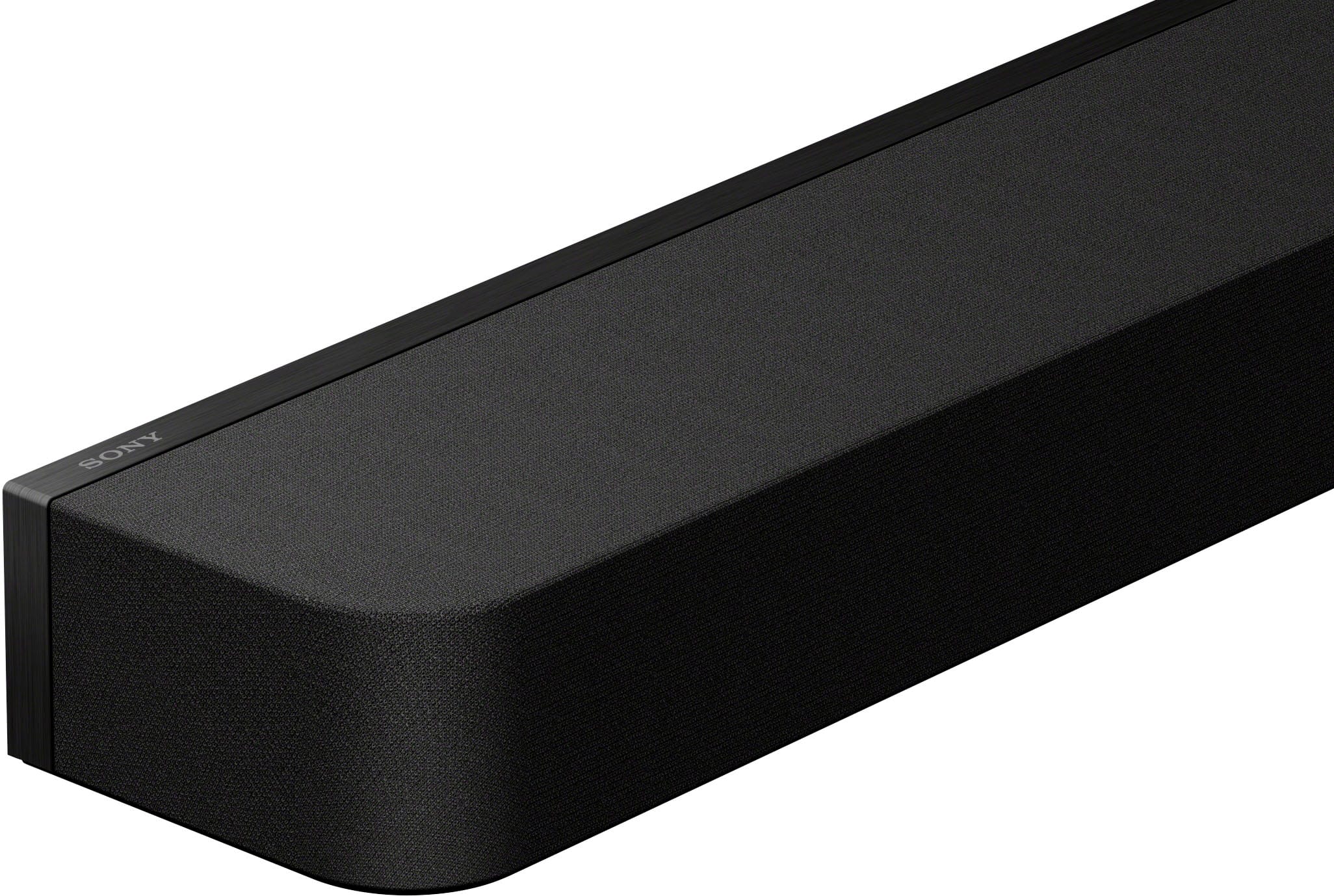


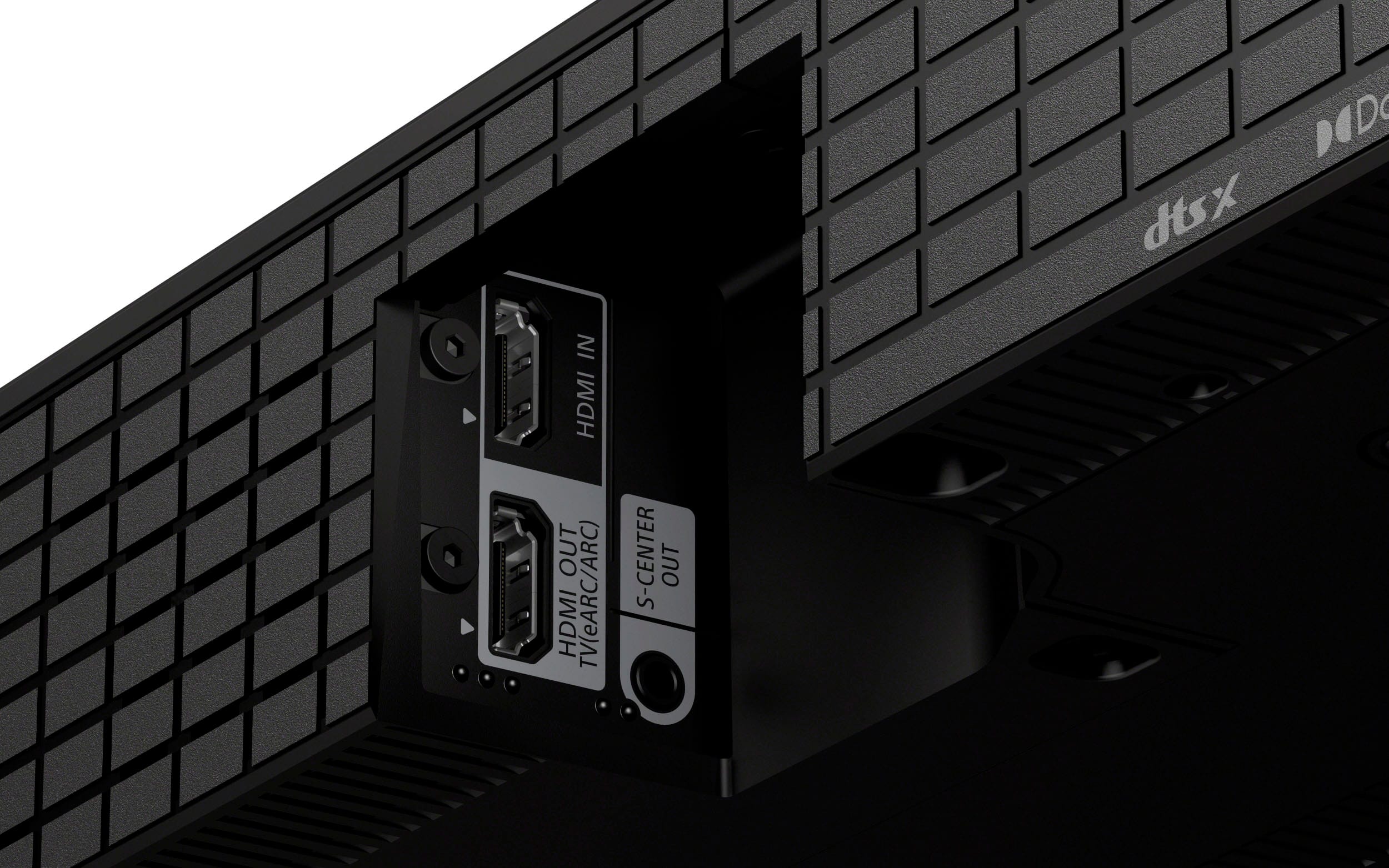
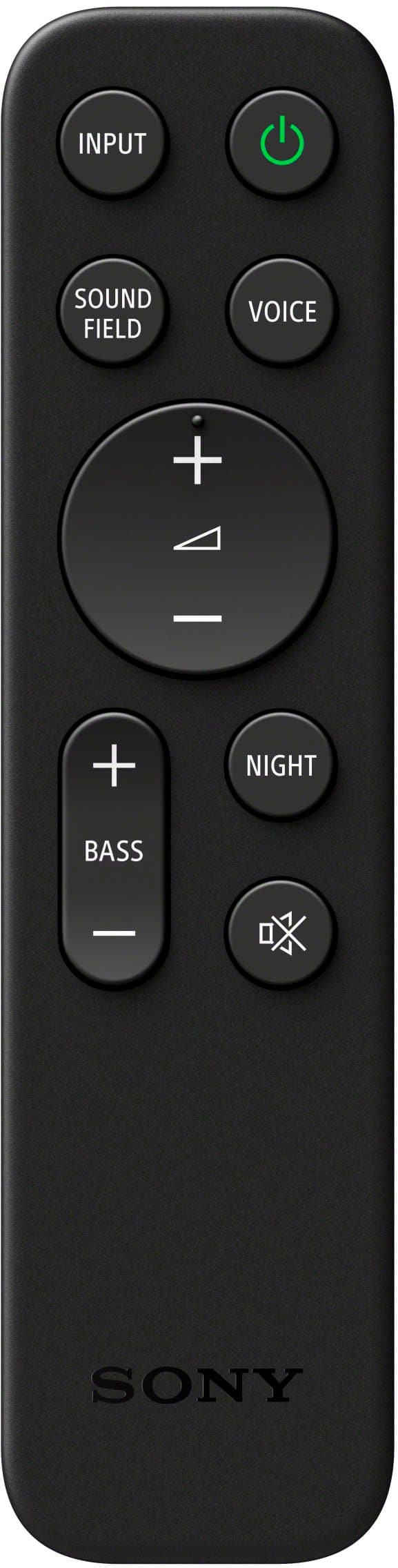
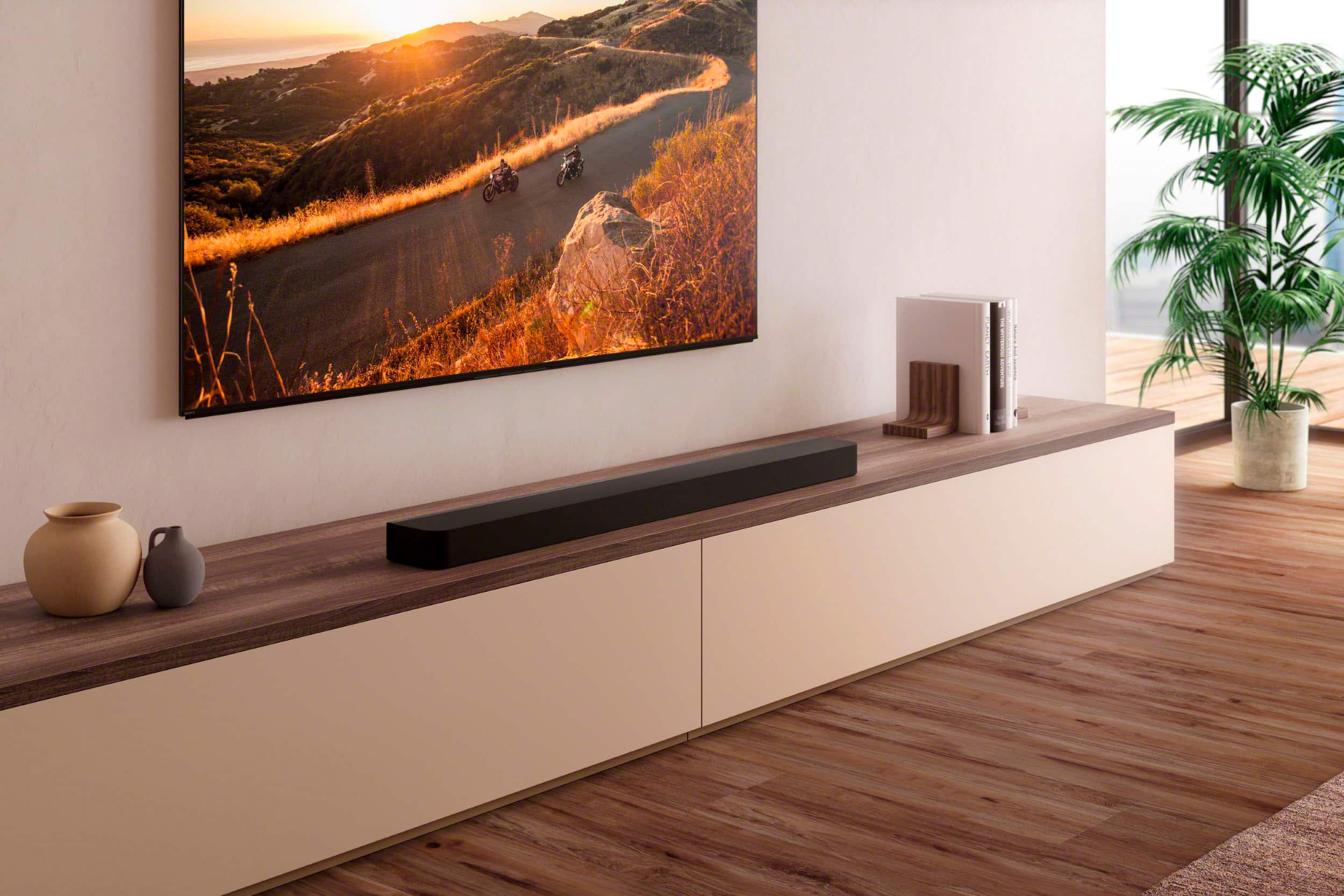
- Model:
- HTA8000
- SKU:
- 10101620
Rating by feature
- Value
Rating 4.2 out of 5 stars
- Quality
Rating 4.5 out of 5 stars
- Ease of Use
Rating 4.4 out of 5 stars
Great
Posted .This reviewer received promo considerations or sweepstakes entry for writing a review.Excellent soundbar! Movies are so much better!……..
I would recommend this to a friendBrand response from SonyListens
Posted .Hi RobertN, You made the right choice with the Sony BRAVIA Theatre Bar 8! We're thrilled that you are enjoying the superb sound quality and functionality of the soundbar. Thank you for choosing Sony! -Jess

Doesn’t work with Sony tv
Posted .This reviewer received promo considerations or sweepstakes entry for writing a review.Didn’t work with the Sony tv would not recommend it needed to use the Samsung sound bar worked great
No, I would not recommend this to a friendBrand response from SonyListens
Posted .Thank you for sharing your feedback, JamesA.
We are truly sorry to hear that your Bravia Theater Bar 9 did not work seamlessly with your Sony TV as intended. We strive for the best integration between our products, and it's disappointing to hear that you had a better experience elsewhere.
If you still have the unit and would like our team to help troubleshoot any connection or compatibility settings, please reach out to us here: https://us.esupport.sony.com/support/s/support-contact?language=en_US&category=ht
We appreciate your feedback as it helps us improve, thank you for choosing Sony.
Best regards,
Gus, Sony Social Media Team
Not what i expected
Posted .This reviewer received promo considerations or sweepstakes entry for writing a review.Voices and small back ground noises are clear, but i expected to be louder. The speaker on my tv is louder than this is.
No, I would not recommend this to a friendBrand response from SonyListens
Posted .Hi BrandonZ, We're sorry to hear that you're having a sound quality issue with your Sony BRAVIA Theater 8. This is not the experience we expect you to have, and want this to better for you. Here are a few steps you can take to potentially resolve this issue: 1. Check Sound Settings: Ensure that the sound settings on your HT-A8000 are optimized. You can try adjusting the volume levels, sound modes, and any equalizer settings to enhance the output. https://helpguide.sony.net/ht/208283c/v1/en/contents/075_Troubleshooting.html https://helpguide.sony.net/ht/208283c/v1/en/contents/022_Adjusting_Sound_Quality.html 2. Firmware Update: Make sure that your HT-A8000 has the latest firmware installed. Firmware updates can sometimes improve performance and fix issues. https://www.sony.com/electronics/support/sound-bars-home-theater-systems-sound-bars-surround-speakers/ht-a8000/software/00346076 3. Connection Type: Verify that the soundbar is connected to your TV using a high-quality HDMI ARC (Audio Return Channel) or optical cable. These connections typically provide better sound quality compared to standard audio cables. 4. TV Settings: Check the audio output settings on your TV. Ensure that the TV is set to output audio to the external soundbar rather than its internal speakers. You may also need to adjust the TV's audio settings to ensure compatibility with the soundbar. 5. Soundbar Placement: Ensure that the soundbar is placed in an optimal position for sound projection. Avoid placing it in enclosed spaces or behind objects that could obstruct the sound. Hope this information helps! If the problem persists after trying these steps, we recommend reaching out to our product support team via phone call at 239-245-6354 or chat through this link: https://us.esupport.sony.com/support/s/support-contact?language=en_US Hours of Operation: Monday - Friday 9:00 am - 9:00 pm ET Saturday - Sunday 10:00 am - 8:00 pm ET Thank you for your patience, and we look forward to resolving this issue promptly! Sincerely, Maria
- Pros mentioned:Sound quality
Absolute junk
Posted .This reviewer received promo considerations or sweepstakes entry for writing a review.This is 200 times worse than ht-a7000 and massive downgrade with cheap parts and not very loud. Please buy the older model a7000 its 100 times better
No, I would not recommend this to a friendBrand response from SonyListens
Posted .Hi StuffBuyer, We apologize for the inconvenience. This is definitely not the experience we wanted you to have. We'd like to know specifically what issues you're having so we can assist.
You may also contact our product support team via phone call at 239-245-6354 or chat through this link: https://us.esupport.sony.com/support/s/support-contact?language=en_US
Hours of Operation
Monday - Friday 9:00 am - 9:00 pm ET
Saturday - Sunday 10:00 am - 8:00 pm ET
Best regards,
Craig
Poor sound bar
Posted .This reviewer received promo considerations or sweepstakes entry for writing a review.I did not have the sound bar for 60 days and it stopped working.
No, I would not recommend this to a friendBrand response from SonyListens
Posted .Hi LisaC, we're sorry to that you have an issue with your soundbar. Please isolate the issue by following this link:
https://www.sony.com/electronics/support/articles/00223961?utm_source
If you require any additional support with regard to this product, please email us at [email protected] with the following details: Name: Username: Model Number: Issue: Telephone Number:
~Earl