Customer Ratings & Reviews

- Model:
- 1000044180
- |
- SKU:
- 11519293
Customer reviews
Rating 4.5 out of 5 stars with 6732 reviews
(6,732 customer reviews)Rating by feature
- Value4.5
Rating 4.5 out of 5 stars
- Quality4.7
Rating 4.7 out of 5 stars
- Ease of Use4.6
Rating 4.6 out of 5 stars
- Pros mentioned:Overall performance, Portability
Rated 5 out of 5 stars
Great quality nice product
||Posted . Owned for 2 weeks when reviewed.This reviewer received promo considerations or sweepstakes entry for writing a review.Very easy to use fun to play ps5 remotely works very well
This review is from Sony Interactive Entertainment - PlayStation Portal Remote Player - White
I would recommend this to a friend - Pros mentioned:Overall performance, Portability
Rated 5 out of 5 stars
Amazing
||Posted . Owned for 1 week when reviewed.This reviewer received promo considerations or sweepstakes entry for writing a review.Simply incredible, portable PS5 buy it!! I was in the fence but it’s so good and smooth a must buy
This review is from Sony Interactive Entertainment - PlayStation Portal Remote Player - White
I would recommend this to a friend Rated 5 out of 5 stars
PlayStation Portal
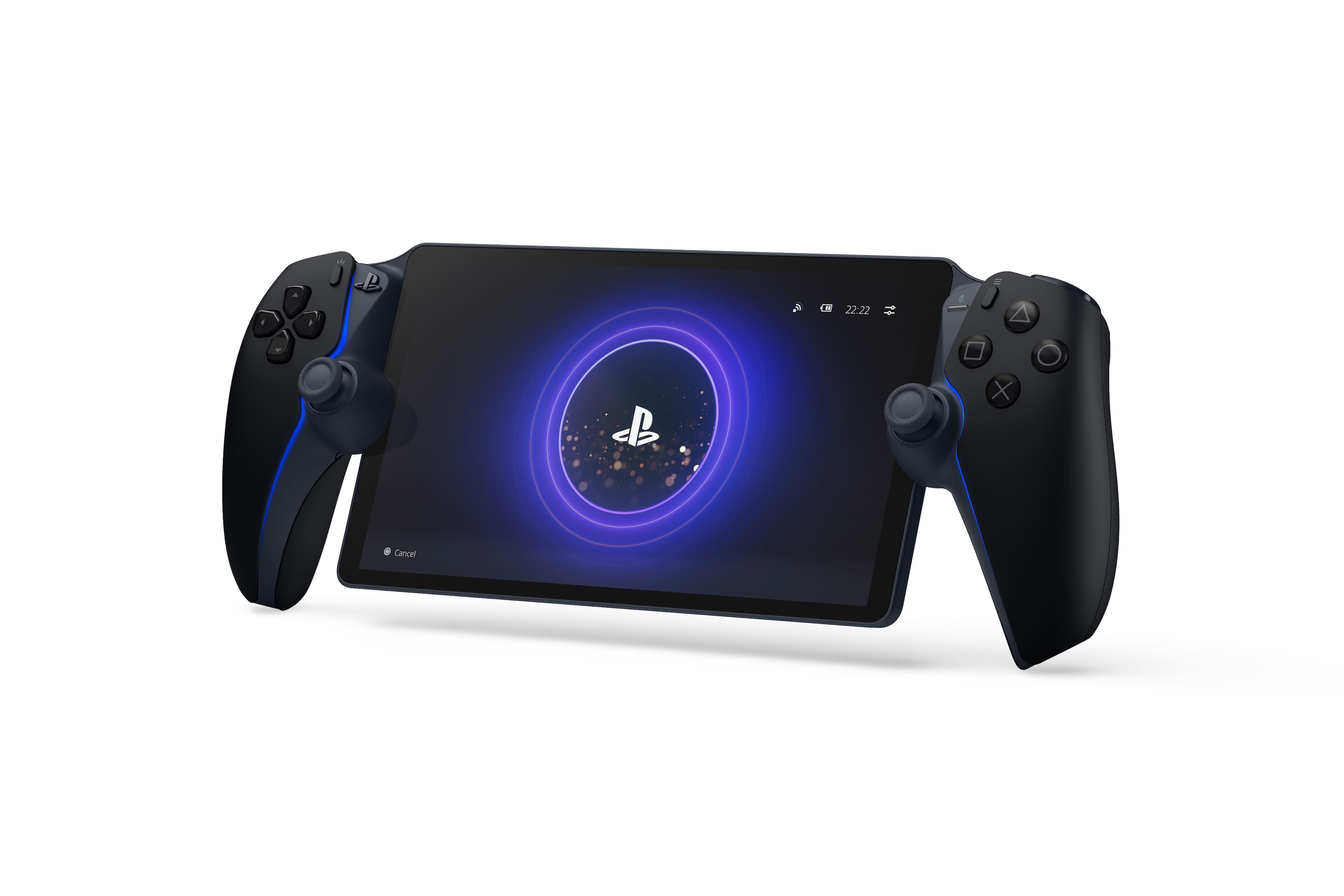
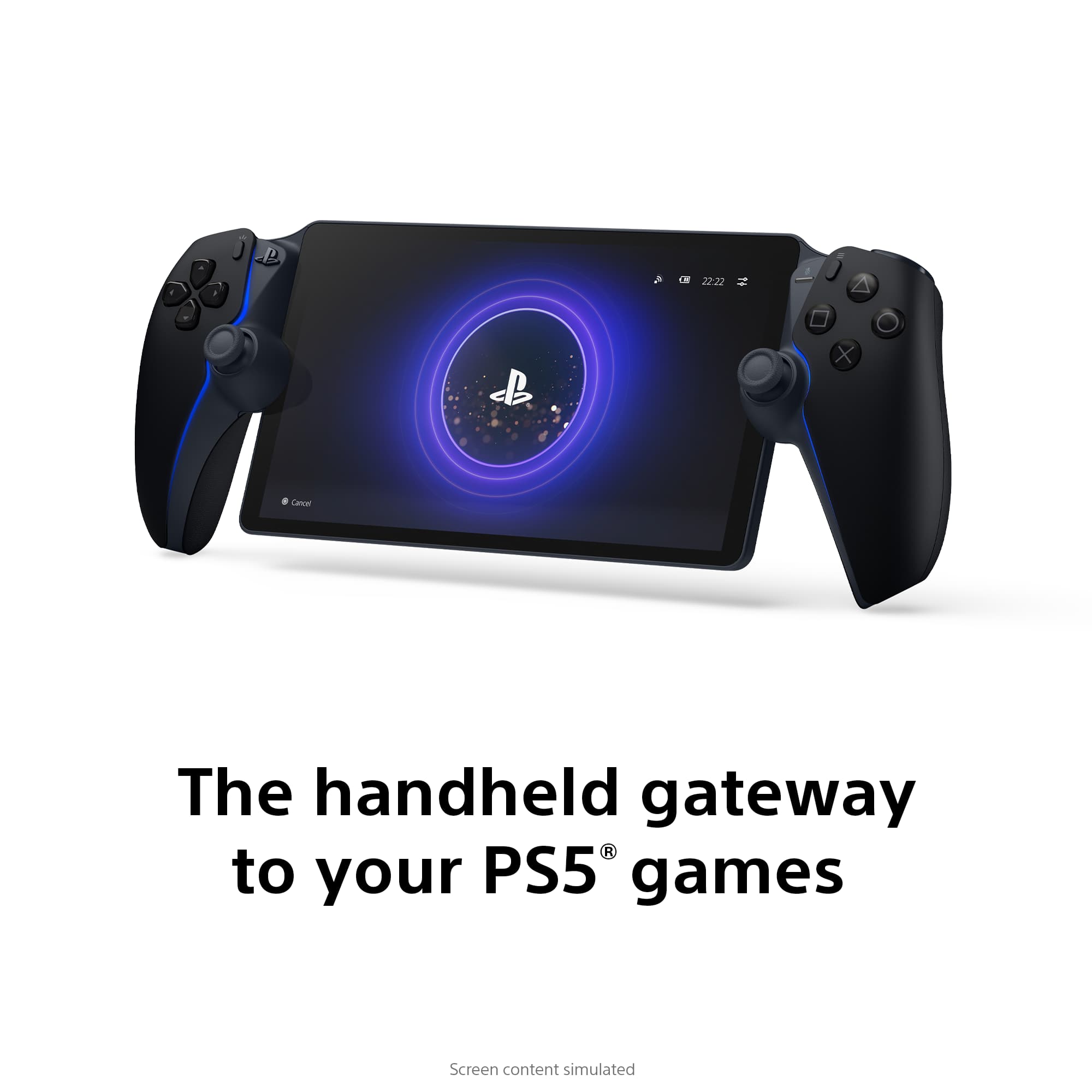
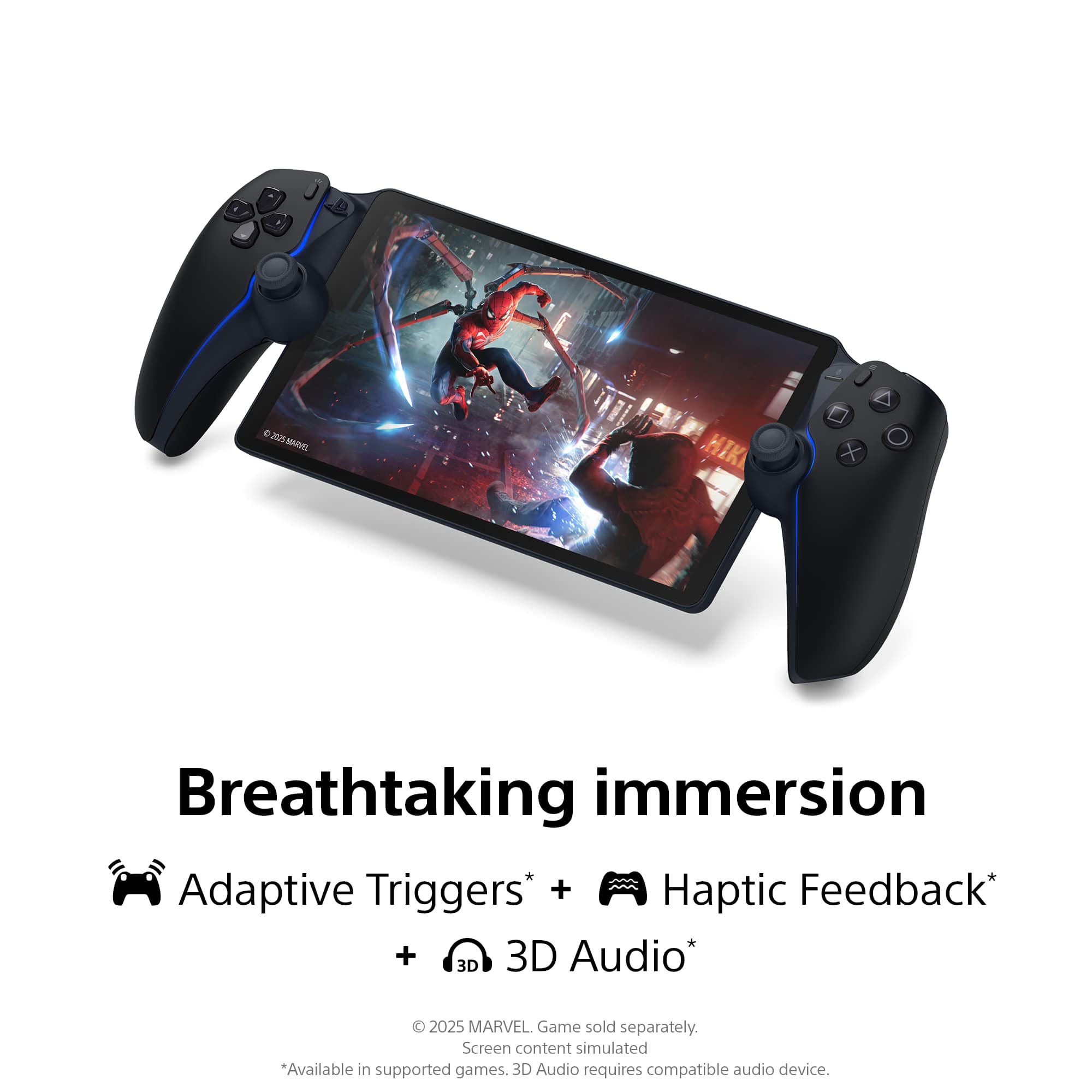
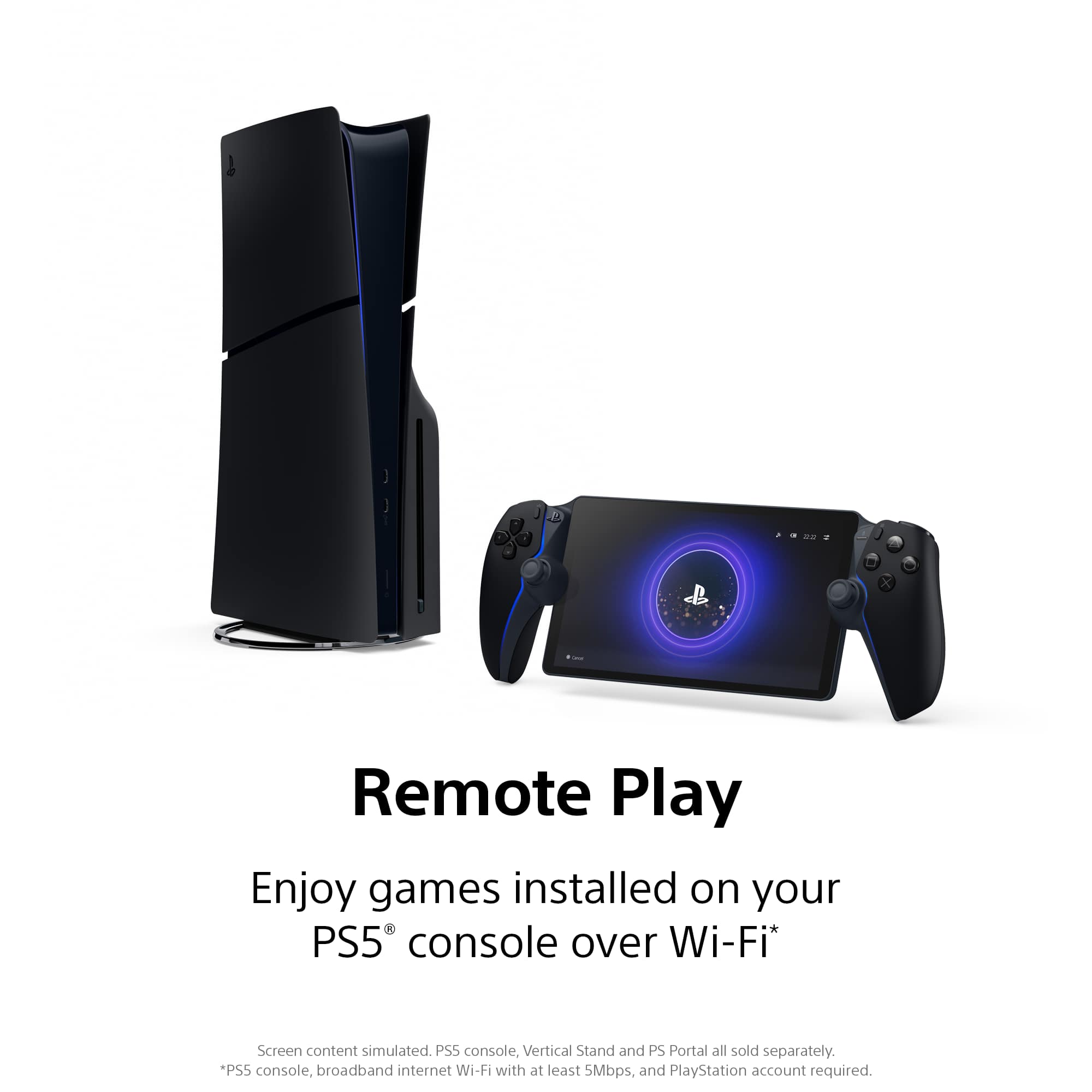
||Posted . Owned for 1 month when reviewed.This reviewer received promo considerations or sweepstakes entry for writing a review.The PlayStation Portal is a game-changer for gamers who want to enjoy their PlayStation experience anywhere in their home. With its sleek design, responsive controls, and seamless integration with the PS5, it takes gaming on-the-go to the next level. The 8-inch LCD screen offers sharp, vibrant visuals, making even the most detailed games look fantastic, and the audio quality is crisp and immersive, whether you’re using the built-in speakers or a headset. What sets the Portal apart is its effortless connection to the PS5 via Wi-Fi, allowing you to stream your games with minimal lag, even when you’re away from your console. The built-in haptic feedback and adaptive triggers replicate the PS5 DualSense experience, so you get that familiar tactile feel whether you’re in the living room or lounging elsewhere. The setup is straightforward, and the controls are intuitive, making it easy for anyone to dive into gaming without a steep learning curve. The battery life is solid for extended play sessions, and while the design could feel a bit bulky for some, it’s still lightweight enough to be portable. Overall, the PlayStation Portal is perfect for anyone who wants to maximize their PlayStation gaming experience without being tied to a single room. It’s a must-have for PS5 owners looking for more flexibility and freedom in their gaming routine.
This review is from Sony Interactive Entertainment - PlayStation Portal Remote Player - White
I would recommend this to a friend- Pros mentioned:Overall performance
Rated 5 out of 5 stars
Sons gaming
||Posted . Owned for 4 months when reviewed.This reviewer received promo considerations or sweepstakes entry for writing a review.My son loves it and uses it all the time. He can play any where in the house.
This review is from Sony Interactive Entertainment - PlayStation Portal Remote Player - Midnight Black
I would recommend this to a friend - Pros mentioned:Screen quality
Rated 5 out of 5 stars
Your PlayStation in the palm of your hands
||Posted . Owned for 1 week when reviewed.This reviewer received promo considerations or sweepstakes entry for writing a review.The PlayStation Portal introduces a brand new way to play your PlayStation 5 games whenever you may be sharing your TV with others in your household. The Portal comes with a pretty decent sized screen which allows you to get a better view of all of your favorite games. My favorite part about it is that it carries over all of the dual sense features that you would normally have in the dualsense controller. I would highly recommend this if your console is hooked up via an ethernet and/or your house provides excellent bandwidth if running via Wi-Fi. The portal does not contain any internals that boost the performance so for anyone thinking about buying this product I would say test PS remote play on your mobile device first.
This review is from Sony Interactive Entertainment - PlayStation Portal Remote Player - White
I would recommend this to a friend Rated 4 out of 5 stars
2nd one
||Posted . Owned for 2 weeks when reviewed.This reviewer received promo considerations or sweepstakes entry for writing a review.This is my second one and Iv enjoyed it. I struggle often when accessing the remote play outside of home. It is still functional in other way.
This review is from Sony Interactive Entertainment - PlayStation Portal Remote Player - Midnight Black
I would recommend this to a friend- Pros mentioned:Overall performance
Rated 4 out of 5 stars
i still love it ofc
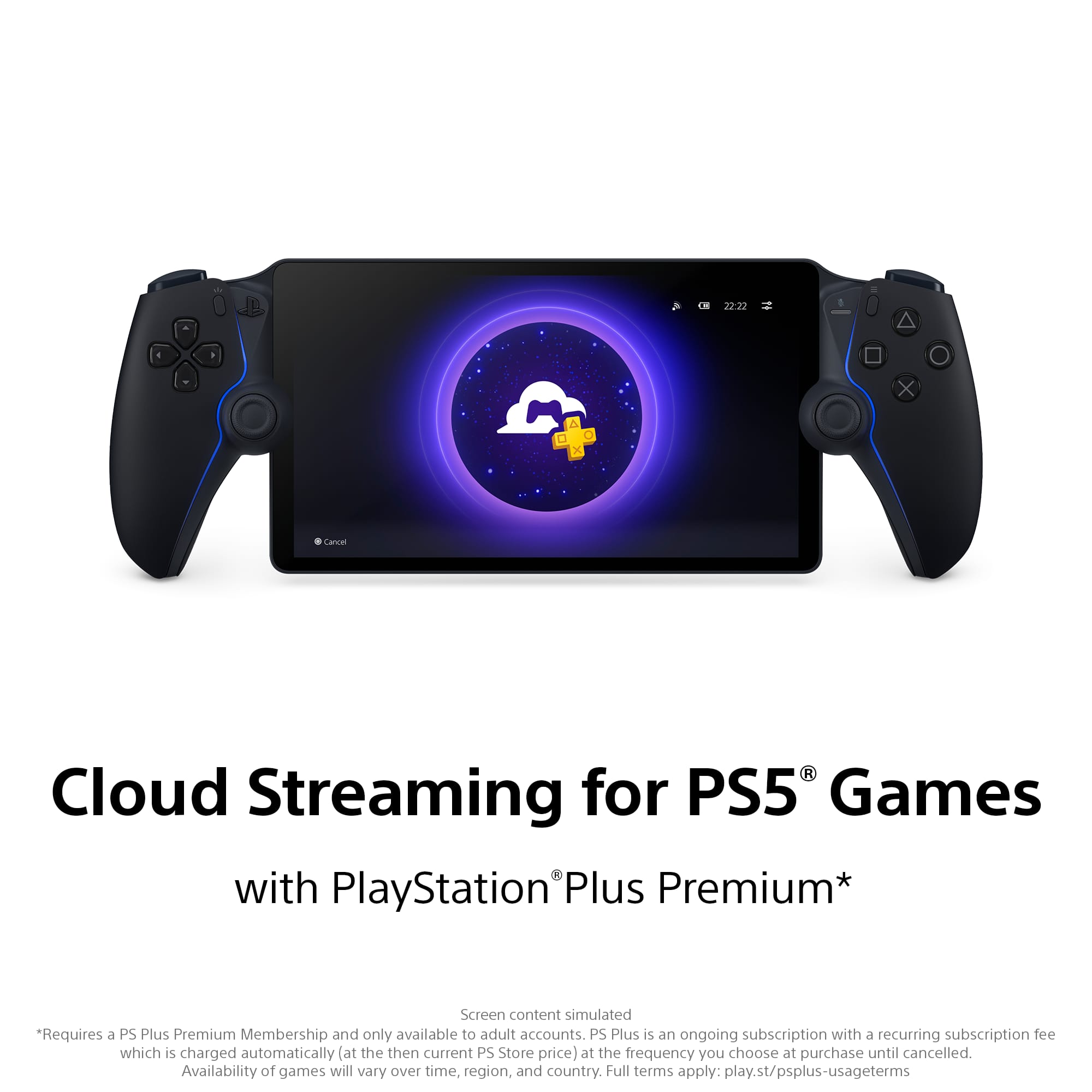
||Posted .This reviewer received promo considerations or sweepstakes entry for writing a review.it’s amazing!! but could be better like turn it into a device where you wouldn’t need to own a ps to be able to play ps games almost whenever we want. i like how there’s cloud stream to where we can kinda do that but it is kinda sad that those games are sometimes only temporary.
This review is from Sony Interactive Entertainment - PlayStation Portal Remote Player - White
I would recommend this to a friend - Pros mentioned:Overall performance
Rated 5 out of 5 stars
LOVE it
||Posted . Owned for 2 weeks when reviewed.This reviewer received promo considerations or sweepstakes entry for writing a review.Grandson loves it he cant put it down he is so excited
This review is from Sony Interactive Entertainment - PlayStation Portal Remote Player - White
I would recommend this to a friend Rated 4 out of 5 stars
My opinion of the Playstation Portal
||Posted . Owned for 2 weeks when reviewed.This reviewer received promo considerations or sweepstakes entry for writing a review.This device is fun and useful, but also lacks in a few ways. You can't stream video/TV to it, and all the games are streamed so there's prone to be delay/lag and you can't play with no internet connection. But overall it's a pretty fun device, handy for traveling and gaming if that suits your fancy.
This review is from Sony Interactive Entertainment - PlayStation Portal Remote Player - Midnight Black
I would recommend this to a friend- Pros mentioned:Overall performance
Rated 5 out of 5 stars
Yeah!!
||Posted . Owned for 1 month when reviewed.This reviewer received promo considerations or sweepstakes entry for writing a review.Super gooooooooooooooooooooooooooooooooooooooooood
This review is from Sony Interactive Entertainment - PlayStation Portal Remote Player - White
I would recommend this to a friend - Pros mentioned:Overall performance
Rated 3 out of 5 stars
Great if your connection is
||Posted . Owned for 1 month when reviewed.This reviewer received promo considerations or sweepstakes entry for writing a review.The device works great and has a decent time streaming games and works without a ps5 console however a 160 subscription per year on top oh needing wifi all the time is annoying for $360 id rather spend $400 on a steam deck
This review is from Sony Interactive Entertainment - PlayStation Portal Remote Player - White
No, I would not recommend this to a friend - Pros mentioned:Overall performance
Rated 5 out of 5 stars
Highly reccomend
||Posted . Owned for 8 months when reviewed.This reviewer received promo considerations or sweepstakes entry for writing a review.I bought this for my fiancé so he could spend time with me while playing. It has been amazing so far. Highly recommend if you are the side piece in the relationship with a man and his console.
This review is from Sony Interactive Entertainment - PlayStation Portal Remote Player - White
I would recommend this to a friend - Pros mentioned:Portability
Rated 4 out of 5 stars
PS5 Handheld
||Posted .This reviewer received promo considerations or sweepstakes entry for writing a review.Very convenient and perfect size, just needs a strong hotspot or portable WiFi.
This review is from Sony Interactive Entertainment - PlayStation Portal Remote Player - Midnight Black
I would recommend this to a friend - Pros mentioned:Portability
Rated 5 out of 5 stars
Solid product
||Posted .This reviewer received promo considerations or sweepstakes entry for writing a review.Love my portal. Great for when I’m traveling or visiting my parents
This review is from Sony Interactive Entertainment - PlayStation Portal Remote Player - White
I would recommend this to a friend - Pros mentioned:Portability
Rated 5 out of 5 stars
i love it
||Posted .This reviewer received promo considerations or sweepstakes entry for writing a review.i absolutely love this thing i use it every day makes gaming portable in my house
This review is from Sony Interactive Entertainment - PlayStation Portal Remote Player - Midnight Black
I would recommend this to a friend - Pros mentioned:Overall performanceCons mentioned:Connectivity
Rated 5 out of 5 stars
Great Gift
||Posted . Owned for 3 weeks when reviewed.This reviewer received promo considerations or sweepstakes entry for writing a review.finally was about to purchase one - so far everything works great but please make sure you have a strong wifi signal before purchasing. i had to upgrade my internet so it wouldn’t be so laggy
This review is from Sony Interactive Entertainment - PlayStation Portal Remote Player - White
I would recommend this to a friend - Pros mentioned:Overall performance
Rated 5 out of 5 stars
Portal
||Posted .This reviewer received promo considerations or sweepstakes entry for writing a review.A great price for a great product. It came on time and works great.
This review is from Sony Interactive Entertainment - PlayStation Portal Remote Player - Midnight Black
I would recommend this to a friend Rated 4 out of 5 stars
Exactly what it is supposed to be
||Posted . Owned for 1 month when reviewed.This reviewer received promo considerations or sweepstakes entry for writing a review.I have had this Portal since launch and held off reviewing until I had several games and over a month under my belt. I will start off saying my review and rating is based on what it is supposed to be, a 'portal' to access your PS5 content already in your PS5. I will not be saying what it could have been, or what people might want it as. The baseline for my use - I used this on my home WiFi that my PS5 was also hooked up to. I have basic internet and the Nest Wifi points inside my 2 story+basement house. My PS5 is connected to my basement TV which I do not always have access to, or I am too lazy to go to the basement for a short gaming session (under 2 hrs). I also have kids, so I cannot always break away to the basement. On our WiFi we have 2 phones, 4 tvs, 2 tablets, and a few other minor items running at the same time as my PS5 and Portal. Internet connection - as mentioned above, I don't have anything high end on my WiFi, but I have not ran into connection issues. It may take 5 to 10 seconds to "wake" my PS5 from rest mode, but it has connected every time. While playing I have not listed connection, and have rarely noticed a delay. I say rarely as I did encounter a slight delay during a major boss battle in Spider-Man 2. It was only once, but I imagine that any scene that causes a major strain on your PS5 could cause a delay. I have not tried this on COD, but I have used it with Destiny 2 online play without issue so far. (Again, this was used at home on the same wifi as the PS5) Battery - it charges fast, even from near dead. My sessions have lasted up to 2 hours and I still have battery left. Again, this is why I have it, not for long sessions. Graphics - if you have used remote play on your PS4 or phone to play PS5 games, you will know that the picture is not as clear as a 4k TV directly connected to your PS5. However, with the portal, the graphics are stunning for remote play. I am impressed, and say that this is worth using. Build - the Portal is made to feel like the Dual Sense controller, and it feels and looks the same. It is as durable and has the same features. The joy sticks are a little smaller, but barely noticeable. The screen is large and in charge, but I feel it is perfect. The distance between hands feel just right. Audio - The speakers sound great, but I do have a gripe. The speakers are located at the back/top of the unit and shoot the sound away from the user. I think it would have been better if it faced the user. Wireless headphones - This is the main reason I did not rank as 5 stars. The only wireless connection for audio is if you buy the Pulse Explore earbuds, or the Pulse Elite headphones. You CANNOT use the Pulse 3D or any Bluetooth earbuds. I look at this as a money grab. I have the Pulse Explore earbuds, and they work great with it, but I debated buying a set as it was not ideal. THE GOOD - Great graphics, good speakers, great overall feel, good build, good connection and ease of use. THE 'BAD' - not necessarily bad, but annoying is the fact you cannot use regular Bluetooth headphones or ear buds. And just a personal gripe, I wish the speakers pointed to the user, not away. Overall, I find this product perfect for people like me that want something for quick sessions without having to go sit in front a TV, or fight over the TV with other house members.
This review is from Sony Interactive Entertainment - PlayStation Portal Remote Player - White
I would recommend this to a friendRated 5 out of 5 stars
Good game for travel use
||Posted .This reviewer received promo considerations or sweepstakes entry for writing a review.I purchased my portal during the beta phase. I am now able to play game ln the cloud, but I wold have to donnect my portal to my console for other game use. Its best to purchase the premium playstation monthly fee in order to stream games from the cloud.once you pair your console to the portal, you cam play you games on the portal as you have great internet connection. The
This review is from Sony Interactive Entertainment - PlayStation Portal Remote Player - White
I would recommend this to a friend- Pros mentioned:Overall performance, Portability
Rated 5 out of 5 stars
like it!
||Posted .This reviewer received promo considerations or sweepstakes entry for writing a review.great product! easy and fun to use. gets the kidsin the same room with use.
This review is from Sony Interactive Entertainment - PlayStation Portal Remote Player - White
I would recommend this to a friend