Customer Ratings & Reviews
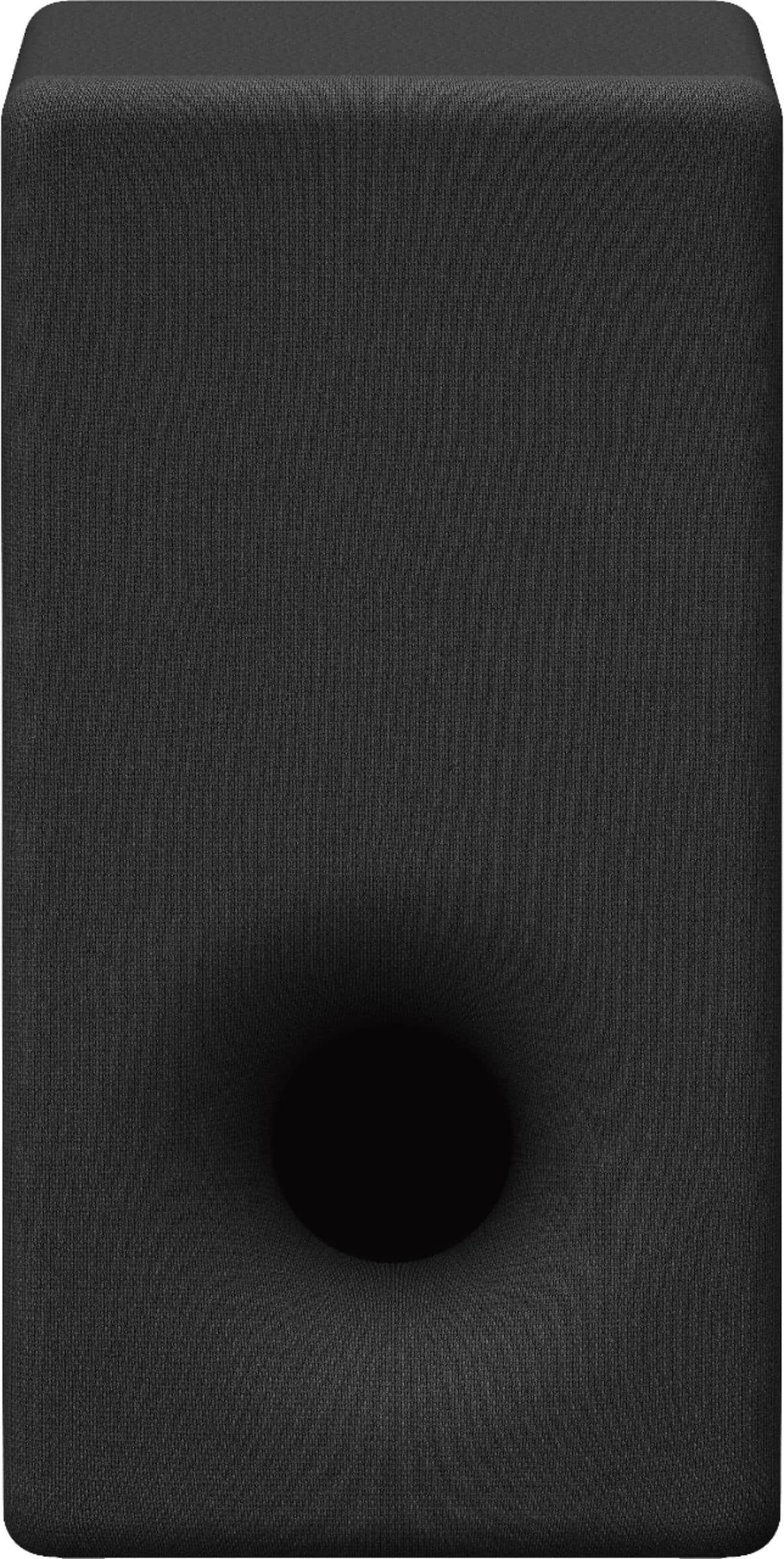
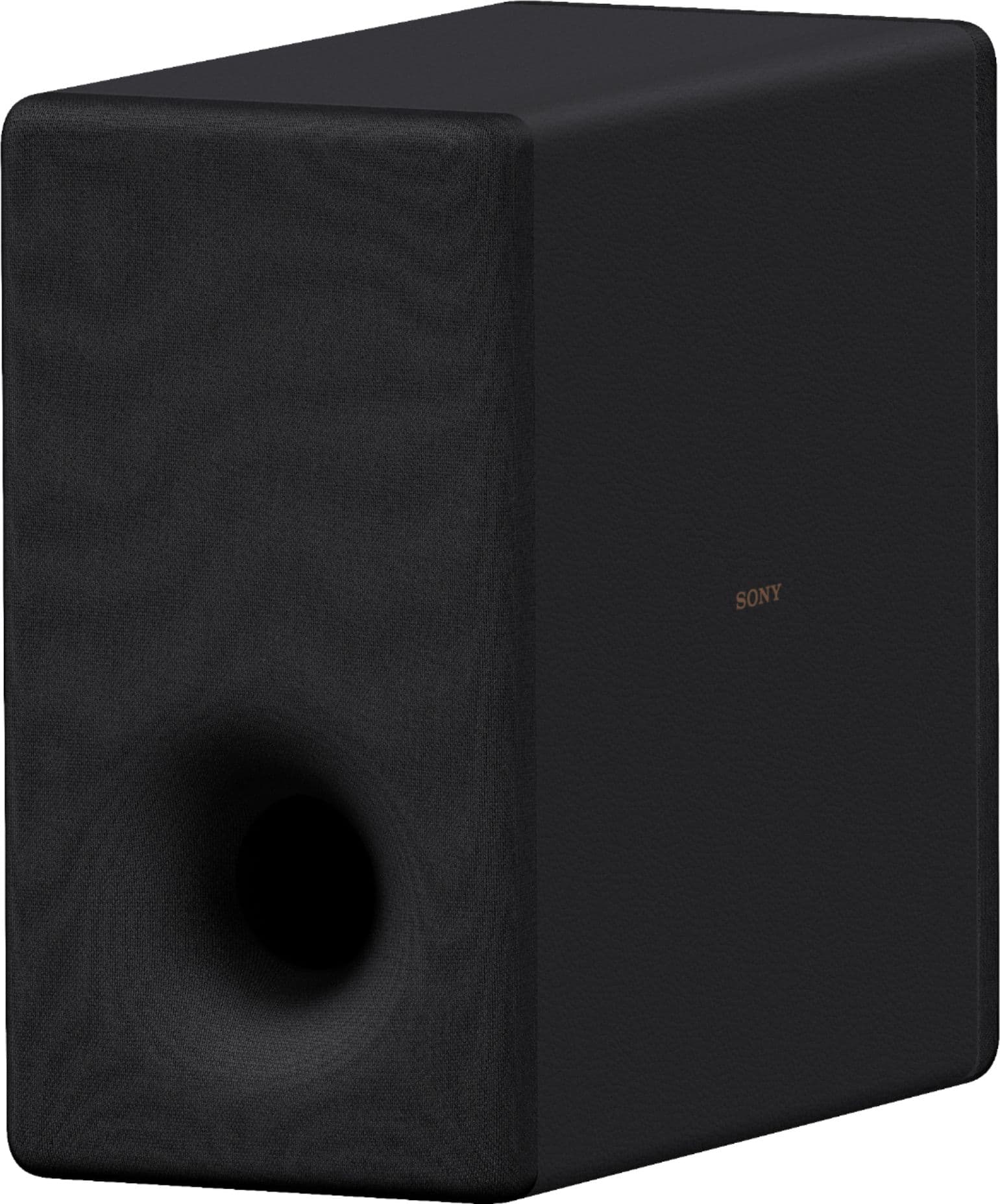



- Model:
- SASW3
- SKU:
- 10187828
Rating by feature
- Value
Rating 4.5 out of 5 stars
- Quality
Rating 4.7 out of 5 stars
- Ease of Use
Rating 4.7 out of 5 stars
Moron packed this
Posted .This reviewer received promo considerations or sweepstakes entry for writing a review.So I buy unit as a open box item listed as excellent. When I get I can feel the unit rattling all over inside the box. Open it and there is packaging at all. The moron that packed this should be fired!
I would recommend this to a friendno working
Posted .This reviewer received promo considerations or sweepstakes entry for writing a review.no pair to the sound bar. no pair to the sound bar. no pair to the sound bar
No, I would not recommend this to a friendBrand response from SonyListens
Posted .Hi JiawuWang, We're sorry to hear about the connectivity issue you're having. To resolve the issue of your SASW3 subwoofer being unable to pair with your soundbar, please follow these steps:
Ensure Compatibility: Verify that your soundbar model is compatible with the SASW3 subwoofer. The SASW3 is designed to work with specific Sony soundbars, such as the HT-A8000/A9000/A9M2/A9/A7000/A5000/A3000/S2000 models.
Update Firmware: Make sure that the firmware of your soundbar is up to date. Please refer to the help guide/manual of your soundbar on how to update the firmware.
Manual Pairing: If automatic pairing does not work, try manual pairing. Refer to the user manual for specific instructions on how to manually pair the subwoofer with your soundbar.
Interference: Ensure there are no other wireless devices nearby that could interfere with the Bluetooth connection.
Reset Devices: If pairing issues persist, try resetting the soundbar to its factory settings and then attempt the pairing process again.
If these steps do not resolve the issue, please contact Sony customer support for further assistance. Email us at [email protected] with the following details:
Name:
Username:
Model Number:
Issue:
Telephone Number:
Regards,
Sam