Customer Ratings & Reviews
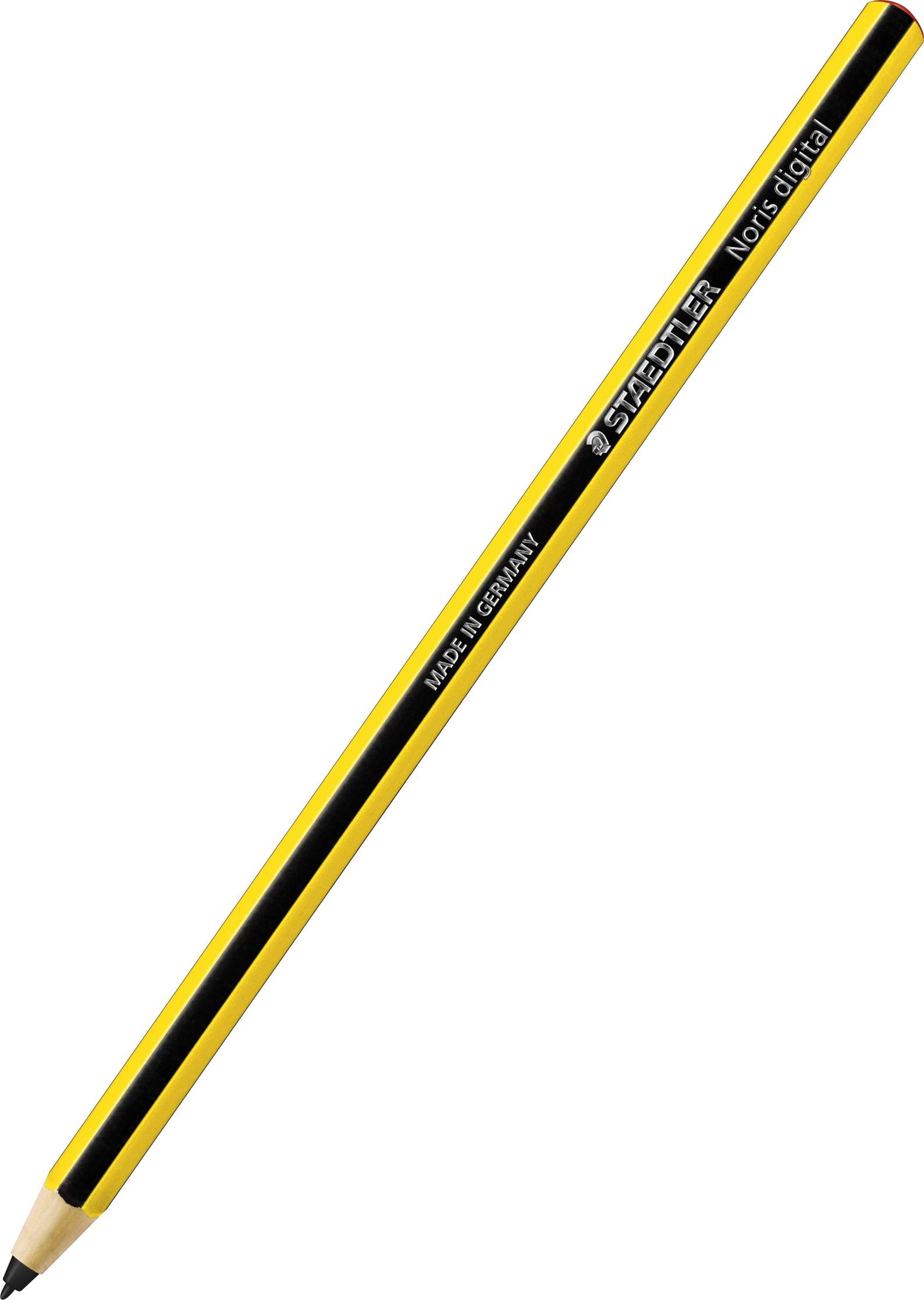
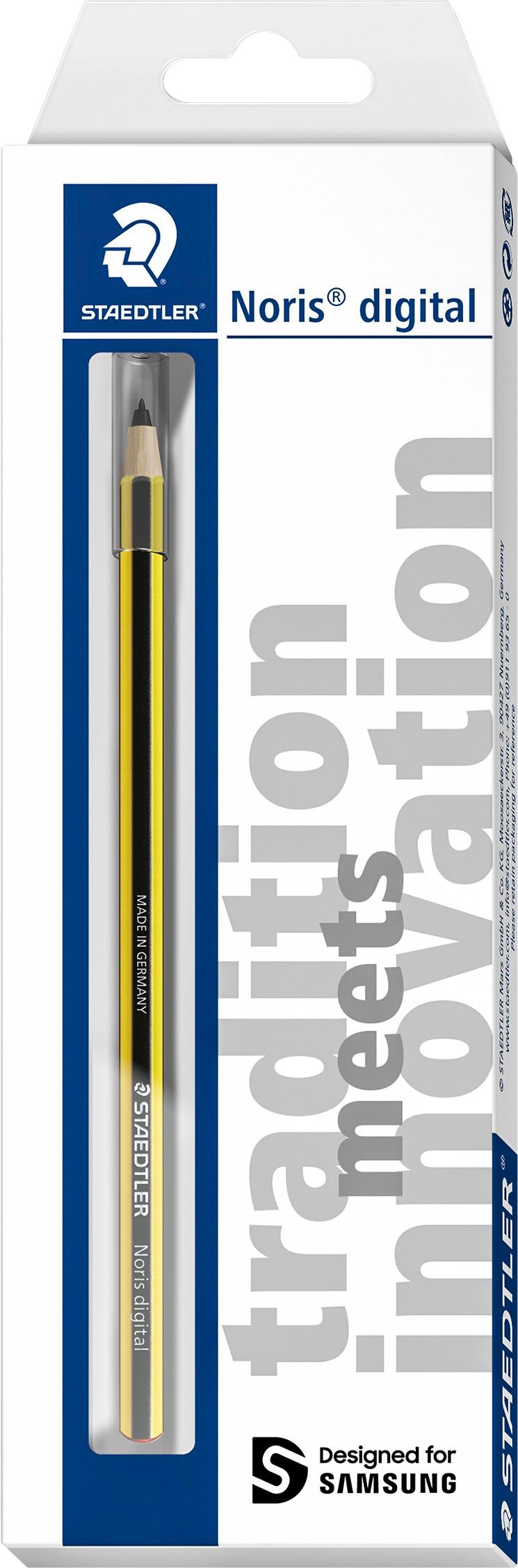
- Model:
- GP-U999ERIPAAB
- |
- SKU:
- 5902800
Customer reviews
Rating 4.4 out of 5 stars with 29 reviews
(29 customer reviews)to a friend
Customers are saying
Customers are pleased with the Noris® Digital Samsung Pencil's feel, describing it as comfortable and natural to hold. Its durability and ability to create fine lines for drawing are also frequently praised. The pen-like shape is seen as beneficial for writing. No significant drawbacks were reported by customers.
This summary was generated by AI based on customer reviews.
Rated 2 out of 5 stars
Yellow pencil
||Posted .This reviewer received promo considerations or sweepstakes entry for writing a review.I do not like this product. It does not work for me as easy as the other pencil provided with the tablet. I accepted it because it came with the tablet.
No, I would not recommend this to a friendRated 5 out of 5 stars
Old school
||Posted .This reviewer received promo considerations or sweepstakes entry for writing a review.This reminds me of old school pencils. It works well with my Galaxy products and reminds me of being in school. I use it in place of the stylus at times.
I would recommend this to a friendRated 4 out of 5 stars
cool tool
||Posted .This reviewer received promo considerations or sweepstakes entry for writing a review.This is a neat little tool to add to your tablet. Great for those who love to draw in detail with their digital device.
I would recommend this to a friendRated 5 out of 5 stars
Love this!
||Posted . Owned for more than 2 years when reviewed.This reviewer received promo considerations or sweepstakes entry for writing a review.This Pencil has been so perfect for my Samsung tablet!
I would recommend this to a friendRated 5 out of 5 stars
Great pen
||Posted .This reviewer received promo considerations or sweepstakes entry for writing a review.Works great with Galaxy Tab S3. Great response and sensitivity.
I would recommend this to a friendRated 5 out of 5 stars
Does what it's supposed to.
||Posted .This reviewer received promo considerations or sweepstakes entry for writing a review.It's an electronic pencil that works just as you would expect.
I would recommend this to a friendRated 3 out of 5 stars
Not 4 S2
||Posted .This reviewer received promo considerations or sweepstakes entry for writing a review.I bought this pen hoping it would work on my S2 but it doesn't.
I would recommend this to a friendRated 3 out of 5 stars
It's stopped working.
Posted .This reviewer received promo considerations or sweepstakes entry for writing a review.I really liked this, but it did not last long. Not sure. What happened to it, but it did not want to work on any other surface.
No, I would not recommend this to a friendRated 5 out of 5 stars
The digital stylus done simply right
Posted .This reviewer received promo considerations or sweepstakes entry for writing a review.Eschewing side buttons or erasers, this pencil-like stylus simply points on screen accurately, allowing wonderfully expressive strokes and accurate handwriting and precise drawing. Wacom EMR, and using the latest S-Pen technology, it works perfectly on the new generation of Samsung devices for 2017 such as the Samsung Galaxy Book. Highly recommended for people who want a stylus to "just work" and allow one to write, draw, annotate, sign, and markup. With press-hold-release enabled, one can get access to contextual menus.
I would recommend this to a friend