Customer Ratings & Reviews



- Model:
- TDNS2B-01-CN
- |
- SKU:
- 6211546
Customer reviews
Rating 4.1 out of 5 stars with 659 reviews
(659 customer reviews)Rating by feature
- Value4.0
Rating 4.0 out of 5 stars
- Quality4.2
Rating 4.2 out of 5 stars
- Ease of Use4.0
Rating 4.0 out of 5 stars
Customers are saying
Customers are satisfied with the ease of use, WiFi connectivity, recording flexibility, and picture quality of the DUAL LITE OTA DVR with WiFi. Many appreciate the simple setup and the commercial skip feature, but some users experienced issues with buffering, occasional heat generation, and reception problems. The need for an external hard drive for storage is also a recurring theme. While the interface and program guide are generally well-received, performance inconsistencies were reported by a few users.
This summary was generated by AI based on customer reviews.
- Pros mentioned:DvrCons mentioned:Heat
Rated 4 out of 5 stars
Great but hot device
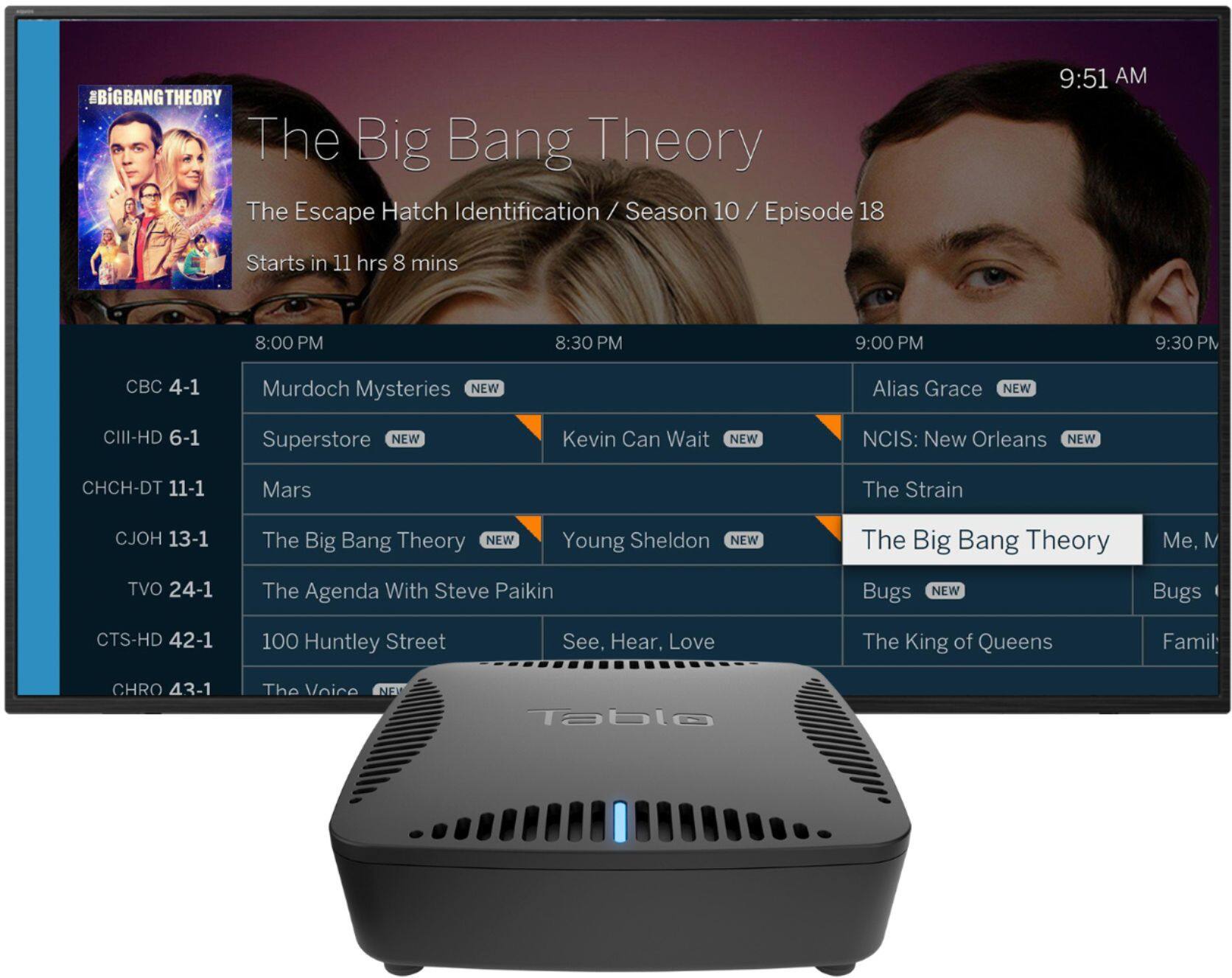
||Posted . Owned for 2 weeks when reviewed.This reviewer received promo considerations or sweepstakes entry for writing a review.Great way to add DVR and mobility to OTA antenna cordcutters. Love how I could place this anywhere and be able to send my TV signal to any of my Roku devices, iPads, Android phones, computers, etc. Unfortunately it runs really hot so put it somewhere with good ventilation. Also have to pay for guide subscription after trial ends. Also a little spendy.
I would recommend this to a friend - Pros mentioned:Ease of use
Rated 4 out of 5 stars
Nice way to cut the cable.
||Posted . Owned for 3 weeks when reviewed.This reviewer received promo considerations or sweepstakes entry for writing a review.Relatively easy to use from any device in the house. Setup was fairly straight forward once I connected it to the network via Ethernet cable. It didn't want to connect via wireless. Lifetime subscription was cheaper than a couple of years' worth of cable subscription. Commercial skip works well (for commercials during the shows, but not the start-up or end commercials for whatever reason). Hooked up a 2 TB Seagate hard-drive, so, for now, there's plenty of storage space - it does not come with any internally.
I would recommend this to a friend - Pros mentioned:WifiCons mentioned:Reception
Rated 4 out of 5 stars
Exactly What I Was Looking For
||Posted .This reviewer received promo considerations or sweepstakes entry for writing a review.I recently decided to get rid of cable and was looking for a way to record Jeopardy and a few other shows I couldn't get on my streaming services. This is perfect. I also was looking for a way to play OTA content on my living room TV, which isn't near a window and gets horrible reception. I set this up in my bedroom window where I get good reception. It does get some interference occasionally and I've had to restart it a couple times in order to fix connection issues between the device and my Apple TV, but overall it's working great.
I would recommend this to a friend - Pros mentioned:Recording
Rated 4 out of 5 stars
Works as Expected
||Posted .This reviewer received promo considerations or sweepstakes entry for writing a review.With PS Vue I was unable to record shows and sports on the over the air (OTA) channels. If you really want to be able to record OTA channels, this is a good middle ground over cheaper, but less functional options and a few more expensive choices. Great if you, like me, also have a spare external hard drive lying around to store recordings.
I would recommend this to a friend - Pros mentioned:Dvr
Rated 5 out of 5 stars
Perfect!
||Posted .This reviewer received promo considerations or sweepstakes entry for writing a review.I wanted a way to dvr broadcast shows and get a guide like cable. This has been perfect! Tablo finds shows 24 hours for free or a one time fee of $150 for 14 days which makes it easy to find free shows and movies. Requires a external hard drive to record but well worth it. Highly recommend!
I would recommend this to a friend - Pros mentioned:Dvr, Wifi
Rated 5 out of 5 stars
Awesome product!!
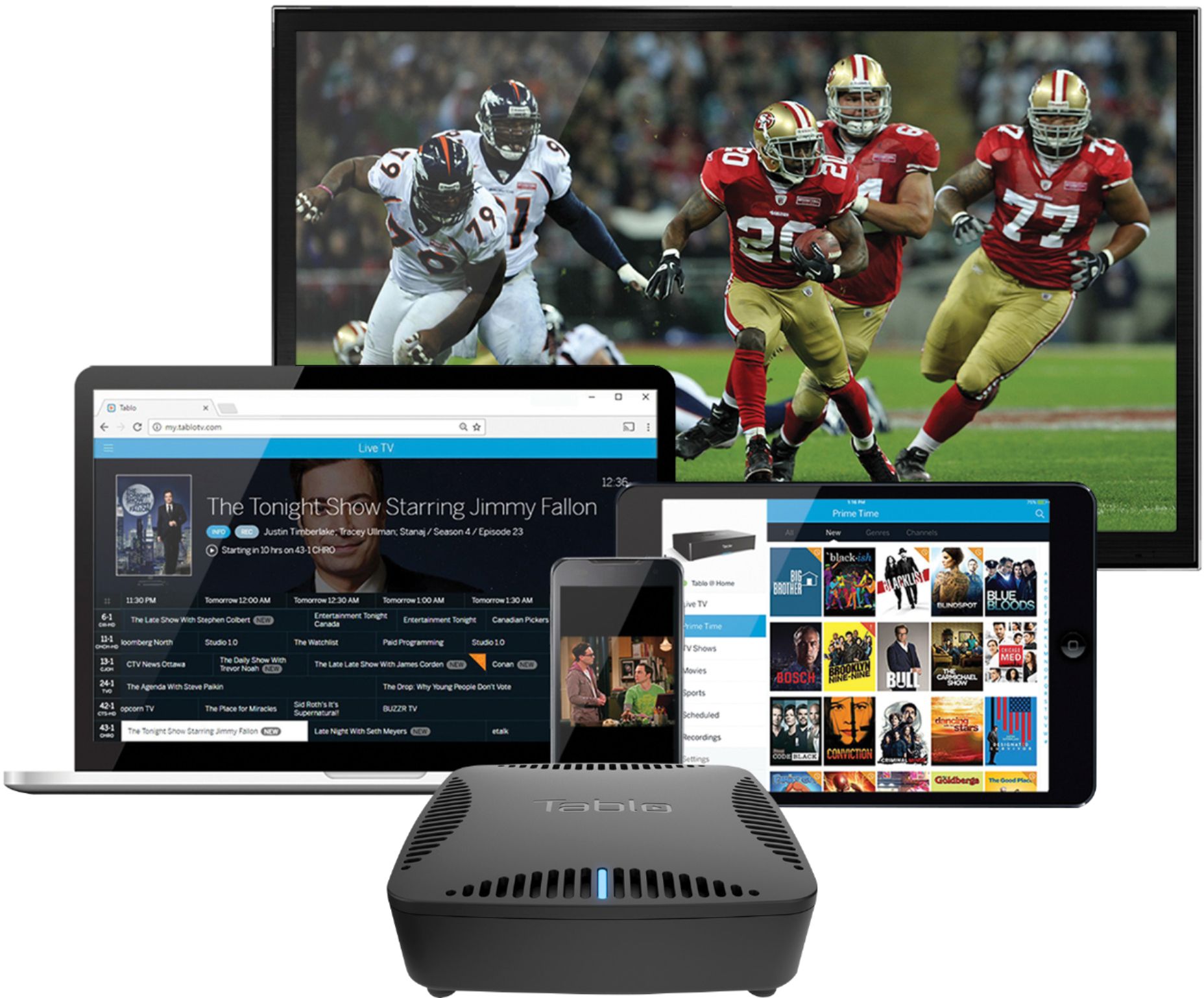
||Posted . Owned for 1 week when reviewed.This reviewer received promo considerations or sweepstakes entry for writing a review.I have a window on the 2nd story of my house that allows me to receive all local channels thru rabbit ears. I placed the rabbit ears in the window, attached it to the Tablo Dual Lite DVR, placed a mesh wi-fi unit next to it, plugged the Tablo directly into one of its wired ports, attached an older portable passport drive to it and went through the setup. All my TVs have Roku devices so I downloaded the Tablo app and we have all local channels everywhere - even my iPad and smartphone. Access to individual channels takes about 6-10 seconds - faster with DVR. The iPad has fasteraccess than all the Rokus for some reason. Two separate channels can be watched on two TVs. The DVR will play on another TV even if two tuners are in use. I am very pleased with the performance and no longer need a live streaming service to give me local channels or DVR.
I would recommend this to a friend - Cons mentioned:Buffering
Rated 5 out of 5 stars
Great for local channels
||Posted . Owned for 8 months when reviewed.This reviewer received promo considerations or sweepstakes entry for writing a review.Finally cut the cord and went with this as my local channel solution. Awesome because you only need one antenna (roof or indoor) for all of your TV's. If you are using an indoor antenna you can put this box anywhere in the house. Just need to be careful of your wireless coverage if you don't have it hooked directly to your router. You can end up with buffering sometimes where it will cut in and out. My only complaint is that Tablo had commercial marking and autoskip for your recordings (just plug in an external drive) that were a "preview" and were later taken away in order to add that as a pay service. This was after I paid $150, on top of the cost of the Tablo box, for the lifetime guide subscription. While the skip feature is nice it isn't that hard to skip ahead fast since there is a image preview so you know exactly when to stop skipping forward.
I would recommend this to a friend Rated 4 out of 5 stars
Great concept, connection issues
||Posted .This reviewer received promo considerations or sweepstakes entry for writing a review.The first day after I bought the device all seemed well. The device was working exactly as advertised. Then on day 2 my problems began. I had a persistent, nagging connection error that wouldn't go away no matter what i tried. It got to the point where i was seriously considering returning the device. I received a lot of helpful support on the Tablo community board, but in spite of their suggestions the issue continued. I even bought an ethernet router connection tool to attempt a wired connection because I couldn't place the Tablo next to my actual router (the OTA signal wouldn't come in at that location). It didn't work. However, after i took a mini-vacation and attempted to reset the device wireless connection after several days, the connection issues seems to have cleared for the most part. It's been two weeks since that time, and i've had a total of 2-3 connection incidents since then, including one this evening. Thankfully they seem to be manageable with a simple unplug/replug, and aren't as before where the connection lapse would persist any basically make the device unusable. So far, so good. The next question asks if i'd recommend the device. I'm answering "no", but to be fair, i do like the device, and think it adds a lot of value to the cord-cutting/OTA experience. On the other hand, I've simply had too many issues with the device to recommend it. (Note: as i'm typing this, I'm having another connection issue).
No, I would not recommend this to a friendRated 5 out of 5 stars
Works great, especially if you use ROKU.
||Posted .This reviewer received promo considerations or sweepstakes entry for writing a review.I purchased the Tablo to "cut the cord" after DirecTV doubled the monthly fee. After several somewhat frustrating attempts to connect to Amazon FIRE 4K stick I gave up and was going to return the Tablo. But after doing a bit more research I came across a post that the Tablo worked great with ROKU. So I got the ROKU Ultra 4K. That was the ticket! The system now works flawlessly. I really like the ROKU/Tablo interface and can recommend BOTH products. Also a 1-2TB external hard drive is recommended in order to record programming. I did not try Tablo's cloud offering.
I would recommend this to a friend- Pros mentioned:Setup
Rated 5 out of 5 stars
Very effective
||Posted .This reviewer received promo considerations or sweepstakes entry for writing a review.This Tablo has a small footprint and uses an external hard drive, a plus in my view. Set up was fast and easy. The output from my antenna is efficiently broadcast throughout my home, uncompressed, yielding a far better picture than my old cable did.
I would recommend this to a friend Rated 4 out of 5 stars
Recording quality better than cable
||Posted .This reviewer received promo considerations or sweepstakes entry for writing a review.I purchased this device to allow us to cut the cord with cable. We teamed this with our Roku. It works great. What I wasn't expecting is how much better the picture quality is over our Uverse DVR. The set up was pretty easy once it finally accepted my zip code. we have a 5TB harddrive attached so we wont be running out of recording space anytime soon
I would recommend this to a friend- Pros mentioned:Wifi
Rated 5 out of 5 stars
Great DVR alternative to costly satellite service!
||Posted .This reviewer received promo considerations or sweepstakes entry for writing a review.I bought and installed the Tablo the day of purchase (over 1 month ago). Installation was easy using WiFi and the cloud drive. I later switched to Ethernet and a wired HD and the performance improved! I also purchased the lifetime subscription to the guide data, as it is very helpful and I didn’t want another monthly fee! My wife and I love the program guide and ability to easily set timers to record single shows and series along with the ability to move quickly past commercials. Sure, there are some improvements that could be made, but it works great in its current iteration and seamlessly sends the OTA signal to all the devices in my home without any real issues. They also release regular firmware and app updates to fix bugs and add enhancements. The Tablo support team seems very responsive and their website is quite helpful if there’s an issue. It’s exactly what I was searching for as I cut the cord to satellite!
I would recommend this to a friend Rated 2 out of 5 stars
Sufficient
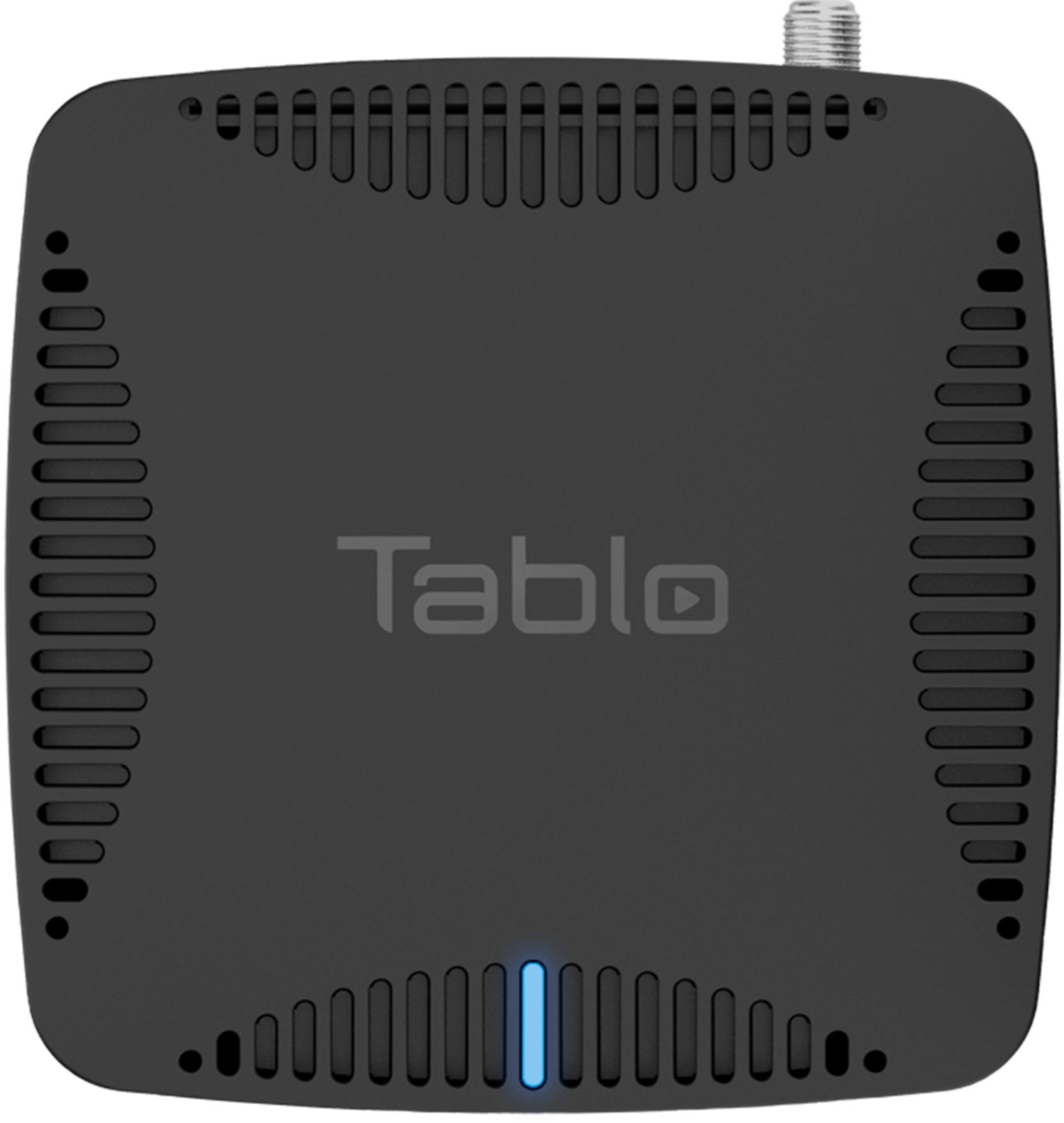
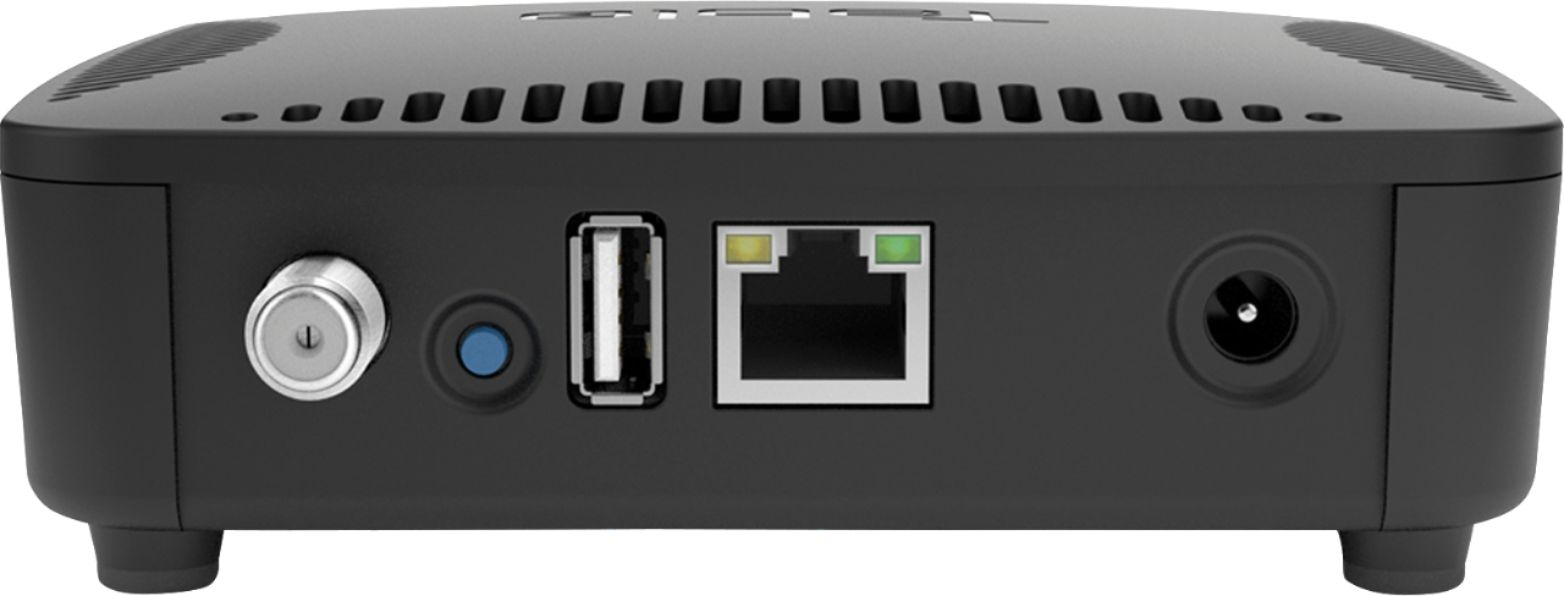
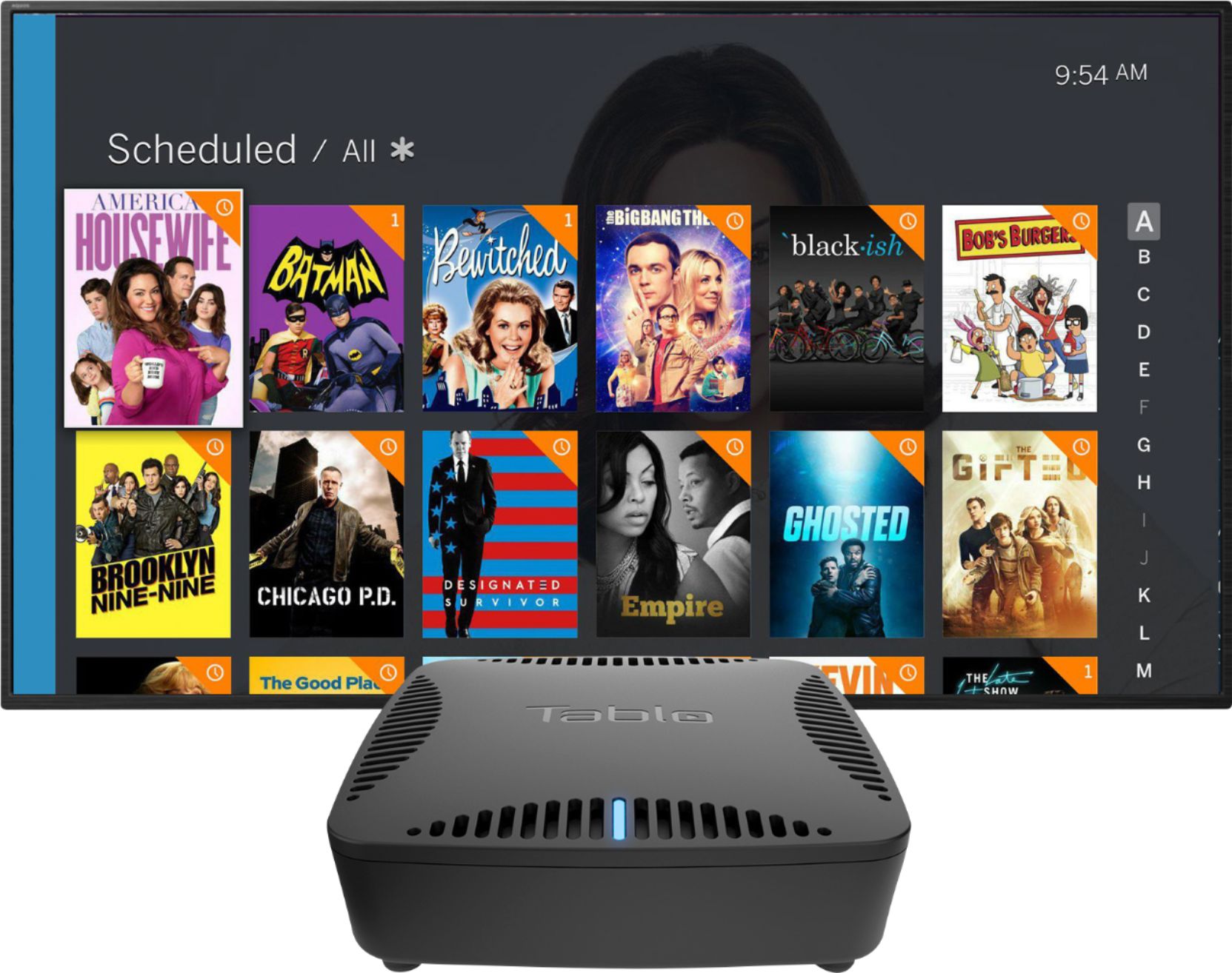
||Posted . Owned for 1 week when reviewed.This reviewer received promo considerations or sweepstakes entry for writing a review.Before getting into my criticisms let me say that the user interface is one of my favorites of any streaming service/device I've used. It's easy to see on-screen and navigate and has lots of eye-catching graphics for all the shows akin to Netflix. But, keep in mind, that you have to pay $4.99 a month to unlock the full potential of the onscreen guide and its graphics, as well as accessing remote viewing, which was an essential for me. Set-up was easy as well. So Tablo does what I bought it to do BUT it doesn't do it seamlessly and does not live up to my expectations. First off, in my personal situation the cable internet coax and broadcast antenna coax are on opposite sides of a room and can't be moved without re-installation. So I had to initially connect Tablo using its built-in wi-fi. It is well documented that wi-fi is not the preferred connection and you should if at all possible use an ethernet cable. However, I didn't expect the wi-fi connection to be as bad as it is. Tablo constantly cut out and I'd have to physically reset the Tablo unit using the blue button on the back. Sometimes I'd get it reconnected only to have it lose connectivity again within a minute. If the connection was lost while I was viewing remotely then it could not be re-established at all because I was not home to physically push the reset button. It was so bad that after a week I found it to be unusable for practical purposes. Out of desperation I figured out a way to run an ethernet cable between Tablo and my internet modem, which involved pulling up a threshold divider between rooms, putting the cable underneath and then reinstalling the divider. So that did seem to greatly help the connection at home but did not fix remote viewing problems. One of the reasons I bought Tablo was so that I could access and stream my local channels and access dvr content at work. I'm self-employed with a service-based business, so if it's slow I'm just sitting around and can watch tv to kill time. But Tablo is pretty much unwatchable at work (i.e. remotely) though. The longest I can go without losing connection is maybe thirty-minutes. It doesn't matter if I'm streaming live content or pre-recorded dvr content. Once the connection is broken I can now reconnect since I switched from wi-fi to an ethernet cable at home. However, Tablo cannot be re-established without backing out to the homepage of my Amazon First Stick and then drilling down into settings till I get to the app and force stop it (and clean the cache while I'm there). Another 'fyi' is that I was using Roku up at work, just as I do at home, but could not get the Tablo app to connect at work for some reason. I called customer support and was told that Tablo does not work for remote viewing through Roku at this time. Instead it would only work through Amazon Fire Stick and that I would have to connect the Fire Stick to Tablo at home before taking it with me elsewhere for remote viewing. Fortunately I just happened to have an extra Fire Stick laying around. Otherwise I probably would have just packed the thing up and returned it to Best Buy. In addition to those complaints, the commercial skip feature is pretty much useless. I'd say it works at best one-in-five times. When it works it works perfectly, skipping whole commercial breaks almost seamlessly. However, that's rare. There are lots of bugs to be worked out with this device. Would I buy it again? I don't know. I would for sure do a lot more research and go with something else if reviews reflected better reliability than the Tablo but in the meantime it's better than nothing. Review synopsis - Meh.
No, I would not recommend this to a friend- Pros mentioned:Recording
Rated 5 out of 5 stars
Works Perfect
||Posted . Owned for 3 weeks when reviewed.This reviewer received promo considerations or sweepstakes entry for writing a review.Cut the cable recently. We have great antenna coverage so I just needed a way to record shows to view later. This has worked flawlessly for that. Additionally, since I had already run Ethernet to all my 5 TV locations in my house, I can view the high def at all locations. I can watch sports in the basement while my wife can watch movies or whatever in the living room. BTW... on replay it's a snap to fast forward through the commercials. If you have decent OTA reception, this is a must have. Worth every penny. Also, you do have to add storage. My 2 terabytes cost about a hundred.
I would recommend this to a friend - Pros mentioned:Wifi
Rated 5 out of 5 stars
Great for "antenna tv" channel for roku
||Posted .This reviewer received promo considerations or sweepstakes entry for writing a review.We wanted an "antenna tv" channel for our roku (ultra) so that we didn't have to fumble with multiple remotes and was guide based and could record. The tablo seemed to fit the bill so we decided to give it a try. While some aspects of the app seem a bit clumsy overall it is exactly what we were looking for. The tablo itself has been stable with no lockups or issues in almost a month although we are using the wired ethernet and not the wireless. Our trial period for the guide expires in a few days and we are waiting to see what the difference is before deciding to subscribe or not. The 4 tuner model would be better for a whole home strategy but we wanted to try the cheaper 2 tuner model first to see if we liked it. We probably will upgrade to the 4 tuner model at some point.
I would recommend this to a friend - Pros mentioned:Recording, Setup
Rated 4 out of 5 stars
Works as expected
||Posted .This reviewer received promo considerations or sweepstakes entry for writing a review.Had my Tablo for about 2 months now. For the most part, has recorded shows as expected. There were a couple that did not record the complete episode, but that might not have been a Tablo issue. Setup was easy. Just follow the directions. If the TV schedule didn't cost extra, I would have given it 5 stars.
I would recommend this to a friend - Pros mentioned:Ease of use, Wifi
Rated 5 out of 5 stars
Cut the cable cord.
||Posted . Owned for 3 weeks when reviewed.This reviewer received promo considerations or sweepstakes entry for writing a review.We decided to cut the cord a couple of months ago, but we a little nervous because we like to record shows in our local channels and watch at night. My wife found this solution and I did some research. We bought this unit and A streaming device as well. It was very easy to connect to UHF antenna and configure to our network. We can watch live TV and recorded shows on all 4 TV sets with no cable plugged in! It is awesome that each TV connects via our home network. I wish I had done this years ago! Our cable was $100 a month and now it is $0!
I would recommend this to a friend Rated 5 out of 5 stars
Surprisingly Excellent
||Posted .This reviewer received promo considerations or sweepstakes entry for writing a review.My expectations were very low. I figured clumsy UI, buggy video playing and confusing file management. Boy was I wrong! Tablo has been working for five years to perfect these handy boxes and they work just great! They are very active updating firmware constantly and are very responsive to their support requests. This is the most surprising new product I have bought in years. Just a few caveats. You are responsible for storage (I had a spare WD USB 320 which works great) and don't try to use a flash drive--you need an actual HD. A good antenna is a must. Unless your towers are close, get it up as high as possible and check the Tablo web site for the best direction to aim it. Aiming your antenna in marginal situations cannot be stressed enough.
I would recommend this to a friend- Pros mentioned:Wifi
Rated 5 out of 5 stars
Cutting the Cord can be difficult.
||Posted .This reviewer received promo considerations or sweepstakes entry for writing a review.My biggest problem with cutting the cord is where to place the antenna. However the location of the antenna was not necessarily to perfect spot for running the antenna coax to the TV. This device is 2 answers in one. first I put the Tablo close to the antenna. Then I connected an external hard drive to the Tablo. Using Wi-Fi the antenna signal can go to any smart TV. The extra plus is hooking up a hard drive. Now I have a DVR to watch when I want to.
I would recommend this to a friend - Pros mentioned:Ease of use, Wifi
Rated 4 out of 5 stars
It's ok
||Posted .This reviewer received promo considerations or sweepstakes entry for writing a review.Works well for the most part. The $5 a month guid is decent. Connecting a external hard drive is a must. Easy to format and works with a Roku with no issues. Have to unplug it every now and than to get it to connect properly. Use mine hard wired. Can use it on multiple TV's when using the app.
I would recommend this to a friend