Customer Ratings & Reviews
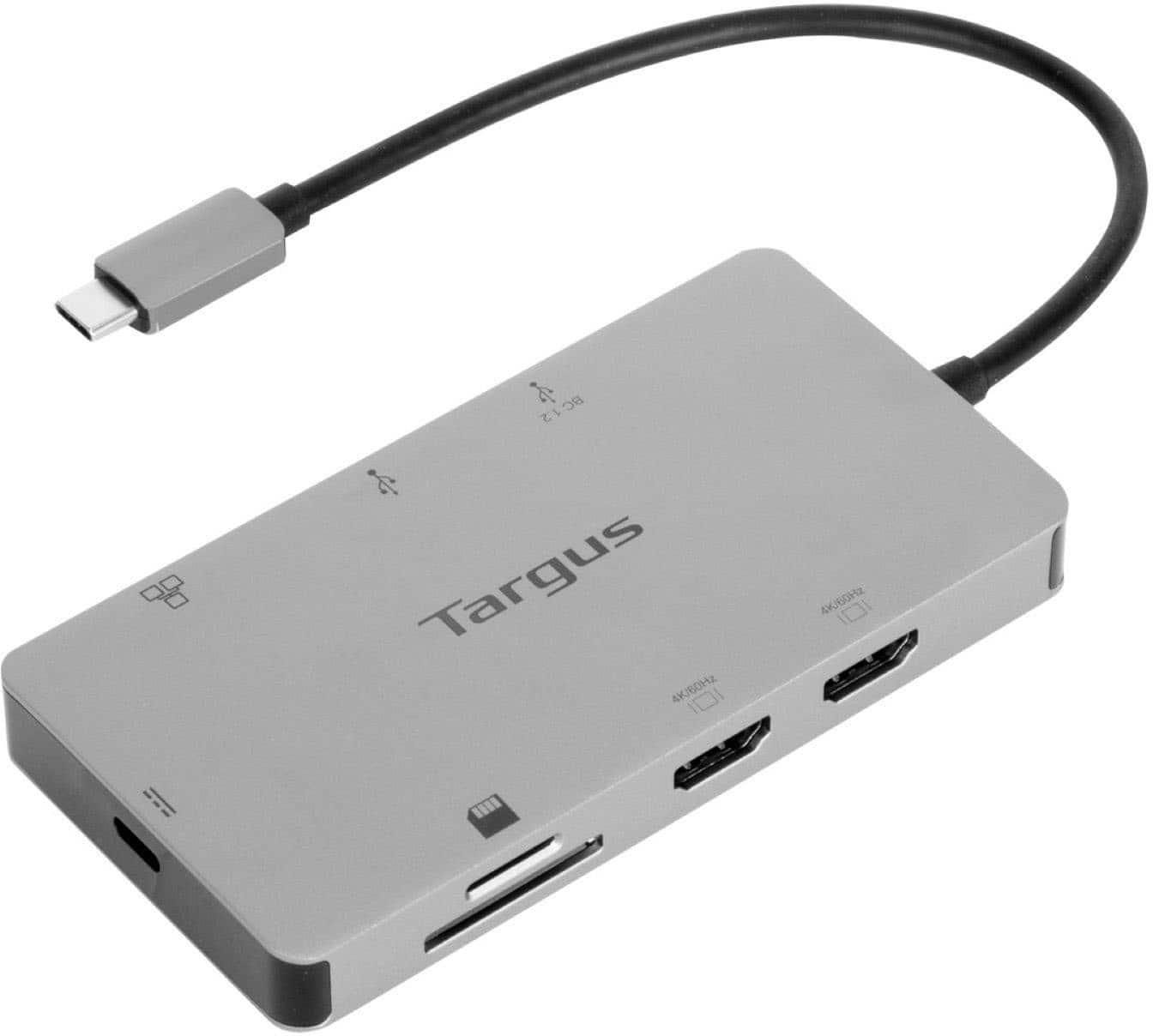
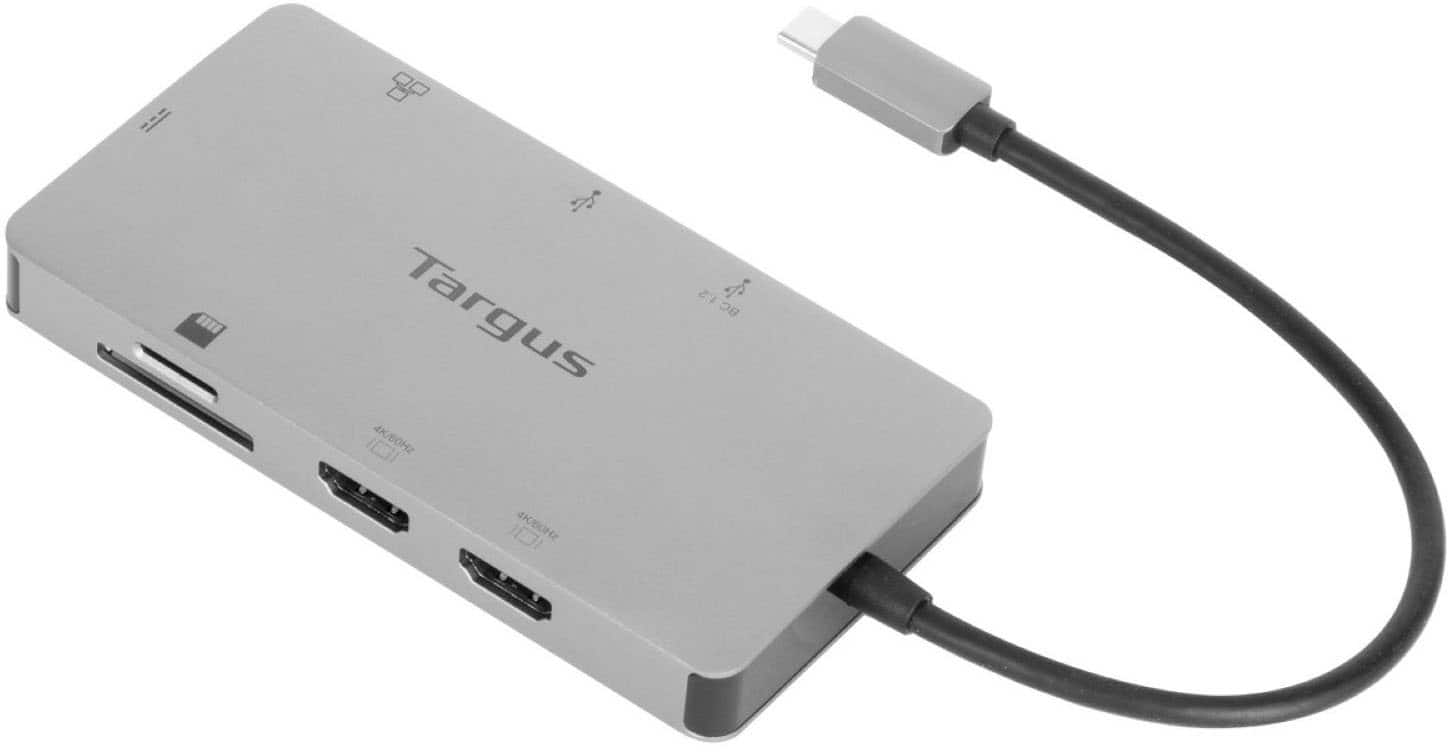
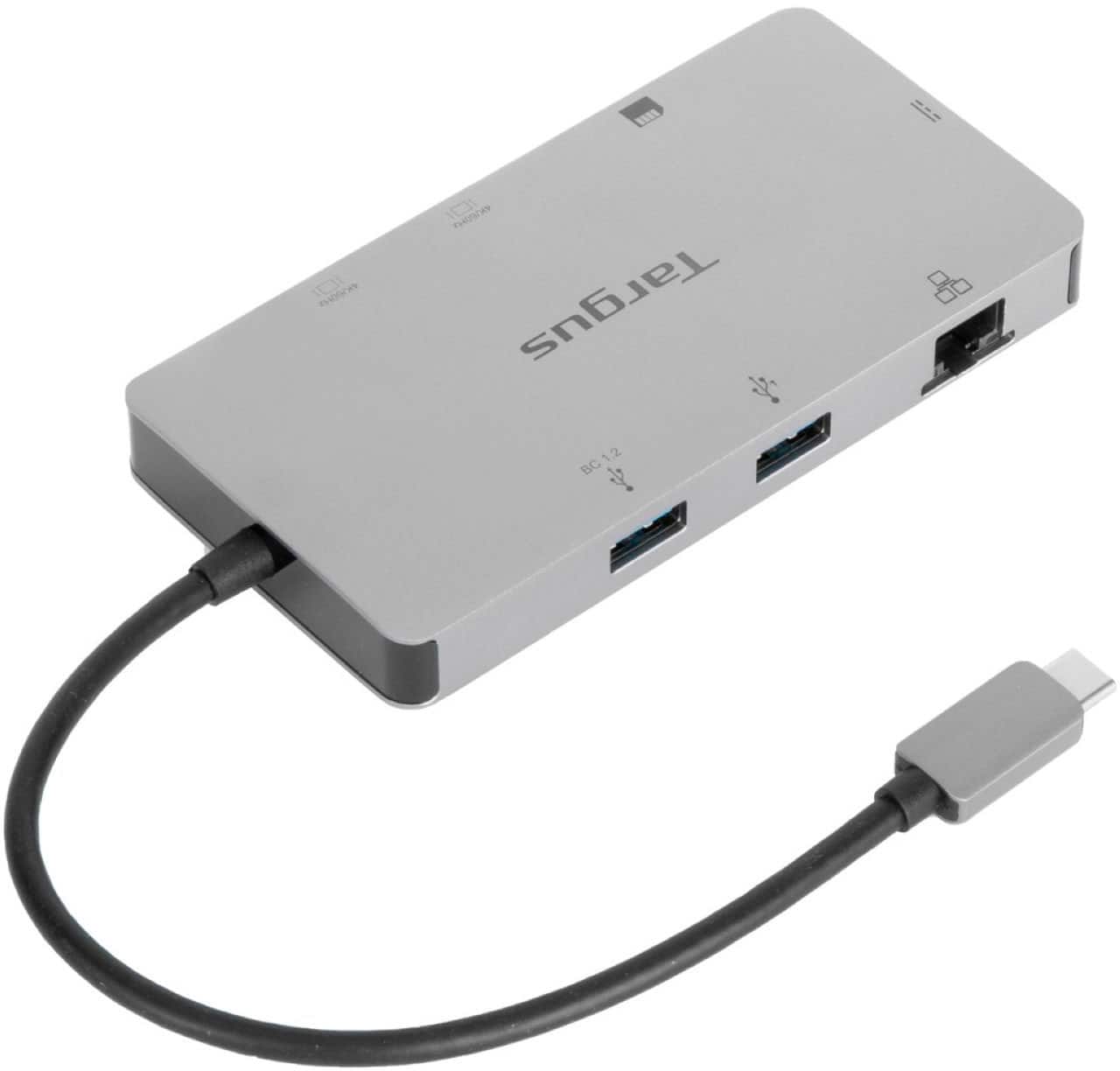


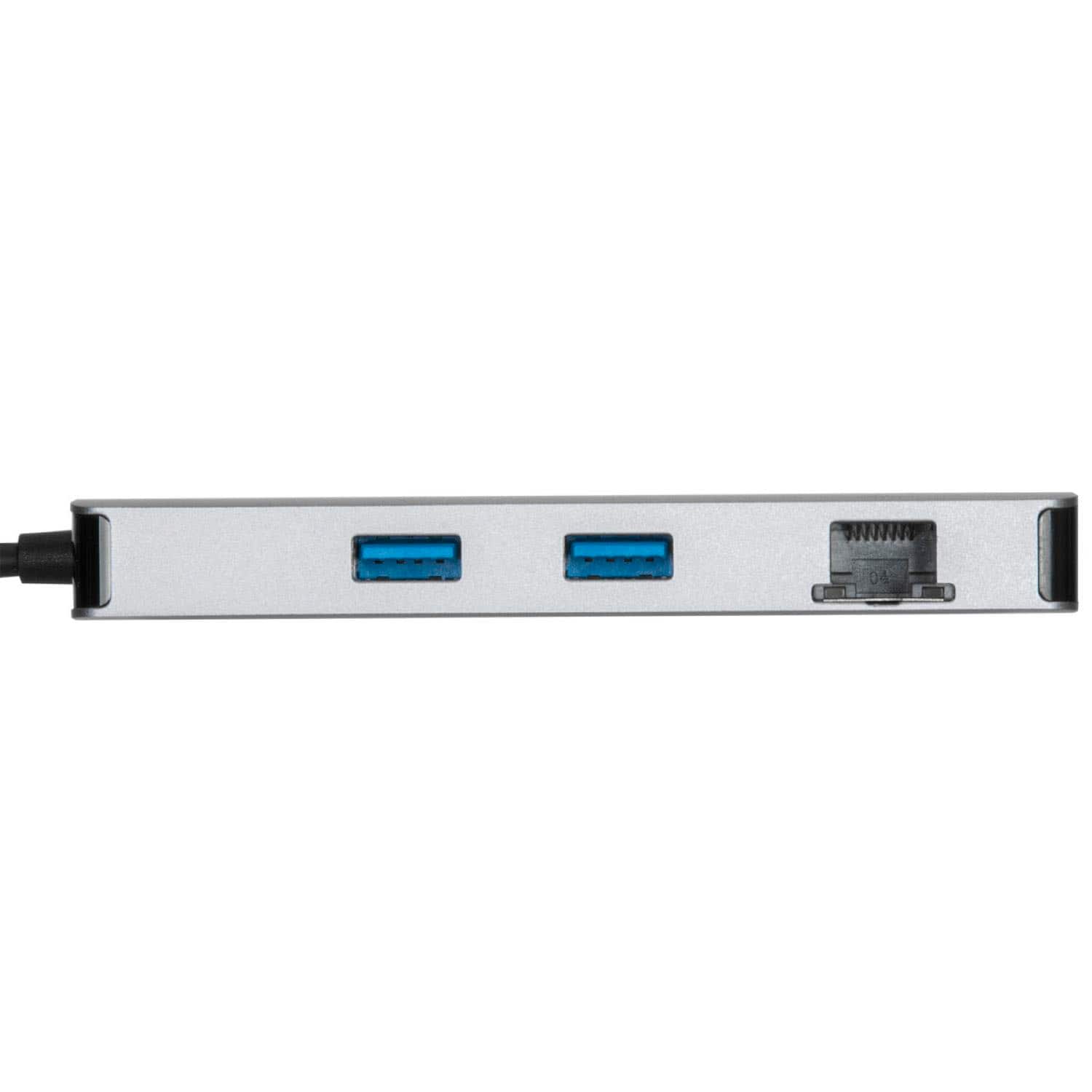
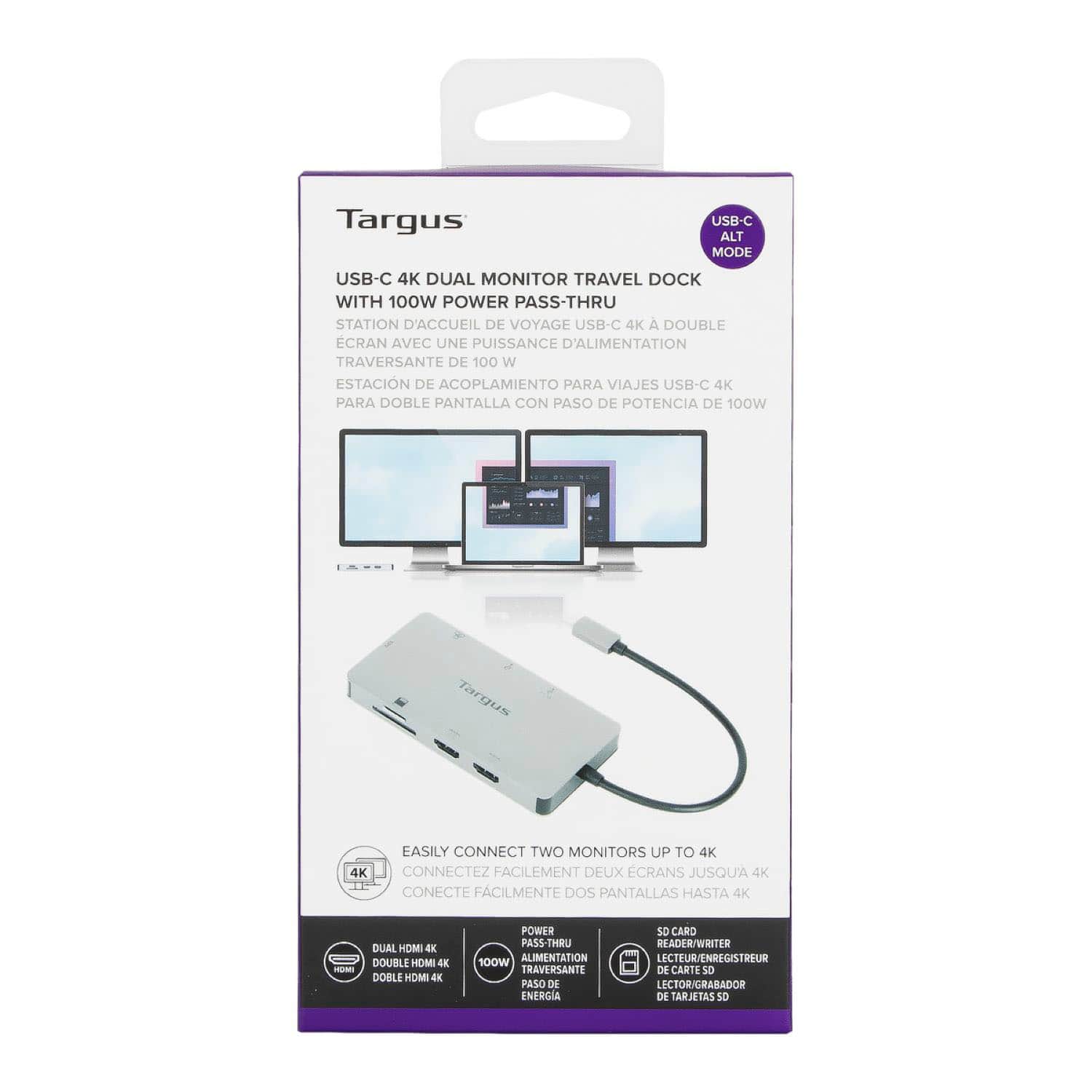
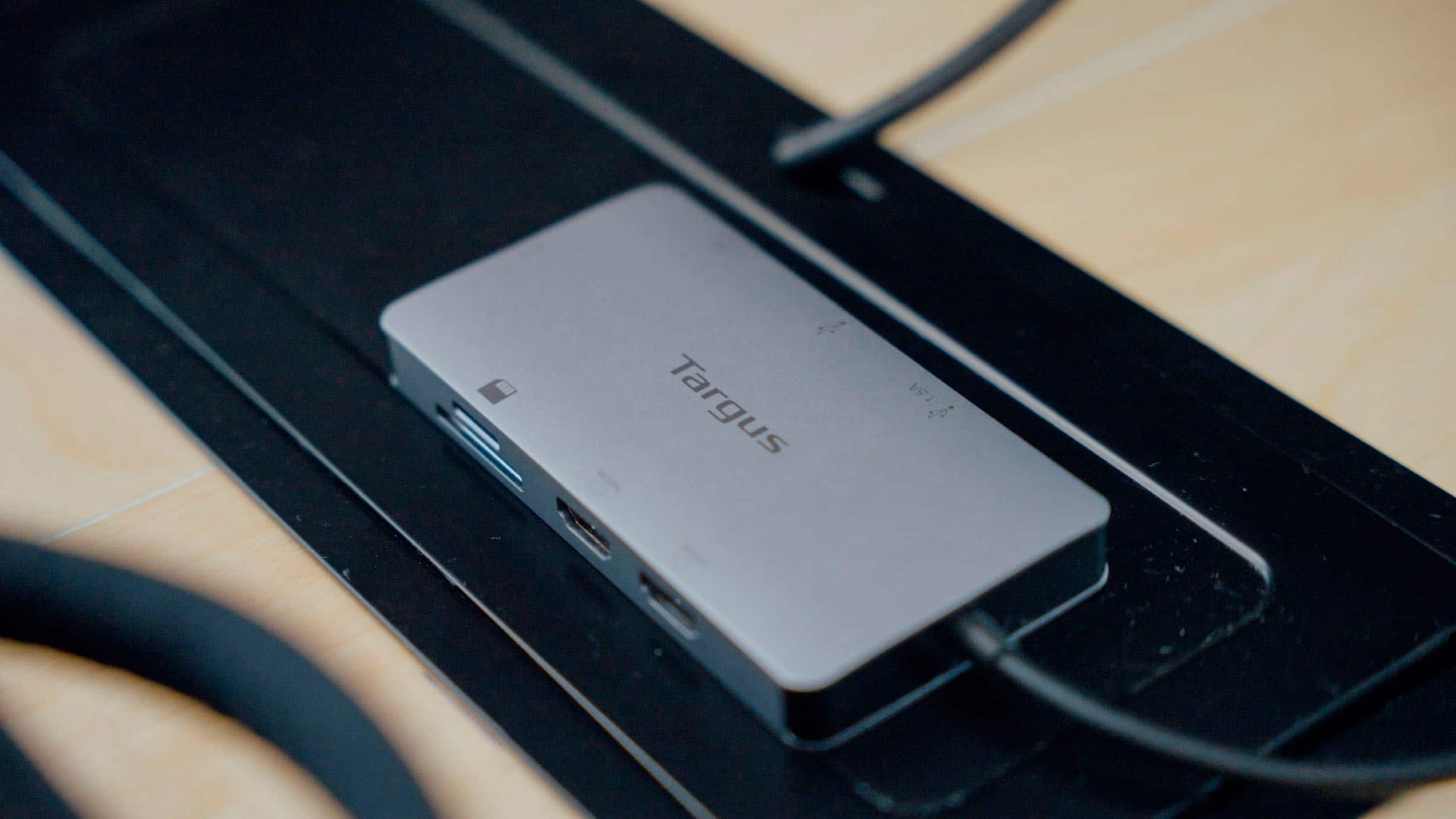
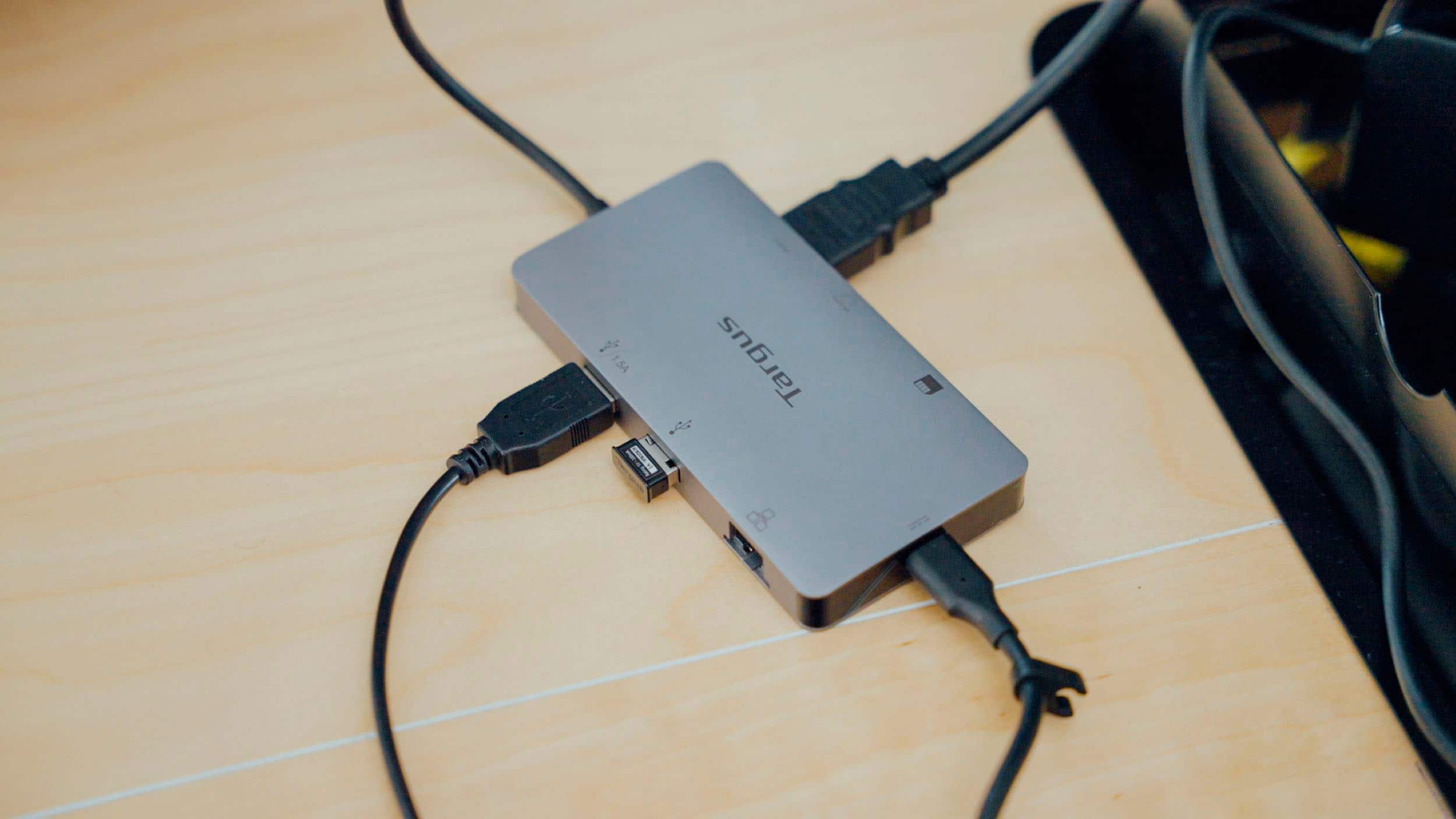
- Model:
- DSU200TT
- SKU:
- 12077270
Rating by feature
- Value
Rating 4.2 out of 5 stars
- Quality
Rating 4.4 out of 5 stars
- Ease of Use
Rating 4.5 out of 5 stars
Love it
||Posted . Owned for 1 month when reviewed.This reviewer received promo considerations or sweepstakes entry for writing a review.Love it super recomendado compacto y práctico love it
I would recommend this to a friendNot for Mac
||Posted .This reviewer received promo considerations or sweepstakes entry for writing a review.Had to return it didn’t work well with my MacBook Pro.
I would recommend this to a friendGreat
||Posted . Owned for 3 weeks when reviewed.This reviewer received promo considerations or sweepstakes entry for writing a review.Good product! Works great for home office setup!!!!
I would recommend this to a friendWaste of Money
||Posted . Owned for 1 year when reviewed.This reviewer received promo considerations or sweepstakes entry for writing a review.This thing is a vile piece of crap. The USB C port is charge only, no data transfer. It disconnects every time it's bumped, so there's no reason for the tiny flexible cord. It malfunctioned when a USB drive was unplugged without safe removal. I imagine the same would be true for SD cards. The only things that work are the HDMI ports. My boyfriend, whose optimism could light the deepest corners of the universe, has agreed to take it off my hands. I will order something cheap from China.
No, I would not recommend this to a friendBrand response from Targus Team
Posted .We are sorry that you have had this experience with this device. Our customer support team would be happy to go over some troubleshooting with you. Please contact them at 877-482-7487 Monday thru Friday 10 AM to 7 PM EST.

Great Product
||Posted . Owned for 3 weeks when reviewed.This reviewer received promo considerations or sweepstakes entry for writing a review.Works perfectly, added two monitors to a laptop easily.
I would recommend this to a friendWorks good!
||Posted . Owned for 3 weeks when reviewed.This reviewer received promo considerations or sweepstakes entry for writing a review.Works as it should. Had no problem connection both my monitors, only issue I had was the wire is very short.
I would recommend this to a friendGreat fix
||Posted . Owned for 3 weeks when reviewed.This reviewer received promo considerations or sweepstakes entry for writing a review.Great fix. My work hub (for home use) went out and (another hub) did not work with my monitors. This device solved the issue!
I would recommend this to a friendNot that great
||Posted .This reviewer received promo considerations or sweepstakes entry for writing a review.They don’t work great with MacBooks, I connected to my MacBook Air and the display in the monitors was turning black every 5 minutes. As if there was no signal. Had to return them.
No, I would not recommend this to a friendBrand response from Targus Team
Posted .We are sorry to hear that this dock does not seem to work for you. Our customer support team would be happy to help you select a dock that would work for your set up. Please contact them at 877-482-7487 Monday thru Friday 10 AM to 7 PM EST.
Good for gaming
||Posted . Owned for 5 months when reviewed.This reviewer received promo considerations or sweepstakes entry for writing a review.Very good for running a monitor off a gaming laptop. Only problem doesnt have a display port only hdmi.
I would recommend this to a friendMonitor flickers
||Posted .This reviewer received promo considerations or sweepstakes entry for writing a review.I purchased this yesterday and the HDMI-connected monitor turns off for about 30 seconds and on for about 10 minutes. I replaced the HDMI cable and it still turned off and on. I swapped the docking station with another one we had in the house, and the monitor worked fine. I narrowed the problem with the specific docking station. I looked online and noticed that this is a complaint the company has addressed so I'm sure it happens to a lot of their products - not just a one-off faulty item. I'm planning to return this docking station and getting one that works, which will likely be cheaper.
No, I would not recommend this to a friendBrand response from Targus Team
Posted .We are very sorry to hear that you're having this issue with your Targus Dock. There are a few things that could cause the flickering that you're describing and we'd very much like to troubleshoot this with you if you could please call us at 877-482-7487, M-F 7am - 4pm.
affordable functionality
||Posted . Owned for 3 weeks when reviewed.This reviewer received promo considerations or sweepstakes entry for writing a review.meets our needs as well as docking stations costing 2-3 times more, without the desktop space.
I would recommend this to a friendDOES NOT WORK WITH MULTIPLE MONITORS ON MAC!
||Posted . Owned for 1 month when reviewed.This reviewer received promo considerations or sweepstakes entry for writing a review.Buyer beware, a sales rep recommended this to me in store to connect multiple monitors to my macbook pro. This device only mirrors the screens, it does not extend them, so if you want all 3 of your monitors to be the same, get this. If not, then look at a jcreate device instead.
No, I would not recommend this to a friendBrand response from Targus Team
Posted .The USB-C using DP Alt Mode will not support extended Monitors on most MacBooks or other Macs as they do not support Multi Stream Transport (MST). To get your monitors extended using a dock I would recommend our DOCK182 or DOCK192 as they use Displaylink Graphics software. If you have any questions about this please reach out to our customer support team at 877-482-7487 Monday thru Friday 10 AM to 7 PM EST. They will be happy to answer any questions.
Steam Deck
||Posted . Owned for 1 month when reviewed.This reviewer received promo considerations or sweepstakes entry for writing a review.Worked good on my Steam Deck for more extra storage
I would recommend this to a friendGreat Small Dual Monitor Dock
||Posted . Owned for 2 weeks when reviewed.This reviewer received promo considerations or sweepstakes entry for writing a review.Works great, only possible issue is my HP laptop computer complains about the power pass through that it is not HP but seems to charge the computer and work fine.
I would recommend this to a friendlasted 15 months
||Posted . Owned for 1 year when reviewed.This reviewer received promo considerations or sweepstakes entry for writing a review.Bought this last summer when I transition from WFH to hybrid. Worked great for 15 months and then suddenly died this week. This was the only docking station available in-store at my local BB and I had to pay full price at the time. Disappointed in the short lifespan given the original cost. I only used it for monitors and that worked fine, cannot say if the transfer speed for other delivers worked well or not. I've had other Targus products without issues over the years. I will likely not buy another one of this brand or model as I would prefer one that plugs in directly to the wall for power.
No, I would not recommend this to a friendBrand response from Targus Team
Posted .Please make sure that your PC is fully up to date. PC maintenance is important not just Windows updates. If updates don't seem to correct this please reach out to our customer support team at 877-482-7487 Monday thru Friday 10 AM to 7 PM EST. They will be happy to take a closer look.
External reader and port and phones to monitor
||Posted . Owned for 1 month when reviewed.This reviewer received promo considerations or sweepstakes entry for writing a review.This is good for connecting compatible android phone to a big screen using hdmi port. Some Laptop or pc device might not be compatible to connect to another screens. I learn that thinking I can connect multiple screens. I use this as a external reader and usb port.
I would recommend this to a friendSingle monitor only
||Posted . Owned for 2 weeks when reviewed.This reviewer received promo considerations or sweepstakes entry for writing a review.The box showed a MacBook with two external minutes monitors however that’s not the case. Although this dock does have multiple output display ports it can only support one monitor through it. The only way i could get two monitors is by using the dock for one display and wiring a second directly to the MacBook Pro HDMI port or purchase a dock that supports display link which is what I ended up doing.
No, I would not recommend this to a friendBrand response from Targus Team
Posted .Dual display support with MacBook will depend on the MacBook and what it will support via the USB-c/Thunderbolt ports. Our customer support team would be happy to help you look further into this. They can be reached at 877-482-7487 Monday thru Friday 10 AM to 7 PM EST.
Loving it
||Posted . Owned for 2 months when reviewed.This reviewer received promo considerations or sweepstakes entry for writing a review.Strong, fast, and durable. Its a bit on the expensive side but definitely worth it, especially with its many adapter options
I would recommend this to a friendGreat for older DSLRs
||Posted . Owned for 3 weeks when reviewed.This reviewer received promo considerations or sweepstakes entry for writing a review.Awesome option for older DSLR. My DSLR is nearly 10 years old, paired well with my Mac that’s 9 years old
I would recommend this to a friendGreat device
||Posted . Owned for 1 month when reviewed.This reviewer received promo considerations or sweepstakes entry for writing a review.I have been very happy with the hub. I tried a cheaper one and didn’t have the best luck. I power my laptop and two monitors with no issues.
I would recommend this to a friend