Customer Ratings & Reviews



- Model:
- P55W-C5316-4K
- SKU:
- 4516900
to a friend
Customers are saying
Customers have good things to say about the Satellite Radius 2-in-1 laptop's touch screen, 4K display, versatility, storage, processor, and RAM. They appreciate the exceptional price, stunning display, and the speed and storage capacity of the laptop. However, some customers have concerns about the short battery life, software compatibility issues, display driver crashes, frequent WiFi connection drops, and the lack of an Ethernet port.
This summary was generated by AI based on customer reviews.
- Pros mentioned:Price, Touch screen
Din't live up to expectations
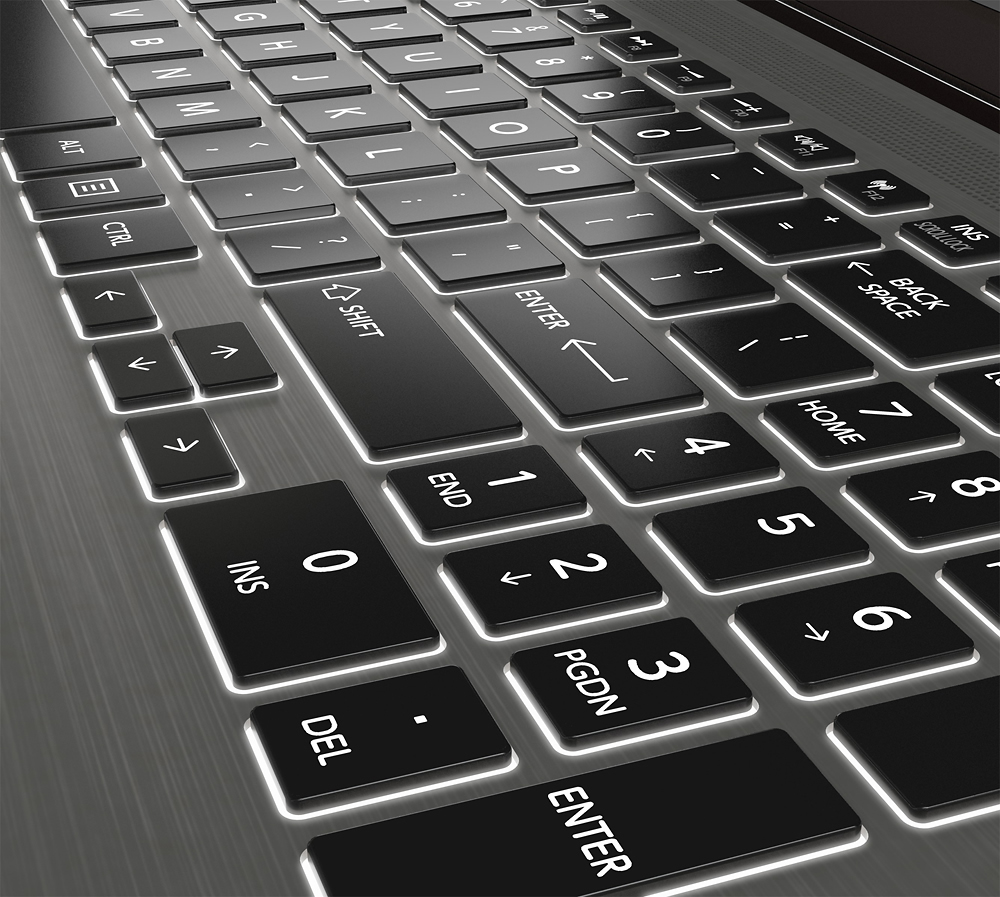
Posted .This reviewer received promo considerations or sweepstakes entry for writing a review.I purchased this laptop as a replacement to my old Toshiba Satellite work laptop. My old laptop was a workhorse for 5 years. Not a single issue or complaint. I purchased this one for work as well, no gaming, no heavy designer apps. I was looking for a decent laptop, with enough power and reliability. Unfortunately, it started freezing and crashing the very same day I bought it. When I looked up this laptop on Best Buy, I noticed 3.7 star review rating versus 4.3, at the store, where I purchased it. At the time of the purchase this product didn't have as much reviews as it has now, so I guess more and more problems were unveiled. Impressions after 3 weeks of ownership. Pros: The display has a great resolution. The touch screen is pretty responsive. The keyboard with backlight is pretty comfortable. It has a pretty slick design. Price Cons: Regular Issues with freezing and crashing. Although the display is very clear, it is not bright enough. For 12GB of RAM with cori I7 of 6th generation, this laptop is definitely slow. The touchpad requires some time to get used to, even though the size of it is good, sometimes I miss the buttons. It is edgy and not comfortable to use from certain angles. Now, I am trying to do a smart shopping, looking at reviews, before going to Best Buy to exchange it for another laptop.
No, I would not recommend this to a friend - Cons mentioned:Software compatibility
Awesome 4K video!
Posted .This reviewer received promo considerations or sweepstakes entry for writing a review.Awesome 4K video! I bought this laptop because I wanted to be able to utilize the 4K video from my new I phone 6S plus. It did not disappoint! It plays the video flawlessly and very fluidly. It does not get bogged down or slow down. No video stutter like I have experienced with other laptops. It Included cyber link video editing software which is great for editing the 4K video and also can be used to export to YouTube. The only problem I see is some older programs have a problem with scaling so you will end up with very small text on the screen almost impossible to read. I noticed this with QuickBooks. Newer software will have no problem scaling to the 4K display. Battery life seems to be fairly good. I will need more time to fully evaluate this unit but so far I am very pleased!
I would recommend this to a friend - Pros mentioned:Touch screen
Great Computer!!
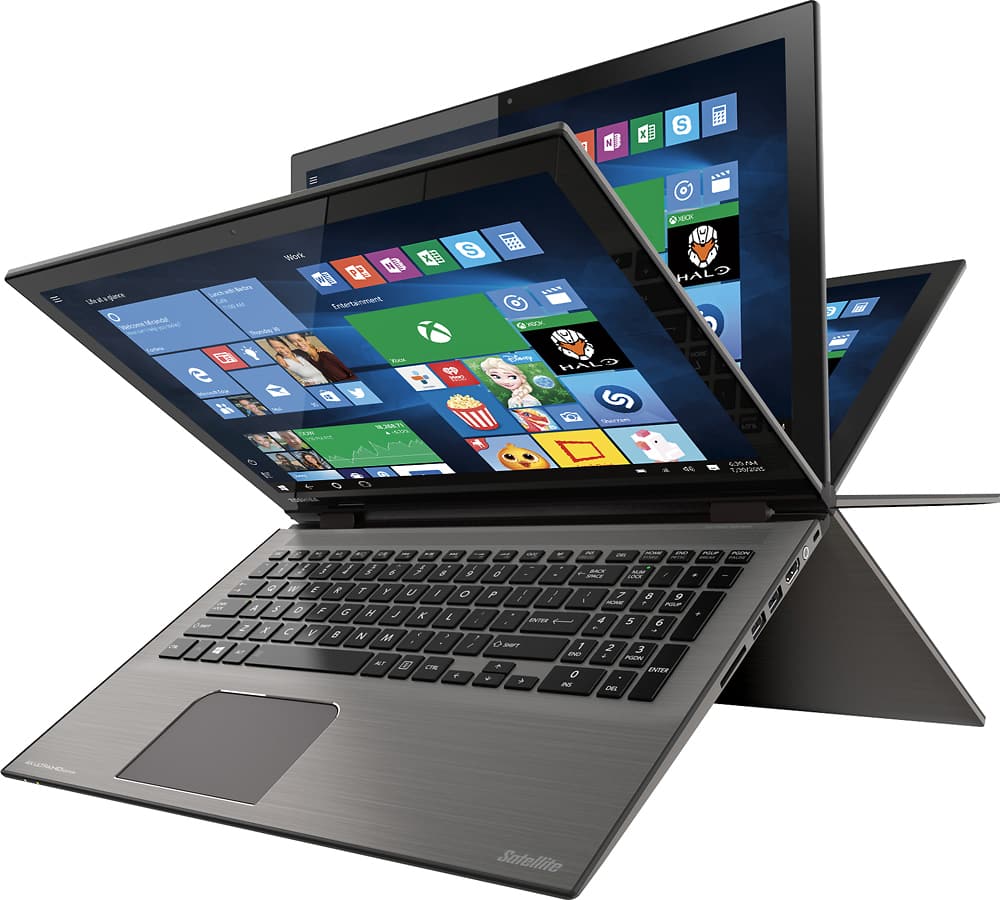
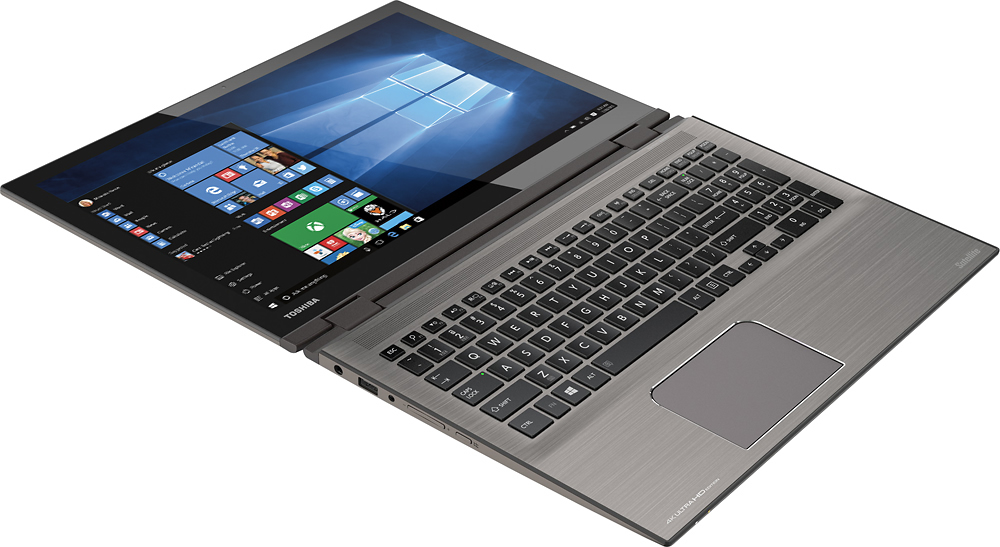
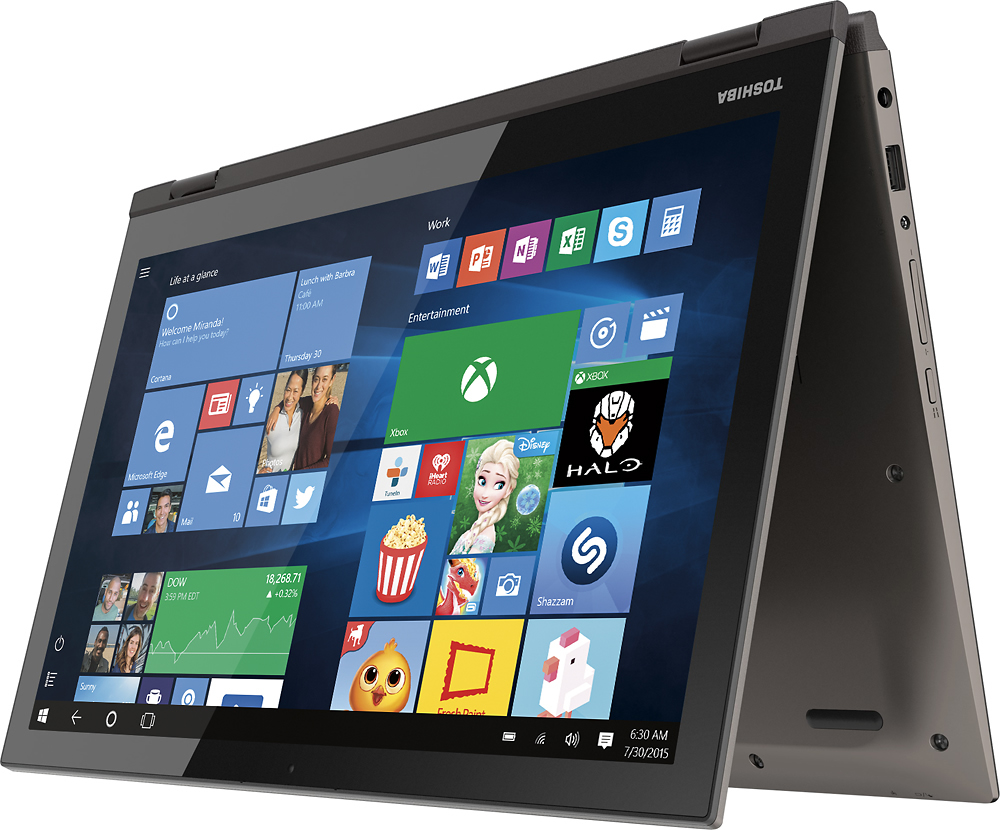
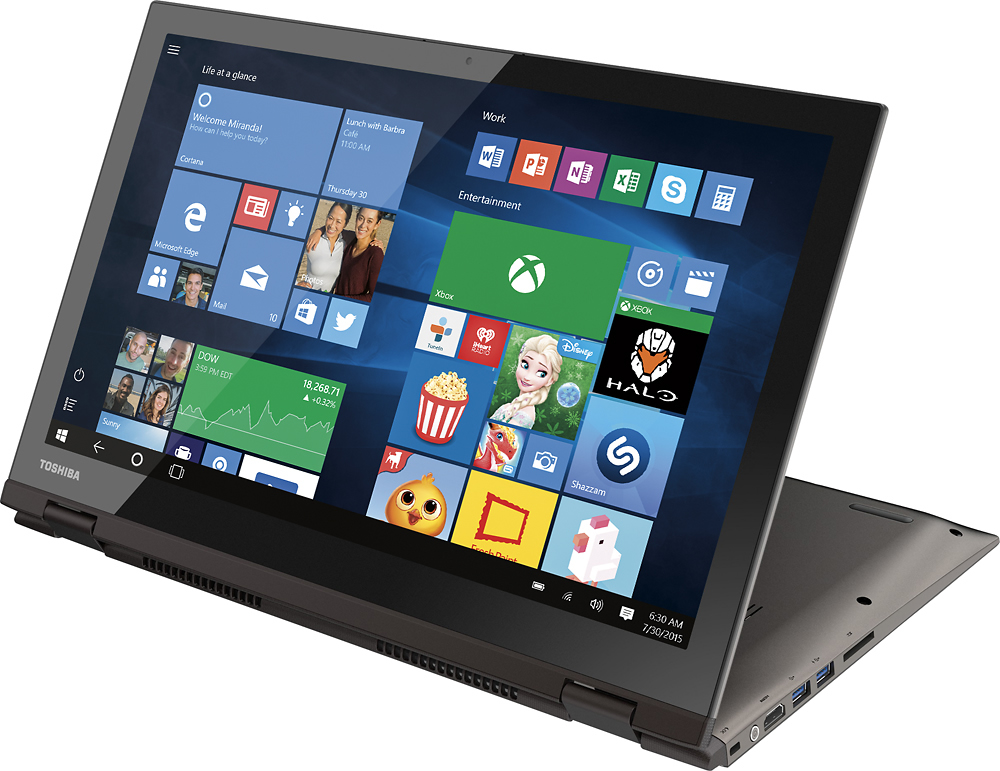
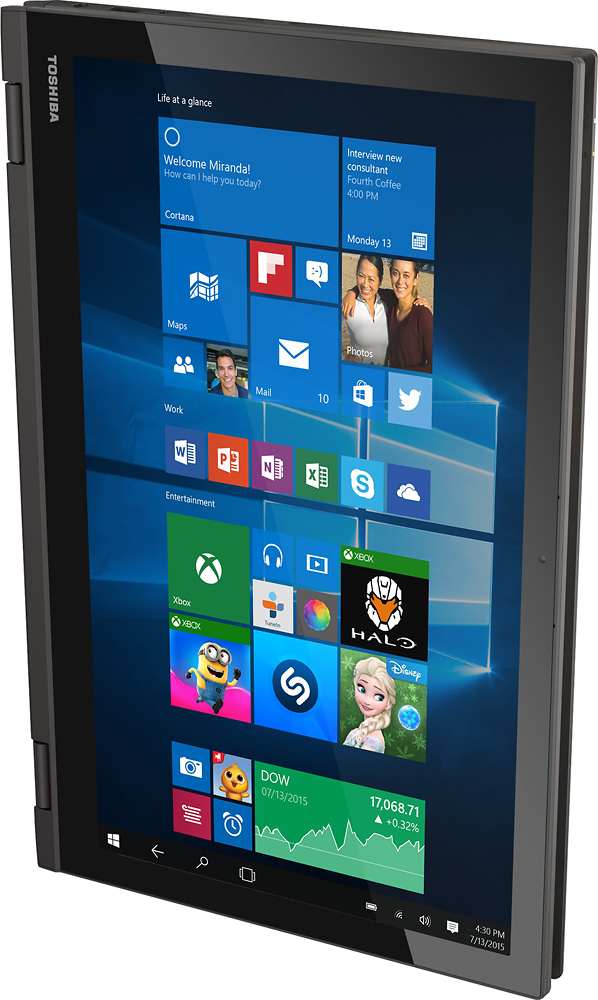
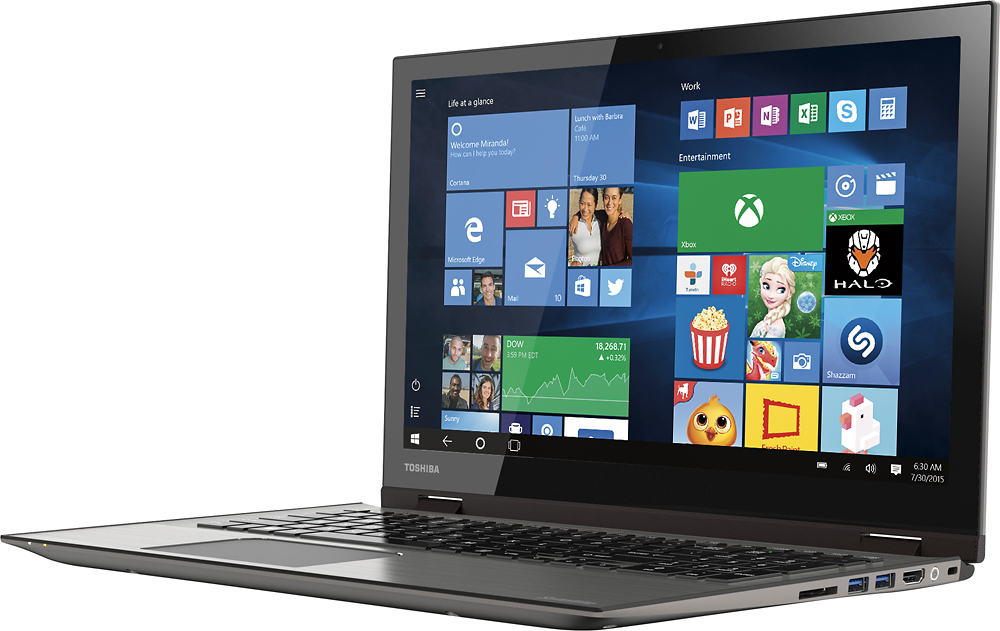
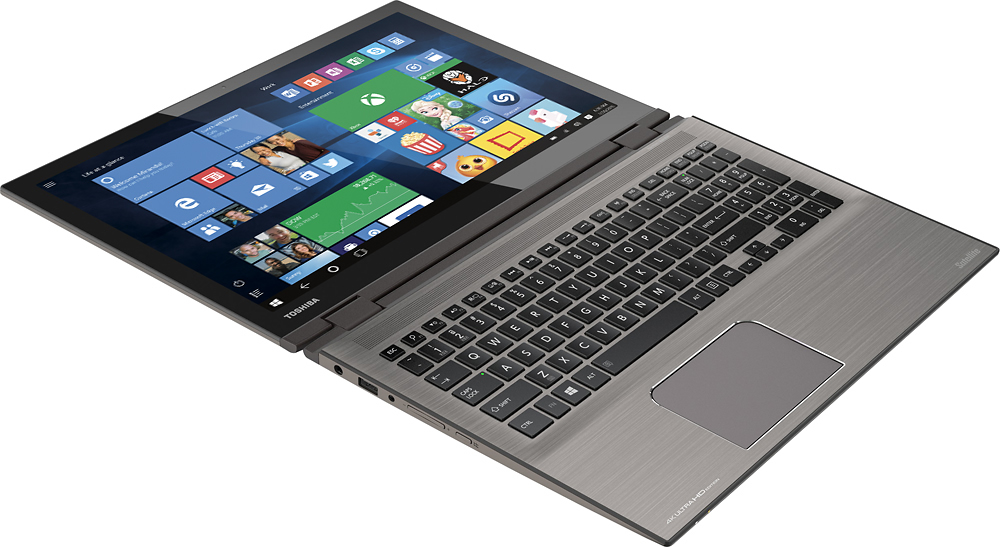
Posted .This reviewer received promo considerations or sweepstakes entry for writing a review.Ok, first off, let me start by saying that i shopped around a lot for a laptop, and couldn't find one that i liked for myself. One day i came across the Toshiba 4k HD laptop. The screen resolution is amazing, which will definitely work for my photography. The 12gb is plenty for multitasking and if your a person to switch back and forth through programs and windows. Another thing that i noticed is that it is very sleek, a plus for me for storing it in my tech bag. Only down fall, is that it doesn't have an optical drive. Don't worry! I went out and purchased an external blue ray drive for it which was also thin and convenient for only $79. The blue ray movies look stunning on the HD screen. The keyboard is definitely easy to navigate and type on. Also, it is backlit, so for a person who is up late and doesn't want to have a room light on, it is very useful. The computer loads up very fast from being turned on. If you are looking for a very professional computer for business or even a computer for a student i would definitely recommend this one. Furthermore, the computer is a 2 n 1. You can use it as a computer or even a tablet. Tablet style makes it very useful if your on the go and in tight places, like the car. From reading all the comments below before purchasing, i took a chance and i love it. I haven't had a bad experience with this laptop yet. So far it has been very reliable. My keyboard hasn't been sticking, i haven't had any problems. Long story short: its a great laptop, feels sturdy and reliable, it can handle multitasking with 12 GB of RAM, ample storage with 1TB hard drive, 4K Ultra HD screen resolution at 3840x2160, touchscreen capable, and fast with Intel i7 processor
I would recommend this to a friend Bad computer
||Posted .This reviewer received promo considerations or sweepstakes entry for writing a review.Purchased this computer for my wife . It crashed during setup! Exchanged for a different computer.
No, I would not recommend this to a friendNot impressed
||Posted .This reviewer received promo considerations or sweepstakes entry for writing a review.I have had to replace this compute 3 times in under a month. I would not recommend this product.
No, I would not recommend this to a friend- Pros mentioned:4k display
Excellent 4K convertible laptop in 15.6 in format
Posted .This reviewer received promo considerations or sweepstakes entry for writing a review.If you are looking for a 4K in convertible form factor with a larger than 13 in display, then this is it. I have had this laptop for just a week, and I love it. The reason all the 4K offerings in smaller than 15.6 in format don't work for me is that such high resolution is too difficult for the eyes to tell from laptop distance, and the fonts and icons tend to be too smaller. 4K really needs to be used like a tablet, about 1 foot or so from the eyes to appreciate, or it needs a larger screen size, 15.6 or more. So this offering is a more rational setup for a laptop. As a 15.6 in laptop, it is very thin, and not heavy, easy to carry around. The display is bright enough for most in door use, and at night, even running the display brightness at 50% is sufficient. I know the Apple screens have brighter screens, but that's only needed in a bright showroom. When using at home, too bright is not actually comfortable for the eyes, as homes are not as brightly lit as Best Buy store. This laptop in 6th gen i7 is very fast, and since I had a Samsung 840 Evo SSD lying around, I replaced the stock 5400rpm drive with the SSD, and the responsiveness of the laptop is blazing fast, plus no drive spinning and seeking noise. The lone fan of the laptop is very quiet most of the time, and the bottom of the laptop is not hot on uncomfortable to place on the lap. The aluminum carbon grey top is gorgeous. I love this laptop.
I would recommend this to a friend - Cons mentioned:Battery life, Display driver, Wifi
Do Not Buy This Laptop!
Posted .This reviewer received promo considerations or sweepstakes entry for writing a review.I brought this in the January sales and was so excited as I'd been waiting to replace my 10yr old laptop. After extensive research on the net I'd originally settled on a Dell, BestBuys dont sell the model I had my sights set on and the price didn't come down in the sale so I was delighted when I found this laptop in Bestbuy for a fraction of the price but with near enough the same specification as the Dell. Thought I was onto a good thing and loved the 4k touch screen and when the BestBuy sales rep told me the battery life on the Toshiba was 10hrs I was sold and ready to start loving this new laptop. Sadly it's been nothing but disappointing. Ok, so whats gone wrong so far: 1. Blue screen with a load white symbols covering the whole screen, laptop then rebooted. I've seen this twice now and both instances were light use. 2. Runs out of memory, locks up and then has to be rebooted. I've seen this at least twice now too, no plausible explanation, there's 12GB in this machine! 3. Display Driver crashes, every single use. It locks up the screen and then resets. 4. Battery life, NOT the boasted 10hrs but more likely 2-3hrs. 5. WiFi - Struggles to connect and when it does the speed is so unbearably slow I have to type something in google search and then leave it to think about it. The worst time I've had to wait when booking an airplane ticket was 5minutes just to load the availability page, my tablet loaded the same page in seconds. I'm travelling outside of the U.S for a few months so unable to return to store atm. This product is so useless right now I've a good mind to simply chuck it in the bin!
No, I would not recommend this to a friendBrand response from ToshibaStaff
Posted .Thank you for the review, DIST and sorry to hear about the issues you're having with your Satellite P55W-C5316-4K.
I recommend doing a Windows Refresh or Reset to restore Windows to a reliable configuration to see if that eliminates the symptoms you're experiencing. The Toshiba Forums community knowledge base article at forums.toshiba.com/t5/System-Recovery-and-Recovery/How-do-I-reset-my-Windows-10-computer-to-factory-defaults/ta-p/657990 has more details and step-by-step instructions for that process.
If any issues persist after that operation please contact Toshiba support at 800-457-7777 or, depending on your travel schedule and location, visit support.toshiba.com/contact for other contact points.
Thanks for the feedback and sorry for the trouble. Have a safe trip.
Cheap product
||Posted .This reviewer received promo considerations or sweepstakes entry for writing a review.I bought 2 of this laptop and could not set it up, they both are broken, the screen keep saying JUST A MOMENT and never end, called the manufacture and they said bring back to Best Buy and return them.
No, I would not recommend this to a friendPerfect 2-in-1 Laptop
Posted .This reviewer received promo considerations or sweepstakes entry for writing a review.We got this laptop while having a dedicated laptop and tablet, but noticed we typically like using the laptop more. So figured, why not get a convertible, so when we need to use tablet features we can on the same device. The hinges are sturdy (thus far), the touch screen seems to work great, and it comes with 12GB of memory which is great for photography and photo editing. The laptop does come with a new Intel 6th Gen i7, however, what seems to be choking it down is the mechanical hard drive that is included. Its a very poor performing hard drive, and really kills the moment having a decent mobile CPU installed. So right away, we ordered an SSD to hopefully have the ability of utilizing the full potential of this laptop. The 4K screen is really nice and again is a really nice machine for basic photograph and/or video editing and watching movies. The only other down-side to this machine is the touch-pad having gone pretty wonky only after a couple weeks of using it. Probably one of the lowest quality touch-pads I have used, but it does have it perks as well. Touch-pads typically come down to personal preference and what you utilize the machine for when using it portability.
I would recommend this to a friend- Pros mentioned:Touch screenCons mentioned:Software compatibility
Great Laptop
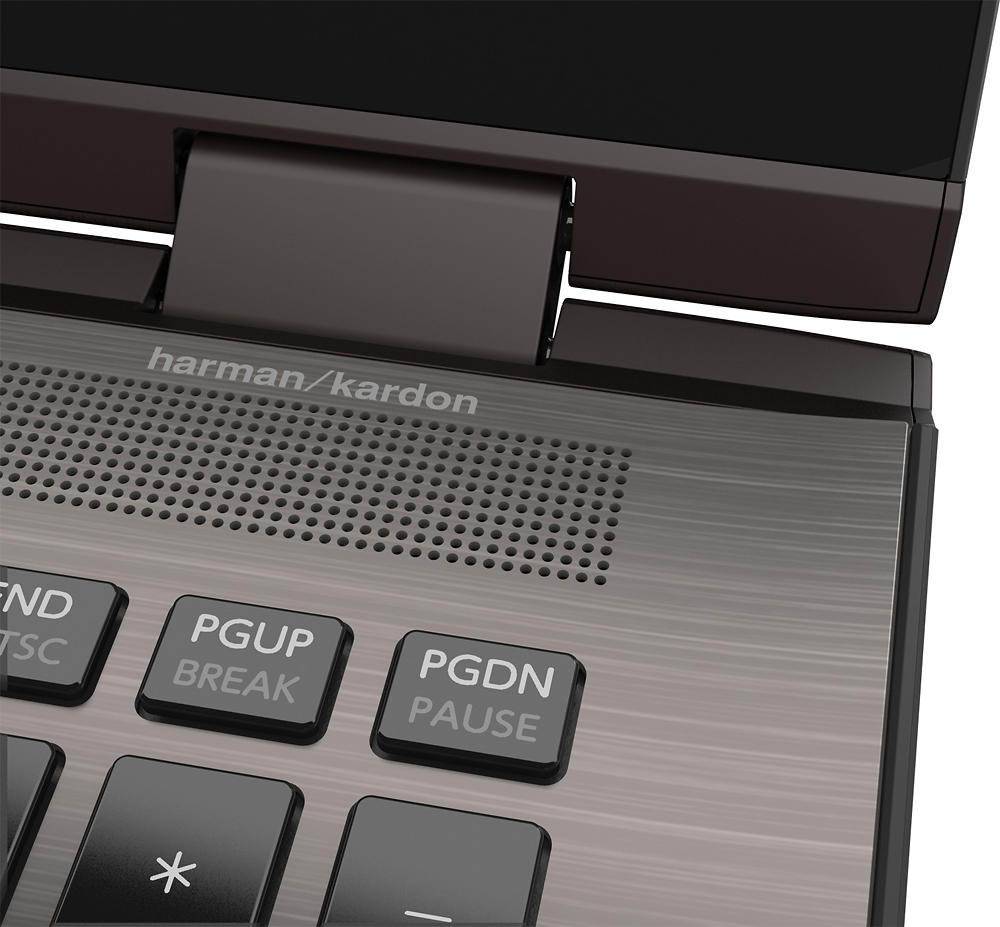
Posted .This reviewer received promo considerations or sweepstakes entry for writing a review.I have a 2011 model MBP and I bought this laptop last Saturday. I think it is a good supplement to the MBP. Compare to the MBP, I conclude pros and cons as follows, Pros: 1. The Ultra HD Touch-Screen is outstanding. Thanks to 6th generation i7 CPU, it is really comfortable to watch 4k video. Significantly better than my MBP. 2. High-end design. Yes, it is very beautiful. 3. Harman Kardon speaker is obviously better than my MBP. 4. Backlit keyboard and touchpad. Not as good as MBP but I can accept. Cons: 1. The 1T hard disk is weakness of this model. Why not upgrade to 256G SSD? 2. The i7 6500U is not the most powerful CPU. You have to understand this before you decide to buy this laptop or any other ones with i7 6500U! Please consider i7 XXXXHQ (4700HQ for example) if you really need the most powerful laptop. 3. Some crash due to Windows 10. I met "Display Driver Stopped Responding and Has Recovered" several times today. I solved this following the instructions in this video. https://www.youtube.com/watch?v=Lnf6BeviDVc
I would recommend this to a friend Can damaged
||Posted .This reviewer received promo considerations or sweepstakes entry for writing a review.This computer came damaged in box. Would shut down randomly. Returned it
No, I would not recommend this to a friend- Pros mentioned:4k display, Touch screen
WHAT'S NOT TO LIKE?
Posted .This reviewer received promo considerations or sweepstakes entry for writing a review.I got this on sale (NEW) for $549.00!!!!! The 4k display is stunning, great responsive touchscreen, backlit keyboard, 1TB, 12 gigs of ram, full 360 screen rotation, and i7 6500U processor.
I would recommend this to a friend Horrible Laptop
||Posted .This reviewer received promo considerations or sweepstakes entry for writing a review.This is faulty laptop. Touch screen does not work.
No, I would not recommend this to a friendVideo issues
Posted .This reviewer received promo considerations or sweepstakes entry for writing a review.Good computer overall; it tries to hit on a number of consumer issues, but misses on others. Your biggest concern will be video and hard drive performance. Be prepared...when upgrading Win10 to 1555 update you will inherit a blue stripe across the bottom of your screen at boot up. (You will not see the stripe during normal computer operation.. it only occurs at boot.) I initially tried a P55w-B5208 and took it back for the same problem. I was saddened to see the issue remains on the C5316. Also..video performance within Windows is okay, but drags on pages with complex html. Hopefully Intel or Toshiba will rewrite the driver to remedy difficulties with html or the infamous "blue stripe" you'll see during boot. Hard drive speeds lag on boot up. I recommend new owners change to an SSD immediately. It won't fix video issues, but will make the unit perform comfortably.
No, I would not recommend this to a friend- Pros mentioned:Versatile
Very nice laptop, well built!
Posted .This reviewer received promo considerations or sweepstakes entry for writing a review.I have owned this laptop for about 1 1/2 months now, with daily use. It has everything I was looking for. It is lightweight and easily portable, has a full numeric keypad, fast boot time, load time, and switches between tasks beautifully. The metal chassis is very appealing to the eye and well built and sturdy. The keyboard itself is very stable and the keys are very comfortable to type on. The touch screen is very responsive and allows you to maneuver quite easily. I have had absolutely no issues, it has worked perfectly since day one. This is my first Toshiba brand and I am very very happy with my choice.
I would recommend this to a friend - Pros mentioned:Speed
Good laptop
Posted .This reviewer received promo considerations or sweepstakes entry for writing a review.Have had for a couple of weeks, purchased on sale, was a great value for the specifications. Computer does everything it is supposed to do, is very fast. Great screen resolution and picture when watching videos. Still getting used to Windows 10, so for not a fan. Came from Vista which I actually liked. the only hardware item I do not like is the location and size of the power button. It is on the side near the hinge, close to the HDMI port. Very difficult to manipulate especially when a cable is in the HDMI port. Overall a competent machine.
I would recommend this to a friend - Pros mentioned:Touch screenCons mentioned:Battery life
Great, but no battery life
Posted .This reviewer received promo considerations or sweepstakes entry for writing a review.This is a nice laptop. It does hesitate some, so it's not screaming fast, but it's good and the touch screen is good. I'm a average user and happy with everything except the battery. If you need more then 2- 21/2 hours battery life I would get a second/third battery.
I would recommend this to a friend - Cons mentioned:Battery life, Display driver
Constant Crashes and Very Disappointing Laptop
Posted .This reviewer received promo considerations or sweepstakes entry for writing a review.Very disappointed in this laptop was hoping for so much more, I have owned various Satellite laptops over the years and have always been happy with them so when I seen this laptop I was excited and thought it would rock, I was very wrong. Display driver constantly crashes, computer will completely lock up to the point that it needs to be rebooted, very slow start up, battery doesn't last anywhere near what is advertised, and no etherport that was advertised. Don't even bother calling Toshiba for support they will try to charge you to fix the problems because they say they are a hardware company and cannot be responsible for any software on the computer even though they installed it. Look for another 2 and 1 and not a Toshiba
No, I would not recommend this to a friendBrand response from ToshibaStaff
Posted .Thank you for the review, Kwhiteha, and sorry to hear that you've had some trouble with your Satellite P55W-C5316-4K.
Display driver crashes are typically resolved by updating or reinstalling the display driver. I recommend visiting support.toshiba.com/support/modelHome?freeText=1200010968 to download and install the latest driver. (As of today, 1/8/16, the latest Intel Display driver was posted on 12/23/15.)
I wonder where you found a battery charge life specified in advertising. Since the per charge battery life is extremely dependent upon usage, Toshiba typically will only specify a maximum ("up to") battery life or will indicates what specific test was being used for a specific battery life result.
If the display driver and/or lock up issues continue after updating the display driver, I recommend performing a Windows Refresh or Reset. This will correct any issues introduced by 3rd party software or Windows configuration changes.
See the Toshiba Forums community knowledge base article and its embedded video at forums.toshiba.com/t5/System-Recovery-and-Recovery/How-To-Understanding-System-Restore-Refresh-Reset-and-Recovery/ta-p/342690 for detailed instructions on how to perform a Windows Reset or System Recovery.
Also, please feel free to visit support.toshiba.com and forums.toshiba.com for more information and troubleshooting help, if needed.
Thanks again for the review and sorry for the trouble.
- Cons mentioned:Software compatibility
Don't Buy This
Posted .This reviewer received promo considerations or sweepstakes entry for writing a review.This laptop does not support Quicken 2014 and Office 2007, unlike its competitor, the new ASUS 2-in-1. The menu icons on the IE v11 is so small it is hard to find. I have not downloaded the rest of my apps but one thing that is consistent is this laptop has a serious graphics display or driver issues. Called Toshiba and they said that the solution is to return to Best Buy and get a different brand that works for me. Outrageous! I was apprehensive in buying this laptop because of reviews on the graphics issue. Well, it's true so don't waste your time and money on this defect.
No, I would not recommend this to a friend Probably going back - horrible wifi
Posted .This reviewer received promo considerations or sweepstakes entry for writing a review.I have had this computer for three weeks now and at first there were some small annoyances I could live with, such as a super sensitive touch pad that would randomly zoom and reduce the screen. As I prefer a mouse, this was livable. The keypad (for anyone used to older laptops) is another challenge, but not insurmountable. It is very easy to triple/quadruple letters effortlessly, if you are a little heavy handed with your typing, so learn to proof-read everything until you adjust your typing. There have been some freezing issues early on as well, but those have seemed to dissipate. Lately, there has been a significant issue with the wifi connection. My computer sits 20 feet from my 6 month old Netgear router with no obstacles between. First, I lose connectivity, even though the signal is full, and then my wif becomes disabled. Then the F12 button, which is supposed to be used to turn wifi on/off, works great at putting the computer into airplane mode, but not at turning wifi on. It won't do it. Go into network settings and click on enable wifi and nothing happens. Turn off the computer and the wifi comes back on, not a great work around, especially if you are in the middle of downloading software. At this point I went on-line looking for a solution, and all the people with problems with Toshiba wifi came rolling out. The most common solution, outside of getting a different computer, was to turn off the internal wifi and buy a usb wifi adapter. I wish I had seen these reviews while researching this product.
No, I would not recommend this to a friendBrand response from ToshibaStaff
Posted .Thank you for the review, Chris, and sorry to hear that you're experiencing a Wi-Fi problem with your Satellite P55W-C5316-4K.
If Windows is displaying a "limited" or "no connectivity" message or indicating "no Internet access" even though you know that your Wi-Fi router is connected to the Internet, there's a fix which is normally installed automatically by Windows Update.
Microsoft's support article at support.microsoft.com/en-us/kb/3114149 explains details about the symptom, cause, and how to implement the solution. Toshiba also has a Support Bulletin at www.support.toshiba.com/sscontent?contentId=4008443 with detailed instructions on how to manually implement the solution.
Thank you for the feedback and sorry for the trouble.
Thanks for the feedback and for choosing Toshiba.