Customer Ratings & Reviews
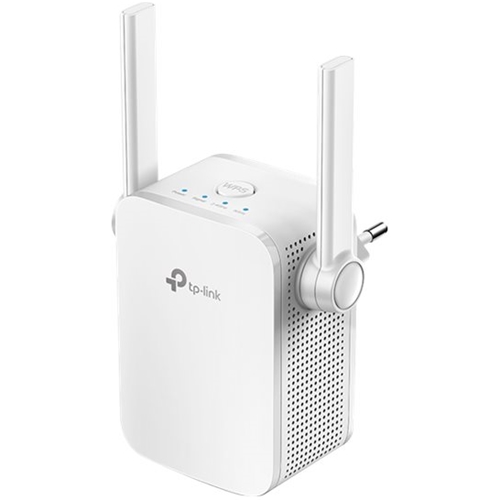
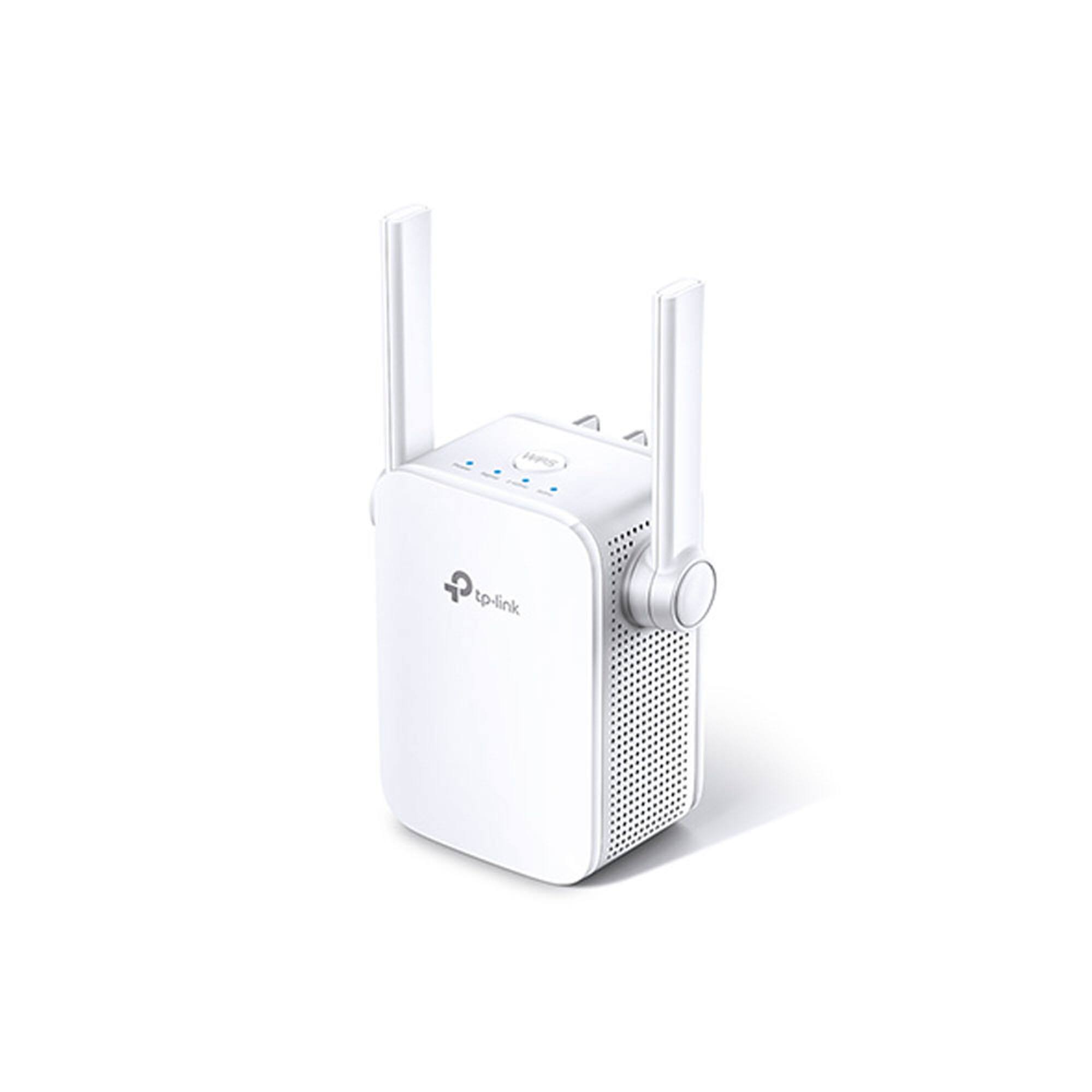
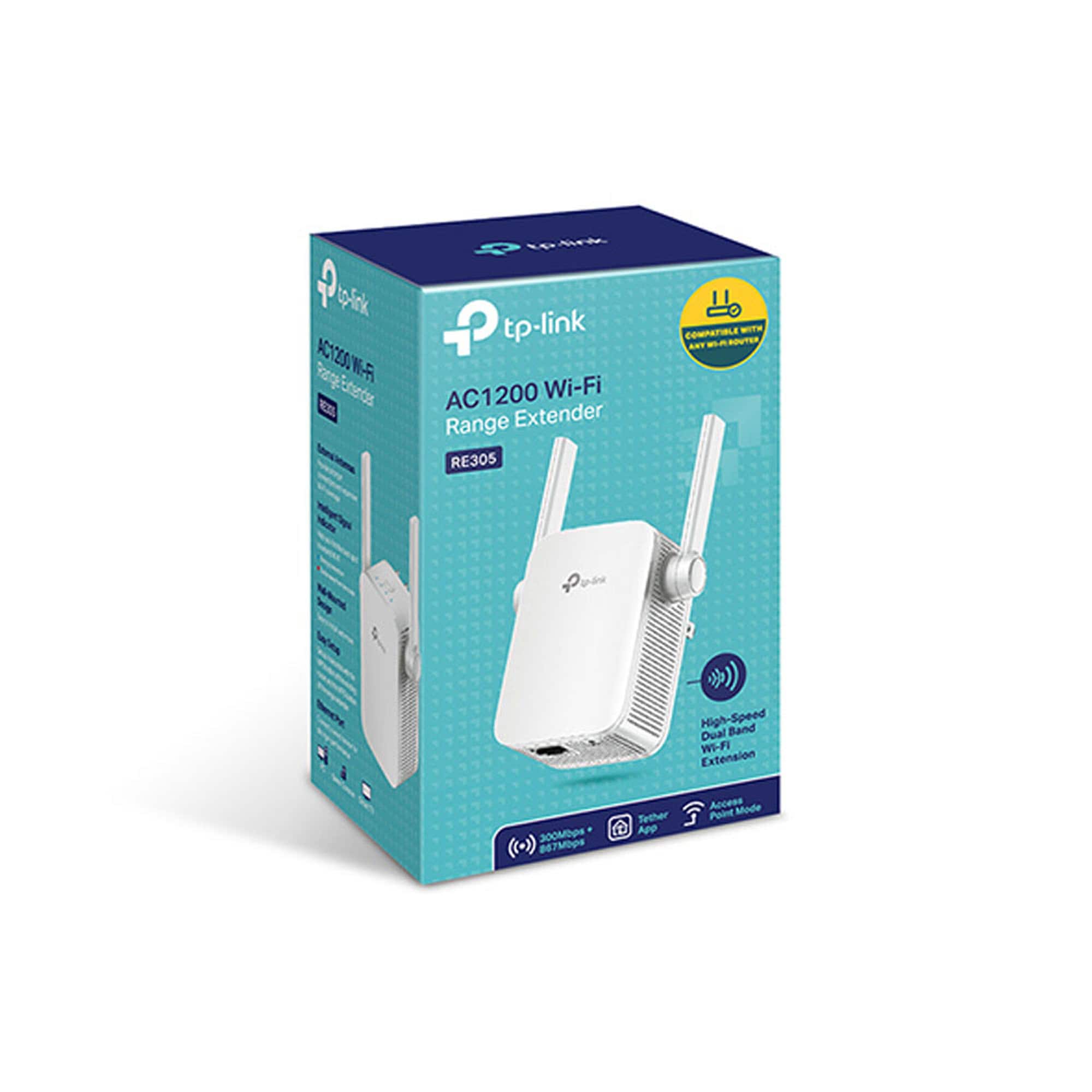
- Model:
- RE305
- SKU:
- 6295316
Rating by feature
- Value
Rating 4.3 out of 5 stars
- Quality
Rating 4.3 out of 5 stars
- Ease of Use
Rating 4.3 out of 5 stars
Customers are saying
Customers highly value the AC1200 Dual Band Wi-Fi Range Extender's ease of use and setup, with many praising its simple instructions and quick installation. The extended Wi-Fi range and improved signal strength are also frequently cited as significant benefits, enabling better coverage throughout their homes. While some users experienced occasional connection issues or compatibility problems, the positive feedback on performance and affordability outweighs these concerns. The compact size is also a plus for many users.
This summary was generated by AI based on customer reviews.
Not plug 'n go
||Posted . Owned for 1 month when reviewed.This reviewer received promo considerations or sweepstakes entry for writing a review.This was very confusing (and a lot more work than I expected) to set up. But it does do the job.
No, I would not recommend this to a friendBrand response from TPLinkSupport
Posted .Hi,
Thank you for your review. If you're experiencing difficulty connecting the extender to your router, we recommend setting up the device in the same room as your router, then relocating it after setup is complete. We also suggest re-verifying your router's WiFi password during setup, or if using the WPS setup method, ensuring the WPS process is performed in the correct order. The extender's indicator LEDs will help you determine which position in your home is ideal.
We also recommend ensuring the extender's firmware is fully up to date using the steps outlined in our FAQ here: https://www.tp-link.com/us/support/faq/1406/
If you'd like help with any of these steps, please send an e-mail with your contact information and a link to this review to USSupportTeam@TP-Link.com and we'll have a Support Agent follow up with you directly.
Best Regards,
TP-Link Support
Not a good choice
||Posted . Owned for 1 month when reviewed.This reviewer received promo considerations or sweepstakes entry for writing a review.No improvement in signal strength and appears to reduce the reach of 5GHZ bandwidth channel
No, I would not recommend this to a friendBrand response from TPLinkSupport
Posted .Hi,
If you haven't noticed a significant improvement in WiFi coverage after installing the extender, we recommend relocating the unit to a position within your home where the router's WiFi signal is sufficiently strong; yet far enough from the router to effectively extend its range. Please verify the RE status LED is indicating a solid connection.
We also recommend ensuring the extender's firmware is fully up to date using the steps outlined in our FAQ here: https://www.tp-link.com/us/support/faq/1406/
If you'd like assistance with any of these steps, please send an e-mail with your contact information and a link to this review to USSupportTeam@TP-Link.com and we'll gladly have a Support Agent follow up with you directly.
Best Regards,
TP-Link Support
- Cons mentioned:Connection
Extender is flakey
||Posted . Owned for 3 weeks when reviewed.This reviewer received promo considerations or sweepstakes entry for writing a review.Does not work properly— cuts out and then I can not re-establish a connection
No, I would not recommend this to a friendBrand response from TPLinkSupport
Posted .Hi,
If you haven't noticed a significant improvement in WiFi coverage after installing the extender, we recommend relocating the unit to a position within your home where the router's WiFi signal is sufficiently strong; yet far enough from the router to effectively extend its range. Please verify the RE status LED is indicating a solid connection.
If you'd like assistance with any of these steps, please send an e-mail with your contact information and a link to this review to USSupportTeam@TP-Link.com and we'll gladly have a Support Agent follow up with you directly.
Best Regards,
TP-Link Support
Drops connection constantly
||Posted . Owned for 2 months when reviewed.This reviewer received promo considerations or sweepstakes entry for writing a review.What is the point of buying an wifi extender if it doesn't hold a connection to my router? I have moved it all over the house, it still has the same issue, does not stay connected to the internet. Very limited speed if not connected directly into the extender, not useful.
No, I would not recommend this to a friendBrand response from TPLinkSupport
Posted .Hi,
Thank you for your review. If you haven't noticed a significant improvement in WiFi coverage after installing the extender, we recommend relocating the unit to a position within your home where the router's WiFi signal is sufficiently strong; yet far enough from the router to effectively extend its range. Please verify the RE status LED is indicating a solid connection.
We also recommend ensuring the extender's firmware is fully up to date using the steps outlined in our FAQ here: https://www.tp-link.com/us/support/faq/1406/
If you'd like assistance with any of these steps, please send an e-mail with your contact information and a link to this review to USSupportTeam@TP-Link.com and we'll gladly have a Support Agent follow up with you directly.
Best Regards,
TP-Link Support
hit a brick wall.
||Posted .This reviewer received promo considerations or sweepstakes entry for writing a review.I am very disappointed in the performance. It doesn't sync up reliably and the range is less than 25 feet.
No, I would not recommend this to a friendBrand response from TPLinkSupport
Posted .Hi,
Thank you for your review. If you're experiencing difficulty connecting the extender to your router, we recommend setting up the device in the same room as your router, then relocating it after setup is complete. We also suggest re-verifying your router's WiFi password during setup, or if using the WPS setup method, ensuring the WPS process is performed in the correct order. The extender's indicator LEDs will help you determine which position in your home is ideal.
We also recommend ensuring the extender's firmware is fully up to date using the steps outlined in our FAQ here: https://www.tp-link.com/us/support/faq/1406/
If you would like assistance with any of these steps, please reach out to our free support team using any of the resources included with the product, or from our official website, and we'll gladly have a Support Agent follow up with you directly.
Thank you,
TP-Link Support
Meh
||Posted . Owned for 4 months when reviewed.This reviewer received promo considerations or sweepstakes entry for writing a review.Maybe I haven’t set it up right. Doesn’t reach too far for my needs.
No, I would not recommend this to a friendBrand response from TPLinkSupport
Posted .Hi,
If you haven't noticed a significant improvement in WiFi coverage after installing the extender, we recommend relocating the unit to a position within your home where the router's WiFi signal is sufficiently strong; yet far enough from the router to effectively extend its range. Please verify the RE status LED is indicating a solid connection.
We also recommend ensuring the extender's firmware is fully up to date using the steps outlined in our FAQ here: https://www.tp-link.com/us/support/faq/1406/
If you'd like assistance with any of these steps, please send an e-mail with your contact information and a link to this review to USSupportTeam@TP-Link.com and we'll gladly have a Support Agent follow up with you directly.
Best Regards,
TP-Link Support
Didn’t like it
||Posted .This reviewer received promo considerations or sweepstakes entry for writing a review.Not the size showed on the page and not functioning like expected
No, I would not recommend this to a friendBrand response from TPLinkSupport
Posted .Hi,
If you haven't noticed a significant improvement in WiFi coverage after installing the extender, we recommend relocating the unit to a position within your home where the router's WiFi signal is sufficiently strong; yet far enough from the router to effectively extend its range. Please verify the RE status LED is indicating a solid connection.
We also recommend ensuring the extender's firmware is fully up to date using the steps outlined in our FAQ here: https://www.tp-link.com/us/support/faq/1406/
If you'd like assistance with any of these steps, please send an e-mail with your contact information and a link to this review to USSupportTeam@TP-Link.com and we'll gladly have a Support Agent follow up with you directly.
Best Regards,
TP-Link Support
TP Link
||Posted . Owned for 1 month when reviewed.This reviewer received promo considerations or sweepstakes entry for writing a review.Heavy. Did not work effectively. Poor range. Falls out of socket.
No, I would not recommend this to a friendBrand response from TPLinkSupport
Posted .Hi,
If you haven't noticed a significant improvement in WiFi coverage after installing the extender, we recommend relocating the unit to a position within your home where the router's WiFi signal is sufficiently strong; yet far enough from the router to effectively extend its range. Please verify the RE status LED is indicating a solid connection.
If you'd like assistance with any of these steps, please send an e-mail with your contact information and a link to this review to USSupportTeam@TP-Link.com and we'll gladly have a Support Agent follow up with you directly.
Best Regards,
TP-Link Support
- Pros mentioned:Setup
Works As Expected
Posted .This reviewer received promo considerations or sweepstakes entry for writing a review.Easy setup & appears to work well, however, the 2.4 Ghz indicator light isn't on although all tests show that both the 5 & 2.4 Ghz have strong signals.
I would recommend this to a friend - Pros mentioned:Performance
Rough start, great in use!
Posted .This reviewer received promo considerations or sweepstakes entry for writing a review.Purchased along with TP-Link - TL-PA7017 KIT - AV1000 Gigabit Powerline Starter Kit - White to extend wifi from house to detached shop. A bit tricky to get set up, but once set up, works like a dream! Just don't think it's plug-and-play, and you'll be fine!
I would recommend this to a friend Excellent works well
Posted .This reviewer received promo considerations or sweepstakes entry for writing a review.This is a great product but is not easy to install and set up. To use the WPS Method make sure your router has WPS enabled - it wasn't on mine and I had to get to the routers GUI through Google on my laptop for my router it is 192.168.1.1 Then setup was a breeze and the extender filled in where my router couldn't reach
I would recommend this to a friendnot as good
Posted .This reviewer received promo considerations or sweepstakes entry for writing a review.strength was not as good as I have hoped... was getting less wifi speed than without connecting to it
No, I would not recommend this to a friendBrand response from TPLinkSupport
Posted .Hi,
If you haven't noticed a significant improvement in WiFi coverage after installing the extender, we recommend relocating the unit to a position in your home where the router's WiFi signal is sufficiently strong; yet far enough from the router to effectively extend its range. Please verify the RE status LED is indicating a solid connection.
If you'd like assistance with any of these steps, please send an e-mail with your contact information and a link to this review to USSupportTeam@TP-Link.com and we'll gladly have a Support Agent follow up with you directly.
Best Regards,
TP-Link Support
USSupportTeam@TP-Link.com
https://community.tp-link.com
Wrong Description
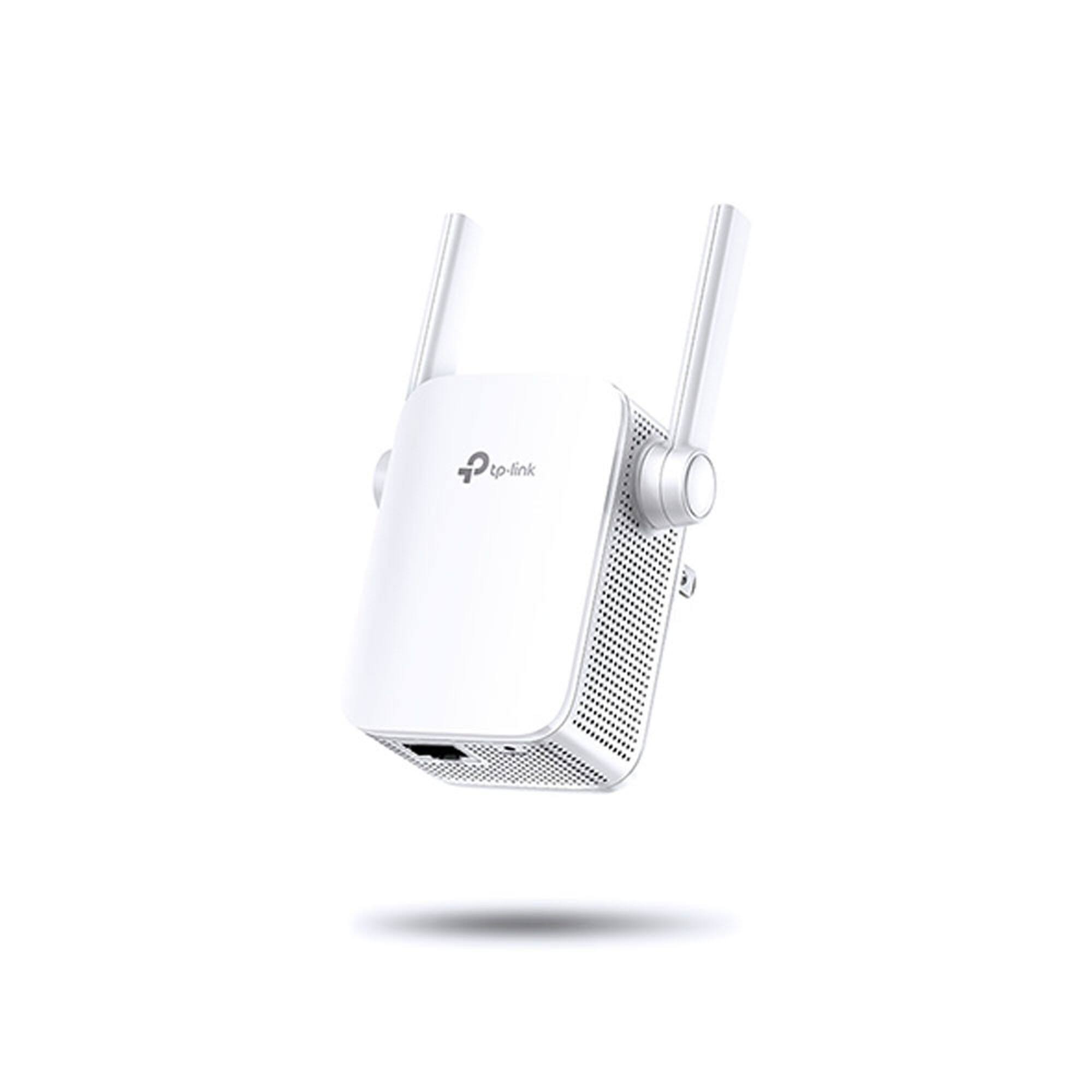
Posted .This reviewer received promo considerations or sweepstakes entry for writing a review.Product seems to be wrong description, since as per other sites it has ethernet port and in the specification it's given that there is no lan port
I would recommend this to a friend