Customer Ratings & Reviews



---
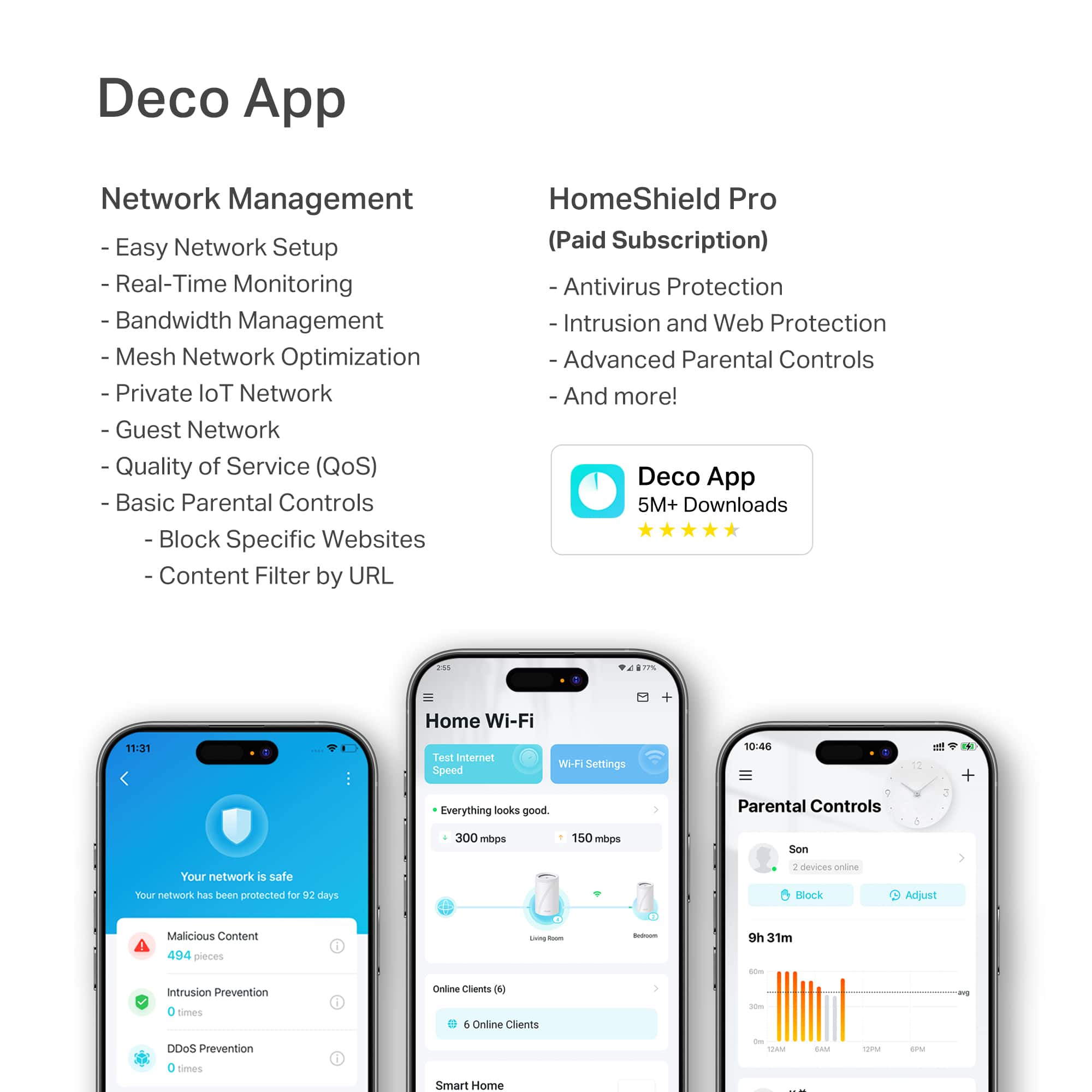
**HomeShield**
HomeShield is a built-in service, available in all HomeShield routers and Deco mesh products.
- Router Security Scan
- Wireless Security Scan
- IoT Device Identification
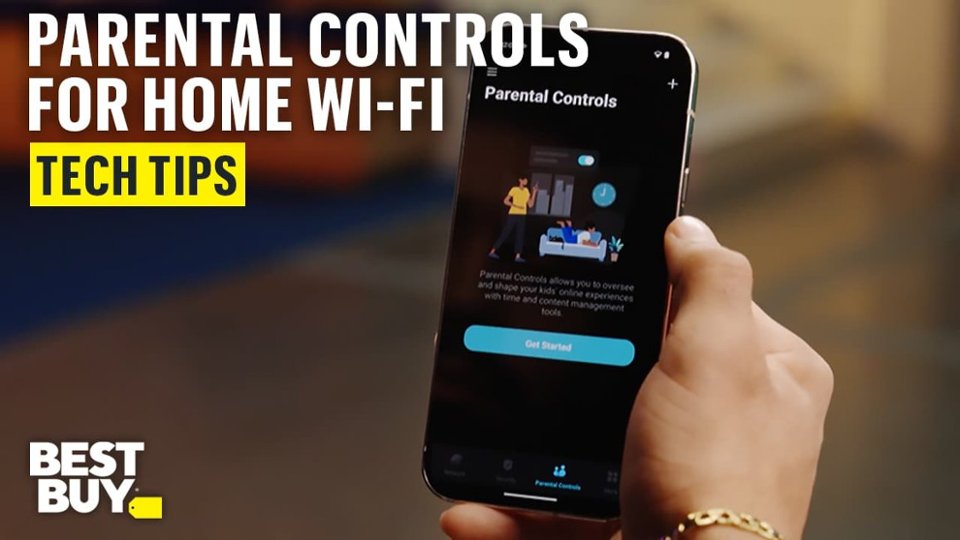
- Basic Parental Controls
- IoT Protection*
- Web Protection*
- Intrusion Prevention*
- Antivirus Protection*
*Included with HomeShield premium subscription service](https://pisces.bbystatic.com/image2/BestBuy_US/images/products/b384df7c-bd93-429b-9fef-c436d746d63c.jpg)




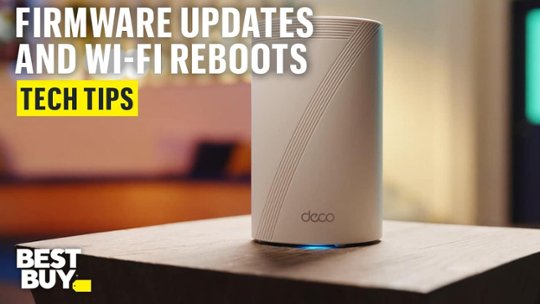
- Model:
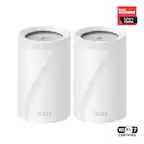
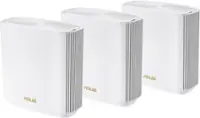
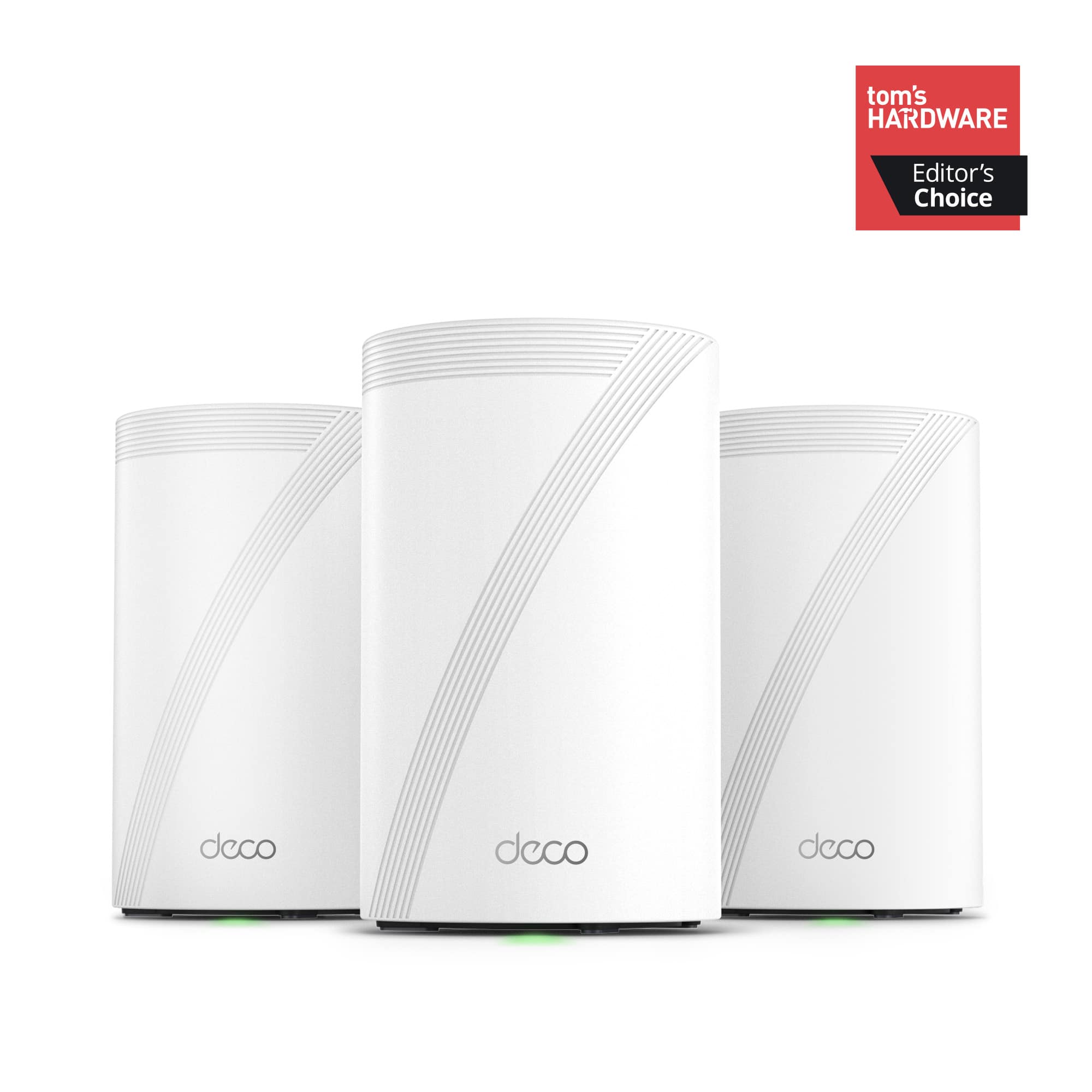
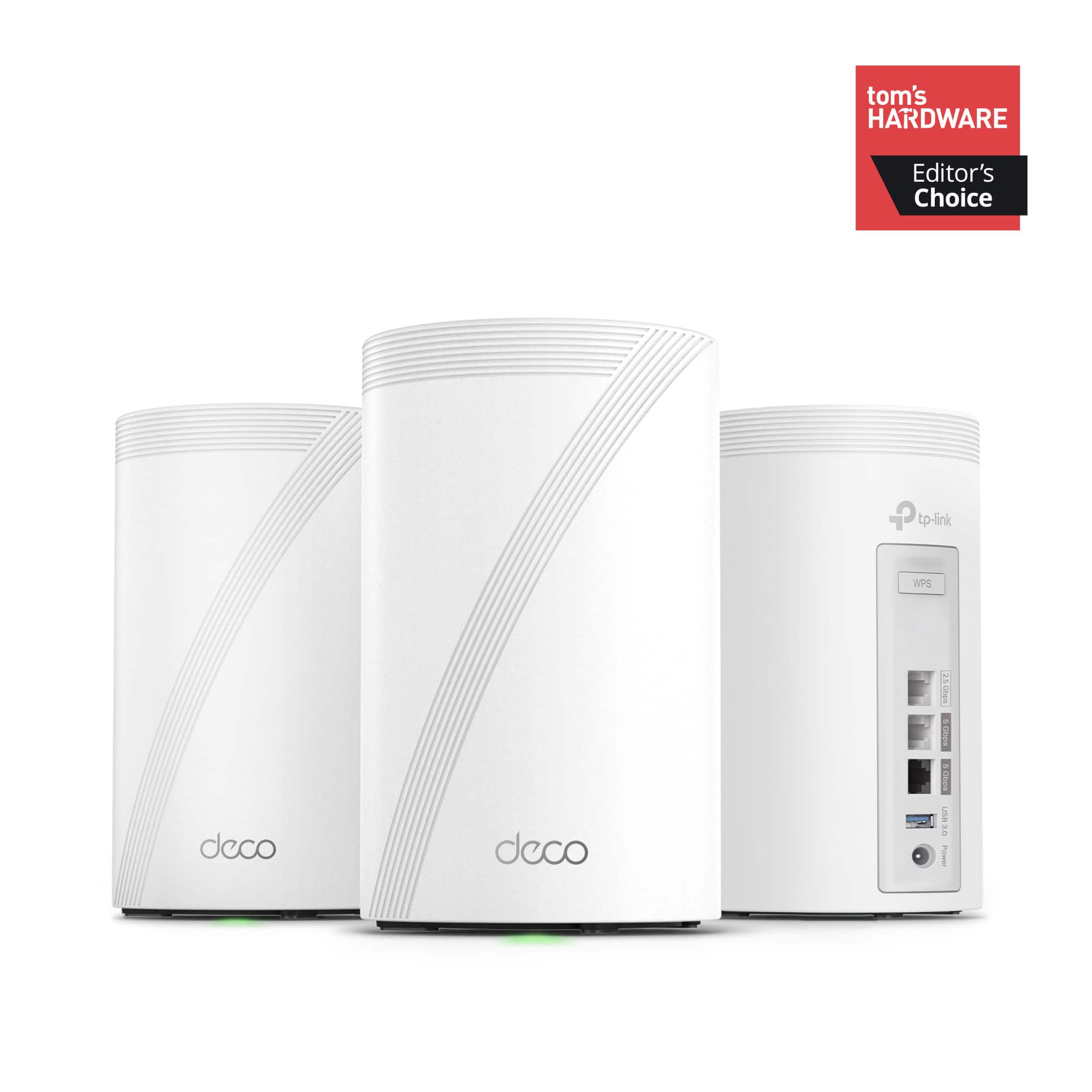
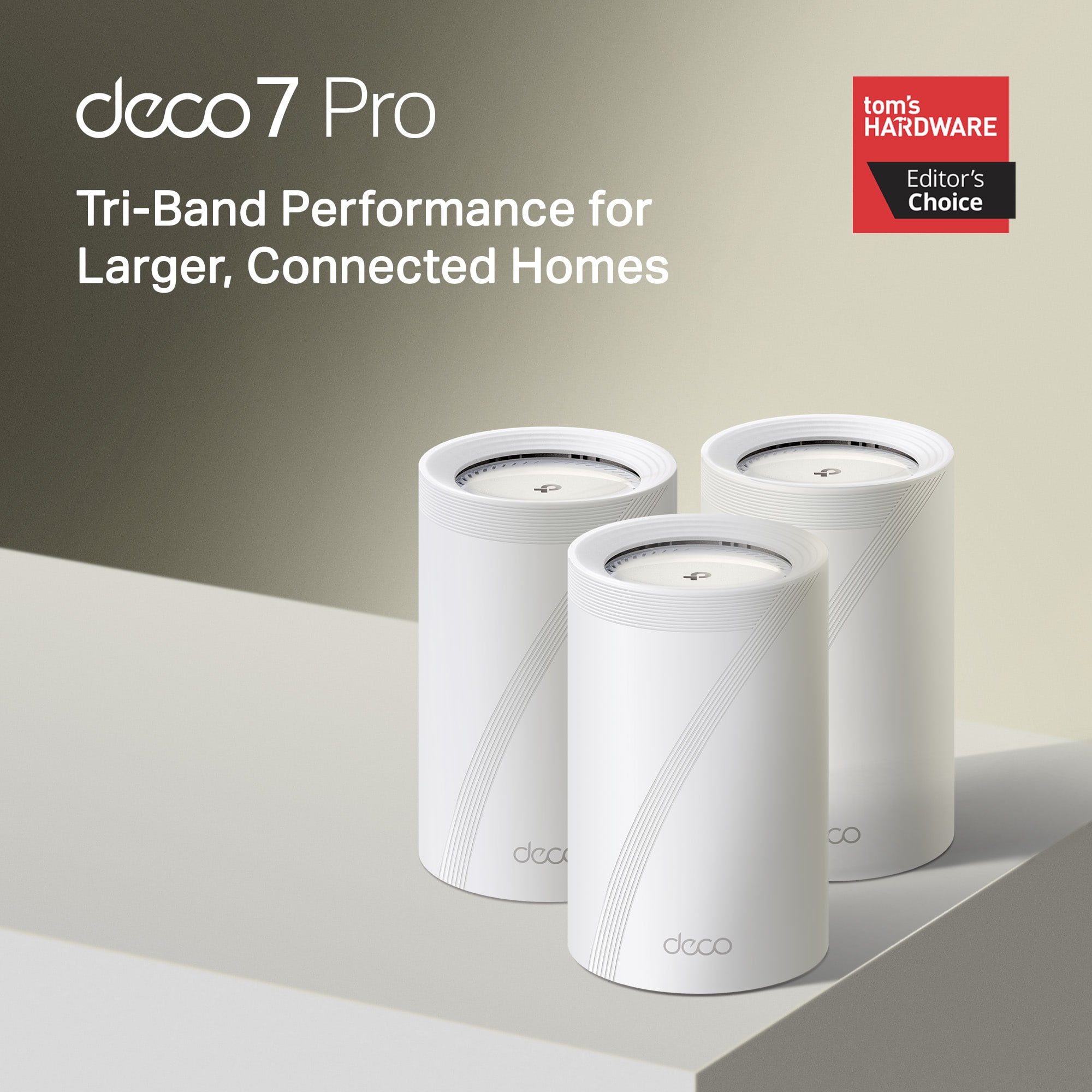
- Deco BE65 Pro(3-pack)
- SKU:
- 6578378
Rating by feature
- Setup
Rating 4.8 out of 5 stars
- Range
Rating 4.8 out of 5 stars
- Signal Strength
Rating 4.8 out of 5 stars
Customers are saying
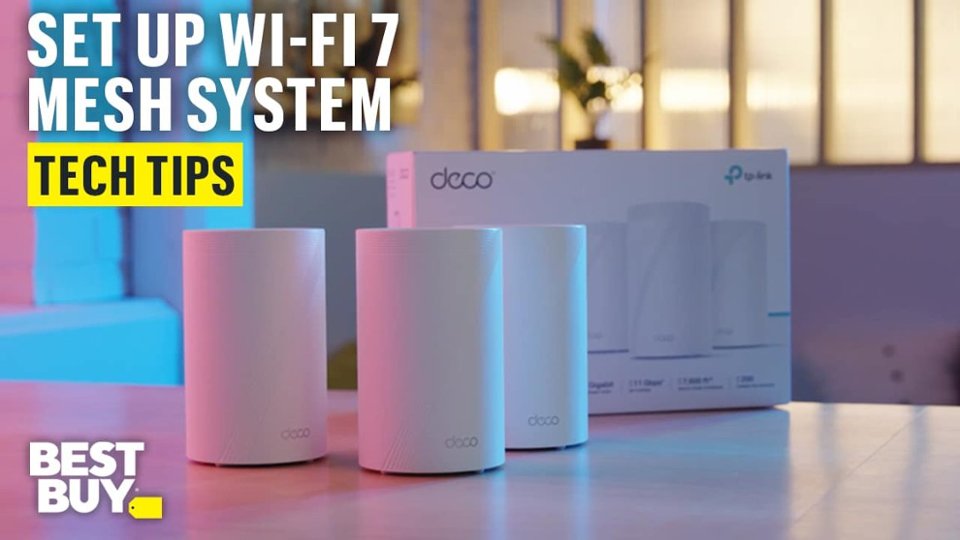
Customers often highlight the Deco BE65 Pro's excellent speed and performance, alongside its easy setup and great coverage. Many appreciate its ease of use and reliable connectivity. While the design is considered sleek, a few customers noted that the units themselves are quite large.
This summary was generated by AI based on customer reviews.
- Pros mentioned:Connectivity
Deco BE65 Pro - Great Stuff
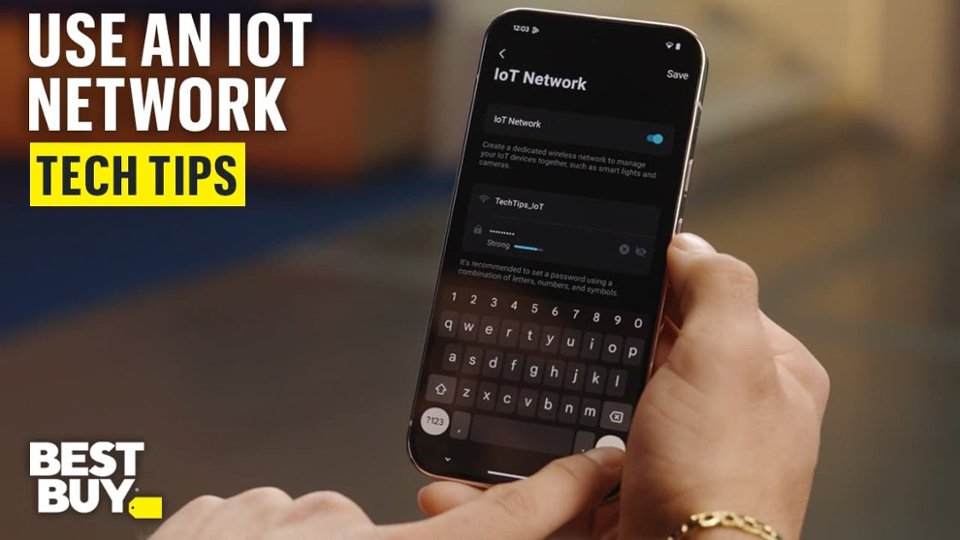
||Posted . Owned for 1 month when reviewed.This reviewer received promo considerations or sweepstakes entry for writing a review.This replaced an eero based setup from my ISP and it's done really well so far. I like the fact you can set devices to go to specific routers distance wise, plus you can hook up 3 devices on the Ethernet ports provided on each one. Also like the fact you can set a specific IoT network for your security cameras which I also went ahead and grabbed while upgrading to this new router set.
I would recommend this to a friend - Pros mentioned:Setup ease
At $549, this is a no-brainer.
||Posted . Owned for less than 1 week when reviewed.This reviewer received promo considerations or sweepstakes entry for writing a review.I just upgraded to this Deco Be65 Pro three pack for $549, from an older three node Netgear Wifi 6 mesh. What a difference in coverage and speeds! I connected the units with the 5Gb ethernet connections for backhaul, and now I have wifi 7 in every room, and every device can get the full 300Mb internet speed that my ISP plan provides, and full Gb within the house. I did have the same problem others have mentioned establishing the initial wifi connection from my S24 phone. The trick for me was to manually select the Deco wifi from my phone's wifi settings, first, then going to the app. Other than that, the setup through the app has been incredibly easy. When I plugged in the backhauls, or plugged in another satellite, the app noticed automatically and did the right thing. All the normal LAN management tools (setting the network, reserving addresses and so on), were simple, so I didn't have to change anything for my printer, NAS, and IoT devices. Pros: - 5Gb backhauls are phenomenal - Wifi 7 in every room with strong signals. - at $549 for three units this is a steal. - the basic security service is free Cons: - the "advanced" security service has a fee. - getting the initial setup connection is a bit fiddly. Summary - Wow! Highly recommended.
I would recommend this to a friend - Pros mentioned:Coverage, Setup ease
Great Addition to my House
||Posted .This reviewer received promo considerations or sweepstakes entry for writing a review.The setup was super easy, name the WiFi the same as your old network and 90% of your electronics automatically connect to the new system. This mesh system revolutionized my WiFi access across my home, garage and yard. Highly recommend this system.
I would recommend this to a friend - Pros mentioned:Connectivity
Great! Easy installation and good performance.
||Posted .This reviewer received promo considerations or sweepstakes entry for writing a review.I bought these to replace a WiFi 6 TP-Link mesh system. The issue I was having on WiFi 6 system was speed loss on my router acting Deco and then the subsequent speed lost as it jumped to the next Deco. This BE-65 WiFi 7 system solved all that. Previously I was getting -30% loss at the router and another 30% at the next jump. This system is MUCH better. I’m now only losing around 5% at the router and maybe another 5% at the next jump. I’m very pleased with this system and I love the app. I would definitely purchase it again.
I would recommend this to a friend - Pros mentioned:Connectivity, Setup ease
Just what I needed!
||Posted . Owned for 1 month when reviewed.This reviewer received promo considerations or sweepstakes entry for writing a review.Very easy to set up. Delivers excellent speed and love the 3 levels of LAN hookups it offers!
I would recommend this to a friend - Pros mentioned:Coverage, Setup ease
Awesome Mesh Network
||Posted .This reviewer received promo considerations or sweepstakes entry for writing a review.Super easy to setup and provides great coverage for my entire home. Speeds at excellent as well. All around great buy.
I would recommend this to a friend Dont Sleep on This Mesh Network!!
||Posted . Owned for 3 weeks when reviewed.This reviewer received promo considerations or sweepstakes entry for writing a review.This Mesh Network was the simplest to set up, I think it took a total of 7 minutes and the bulk of that was unboxing. These are a real powerhouse, covered my entire home, and speeds delivered as expected. I would highly recommend this router to anyone in the market, price is well justified!
I would recommend this to a friend- Pros mentioned:Coverage, Setup ease
TP-Link - DECO BE11000 has been a great upgrade to
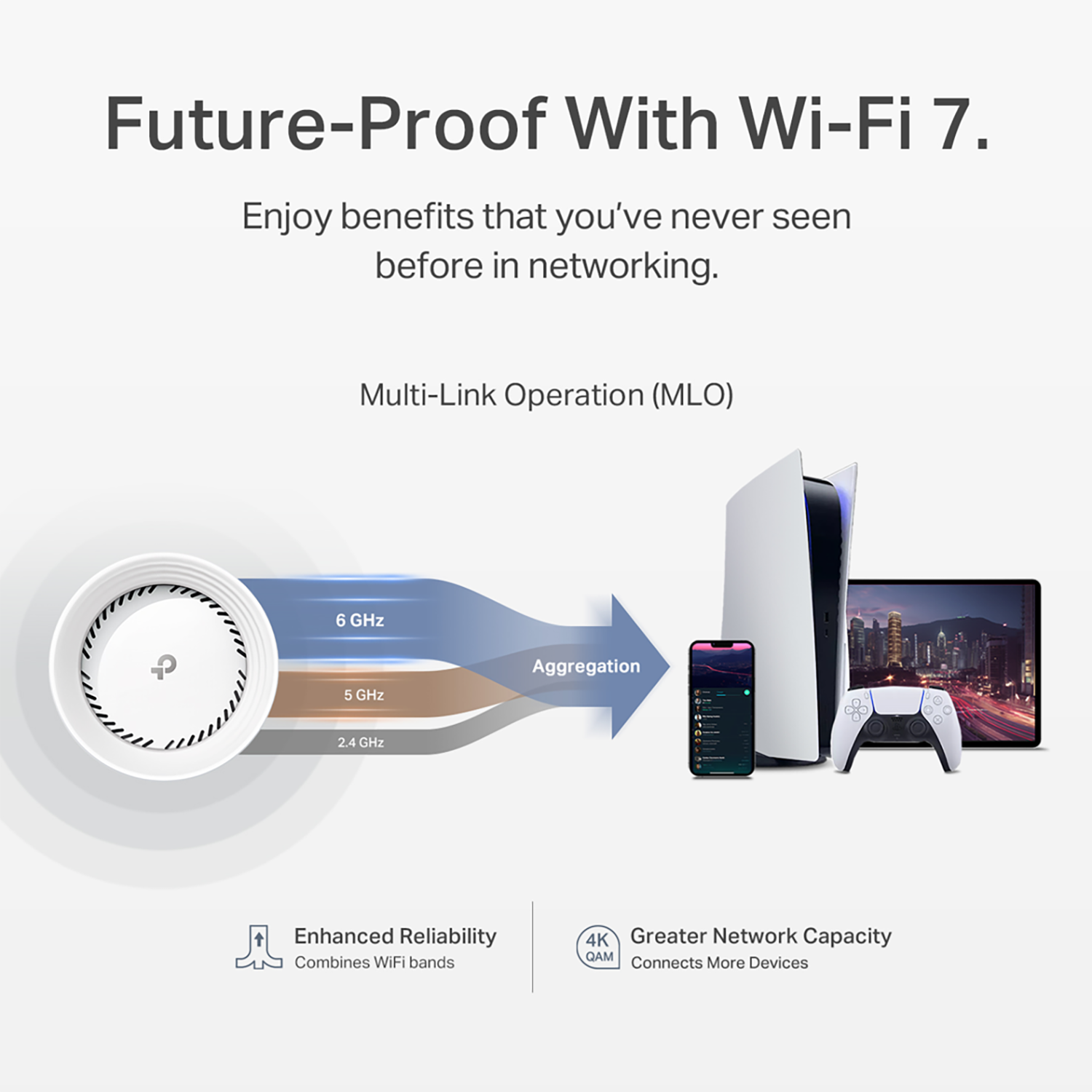
||Posted . Owned for less than 1 week when reviewed.This reviewer received promo considerations or sweepstakes entry for writing a review.I upgraded to the TP-Link - DECO BE11000 after moving into a large townhouse that needed the additional coverage. The setup was very easy and coverage has been great so far. Only gripe I have is that the MLO network does not use the 2.4gh network. That means I have the MLO network, and separate networks for the other bands.
I would recommend this to a friend - Pros mentioned:Range, Setup ease
TP link Deco Be 65
||Posted .This reviewer received promo considerations or sweepstakes entry for writing a review.Easy set up, good range. I like that it is a mesh system = add on. Great product and worth the purchase!!!
I would recommend this to a friend - Pros mentioned:Coverage, Setup ease
Great and simple mesh system
||Posted . Owned for 2 weeks when reviewed.This reviewer received promo considerations or sweepstakes entry for writing a review.Super easy setup. Great coverage and connection. Definitely worthy.
I would recommend this to a friend 
Good hardware, so-so software
|Posted . Owned for 11 months when reviewed.This reviewer received promo considerations or sweepstakes entry for writing a review.The hardware is pretty good, aside from one of the three AC/DC power adapters failing after about 1 year for no obvious reason. Speed is excellent. The phone app you use to configure it is poor, with only indirect control for settings I would like to choose myself. For example, I can't tell it which channels to use, but I can run the optimization process and it tells me it's made better choices. What were those choices? It won't tell me. It seems geared for a poorly informed customer who wants it to take care of the details automatically. I have an older Deco mesh system that uses the same phone app, but provides different choices (similar but slightly better). I'd recommend it for wireless behind a router, but I don't use it as a router because some of the things I want (QoS, firewall) were subscription-only last time I checked.
I would recommend this to a friend- Pros mentioned:Setup ease
Solid Wi-fi 7 system
||Posted . Owned for 1 week when reviewed.This reviewer received promo considerations or sweepstakes entry for writing a review.Recently had 5gig fiber installed at my home and was not impressed with the router that was provided by the carrier (Ziply). After researching online for many hours, I came across this TP Link BE65pro 3-unit setup at BB on sale. Mind you, its still a lot more than I was hoping to pay but it seemed reasonable for a tri-band Wifi 7 system. The install went reasonably smooth thanks to the straightforward app on my iPhone. Quickly added all my devices and now I have lightning quick internet throughout the house. The app is really polished and provided all the info I need to monitor my network. I can setup a guest network, turn on/off the 6Ghz network, etc. You can even see the max broadband speed coming into your house to check if you're getting what you're paying for. So far i've been very impressed with this system and will be recommending it to others.
I would recommend this to a friend - Pros mentioned:Connectivity, Setup ease
Great speeds
||Posted .This reviewer received promo considerations or sweepstakes entry for writing a review.Easy to set up. Speeds are blazing fast. Works seamlessly with my older DX75 mesh system that covers my whole house.
I would recommend this to a friend - Pros mentioned:Range
Finicky Nut Reliable
||Posted . Owned for 3 weeks when reviewed.This reviewer received promo considerations or sweepstakes entry for writing a review.Where to begin? This is my 2nd Deco Mesh Router system so I already had the required app on my phone. I contacted TP Link ahead of time to make sure I properly performed the upgrade/trade out. There is a setting - hit the “+” sign, then tap “replace main deco”. That process was to have maintained all my network settings. It did not work. So I just unplugged everything and started fresh. Given I was using the same SSID & password, all the home devices were quickly on board. The next issue was getting the satellites up and working. The app could not detect them, but their light was green. I had to do a refresh of sorts for them to get recognized. Frustrating. Lastly, the distance between each router. I’m in a single story 1,342 SF house. The main router is centrally located in my office area. The 2nd one got moved to an end table by the couch w/in viewing distance of the main. No issues - yet… the 3rd router goes in my master bedroom. Around the corner thru a wall & I was getting “medium” signal. After looking at options, I moved it to a bedside table that faces the opening. Now I get a strong signal. At the end of the day all is working. I’ve had to tweak settings so devices use the nearest router. Use of the app is intuitive. I also just got the Xfinity Gigabitx2 promo plan. Speed tests were excellent but I continue to have issues with Xfinity so I won’t blame that on Deco.
I would recommend this to a friend - Pros mentioned:Connectivity
Super fast and an upgrade from Nest Pro
||Posted .This reviewer received promo considerations or sweepstakes entry for writing a review.Fast, easy, and customizable. This is the perfect middle-of-the-road Wi-Fi router system in terms of usability, it has powerful options while remaining simple. I am coming from Nest Wi-Fi Pro, and the speed difference is wild: this is so much faster and the connection is crazy reliable. It's got support for IOT, Guest, and individual 2.4, 5, and 6 GHz networks. You can attach devices to specific nodes, and the connection is powerful.
I would recommend this to a friend Simple setup
||Posted . Owned for 1 month when reviewed.This reviewer received promo considerations or sweepstakes entry for writing a review.I recently purchased the TP-Link Deco 7 Pro BE11000 Tri-Band Wi-Fi 7 Whole Home Mesh Router System, and I couldn’t be happier with my experience! From the moment I opened the box, I was impressed by how modern and sleek the units looked. The setup process was incredibly easy—thanks to the intuitive TP-Link Deco app, I had the entire system up and running in just minutes. Once installed, the coverage throughout my home was seamless. Every room, from the basement to the upstairs bedrooms, now has a strong and reliable Wi-Fi connection. Switching devices between rooms is effortless, with no drops or buffering. The system is also very user-friendly; the app makes it simple to manage the network, monitor connected devices, and even set parental controls if needed. Overall, the Deco 7 Pro is a fantastic choice for anyone looking for a fast, reliable, and simple-to-use whole-home Wi-Fi solution. I highly recommend it to anyone who wants hassle-free setup and stellar performance.
I would recommend this to a friend- Pros mentioned:Connectivity
Excellet performance
||Posted . Owned for 1 month when reviewed.This reviewer received promo considerations or sweepstakes entry for writing a review.I’ve been using this setup for a few weeks now, and I’m really happy with the WiFi performance, even though my modem is just a basic WiFi 6 device. My WiFi 7 routers still get better results. I’m making sure my WiFi setup is future-proofed. The mesh network works perfectly as I move around the house; my devices automatically connect to the satellite, which gives me a better signal. The app is easy to understand, and I find it very straightforward, even though I’m not a tech-savvy person.
I would recommend this to a friend Excellent TP product
||Posted . Owned for 2 weeks when reviewed.This reviewer received promo considerations or sweepstakes entry for writing a review.I recycled an old 6e deco router and extender for a coupon to get this item. I should have kept the extender to use with the new purchase since all deco units work together. Works great just need an extended to reach my cars Garmin camera to upload feed.
I would recommend this to a friend- Pros mentioned:Coverage, Setup ease
Great with AT&T fiber!
||Posted . Owned for 4 months when reviewed.This reviewer received promo considerations or sweepstakes entry for writing a review.These are amazing! It was pretty easy to set up with AT&T fiber (Just use ChatGPT). We 4000 sq ft with a bunch of dead zones, I have only set up 2 of the units and it is already a huge difference.
I would recommend this to a friend - Pros mentioned:Connectivity, Setup ease
J Kugler
||Posted .This reviewer received promo considerations or sweepstakes entry for writing a review.Easy to set up, mesh is seamless and high output WiFi is fantastic and configurable
I would recommend this to a friend