Customer Ratings & Reviews

- Model:
- TL-WPA4220KIT
- SKU:
- 2080319
Rating by feature
- Value
Rating 4.1 out of 5 stars
- Quality
Rating 4.5 out of 5 stars
- Ease of Use
Rating 4.2 out of 5 stars
Customers are saying
Customers value the N300 Wi-Fi Extender Starter + AV500 Powerline Adapter Kit for its ease of use and setup, reporting positive experiences with extending Wi-Fi range and improving signal strength in their homes. Many appreciate the reliable connection, particularly when using an Ethernet cable. However, some users experienced slower than expected Wi-Fi speeds.
This summary was generated by AI based on customer reviews.
Couldn't get this to work
||Posted . Owned for 11 months when reviewed.This reviewer received promo considerations or sweepstakes entry for writing a review.I am a pretty tech savvy guy but I couldn't get these to work properly
No, I would not recommend this to a friendDoes not work.
||Posted .This reviewer received promo considerations or sweepstakes entry for writing a review.I need to return it. It works fine one minute and then it shuts down and it won't work.
No, I would not recommend this to a friendBrand response from TPLinkSupport
Posted .Hi, thanks for the review and feedback!
We’ll be happy to address the concerns you have about your Powerline network.
In your case we highly suggest making sure your Powerline Adapters are plugged directly into wall sockets; no surge protectors or power strips as these will interfere with the connection. We also recommend ensuring the adapters are plugged in the same directional orientation to match polarity.
We’d love to follow up with you and answer any questions you might have. Please send an e-mail with your contact information and a copy of this review to [email protected] and we'll gladly have a Support Agent follow up with you directly.
Thanks again for your feedback! We hope you'll keep TP-Link in mind for your future networking needs.
Best Regards,
TP-Link Customer Support
(866) 225-8139
[email protected]
- Pros mentioned:Ease of use
Nice powerline adapter
Posted .This reviewer received promo considerations or sweepstakes entry for writing a review.I've always been a fan of powerline devices to serve as a complimentary technology to wired cables throughout the house. This device is no exception. It was easy to set up and easy to use. Plug it in, configure, and you are off and running. Speeds worked as advertised and it was great to help "extend" my wired environment to other devices where connectivity isn't as great in my house but access to a close power plug was available. Submitted as part of a free sample program.
I would recommend this to a friend Works as advertised!
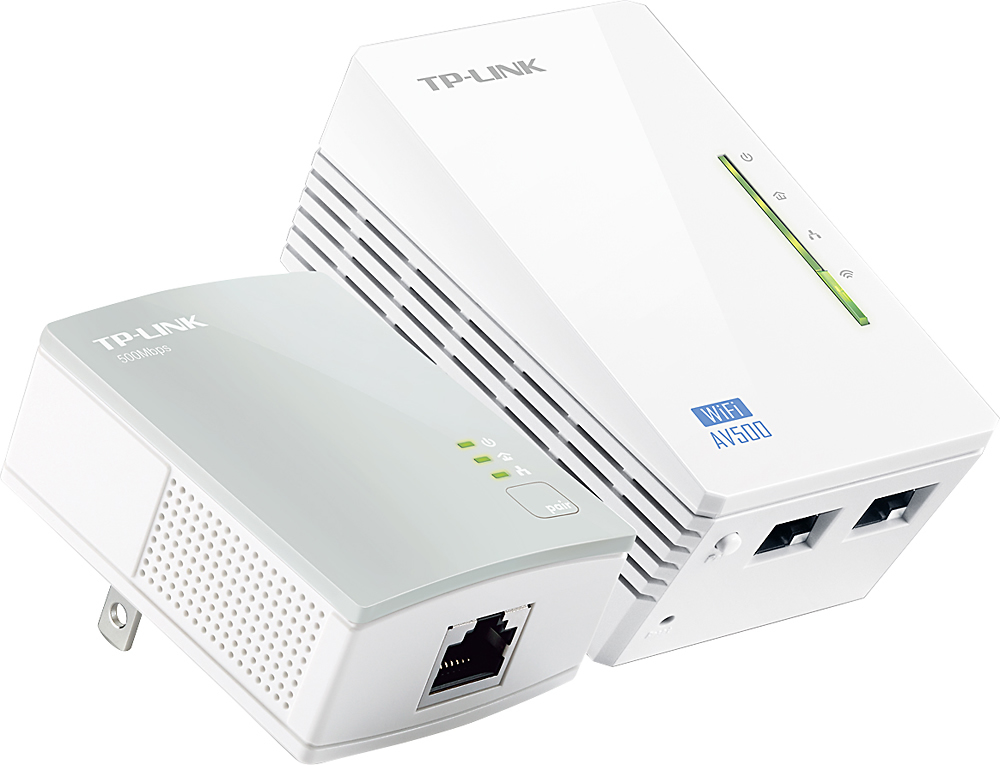
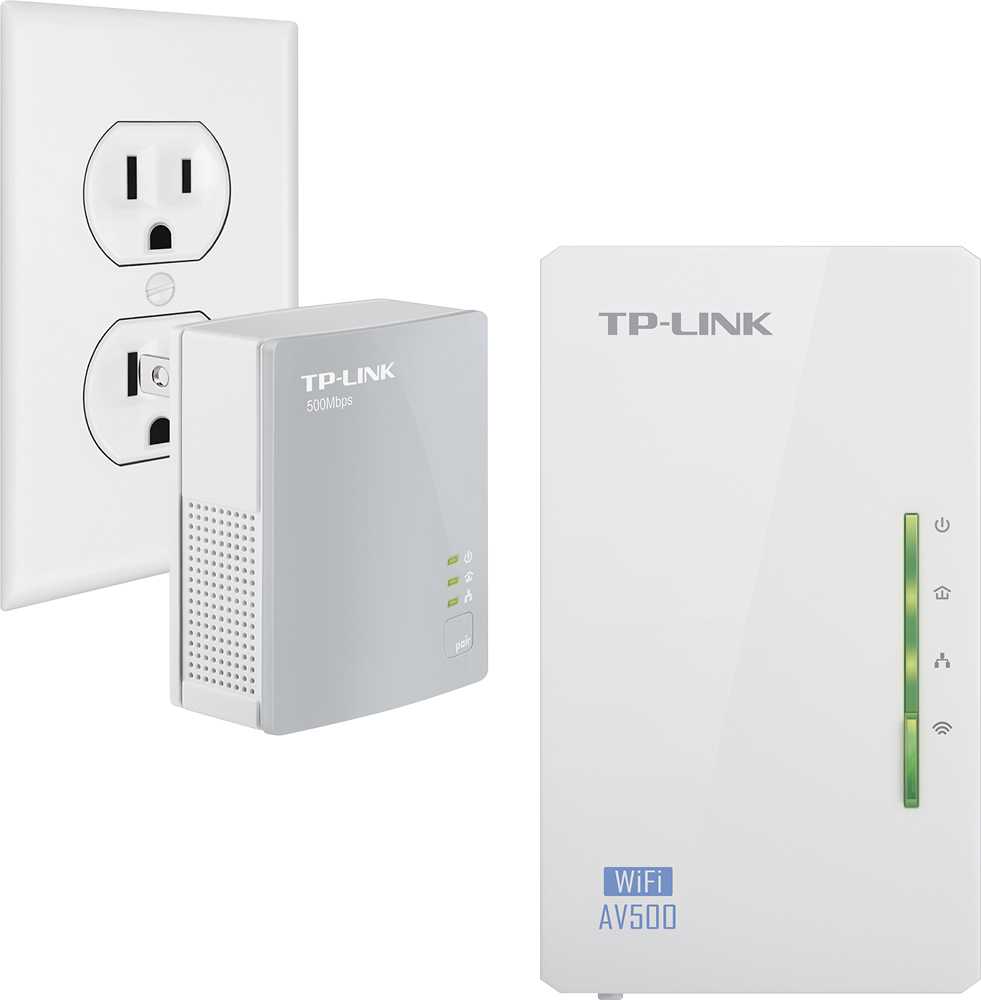
Posted .This reviewer received promo considerations or sweepstakes entry for writing a review.I brought this kit to my home office with the intention of hard-wiring in my work desktop, get a reliable connection, while getting a stronger wifi signal in the room. When I first explained the concept of a powerline-enabled range extender, he said "no way that would work". He had to eat his words a few minutes later (that's how long it took to set this up) when I IMed him from my work PC, connected to the internet via this kit. This set comes with one "home" plug that's connected to your router via ethernet cable, and a "receiver" plug that has 2 ethernet ports to plug devices into, as well as emitting a wifi signal. Now, the "home" plug is compatible with other products from the TP-Link Powerline sets, like the AV600 kit, that you can expand to other areas in your home. So if you have a Roku box that can use stable signal via ethernet instead of wifi, you can just get another TPL powerline plug and get that set up in a jiffy. Wifi setup is similar to any other TP-Link extenders. Very reliable, very speedy so far.
I would recommend this to a friend- Pros mentioned:Ease of use
It's a great product.
Posted .This reviewer received promo considerations or sweepstakes entry for writing a review.Fairly simple to install and configure. Turned out to be exactly what I needed.
I would recommend this to a friend - Pros mentioned:Setup, Signal strength
Amazing device
Posted .This reviewer received promo considerations or sweepstakes entry for writing a review.Very easy set up. I was surprised at the range of wifi extender. I plugged it into an outlet in a downstairs bedroom, but it's strong enough to cover the living room and dining room, even with the bedroom door closed (it is a hollow door). I'm SO happy to have strong wifi downstairs!
I would recommend this to a friend it works great , avoid running cables,
Posted .This reviewer received promo considerations or sweepstakes entry for writing a review.great speeds, the covered area is not that big, but I didn't expect that
I would recommend this to a friend- Cons mentioned:Wifi speed
Not a good product
Posted .This reviewer received promo considerations or sweepstakes entry for writing a review.Set up the powerline connection and wifi without issues. However, the wifi extender would not work correctly with my Chromecast. For some reason the TP-Link drops the connection constantly and Chromecast cannot deal with this. The dropped the connection happened about 2-3 times a day. The only fix was to reboot the Chromecast. This is a common problem with the TP-Link that has many posts when searching in Google. Once I switched back to using only the router, the Chromecast has worked flawlessly since (about 2 weeks). Also, my connection speed on the powerline side was 35-70 Mbps which was much slower that the advertized speed. WIFI strength wasn't as good as my N900 router's when I tested them in the same location.
No, I would not recommend this to a friendBrand response from TPLinkSupport
Posted .Dear Steve,
Thank you for taking the time to review our product.
We apologize for the constant issues caused by your Powerline products yet unfortunately our support team was unable to speak with you regarding this concern.
Our support team is very knowledgeable in reference to our products and numerous streaming products and platforms such as you Chromecast. We would have recommended lowering the wireless channel on our WPA4220 adapter as most streaming devices connect much better at lower frequency channels.
We certainly hope this experience will not discourage you from checking out more of our great networking products in the future and should you have any additional questions or concerns regarding our products, please feel free to contact us at the email address provided below.
Best Regards!
TP-LINK Support Team
[email protected]
- Cons mentioned:Wifi speed
Very Disappointing
Posted .This reviewer received promo considerations or sweepstakes entry for writing a review.Purchased this unit because it claimed to run at a max speed of 300 Mbps but after connecting to a 200 Mbps LAN connection, across the room it drops to 40 Mbps using an ethernet cable. Its WiFi speed is about 35Mbps. I will be returning and get my money back.
No, I would not recommend this to a friendBrand response from TPLinkSupport
Posted .Dear Hector,
Thank you for sharing your recent experience with our product.
We apologize for the frustration caused by this device and wish our support team had the opportunity to assist while you were experiencing these issues.
Please note for future reference, you may contact our 24/7 technical support team directly via the number and/or email address provided below for assistance anytime regarding our products.
We hope this experience has not swayed your interest and you will consider us for your future networking needs.
Best Regards!
TP-LINK Support Team
[email protected]
- Pros mentioned:Signal strength
Works without issue
Posted .This reviewer received promo considerations or sweepstakes entry for writing a review.Setup was confusing but it delivers a solid signal when a Ethernet cable is plugged in. I get 60 MBPS (ethernet) in a room that struggled to get 8 MBPS through a wireless setting. Owned it since July and haven't had any issues.
I would recommend this to a friend Improved internet
Posted .This reviewer received promo considerations or sweepstakes entry for writing a review.Able to hookup via Ethernet cable to a previously limited location. Now I can enjoy a more stable and faster internet connection than wifi.
I would recommend this to a friendProduct does not work, customer service bad
Posted .This reviewer received promo considerations or sweepstakes entry for writing a review.I tried this out, finally realized it was not working. Unfortunately, did not take it down in time to get my money back from BEst Buy. Called the company directly and some guy who kept putting me on hold and telling to plug this in and plug that in, checking wifi speeds multiple times showed it did not work, and go into different rooms etc... AFter 30 minutes he wanted me to download a program to check the electrical line speeds (that is what he told me). I finally said enough. I will eat the product. Waste my $55 I WOULD NOT RECOMMEND YOU GET THIS. If you have comcast get their room extenders. They work. YOU want mine, give it to you for 1/2 price.
No, I would not recommend this to a friendBrand response from TPLinkSupport
Posted .Hi,
Thank you for your review. We're sorry to hear your initial interaction with our Support Team was anything less than satisfactory, and we would appreciate another opportunity to follow up with you to address your concerns. At your earliest convenience, please send an e-mail to [email protected] and include a link to your review and a copy of any correspondence you may have received from the original support agent(s).
Thank You,
TP-Link Support
DO NOT BUY THIS PRODUCT!!
Posted .This reviewer received promo considerations or sweepstakes entry for writing a review.Trip breakers in my house. Mfr knows this problem.
No, I would not recommend this to a friend