Customer Ratings & Reviews
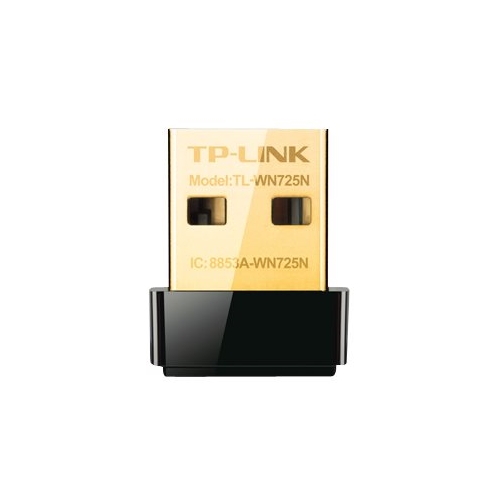
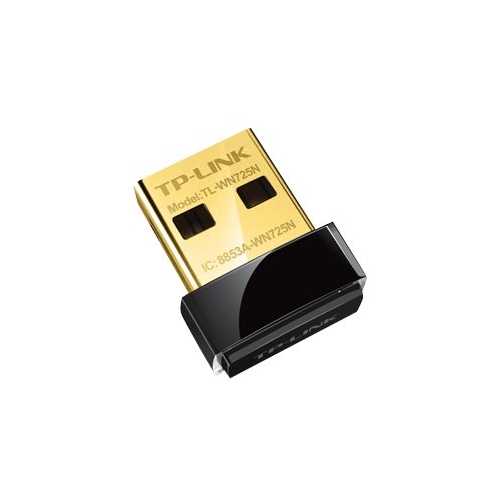
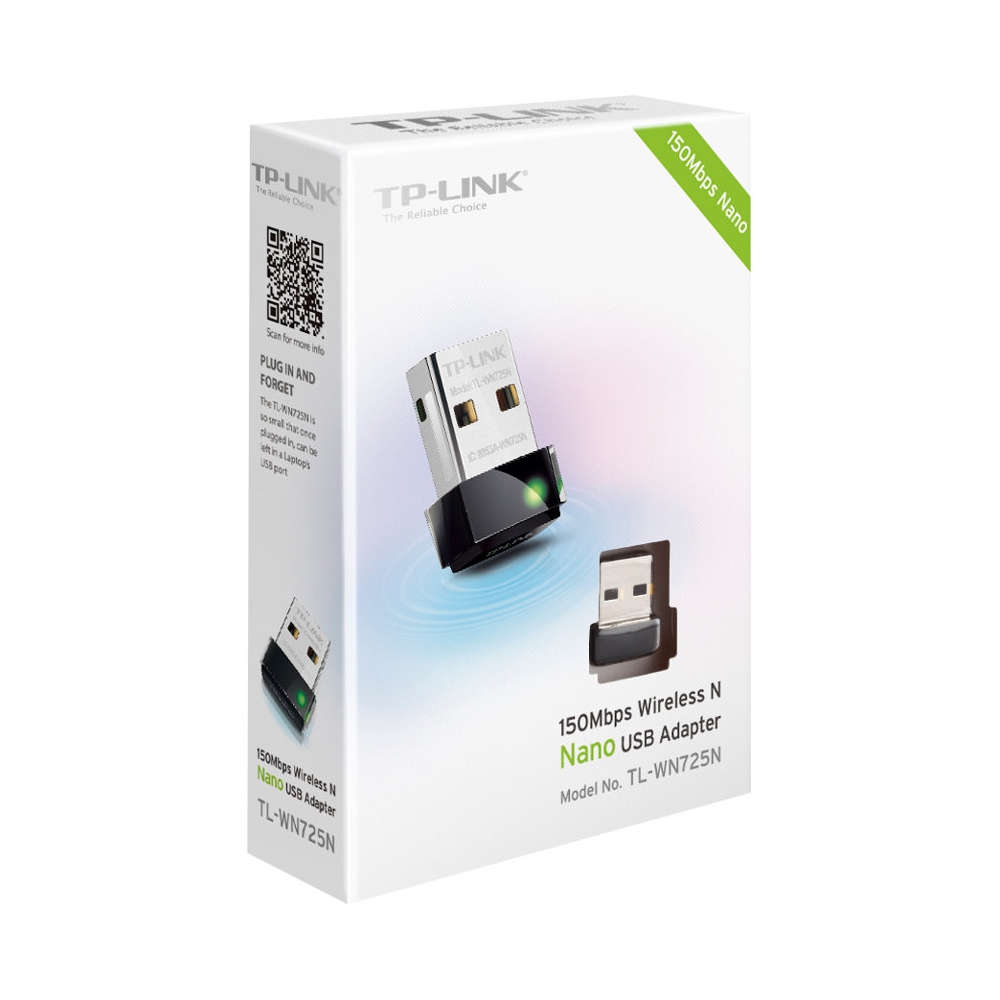
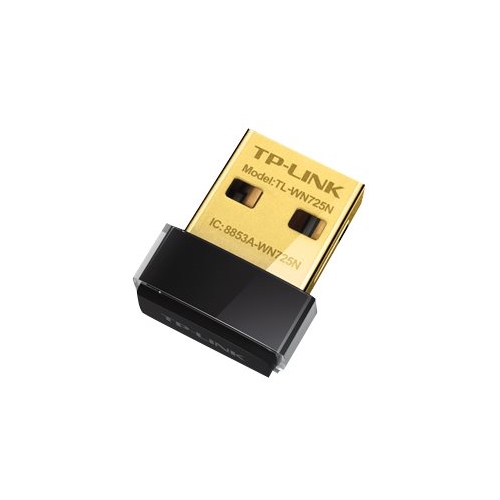
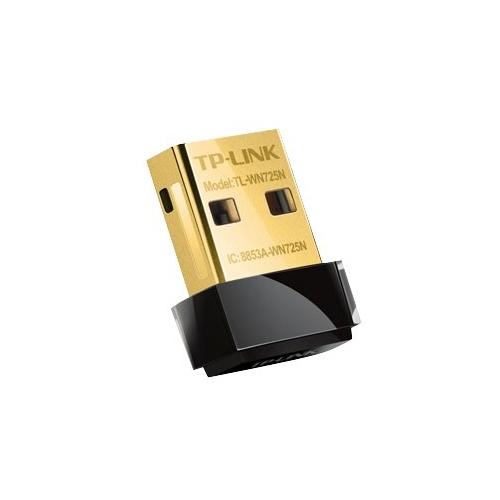
- Model:
- TL-WN725N
- SKU:
- 6295313
to a friend
Works ok but get better options such as dual band.
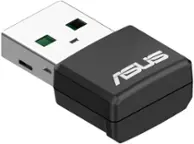
||Posted . Owned for 1.5 years when reviewed.This reviewer received promo considerations or sweepstakes entry for writing a review.I got this for my second older gaming pc I was building. it was an i5 2500k and the motherboard didnt have wifi. It worked ok for browsing but for downloading and gaming not so well. Buy the dual band options such as tp link ac1300 or asus. Here or in microcenter.
No, I would not recommend this to a friendlow expectations shattered
||Posted .This reviewer received promo considerations or sweepstakes entry for writing a review.wasn't confident in this purchase but it is AWESOME ... very happy as i was hoping for only mediocre performance but it far exceeds that ... about 20% faster connection than another adapter i had connected to this machine ... highly recommend especially at the price
I would recommend this to a friendNano sized adaptor for nano sized price
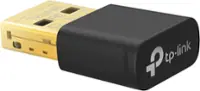
||Posted . Owned for 1.5 years when reviewed.This reviewer received promo considerations or sweepstakes entry for writing a review.This nano adaptor has worked great with updated drivers. Range is decent for 1500sq ft house. I love the nano size.
I would recommend this to a friendIt works
||Posted .This reviewer received promo considerations or sweepstakes entry for writing a review.this is something the office needed and they got it, it works great
I would recommend this to a friendVery bad
||Posted .This reviewer received promo considerations or sweepstakes entry for writing a review.Does not work even if it's one foot away from the router don't wast your money
No, I would not recommend this to a friendJUNK
||Posted . Owned for 7 months when reviewed.This reviewer received promo considerations or sweepstakes entry for writing a review.JUNK DONT BUY IT DOESN'T WORK VERY BAD PRODUCT NOT WORTH A CENT
No, I would not recommend this to a friendworks great
||Posted .This reviewer received promo considerations or sweepstakes entry for writing a review.great if your system does not have a wifi card or good for temp wifi
I would recommend this to a friendThis is what I was looking for. Great product.
||Posted .This reviewer received promo considerations or sweepstakes entry for writing a review.I would recommend this product to my friends and family.
I would recommend this to a friendEasy pleasey
||Posted .This reviewer received promo considerations or sweepstakes entry for writing a review.Just plug in and away it went. Highly recommend. Plus!
I would recommend this to a friendKeep looking for better product
Posted .This reviewer received promo considerations or sweepstakes entry for writing a review.I bought this wifi adapter to improve on my download speed from the OEM device on my ASUS running on Windows 7 w/ USB 2.0. My OEM download speed was 18-20 Mbps and the box on this new one reads 150 Mbps...i usually under estimate performance and would have been happy at 80 Mbps or half. However, after installing device and updating drives i go the same download speeds. I called their support # 1-866-225-8139 and spoke w/ Sara. She had no real troubleshooting option for me other than to remove the usb adaptor and test the native OEM and back again. I then explained to her i had another exact samelaptop w/ a D-link DWL-160 version A wifi adaptor and was able to get 100Mbps on same machine. At this point she asked to attach the D-Link adapter on this machine and test..after install it i got...100 Mbps on the laptop...So there was no issue w/ my machine downloading at faster speeds but this devise is not working as promised. My download speed is well north of 500 Mbps from service provider so bandwidth was also not an issue. Overall , ordeal took about an hour so no huge but wish i had know about it not living up to promises. Their support site has several other references to people not getting the speed on box either but they are more like forum vs support. Needless to say i will be returning this unit to store
No, I would not recommend this to a friendBrand response from TPLinkSupport
Posted .Hi Oskicalbear,
Thank you for sharing your experience with our product. Thank you for sharing your experience with our product. To ensure optimal performance of your TL-WN725N Wi-Fi Adapter, we highly recommend installing the latest driver from our website here: http://www.tp-link.com/us/download/TL-WN725N.html#Driver
Please also bear in mind the TL-WN725N is a 2.4GHz Wi-Fi adapter, and the 2.4GHz Wi-Fi spectrum can sometimes be congested based on nearby sources of interference. In your case, we also recommend adjusting your router's 2.4GHz Wi-Fi channel settings to help optimize signal clarity.
The other adapter referenced (DWA-160) is a dual band Wi-Fi adapter designed to connect to the faster 5GHz band, which is likely what led to the results you experienced when testing both adapters. We also have a great variety of dual band Wi-Fi adapters, which can be found on our website here: https://www.tp-link.com/us/home-networking/adapters/usb-adapters?filterby=4809
We’d love to follow up with you and answer any questions you might have. Please send an e-mail with your contact information and a link to this review to [email protected] and we'll gladly have a Support Agent follow up with you directly.
Best Regards,
TP-Link Support