Customer Ratings & Reviews
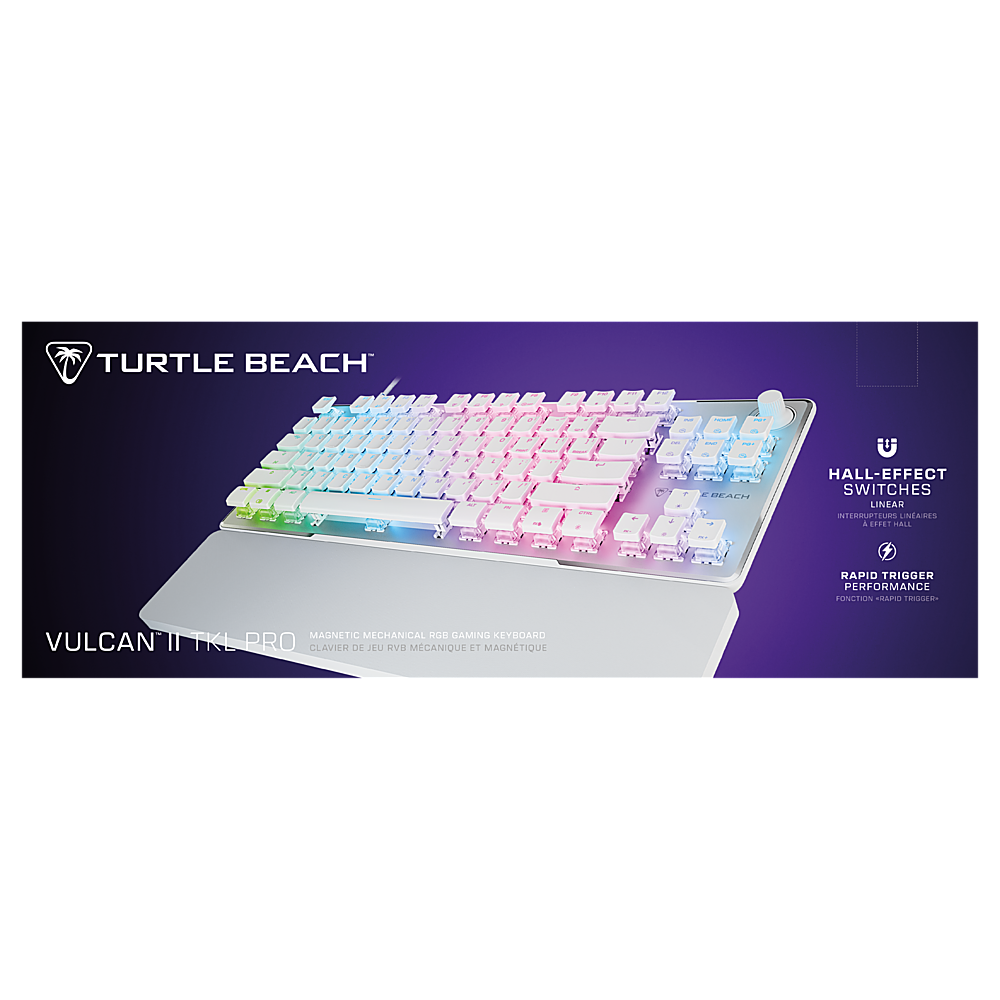
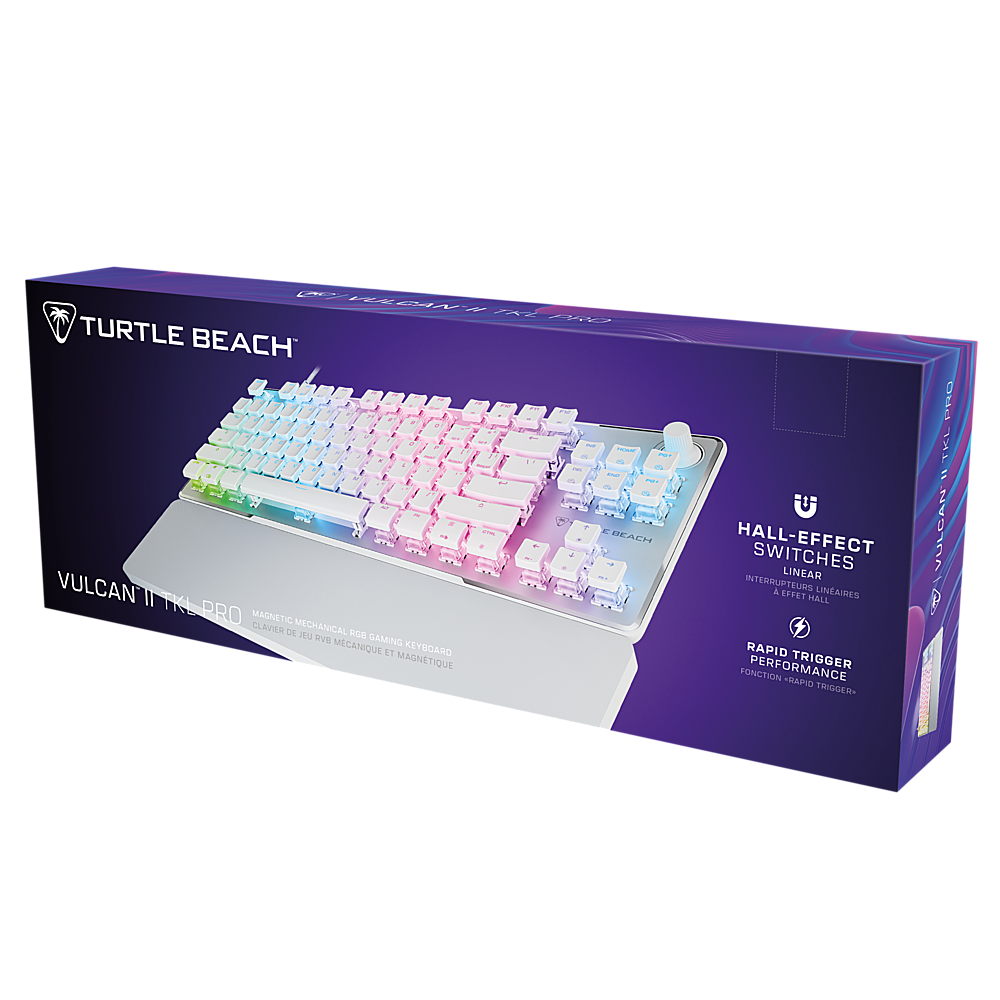
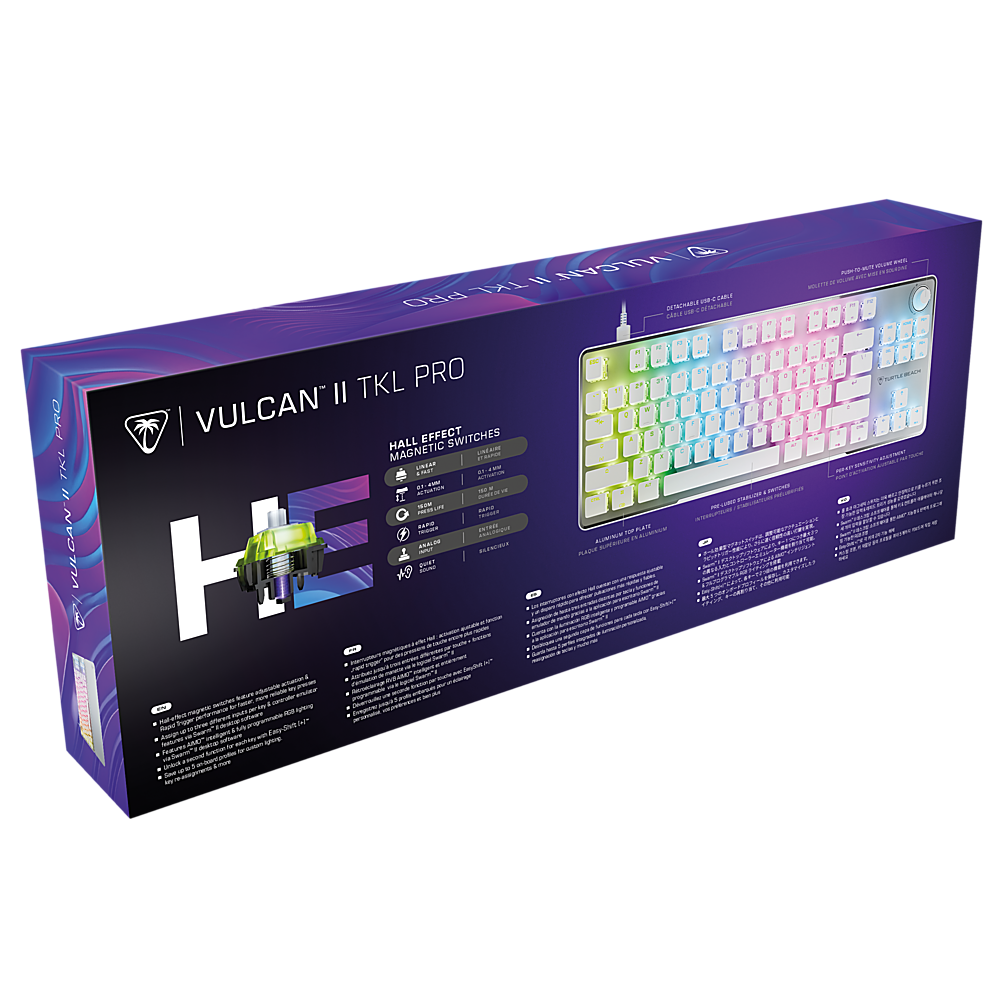
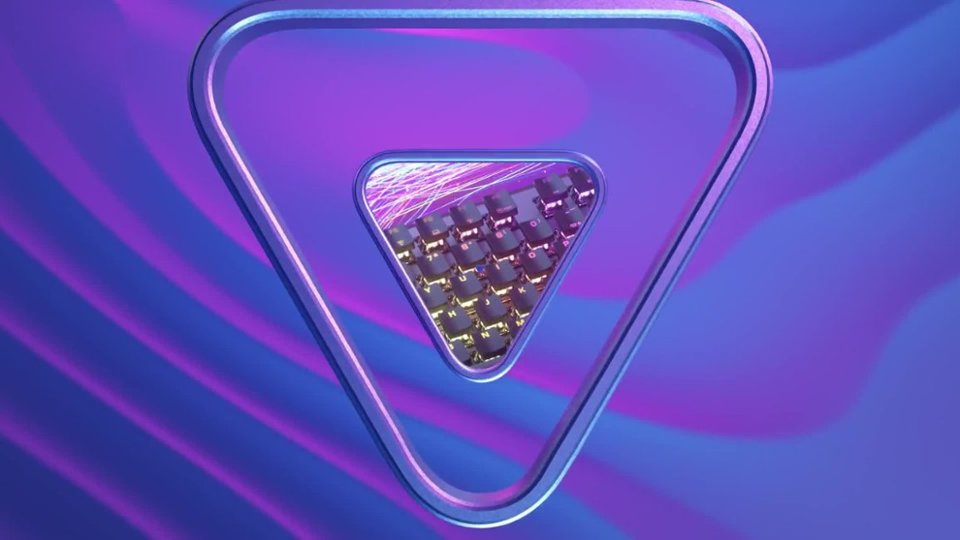
![Easy-Shift[+] + Button Duplicator: Our Easy-Shift[+] + technology adds a secondary function to compatible keys.](https://pisces.bbystatic.com/image2/BestBuy_US/images/products/0f4e2a48-d27b-41ac-86e5-0cc8273fbaa9.jpg)
- Model:
- TBK-2002-11-US
- SKU:
- 10917689
Rating by feature
- Value
Rating 4.6 out of 5 stars
- Quality
Rating 4.6 out of 5 stars
- Ease of Use
Rating 4.6 out of 5 stars

Very compact, but nice nonetheless...
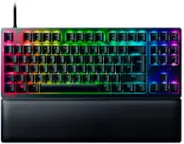
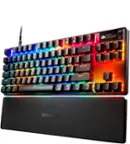
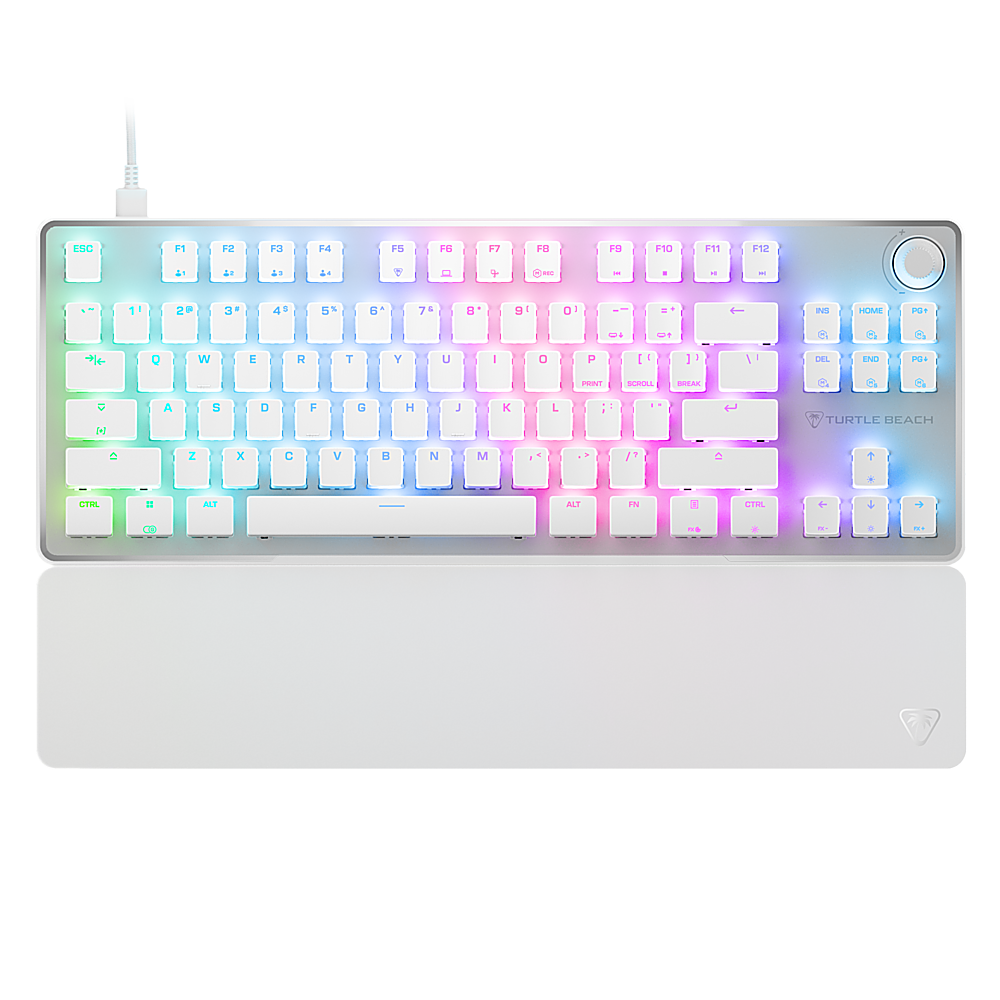
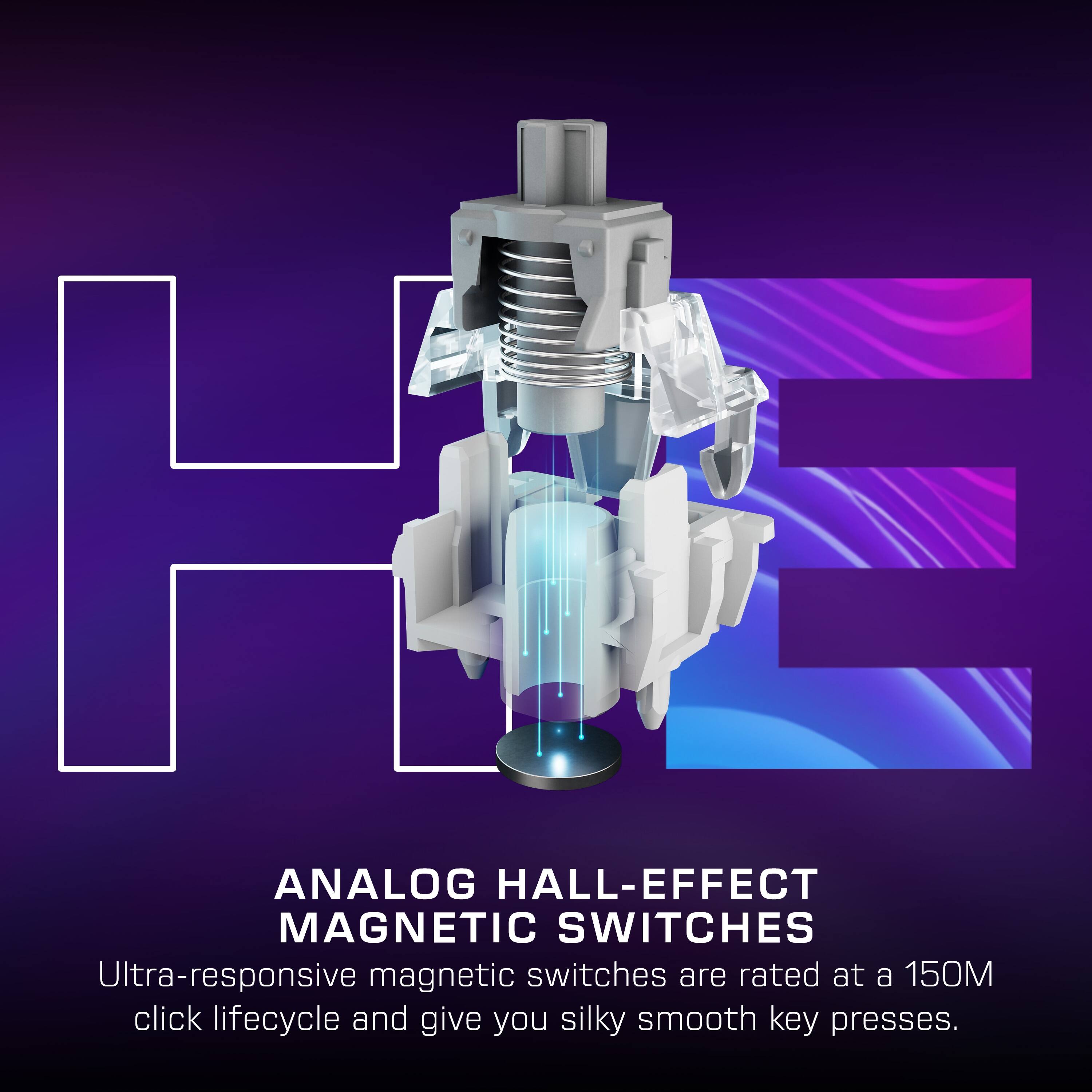
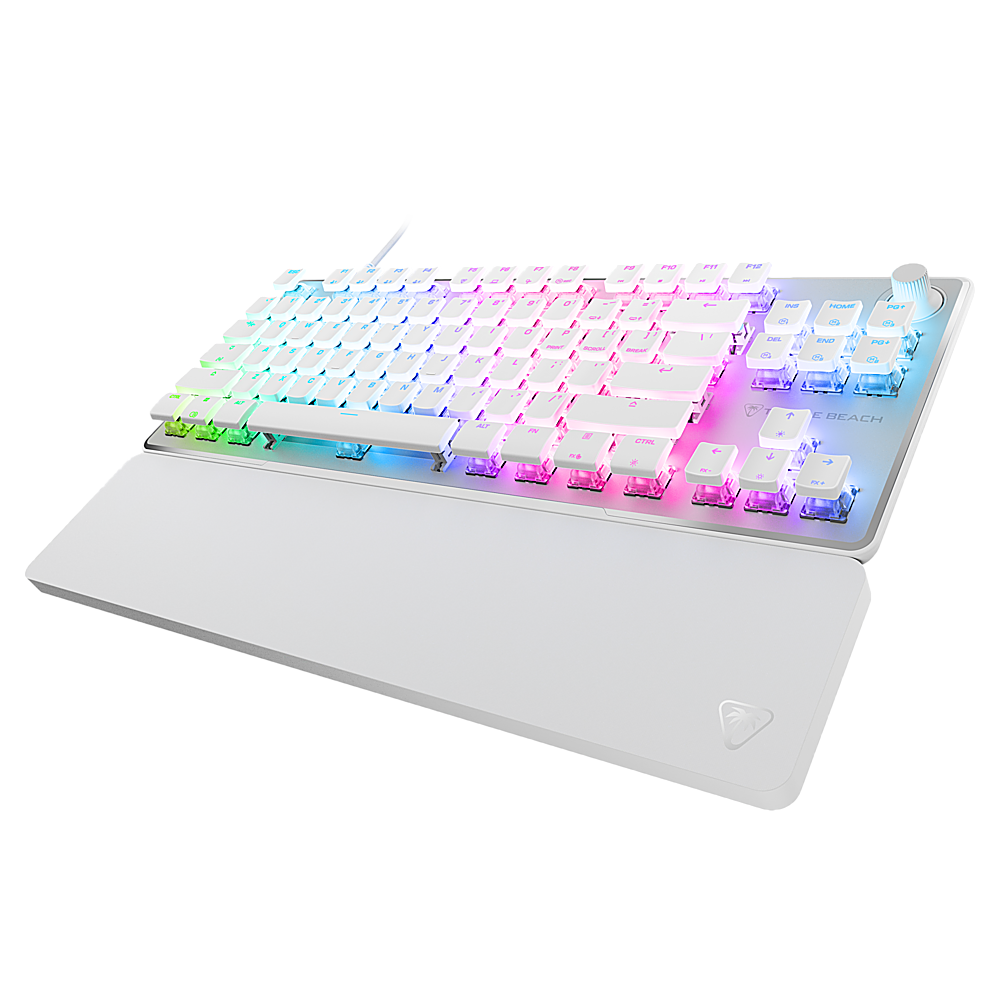
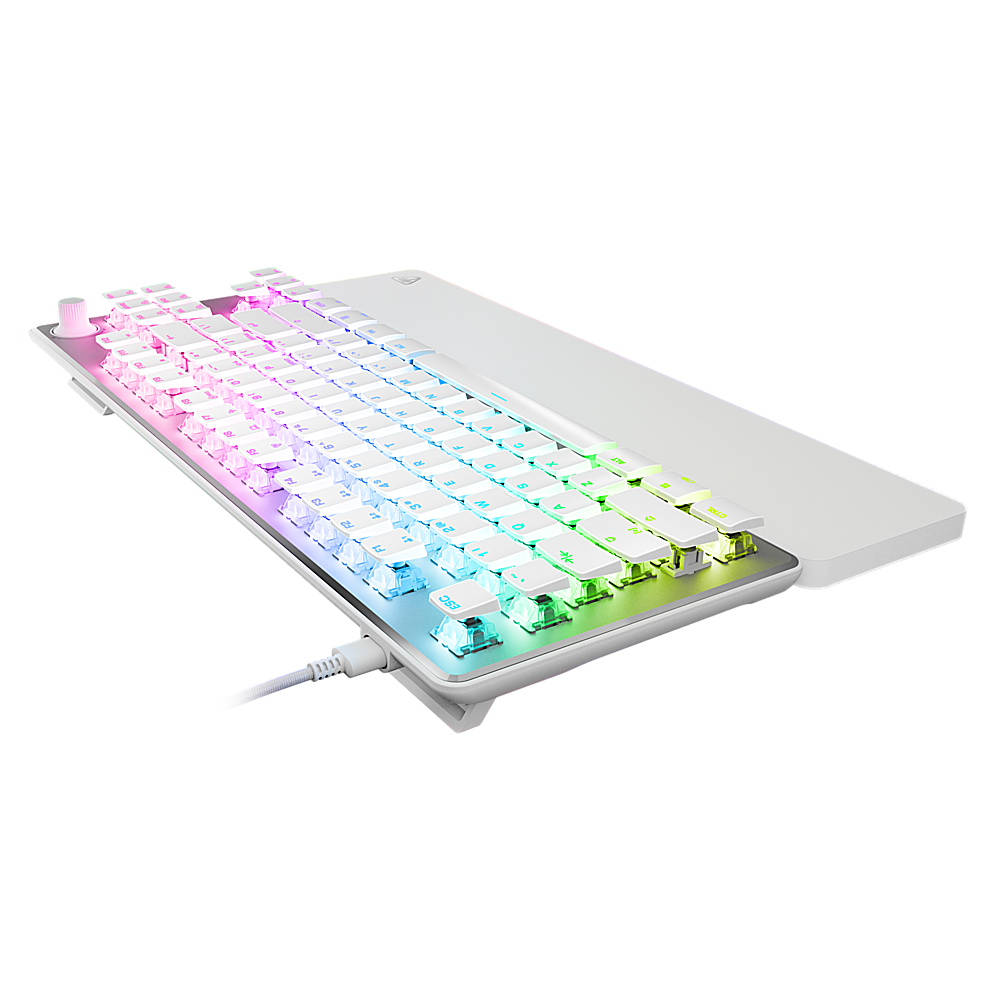
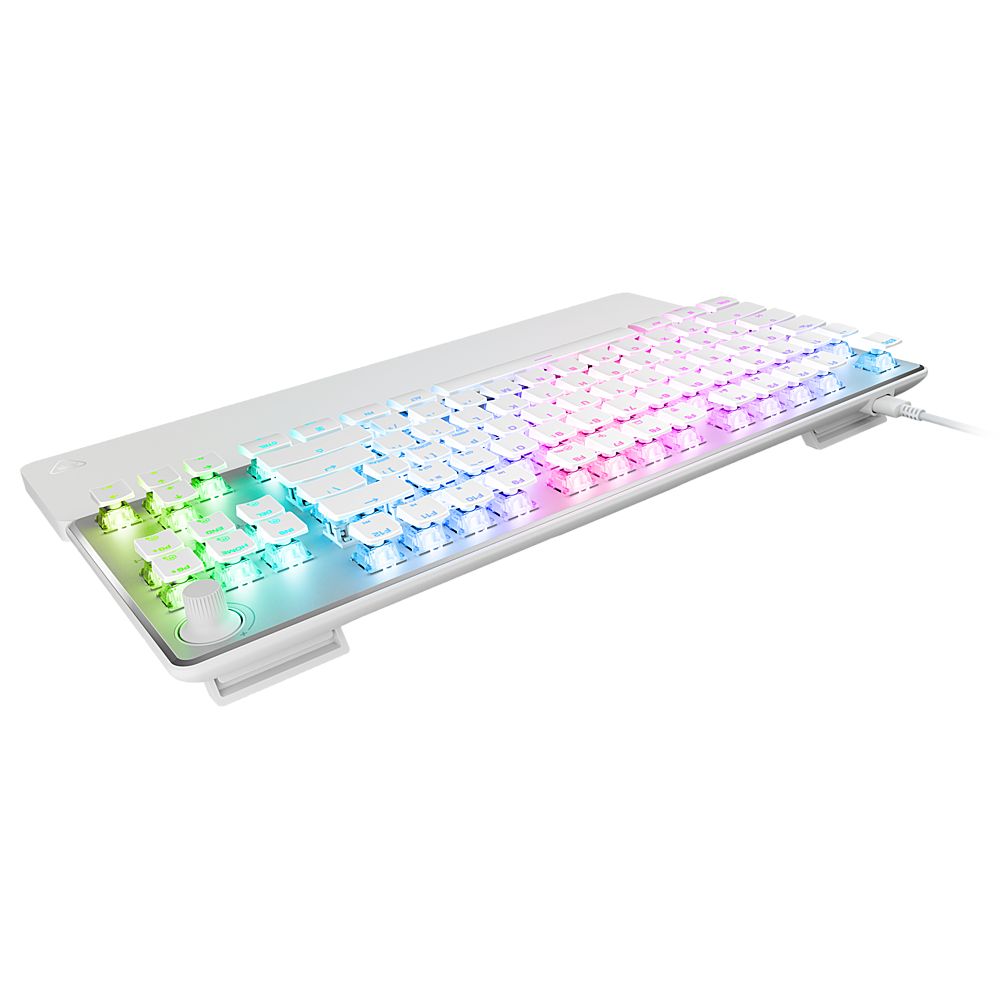
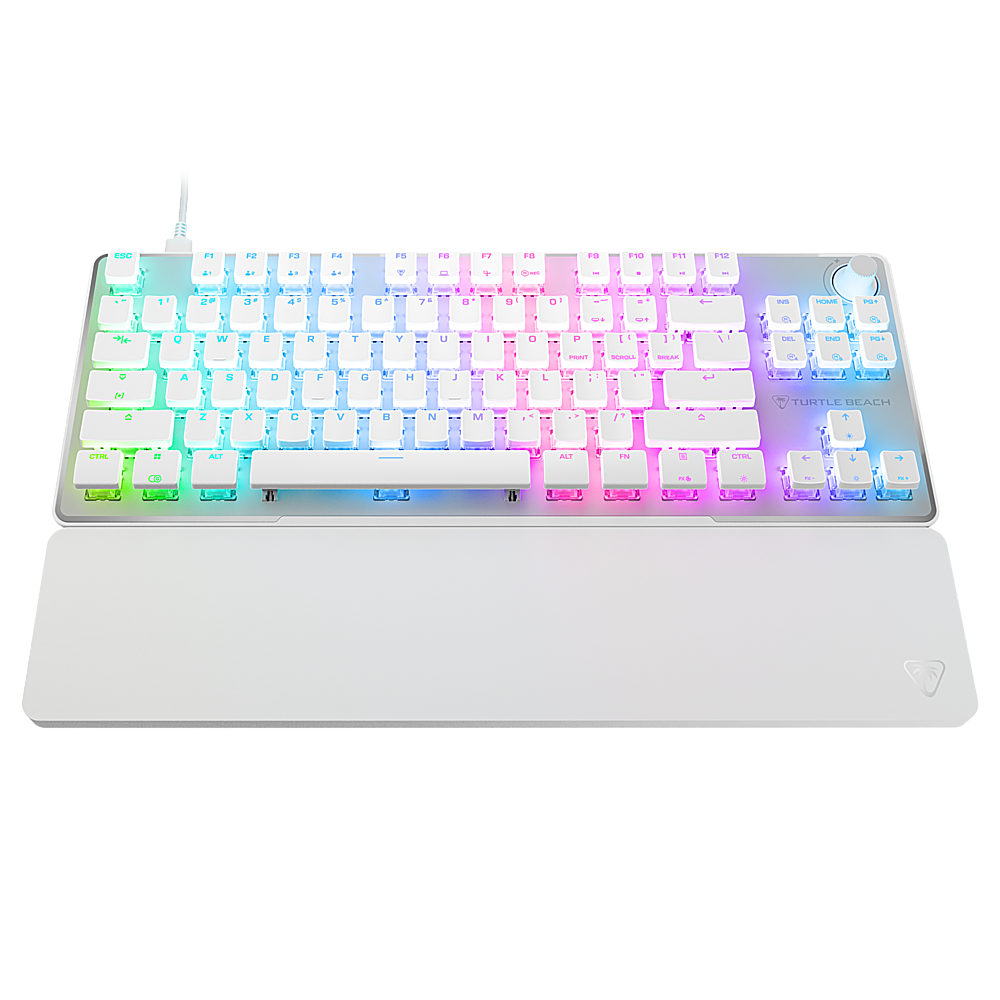
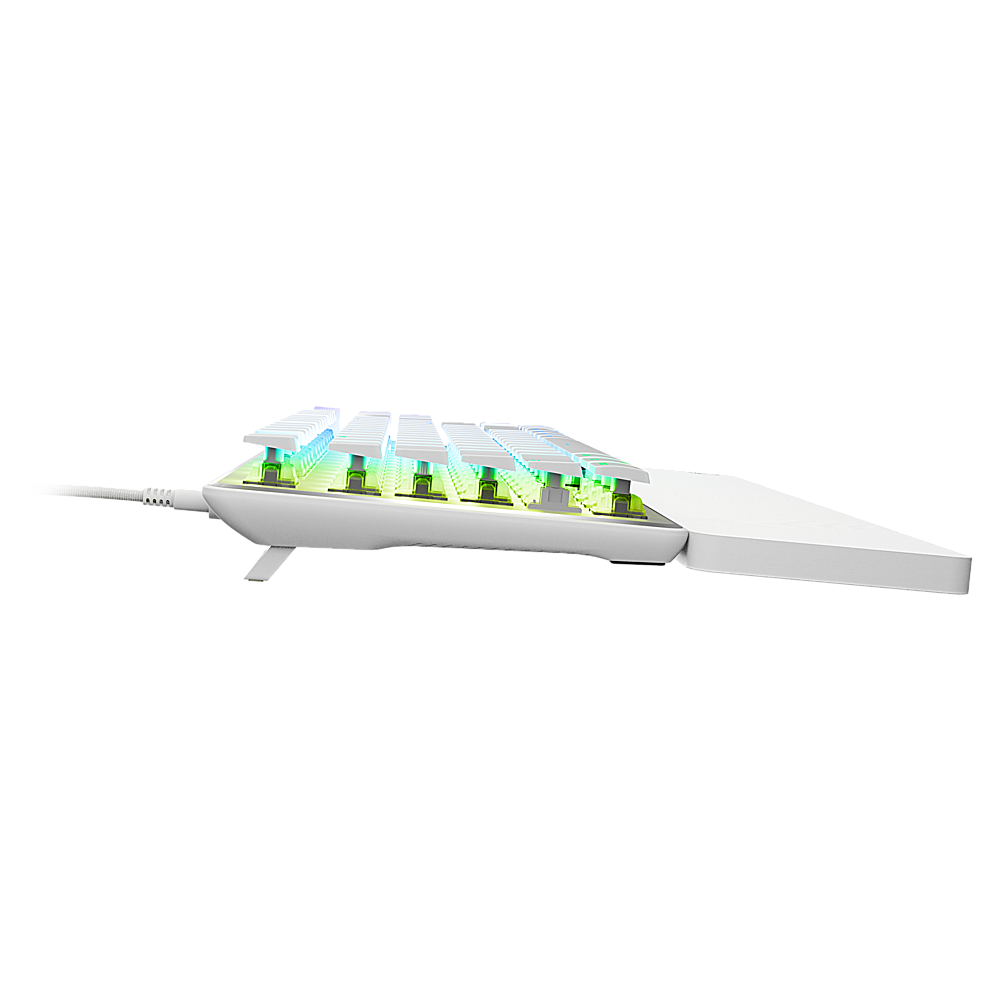
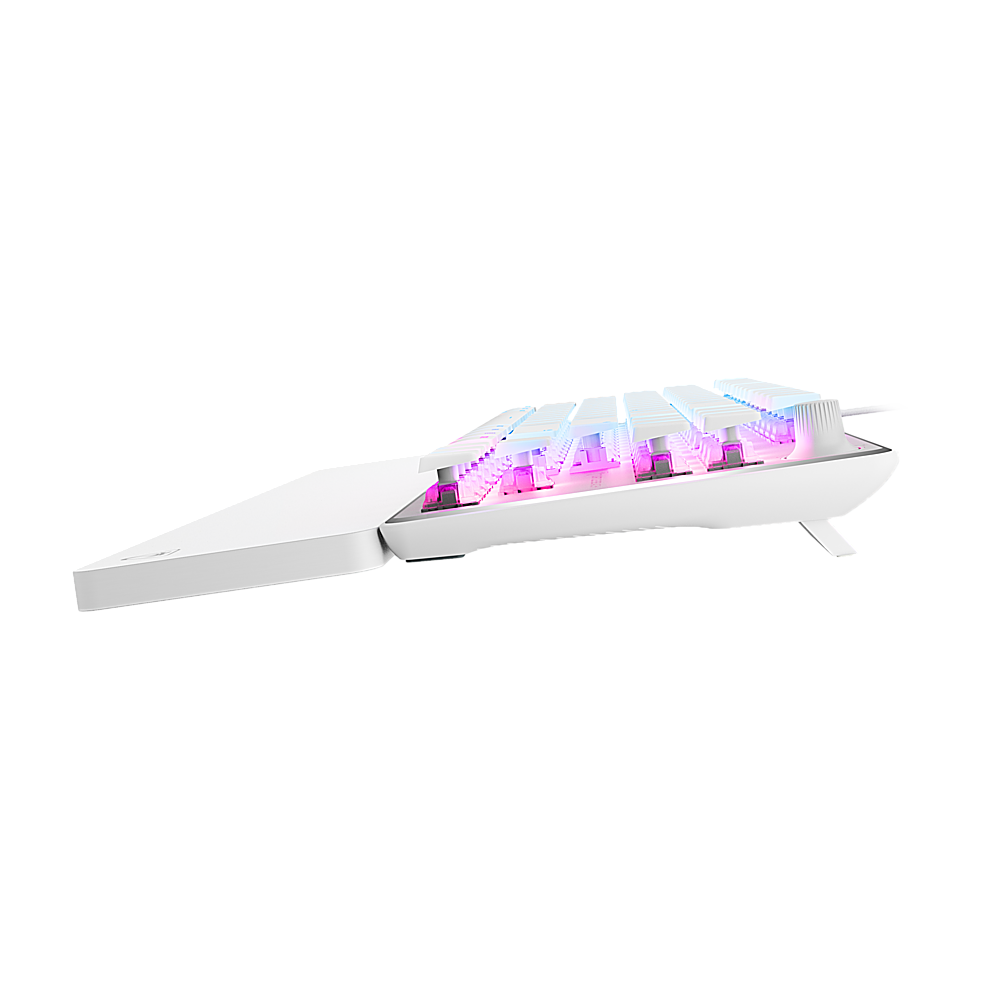
|Posted .This reviewer received promo considerations or sweepstakes entry for writing a review.So I received my Turtle Beach Vulcan II TKL Pro Wired Gaming Keyboard a week ago and have been putting it through its paces. First off I love Turtle Beach and the various products they make. I’ve never purchased or received a bad product from them that I didn’t like so I knew the Vulcan II TKL Wired Keyboard would not fail me. So when you open the package you’re greeted with a nice sturdy keyboard. The build quality is amazing. Now this is a tenkeyless keyboard so if you’re looking for a mechanical keyboard with a number pad on the side, then this isn’t the keyboard for you. Still I love the build quality. They keycaps are raised up a bit on top of the Hall-Effect Magnetic Switches, and they are removable, however, I don’t believe the switches are hot-swappable. The thin keycaps are easy to touch and I had no problem whatsoever using the keyboard with ease. The thin keycaps also allow the user to see the amazing color and lighting effects as they change. In the top right corner of the keyboard is a volume control knob which is very handy. Simply turn the knob clockwise and counterclockwise to increase or decrease the volume. To mute the volume simply press down on top of the volume knob. Also included in the box is a USB-A to USB-C cable. This is wired keyboard so it must stay attached in order to use it. Turtle Beach also included a palm rest pad that sits at the bottom of the keyboard to help with wrist fatigue. So far I’ve not had any issues with the keyboard and the palm rest pad really helps. Once you have the keyboard connected to your computer you can jump right in with gaming or you can download and install the Swarm software to further customize the keyboard to your liking. One thing that I will say is that this keyboard is very compact and may be more suitable for someone with smaller hands. I have rather large hands and though I didn’t have any issues with typing on it, its very noticeable how compact and tight it is. Overall I love the keyboard especially with the low clickity sound. No as loud as how some gaming keyboards can be. I would recommend this keyboard but for someone with smaller hands.
I would recommend this to a friendGood keyboard hardware but lackluster software
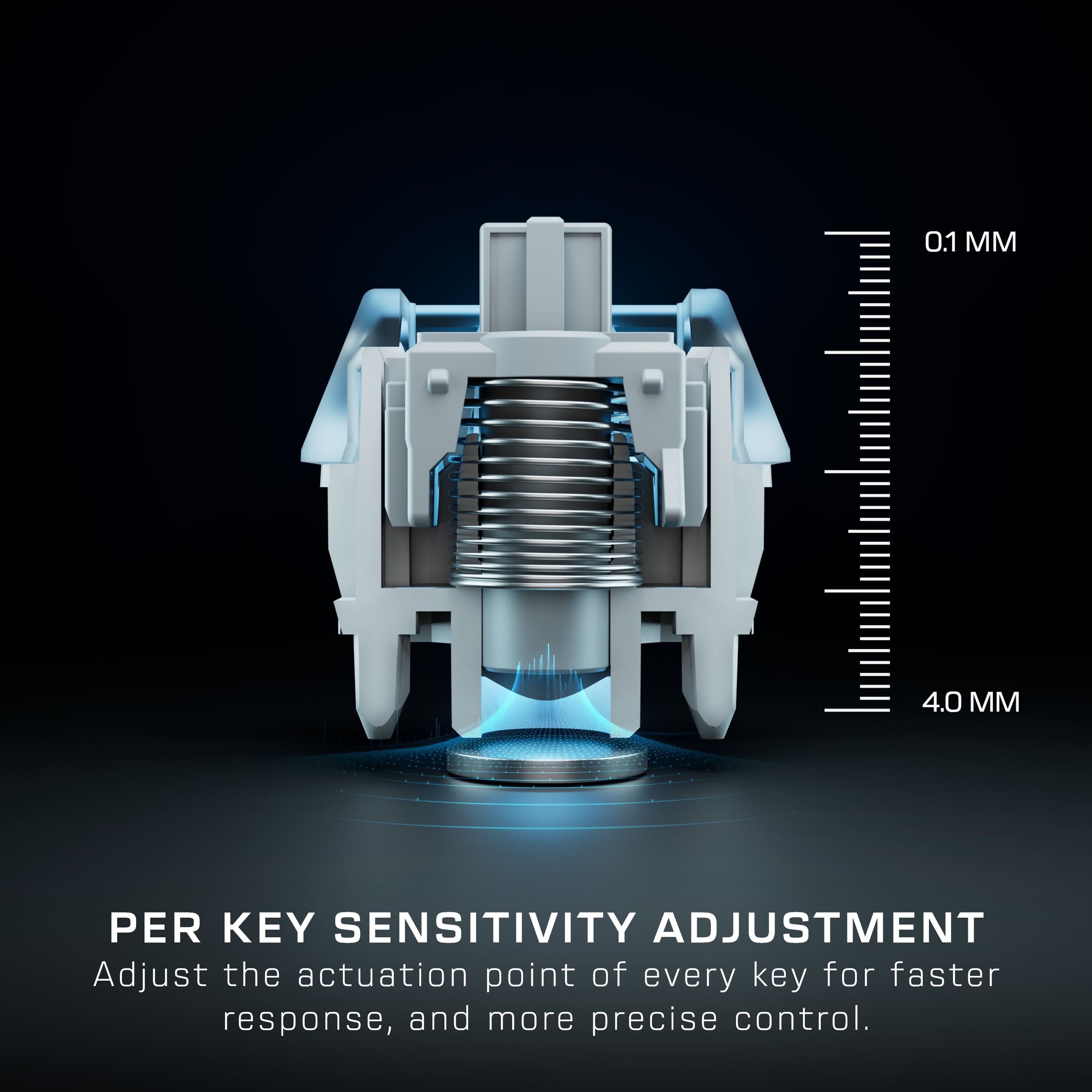
|Posted .This reviewer received promo considerations or sweepstakes entry for writing a review.This is an awesome keyboard, and it offers adjustability with the key actuation that you can't get with many other keyboards. I love the feel of it for both typing and gaming. In terms of gaming, you can customize the actuation so that you can make it more sensitive and faster in FPS games and other games that having that feature could make a difference. What I love about this keyboard: - Size is perfect but obviously without a ten-key or custom programmable keys - The RGB lighting is excellent - Low profile key caps, look stunning and they feel good - The volume knob which also lets you click to mute, it's easy to use and works great - Great for gaming and the customization of the mechanical keys is a nice to have feature for consistent and fast keystrokes - High quality braided cable - Excellent RGB lighting, but with limited effects when compared to other brands. (which you could program if you had the time or desire, but I would have liked to see more builtin to the software) What's not so good... - The software is very disappointing ... it didn't work on one PC and did on the other. Functionality is there but it's not so easy to use and pre-set RGB is limited. - The wrist rest is totally an afterthought... it's functional but that's it and detracts from the keyboard - No other media buttons and no dedicated custom macro keys (even a couple on a keyboard like this would be nice and even some small media buttons would have been nice) As stated in the not so good... I had trouble installing the keyboard software on my main gaming PC where the installer would start installing files and then just close mid-way through with no errors or anything... searching online, this is apparently an issue other people have had though I could not immediately find a solution for it, and had to try it on another machine to see if it's just something about that machine and it may have been as it installed on the other PC as it should have. Outside of the software, the hardware is great, and I do like the feel and look of this keyboard. For the hardware only I'd recommend it. That said I'm not sure I could recommend it because of the software and the wrist rest, it felt cheap and not nearly as premium as other keyboards I have purchased in this same range. I've installed and tried many other brands of RGB/keyboard software before and never have had trouble with it working before it's even installed so, to have that right off the get-go on this one is a deal breaker and makes it hard to recommend.
No, I would not recommend this to a friendBrand response from Turtle Beach Support
Posted .Hello!
We appreciate the feedback regarding your experience with the Turtle Beach Vulcan II TKL Keyboard.
If you have questions, concerns, or require assistance, please reach out directly to our dedicated Support Team so they can lend a hand. They’re always happy to help and can be reached right from the support section of the Turtle Beach website.
Thank you and have a great day!
Awesome functionality, customization, and looks!
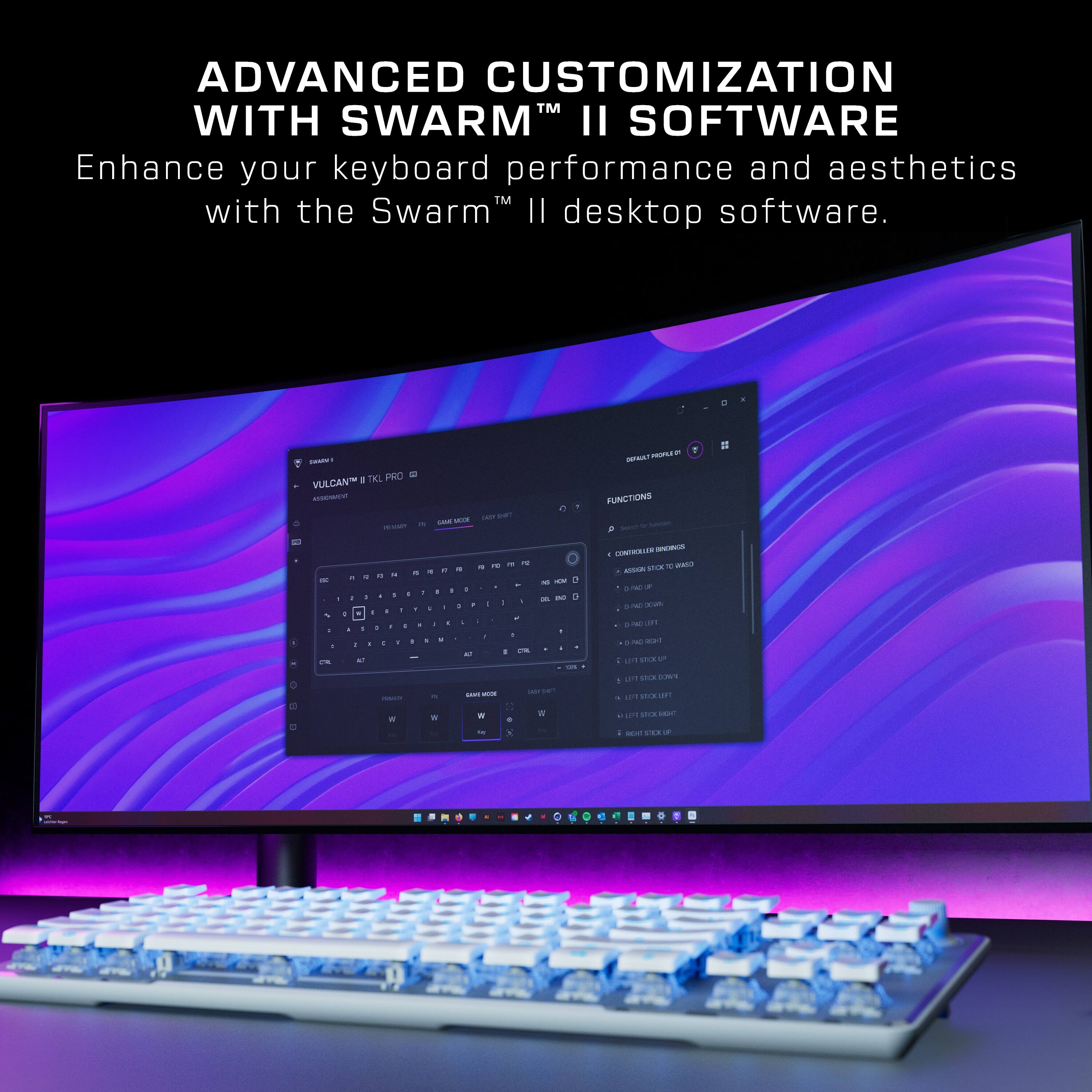
|Posted .This reviewer received promo considerations or sweepstakes entry for writing a review.The Turtle Beach - Vulcan II TKL Pro Wired Magnetic Mechanical Gaming Keyboard with Analog Hall-Effect Switches - Black is a beautifully crafted keyboard, with smooth easy to use keys. The layout is super comfortable and the spacing between the keys is perfect for boy typing and gaming. The response time is instant, and the keys barely have to be pressed to register an input. The RGB backlighting is attractive and the included foam wrist rest is comfortable to use as well. I love the analog volume knob that can be quickly pushed to mute. The keyboard itself is lightweight but it sits firmly on my desk and doesn't move around while typing. Each key can be individually adjusted for sensitivity. The switches and stabilizers are pre lubed which is a nice touch. Each key can also be assigned up to 3 different inputs. And can also be adjusted for actuation height as well. I tend to click all the way to the bottom of each key but I imagine that might come in handy on fast twitch FPS games etc. Downloading the Swarm II software will allow you to change multitudes of different settings, including keystroke press depth for both downward and upward actuation of each key, the lighting effects, and many more. Overall this is a beautiful keyboard with every function you can dream of to give you a cometitive advantage in your favorite games!
I would recommend this to a friendFun and Precise
|Posted .This reviewer received promo considerations or sweepstakes entry for writing a review.Yes!!!!! What a fun keyboard. Got it for my son and while he doesn't yet appreciate the precision and speed of the buttons, he undoubtedly loves the keyboard. He loves the rgb and when we downloaded the software and were able to customize the color, pattern, speed, etc of just the lights, he was thrilled. I've never seen somebody so excited with something as simple as a keyboard. As for me, I personally like having a number pad. When you get the keyboard from the packaging, it is obvious this is a well built product that is leaps and bounds better than most plasticy products on the market. The volume wheel has a smooth and super accurate response as does every single button. When you take some time to customize the buttons with the software, the gaming experience becomes better and better the more you tailor the programmable buttons to your style of play. Just to quickly summarize, the keyboard is a well built, well engineered, and great looking product with software to match!!!
I would recommend this to a friendThey keep getting better!
|Posted .This reviewer received promo considerations or sweepstakes entry for writing a review.I have a lot of keyboards... my wife says I have too many. But, I'm always looking at the best tactile experience while gaming and these Turtle Beach (formerly Roccat) Vulcan's are amazing for the money. I have all the brands and a few that I stay away just because the lack of value or simply the feel of the keys. Most are decent enough and I've bounced a bit between a few of the more popular brands and I've even delved into building my own, picking out a base, then the switches and then the keycaps and then the cable and shelling out a bunch of money doing so. A few years ago I discovered the Roccat Vulcan. I switch back and forth but always end up putting the Vulcans in service and retiring the other brands, tossing them in a box. Recently Turtle Beach purchased Roccat and has integrated the keyboards and mice into their already popular gaming peripheral line of products. I already had a couple of gaming headsets for consoles and PC so it makes for a good synergy. For the money it's almost impossible to beat. I love the way the keys are sitting on top of the board and keycaps raised. The switches have great tactile feedback... not too clicky with quick response and nice travel. I've gotten spoiled with the media knob... volume up and down with push to mute. If a keyboard doesn't have simple media controls I won't use it (part of the problem with some of the build your own keyboards is lack of dedicated media controls). I also love detachable cables. The USB C connection on the keyboard allows you to add custom cables if you wish. There are many different brands of coiled braided cables and it would be great if Turtle Beach added optional modifications to their product line... like cables and keycaps. The Swarm software allows you to create profiles to fit your needs and does a good job of controlling the RGB light. But, if you don't care about those things then Swarm really isn't needed. Every desktop I have in my house now as a Vulcan keyboard... that's all 4 of them so I'm really sold on them. In fact I love the Vulcan line of keyboards so much I bought one to take to work.
I would recommend this to a friendInteresting customization potential for gamers
|Posted .This reviewer received promo considerations or sweepstakes entry for writing a review.As someone that's used traditional mechanical keyboards for decades, these Hall effect switches are quite interesting. The switches are analog, meaning they can track how far down each key is pressed. This makes each key pressure sensitive and the customization software allows you to change the activation point of each key. Not only can you change how far down a key needs to be pressed before it actuates, you can even assign multiple functions to each key depending on how far the key is pressed. This extends into other analog device emulation, such as binding a joystick or gamepad thumbstick axis to a key. How well all of this works in practice depends on how much time you want to take to practice and change your keyboard use to match. For the keyboard itself, construction is pretty good. It's plenty stiff with only a little flex. You get the normal per-key RGB lighting many gaming-centric keyboards have now, though available RGB patterns and layer effects are a little limited compared to many competing keyboards. The keyboard is not available in any kind of clicky or tactile switch version. So if you're used to MX Blues or Browns, you probably won't like the feel of this keyboard. These switches have a very smooth keystroke, notably smoother than MX Red and Black switches. The keystroke is full-length while the keycaps are low profile, so a lot of light spills through from below. It also appears to be compatible with MX keycaps, if you want to switch them out. While this keyboard might be great for gaming, I doubt many dedicated typist will like it. Apart, from the lack of tactile or clicky switches, the top plane of the keycaps is flat. So while each keycap has its own divot and curve, the keyboard lacks the ergonomic top to bottom sweep more traditional keyboards have. The included wrist rest is also an afterthought of basic neoprene foam.
I would recommend this to a friendGreat keyboard for gaming
|Posted .This reviewer received promo considerations or sweepstakes entry for writing a review.This keyboard is really a game changer. It sounds fantastic, every keystroke is a buttery smooth thock sound without any squeaking, rattling, or pinging. The key stabilization is very good and the spacebar sounds great. Also, it has a high-quality tactile volume knob, and user friendly function keys spread out on the keyboard which make it so easy to use. I also used the controller emulator and it offers true analog input functionality. I have found no problem with the construction of the key switches, stabilizers, and top plate. I work mostly from home and I spend a significant portion of my day in front of a computer. I don't game much on PC, but I do appreciate mechanical keyboards and I've been using them for many, many years. Even though it lacks a number pad, I do like this keyboard a lot due to its ease of use and softness. You can do a few things using the function key and other keys on the keyboard but, for the most part, the keyboard itself is pretty basic. The keyboard is fairly lightweight and has very little flex to it. Even though it is lightweight and it feels plasticky when held, the top plate gives the keyboard a nice rigidity.
I would recommend this to a friendVery Nice Gaming Keyboard!
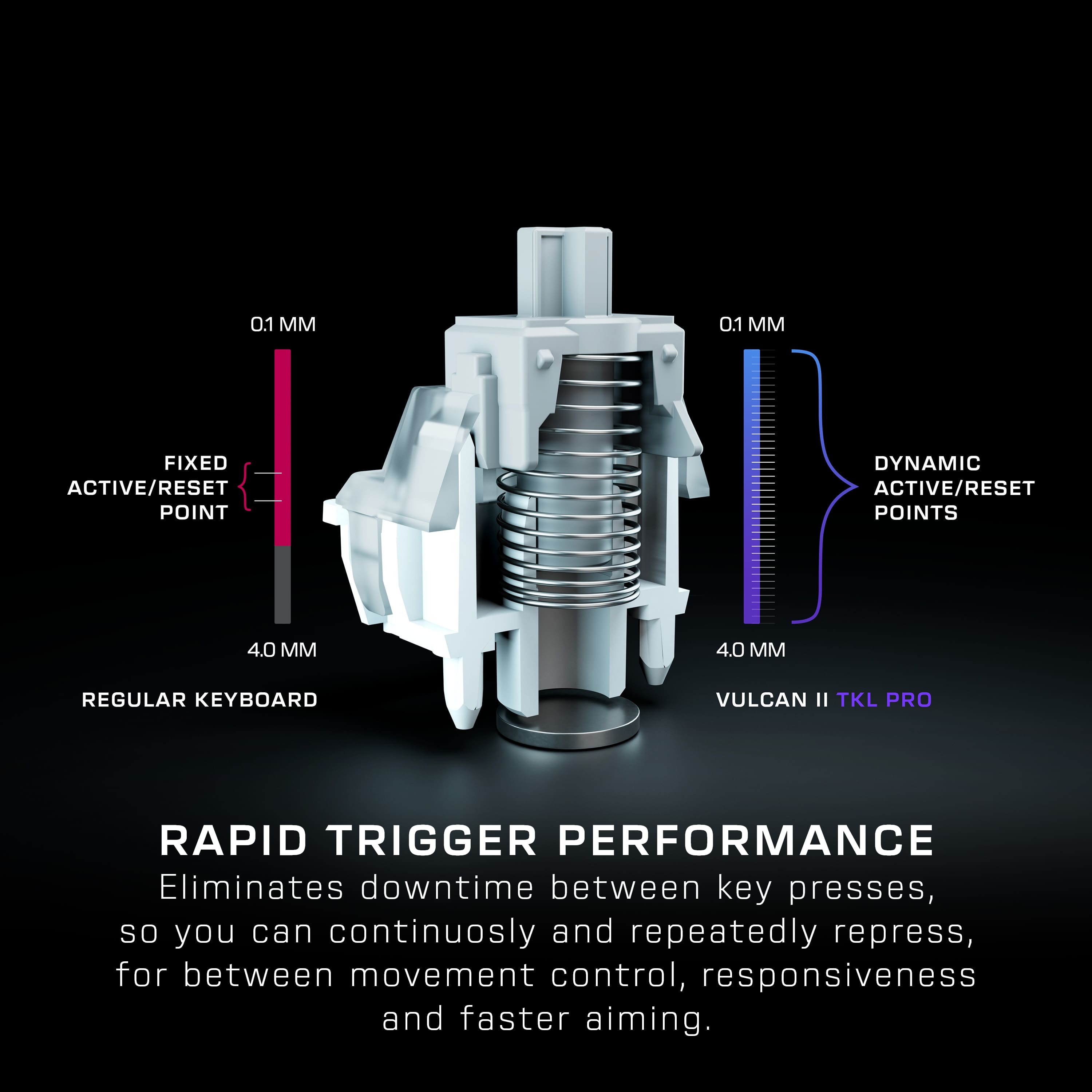
|Posted .This reviewer received promo considerations or sweepstakes entry for writing a review.Turtle Beach has taken the Roccat Vulcan keyboard and upgraded the switches to analog Hall-effect magnetic mechanical. This allows for longer life (150M clicks vs 50M on the older version) as well as being able to customize the actuation point. Also, it makes the keys much less "clicky" (which is my preference). In the Turtle Beach Swarm II app, the entire keyboard can be set anywhere between 0.1mm and 4.0mm. For Gaming mode, each individual key can be set to its own actuation point, with different point settings available for the press and release point (when enabled). You will definitely need to try out the different points to see what works the best. When the Primary/FN Actuation point was set at .1, it basically makes the keyboard useless for typing (non-gaming) as when any key is barely tapped, it types that character. For example, when trying to hit Backspace, it would keep typing the Backslash (\) because my finger would barely touch the top edge of the key. After trying out different Actuation point levels, I found that at 2.3 that the accidental type wasn't as bad. Interestingly, when downloading the installer file from their website, it is in a ZIP file, which adds an unnecessary extra step to extract the installer and doesn't really save any size for download. The installer did allow me to install on a different drive tha C: as that is getting too full. Strangely, after installing the version of Swarm II I had just downloaded, there was an update available for the app to install after I launched it. The Swarm II app does seem to be a bit better/easier for customization than other ones have used. For RGB lighting (which, personally, I have never cared for on any PC accessory and really don't understand why everything related to gaming has to have it), it is fully customizable, from using presets to setting a color for each individual key. Also, for each available function, the keys can be remapped to anything desired. The keys themselves seem a little more curved than other gaming keyboards. I'm not sure if that is good or bad, but I am used to the flat key keyboard I have for my everyday use, so it may just seem overly curved because of what I am used to. They do mention that the keycaps can be swapped out with any T-shaped ABS keycaps. The performance when gaming is great. I didn't have any issues when playing my normal games. My son also tried it out with some of the games he plays, with one of them that having a shorter actuation point is very helpful for quickly "building" items in the game. He likes it much better than his current gaming keyboard from a different company that he has been using for the last couple of years. If you are looking for a very customizable, mostly quiet, long-lasting (presumably) gaming keyboard, then definitely take a look at this one!
I would recommend this to a friendghreat keyboard
|Posted .This reviewer received promo considerations or sweepstakes entry for writing a review.This keyboard from turtle Beach is surpisingly good. Ikn ow turtler beach for their headsets more than anything els. But this keyboard is great. I came from using a different kind of TKL gaming keyboard but this beats it. The keyboard has their typical gaming stuff like RGB colors in zones. This being a TKL keyboard which means it's basically a full size keyboard but doesn't have the num pad. This also features Rapid triggers as well which means you don't have to fully reset the key before pressing it again which is nice. I mostly play Role playing games where I doin't need it b ut it's useful for the few games that it does benefit from. As far as the kerys goes I love the feel of liner switches over clikcy or tactile because you don't have that clicky sound or the tactile feel of each press which I find annoying myself. My only minor gripe about this keyboard is the typing experience with it for typing out stuff like this review but that could just take some time to get used to the layout.
I would recommend this to a friendThis vibrant keyboard is one of the best I’ve used
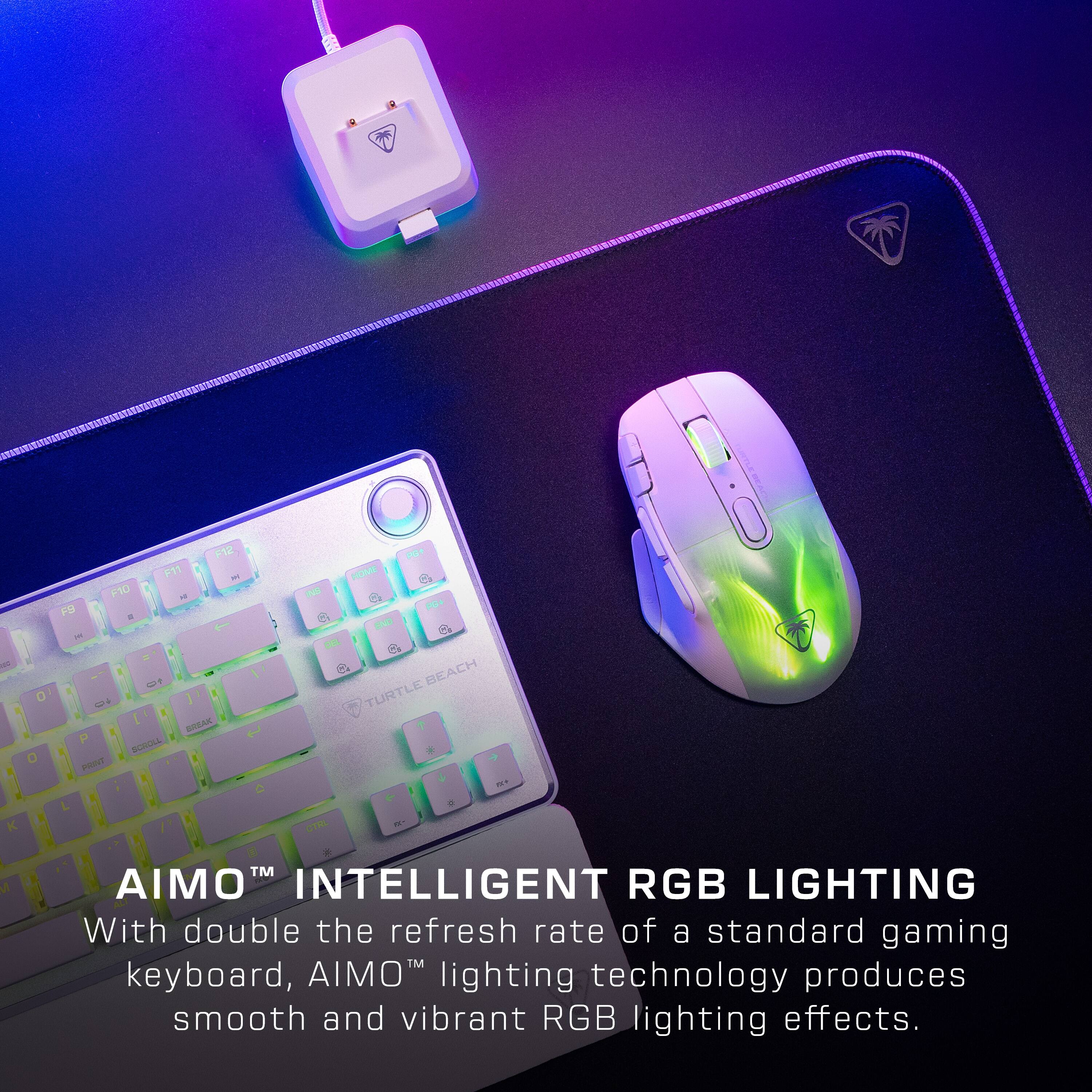
|Posted .This reviewer received promo considerations or sweepstakes entry for writing a review.One of the things that I enjoyed about this keyboard is the vibrant color that it displays. The ease of pairing this with the computer was simple and easy. I love the feel of the keys and the typing ability. This product is economical and the menu as far as choosing the colors is what I like. The keyboard is very responsive to the touch and the strokes are smooth and not loud at all which is a plus. This is a gift that would be great for adults and kids. For kids it adds a vibrant colorful touch and little fingers can navigate it. For adults ,it's nice that you can type In the dark and be able to see so if you have really small children you can work in the dark or if you are at the office and wanna turn the lights down for a more relaxing environment, you can do this and still see what you re doing. This is especially nice for individuals that game. This adds a nice vibrant light when you are playing the games, it adds an exciting light to the adventure of gaming. If you are going to purchase this keyboard you won’t. Be disappointed.
I would recommend this to a friend