Customer Ratings & Reviews



- Model:
- SB3830-D0
- SKU:
- 5948537
to a friend
Customers are saying
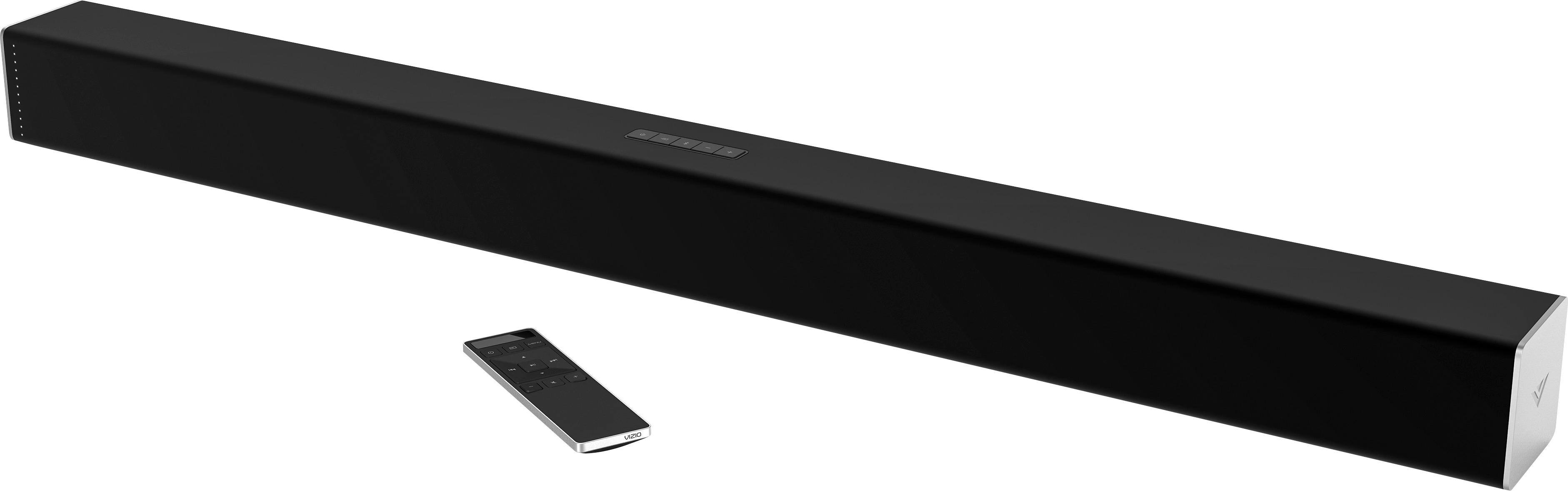
Customers are pleased with the sound quality of the 3.0-Channel Soundbar with Digital Amplifier, describing it as "great sound." They also appreciate its simple setup, with comments like "easy to attach to TV." The soundbar offers good value for its price, with customers saying it's "very nice" and offers "any connection you can need."
This summary was generated by AI based on customer reviews.
- Pros mentioned:Sound quality
Good sound, but flakey and bad UI
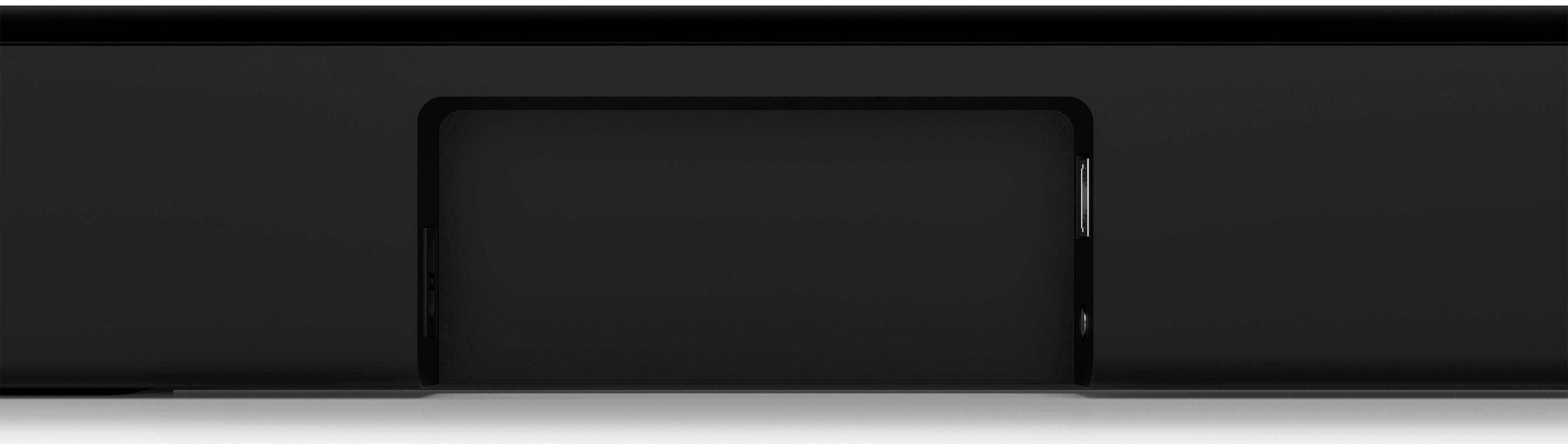
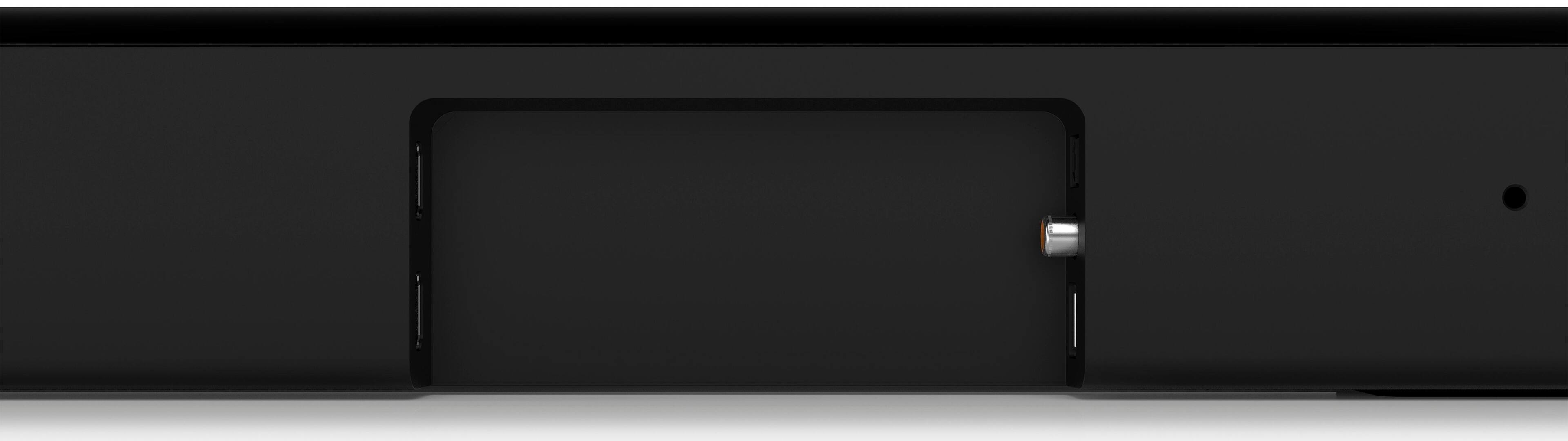
Posted .This reviewer received promo considerations or sweepstakes entry for writing a review.I'm happy with the sound from this speaker. The center speaker helps a lot with voice. But the Vizio app that's required for configuration and updates is terrible. I had repeated problem connecting to the device via WiFi or Bluetooth to configure and after configuration the device often doesn't show up in the app or clicking on the settings icon has no effect, even though the speaker is powered on and visible on the network. In addition, there are numerous other flaky problems. Today the speaker just wouldn't turn on — via HDMI-CEC or manual. I had to unplug it. Frequently when the TV program changes - starting a video stream or playing a DVD - there is about a 5 second pause with video but no audio. I don't know if this is my TCL TV or the soundbar, but it never happened before adding the soundbar. Using TruVolume while audio casting causes constant ramping of audio volume followed by clipping. Generally you can put the remote in a drawer because TV remote works with HDMI-CEC. If you want to configure settings you can use the Vizio app or the Vizio remote, but the app often doesn't connect to the soundbar and the remote LED display is hard to read. One positive: there is an ethernet port, not mentioned in the docs anywhere that I could find. It works as a replacement for WiFi. There's no configuration options, but it connects via DHCP to your network. Presumably casting is more reliable via wired since it reduces WiFi congestion.
No, I would not recommend this to a friendBrand response from VIZIOEntertainmentExpert
Posted .Thanks for taking the time to review our product. If your sound bar isn't powering on using CEC through HDMI-ARC, you may need to 'Find' the device in your TV's menu. We'd be happy to help you troubleshoot this, and your app issues when you have some time. Feel free to contact VIZIO Support at 877-878-4946.

- Pros mentioned:Easy setup, Sound quality
Awesome soundbar!
Posted .This reviewer received promo considerations or sweepstakes entry for writing a review.WOW! Great sound, so easy to hook up! I have an XBox One,which is hooked up to hdmi tv, so I used the optical cable, easy!!
I would recommend this to a friend - Cons mentioned:Defective unit, Power cycling required
Would not recommend
Posted .This reviewer received promo considerations or sweepstakes entry for writing a review.I got my Vizio 3.0 delivered on 8/25/2017 and I unpacked it on 8/26/2017 all exited to setup my new toy. 1. It would not get detected via bluetooth using Smartcast - I tried everything the manual said to do. Finally frustrated I contacted Vizio live support. They made me do a "power cycle reset" and "factory reset". Next uninstall the smartcast app from my iphone and restart my iphone. After my phone rebooted I reinstalled the app and this time the soundbar got detected. Said thank you to the agent and off I was not knowing I was in for another surprise. 2. After I went through the configuration steps of setting up the soundbar I tried to play some music. First time it played and then within 10sec it powered off. I restarted the device and tried again but everytime it would default to 'digital' and not play via bluetooth. If I select bluetooth it would go into bluetooth detect mode. I tried almost everything I could think of before contacting live support again. We went through the whole power recycle and factory default reset again. Also removed the bluetooth profile from my iphone and re-added. It would just drop bluetooth connection while trying to play via bluetooth. Next we tried using an andriod and the symptoms were the same. After 2hrs of this nonsense I told support I had just about enough of this device and was ready to throw it out the window. They wanted me to ship the item back to them to get a replacement which would take 8-15days or put a hold on my CC for another device which they ship a new unit out to me instantly and once they receive the defective unit and test it then remove the hold. Too me both options were just not acceptable as its not even been 24hrs since I received the item. Since there was nothing more they were willing to do I gave them a 3rd option which is repack it and drop it off at BB which I did.
No, I would not recommend this to a friend