Customer Ratings & Reviews
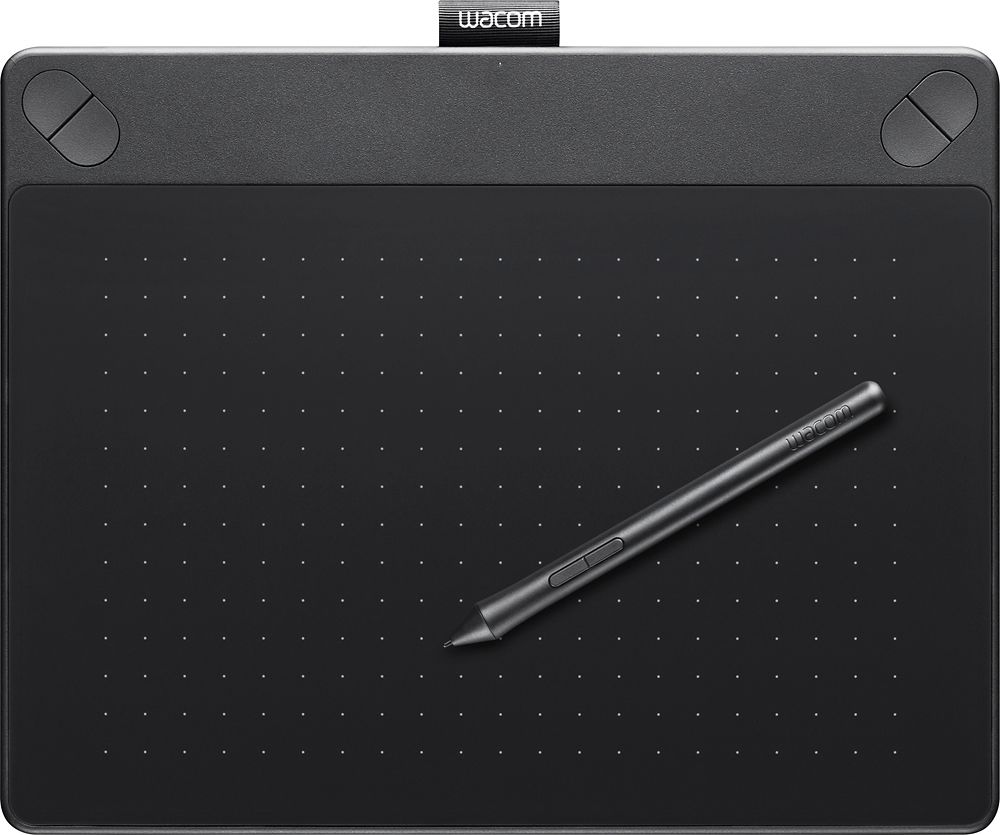
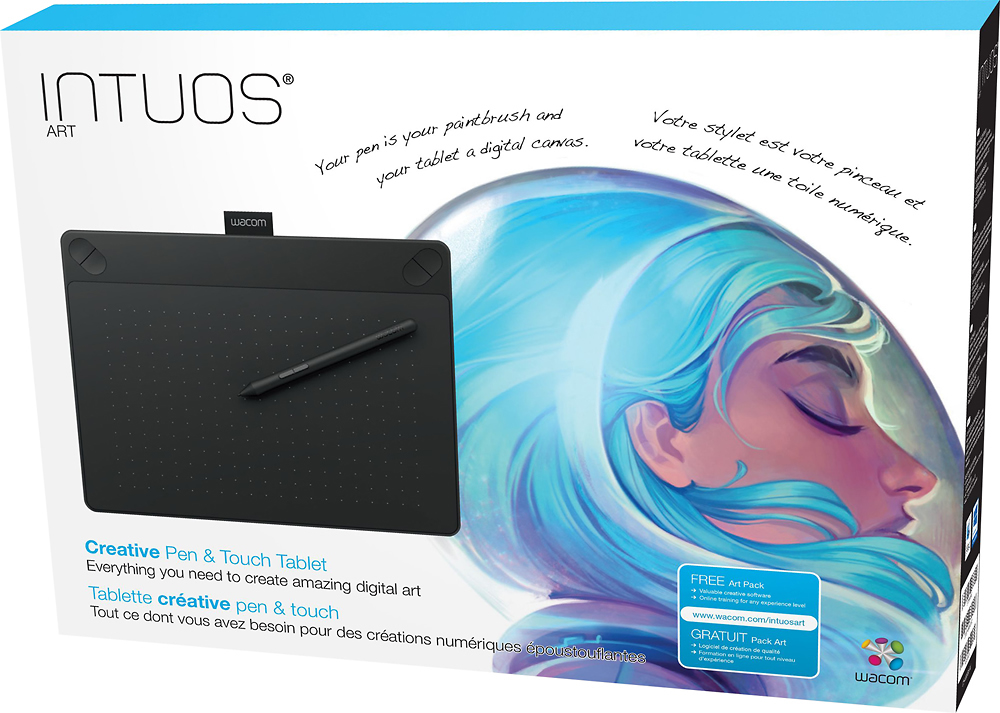
- Model:
- CTH490AK
- |
- SKU:
- 4359301
Customer reviews
Rating 4.4 out of 5 stars with 1079 reviews
(1,079 customer reviews)Rating by feature
- Value4.1
Rating 4.1 out of 5 stars
- Quality4.3
Rating 4.3 out of 5 stars
- Ease of Use4.1
Rating 4.1 out of 5 stars
Customers are saying
Customers are delighted by the Intuos Art Creative Small Pen and Touch Tablet for its ease of use, drawing capabilities, and affordability. Many find it a great choice for beginners and appreciate its portability. While some users experienced a learning curve and issues with the software and stylus, overall, customers are pleased with the tablet's performance and functionality.
This summary was generated by AI based on customer reviews.
- Pros mentioned:Price
Rated 5 out of 5 stars
Awesome Art Tablet!
||Posted .This reviewer received promo considerations or sweepstakes entry for writing a review.I've used drawing tablets for years and have tried a few different brands. My first tablet was a Wacom Bamboo that lasted me nearly ten years. I tried other tablets during that time but none could measure up. I got the Intuos Art tablet (smaller size) a few months ago and so far I love it! It's everything I was hoping it would be, and it was a good price for the size and capabilities. It is a bit small and I'm finding that after several hours of sketching or painting my wrist starts to cramp up, but that's only a small inconvenience. I definitely hope to get a lot out of this tablet, and to possibly invest in the larger size in the future!
I would recommend this to a friend - Pros mentioned:Ease of use
Rated 5 out of 5 stars
Touch tablet
||Posted .This reviewer received promo considerations or sweepstakes entry for writing a review.Bought this tablet for my daughter. She loves art and is using it everyday. Great colors and features. No more erasing. Program is fairly easy to use. Absolutely love it.
I would recommend this to a friend Rated 5 out of 5 stars
WaCom drawing pad
||Posted .This reviewer received promo considerations or sweepstakes entry for writing a review.Got this for my daughter for Christmas, to go with her new HP Envy x360. Freakin awesome! As an inspiring artist it's so so cool! I even love it and I draw horribly!! Must have!!!
I would recommend this to a friend- Pros mentioned:Price
Rated 4 out of 5 stars
Great graphics tablet for beginners
||Posted .This reviewer received promo considerations or sweepstakes entry for writing a review.I'm only two years into graphic design so I wasn't looking to spend a lot to try out graphics tablets for my work. This product is reasonably priced and works great with my MacBook Pro.
I would recommend this to a friend - Pros mentioned:Ease of useCons mentioned:Lag
Rated 4 out of 5 stars
Easy to use
||Posted .This reviewer received promo considerations or sweepstakes entry for writing a review.This item is easy to use once you register the item onto whatever you're using and you can also change the hotkeys/shortcut buttons to your preferences. It also comes with a few free programs after you've registered your product. I just wish that someone said how they liked the free program. I realized that there was a lag between my strokes on the pad and the one on screen. I got my hopes up because i could create more layers on the program but didn't like the lag because it wasn't in real time. Overall, this product is good.
I would recommend this to a friend - Pros mentioned:Ease of use, Price, Size
Rated 5 out of 5 stars
Great For Beginners!
||Posted .This reviewer received promo considerations or sweepstakes entry for writing a review.I really like this drawing tablet it’s not too big, it’s affordable, and excellent for new artists coming to the electronic field!
I would recommend this to a friend - Pros mentioned:Responsiveness
Rated 4 out of 5 stars
Good purchase for my needs so far
||Posted .This reviewer received promo considerations or sweepstakes entry for writing a review.Use this to complement a Wacom cintiq I have on the side but don't always have access to due to scheduling matters. My first impression on unboxing was how slight it seems, as I'm used to sturdy, tough wacom products. It works well though, priced better than other stores, comes with extra nibs, the touch abilities are nice (and you can switch that off), but the pen works well too. I use it to work up roughs and occasionally ink though I prefer to reserve the cintiq for more accurate work. It helps me to keep the art work progressing, and for that I'm glad. I still prefer to use my cintiq with its higher performance, but when I can't use that this tablet is a big help, is responsive, and can take the wear after a couple of months of use. The only griefs I would give it is the pen seems a little slight (no eraser on end, have to use a button/keyboard) and the pad shows a little wear but only when you look at it closely. I could remedy that with some screen protector /acetate sheet if I wanted.
I would recommend this to a friend - Pros mentioned:Ease of use
Rated 5 out of 5 stars
Great to get started with digital drawing.
||Posted .This reviewer received promo considerations or sweepstakes entry for writing a review.I never used a digital canvas before, I had no idea what to expect. I thought it would be tricky to setup, this was quite simple. It is no more complicated to use than using a mouse. I plugged it in, installed the software, and I was able to move the cursor around Adobe Photoshop CS6 without any further setup. I was able to start drawing right away.
I would recommend this to a friend - Pros mentioned:Drawing, Ease of use
Rated 5 out of 5 stars
Great Intro Tablet
||Posted .This reviewer received promo considerations or sweepstakes entry for writing a review.After listening to everyone tell me I need a Wacom tablet to take things to the next level, I got this one. It's pretty cool. It takes a lot of getting used to to fully operate all of the touch functions, but for drawing it's easy to use. Definitely a great introductory tablet for aspiring artists and designers.
I would recommend this to a friend - Pros mentioned:Ease of use
Rated 5 out of 5 stars
Awesome!!!
||Posted .This reviewer received promo considerations or sweepstakes entry for writing a review.Very accurate and precise movements. First time using anything like this, I thought it would be difficult to draw while not looking directly at the pad. However, Its not. It's a lot better than I imagined.
I would recommend this to a friend - Pros mentioned:Responsiveness
Rated 4 out of 5 stars
Very nice graphic tablet
||Posted .This reviewer received promo considerations or sweepstakes entry for writing a review.This is exactly what I was expecting. I love the touch pressure sensitive feature of this tablet. I had been using my finger on my android tablet and, though that worked, there was something lacking. I also like how the intuous art tablet can be used alternatively as a touch mouse pad. The only thing negative is, and this was entirely known by me before buying it, the drawing space is a little too small. It would work fine but I have a 22" monitor so I will have to upgrade to the large intuous eventually.
I would recommend this to a friend - Pros mentioned:Ease of use, Responsiveness
Rated 4 out of 5 stars
It's really easy to get used to and such.
||Posted .This reviewer received promo considerations or sweepstakes entry for writing a review.Its really easy to get used to and very responsive to my actions. It works well with most things, but not everything works with the tablet. All in all, very good.
I would recommend this to a friend - Pros mentioned:Responsiveness
Rated 5 out of 5 stars
Accurate and good pressure sensitivity
||Posted .This reviewer received promo considerations or sweepstakes entry for writing a review.I upgraded from an older bamboo tablet, and I can definitely see a difference in the pressure sensitivity, which allows me to draw lines that vary from thin to thick easier. I did notice one major difference from all other tablets I've tried in the past - this surface is slightly grabby (not at all non-stick or slick like past models) so the way you drag the pen across the surface takes some getting used to... like drawing along rubber, its a bit grabby. I didn't find this to be a major problem, just something to get used to.
I would recommend this to a friend - Pros mentioned:Ease of use
Rated 5 out of 5 stars
Easy to use
||Posted .This reviewer received promo considerations or sweepstakes entry for writing a review.For my purposes, the ease of using this tablet was a priority. I am creating math demonstration videos for my students and this tablet has been perfect to use with my software. It took me about 2 days to really get the hang of using it as I had never used a tablet like this before but once I had a couple of days of practice I was ready to roll. I highly recommend this tablet for easy beginning use (if that is your purpose).
I would recommend this to a friend - Pros mentioned:Ease of use
Rated 5 out of 5 stars
Impressed
||Posted .This reviewer received promo considerations or sweepstakes entry for writing a review.This is the first time I ever used anything like this. I have been searching for programs to help me do what I want for my webcomic. The prices of the software were much more than this tablet alone. After finding out this tablet already came with the software needed for free. I was stoked! So far I have been using the tablet and software for about couple of months. I like it, its not the pen and paper feeling, but its pretty easy to use. I may upgrade to a bigger size once my webcomic expands.
I would recommend this to a friend - Pros mentioned:Price
Rated 5 out of 5 stars
Wacom Intuos Art CreativeSmall Pen & touch tablet
||Posted .This reviewer received promo considerations or sweepstakes entry for writing a review.My daughter is an AP 2d Art Studio Student & asked for a device to help her create her artwork for her high school class. My husband & I went to the store to see what they had. After talking with her about the various sizes & functions of the device we purchased it. She has a better capacity with this tablet to create her digital artwork. She is very pleased with the device to achieve the results so that her artwork pops. Since this is a high school course as well as a potential college credit we wanted to ensure she would have exactly what she needed to create her art. The price was reasonable and was not the lowest priced device as we chose a higher level device with more perks & was on sale for $20 less on the original price. We got a lot of bang for our money. It works so much nicer than the bamboo and also had a return policy. If our daughter did not like the tablet, it could be returned for full refund as long as it was within the time limit. Her art teacher is also pleased with the results compared to her last years AP Art Studio & sees the difference.
I would recommend this to a friend - Pros mentioned:Ease of use, Size
Rated 5 out of 5 stars
One of my best purchases for sometime
||Posted .This reviewer received promo considerations or sweepstakes entry for writing a review.Love the tablet, it is small, lightweight and portable. I travel a lot and this can go with me at all times. It works great with my laptop and gives me a better feel than the mouse when working in Lightroom and Photoshop.
I would recommend this to a friend - Pros mentioned:Ease of use, Price, Size
Rated 5 out of 5 stars
A big help to work with Photoshop
||Posted .This reviewer received promo considerations or sweepstakes entry for writing a review.Its size is perfect to work in photography. It is a huge help to editing in Photoshop. Besides it's easy to install and it has a reasonable price.
I would recommend this to a friend - Pros mentioned:Ease of use
Rated 5 out of 5 stars
Works Great, Good Value
||Posted .This reviewer received promo considerations or sweepstakes entry for writing a review.The Wacom Intuos Art Tablet is a very smart choice. I purchased mine for an animation class to use with Photoshop and don't regret it. It was easy to install and comes with a lot of free software and bonus deals packaged in. I found the Corel Paint program that comes with it to be more to my liking than Photoshop for drawing sketches. I would definitely recommend this to somebody looking to draw on their computer.
I would recommend this to a friend - Pros mentioned:Ease of use
Rated 5 out of 5 stars
Great quality
||Posted .This reviewer received promo considerations or sweepstakes entry for writing a review.Great quality, Easy to use, the pen is easy overall would recommend this product
I would recommend this to a friend