Customer Ratings & Reviews
- Model:
- CTH490AK
- |
- SKU:
- 4359301
Customer reviews
Rating 4.4 out of 5 stars with 1079 reviews
(1,079 customer reviews)Rating by feature
- Value4.1
Rating 4.1 out of 5 stars
- Quality4.3
Rating 4.3 out of 5 stars
- Ease of Use4.1
Rating 4.1 out of 5 stars
Customers are saying
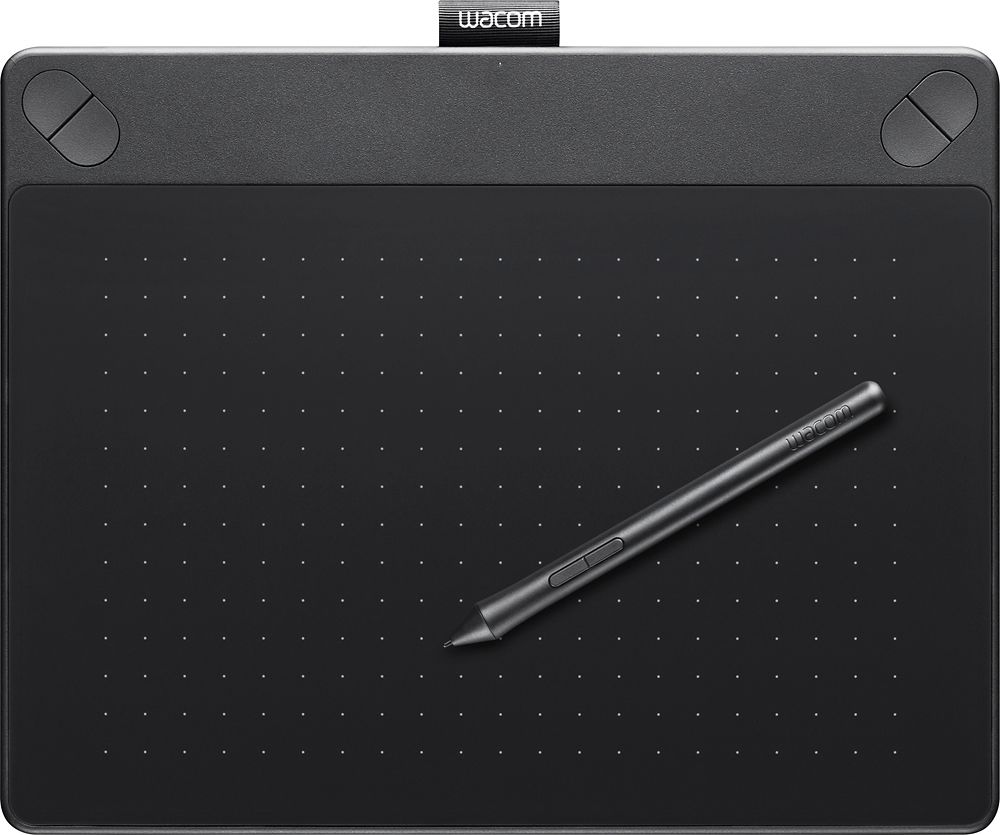
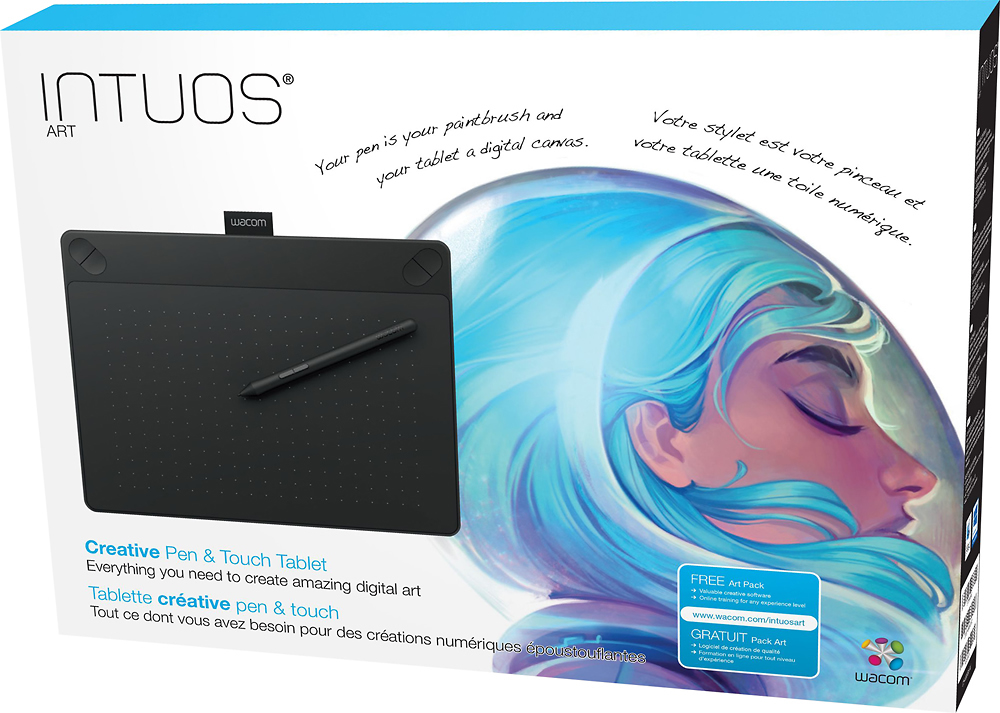
Customers are delighted by the Intuos Art Creative Small Pen and Touch Tablet for its ease of use, drawing capabilities, and affordability. Many find it a great choice for beginners and appreciate its portability. While some users experienced a learning curve and issues with the software and stylus, overall, customers are pleased with the tablet's performance and functionality.
This summary was generated by AI based on customer reviews.
Rated 5 out of 5 stars
Great price on a great product!
||Posted .This reviewer received promo considerations or sweepstakes entry for writing a review.Bought this for my 15 year old son and he loves it!
I would recommend this to a friend- Cons mentioned:Software
Rated 5 out of 5 stars
I use it for Photo editing
||Posted .This reviewer received promo considerations or sweepstakes entry for writing a review.I bought the Intuos Art for photography, I do not need the software I use lightroom but my kids use the Corel painter essentials 5. All the tablets are the same just the software that you download are different.
I would recommend this to a friend - Pros mentioned:Size
Rated 4 out of 5 stars
Great for begginer
||Posted .This reviewer received promo considerations or sweepstakes entry for writing a review.My son liked this. The size worked well. I was worried it was going to be to small. He would have liked the next model up for the extra options and pen holder. But this wil work for now
I would recommend this to a friend Rated 5 out of 5 stars
Great tablet for a beginner
||Posted .This reviewer received promo considerations or sweepstakes entry for writing a review.Wacom Intuos Art Creative Small Pen and Touch Tablet is great for a beginner. It works perfect with Photoshop and I use it on my 2016 MacBook pro with touch bar The pen does not req batteries with is a big plus
I would recommend this to a friend- Pros mentioned:Size
Rated 5 out of 5 stars
Small, but well made.
||Posted .This reviewer received promo considerations or sweepstakes entry for writing a review.If you need a Wacom, especially for professional work, get a larger size. If you're just a hobbyist & don't want to spend that much, the small one will do. If you have a lot of cash to spend, get a Cintiq.
I would recommend this to a friend - Pros mentioned:Ease of use
Rated 5 out of 5 stars
Easy set up
||Posted .This reviewer received promo considerations or sweepstakes entry for writing a review.Bought this for my daughter who was just starting to draw with digitally. Within minutes she was able to get the tablet connected to her computer and was drawing away. She now prefers this over using her mouse.
I would recommend this to a friend - Pros mentioned:Size
Rated 5 out of 5 stars
Great art tablet
||Posted .This reviewer received promo considerations or sweepstakes entry for writing a review.My daughter is into drawing and we looked at a couple different versions. This is a great beginning one and allows sketch and color drawing. Great price. Considered getting the larger one, but this was perfect.
I would recommend this to a friend - Pros mentioned:Price
Rated 4 out of 5 stars
Great for artistically gifted kids
||Posted .This reviewer received promo considerations or sweepstakes entry for writing a review.My kids love this drawing tablet. The tablet produces high quality artwork at a very reasonable price. For most kids, spending hundreds more on a professional setup would be overkill.
I would recommend this to a friend Rated 5 out of 5 stars
Forget an active pen!
||Posted .This reviewer received promo considerations or sweepstakes entry for writing a review.With thus device you can draw, sketch, add to an existing document. I looked at several active pens and the "good" ones are expensive and not very responsive. I got this for 100 dollars and it is light years ahead of any active pen...... The only draw back is it is another book size device you have to carry if you need it in the field. In the office it is fantastic...... Plus if you are artistic the sketch feature us amazing
I would recommend this to a friendRated 5 out of 5 stars
Versatile Digitizer tablet
||Posted .This reviewer received promo considerations or sweepstakes entry for writing a review.Wacom makes great Digtizer tablets, this is no exception.
I would recommend this to a friend- Pros mentioned:Ease of use
Rated 4 out of 5 stars
Good Solution for Laptop
||Posted .This reviewer received promo considerations or sweepstakes entry for writing a review.Wacom Tablet is a good solution for not having Tablet capabilities. Takes a minute to set up, and Driver can be a pain, but many solutions online. Great for drawing, and PDF's.
I would recommend this to a friend - Pros mentioned:Ease of use
Rated 4 out of 5 stars
Great for general use
||Posted .This reviewer received promo considerations or sweepstakes entry for writing a review.This a great, economic choice for beginners or casual artists. Works and responds well. Drawing surface is a bit small, but for general use and minor detailing, it does the trick
I would recommend this to a friend - Pros mentioned:Ease of use
Rated 5 out of 5 stars
Accurate with great feel and touch
||Posted .This reviewer received promo considerations or sweepstakes entry for writing a review.This tablet was easy to setup and get started using. The pen has a comfortable feel in the grip and the tip is accurate with a soft feel that you can adjust with the sensitivity you prefer.
I would recommend this to a friend Rated 5 out of 5 stars
Awesome
||Posted .This reviewer received promo considerations or sweepstakes entry for writing a review.We live it! I use it to help prepare me for art school
I would recommend this to a friend- Pros mentioned:Price
Rated 5 out of 5 stars
GIVEN AS A GIFT - RECIPIENT LOVES IS
||Posted .This reviewer received promo considerations or sweepstakes entry for writing a review.This items was given as a gift. The recipient is extremely happy with this item. The recipient did extensive research before requesting this item.
I would recommend this to a friend - Pros mentioned:Ease of use
Rated 4 out of 5 stars
Great drawing tablet
||Posted .This reviewer received promo considerations or sweepstakes entry for writing a review.I bought this for my sister for Christmas. She loves it and uses it all the time pretty much daily honestly. It’s pretty easy to use and useful for aspiring artists.
I would recommend this to a friend - Pros mentioned:Drawing
Rated 5 out of 5 stars
Great for drawing
||Posted .This reviewer received promo considerations or sweepstakes entry for writing a review.My so. Had wanted this and we bought it as a surprise. He is into 3D, comic drawing and just drawing in general and this thing is perfect. We also found he can use it for school, so it was a win/ win.
I would recommend this to a friend - Pros mentioned:Ease of use
Rated 4 out of 5 stars
This is ok
||Posted .This reviewer received promo considerations or sweepstakes entry for writing a review.This is a nice tool to use when creating pictures or what into right into your tablet or laptop it is okay I still haven't learned all the features yet but so far it's nice
I would recommend this to a friend Rated 5 out of 5 stars
Great beginner tablet!
||Posted .This reviewer received promo considerations or sweepstakes entry for writing a review.Bought this tablet to use for programs like Adobe Illustrator and Photoshop and have not regreted it since I got about a month ago. It will be a great asset if you are a more creative user.
I would recommend this to a friendRated 5 out of 5 stars
Wonderful Pen and Tablet
||Posted .This reviewer received promo considerations or sweepstakes entry for writing a review.love this pen and tablet, suits my purpose to a tee.
I would recommend this to a friend