Customer Ratings & Reviews


- Model:
- WDBBYV0010BNC-WRSN
- SKU:
- 10116594
Rating by feature
- Value
Rating 4.8 out of 5 stars
- Quality
Rating 4.9 out of 5 stars
- Ease of Use
Rating 4.9 out of 5 stars
More games
||Posted . Owned for 3 weeks when reviewed.This reviewer received promo considerations or sweepstakes entry for writing a review.Awesome thanks for the advice you guys need this is really good
I would recommend this to a friendNice but pricey
||Posted . Owned for 3 weeks when reviewed.This reviewer received promo considerations or sweepstakes entry for writing a review.Its a good product to expand your ps5 storage to play more games.
I would recommend this to a friendNeed this for the PS5
||Posted . Owned for 2 weeks when reviewed.This reviewer received promo considerations or sweepstakes entry for writing a review.You need room for your PS5 if you gonna play alot of games
I would recommend this to a friendWorks great
||Posted . Owned for 1 week when reviewed.This reviewer received promo considerations or sweepstakes entry for writing a review.Excellent product works great very easy to install
I would recommend this to a friendHappy with this.
||Posted . Owned for 3 weeks when reviewed.This reviewer received promo considerations or sweepstakes entry for writing a review.Great! SSD memory is finally becoming cheap enough to make sense.
I would recommend this to a friendWD PS5 SSD
||Posted . Owned for 1 month when reviewed.This reviewer received promo considerations or sweepstakes entry for writing a review.Easy to install into the PS5 and works exactly as expected.
I would recommend this to a friendBuy this definitely
||Posted . Owned for 1 week when reviewed.This reviewer received promo considerations or sweepstakes entry for writing a review.I needed this for my ps5 now im happy i can download whatever i want
I would recommend this to a friendSuper product
||Posted . Owned for 1 month when reviewed.This reviewer received promo considerations or sweepstakes entry for writing a review.Need extra memory on your PlayStation 5? This is the one you NEED
I would recommend this to a friendGive your PS5 a boost
||Posted . Owned for 2 weeks when reviewed.This reviewer received promo considerations or sweepstakes entry for writing a review.Great device if your looking to upgrade your PS5 memory.
I would recommend this to a friendNeeded this
||Posted . Owned for 3 weeks when reviewed.This reviewer received promo considerations or sweepstakes entry for writing a review.Works. as. intended. It was a needed item, so it was purchased.
I would recommend this to a friendGreat product
||Posted . Owned for 2 weeks when reviewed.This reviewer received promo considerations or sweepstakes entry for writing a review.Great love it game works so much faster and more space
I would recommend this to a friendWorth evething
||Posted . Owned for 2 months when reviewed.This reviewer received promo considerations or sweepstakes entry for writing a review.Very simple to install and the transfer rate is amazing
I would recommend this to a friendOverall Satisfied
||Posted . Owned for 1 month when reviewed.This reviewer received promo considerations or sweepstakes entry for writing a review.It’s performing as I had hoped. I am very satisfied.
I would recommend this to a friendExtra memory
||Posted . Owned for 2 weeks when reviewed.This reviewer received promo considerations or sweepstakes entry for writing a review.This made my PS5 faster and it saves all my gaming
I would recommend this to a friendWD - BLACK SN850P 1TB Internal SSD PCIe Gen 4 x4
||Posted . Owned for 1 week when reviewed.This reviewer received promo considerations or sweepstakes entry for writing a review.This WD - BLACK SN850P 1TB Internal SSD PCIe Gen 4 x4 with Heatsink for PS5 is way better than a regular external drive no need to transfer games back and fourth you play ps5 games straight from the SSD
I would recommend this to a friendInternal upgrade
||Posted .This reviewer received promo considerations or sweepstakes entry for writing a review.Easy to install. Plug and play. 10/10 recommend...
I would recommend this to a friendGreat Addition For Any PS5
||Posted . Owned for 1 month when reviewed.This reviewer received promo considerations or sweepstakes entry for writing a review.I Always Said That You Can Never Have Too Much Storage Either In A Computer Or A Gaming System. For The Price This Add On Was A Great Investment
I would recommend this to a friend
Fast storage with a built-in heatsink
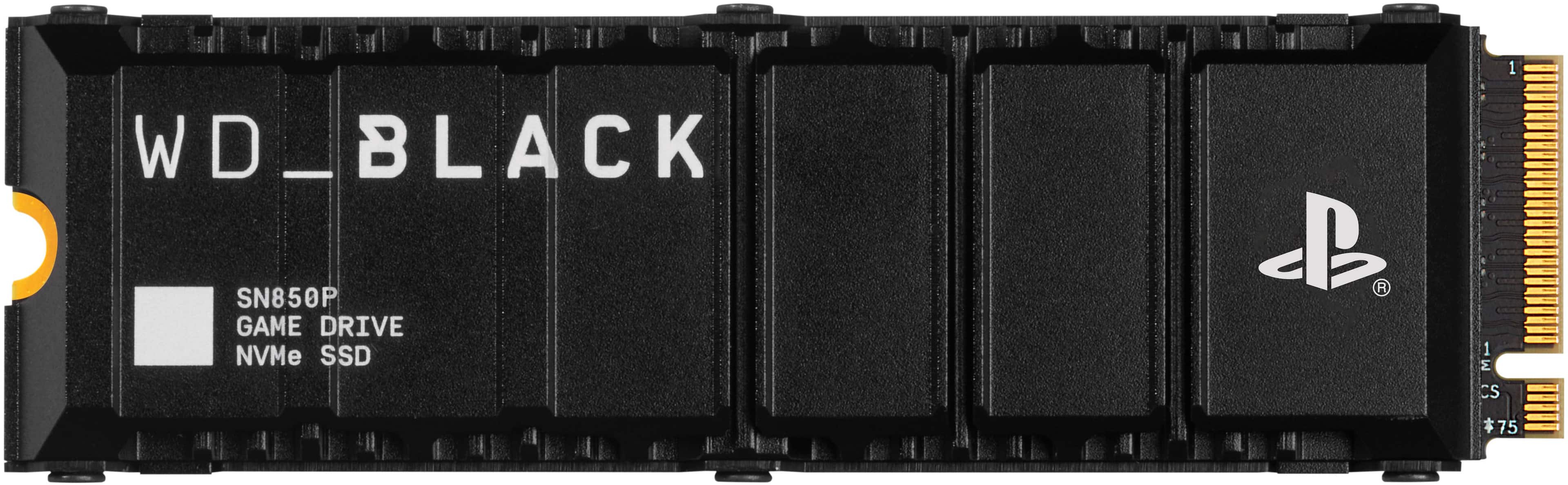
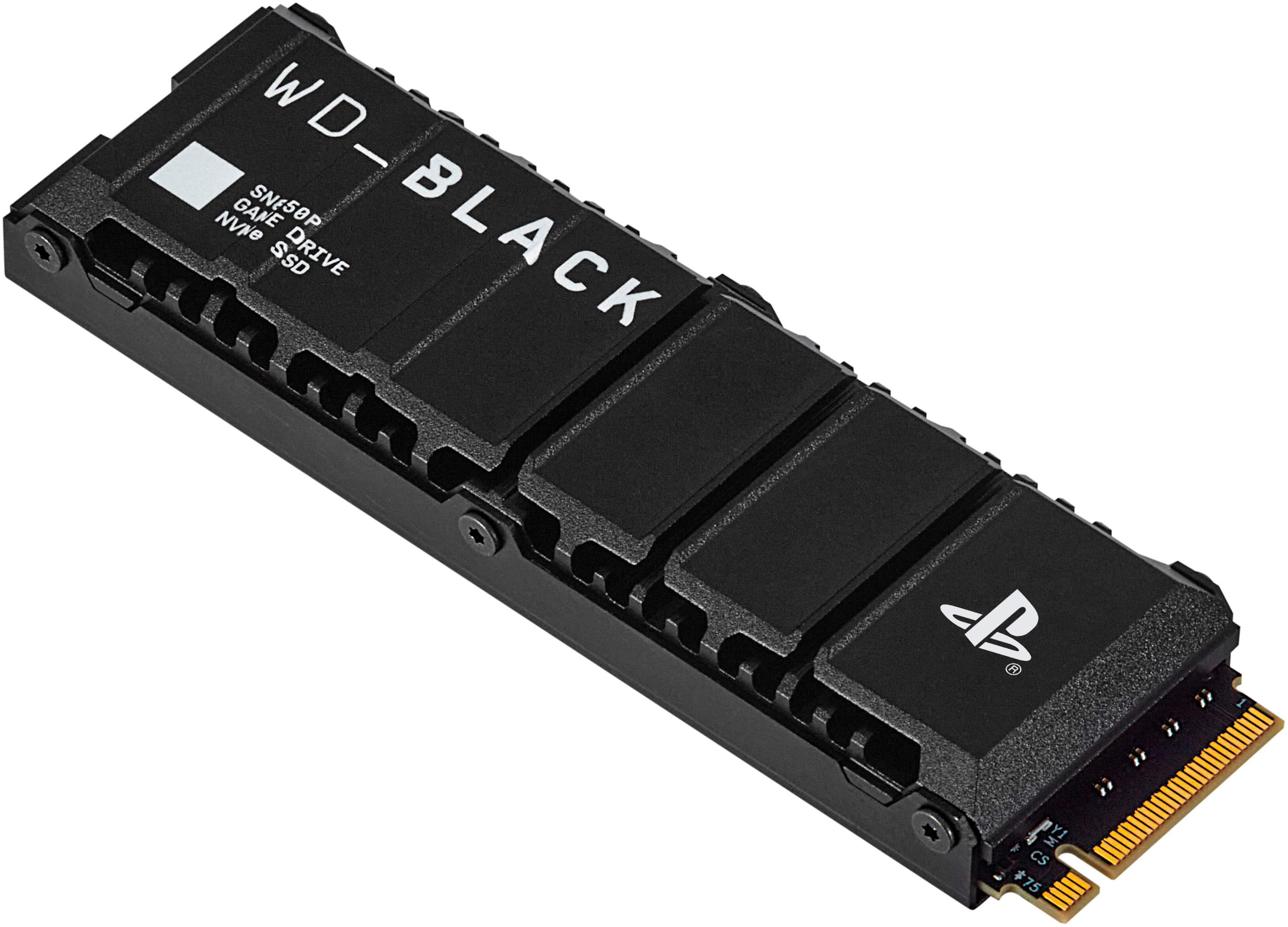
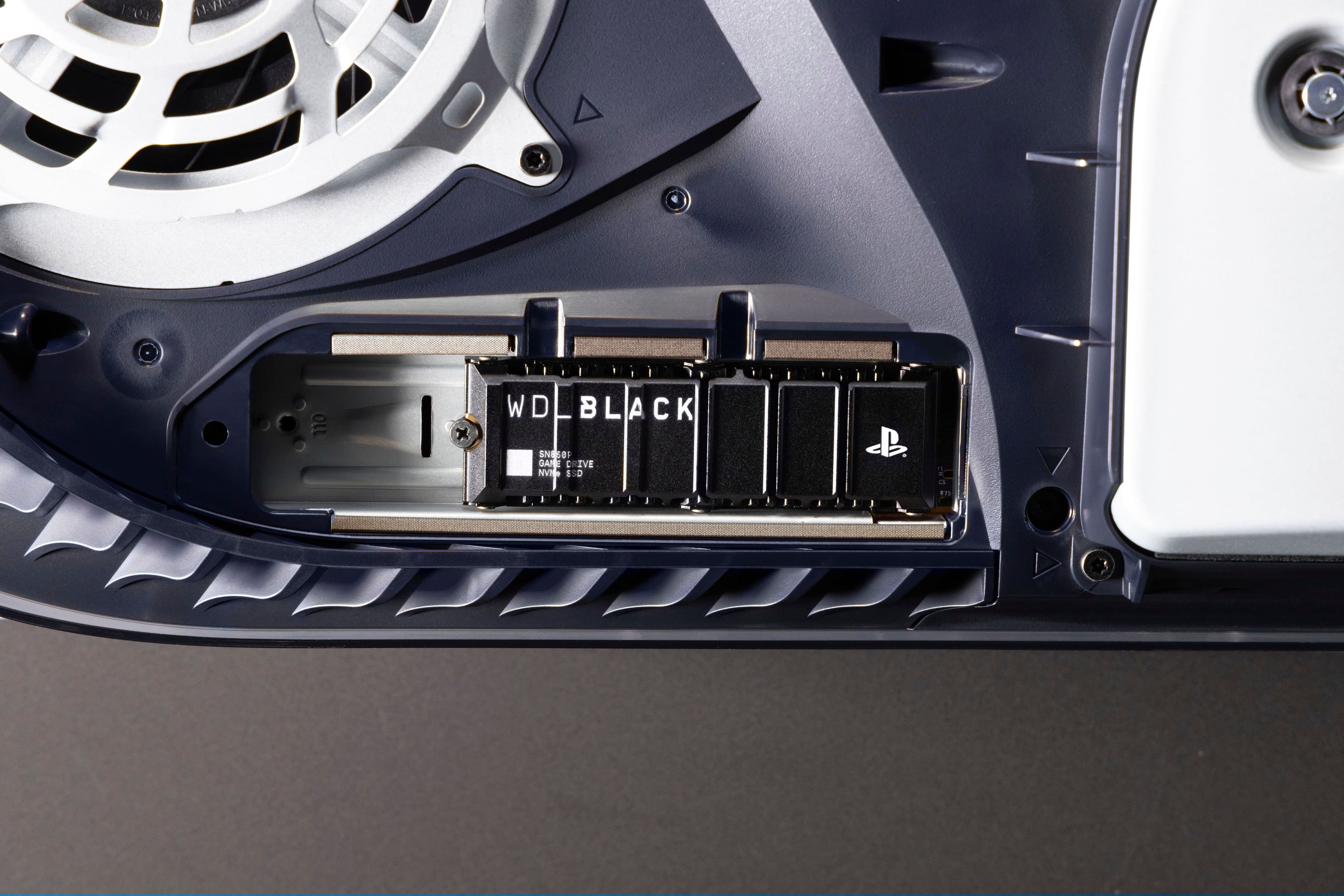
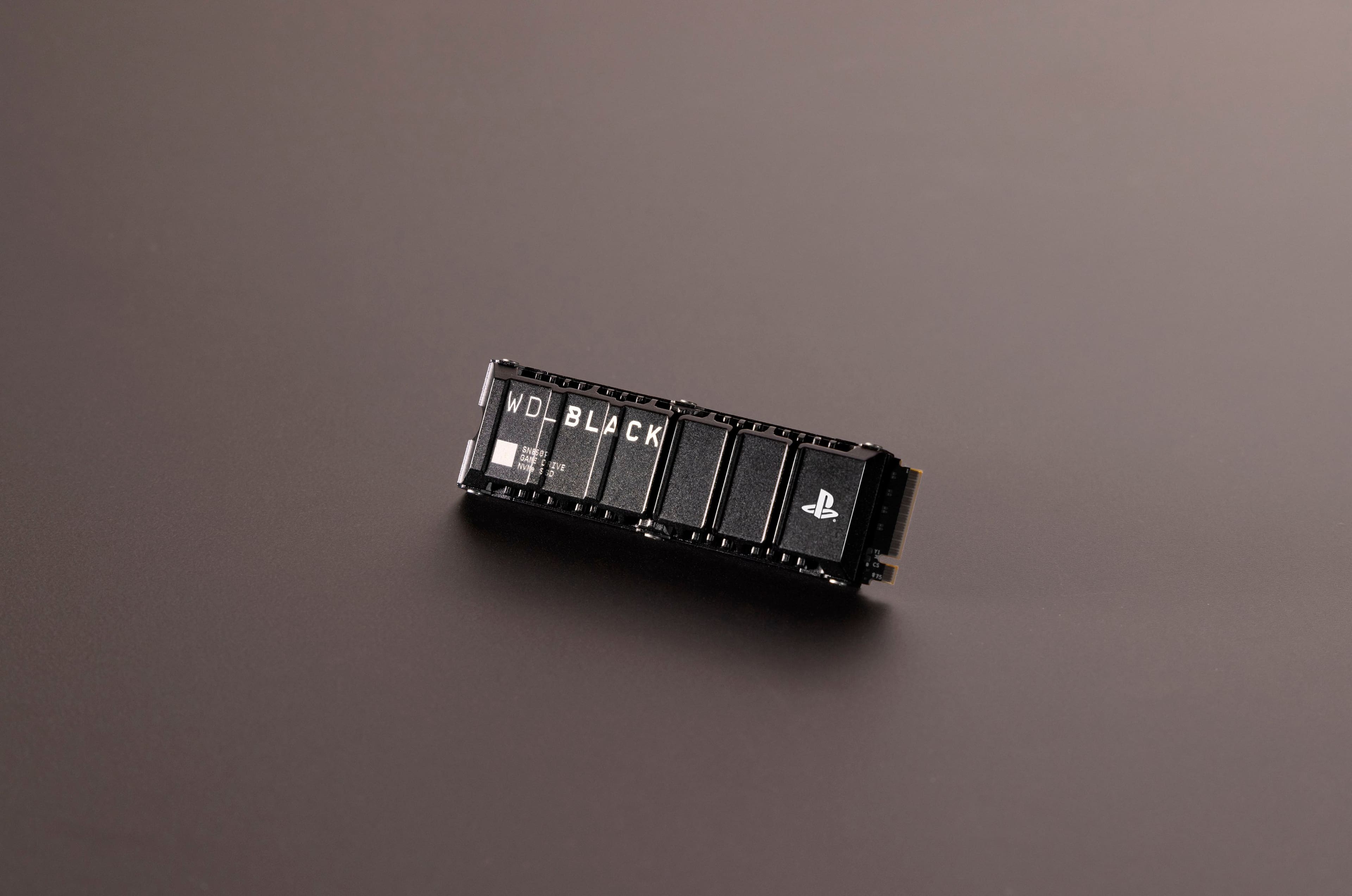
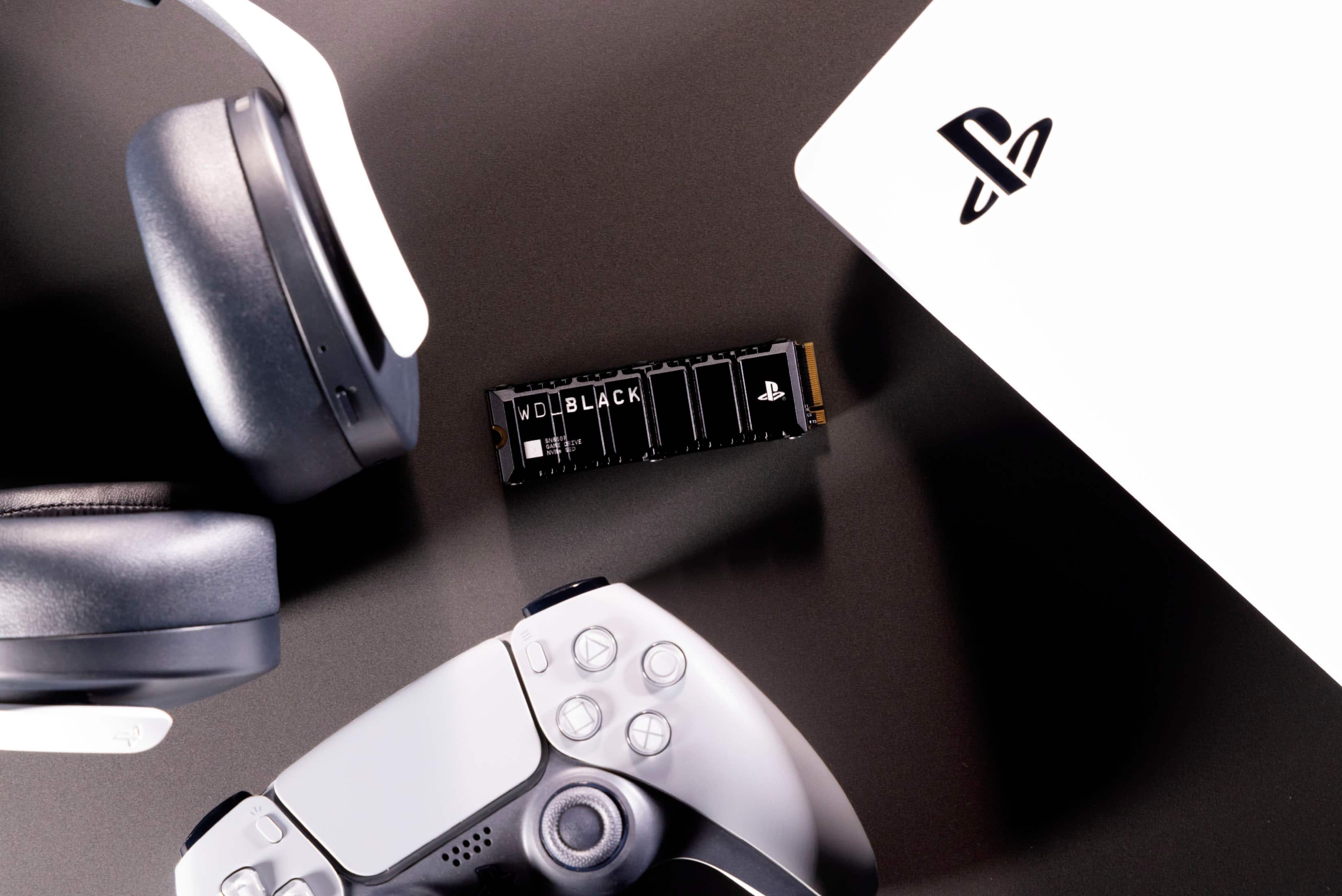
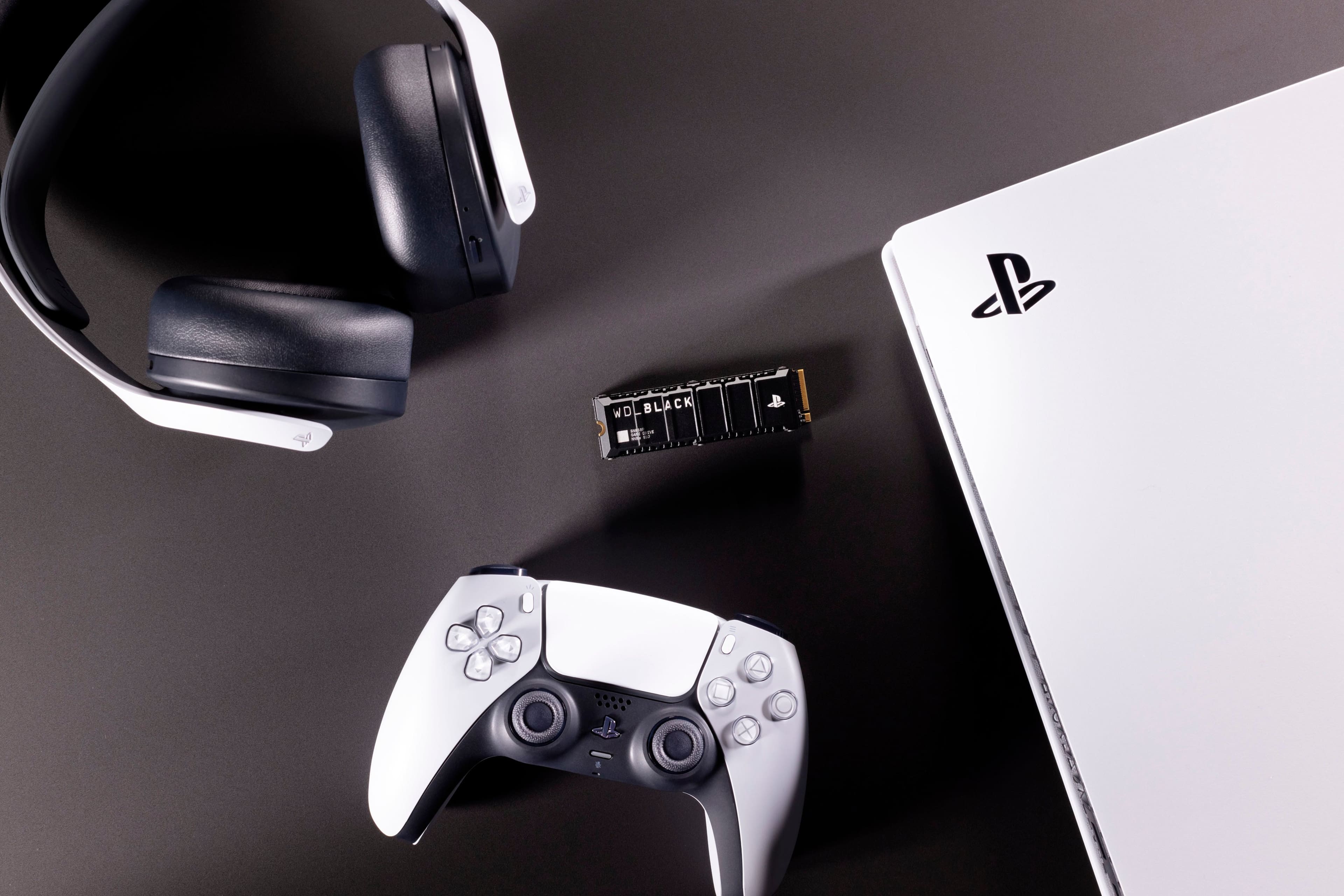
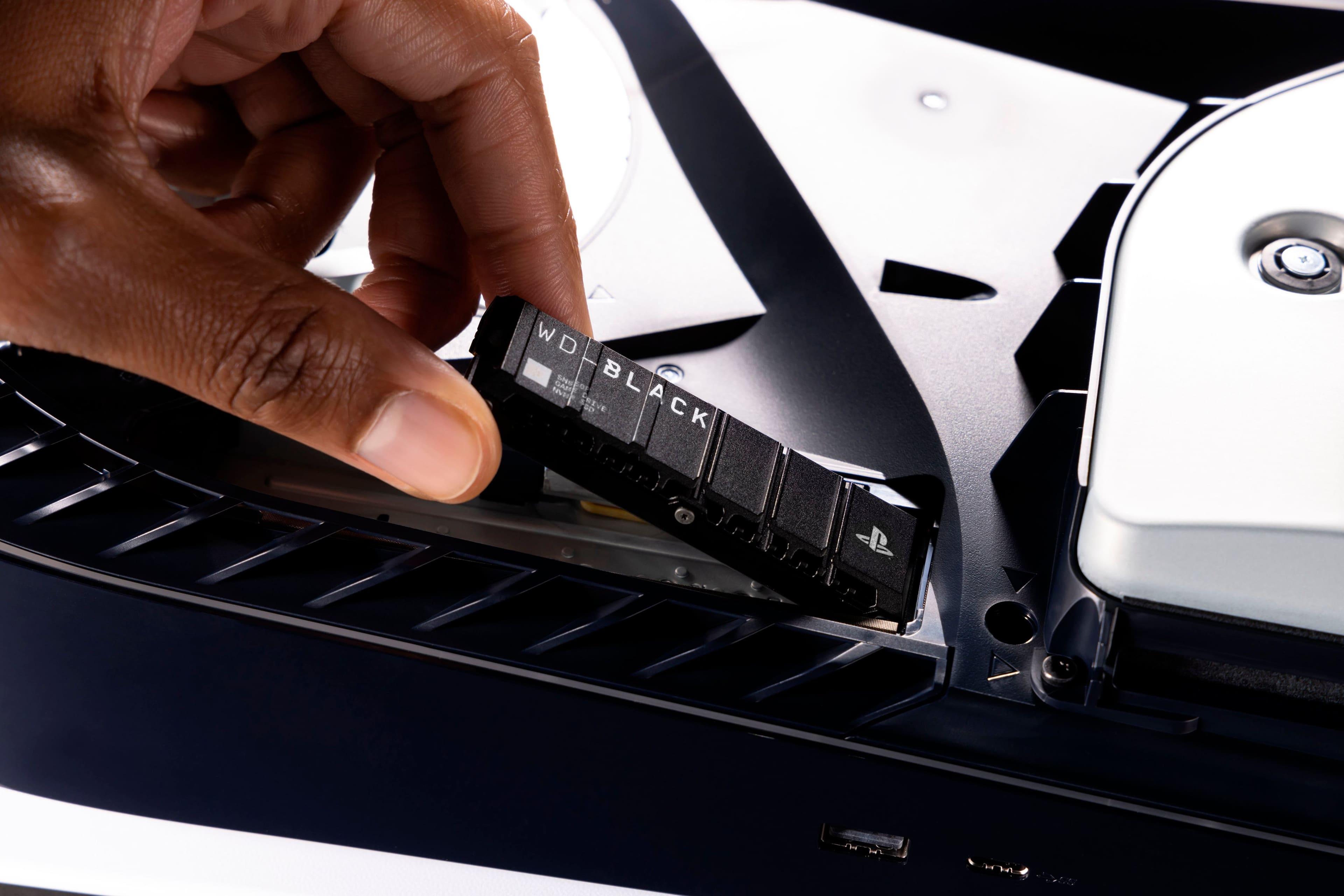
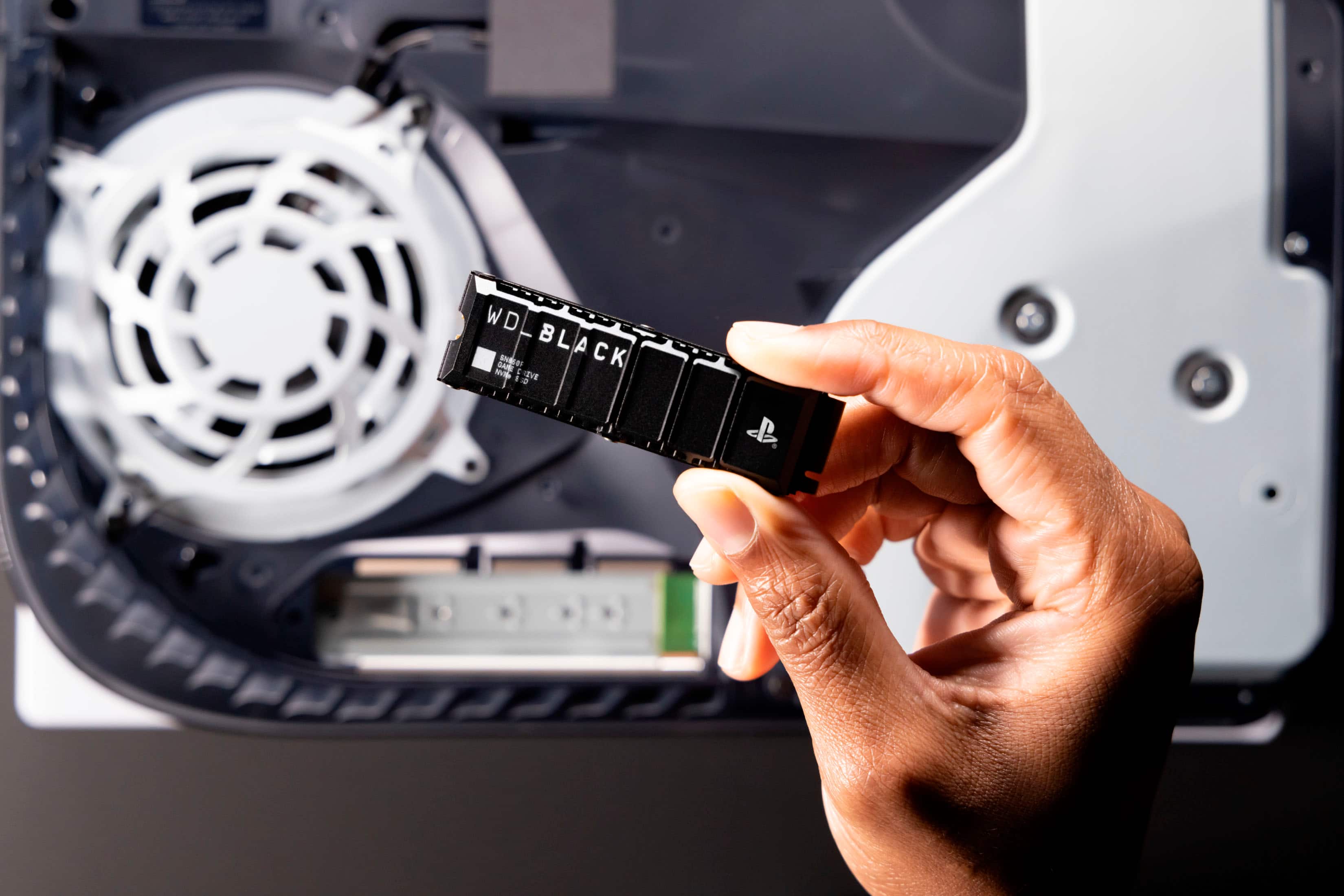
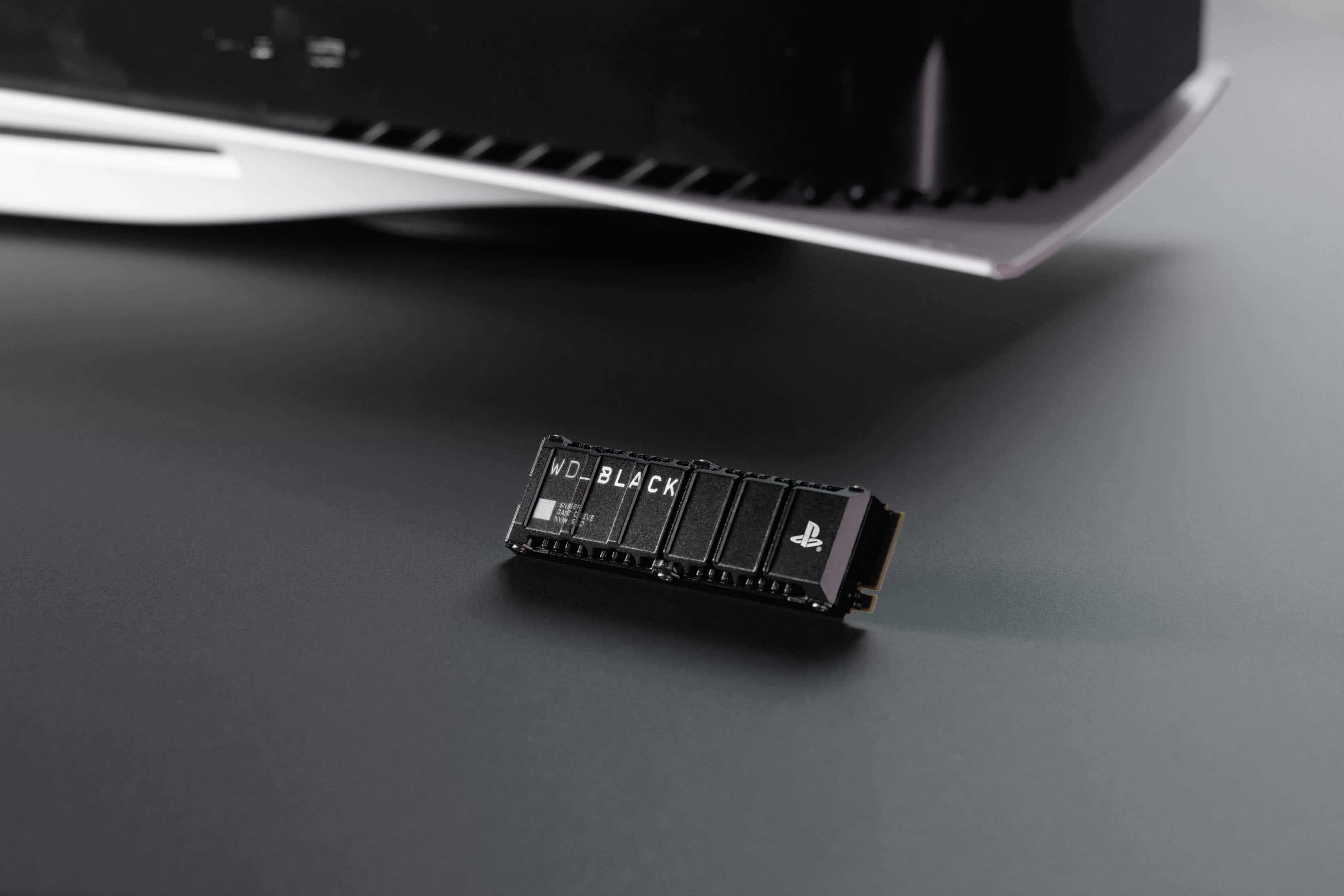
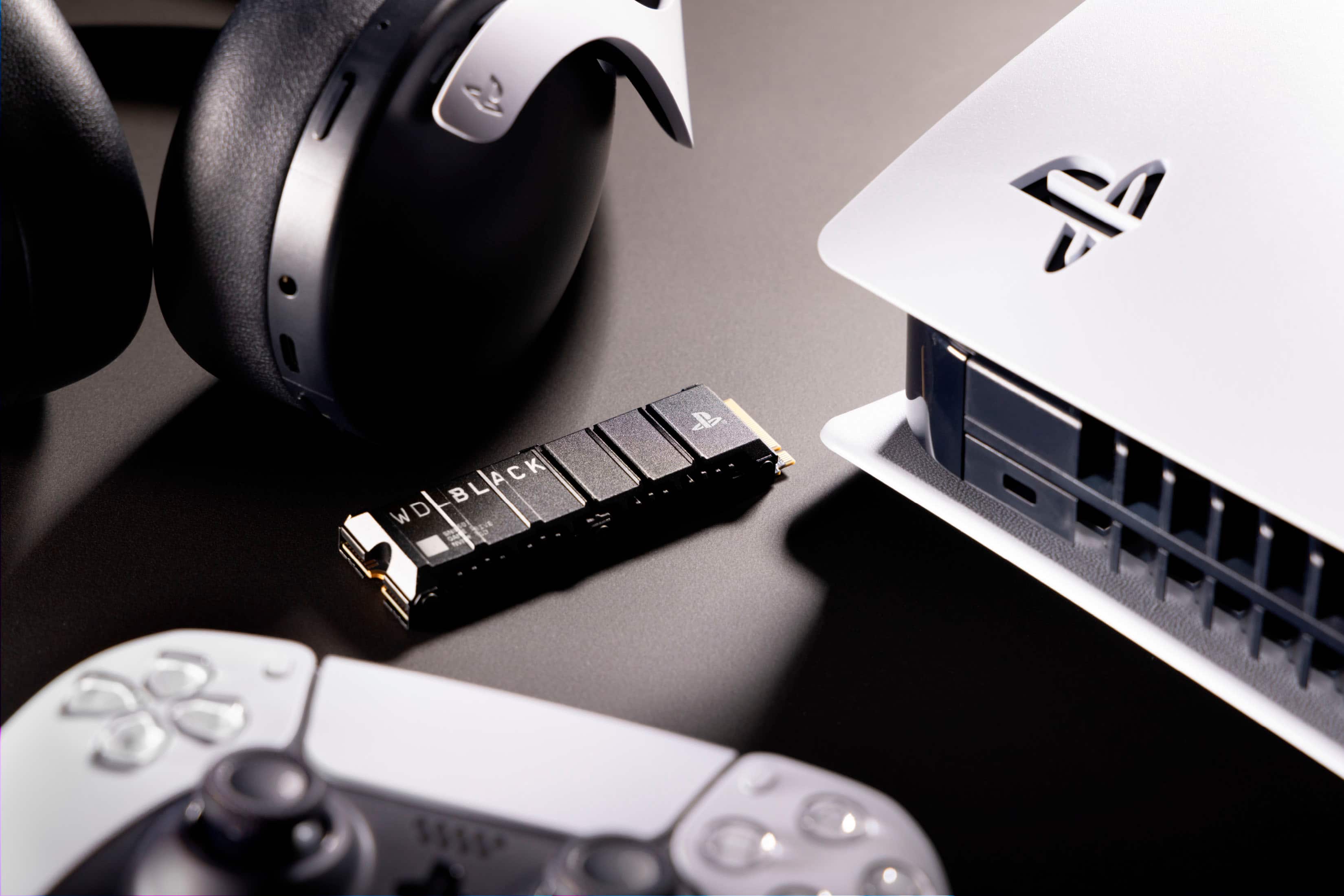
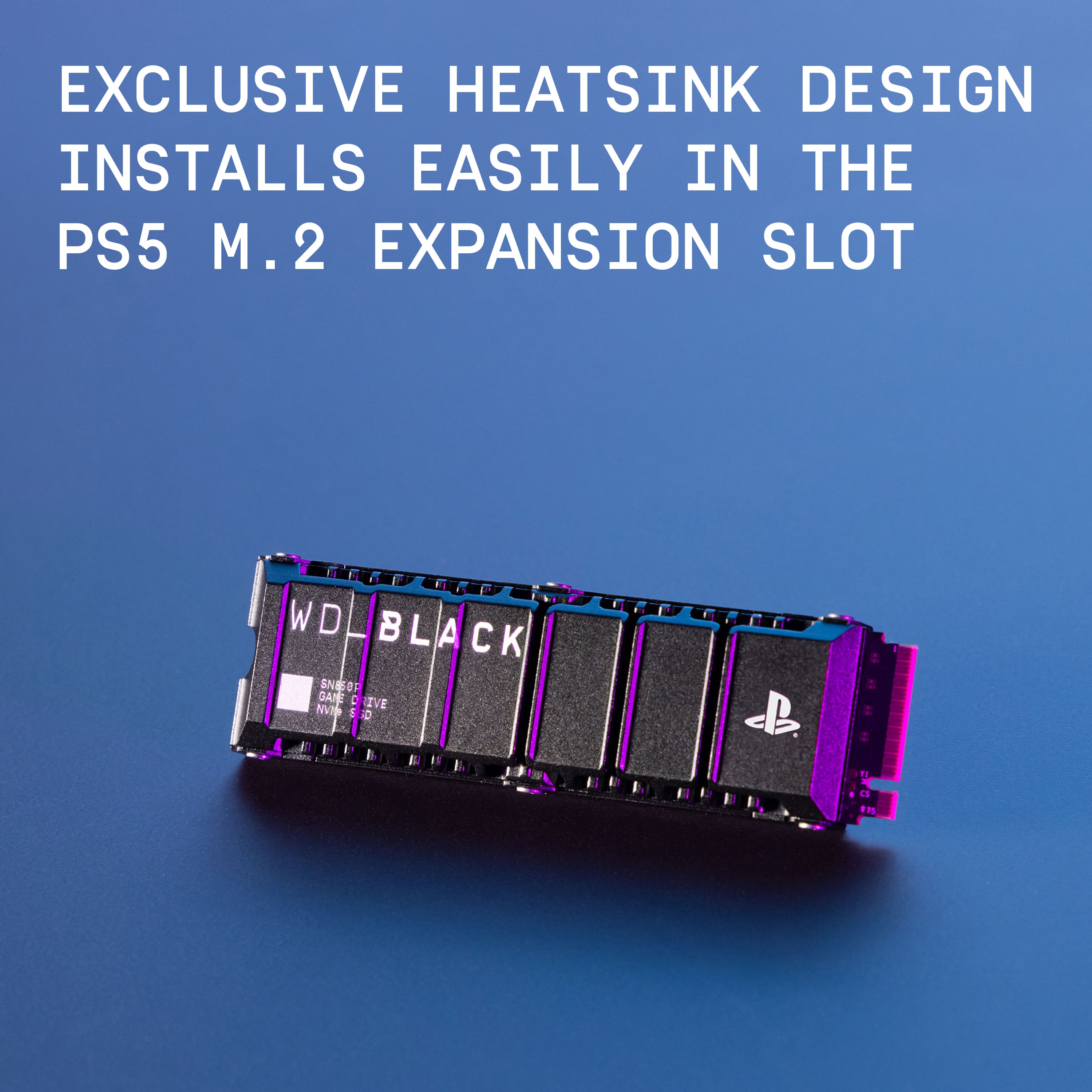
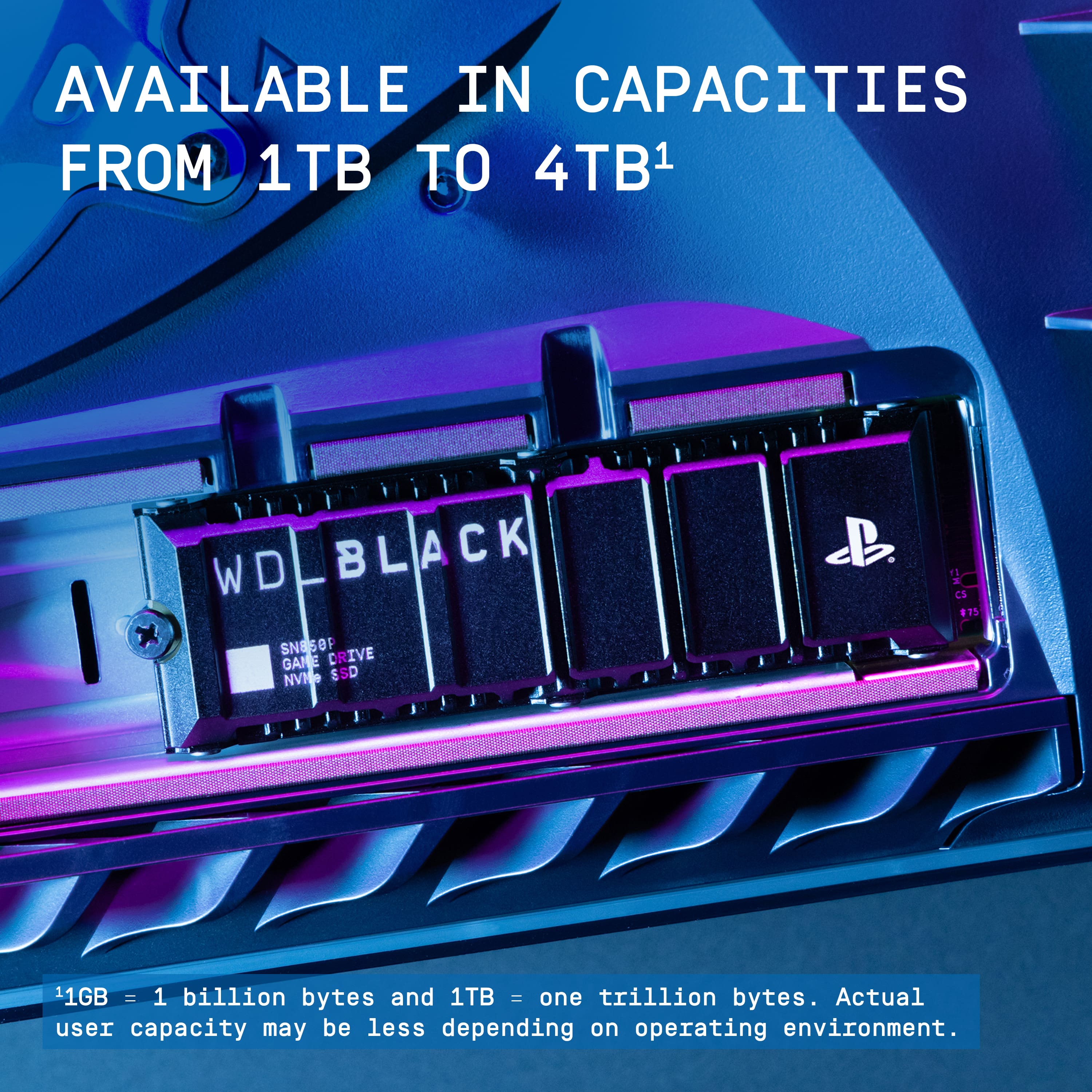
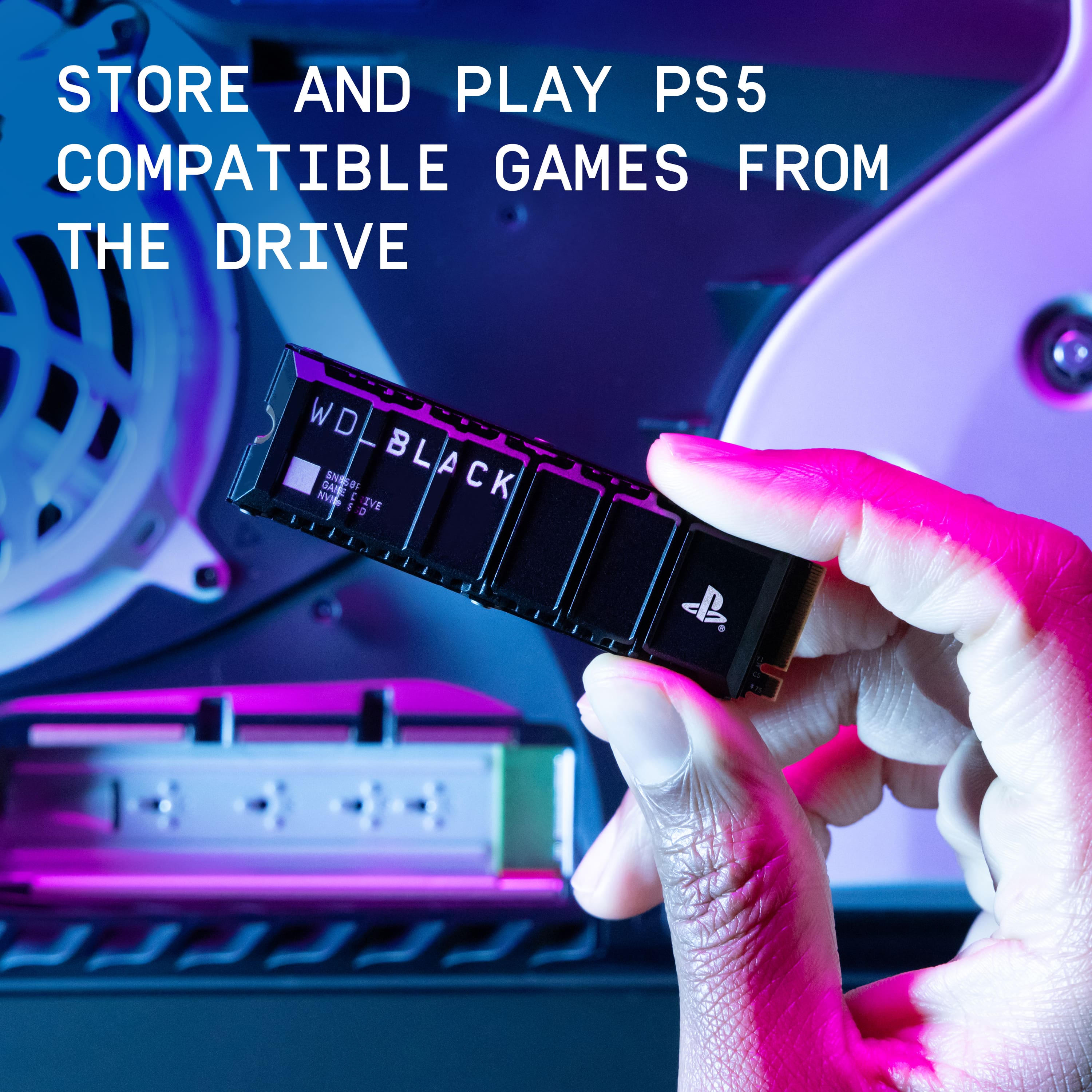
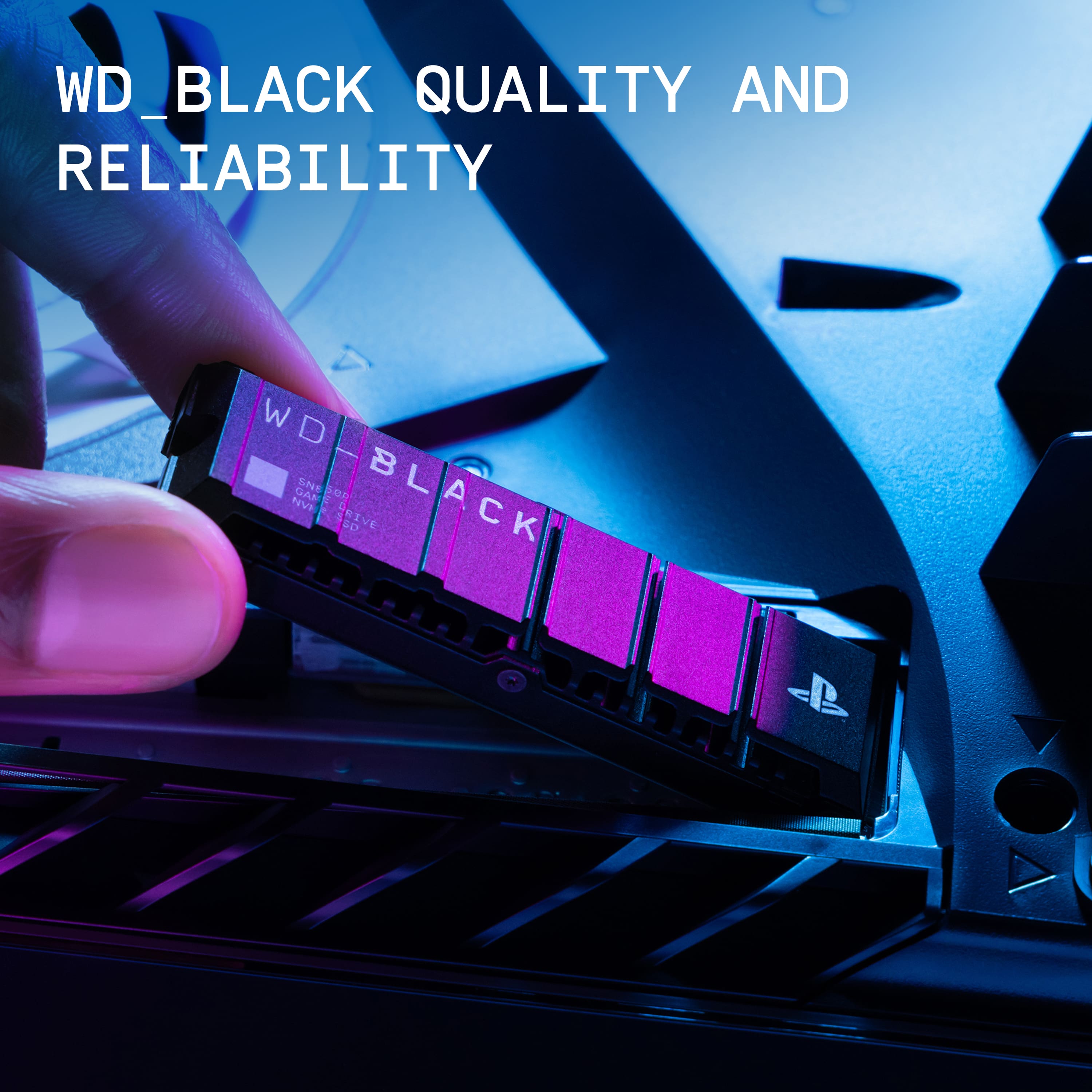
|Posted .This reviewer received promo considerations or sweepstakes entry for writing a review.In case you haven’t noticed, games have gotten enormous! With digital distribution of games, publishers are no longer limited to the space on a DVD or Blu Ray, so it’s not uncommon to find games that require upwards of 100 GB! Because of this trend, the internal storage on my PS5 was almost full and I had to do something about it. The WD_Black 1TB SSD offers a cost-effective way to expand the storage of a PS5. For only $20 more than the previous version of this drive, you get double the storage. There’s also a 2 TB version, but I got the 1 TB version. Having used M2.SSDs with my laptop in an external enclosure, I know how hot they can get, which is why I was happy to learn that this one from Western Digital includes a built-in heat sink that is small enough to fit into the space available in the PS5. Installing it was simple: slide off the side of the PS5, plug in the SSD, then use the screw and spacer already inside the PS5 and you’re good to go! Upon starting up the PS5 after installing my new storage, the PS5 lets you know that you need to format the drive. This took only a few seconds, after which time the storage was available. I’m happy to report that the full 1 TB of space was available, and there were no “free trials” or other sort of bloatware on the drive (probably a “feature” of having to format the drive before use). While I don’t have the ability to measure performance, I could not notice any difference in speed compared to the internal console storage. I moved several games to the new storage to free up space on the console. Note that even when you move a large game to the SSD, some game data (such as saved games, etc.) must stay in console storage. Moving gigabytes of game assets took just a few seconds. I also compared the performance of downloading new games to both internal storage and the SN850P, and I could see no difference in the time it took to download massive game files. Sony gives you the option to download all future games to the SSD, which is a convenient option. It’s great that the PS5 handles the additional storage so nimbly and easily. I’m super happy with the expanded storage, and it couldn’t have been easier to add it and start using it. If you’re running short on space, the SN850P is a great option, providing tons of additional storage at a reasonable price. The built-in heatsink means you can capitalize on all that extra space without having to worry about it running too hot and jeopardizing your game files. Plus, it has the official Sony PlayStation branding, which tells you that Western Digital worked closely with Sony to make sure it’ll work seamlessly with your PS5. Now to get some of those games I’ve been hearing about…
I would recommend this to a friendWorth the extra storage
||Posted . Owned for 1 week when reviewed.This reviewer received promo considerations or sweepstakes entry for writing a review.Now I have like 10 games instead of just 3 cuz call of duty is too big
I would recommend this to a friendMore space
||Posted . Owned for 2 weeks when reviewed.This reviewer received promo considerations or sweepstakes entry for writing a review.It helps with not having to delete and reinstall games all the time i didnt really notice any load speed differences though
I would recommend this to a friend