Customer Ratings & Reviews


- Model:
- WDBBYV0010BNC-WRSN
- SKU:
- 10116594
Rating by feature
- Value
Rating 4.8 out of 5 stars
- Quality
Rating 4.9 out of 5 stars
- Ease of Use
Rating 4.9 out of 5 stars

Great SSD for your PlayStation or PC.
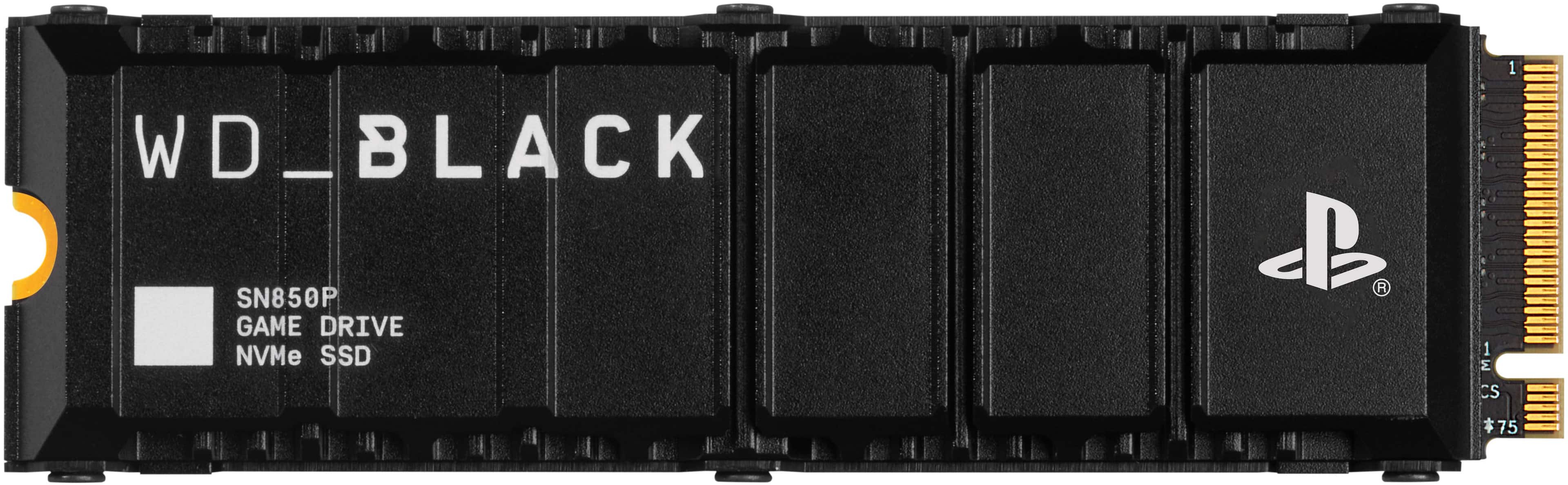
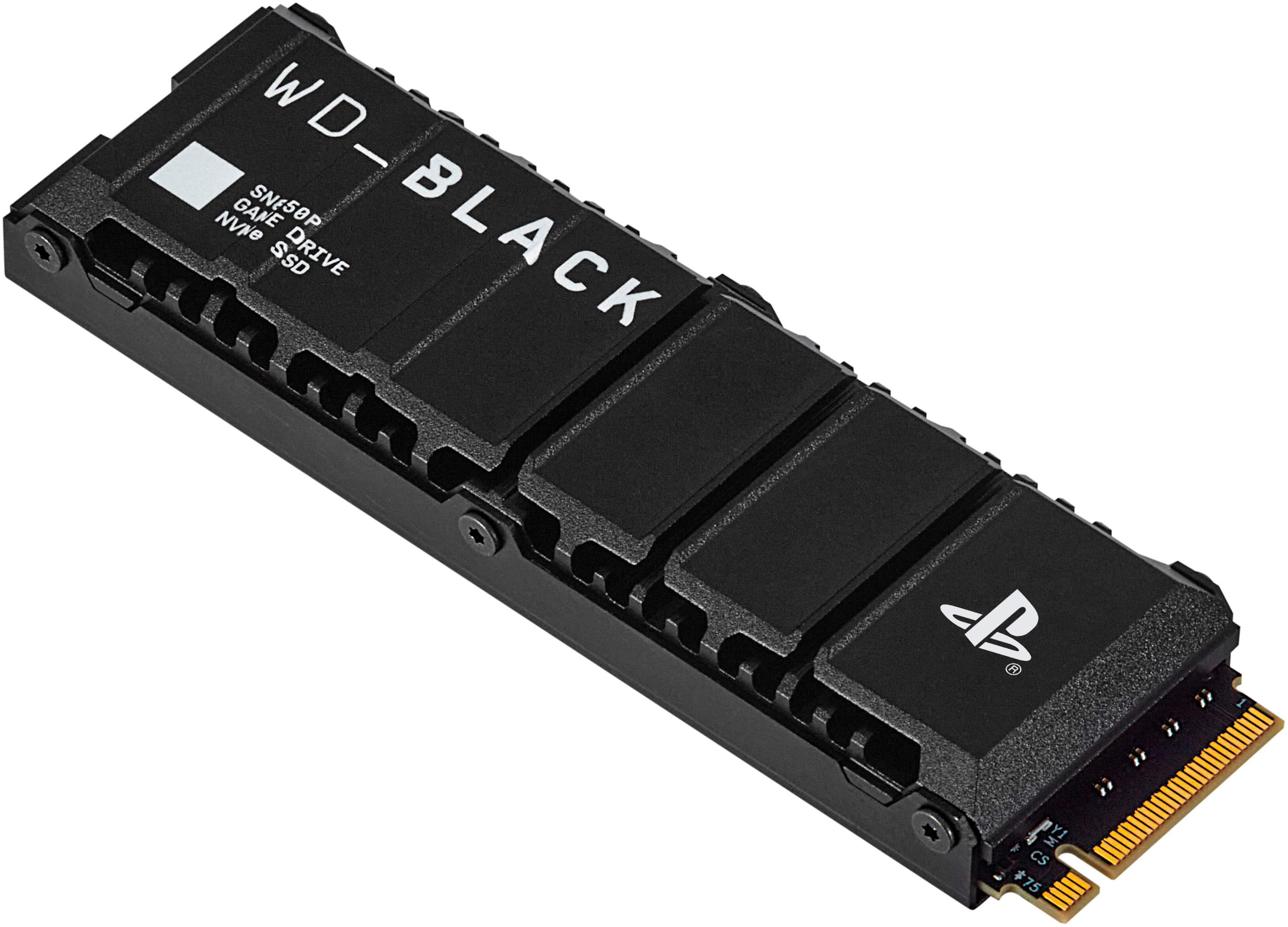
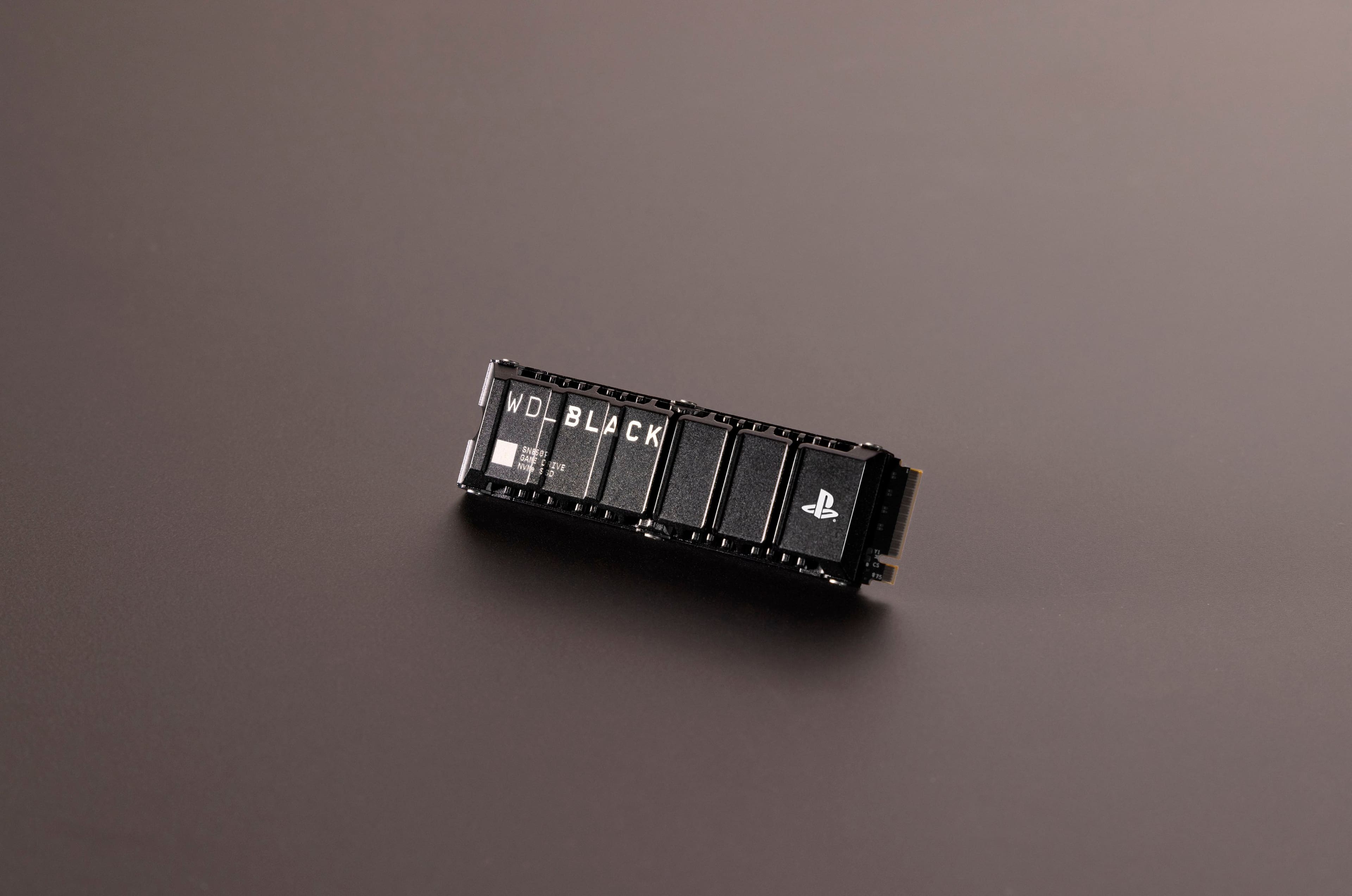
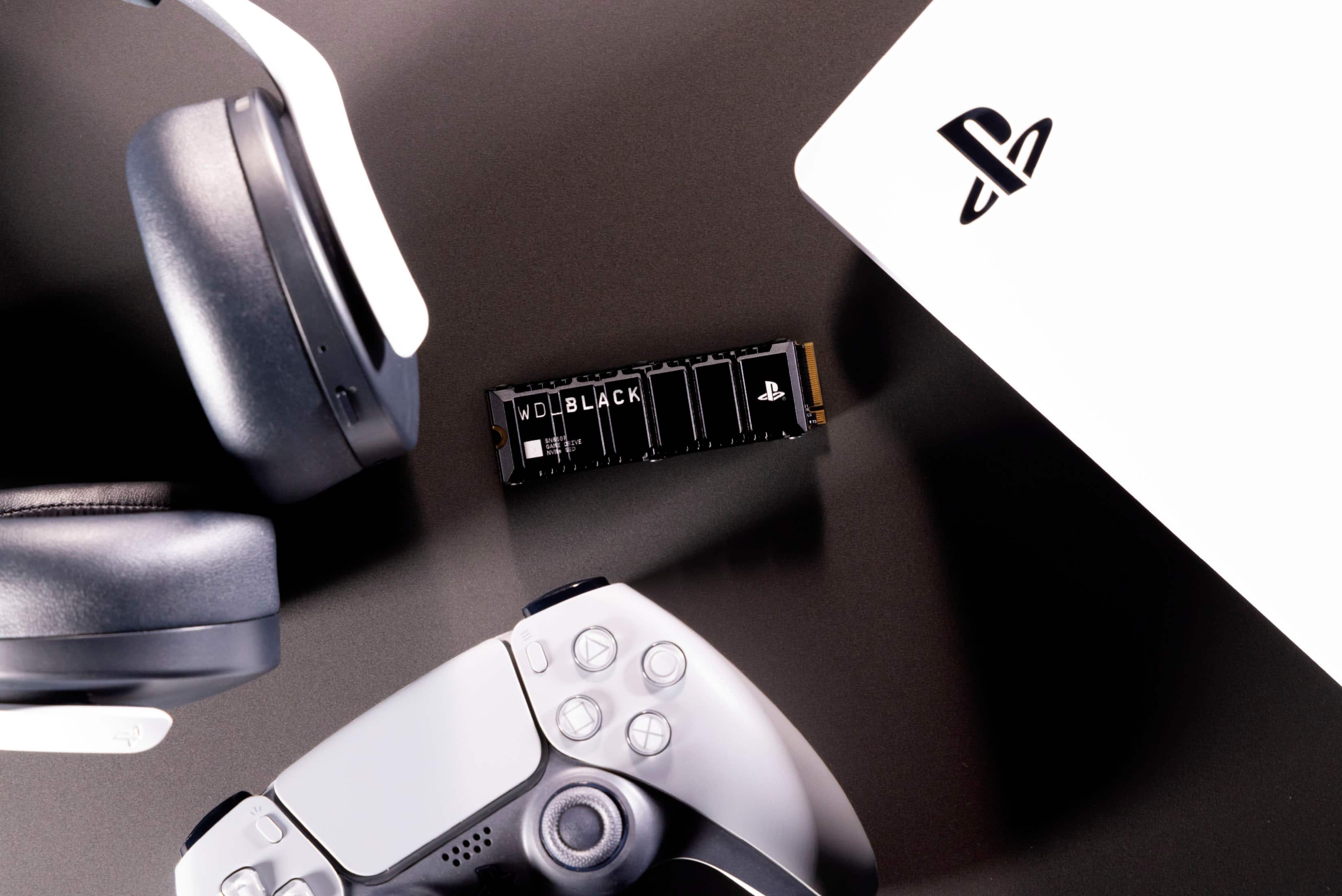
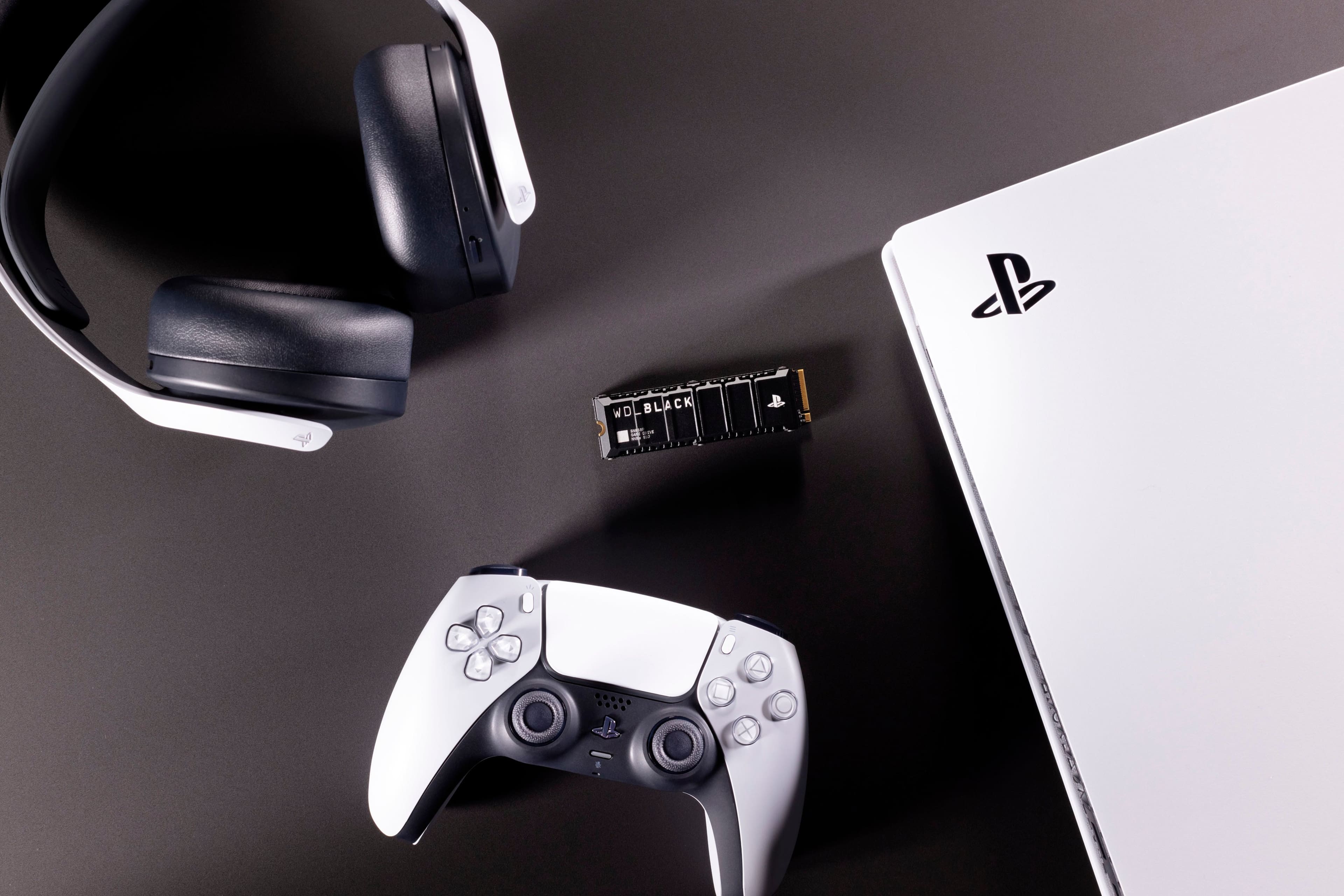
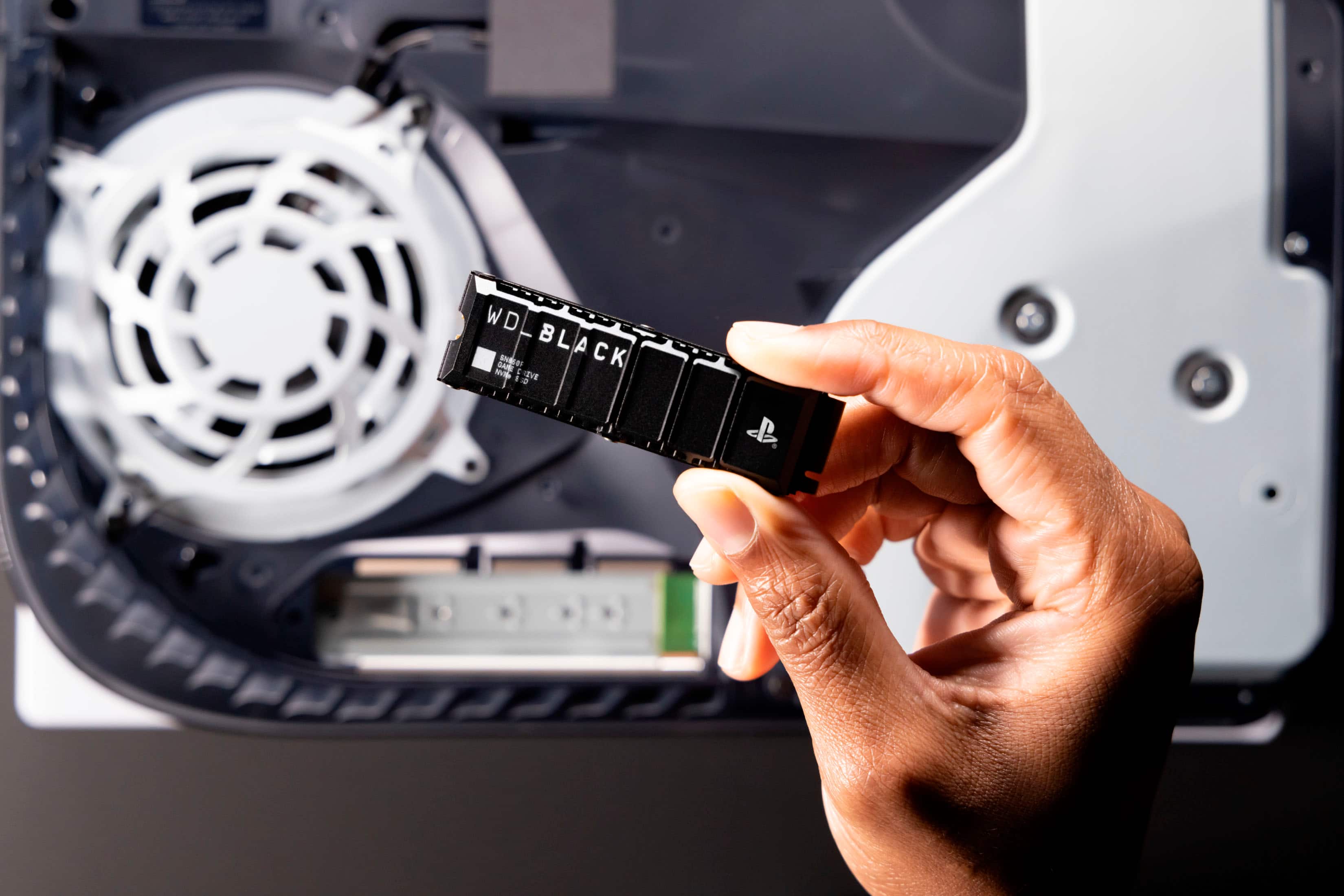
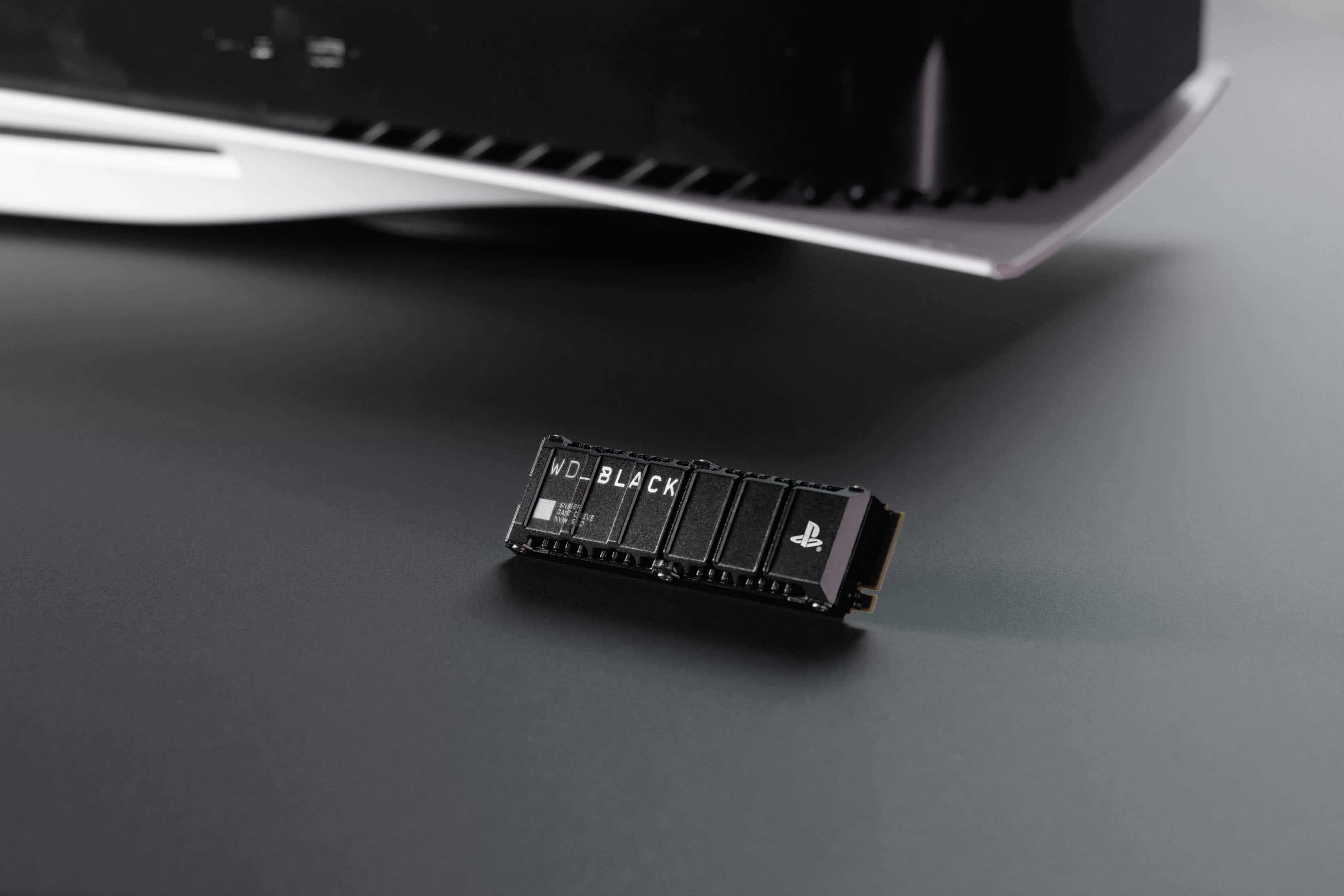
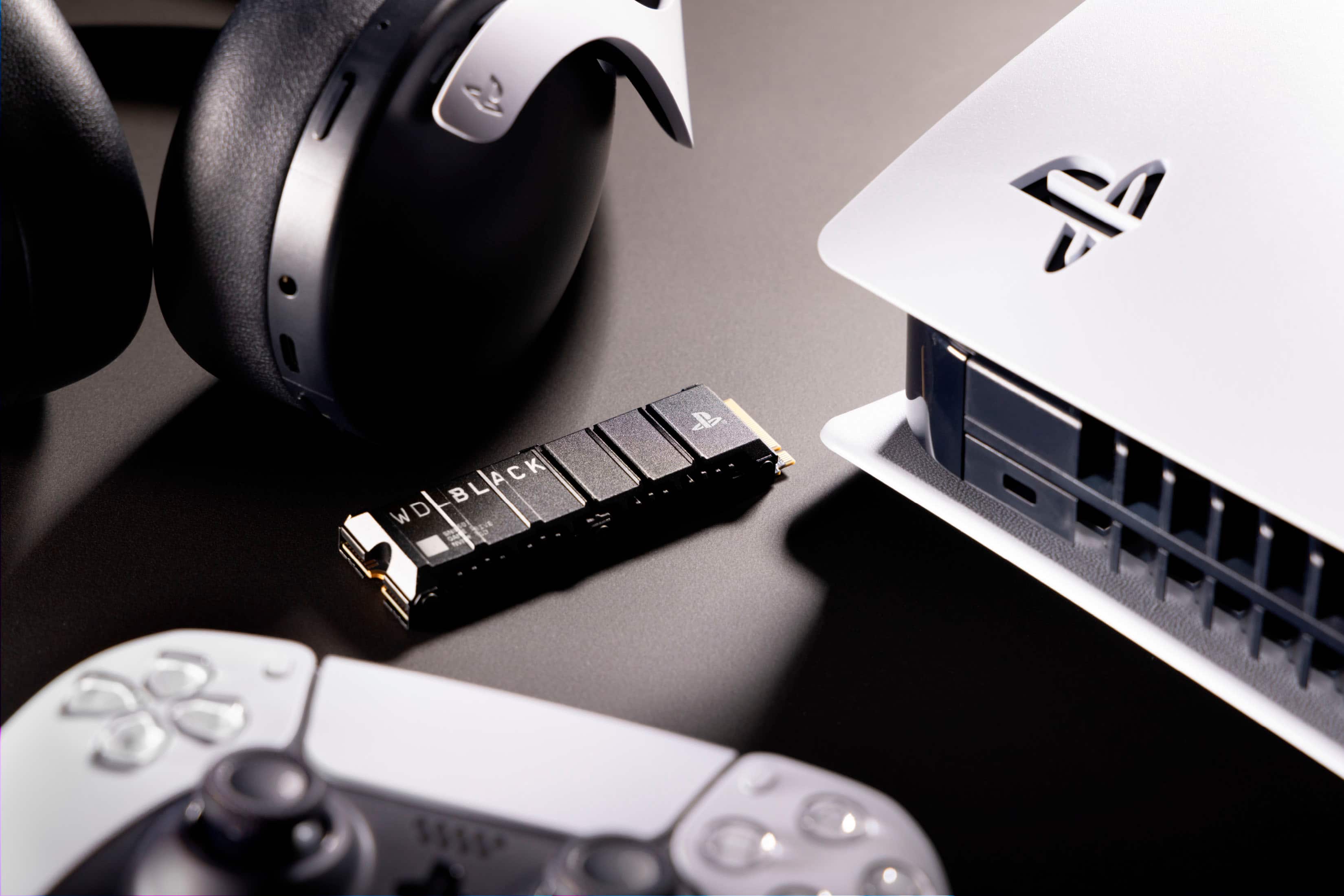
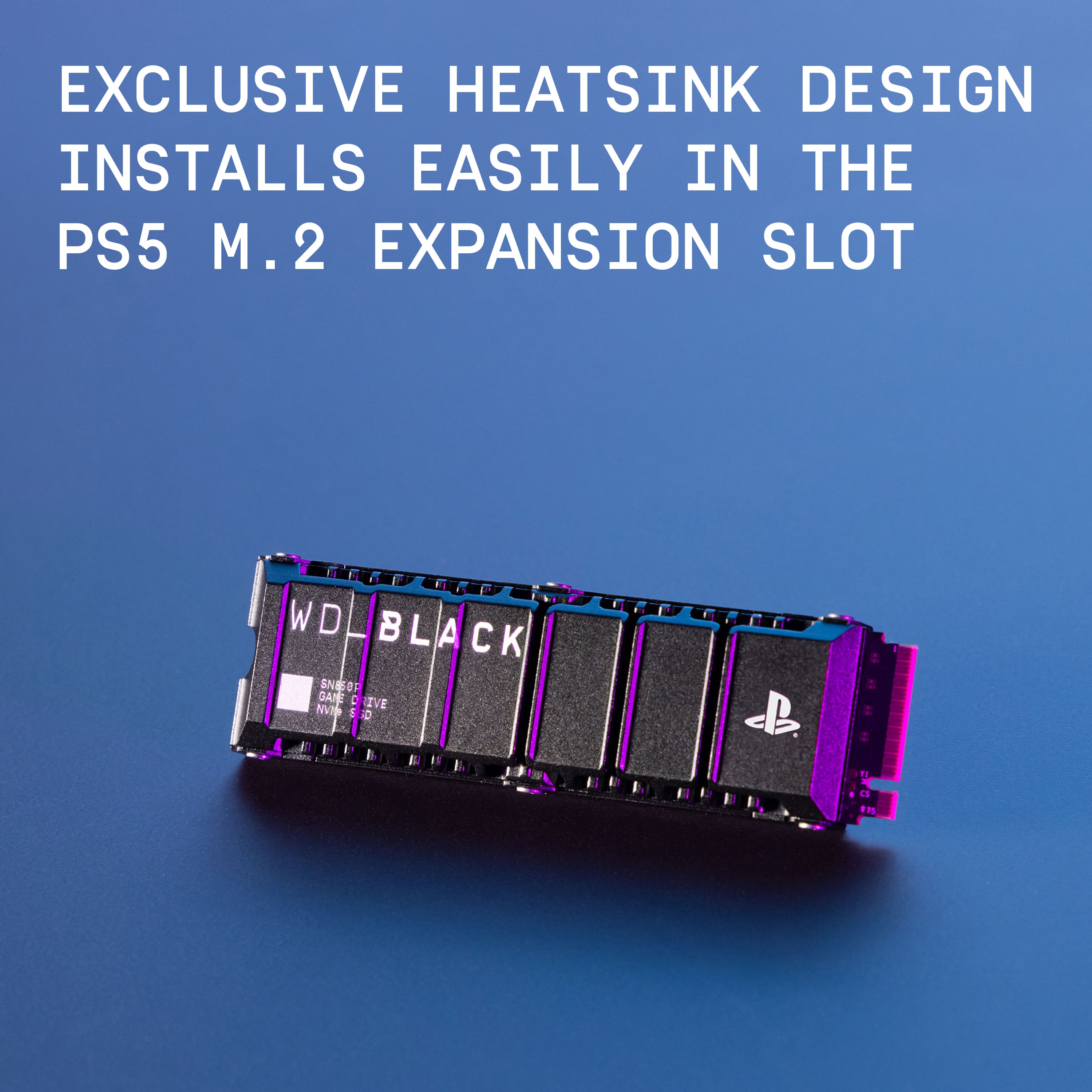
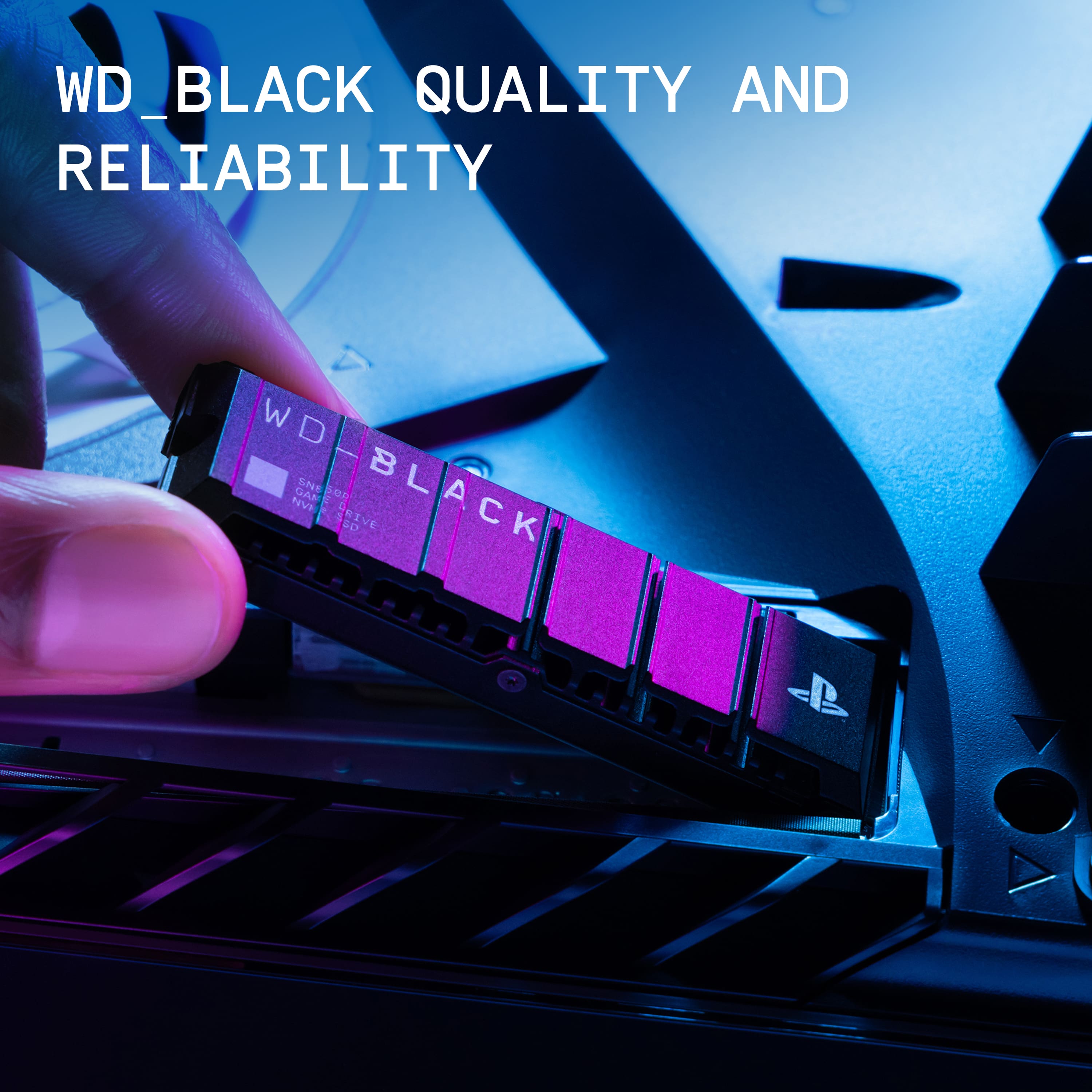
|Posted .This reviewer received promo considerations or sweepstakes entry for writing a review.The WD Black SN850P is an excellent Gen 4 SSD for use with your PlayStation or PC and I would highly recommend this to anyone looking for an internal Gen 4 PCIe SSD. Installation is a breeze of course, just make sure that your PlayStation is updated to the latest software version just to prevent any issues. Luckily PlayStation uses standard sizes for PCIe SSD's so if you later decide to upgrade your PS storage you can still use this drive in your PC. Overall this is a really good product and if you're in the market for a storage upgrade this is a great choice. Just one thing to note, this appears to be essentially the same SSD as the SN850, it just happens to feature the PlayStation logo and supposedly can get up to 7,3000 MB/s versus the SN850's 7,000 MB/s. Not sure if this is a difference that you will actually notice or not but it's worth keeping in mind if you happen to find the SN850 for a better deal it may be worth going for that instead of the SN850P. The PS logo is nice, but since it ends up being internally mounted, you don't even see it after installing it.
I would recommend this to a friendPerfect for PS5
Posted .This reviewer received promo considerations or sweepstakes entry for writing a review.Fit like a glove and worked perfectly for my husbands ps5
I would recommend this to a friendExcellent Performance
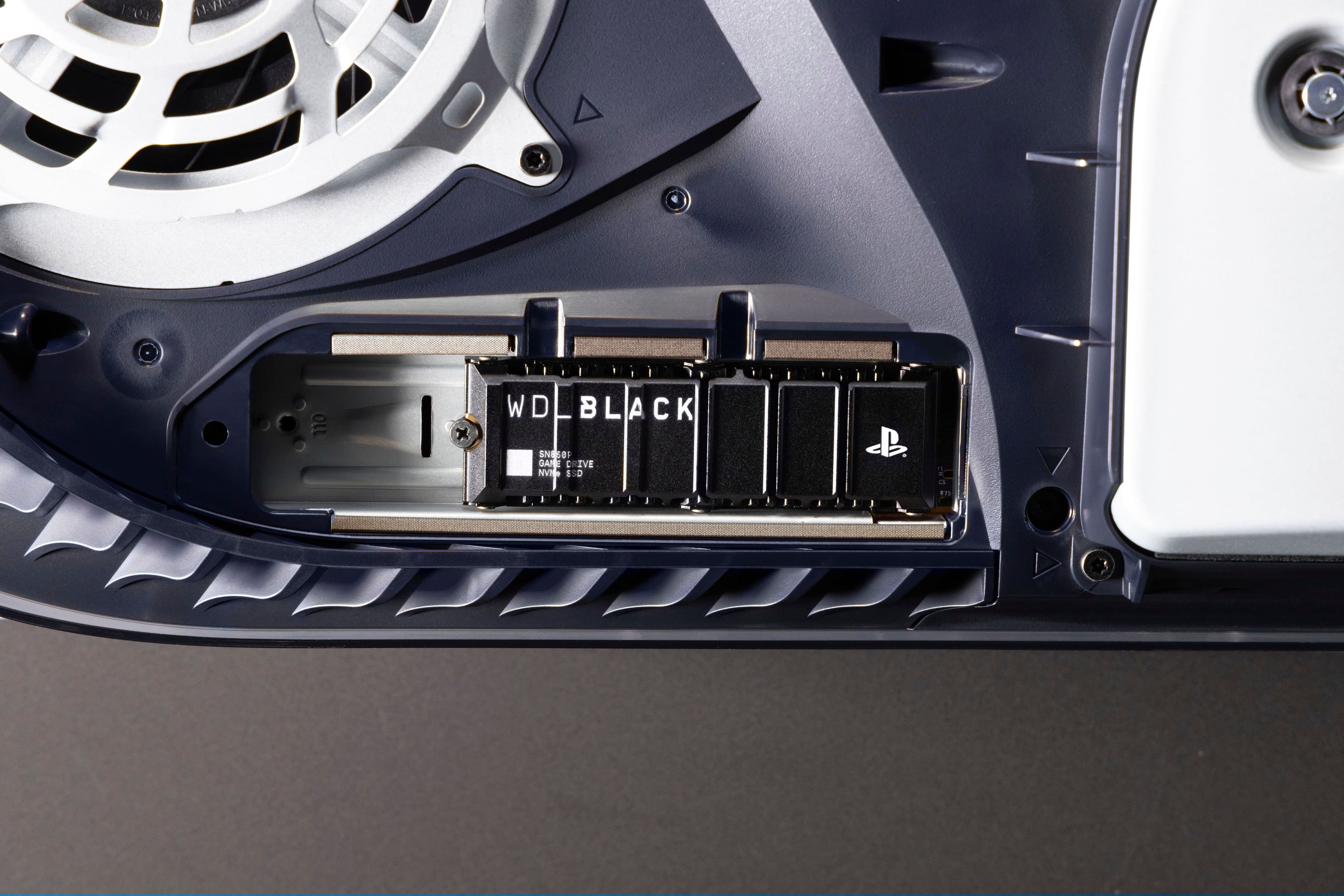
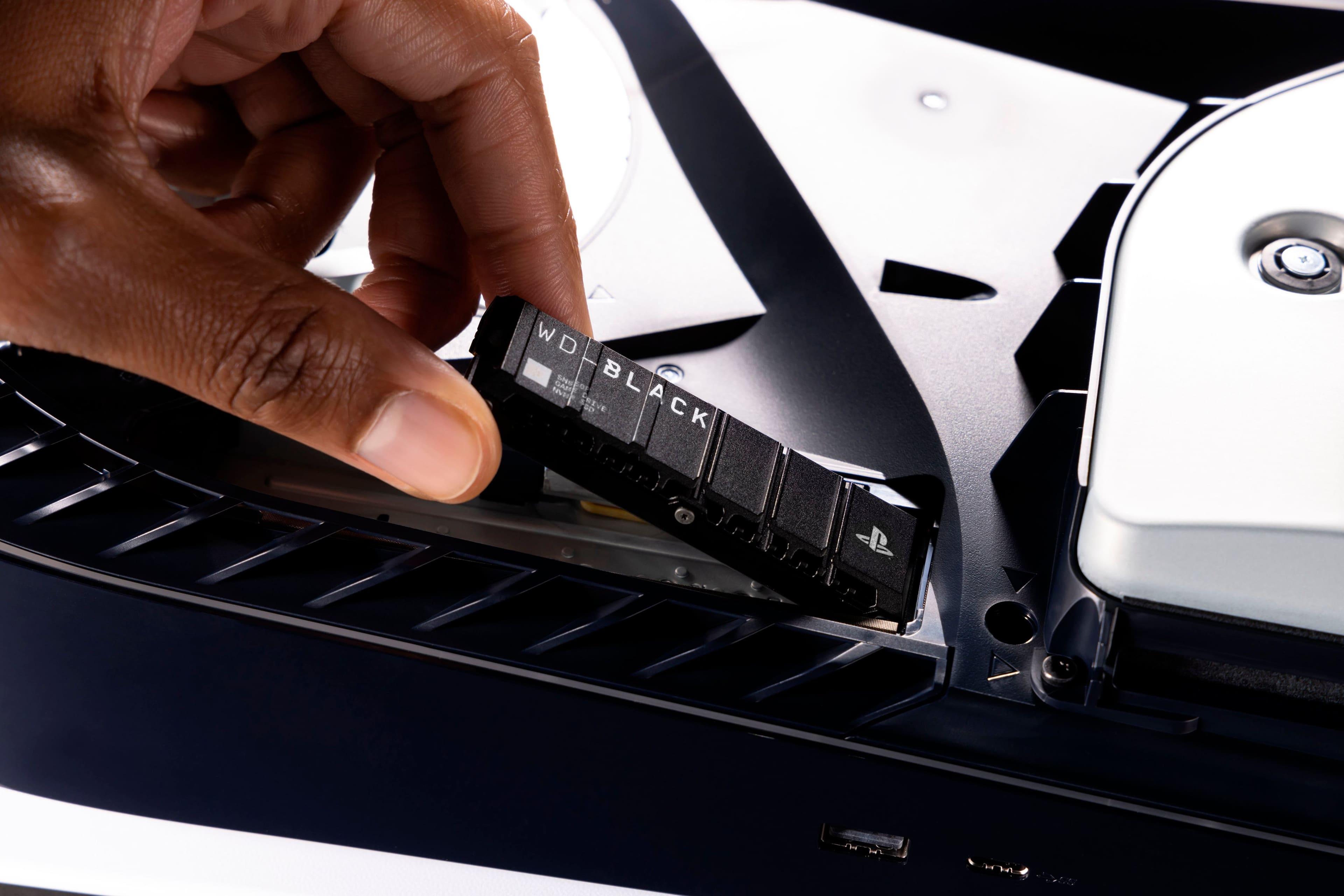
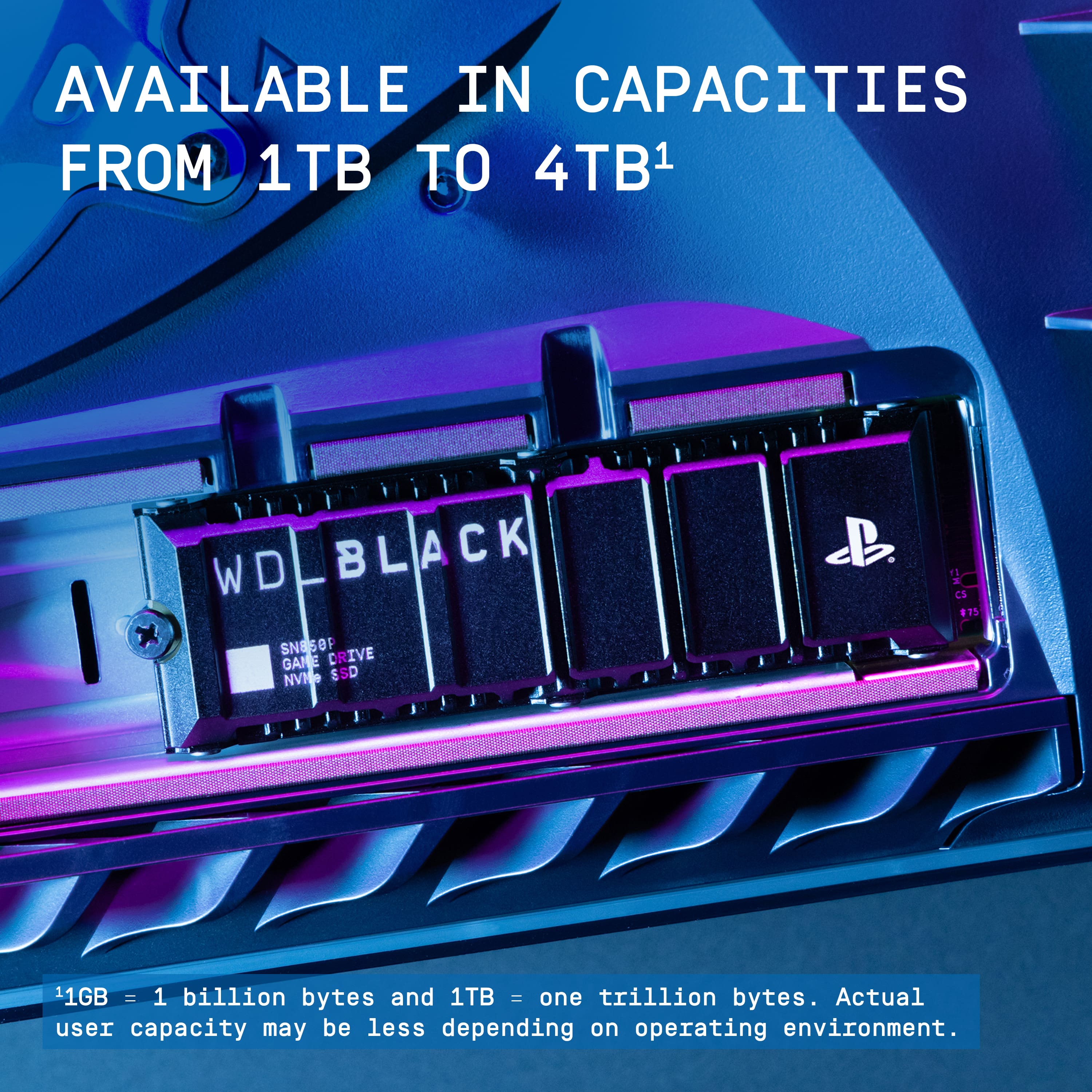
|Posted .This reviewer received promo considerations or sweepstakes entry for writing a review.With the rising size of games seemingly increasing with every release, additional storage is pretty much required at this point. This storage is an excellent way to extend the capabilities of your PS5. During my recent sessions with a number of games, the speed of this drive is at least as fast as the internal drive, and many times, it was actually quicker. Street Fighter 6 was noticeably quicker for loading after moving to this drive. While the internal drive included with the PS5 is no slouch, this drive can easily match it. In fact, it was outperforming it on my occasions. The only real down side to this drive has nothing to do with the drive itself. It's the process of installing it. Taking the cover and unscrewing the compartment on your PS5 is a little scary. I was a bit worried I would break the outer shell case of my PS5 while removing it as Sony suggested. Once removed, there is a screw to open the compartment the drive sits in, along with a screw and a spacer that keeps the drive aligned. You align the drive to the nearest slot/screw hole. Make sure to put the spacer back in! I almost forgot to put it in place as I was installing the drive. Sony has a good video explaining the whole process, but it still feels a bit more complicated than it should be. Again, all that being said, this drive is easily a worthy addition to the PS5, and the performance is superb. The drive is designed to make the process as simple as possible, and WD have done their part, including the heatsink and meeting all the requirements. Pros: Excellent speeds, well-designed Cons: Installation process for the PS5 is a bit involved (though this has nothing to do with the drive itself)
I would recommend this to a friendAn extra 1 TB of gaming fun!
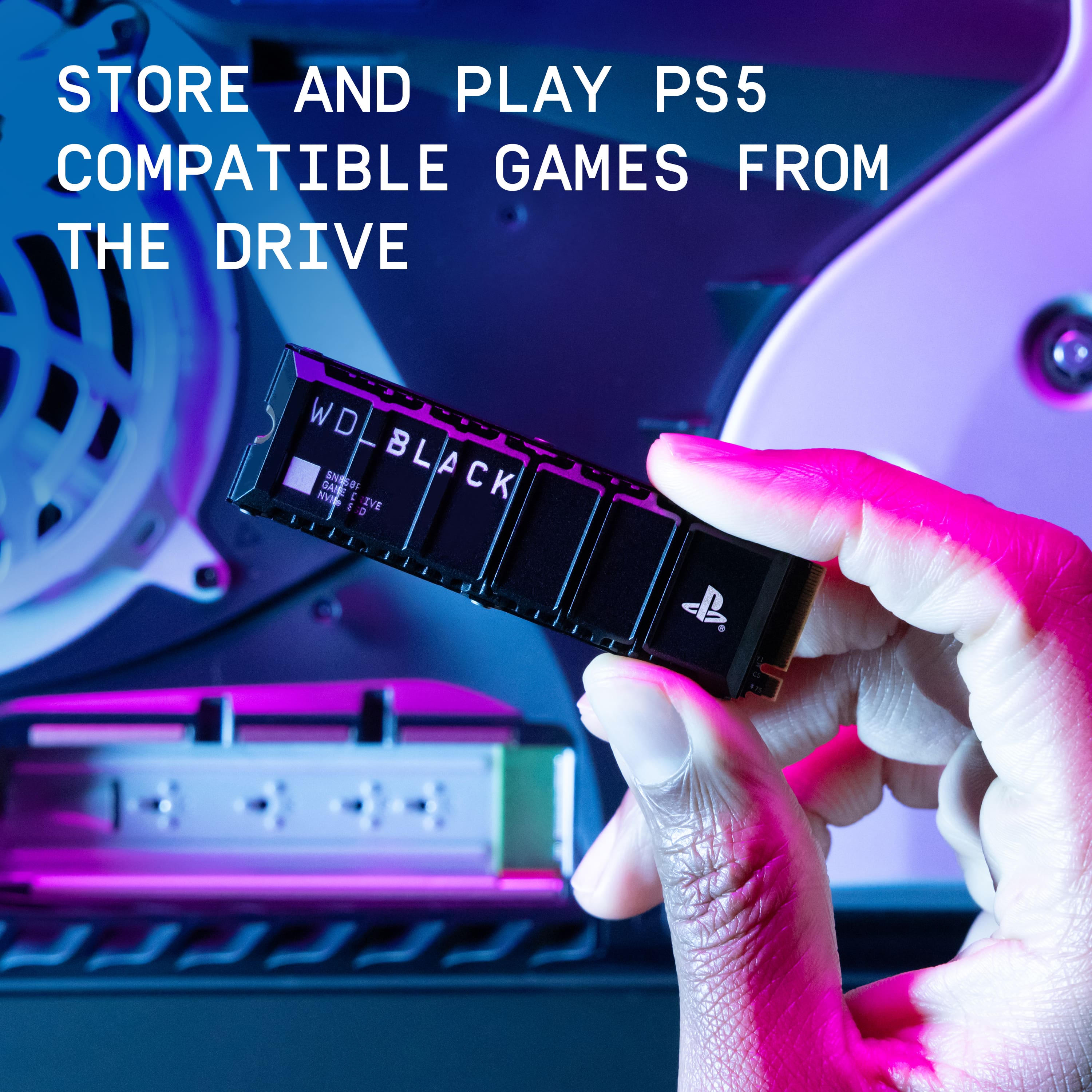
|Posted .This reviewer received promo considerations or sweepstakes entry for writing a review.Hello friends, this is my review of the Western Digital 1 TB SSD with heat sink. I thought i would do a short review for folks who may not know how to install and use this SSD for the PS5. If you have a PS5 it's easy to open up and clean out dust or install a SSD. First off turn the unit off. Then unplug all wires and cables. With the top facing down you can remove the white bottom panel. This will expose a small metal cover with a number one phillips head screw. You need to remove this screw to access the slot for the Western Digital SSD. After inserting the SSD, There is a screw at the end of the opening with a standoff spacer. You will need to utilize the screw with the spacer to secure the SSD. Simply remove it from its location and carefully put the spacer under the end of the SSD and then use the screw to hold everything in place. All of these steps are needed to hold the SSD securely inside of the PS5. Mainly because when you put the cover on it will hang upside down inside the machine. Now simply reinstall your cables and start loading more games. I really like the Western Digital 1 TB SSD. It allows me to finish installing all my games, without having to erase anything off my built in hard drive. Keep in mind this is only a 1 TB card, it holds a lot, however if you have a need for even more storage, you might need to go with an external drive. The external drives can hold up to 10 TB easily, depending on what you purchase. I highly recommend this SSD if you have a PS5. 5 stars from me friends!
I would recommend this to a friendEasy install, no obvious issues
|Posted .This reviewer received promo considerations or sweepstakes entry for writing a review.Installing this SSD was pretty easy after I figured out how to open the SSD compartment. It was basically plug-and-play with only a Phillips screwdriver needed. After I installed it, on first boot it prompted me to format the thing, and after that it just worked. And that's honestly the highest praise I can give. Literally, the most annoying thing about this SSD was that the PS5 didn't quite seem to get the memo at first that it should install things to the SSD since the internal one was out of space, but eventually it seemed to figure it out and just install things to the new SSD. I have not had any further issues. The games install right, there's no issues with data corruption, they don't seem to run slower than normal regardless of whether it's a PS5 or PS4 game, and my system hasn't reported any errors. It's just an additional storage module, sitting quietly in the background and holding my games, without dangling from a cable like my expansion drives did on my PS4. The storage the PS5 comes with really isn't enough, so I really recommend grabbing one of these to add it. No weird errors, no troubleshooting, no risk of the thing coming unplugged while the system is in rest mode, and it gives you enough space to have more than five games installed at a time. I love it and I'd definitely recommend it.
I would recommend this to a friendA beautiful storage boost
Posted .This reviewer received promo considerations or sweepstakes entry for writing a review.Plug and play. Super easy to install, took no more than 5 Minutes
I would recommend this to a friendMemory Expansion Complete
Posted .This reviewer received promo considerations or sweepstakes entry for writing a review.It was super easy to install, formatted quickly and works great. I plan to buy a larger capacity one soon, they were out of the 2TB.
I would recommend this to a friendGreat purchase
Posted .This reviewer received promo considerations or sweepstakes entry for writing a review.Works perfectly with my ps5 and I've got enough space now for anything i need on there
I would recommend this to a friendFast but expensive
|Posted .This reviewer received promo considerations or sweepstakes entry for writing a review.Pros: -Fast loading -Perfect size for PS5 slot Cons: -Heatsink seems smaller -Expensive The Western Digital SN850P was easy to install and offers fast loading speed, up to 7300 MB/s. The heat sink on the SN850P does seem a bit smaller compared to its SN850X siblings, but is a better fit in the PS5’s SSD slot compared to the previous drive I had. The smaller heatsink shouldn’t be an issue. Installation was easy with the hardest part being removing the PS5 cover plates. Once installed and powered on, the system will automatically format the drive. After formatting, the PS5 reported transfer rate of 6000 MB/s and during gameplay, I haven’t seen any differences in performance between games on the system drive and the SSD. The price is high considering it’s seemingly the same as the SN850X, the non PS5 branded version with a different heatsink. That drive has the same performance and also works with the PS5. If you don’t mind paying more for the official PS5 branded SSD, then the SN850P is good. Performance is fast and games load just as fast as the internal storage.
I would recommend this to a friendEasy to install
Posted .This reviewer received promo considerations or sweepstakes entry for writing a review.Easy to install... working well so far... I am really glad I got it.
I would recommend this to a friendLittle Stick Big Power
Posted .This reviewer received promo considerations or sweepstakes entry for writing a review.Great value, good speeds, great thermals to keep this baby cool when gaming on it hard!
I would recommend this to a friendGreat product
Posted .This reviewer received promo considerations or sweepstakes entry for writing a review.Excellent product, easy to install, great value for the price
I would recommend this to a friend1TB PS5 Extended Memory
Posted .This reviewer received promo considerations or sweepstakes entry for writing a review.1TB works just fine in my PS5. Zero issues and great value.
I would recommend this to a friendPs5 space drive
Posted .This reviewer received promo considerations or sweepstakes entry for writing a review.Fits perfect and works good but you must be careful removing some parts from the ps5 for you won’t scratch or break anything
I would recommend this to a friendGood purchase
Posted .This reviewer received promo considerations or sweepstakes entry for writing a review.Works perfectly, easy to install on ps5. Would buy again if needed
I would recommend this to a friendGreat product
Posted .This reviewer received promo considerations or sweepstakes entry for writing a review.Works great price was also a good value. Would buy again.
I would recommend this to a friendInternal Storage Review
Posted .This reviewer received promo considerations or sweepstakes entry for writing a review.Simple to install and good price. Overall satisfied
I would recommend this to a friendstorage device
Posted .This reviewer received promo considerations or sweepstakes entry for writing a review.great product with easy installation. i recommend it for all playstation consoles.
I would recommend this to a friendNice
Posted .This reviewer received promo considerations or sweepstakes entry for writing a review.It arrived just as described. Good product works well.
I would recommend this to a friendWorks great
Posted .This reviewer received promo considerations or sweepstakes entry for writing a review.Works great, gave my ps5 more storage so now i can gave more then 3 games downloades
I would recommend this to a friend