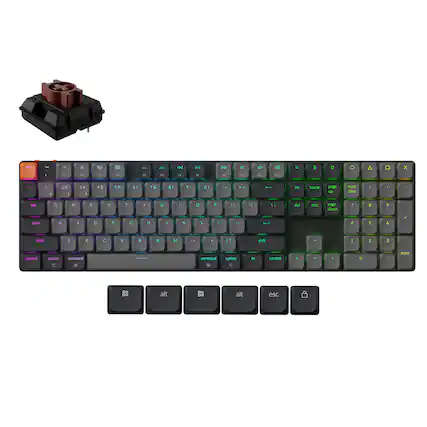
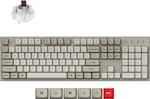
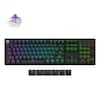
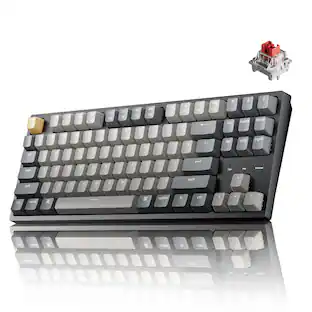
keychron keyboard search results
keychron keyboard in Computers & Tablets (116)
Sort by:
- $144.99
Pick up today
Get it tomorrow • FREE
- $144.99
Pick up today
Get it tomorrow • FREE
- $139.99
Pick up today
Get it tomorrow • FREE
- $54.99
Pick up today
Get it tomorrow • FREE
New to Best Buy
- $114.99
Pick up today
Get it tomorrow • FREE
- $139.99
Pick up today
Get it tomorrow • FREE
- $249.99
Get it by Wed, Nov 11 • $5.00
- $129.99
Get it by Wed, Nov 11 • $5.00
- $119.99Save $60The comparable value is $179.99
Pick up Sun, Nov 8
Shipping unavailable
- $114.99
Pick up today
Get it tomorrow • FREE
- $144.99
Get it by Wed, Nov 11 • $5.00
- $239.99
Pick up Sun, Nov 8
Get it tomorrow • FREE
- $239.99
Pick up Thu, Nov 12
Get it by Sat, Nov 7 • FREE
- $199.99
Get it by Wed, Nov 11 • $5.00
18 of 116 products
Tell us about your search experience
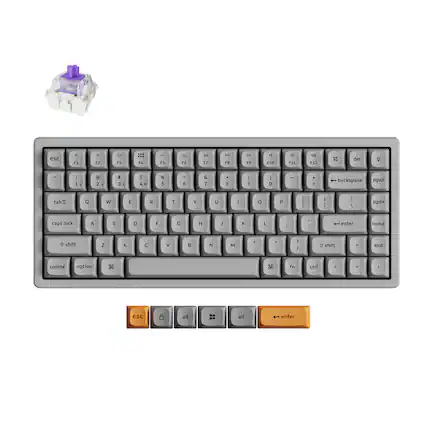
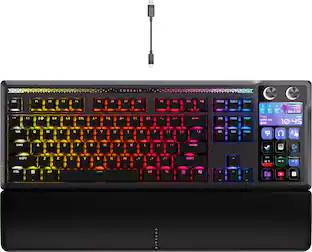
![esc F1 F2 F3 F4 F5 F6 F7 F8 F9 F10 F11 F12
Num Caps Mac Win
1 2 3 4 5 6 7 8 9 0 - = backspace
tab Q W E R T Y U I O P [ ] \
caps lock A S D F G H J K L ; '
shift Z X C V B N M , . /
control option fn control
del home pgup num clear / * -
end pgdn 7 8 9 +
enter 4 5 6
shift 1 2 3 enter
control option 28
option fn control
> o](https://pisces.bbystatic.com/image2/BestBuy_US/images/products/71a1417b-3d5f-45c1-99f0-24ab3c6d41b9.png;maxHeight=100;maxWidth=150)
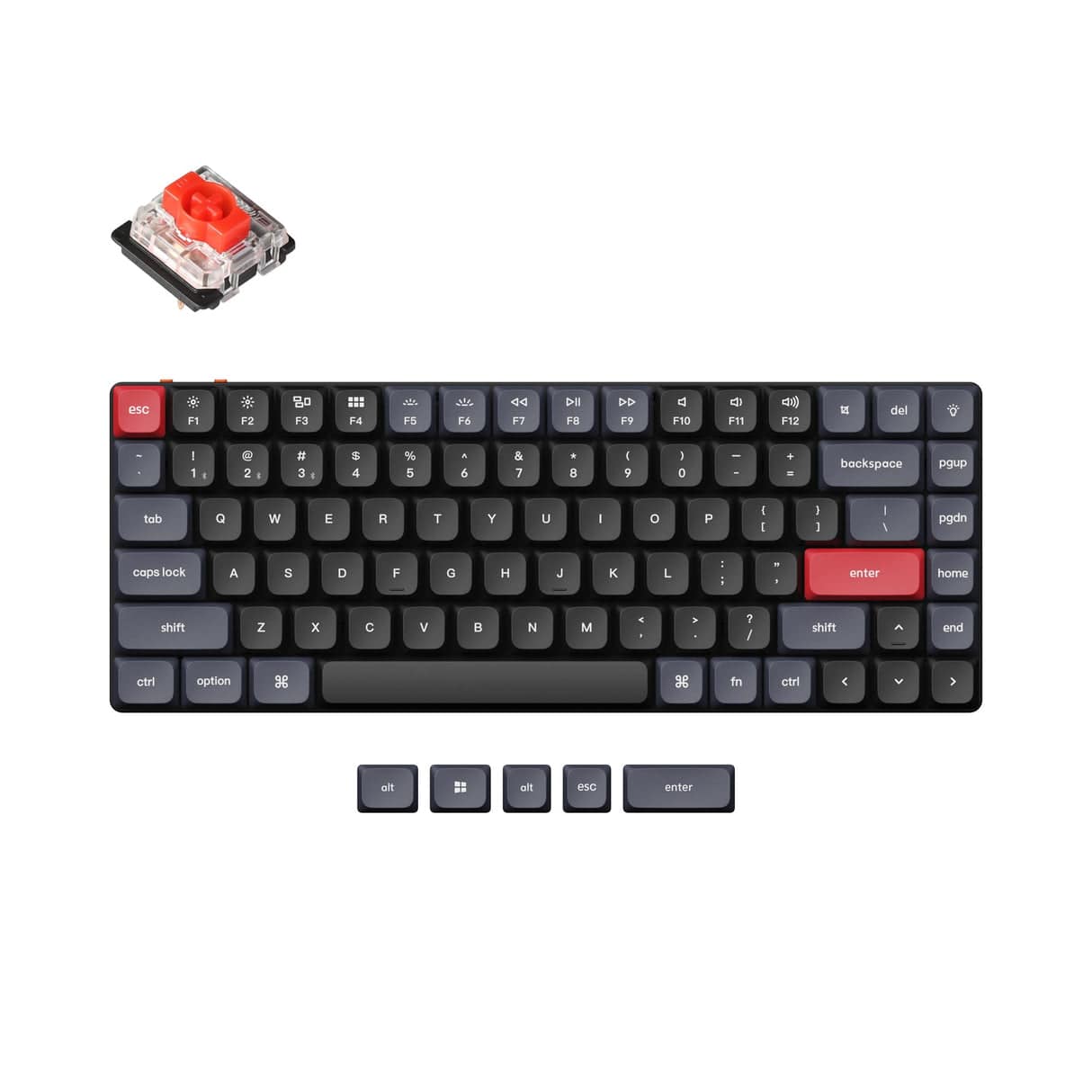
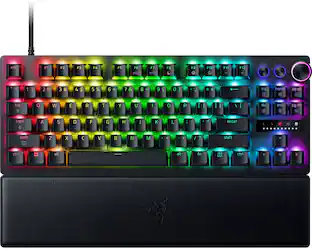
![esc F1 F2 F3 F4 F5 F6 F7 F8 F9 F10 F11 F12 del - . ! 1 2 3 4 5 6 7 8 9 0 I - + = backspace pgup tab Q W E R T Y U I O P { [ ] } | pgdn caps lock A S D F G H J K L : ; - enter home shift Z X C V B N M ? / shift control option gg ag fn ctrl](https://pisces.bbystatic.com/image2/BestBuy_US/images/products/1148d3cf-e648-420a-8a2f-d2b30b24656b.png;maxHeight=100;maxWidth=150)

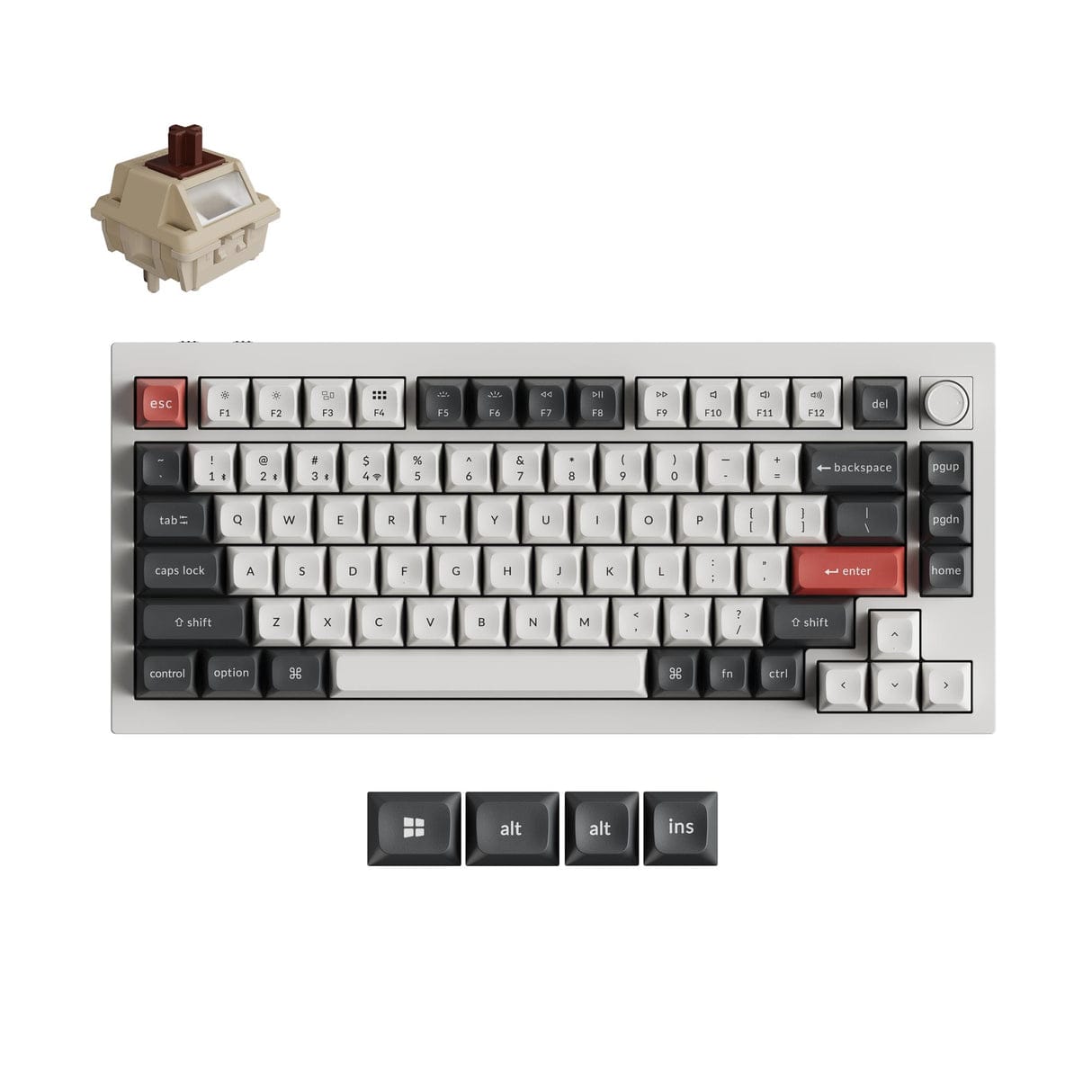
![esc F1 F2 F3 F4 F5 F6 F7 F8 F9 F10 F11 F12 del home end : . ! 1 2 3 4 # 5 % 6 7 8 9 0 ( ) - + backspace num clear / . C tab Q W E R T Y U I O P [ ] { } | 7 8 9 + caps lock A S D F G H J K L : : enter 4 5 6 shift Z X C V B N M V A ? / shift 1 2 3 enter control option H 3 fn ctrl](https://pisces.bbystatic.com/image2/BestBuy_US/images/products/61f531ca-28ab-4a34-b282-be3152e835cd.jpg;maxHeight=100;maxWidth=150)
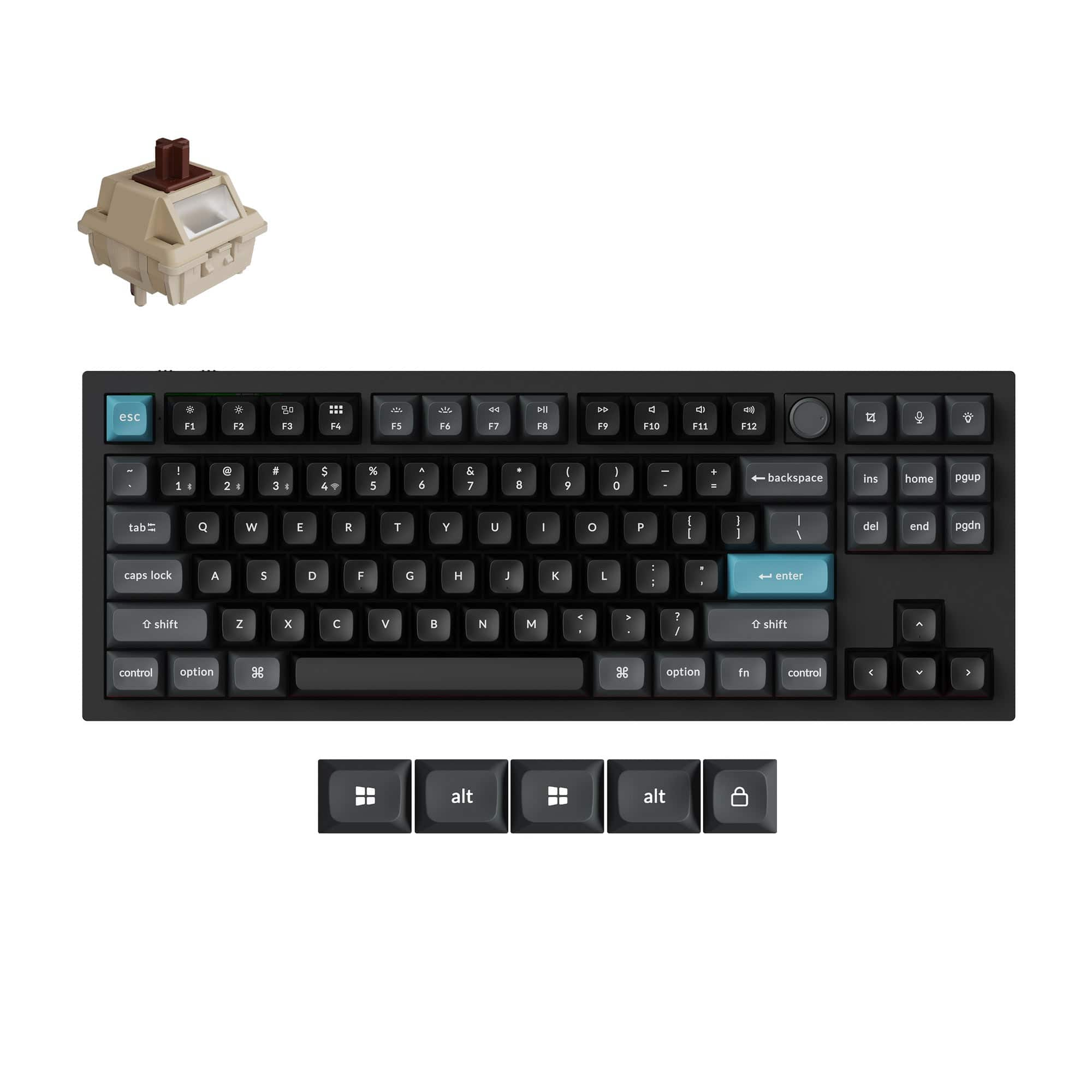
![esc F1 F2 F3 F4 F5 F6 F7 F8 F9 F10 F11 F12 X - I 1 2 3 4 5 6 7 8 9 0 o I - + backspace ins home pgup num clear / * - tab Q W E R T Y U I O P { : } ] I I del end pgdn 7 8 9 + caps lock A S D F G H J K L : . . enter JAC 4 5 6 shift Z X C V B N M - V ? / shift 1 2 3 enter ctrl option 9 9 option fn ctrl < > 0](https://pisces.bbystatic.com/image2/BestBuy_US/images/products/6338813c-537a-4d69-93c3-0a1433ef276c.jpg;maxHeight=100;maxWidth=150)
![The text on the image is a list of keys on a keyboard, including function keys and other special keys. Here's the corrected list:
1. F1
2. F2
3. F3
4. F4
5. F5
6. F6
7. F7
8. F8
9. F9
10. F10
11. F11
12. F12
13. Del
14. Home
15. End
16. Page Up
17. Page Down
18. 1!
19. 2!
20. 3!
21. 4!
22. 5!
23. 6!
24. 7!
25. 8!
26. 9!
27. 0
28. =
29. +
30. -
31. Tab
32. Q
33. W
34. E
35. R
36. T
37. Y
38. U
39. I
40. O
41. P
42. [
43. ]
44. VI
45. I
46. 7
47. 8
48. 9
49. +
50. caps lock
51. A
52. S
53. D
54. F
55. G
56. H
57. J
58. K
59. L
60. Z
61. X
62. C
63. V
64. B
65. N
66. M
67. <
68. >
69. /
70. *
71. -
72. tab
73. ctrl
74. option
75. 9
76. H
77. fn
78. ctrl
79. <
80. >
This list includes the function keys, as well as other special keys such as the arrow keys, the number pad keys, and the control and option keys.](https://pisces.bbystatic.com/image2/BestBuy_US/images/products/24e86685-9323-4a6c-bbd9-21a58de7ab54.jpg;maxHeight=100;maxWidth=150)


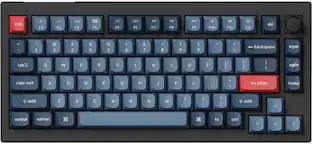
![esc
F1
F2
F3
F4
F5
F6
F7
F8
F9
F10
F11
F12
del
-
! 1
@ 2
# 3
$ 4
% 5
& 6
* 7
( 8
) 9
0
- =
backspace
pgup
tab
Q
W
E
R
T
Y
U
I
O
P
[ {
] }
pgdn
caps lock
A
S
D
F
G
H
J
K
L
enter
home
shift
Z
X
C
V
B
N
M
< >
? /
shift
control
option
fn
ctrl](https://pisces.bbystatic.com/image2/BestBuy_US/images/products/1e54092f-13ad-40e0-9b4a-b97c9c21a680.jpg;maxHeight=100;maxWidth=150)
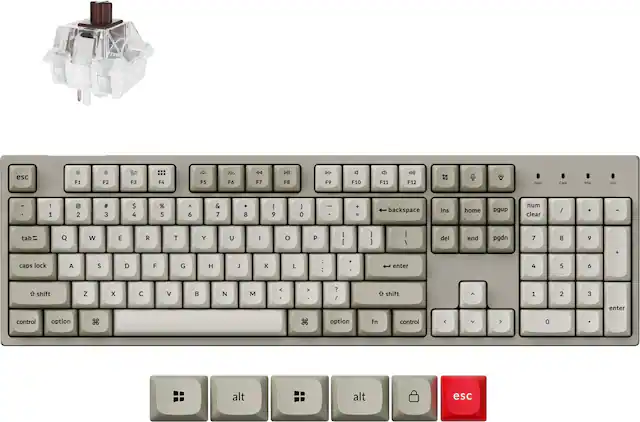
![esc F1 F2 F3 F4 F5 F6 F7 F8 F9 F10 F11 F12
1 2 3 4 5 6 7 8 9 0 - = backspace
tab Q W E R T Y U I O P [ ] \
capslock A S D F G H J K L ; ' return
shift Z X C V B N M , . / shift
control option fn space alt alt esc enter](https://pisces.bbystatic.com/image2/BestBuy_US/images/products/84ec446f-28a4-4f2b-b878-d50893f6aa4d.jpg;maxHeight=100;maxWidth=150)
![ESC
! 1
@ 2
# 3
$ 4
% 5
^ 6
& 7
* 8
( 9
) 0
- _
= +
Backspace
Del
Tab
Q
W
E
R
T
Y
U
I
O
P
| [
| ]
| \
End
Caps
A
S
D
F
G
H
J
K
L
; :
' "
Enter
PgUp
Shift
Z
X
C
V
B
N
M
, <
. >
/ ?
Shift
PgDn
Control
Option
98
Fn
Ctrl](https://pisces.bbystatic.com/image2/BestBuy_US/images/products/a8ffad3c-d637-4241-95e3-86f3cd6d6862.jpg;maxHeight=100;maxWidth=150)

![esc F1 F2 F3 F4 F5 F6 F7 F8 F9 F10 F11 F12
Num Caps Mac Win
1 2 3 4 5 6 7 8 9 0 - = backspace
tab Q W E R T Y U I O P [ ] \
caps lock A S D F G H J K L ; '
shift Z X C V B N M , . /
control option fn control
del home pgup num clear / * -
end pgdn 7 8 9 +
enter 4 5 6
shift 1 2 3 enter
control option 28
option fn control
> o](https://pisces.bbystatic.com/image2/BestBuy_US/images/products/71a1417b-3d5f-45c1-99f0-24ab3c6d41b9.png;maxHeight=427;maxWidth=640?format=webp)
![The text on the image is a list of keys on a keyboard, including function keys and other special keys. Here's the corrected list:
1. F1
2. F2
3. F3
4. F4
5. F5
6. F6
7. F7
8. F8
9. F9
10. F10
11. F11
12. F12
13. Del
14. Home
15. End
16. Page Up
17. Page Down
18. 1!
19. 2!
20. 3!
21. 4!
22. 5!
23. 6!
24. 7!
25. 8!
26. 9!
27. 0
28. =
29. +
30. -
31. Tab
32. Q
33. W
34. E
35. R
36. T
37. Y
38. U
39. I
40. O
41. P
42. [
43. ]
44. VI
45. I
46. 7
47. 8
48. 9
49. +
50. caps lock
51. A
52. S
53. D
54. F
55. G
56. H
57. J
58. K
59. L
60. Z
61. X
62. C
63. V
64. B
65. N
66. M
67. <
68. >
69. /
70. *
71. -
72. tab
73. ctrl
74. option
75. 9
76. H
77. fn
78. ctrl
79. <
80. >
This list includes the function keys, as well as other special keys such as the arrow keys, the number pad keys, and the control and option keys.](https://pisces.bbystatic.com/image2/BestBuy_US/images/products/24e86685-9323-4a6c-bbd9-21a58de7ab54.jpg;maxHeight=427;maxWidth=640?format=webp)

![esc F1 F2 F3 F4 F5 F6 F7 F8 F9 F10 F11 F12 del home end : . ! 1 2 3 4 # 5 % 6 7 8 9 0 ( ) - + backspace num clear / . C tab Q W E R T Y U I O P [ ] { } | 7 8 9 + caps lock A S D F G H J K L : : enter 4 5 6 shift Z X C V B N M V A ? / shift 1 2 3 enter control option H 3 fn ctrl](https://pisces.bbystatic.com/image2/BestBuy_US/images/products/61f531ca-28ab-4a34-b282-be3152e835cd.jpg;maxHeight=427;maxWidth=640?format=webp)
![esc F1 F2 F3 F4 F5 F6 F7 F8 F9 F10 F11 F12 X - I 1 2 3 4 5 6 7 8 9 0 o I - + backspace ins home pgup num clear / * - tab Q W E R T Y U I O P { : } ] I I del end pgdn 7 8 9 + caps lock A S D F G H J K L : . . enter JAC 4 5 6 shift Z X C V B N M - V ? / shift 1 2 3 enter ctrl option 9 9 option fn ctrl < > 0](https://pisces.bbystatic.com/image2/BestBuy_US/images/products/6338813c-537a-4d69-93c3-0a1433ef276c.jpg;maxHeight=427;maxWidth=640?format=webp)

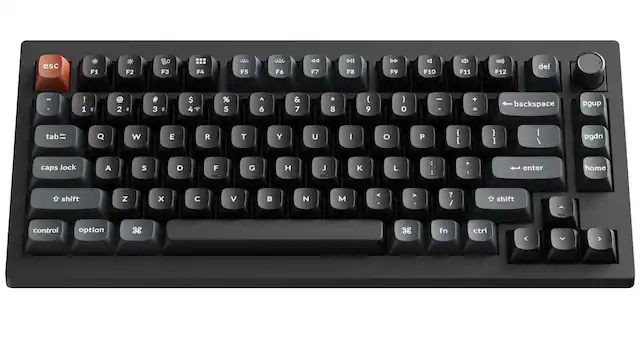
![esc F1 F2 F3 F4 F5 F6 F7 F8 F9 F10 F11 F12 del - . ! 1 2 3 4 5 6 7 8 9 0 I - + = backspace pgup tab Q W E R T Y U I O P { [ ] } | pgdn caps lock A S D F G H J K L : ; - enter home shift Z X C V B N M ? / shift control option gg ag fn ctrl](https://pisces.bbystatic.com/image2/BestBuy_US/images/products/1148d3cf-e648-420a-8a2f-d2b30b24656b.png;maxHeight=427;maxWidth=640?format=webp)


![The image shows a close-up of a black and white keyboard with a red key. The text on the image includes the following keys:
* esc
* F1
* F2
* F3
* F4
* F5
* F6
* 44
* F7
* DII
* F8
* DD
* F9
* F10
* F11
* F12
* del
* !
* 1
* 2
* #
* 3
* $
* 4
* %
* 5
* 6
* 7
* +
* 8
* (
* 9
* 0
* -
* =
* backspace
* pgup
* tab
* Q
* W
* E
* R
* T
* Y
* U
* I
* O
* P
* [
* ]
* I/
* pgdn
* caps lock
* S
* D
* F
* G
* H
* J
* K
* L
* :
* ;
* 1
* enter
* home
* shift
* Z
* X
* C
* V
* N
* M
* <
* >
* ?
* /
* shift
* control
* option
* H
* fn
* ctrl](https://pisces.bbystatic.com/image2/BestBuy_US/images/products/3ff910ed-253c-449b-ab0b-84ee9b677a70.jpg;maxHeight=427;maxWidth=640?format=webp)