/
4K Video Wall Processors
Find 4K video wall processors to help manage and distribute video across multiple displays. Compare options for multi-screen setups, paying close attention to input and output connections, supported resolutions, display configurations, and compatibility with your sources and screens.
Read More-
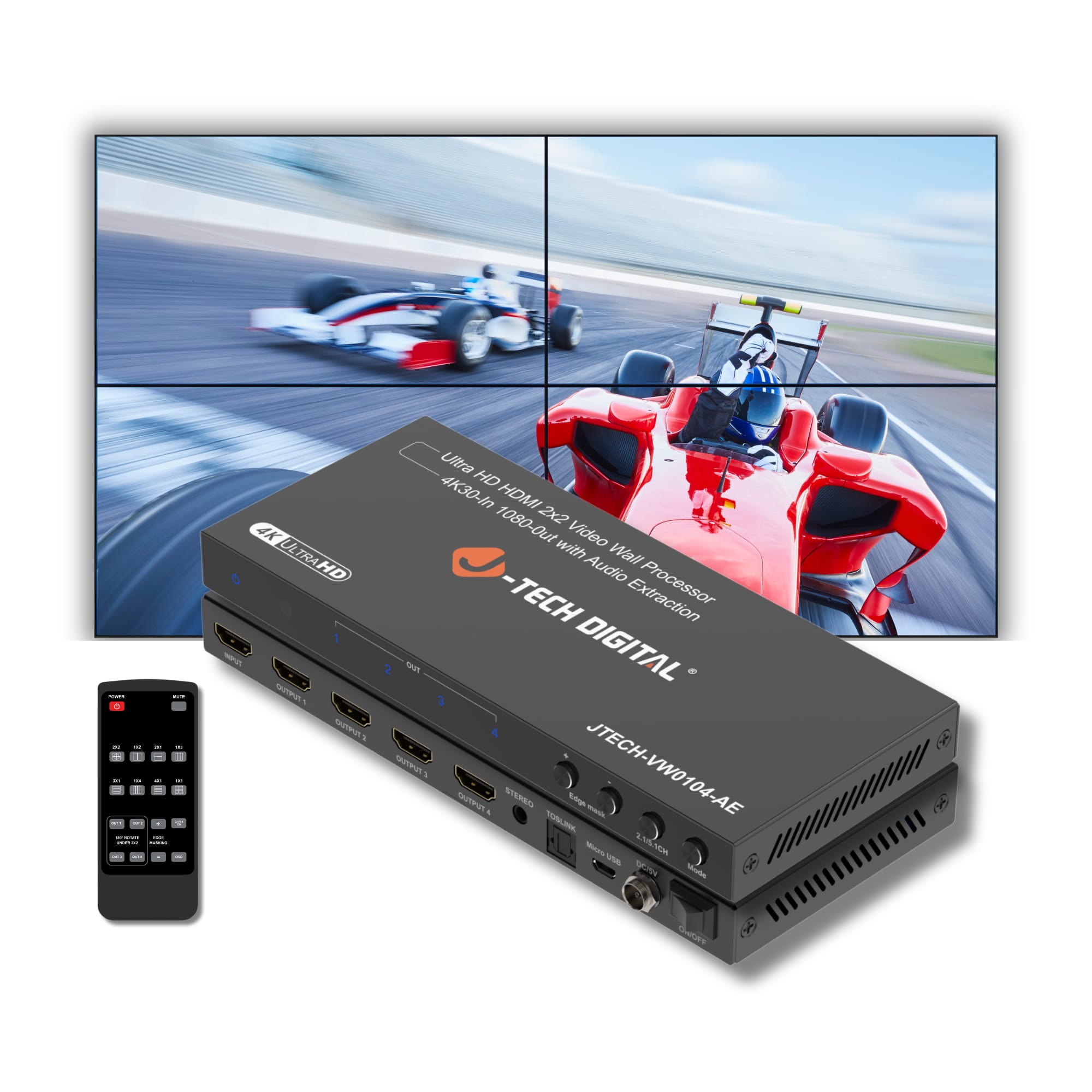
J-Tech Digital - 2x2 Video Wall Processor (4K30 In 1080P Out) with Audio Extraction - Black
SKU: J3GW774JJLSee all A/V SwitchersProduct Description
A black HDMI video wall processor offering 4K input, 1080p output, audio extraction, and multiple display modes.$132.30 Your price for this item is $132.30 -
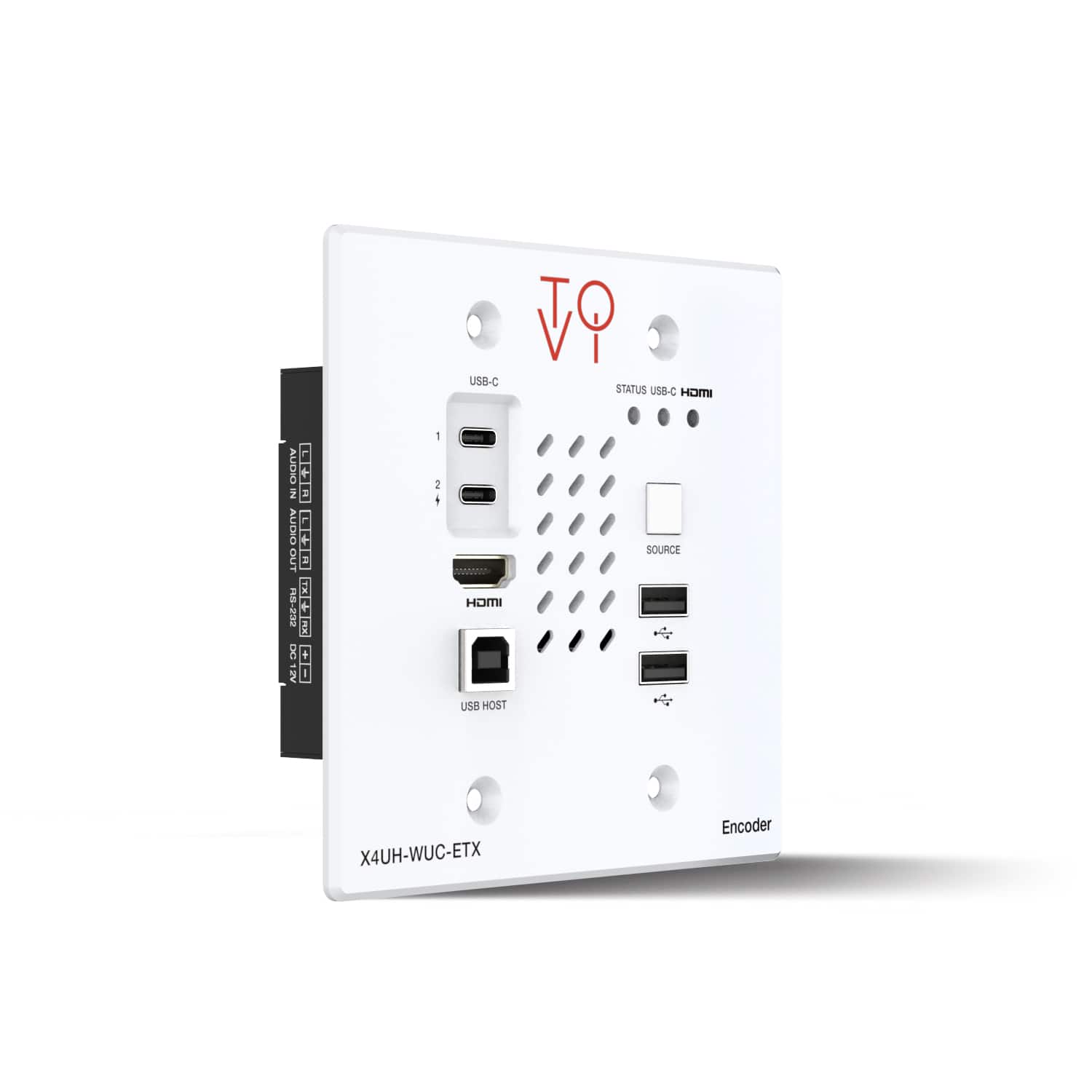
Orei - ToVi X4 4K Wall Plate Encoder (Video Wall, KVM) (X4UH-WUC-ETX) - White
SKU: J3GWPT7H6PSee all TV & Home Theater AccessoriesProduct Description
A high-performance white wall plate encoder delivering visually lossless 4K video, KVM, and advanced audio support.$649.00 Your price for this item is $649.00Save $150Was $799.00The previous price was $799.00 -
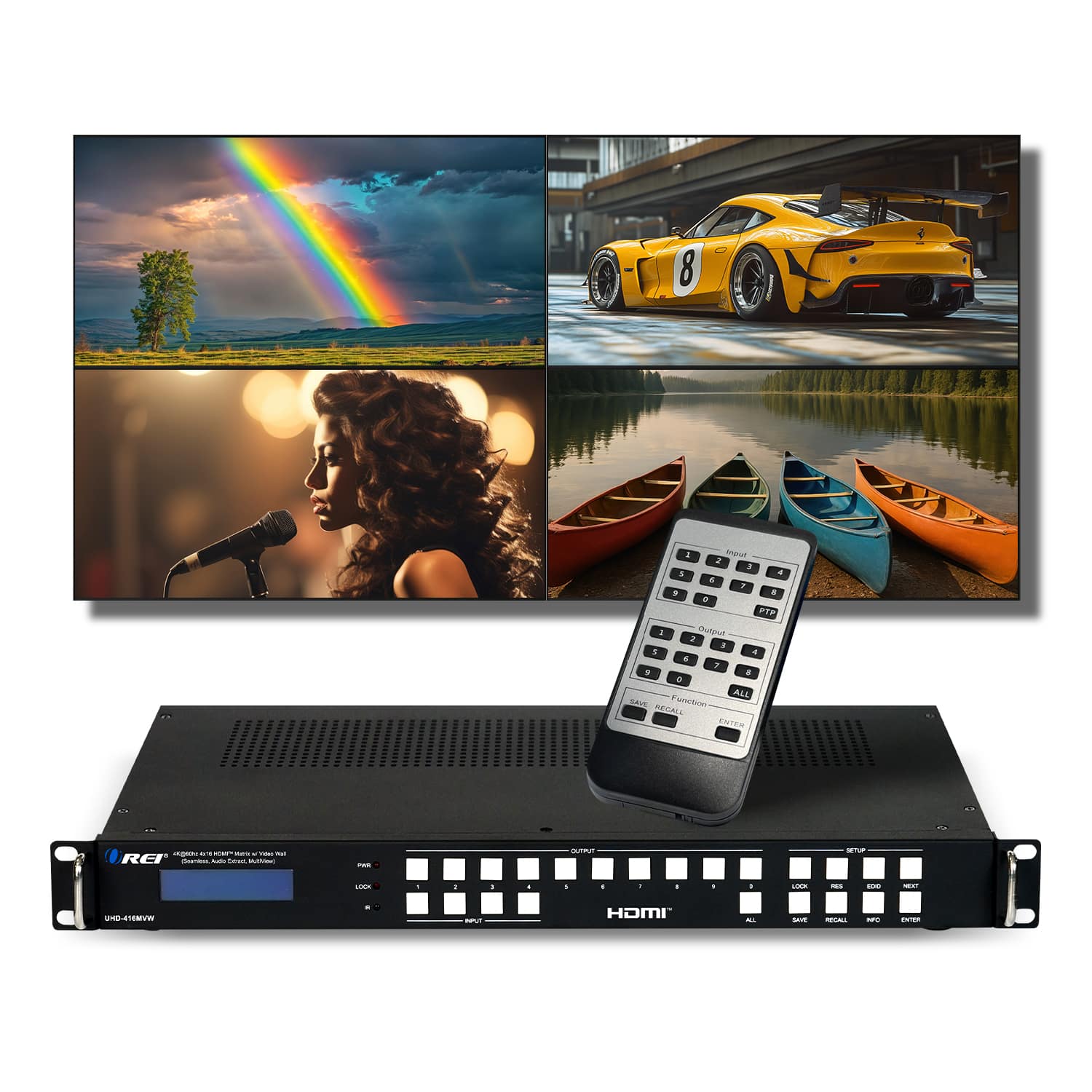
Orei - 4K@60hz 4x16 HDMI™ Matrix w/ Video Wall Seamless, Audio Extract Multiview - Black
SKU: J3GWPT7HC9See all HDMI ExtendersProduct Description
A versatile black HDMI matrix supporting 4K@60Hz, seamless switching, video wall, multiview, and audio extraction.$1,999.00 Your price for this item is $1,999.00 -
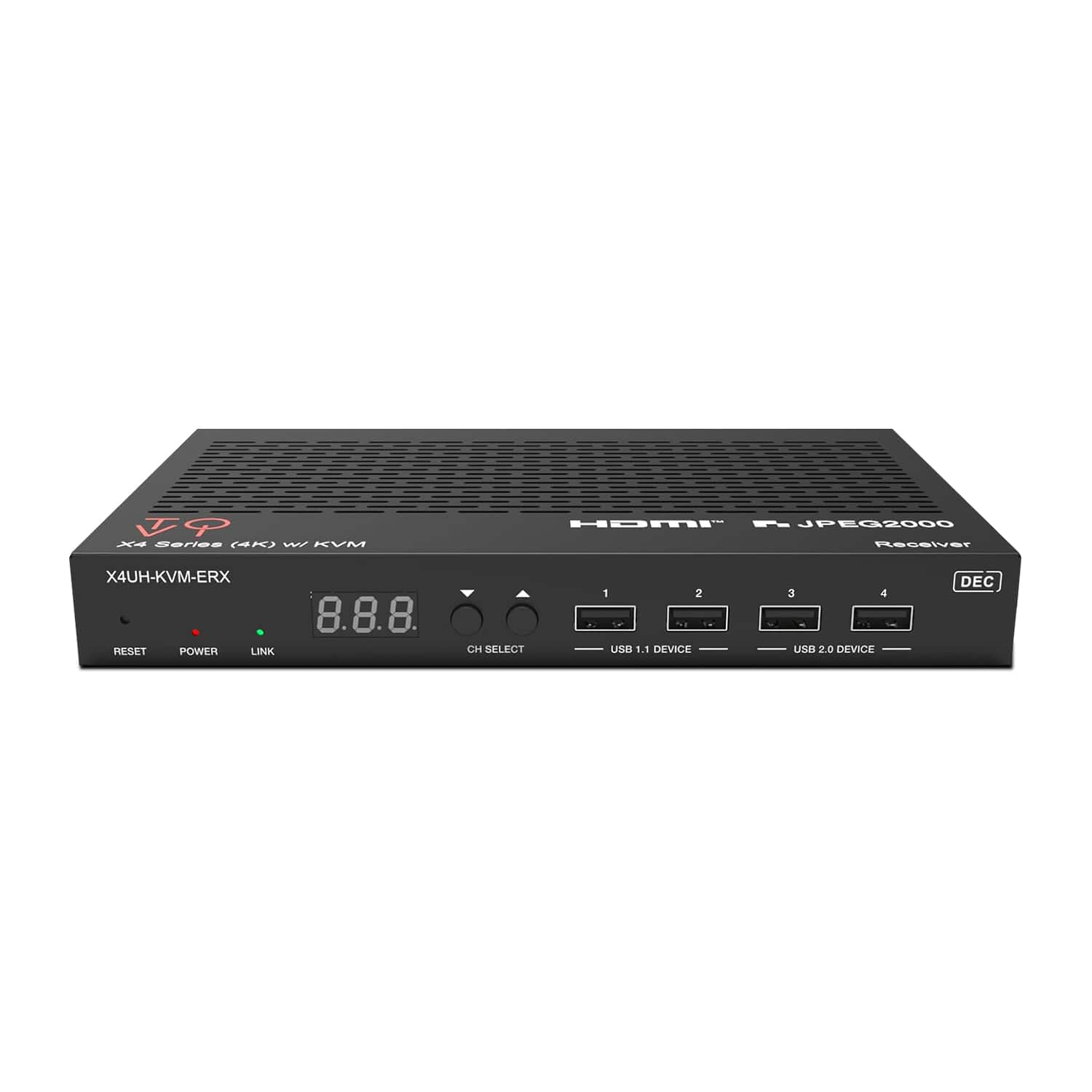
Orei - ToVi X4 4K Decoder (Video Wall, KVM, eARC) - (X4UH-KVM-ERX) - Black
SKU: J3GWPT7HRYSee all TV & Home Theater AccessoriesProduct Description
A versatile black HDMI extender supporting 4K@60Hz, video wall, KVM, eARC, and advanced AV control.$599.00 Your price for this item is $599.00Save $200Was $799.00The previous price was $799.00 -
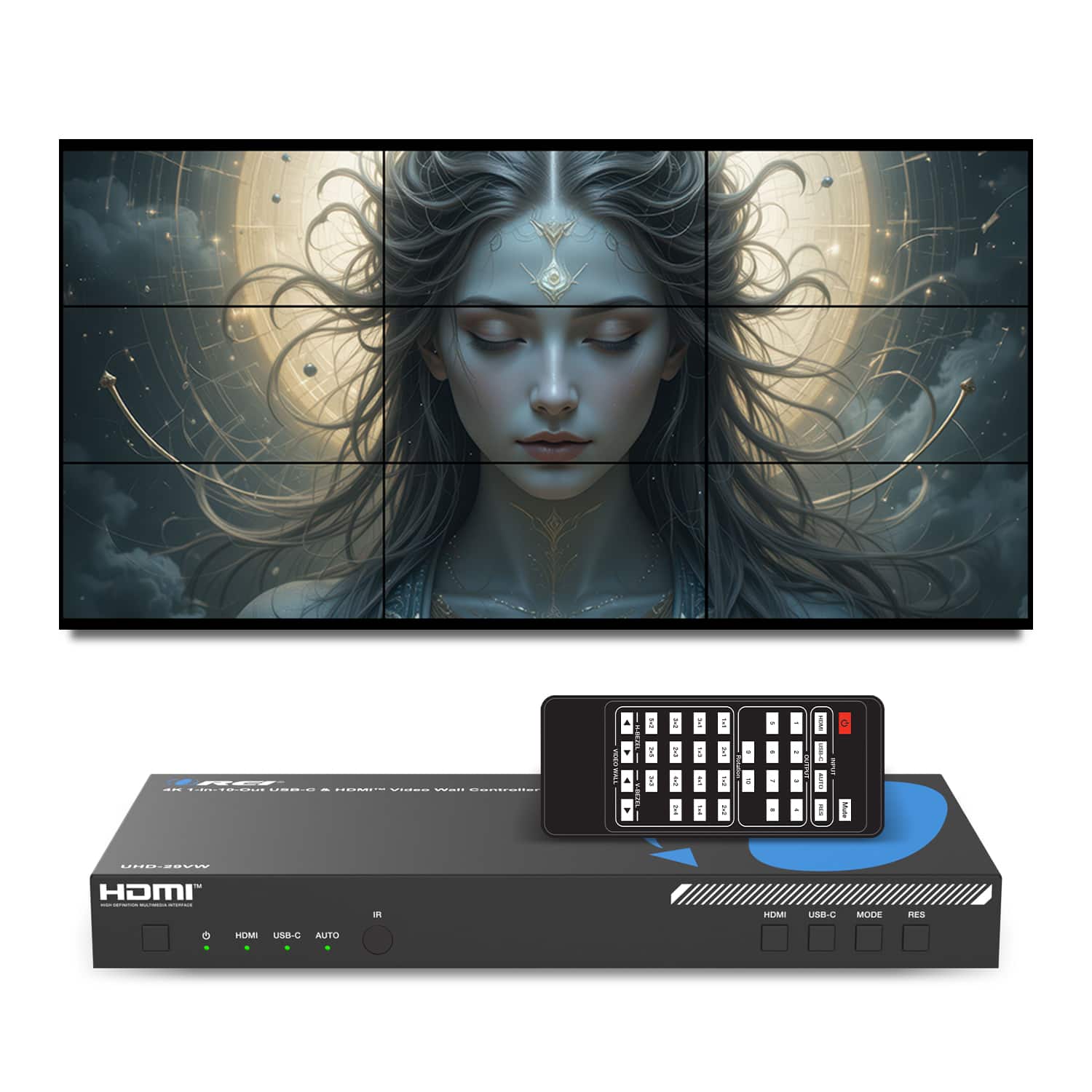
Orei - 4K 1-In-10-Out USB-C & HDMI Video Wall Controller (Audio Extract)-UHD-29VW - Black
SKU: J3GWPT7Q39See all HDMI ExtendersProduct Description
A professional-grade black video wall controller with 4K HDMI and USB-C inputs, ten outputs, and flexible audio extraction.$299.00 Your price for this item is $299.00 -
Orei - ToVi X4 4K Encoder (Video Wall, KVM, eARC) - (X4UH-UC-ETX) - Black
SKU: J3GWPT7H94See all TV & Home Theater AccessoriesProduct Description
A high-performance black HDMI and USB-C over IP extender with 4K video, KVM, and eARC support.$599.00 Your price for this item is $599.00Save $200Was $799.00The previous price was $799.00 -
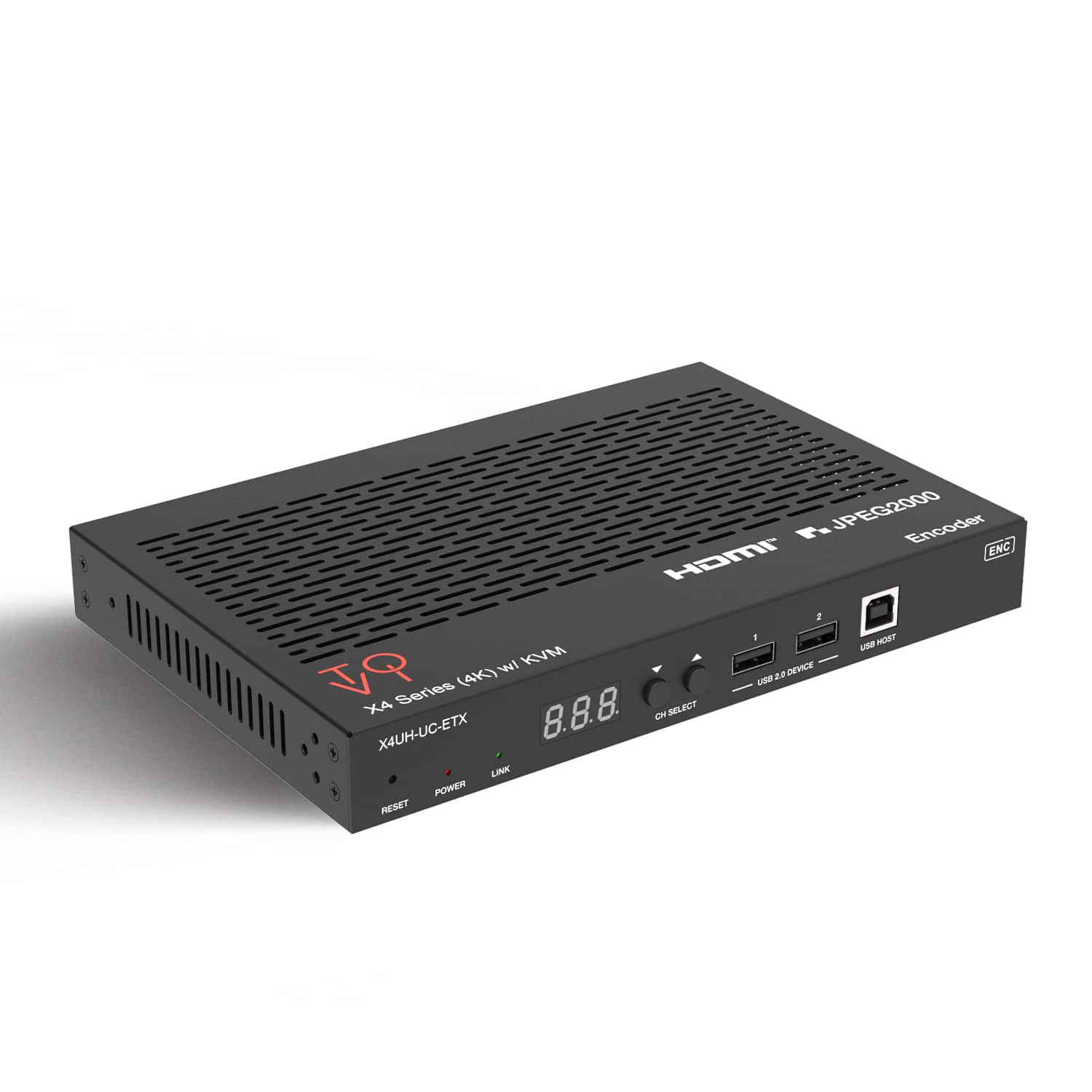
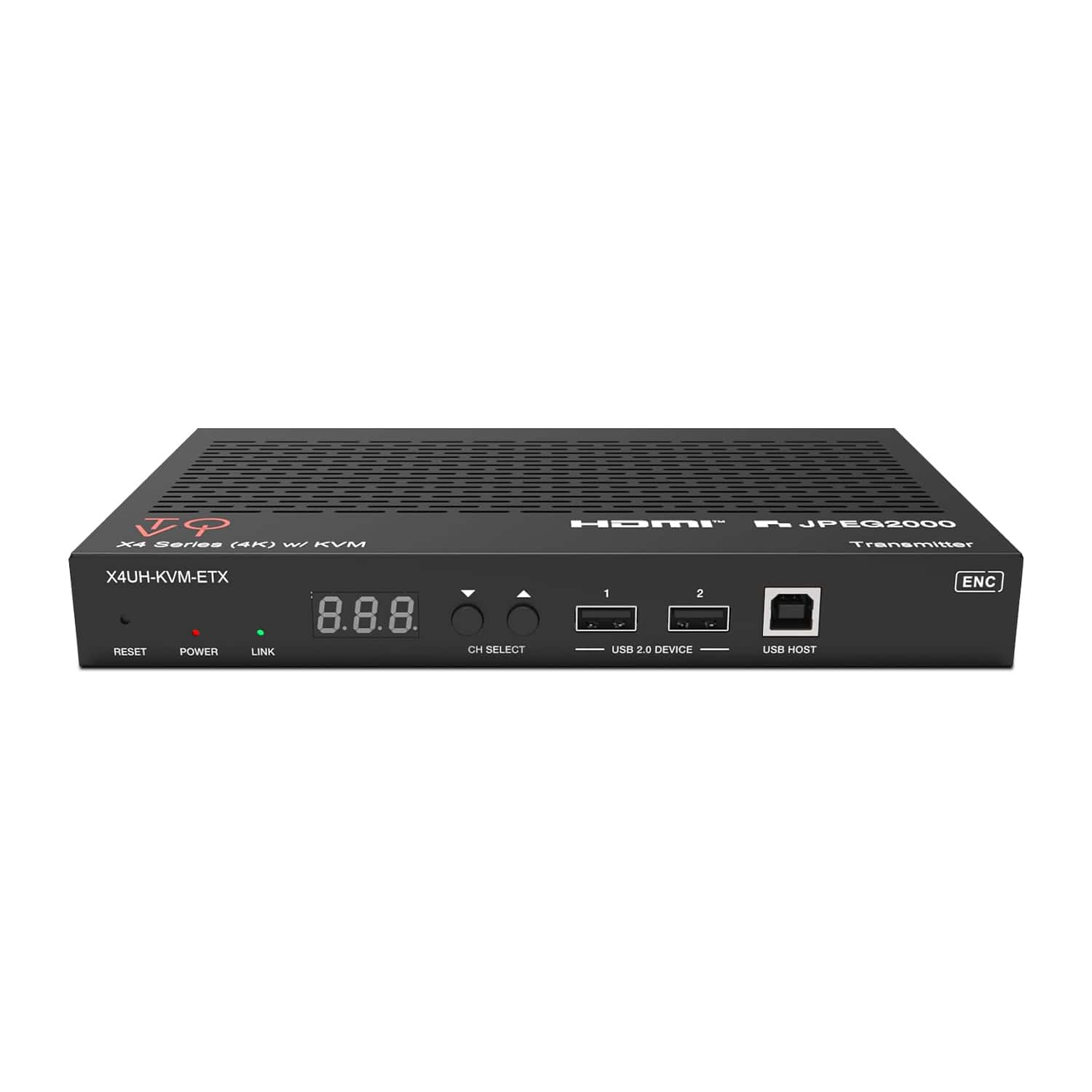
Orei - ToVi X4 4K Encoder (Video Wall, KVM, eARC) - (X4UH-KVM-ETX) - Black
SKU: J3GWPT7H62See all TV & Home Theater AccessoriesProduct Description
A versatile black HDMI extender supporting 4K@60Hz video, KVM, eARC, and advanced AV-over-IP transmission.$599.00 Your price for this item is $599.00Save $200Was $799.00The previous price was $799.00 -
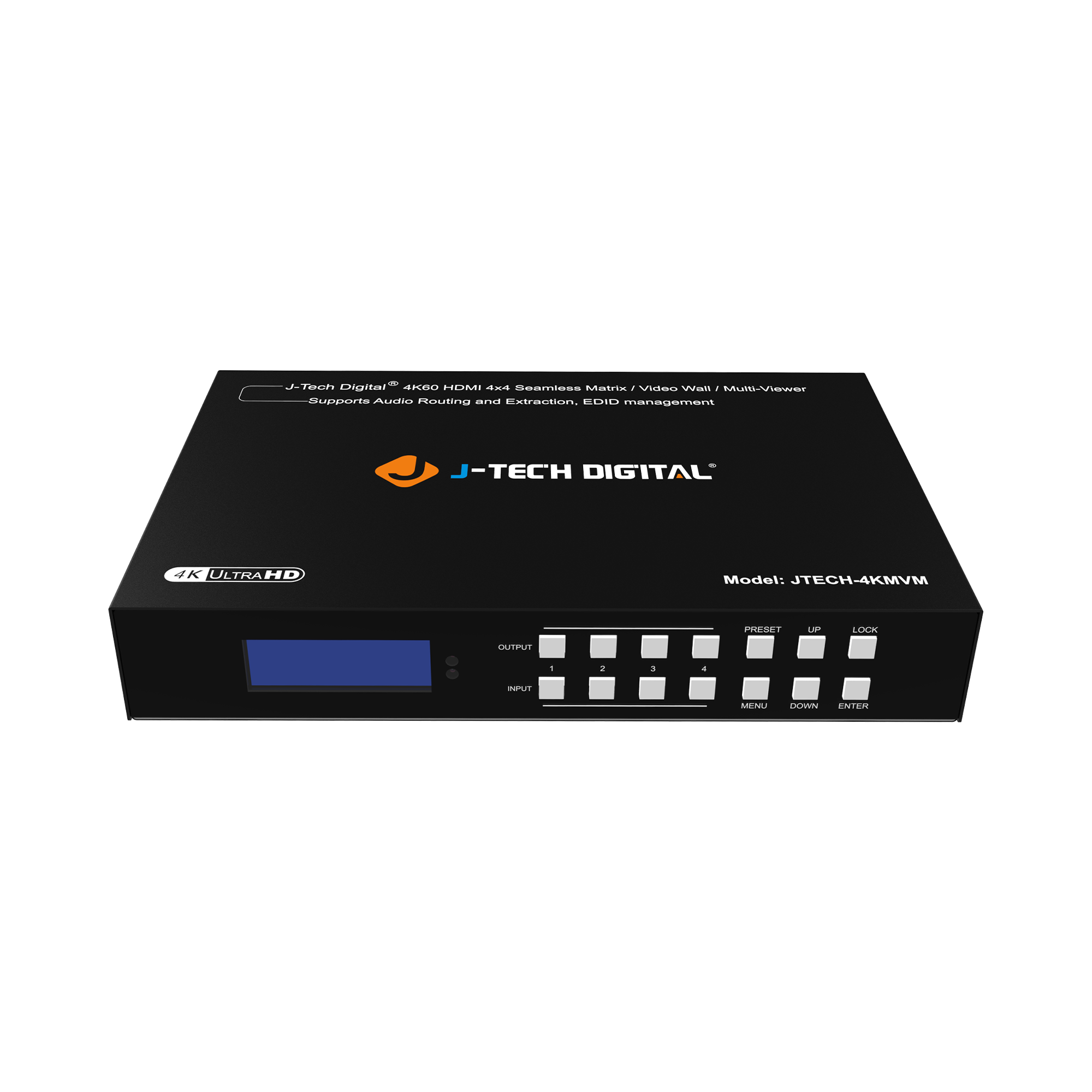
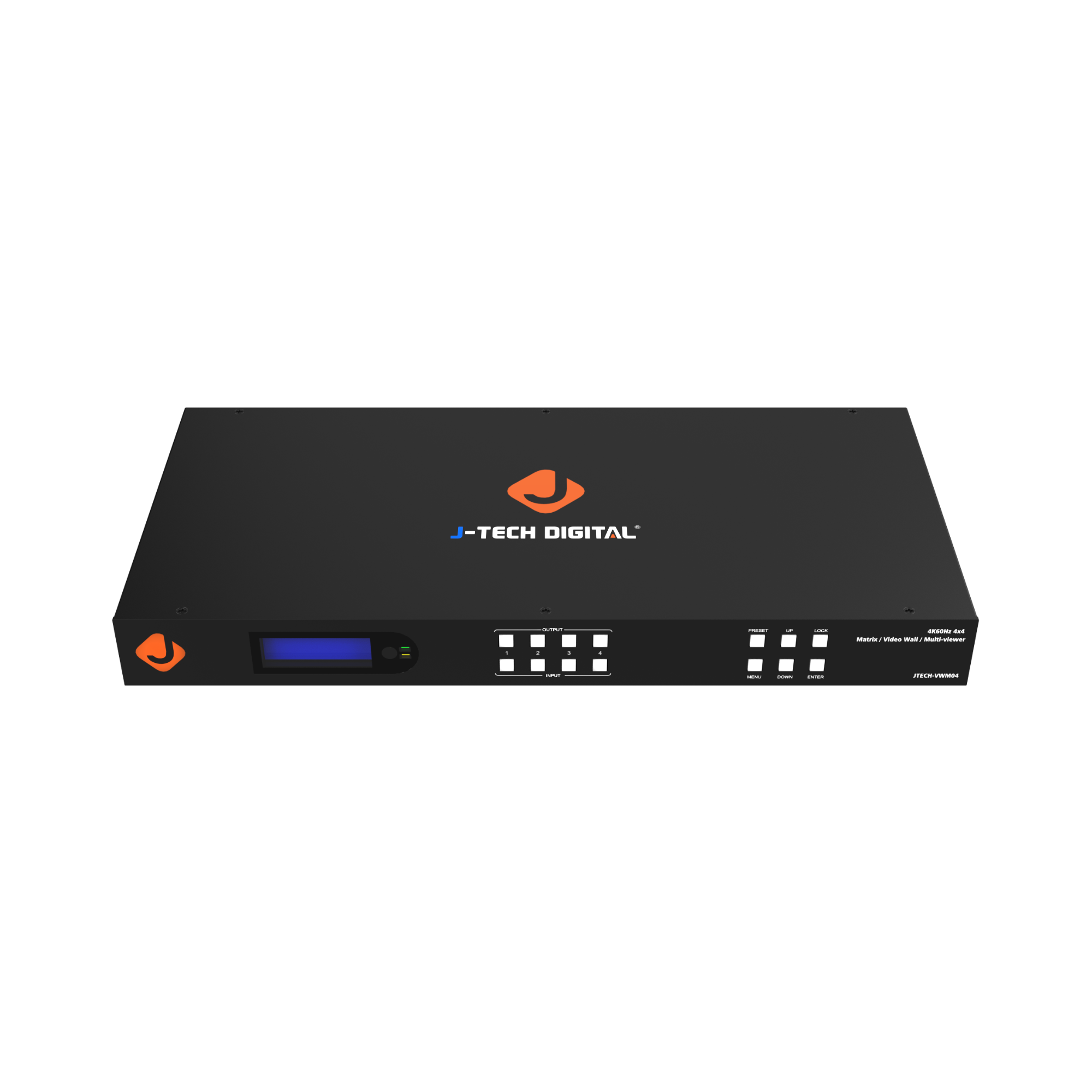
J-Tech Digital - 4K 60Hz 4x4 HDMI Matrix, Video Wall Controller, Multiviewer - Black
SKU: J3GW7747Y6See all A/V SwitchersProduct Description
A versatile black HDMI matrix combines 4K60 video wall control, multiviewer modes, and advanced audio routing.$1,008.26 Your price for this item is $1,008.26 -
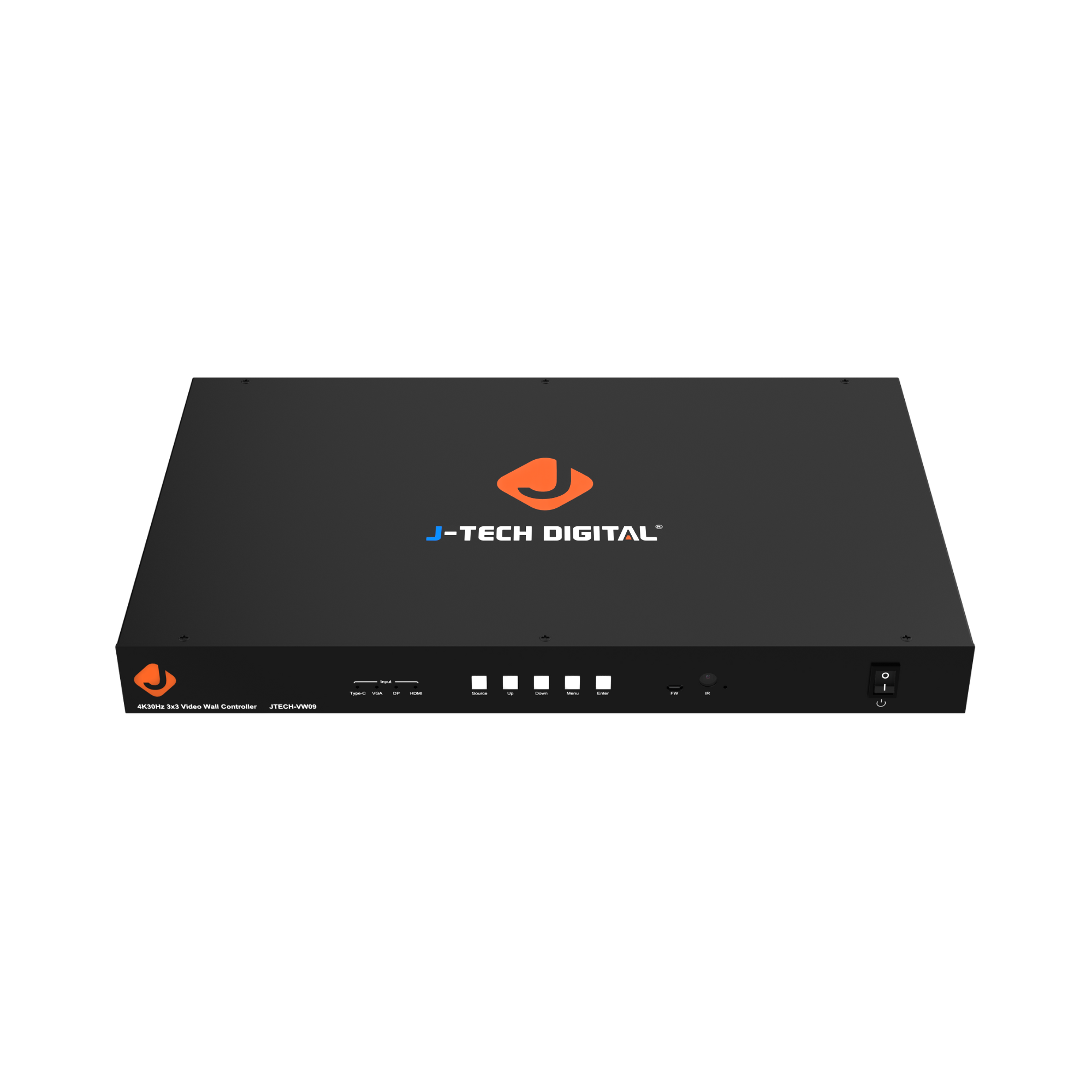
J-Tech Digital - 4K 30Hz 3x3 Video Wall Controller with HDMI, VGA, DP, USB-C Inputs and Audio Extraction - Black
SKU: J3GW77Z59VSee all A/V Splitters & AdaptersProduct Description
A versatile black video wall controller supporting 4K 30Hz, HDMI, VGA, DP, USB-C, and audio extraction.$1,008.26 Your price for this item is $1,008.26 -
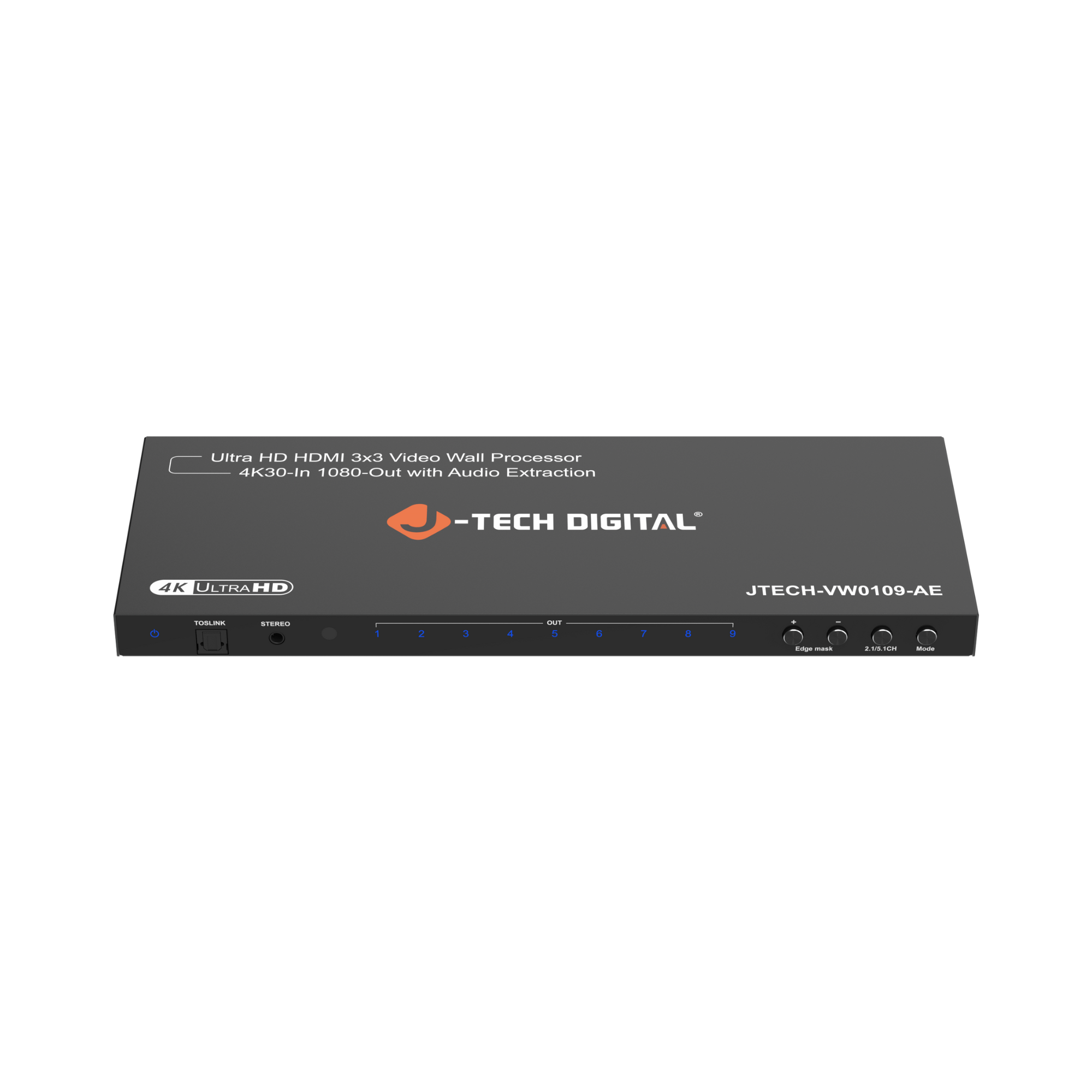
J-Tech Digital - 3x3 Video Wall Processor (4K30 In 1080P Out) with Audio Extraction - Black
SKU: J3GW774JCRSee all Home Amplifiers & PreampsProduct Description
A black video wall processor offering 4K input, 1080p output, audio extraction, and multiple display modes.$179.29 Your price for this item is $179.29 -
J-Tech Digital - 4K 60Hz (4:2:0) 2x2 Video Wall Controller, Seamless HDMI Matrix, Multiviewer - Black
SKU: J3R8QX7LP8See all A/V SwitchersProduct Description
A versatile black HDMI matrix and video wall controller offering seamless 4K 60Hz switching and multiview layouts.$875.55 Your price for this item is $875.55
A large display wall can turn separate screens into a single visual canvas, but the hardware behind that canvas determines how well the picture comes together. A 4K video wall processor takes incoming video signals and maps them across multiple displays, dividing an image into coordinated sections or arranging sources in separate windows, depending on its capabilities. The result might be a sweeping landscape across a reception-area wall, a presentation beside live performance metrics, or several camera feeds arranged for easy monitoring. These processors serve businesses, schools, houses of worship, event spaces, and home entertainment installations where one screen cannot provide the desired scale or layout. Unlike a basic splitter that typically repeats the same signal on multiple displays, a video wall processor can assign different portions of an image to different outputs. More advanced systems may also support scaling, cropping, source switching, and adjustable window placement. The distinction matters when a wall needs to show more than a duplicated picture. Resolution specifications deserve particular attention because “4K” can describe the accepted input, an individual output, or another supported part of the signal path; it does not automatically mean every connected screen receives an independent 4K image. A processor that divides one 4K source among four displays distributes the detail in that original source rather than creating four screens’ worth of new detail. For a lobby showing broad graphics, that arrangement may work well, while a control room filled with small text may need higher resolution throughout the system. Screen count, viewing distance, and content all influence what looks clear in practice. Someone standing several feet from a menu wall has different needs from an operator reading dense dashboards at a desk. Matching the processor’s input and output specifications to the intended content helps keep fine lettering legible, moving footage coherent, and the overall installation suited to its audience. It also helps distinguish a straightforward display-wall setup from a system designed for frequent layout changes and several simultaneous sources.
Physical layout is just as important as resolution when selecting a 4K video wall processor. A two-by-two arrangement, a long horizontal row, and a portrait-oriented wall can require different mapping and rotation capabilities. Support for one layout should not be assumed to include every other configuration, especially when screens differ in size or orientation. Bezel compensation, when supported, adjusts the visible picture to account for the borders between displays, helping a diagonal line or a person’s face appear more natural as it crosses a seam. That adjustment generally hides a portion of the image behind the conceptual bezel area, so important text and logos still belong away from screen boundaries. In a portrait-oriented installation, a 4K Vertical Monitor may be relevant to the display side of the setup, but processor rotation support, display mounting provisions, and permitted operating orientation remain separate compatibility checks. Connections also need to match the full signal chain, from the source device through the processor to each screen. Connector type alone does not establish compatibility: supported resolution, refresh rate, color format, and copy-protection requirements can affect whether a signal displays as intended. A system used for protected streaming content may need compatible HDCP support throughout, while detailed computer graphics can benefit from support for full chroma information to preserve crisp colored text. Cable length and signal quality become especially important when source equipment sits far from the wall. Longer runs may require suitable active cables or extension equipment rather than standard passive cables. For sports footage, live cameras, or interactive presentations, motion handling and processing latency matter alongside sharpness. Output synchronization is another useful consideration when movement crosses from one panel to the next, since uneven timing can make the seams more noticeable. Audio routing also deserves a place in the plan: sound may need to reach a separate audio system rather than rely on the speakers built into individual displays. These details help the wall operate as a coordinated installation instead of a collection of screens.
Everyday usability and construction determine how comfortably a video wall processor fits into the space behind the display. Compact enclosures can suit smaller installations, while rack-mountable designs may be more practical in an equipment closet with organized power and cabling. Housing materials, connector placement, mounting hardware, and the sturdiness of ports are useful considerations, particularly where equipment will be transported or reconnected often. A metal enclosure can provide useful rigidity, but material alone does not establish durability or suitability for continuous operation; the manufacturer’s operating specifications are the better reference. Allow room for cable bends, ventilation, and access to controls rather than judging fit only by the chassis dimensions. Fan noise may also matter in a quiet meeting room, recording space, or home theater. Control options vary, with some processors offering front-panel buttons or a remote and others supporting software, network access, or integration with a larger control system. For a conference room that alternates between a full-wall presentation and several smaller feeds, stored layout presets can make repeated changes easier. A fixed digital-signage wall may place more value on dependable startup behavior and recovery after a power interruption. Features such as EDID management can help source devices recognize an appropriate display format, though configuration requirements vary by installation. If additional screens or sources are likely later, expansion limits and the number of independently usable inputs deserve attention before the layout is finalized. Care is generally focused on keeping vents clear, preventing cable strain, and following the manufacturer’s cleaning and maintenance instructions. Accessible connections and clearly labeled cables can also make troubleshooting less disruptive when a screen loses its signal. For shared spaces, supported network security settings and controlled access to configuration tools help prevent unintended layout changes. The most suitable processor is not necessarily the one with the longest feature list, but the one whose resolution handling, layout flexibility, control methods, and physical design match the way the wall will actually be used. That alignment supports a display that is impressive at a distance and practical to operate day after day.
Best Sellers
Related Pages
FAQ
A 4K video wall processor manages video signals and arranges content across multiple displays. Depending on the model, it can divide one image across a video wall or combine multiple sources into a custom layout. A processor’s 4K specification may refer to its input, output, or overall processing resolution, so check which capabilities it supports.
An HDMI splitter typically sends the same video signal to multiple displays. A 4K video wall processor can assign different portions of an image to individual displays, creating a unified picture across the wall. Some processors also support multiple input sources, overlapping windows, and saved layouts.
Connections vary by model and may include HDMI, DisplayPort, SDI, or network-based video inputs and outputs. Ethernet, USB, or RS-232 connections may be used for configuration and control rather than video transmission. Check connection types, supported resolutions, refresh rates, and HDCP compatibility when matching a processor to your sources and displays.
Many 4K video wall processors support simultaneous sources, such as computers, media players, and compatible camera feeds. Depending on the processor, you may be able to place sources in separate display areas, create picture-in-picture layouts, or switch between saved arrangements. The number of simultaneous sources depends on the available inputs and processing capabilities.
Bezel compensation adjusts how an image is mapped across displays to account for the borders between their screens. It treats those borders as gaps in the picture, hiding portions of the content so lines and objects appear aligned across the video wall. Availability and configuration options vary by processor.