Main Content
Categories & Filters

Affordable Laptops For Digital Art

Affordable laptops for digital art make it easier than ever to bring creative visions to life without stretching your budget. Whether you're sketching, illustrating, or editing graphics, finding the right laptop can help you work efficiently and comfortably. Explore a range of options designed to support your artistic projects while keeping affordability in mind. Discover laptops that balance performance and value, making them ideal for students, hobbyists, or anyone looking to dive into digital art on a budget.

Read More
Results
Main Results
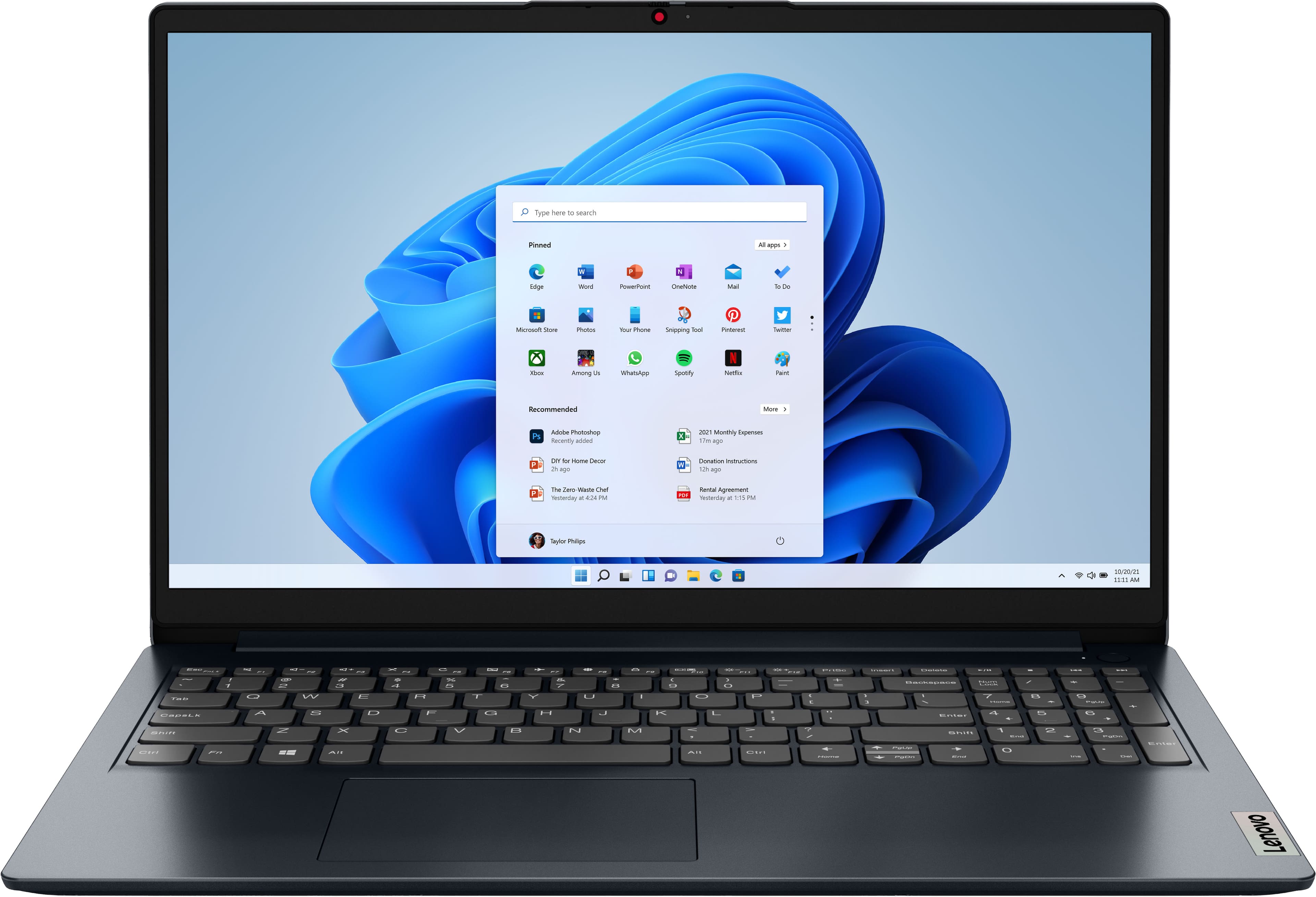
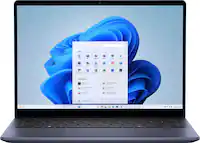
  1. Lenovo - IdeaPad 1 15.6" Full HD Touchscreen Laptop - AMD Ryzen 5 7520U 2022 - 8GB Memory - 256GB SSD - Abyss Blue

    SKU: JJGSH2KK8P

    In love it...Love that it’s touch and love the number pad on the side even though it makes the laptop bigger.

    Product Description

    An Abyss Blue touchscreen laptop featuring an AMD Ryzen 5 processor, 8GB memory, and 256GB SSD.
    See all Windows Laptops
    Your price for this item is $537.70
    Save $61
    The previous price was $599.00
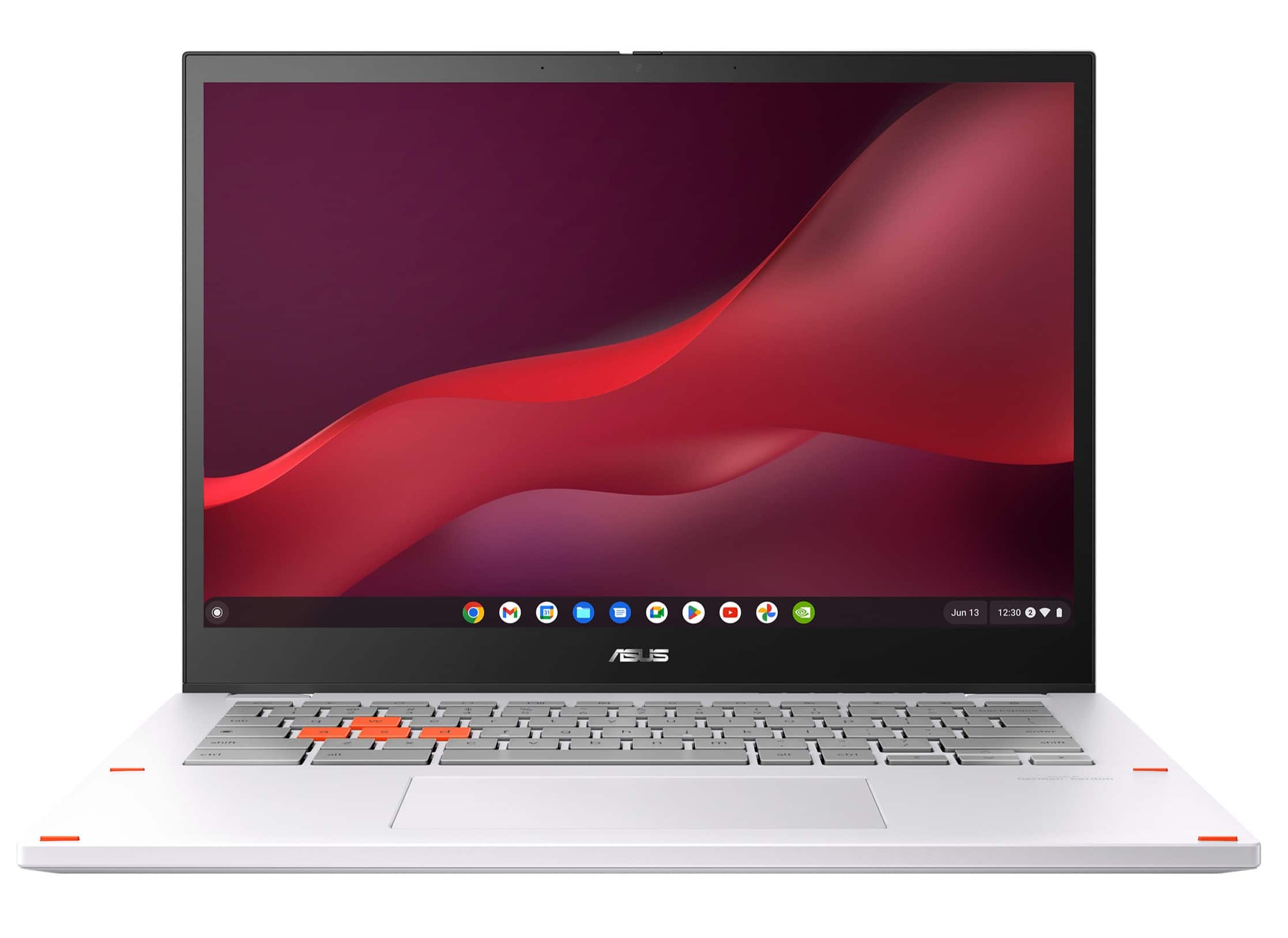
  2. ASUS - Chromebook Vibe CX34 Flip 14" FHD Touch Chromebook Laptop - Intel Core i5 with 8GB Memory - 256GB SSD - Pearl White

    SKU: JJG7VWX3W6

    Product Description

    A pearl white 2-in-1 Chromebook with Intel Core i5, 8GB RAM, 256GB SSD, and 144Hz touchscreen.
    See all Touchscreen Chromebooks
    Your price for this item is $684.99
    Save $115
    The previous price was $799.99
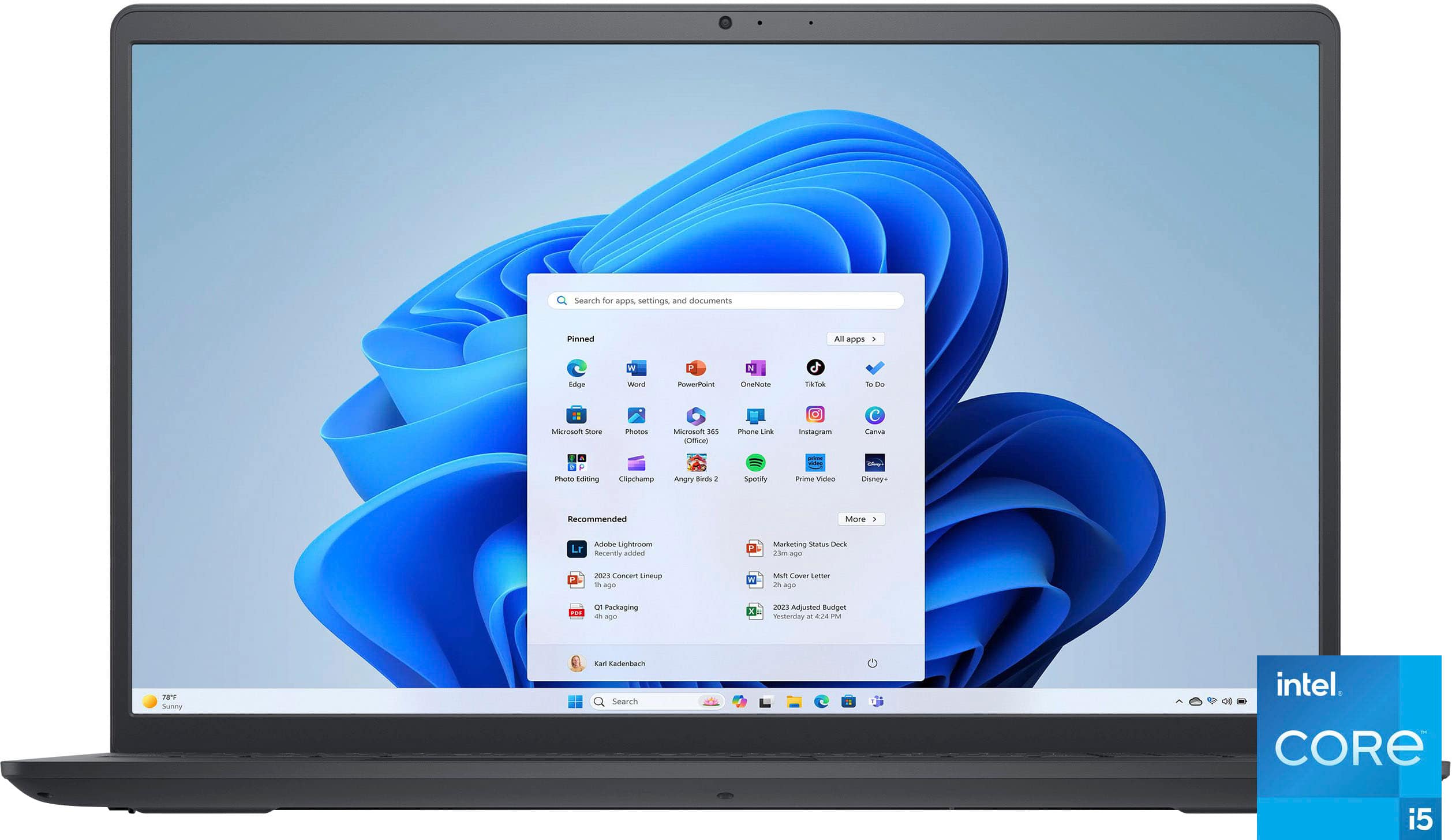
  3. Your price for this item is $515.00
    Save $72
    The previous price was $587.50
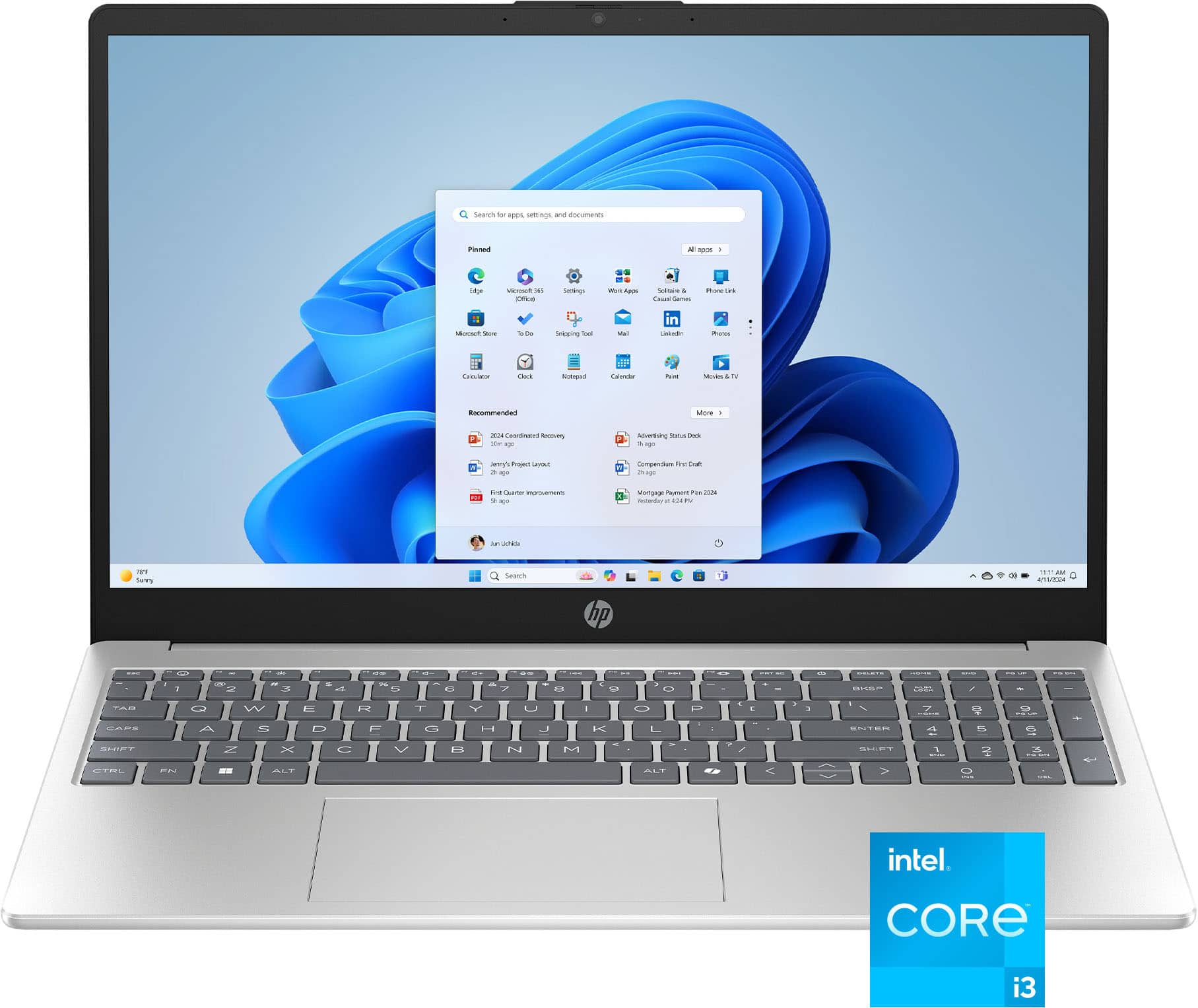
  4. HP - 15.6" Touch-Screen Laptop - Intel Core i3 1315U 2023 - 8GB Memory - 256GB SSD - Natural Silver

    SKU: JJGTCG76CY

    Love this laptop!...I even love the new power button which is so much easier to turn on than the old one.

    Product Description

    A natural silver touch-screen laptop featuring Intel Core i3, 8GB RAM, 256GB SSD, and Windows 11.
    See all Windows Laptops
    Your price for this item is $519.00
    Save $10
    The previous price was $529.00
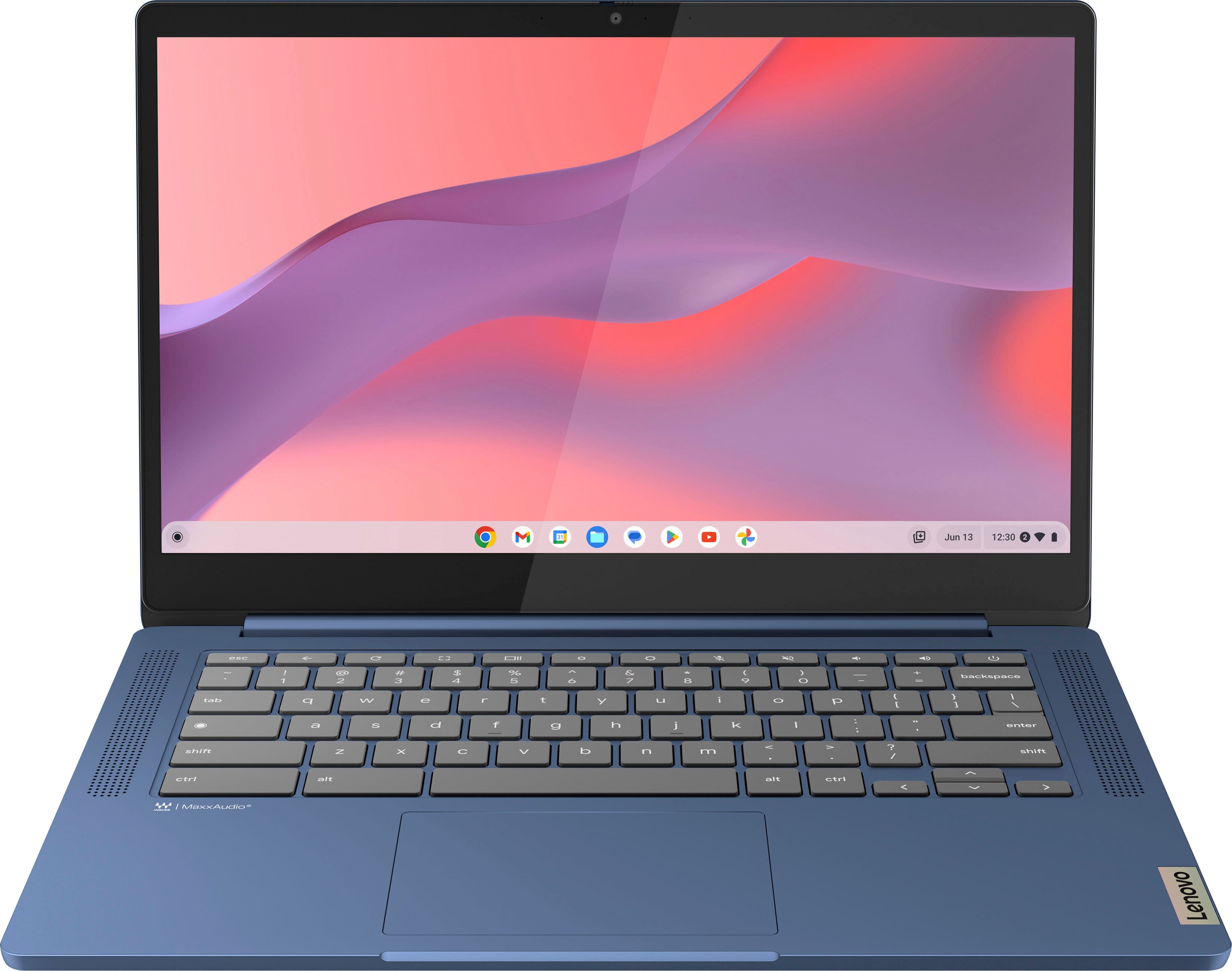
  5. Lenovo - IdeaPad Slim 3 Chromebook Laptop - 14" Full HD Touchscreen Laptop - MediaTek Kompanio 520 2022 - 4GB Memory - 64GB eMMC - Abyss Blue

    SKU: JJG8CHVGY6

    Great product for price...Great style, works great for school. Best purchase...Best one...Best one it was a gift for my mom she love it she used for her classes

    Product Description

    An ultra-portable abyss blue Chromebook with a 14" Full HD touchscreen, Wi-Fi 6, and 13.5-hour battery.
    See all Touchscreen Chromebooks
    Your price for this item is $253.43
    Save $16
    The previous price was $269.99
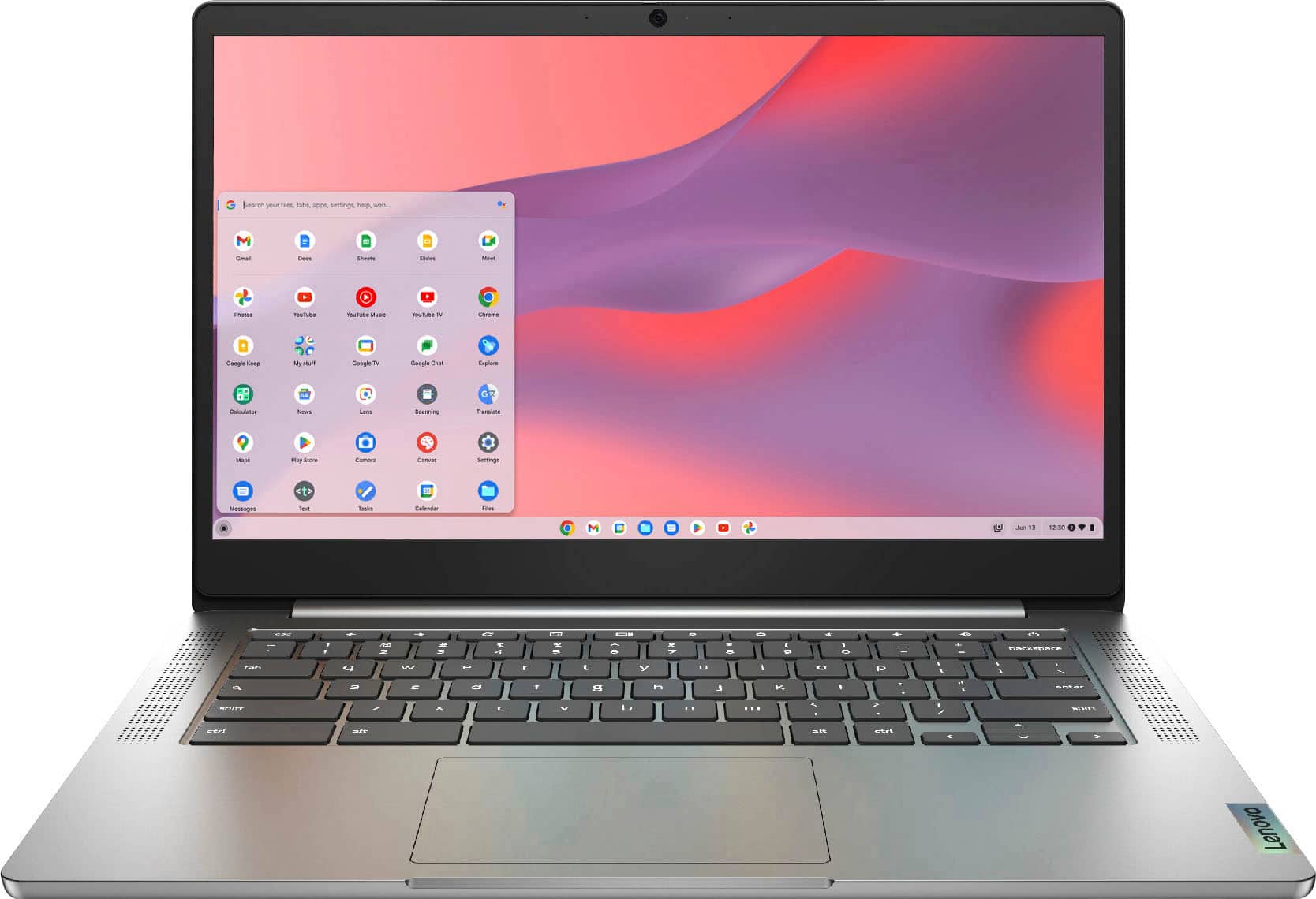
  6. Lenovo - IdeaPad Chromebook 3 14" LCD Touchscreen Laptop - Mediatek MT8183 2019 - 4GB Memory - 64GB eMMC - Arctic Grey

    SKU: JJG7HFYJWZ

    best laptop . We own three, issues....Use them for school and leisure , just great and love the touch screen...Amazing computer I love the quality is the best Lenovo is the best

    Product Description

    A versatile Arctic Grey touchscreen laptop with 4GB memory, 64GB eMMC storage, and Chrome OS.
    See all Touchscreen Chromebooks
    Your price for this item is $228.99
    Save $90
    The previous price was $319.00
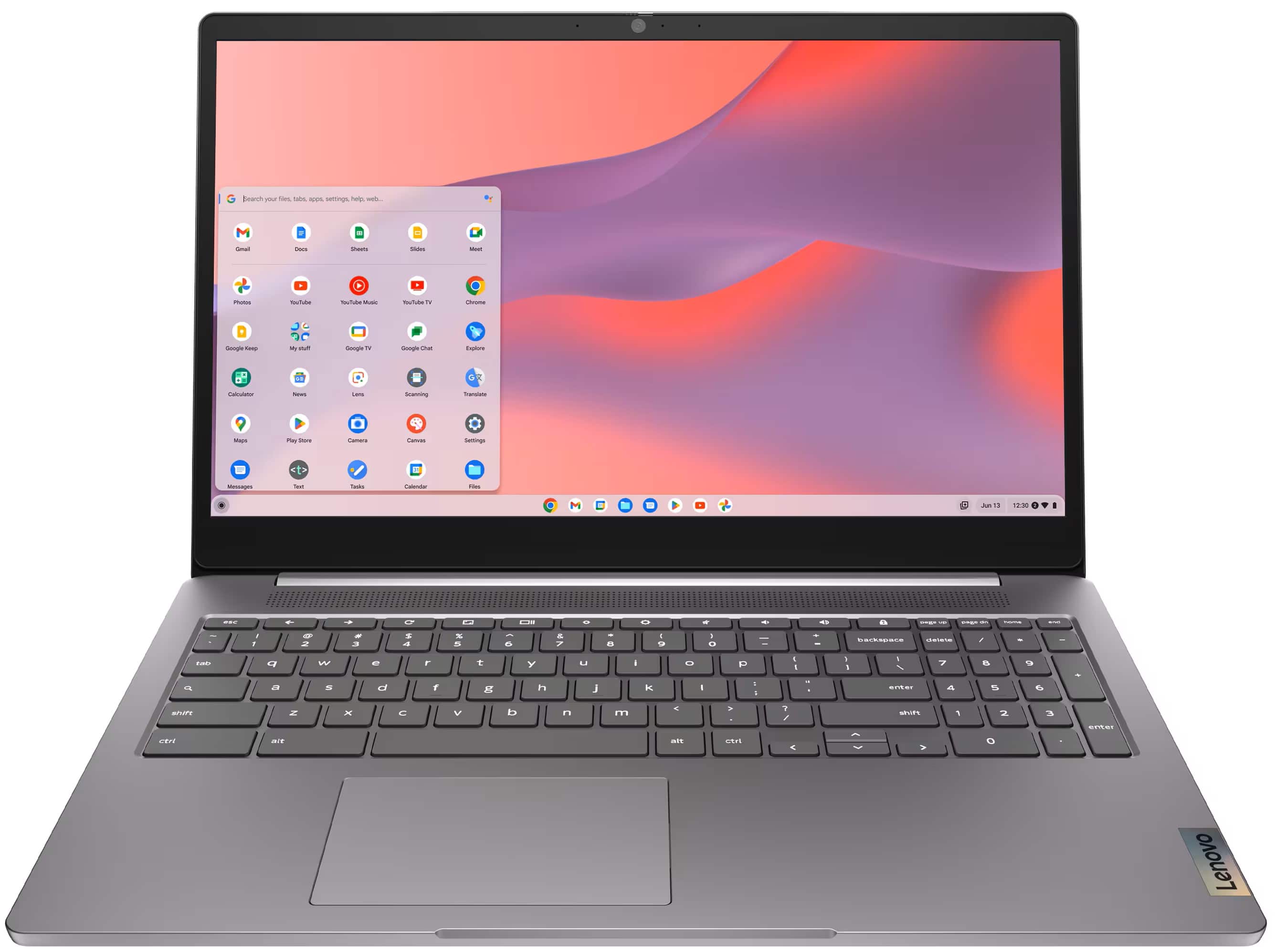
  7. Lenovo - IdeaPad 3i Chromebook 15.6" Full HD Laptop - Intel Celeron 2021 - 4GB Memory with 64GB eMMC Storage - Arctic Grey

    SKU: JJGSQF6VCX

    Best buy is it...I love how fast the computer works. The services where great....Shop Best buy!...Great product at a great price....Comparable to other products in performance at a great discounted price....

    Product Description

    A user-friendly Arctic Grey Chromebook featuring a 15.6" Full HD display, Intel Celeron, and Wi-Fi 6.
    See all Chromebooks
    Your price for this item is $179.99
    Save $69
    The previous price was $249.00
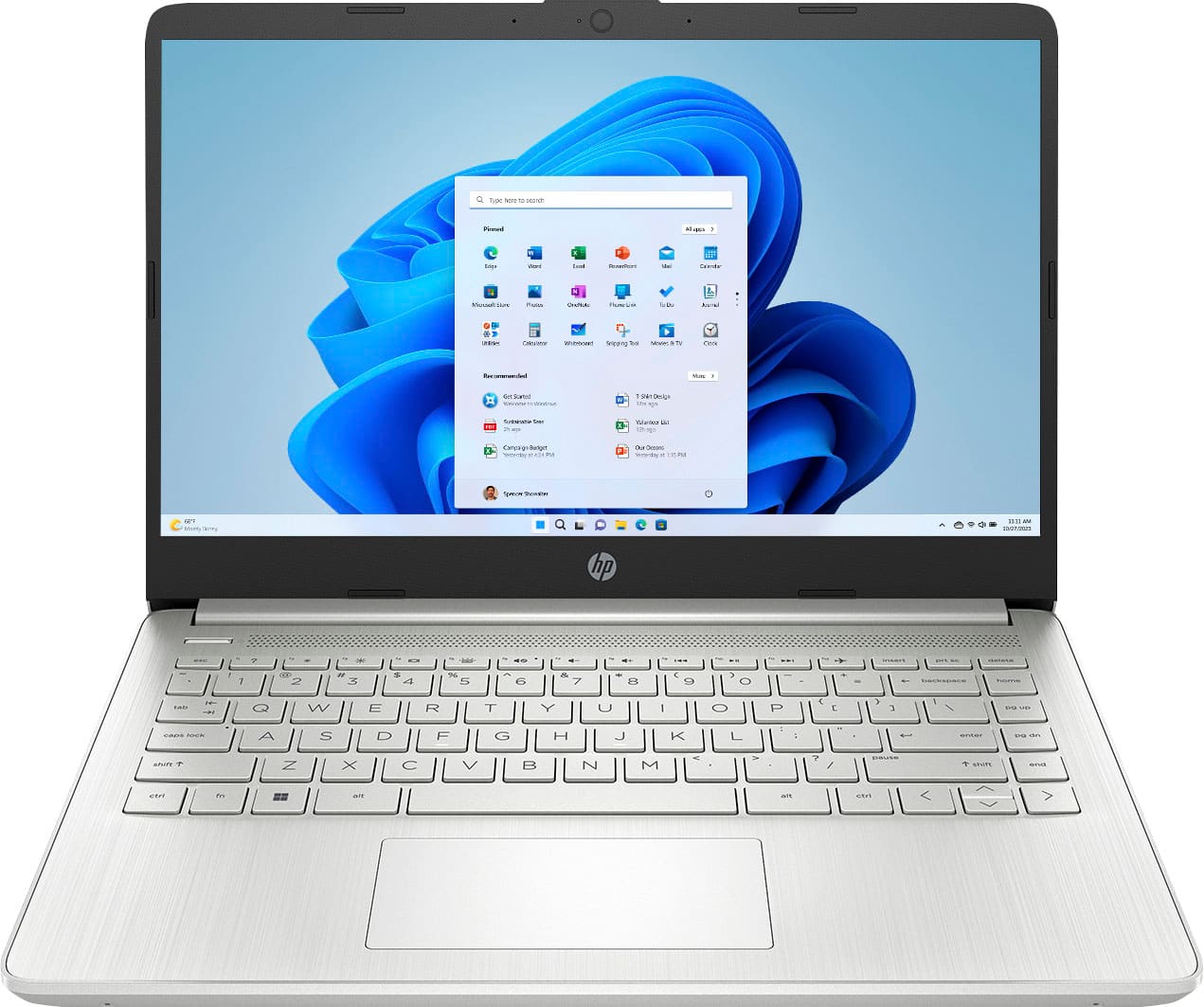
  8. HP - 14" Laptop - Intel Celeron N4120 2019 - 4GB Memory - 128GB eMMC - Natural Silver

    SKU: JJGP4GQ792

    Great buy...Bought a refurbished months ago and haven't experienced an issues, looks great...This is a great laptop if you just need something simple....I think this would be a great starter laptop if...

    Product Description

    A slim natural silver laptop with Intel Celeron, 4GB RAM, 128GB eMMC, and Windows 11.
    See all Windows Laptops
    Your price for this item is $265.00
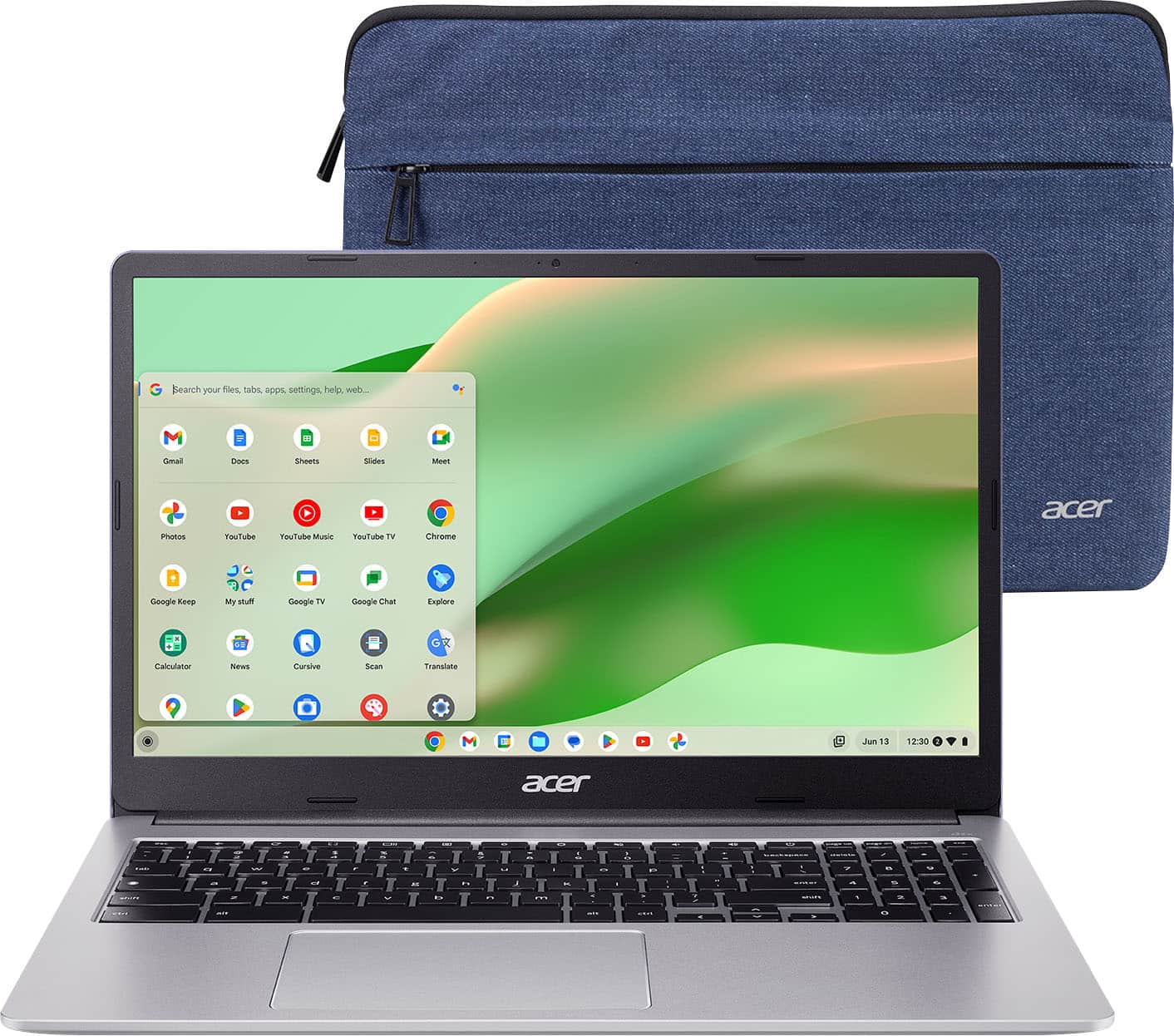
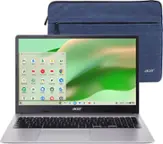
  9. Acer - Chromebook 315 - 15.6" Full HD Laptop - Intel Celeron N4500 - 4GB LPDDR4X - 64GB eMMC - Protective Sleeve – - Silver

    SKU: JJ8V8H3JC2

    Always can count on the brand and Best Buy...I love this chromebook, easy to set up, and easy to use.

    Product Description

    A slim, sparkly silver Chromebook with a 15.6" Full HD display, Intel Celeron processor, and Wi-Fi 6.
    See all Chromebooks
    Your price for this item is $223.00
    Save $76
    The previous price was $299.00
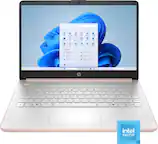
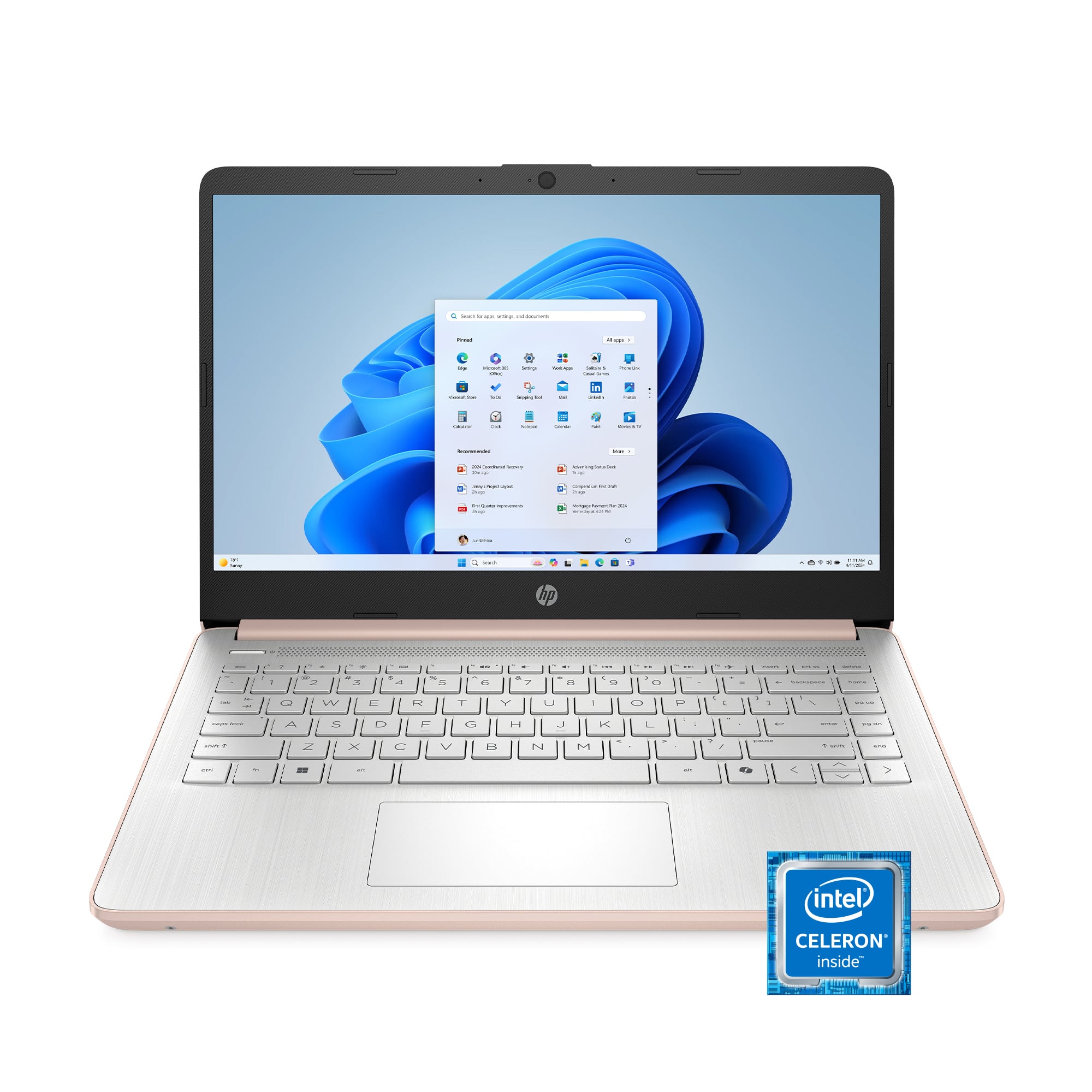
  10. HP - 14" Laptop - Intel Celeron N4500 2021 - 4GB Memory - 64GB eMMC - Pale Rose Gold

    SKU: JJGTWP63SH

    Love this laptop ! I haven’t had any problems with it Z...Great laptop...Best laptop

    Product Description

    A thin, pale rose gold laptop with Intel Celeron, 4GB RAM, 64GB eMMC, and Windows 11.
    See all Windows Laptops
    Your price for this item is $258.51
    Save $4
    The previous price was $263.00
Affordable laptops for digital art can give students, hobbyists, aspiring illustrators and creative professionals a comfortable place to sketch, paint, edit photos and build design skills without the cost of a high-end workstation. The right choice depends on the way each artist works. Someone who enjoys drawing directly on the screen may prefer a 2-in-1 laptop with a responsive touchscreen, a hinge that folds into tablet mode and active pen support. This setup makes it easy to rest a hand on the display while tracing rough shapes, shading a character or adding handwritten notes to a design. A traditional clamshell laptop can be an equally practical option, especially when paired with a separate USB drawing tablet. That combination often keeps the price lower while providing a familiar keyboard, a generous work surface and precise pen control. It also suits artists who move between illustration software, reference images, music, tutorials and cloud storage throughout a project. For a closer look at related options, browse Laptops for Digital Art to compare devices designed around creative workflows. Affordable laptops in this category are useful for quick gesture drawings at a coffee table, digital painting during a study break or portfolio work at a desk, and their versatility makes them thoughtful gifts for a creative student, a beginning animator, a scrapbooker, a comic artist or anyone who has started experimenting with digital canvases. During the warmer part of the year, a lightweight model can travel easily between home, class and a shaded outdoor workspace; during cooler months, it can become a dependable companion for drawing sessions indoors, planning projects and learning new techniques.

Performance matters because digital art applications can place very different demands on a computer. Basic sketching, simple vector graphics and small photo edits may run comfortably with 8GB of memory, but 16GB is a better target for artists who work with large canvases, many layers or several applications open at once. More memory helps keep a reference window, browser tutorial, image library and creative program available without constant pauses. A modern multi-core processor supports smoother brush strokes, quicker file handling and more responsive multitasking, while integrated graphics can be sufficient for many illustration, layout and photo-editing projects. Artists working with complex 3D scenes, advanced animation or large video files may benefit from a dedicated graphics processor, though that feature can raise the price and reduce battery life. Storage deserves equal attention. A solid-state drive starts quickly, opens large project files with less waiting and has no moving parts, while 512GB provides more breathing room for layered artwork, exported images, fonts and application files than a smaller drive. Since creative files can grow quickly, compatibility with external drives, memory cards or cloud backup is valuable. A selection of full-size USB ports, USB-C, an audio jack and an HDMI connection can make it easier to attach a drawing tablet, external monitor, camera, storage drive or classroom projector. Checking the operating system requirements for preferred art software before purchasing helps avoid surprises, particularly when an artist relies on specialized brushes, plug-ins or color-management tools.

The display is the part of the laptop an artist looks at for hours, so clarity, size and color quality should be considered together. A Full HD screen is a sensible baseline for crisp lines and comfortable workspace organization, while a larger display can make palettes, layers and reference images easier to arrange. A smaller screen may be more appealing for travel, but artists who spend long sessions refining details may appreciate the extra room of a 15-inch or larger panel. IPS displays commonly provide wide viewing angles and dependable image quality, while OLED screens can offer rich contrast, deep blacks and vivid color. Look for a panel with strong sRGB coverage or another published color-gamut specification so colors are less likely to appear dull, overly saturated or noticeably different when artwork is viewed on another device. A glossy touchscreen can make pen strokes feel immediate, although reflections may be distracting near a bright window; an anti-glare finish may be more comfortable for extended work. Pen support is another important distinction. Some 2-in-1 laptops are designed for an active stylus and can recognize pressure or tilt, while standard laptops may require a separate graphics tablet connected by USB. Check whether a compatible pen is included, sold separately or replaced by a different accessory, and consider palm rejection, pressure sensitivity and pen storage before choosing. Beyond the creative features, look for a comfortable keyboard, a responsive trackpad, a sturdy hinge and enough battery life for classes, commutes or a full afternoon away from an outlet. A webcam and clear microphone can help with remote critiques and art classes, while Wi-Fi support keeps cloud portfolios and collaborative files accessible. With the right balance of memory, storage, display quality, pen capability and portability, an affordable laptop for digital art can turn a quiet corner, shared workspace or kitchen table into a reliable studio.

FAQ

When choosing an affordable laptop for digital art, consider features such as a high-resolution display with good color accuracy, a responsive processor, sufficient RAM (at least 8GB), and compatibility with digital drawing tablets or styluses. A dedicated graphics card can also enhance performance in graphic-intensive applications.

Yes, touchscreen laptops can be very beneficial for digital artists, especially those that support stylus input. This allows for more natural drawing and painting experiences directly on the screen, similar to using traditional art tools.

RAM is crucial when working with digital art software because it affects how smoothly programs run, especially when handling large files or multiple layers. For most digital art applications, at least 8GB of RAM is recommended to ensure smooth performance.

Many affordable laptops can run popular digital art programs like Adobe Photoshop or Corel Painter, particularly if they meet the minimum system requirements. Look for laptops with modern processors and adequate RAM to ensure these programs run efficiently.

Yes, most affordable laptops come equipped with USB ports or Bluetooth connectivity, making it easy to connect external drawing tablets. This allows artists to use their preferred tablet and stylus combination for creating digital artwork.