Audio Cables For Laptops
-
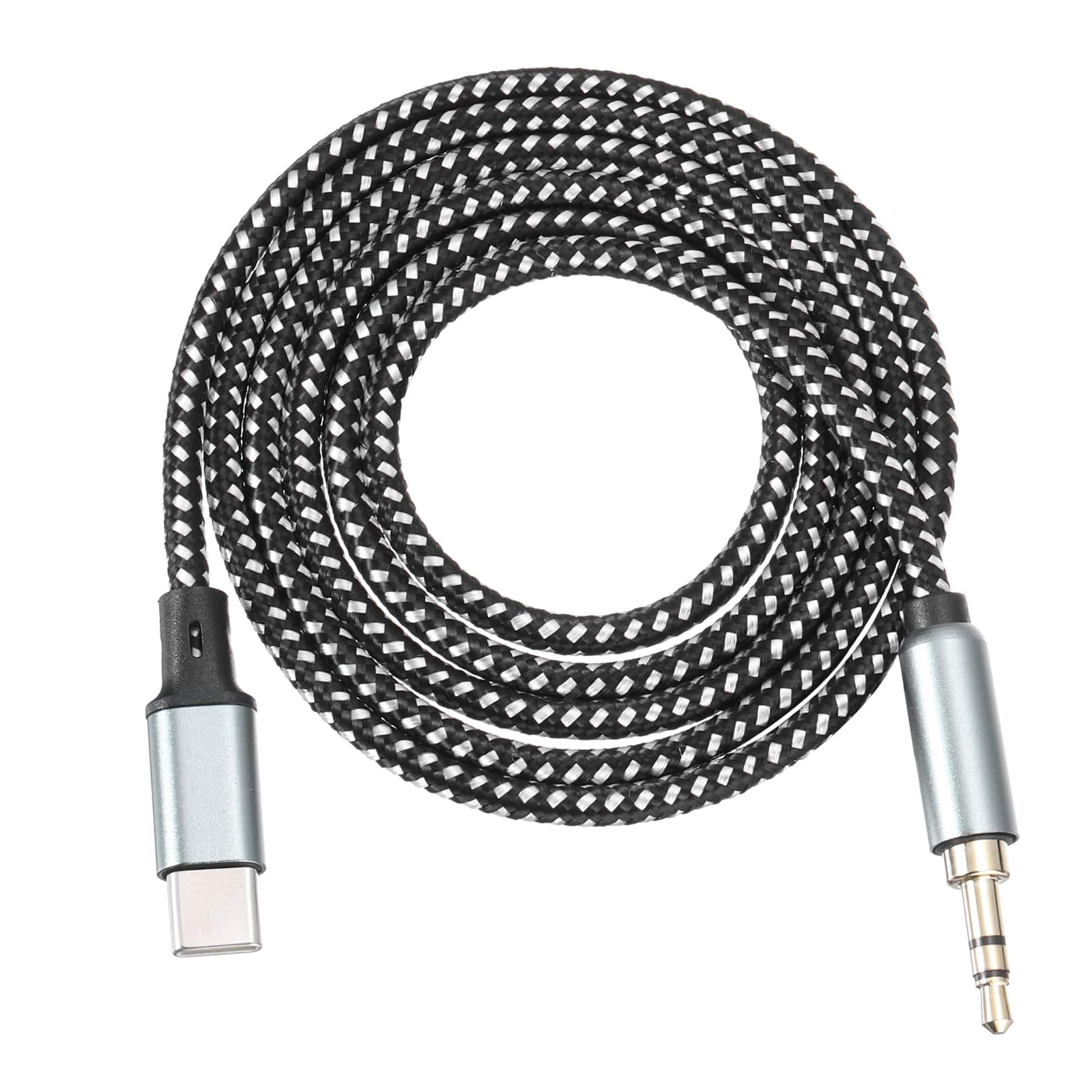
Unique Bargains - USB C to 3.5mm Male Audio Aux Adapter Cable, 3.3ft, for Cell Phone Speaker Laptop Car Stereo - Black
SKU: J2FQHR3Q42See all Monitor & Video CablesProduct Description
A black USB-C to 3.5mm male audio adapter cable for connecting devices to speakers or car stereos.Your price for this item is $10.49 -
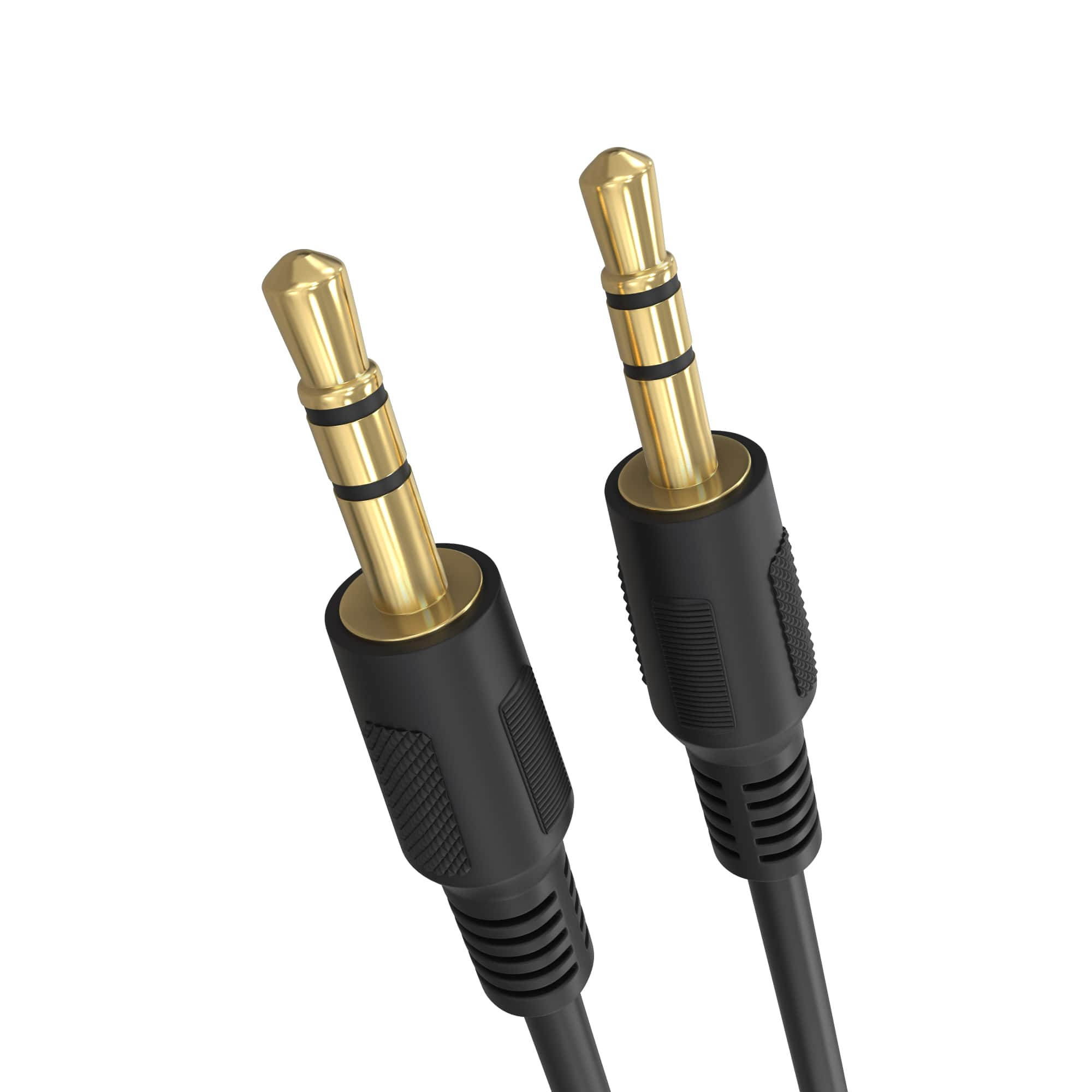
Cmple.com - 3.5mm Aux Cable 3ft Male to Male Gold-Plated TRS Stereo Audio Cord for Car - Black
SKU: J3LR3S4HSLSee all Monitor & Video CablesProduct Description
A black 3.5mm male-to-male audio cable with gold-plated connectors for clear, reliable stereo sound.Your price for this item is $8.49 -
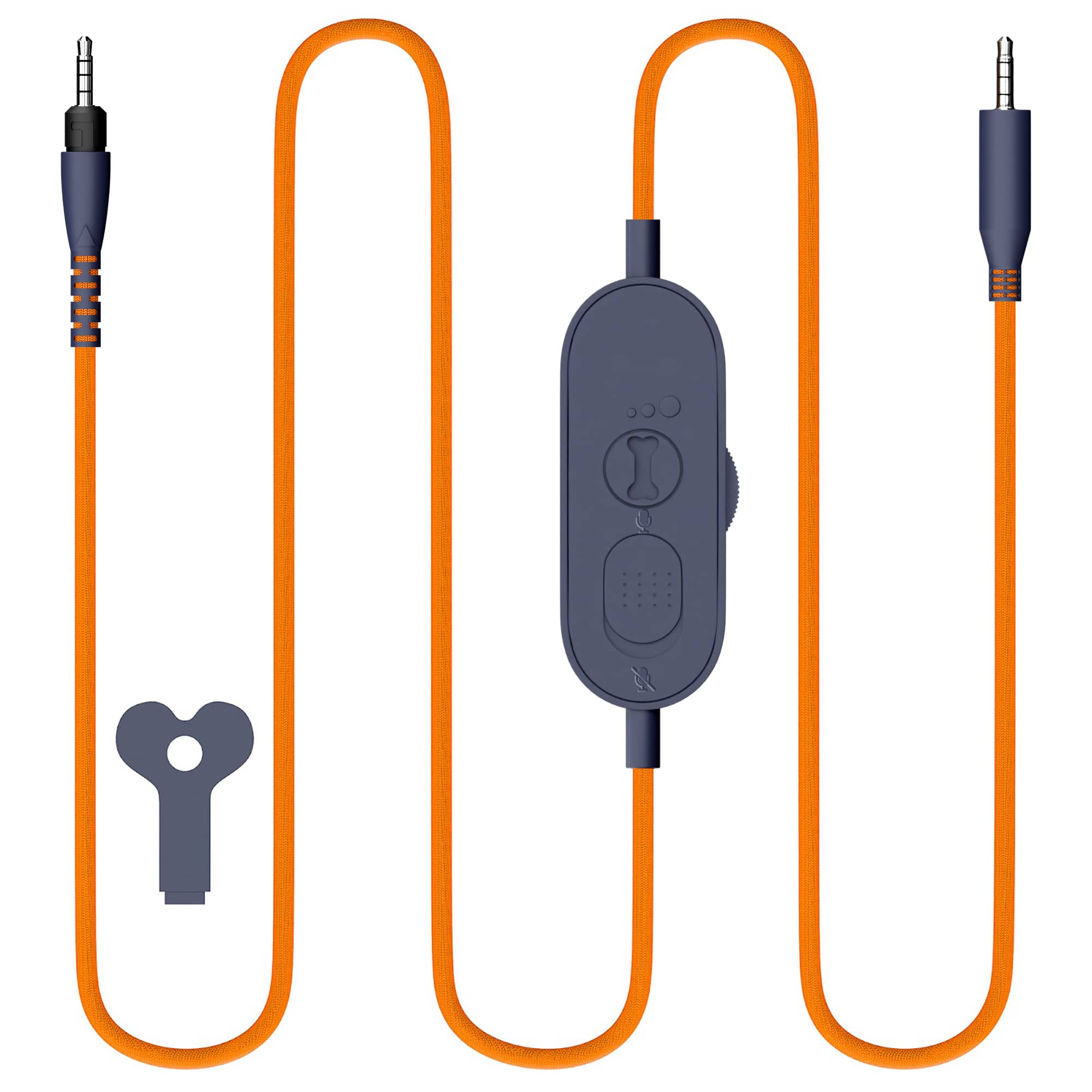
Delton - S35 3.5mm Male to Male Aux Audio Cable with Microphone Support and Braided 4.9ft Design for Devices, Black - Orange
SKU: J38PCKS6GWSee all Headphone Adapters & CablesProduct Description
A durable black and orange braided audio cable with microphone support and in-line controls for clear sound.Your price for this item is $14.99 -
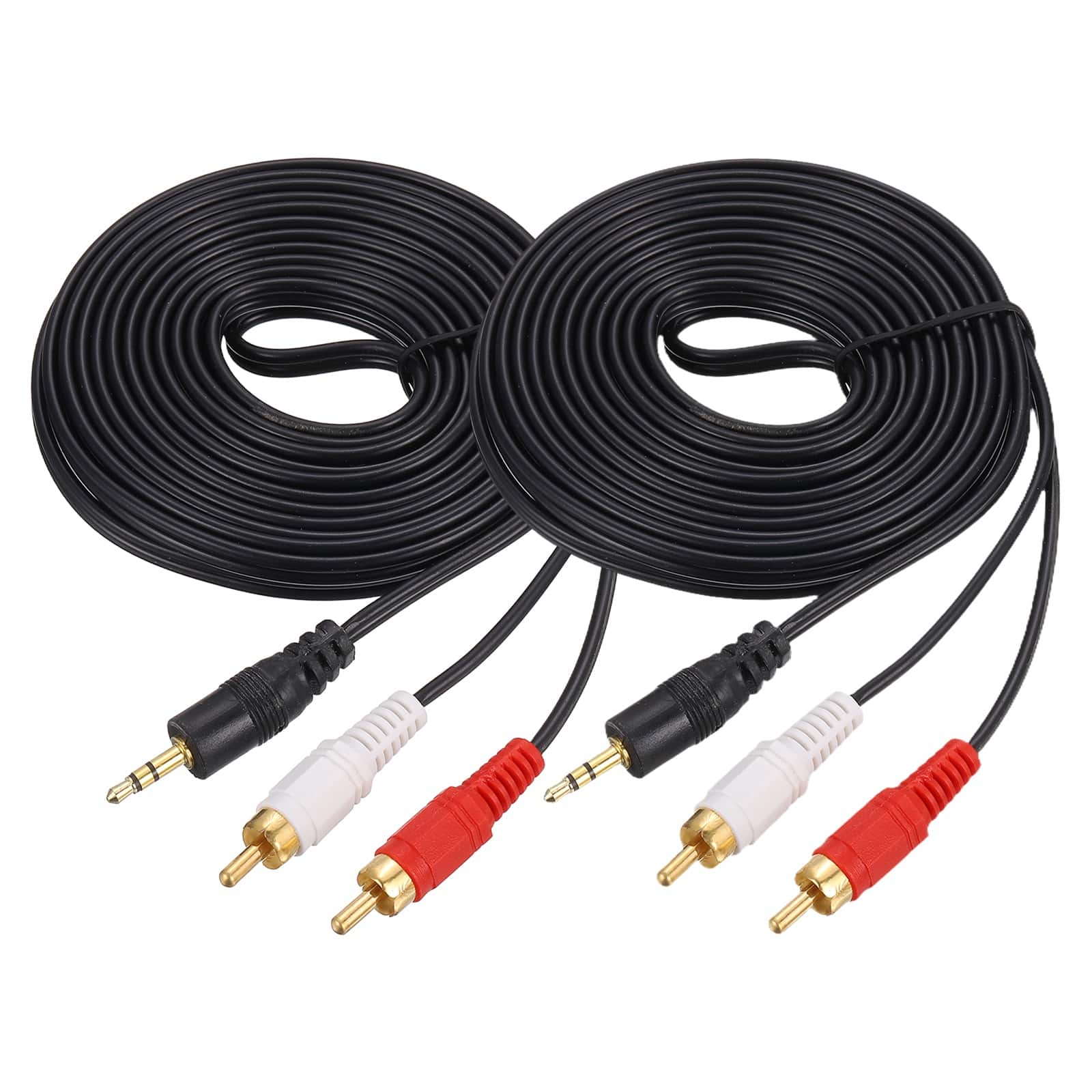
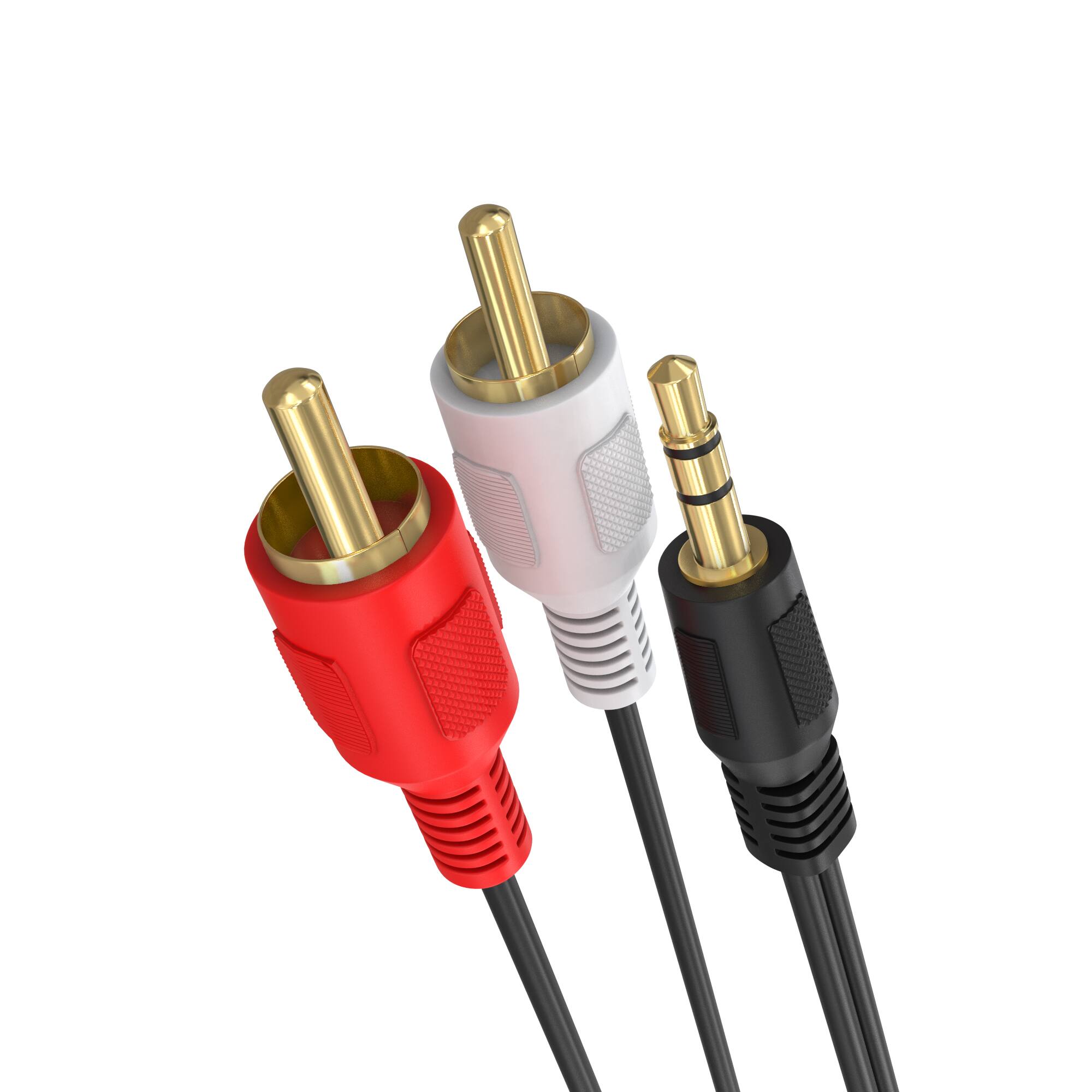
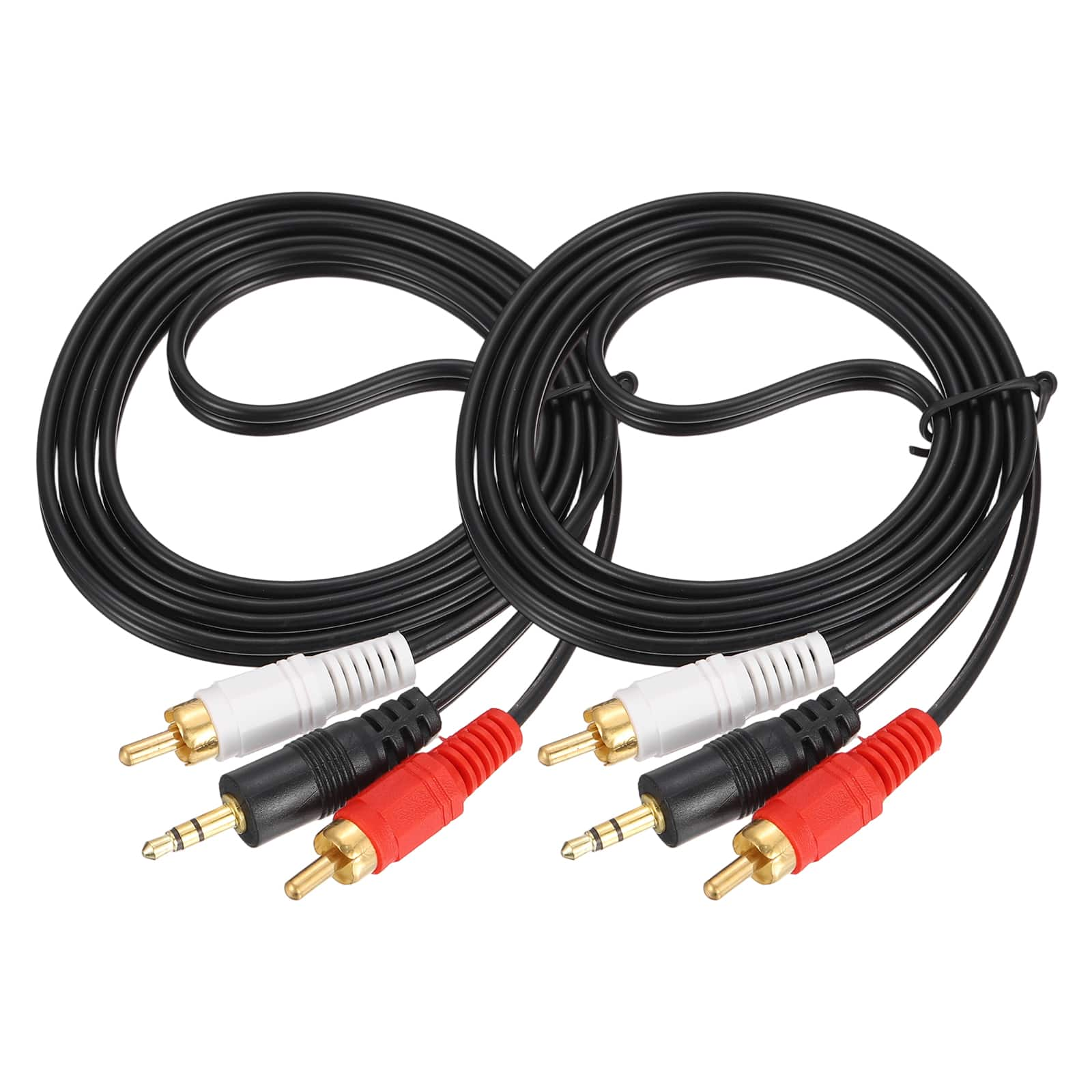
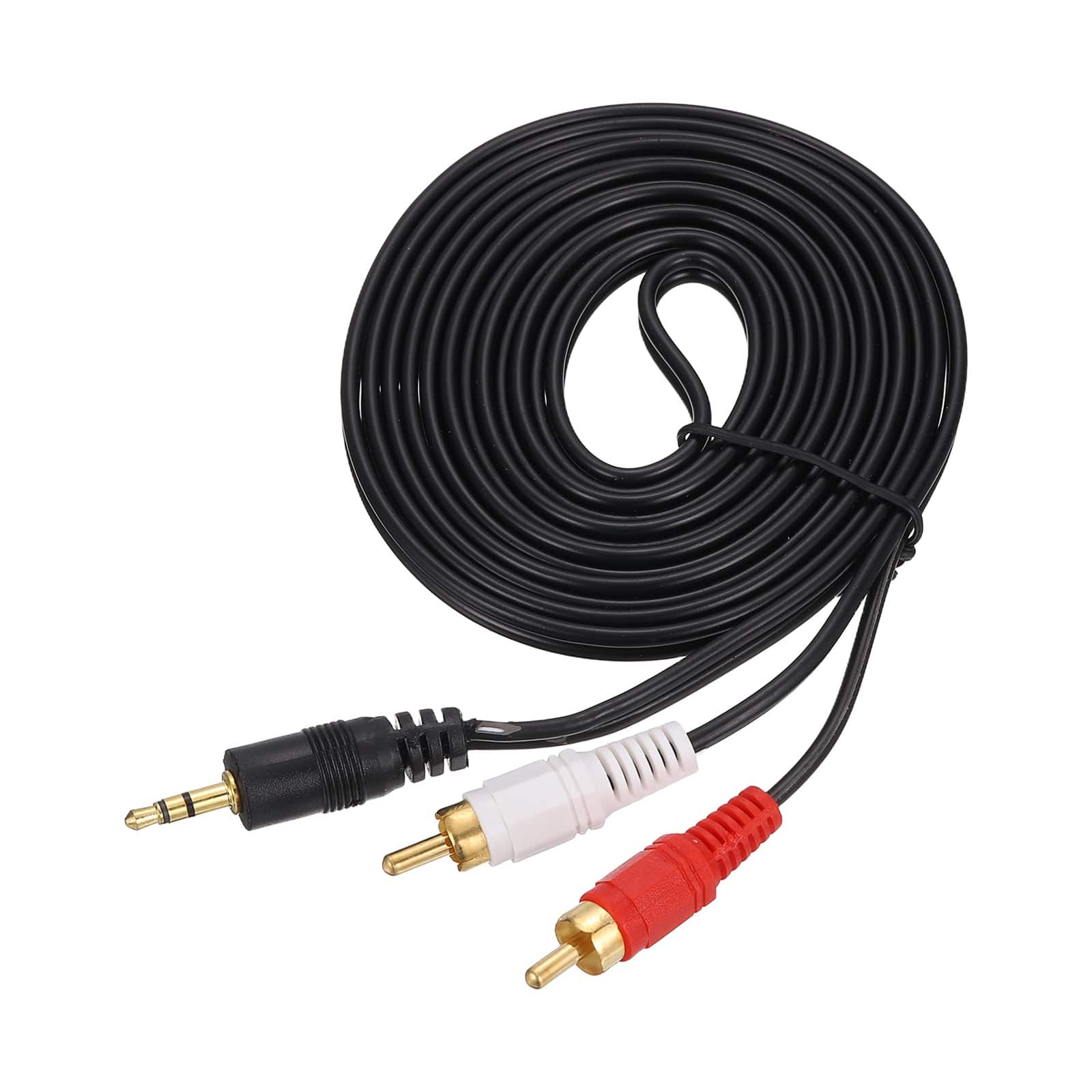
Unique Bargains - 2pcs Gold Plating TRS3.5mm Male to 2RCA Jack Cable, Copper Core PVC Audio AUX Cable for TV/Amp/Speaker - Black
SKU: J2FQHRRSS3See all Monitor & Video CablesProduct Description
A black and gold audio cable with copper core connects 3.5mm devices to dual RCA inputs.Your price for this item is $20.49 -
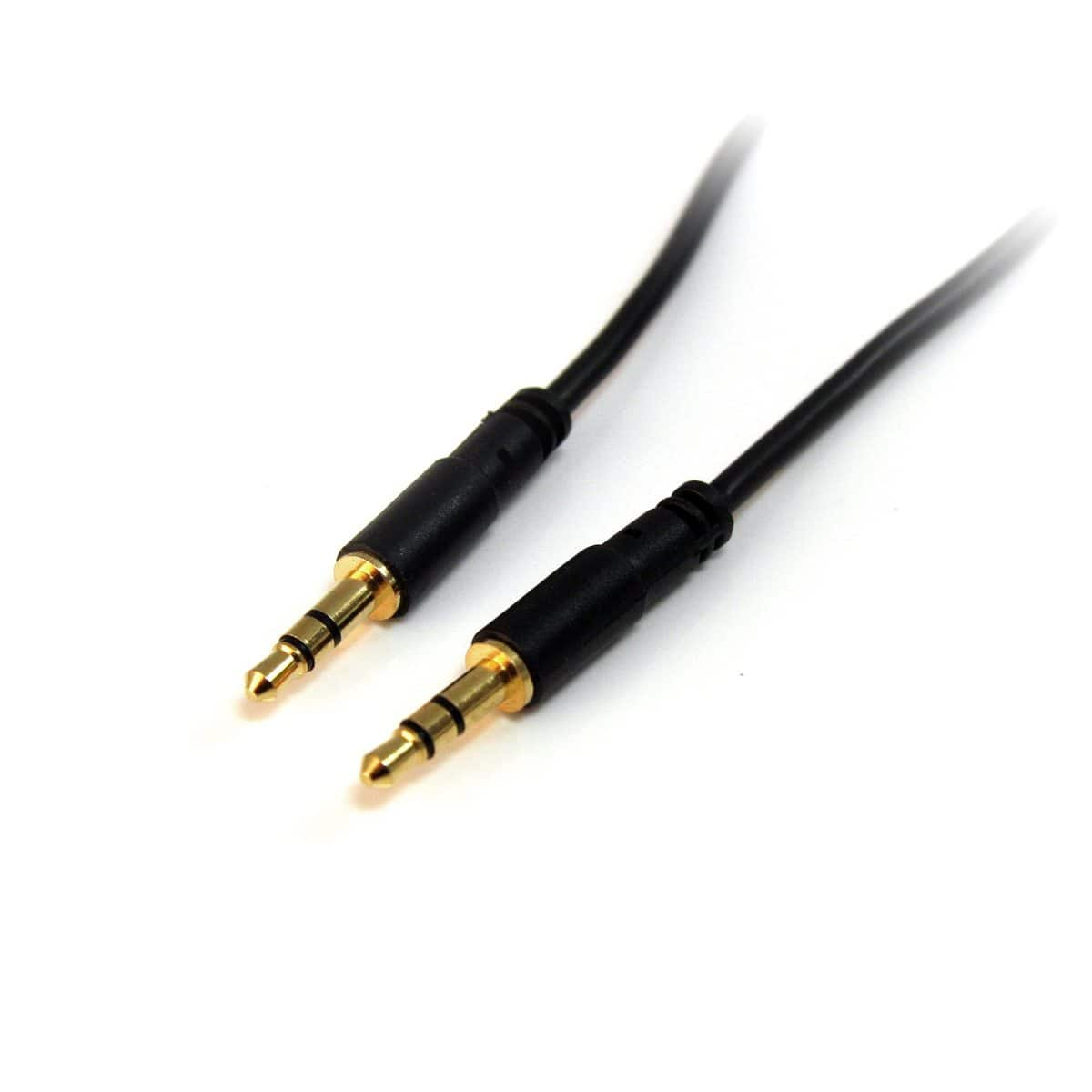
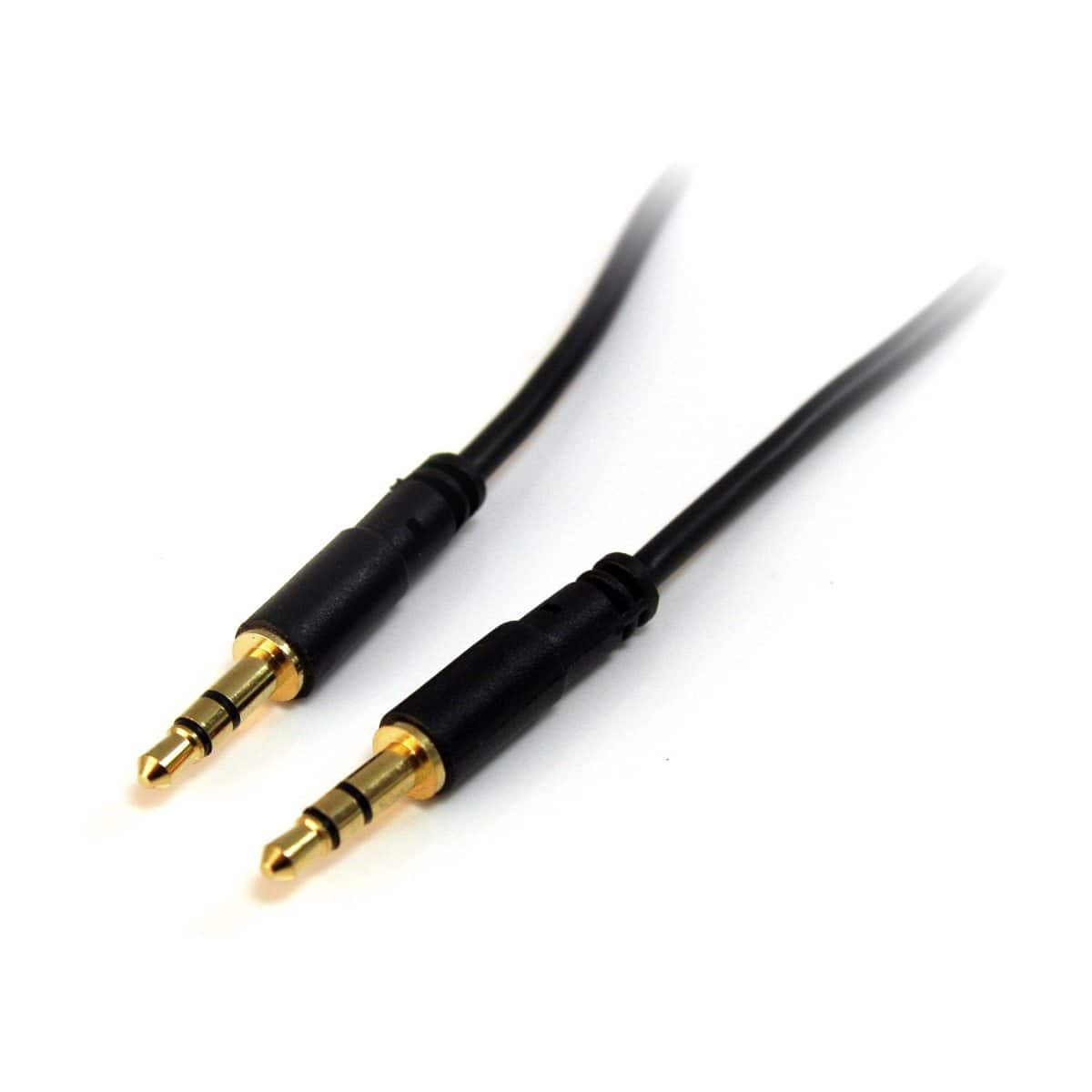
StarTech.com - StarTech 10' Slim Stereo Audio Cable with 3.5mm Mini-Jack Male Connectors, 28 AWG
SKU: J7PHY2FZV6See all Monitor & Video CablesProduct Description
A 10-foot analog stereo audio cable with slim, gold-plated 3.5mm male connectors and strain relief.Your price for this item is $20.94 -
Cmple.com - 3.5mm to 2 RCA Cable 6ft Male to Male Stereo Audio Cord Gold-Plated - Black
SKU: J3LR3S4ZFSSee all Monitor & Video CablesProduct Description
A black shielded cable with gold-plated connectors, 3.5mm stereo input, and dual RCA male plugs.Your price for this item is $8.49 -
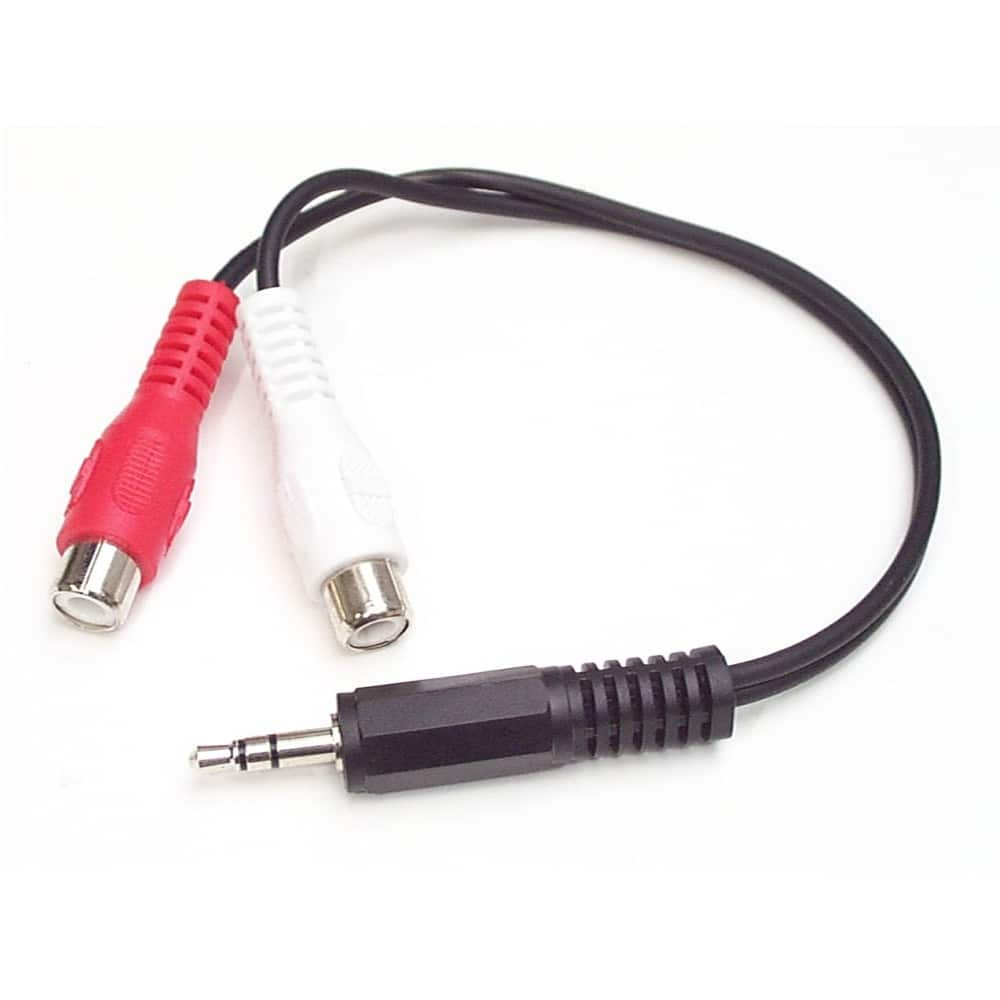
StarTech.com - 6in Stereo Audio Cable - 3.5mm Male to 2x RCA Female
SKU: J7PHY2Z2GYSee all Monitor & Video CablesProduct Description
A versatile 6-inch analog audio cable with 3.5mm male to dual RCA female connectors for easy device linking.Your price for this item is $19.50Save $0The previous price was $19.86 -
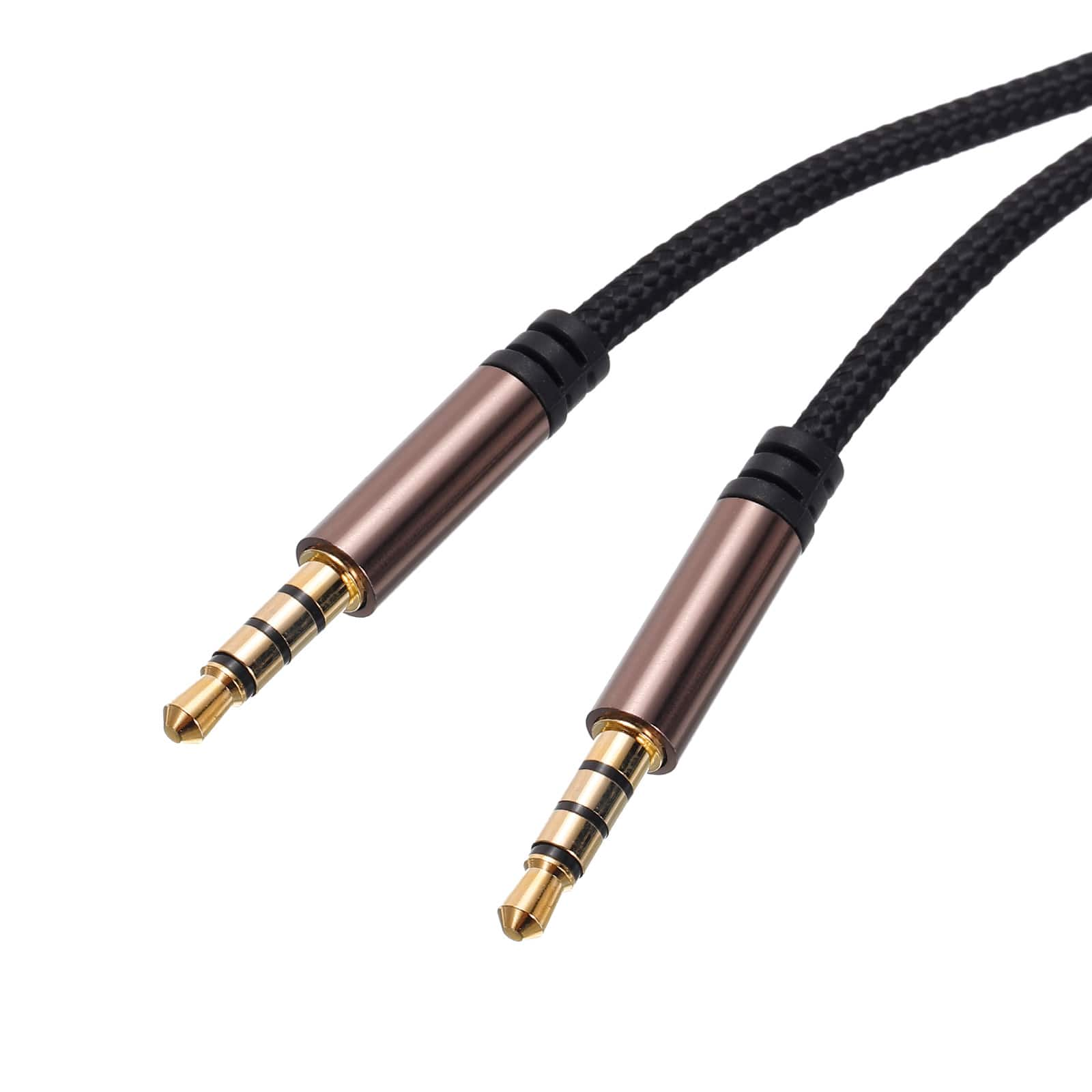
Unique Bargains - 3.5mm TRRS Male to Male Aux Audio Cable, Nylon Braided, 3.3ft, for Phone Headphone Speaker Stereo - Brown
SKU: J2FQHR3QW2See all Monitor & Video CablesProduct Description
A brown nylon-braided 3.5mm TRRS aux audio cable delivering clear, noise-free HiFi stereo sound.Your price for this item is $8.99 -
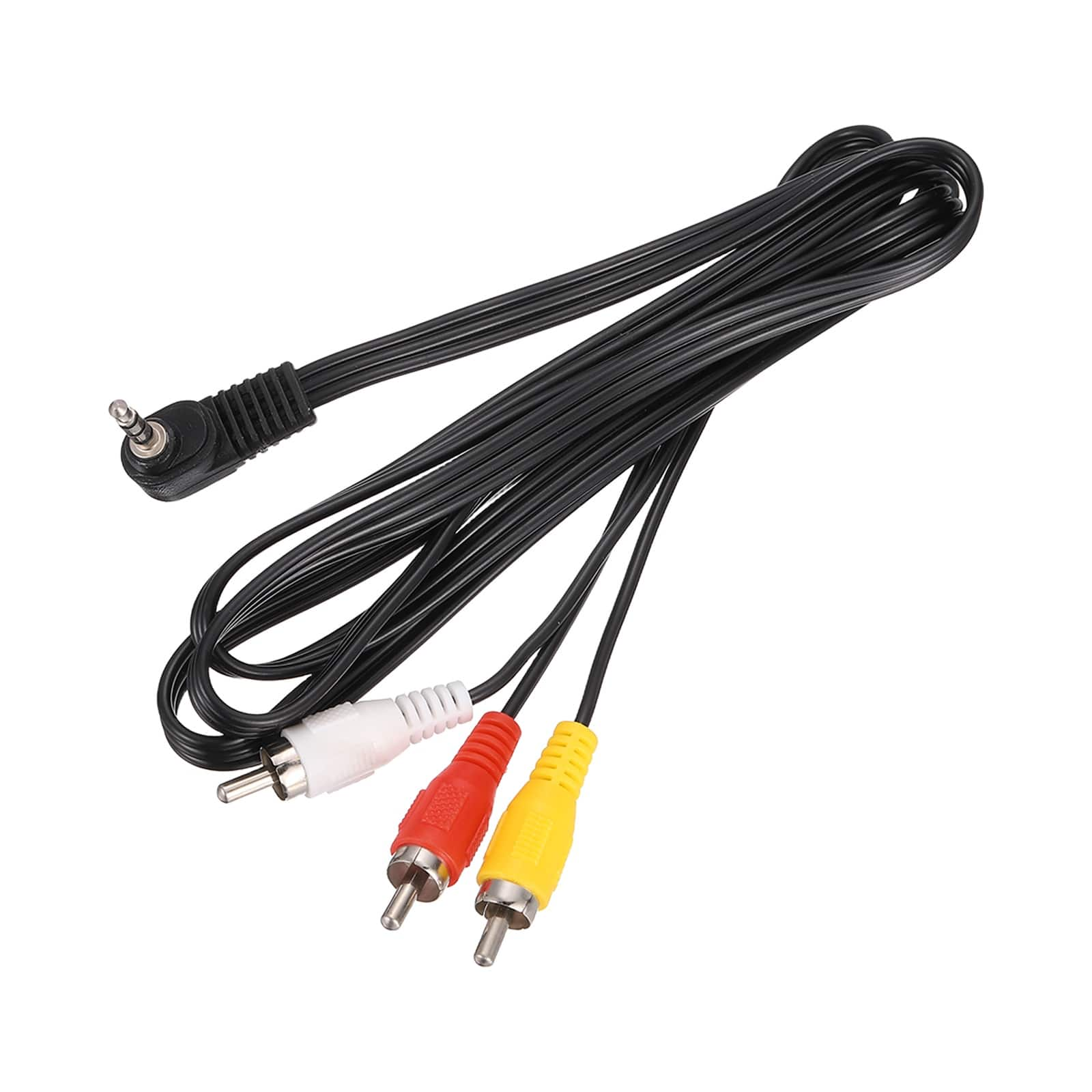
Unique Bargains - TRRS3.5mm Male Right Angle to Gold Plating RCA Jack Cable (R+W+Y), 1.2m/4ft, 2mm PVC Copper Core Audio AUX Cable - Black
SKU: J2FQHRRSGFSee all Monitor & Video CablesProduct Description
A black PVC audio cable with gold-plated connectors for connecting 3.5mm devices to RCA inputs.Your price for this item is $9.49 -
Unique Bargains - 2pcs Gold Plating TRS3.5mm Male to 2RCA Jack Cable, Copper Core PVC Audio AUX Cable for TV/Amp/Speaker - Black
SKU: J2FQHRRSPHSee all Monitor & Video CablesProduct Description
A gold-plated black PVC audio cable with copper core for connecting 3.5mm devices to RCA inputs.Your price for this item is $12.99 -
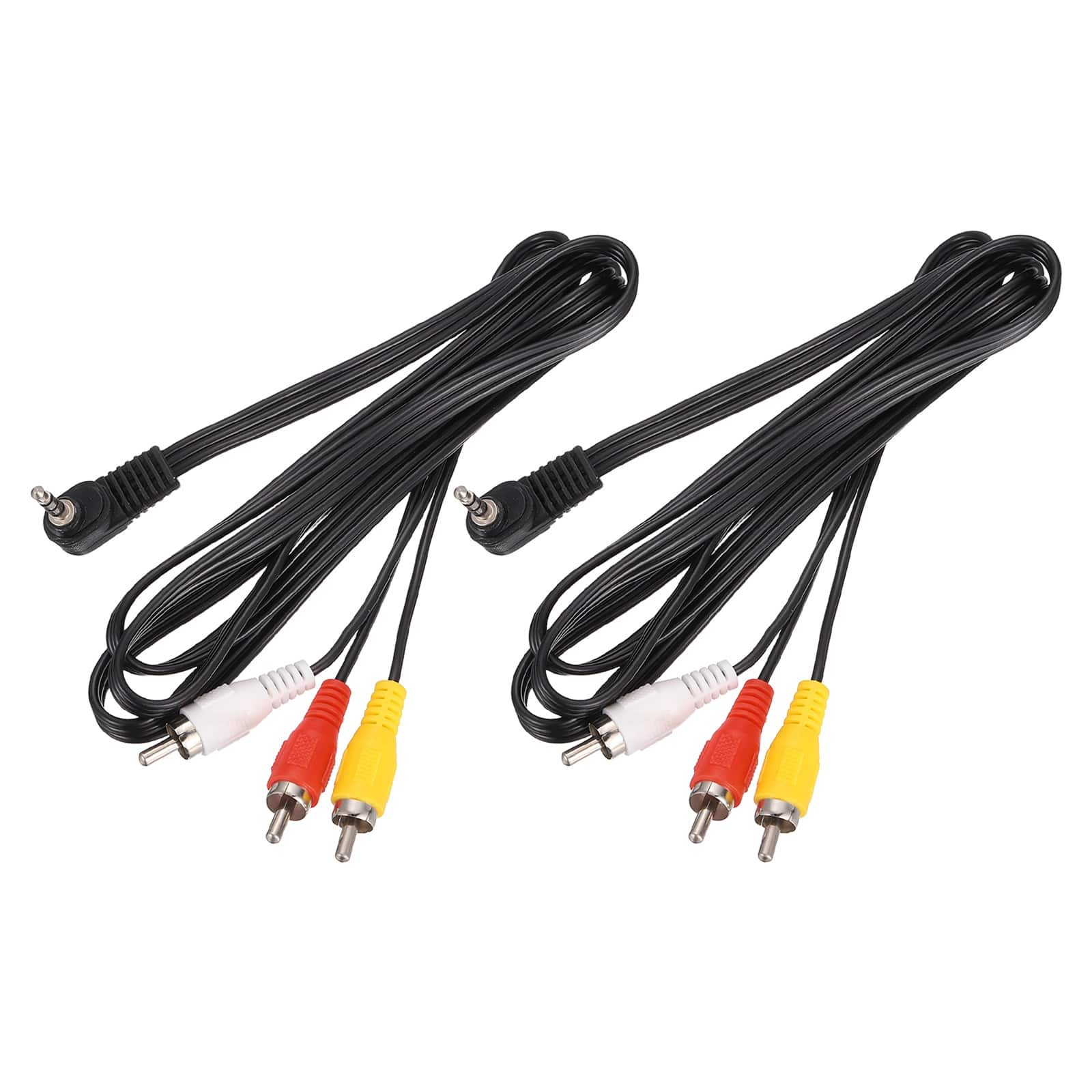
Unique Bargains - 2pcs TRRS3.5mm Male Right Angle to Gold Plating RCA Jack Cable (R+W+Y), 1.2m/4ft, 2mm PVC Copper Core Audio AUX Cable - Black
SKU: J2FQHRRSLXSee all Monitor & Video CablesProduct Description
A black and gold right-angle 3.5mm to RCA audio cable with gold-plated connectors and PVC copper core.Your price for this item is $10.99 -
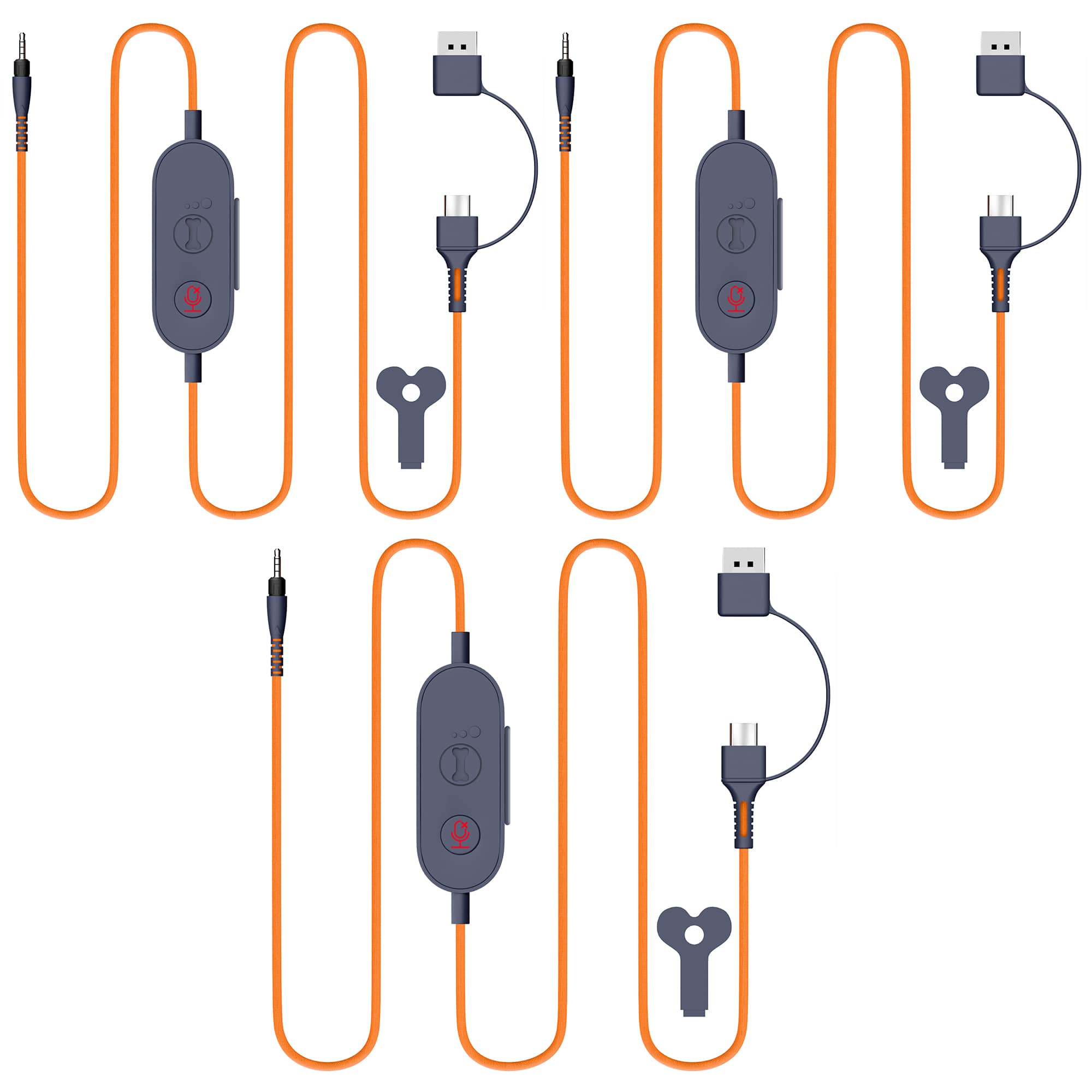
Delton - S35 USB A/USB C to 3.5mm Audio Jack Cable with Inline Controls for Headphones and Devices 3-Pack, Black - Orange
SKU: J38PCKS6Y8See all Headphone Adapters & CablesProduct Description
A pack of three black and orange silicone cables with inline controls for universal USB and 3.5mm audio connectivity.Your price for this item is $39.99 -
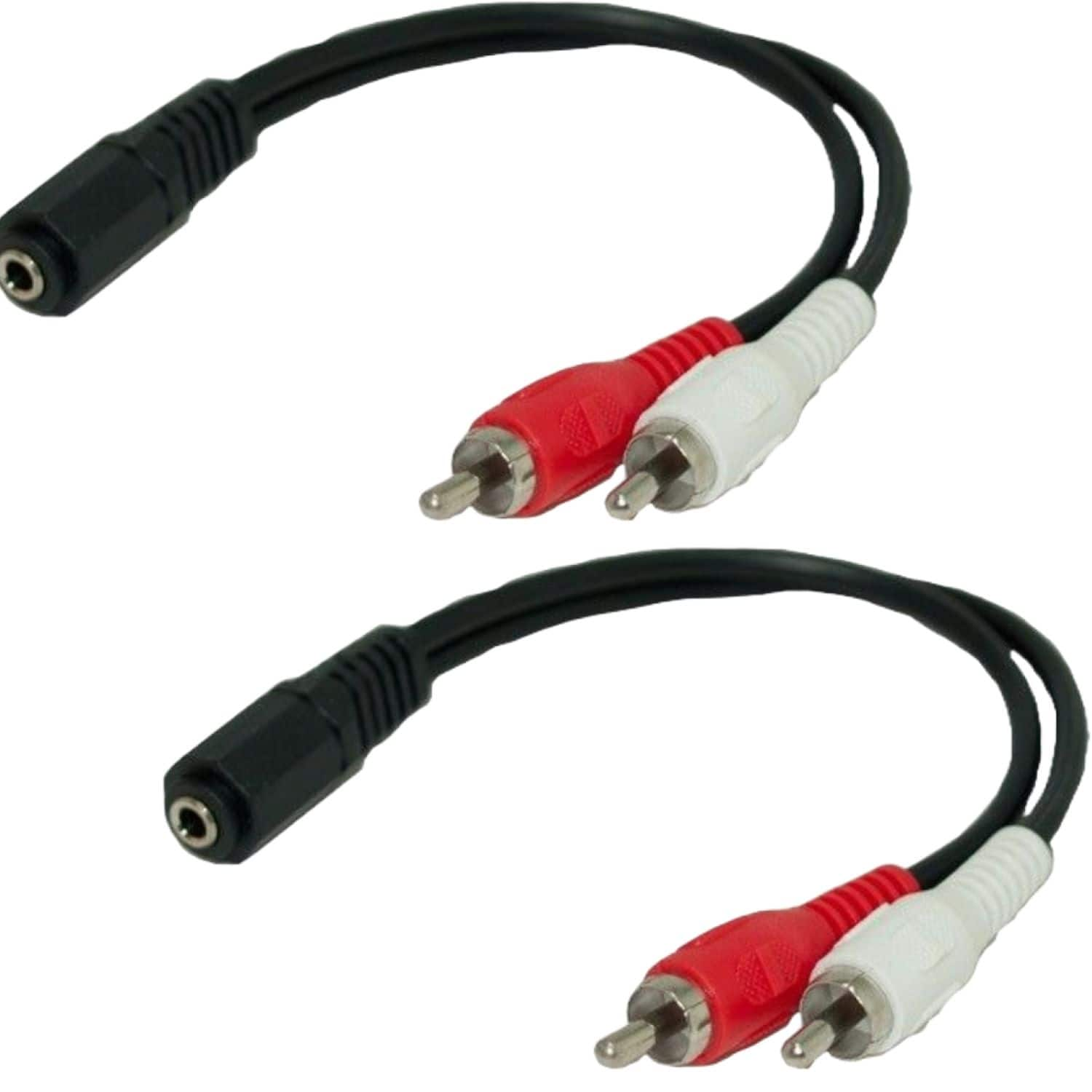
Sanoxy - (2-Pack) 6in 3.5mm Stereo Female to 2 RCA Male Audio Cable - Black
SKU: J3HXSWWS3FSee all Monitor & Video CablesProduct Description
A black audio cable set that connects 3.5mm stereo devices to RCA inputs for home stereo systems.Your price for this item is $14.99 -
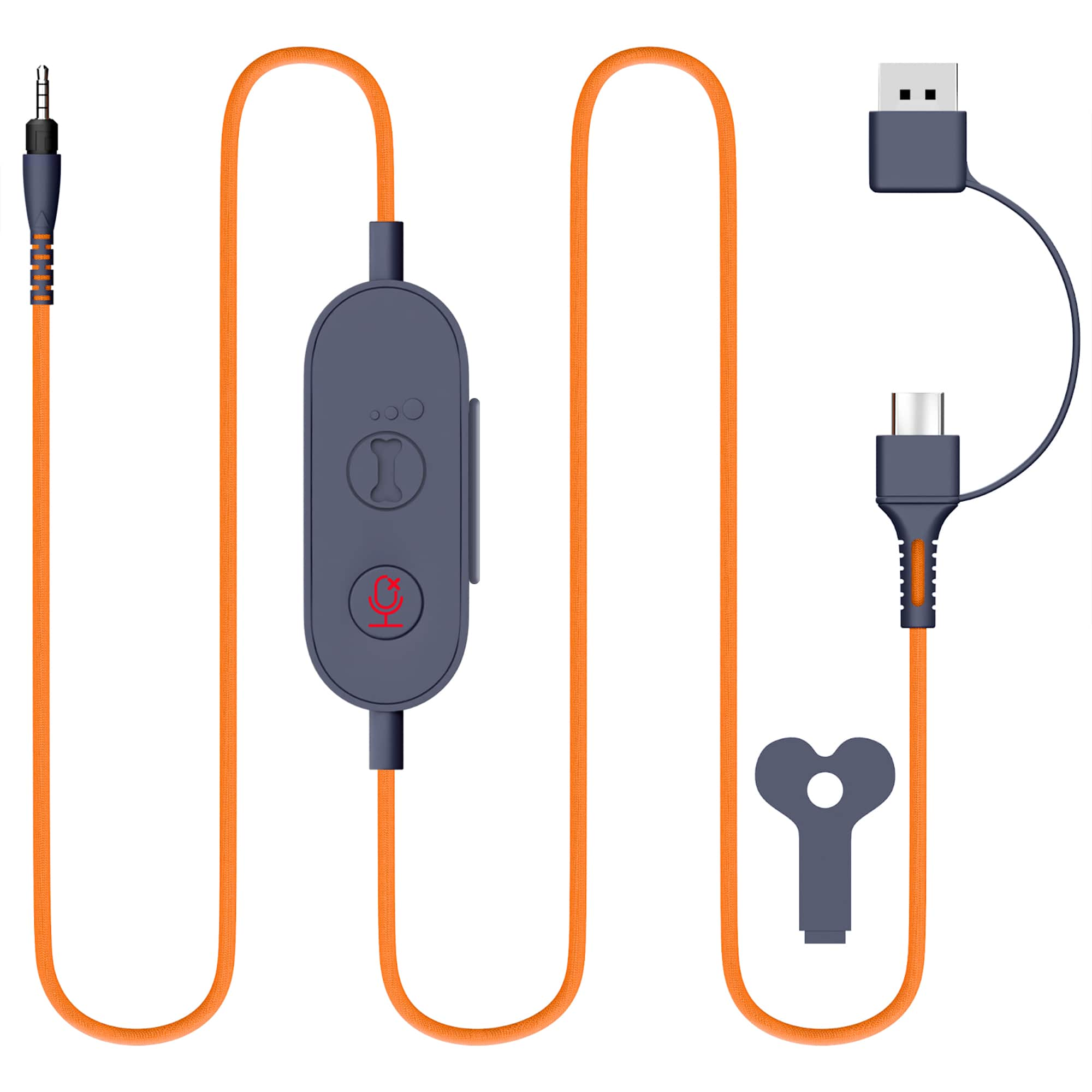
Delton - S35 USB A/USB C to 3.5mm Audio Jack Cable with Inline Controls for Headset/Headphones, Black - Orange
SKU: J38PCKS6L7See all Headphone Adapters & CablesProduct Description
A black and orange silicone cable with USB-A/USB-C to 3.5mm jack and inline volume controls.Your price for this item is $19.99 -
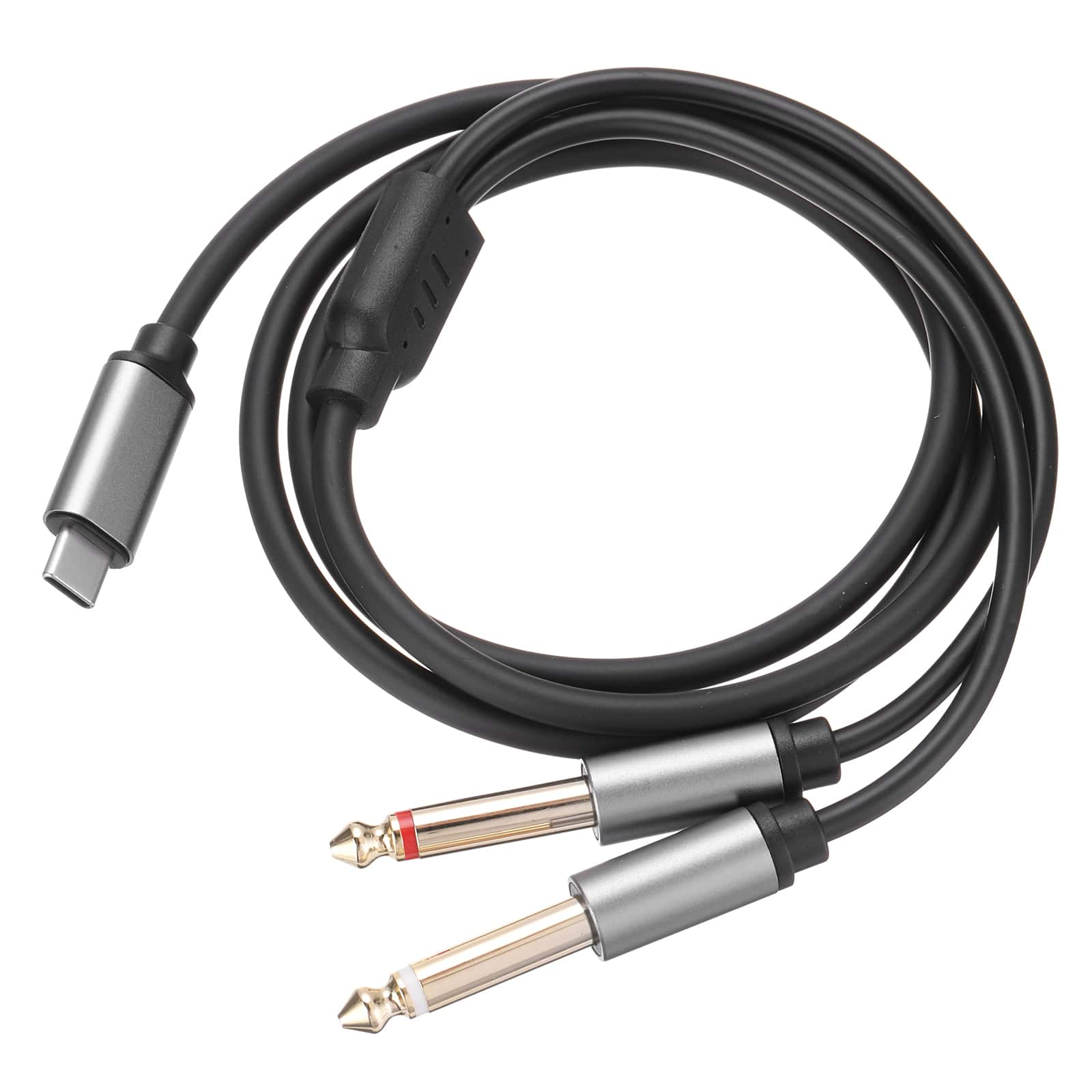
Unique Bargains - USB C to Dual 6.35mm (1/4") Stereo Splitter Y Cable, 3.3ft, Link Smartphone/Laptop to Mixer/Speaker - Black
SKU: JX99HK8LXZSee all Monitor & Video CablesProduct Description
A black USB-C to dual 6.35mm splitter cable with gold-plated connectors and durable aluminum-alloy shell.Your price for this item is $13.99 -
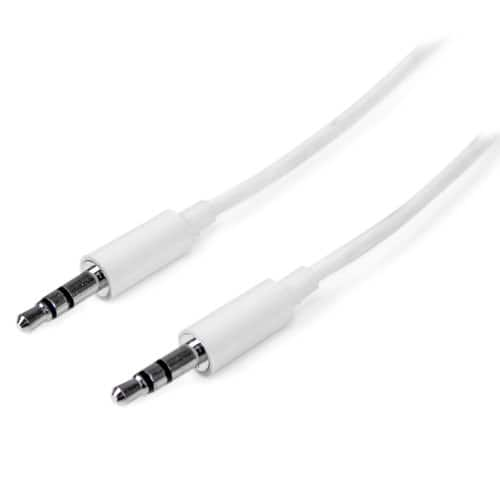
Startech - 1m Slim 3.5mm Stereo Audio Cable - Male To Male
SKU: J7PHY2VS2XSee all Monitor & Video CablesProduct Description
A slim stereo audio cable with male-to-male 3.5mm connectors for snug, case-friendly device connections.Your price for this item is $20.87 -
StarTech.com - StarTech 3' Slim Stereo Audio Cable with 3.5mm Male Mini-Jack Connectors, 28 AWG
SKU: J7PHY2F47CSee all Monitor & Video CablesProduct Description
A 3-foot analog stereo audio cable with slim 3.5mm male connectors, gold plating, and strain relief.Your price for this item is $16.64 -
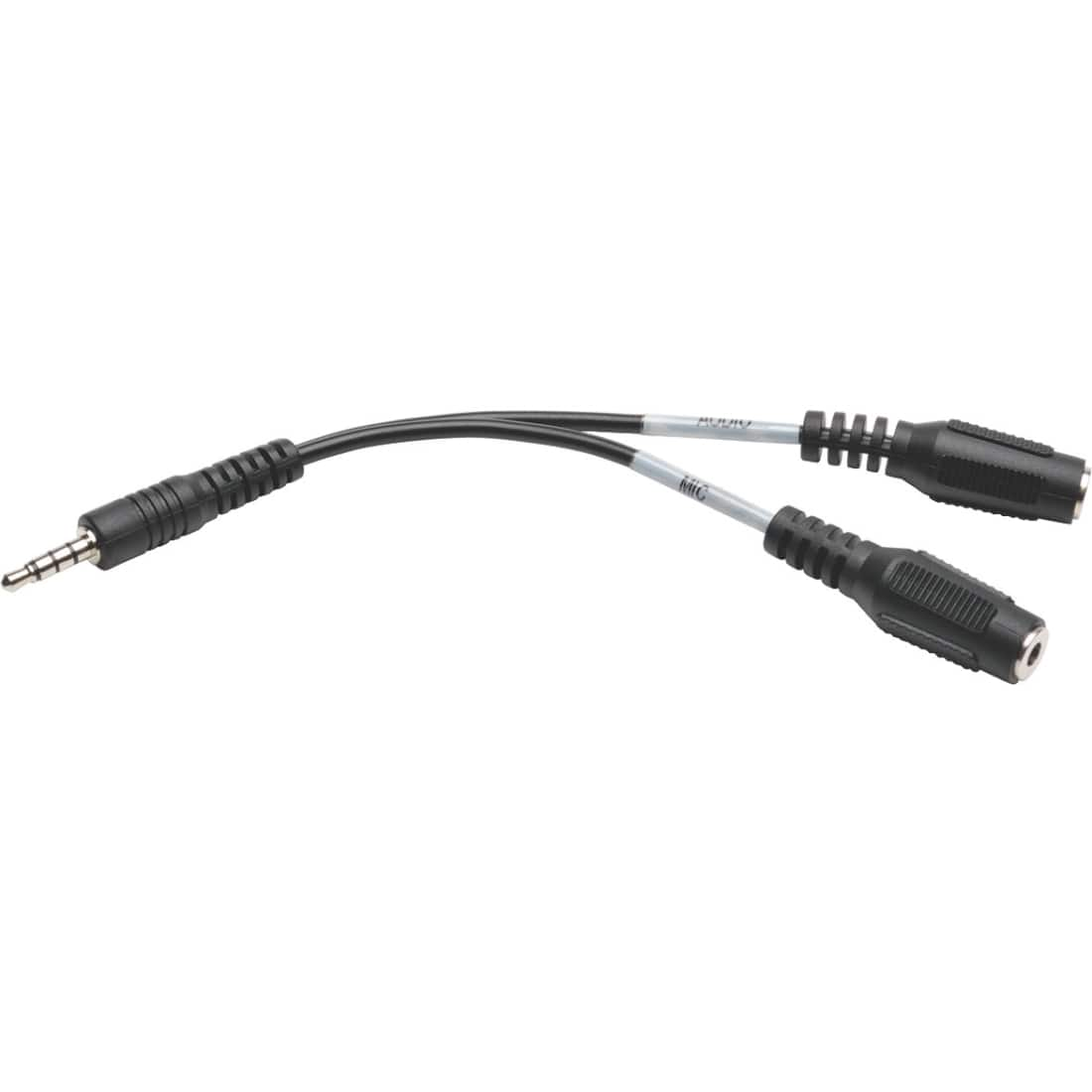
Tripp Lite - 6 Inch Mini-Phone Stereo Audio Cable Male to 2 Female
SKU: J78C5ZYKS5See all Monitor & Video CablesProduct Description
An audio splitter cable with a male 3.5mm connector, two female outputs, and durable 28AWG wiring.Your price for this item is $21.89 -
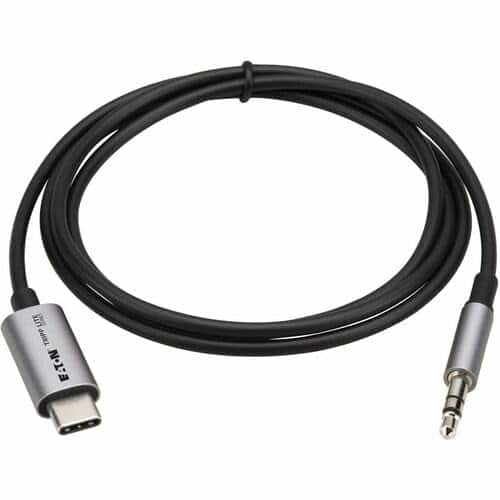
Tripp Lite - USB-C to 3.5 mm Headphone Jack Adapter Cable [M/M], 3 ft. [0.9 m]
SKU: J78C5ZT8JCSee all Monitor & Video CablesProduct Description
A USB-C to 3.5mm audio adapter cable supporting high-fidelity sound with durable plug-and-play construction.Your price for this item is $25.61Save $3The previous price was $28.81 -
Cmple.com - 3.5mm to 2 RCA Cable 25ft Male to Male Stereo Audio Cord Gold-Plated - Black
SKU: J3LR3S4ZFWSee all Monitor & Video CablesProduct Description
A black-and-gold, shielded stereo audio cable with gold-plated connectors, stranded copper conductors, and 3.5mm-to-dual-RCA male ends.Your price for this item is $11.99 -
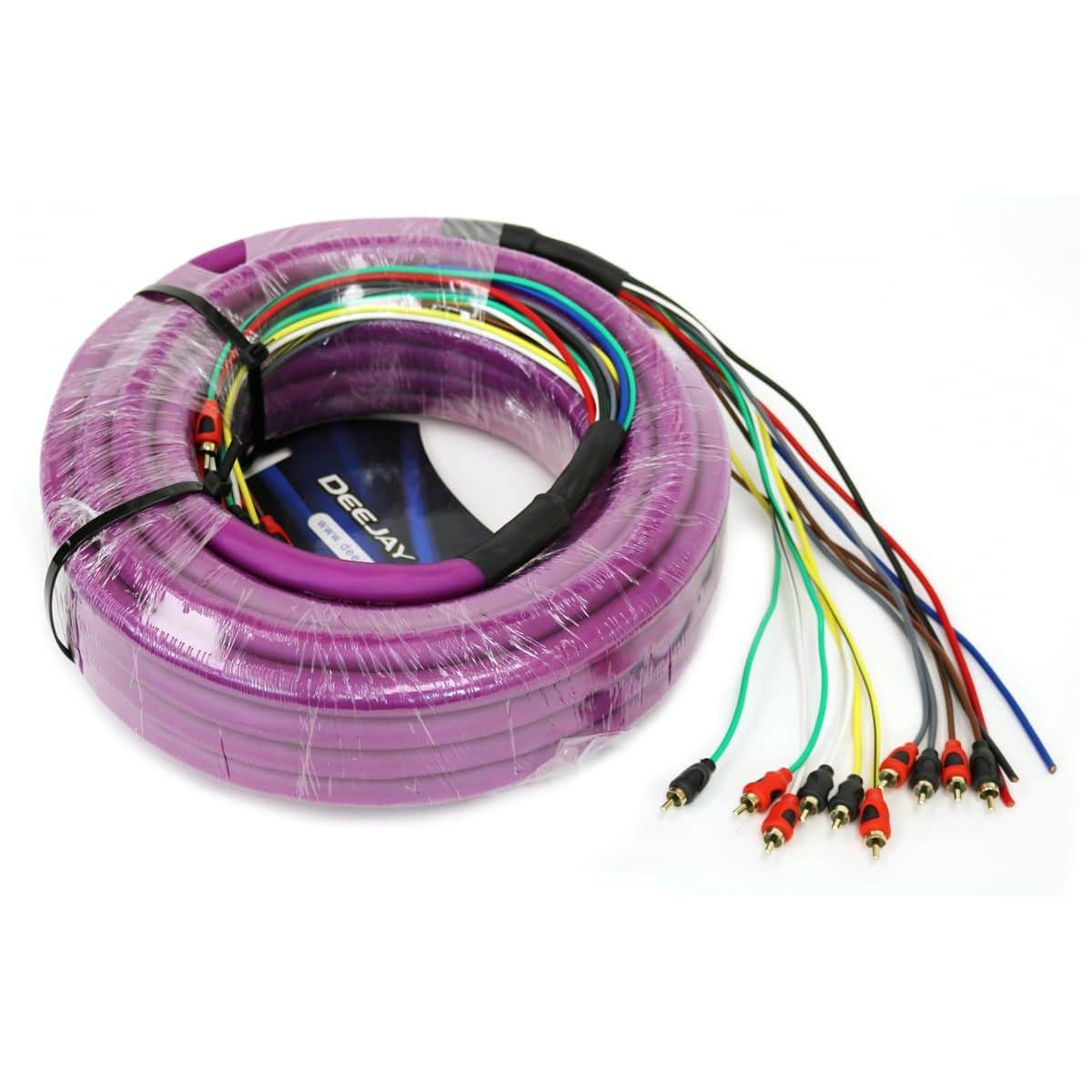
Deejay LED - Purple 52 ft RCA and Power Wire Set
SKU: J3LZRTT4LYSee all Car Audio InstallationProduct Description
A purple copper audio cable set with 10 RCA connectors for versatile, reliable device connectivity.Your price for this item is $222.00 -
Unique Bargains - Gold Plating TRS3.5mm Male to 2RCA Jack Cable, Copper Core PVC Audio AUX Cable for TV/Amp/Speaker/Mobile - Black
SKU: J2FQHRRSY2See all Monitor & Video CablesProduct Description
A black and gold audio cable with copper core connects 3.5mm devices to dual RCA inputs.Your price for this item is $12.99 -
Cmple.com - 3.5mm to 2 RCA Cable 12ft Male to Male Stereo Audio Cord Gold-Plated - Black
SKU: J3LR3S4ZFXSee all Monitor & Video CablesProduct Description
A black, gold-plated 3.5mm-to-dual-RCA stereo cable with shielded copper conductors and durable PVC jacket.Your price for this item is $9.99 -
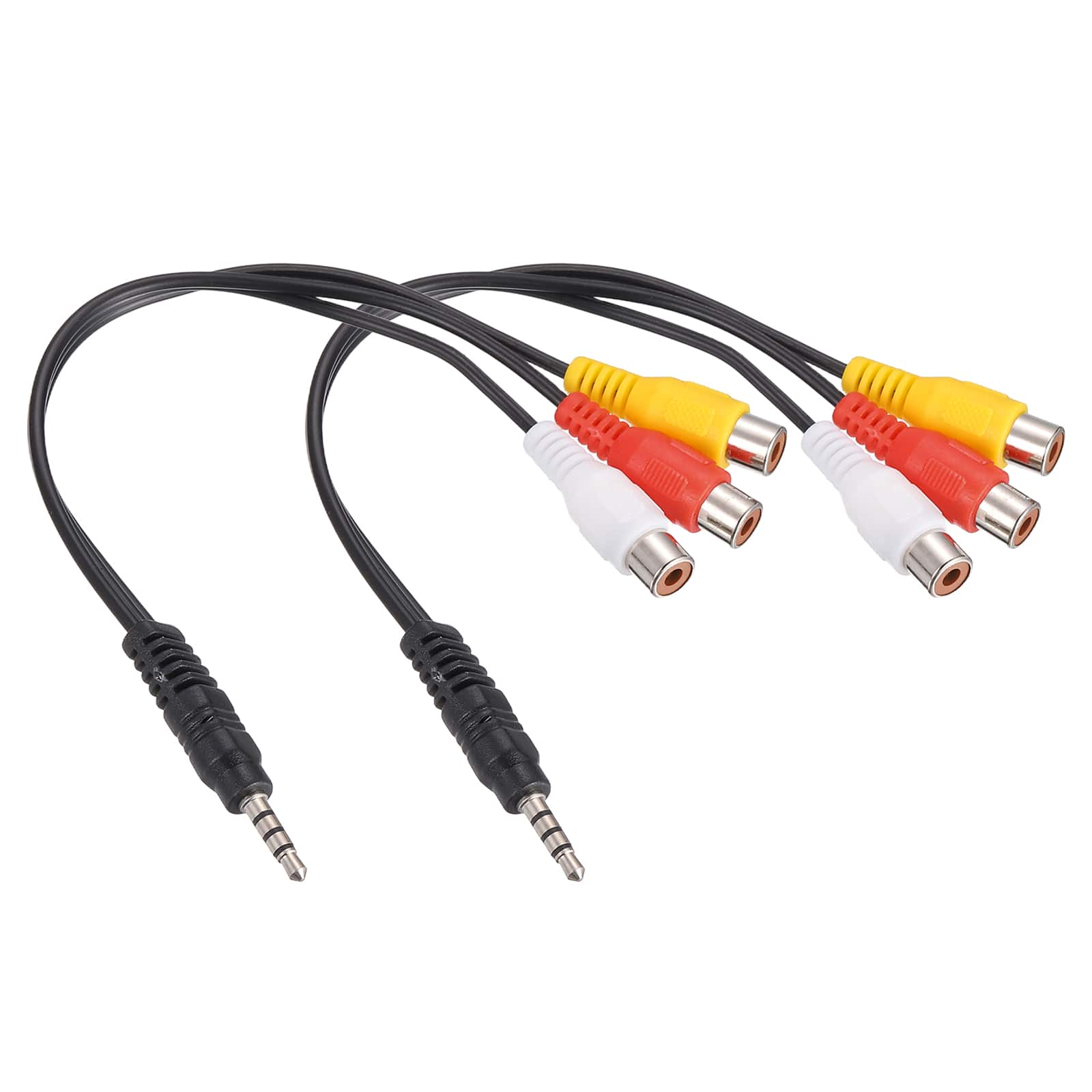
Unique Bargains - 2pcs TRRS3.5mm Male to Gold 3RCA Female Cable, 0.23m/9in, 2.5mm PVC Copper Core Audio AUX Cable for TV/Amp/Speaker - Black
SKU: J2FQHRRSR5See all Monitor & Video CablesProduct Description
A black and gold PVC audio cable set for connecting 3.5mm devices to RCA-equipped audio systems.Your price for this item is $11.49
Best Sellers


Related Pages




FAQ
Common laptop audio connections include 3.5mm auxiliary cables, USB audio cables, and HDMI cables. A 3.5mm cable carries analog audio to compatible headphones or speakers, while USB connects compatible digital audio devices. HDMI carries audio and video to a compatible TV, monitor, or receiver.
Match the laptop’s audio output to the speakers’ input. For powered speakers with an auxiliary input, a 3.5mm stereo cable is a common option. Speakers with RCA inputs may use a 3.5mm-to-RCA cable. Passive speakers require an amplifier or receiver between the laptop and the speakers.
TRS connectors have three electrical contacts and commonly carry stereo headphone audio. TRRS connectors have four contacts and can carry stereo audio plus a microphone signal through a compatible laptop headset jack. For a headset with a microphone, check that the cable’s wiring matches the laptop’s connection requirements.
Yes. A compatible USB-to-headphone adapter with a built-in digital-to-analog converter can provide an analog headphone connection. Choose an adapter that matches the laptop’s USB port and supports its operating system. If your headphones include a microphone, the adapter must also support microphone input to use that feature.
That depends on the jack. A headphone-only output does not accept audio input, while a combination headset jack can accept a compatible microphone connection. To record from instruments, mixers, or other external audio sources, a USB audio interface can provide dedicated inputs for those connections.