/
Back To School HDMI Cables
Get ready for a successful school year by upgrading your tech setup with back to school HDMI cables. Whether you’re connecting laptops to monitors for virtual classes or setting up projectors for group presentations, the right HDMI cable can make all the difference in your study space. Explore a wide selection designed to help students and educators create efficient, high-quality connections for all their devices. Shop back to school HDMI cables to ensure your electronics are ready for every assignment, project, and presentation.
Read More-
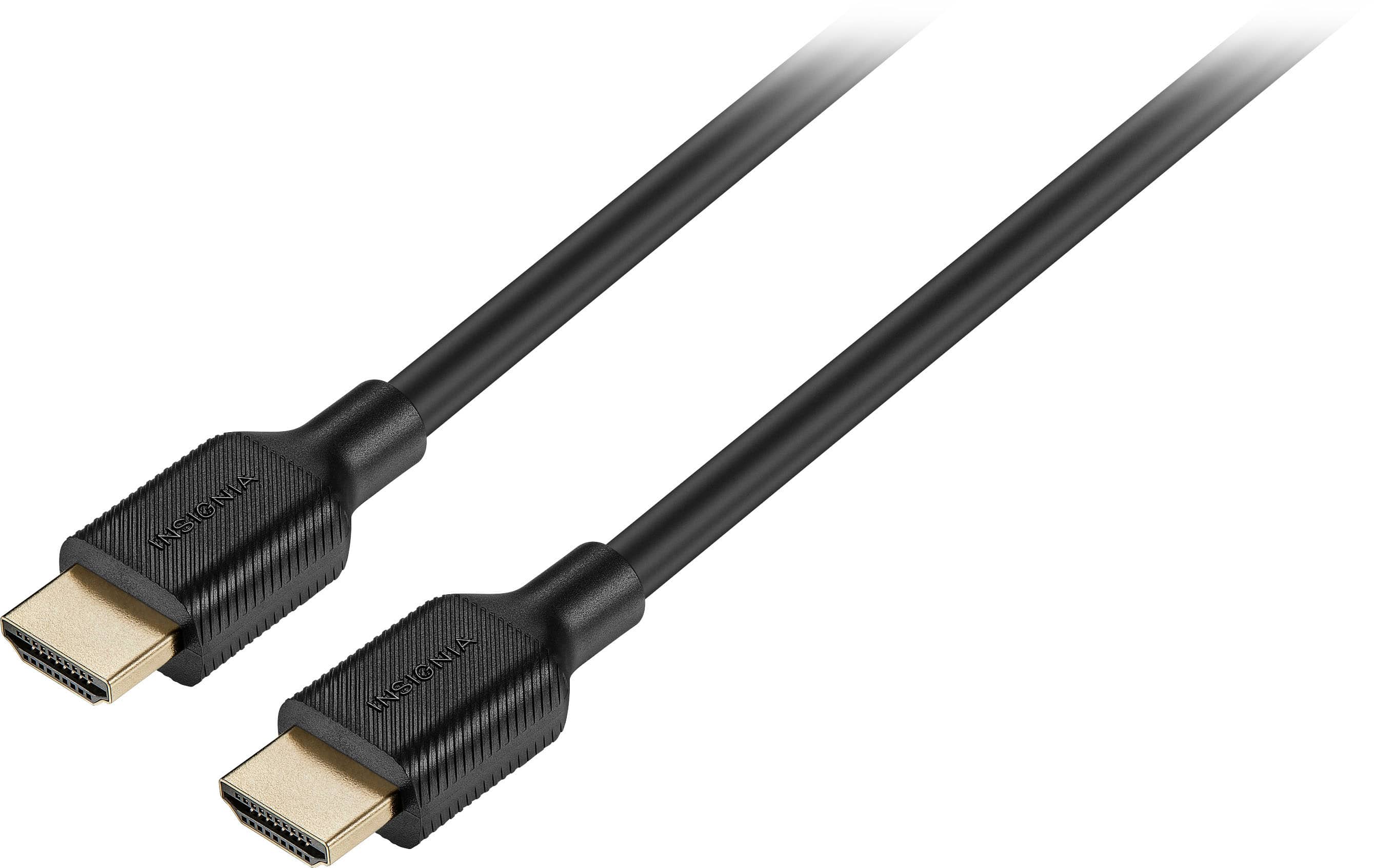
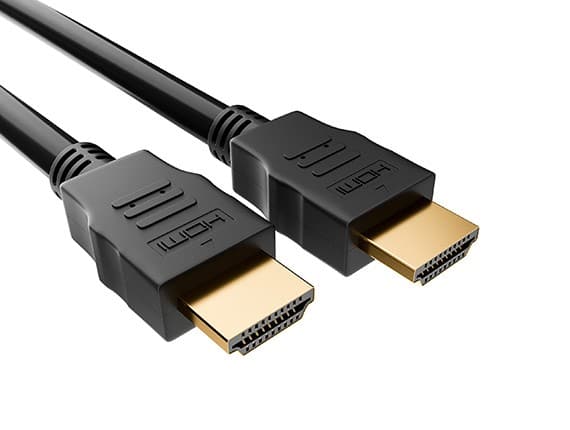
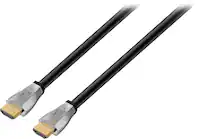
Insignia™ - 6' 4K Ultra HD HDMI Cable - Black
SKU: J2FPJKSPVRGreat pricing for these at Best Buy! They also have a good selection of options....Love best buy and there products! Good prices and good customer service...Great Price!
See all 4K HDMI (2.0) CablesProduct Description
A black HDMI cable delivering reliable 4K Ultra HD video and audio for HDMI-enabled devices.$24.99 Your price for this item is $24.99 -
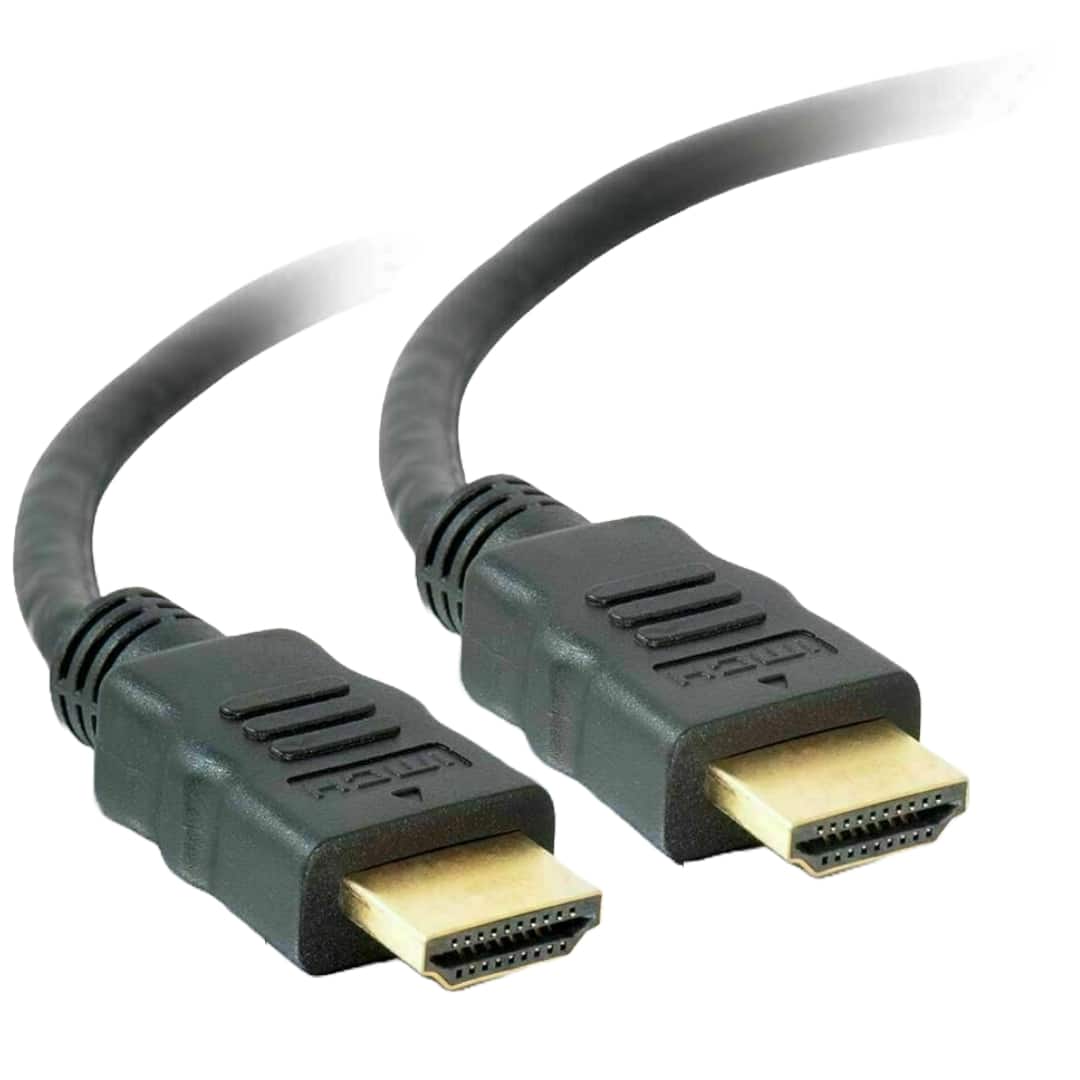
Sanoxy - 6 Feet HDMI-to- HDMI Gold Plated for 4K TV, Gaming Consoles - Black
SKU: B8SKTH3R8ZSee all 4K HDMI (2.0) CablesProduct Description
A black HDMI cable with 24K gold-plated connectors supports 4K, 3D, Ethernet, and audio return.$15.99 Your price for this item is $15.99 -
Sanoxy - 3 Feet HDMI-to- HDMI Gold Plated for 4K TV, Gaming Consoles - Black
SKU: B8SKTH3R86See all 4K HDMI (2.0) CablesProduct Description
A black HDMI cable with 24K gold-plated connectors supports 4K, 3D, Ethernet, and audio return.$14.99 Your price for this item is $14.99 -
Sanoxy - 15 Feet HDMI-to- HDMI Gold Plated for 4K TV, Gaming Consoles - Black
SKU: B8SKTH3RG9See all 4K HDMI (2.0) CablesProduct Description
A black HDMI cable with 24K gold-plated connectors supports 4K, 3D, Ethernet, and audio return.$16.99 Your price for this item is $16.99 -
Sanoxy - 10 Feet HDMI-to- HDMI Gold Plated for 4K TV, Gaming Consoles - Black
SKU: B8SKTH3RLWSee all 4K HDMI (2.0) CablesProduct Description
A black HDMI cable with 24K gold-plated connectors supports 4K, 3D, Ethernet, and audio return.$15.99 Your price for this item is $15.99 -
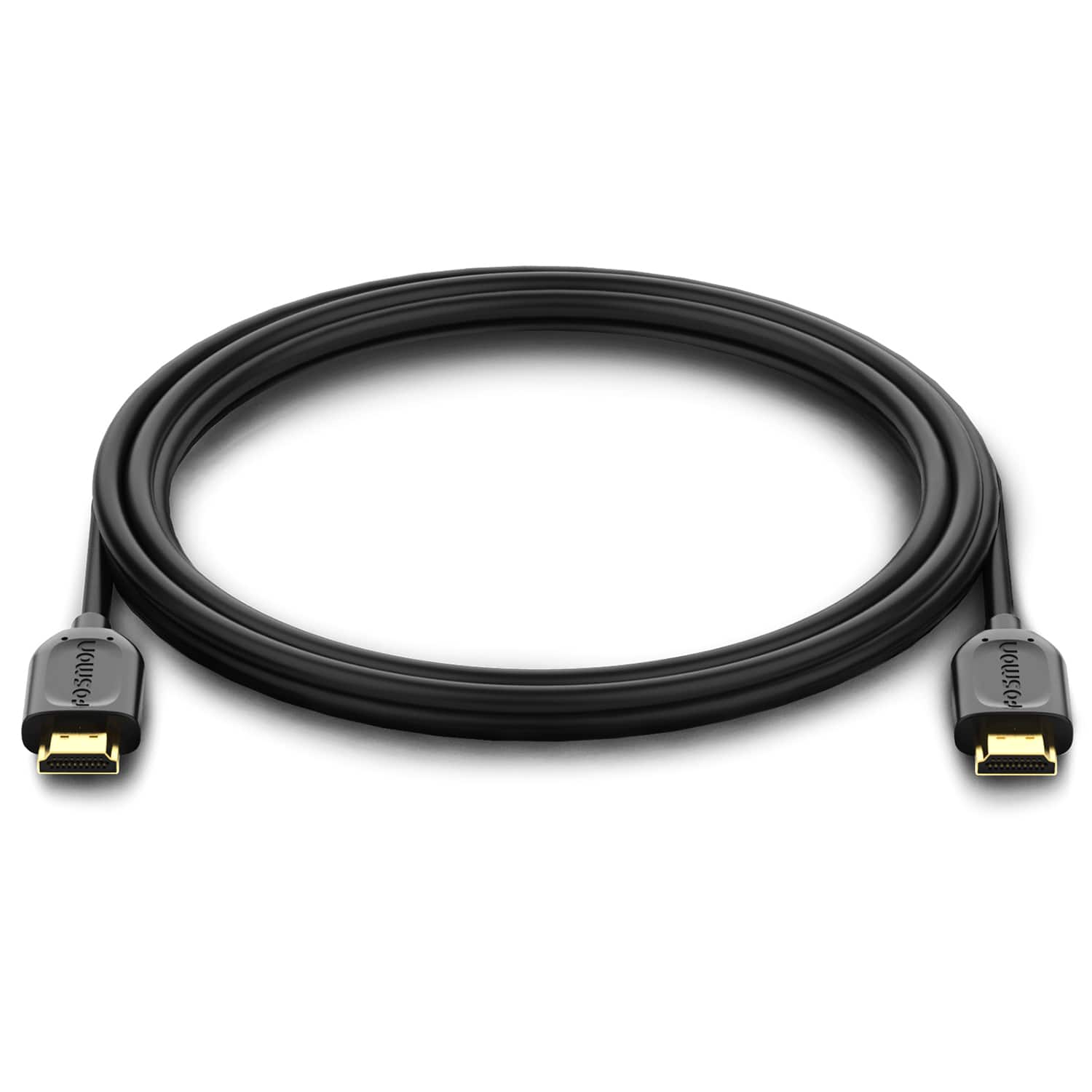
Fosmon - 6ft 4K HDMI Cable, Gold-Plated Premium High Speed, HDMI 2.0 Cable 4K@60Hz/2160p Support 18Gbps - Black
SKU: J3KCTSHPXVGreat cable!...Picture quality is great, easy hook up and no there haven't been any connection issues.
See all 4K HDMI (2.0) CablesProduct Description
A black high-speed HDMI 2.0 cable with gold-plated connectors supports 4K@60Hz, Ethernet, and 18Gbps transfer.$9.49 Your price for this item is $9.49 -
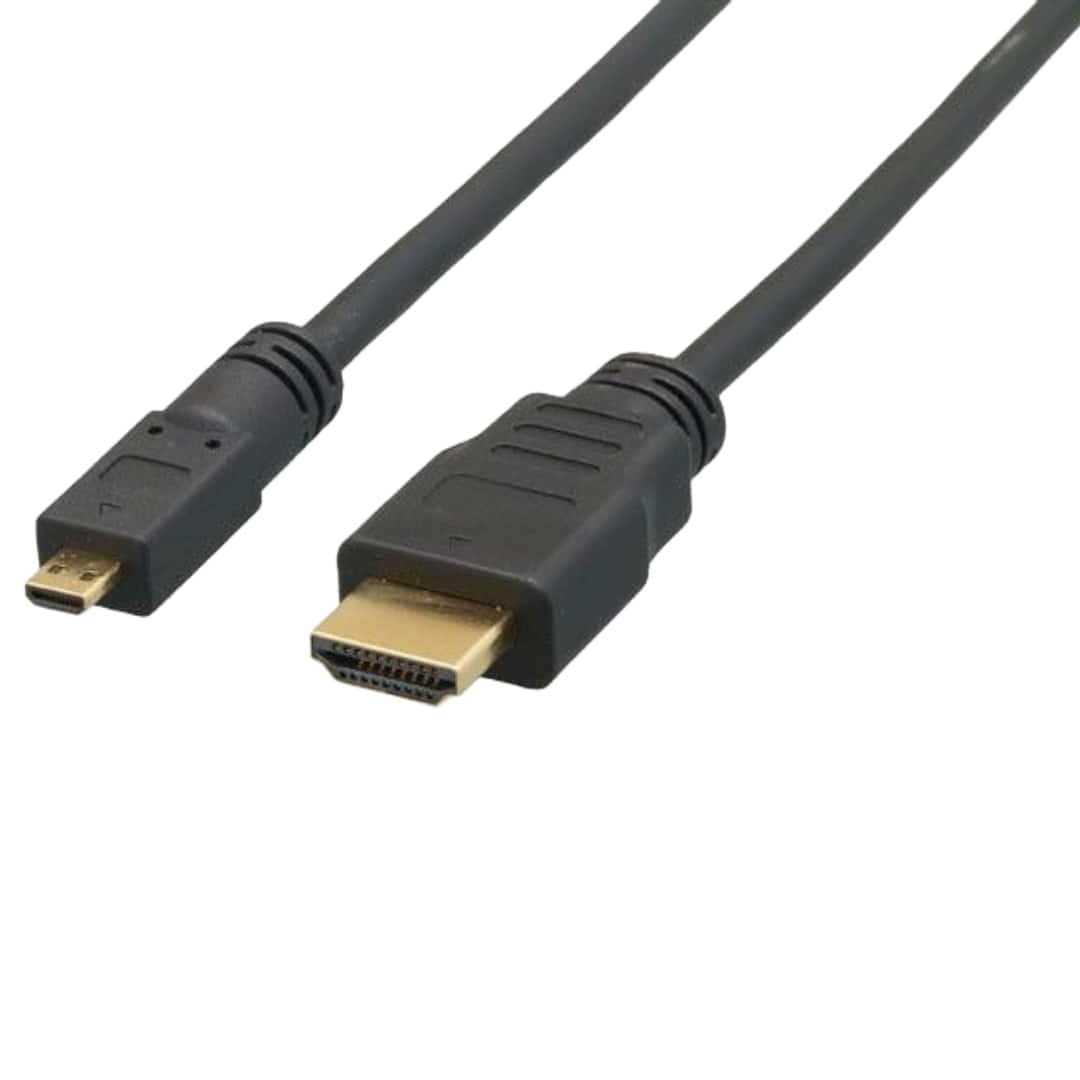
Sanoxy - 6ft Micro-HDMI to HDMI Cable - Black
SKU: B8SKTQ99CFSee all HDMI CablesProduct Description
A black cable that connects Micro-HDMI devices to HDMI displays, supporting 4K, 3D, and Ethernet features.$14.99 Your price for this item is $14.99 -
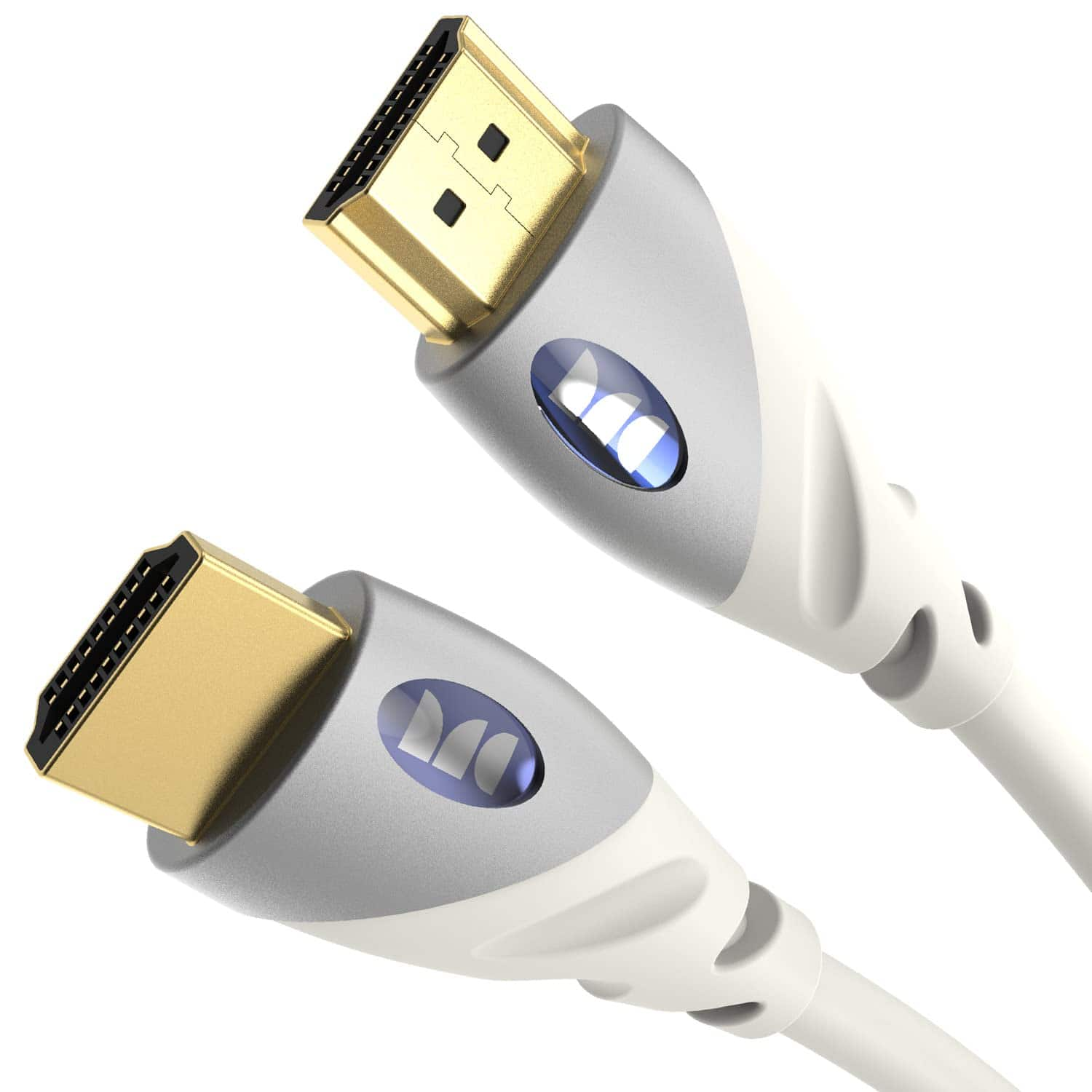
Monster - HDMI Cable 4k Ultra HD with Ethernet - HDMI Cable for PS3 and Computer Monitor - 4 FT - White
SKU: J7LGS7QJXVSee all A/V Cables & ConnectorsProduct Description
A durable white HDMI cable with 4K Ultra HD support, Ethernet, and corrosion-resistant connectors for clear video.$6.99 Your price for this item is $6.99 -
Cable Leader - 4K Ultra HD High-Speed HDMI Cable with Ethernet, 28 AWG, 4K@30Hz HDMI 1.4 for TV, Monitor, PS5, Xbox - Black
SKU: J39TZ8RFCQSee all Ethernet CablesProduct Description
A black high-speed HDMI cable supporting 4K Ultra HD, HDR10, ARC, and Ethernet for versatile connectivity.$10.99 Your price for this item is $10.99 -
Cable Leader - 4K Ultra HD High-Speed HDMI Cable with Ethernet, 28 AWG, 4K@30Hz HDMI 1.4 for TV, Monitor, PS5, Xbox - Black
SKU: J39TZ8R9LJSee all Ethernet CablesProduct Description
A high-speed black HDMI cable with Ethernet supports 4K@30Hz, HDR10, ARC, and gold-plated connectors.$22.49 Your price for this item is $22.49
- 1
- 2
- ...
- 20
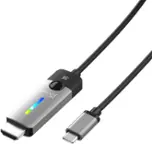
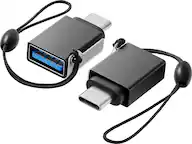
Back-to-school HDMI cables help connect the devices students rely on for classes, projects, entertainment and everyday communication. A dependable cable can link a laptop or desktop computer to an external monitor, connect a gaming system to a television in a residence hall, or send video from a streaming device to a larger screen for a study break. They are also useful in shared living spaces where a single display may serve several purposes, from reviewing lecture slides and editing presentations to watching a movie with friends. Before choosing a cable, identify the HDMI ports on both devices and consider what each screen needs to display. Standard HDMI connections are common on monitors, televisions, gaming consoles and many computers, while newer laptops may use USB-C or Thunderbolt ports instead. A USB-C-to-HDMI adapter or cable can help connect those computers to classroom projectors, residence hall televisions and external displays, but compatibility depends on whether the computer’s USB-C port supports video output. Checking the port specifications is an important step, especially when preparing for a new school year and packing a compact technology setup. For a straightforward student workstation, a High-Speed HDMI cable with support for up to 18 Gbps can be a practical choice for 1080p video, streaming and many 4K displays at up to 60Hz. Students using a higher-performance gaming monitor, a compatible television or a system designed for 4K at 120Hz may benefit from an Ultra High-Speed HDMI cable rated for up to 48 Gbps. Choosing a cable that matches the display resolution, refresh rate and features helps prevent a setup from being limited by an outdated connection.
Cable length deserves just as much attention as speed. A 3- to 6-foot HDMI cable is often a comfortable fit for a desk where the computer and monitor sit side by side, keeping extra slack from collecting behind a keyboard or tangling with charging cords. A longer cable, such as a 10-foot option, can be more useful when a laptop connects to a television across a room, when a monitor sits on a separate shelf or when furniture placement changes in a shared apartment. Longer does not automatically mean better, however; excess cable can make a compact dorm desk feel crowded and may be more likely to catch on a backpack, chair or footrest. Measure the route between the devices, leave enough room for gentle bends and avoid pulling the connector at an angle. HDMI cables are designed for convenient plug-and-play connections, but they still perform best when the plugs are fully inserted and the cable is not sharply bent behind a display. Look for clear information about the cable’s supported bandwidth and resolution rather than choosing based only on appearance. Official Premium High-Speed or Ultra High-Speed certification labeling can provide added assurance that a cable has passed the applicable testing requirements, while product specifications can clarify support for features such as 4K resolution, high refresh rates, HDR and enhanced audio formats. A student bringing equipment between home and campus may also appreciate a cable with a durable jacket and secure connectors, since it may be unplugged, coiled and placed in a backpack several times throughout the school year. Keeping a spare HDMI cable in a desk drawer, laptop bag or shared media cabinet can be a thoughtful practical gift for a student, roommate, teacher or family member who uses a home office. It is a small accessory, but having the correct cable available can make the difference between starting a presentation smoothly and searching through a cluttered drawer shortly before class.
HDMI cables can support a wide range of back-to-school setups, from a simple laptop-and-monitor arrangement to a more capable study and entertainment station. Pairing a laptop with an external monitor gives students more room for research, writing and video calls; one screen can hold a textbook or online lecture while the other displays notes or a document. A monitor with HDMI input can also serve as a second display for creative work, coding, data analysis or collaborative projects. Students comparing display options may find the selection of Back To School Computer Monitors helpful when building a compatible workstation. In a residence hall, HDMI makes it easy to connect a console, computer or streaming source to a television, provided the source and display use matching inputs and the cable supports the desired picture quality. For classroom use, an HDMI adapter may be especially important for a thin laptop with only USB-C ports, since projectors and presentation screens often rely on full-size HDMI connections. It is wise to confirm whether an adapter supports both video and audio, and to remember that some school or workplace networks and display systems may require additional settings. When a display does not show an image, common troubleshooting steps include selecting the correct input on the monitor or television, reconnecting both ends, checking that the computer recognizes the second screen and restarting the devices. A cable rated for a higher specification will not improve a display beyond the capabilities of the computer, graphics hardware or monitor, but it can provide useful flexibility for future upgrades. During the cooler months, when students spend more time indoors studying, gaming and watching content, a well-planned HDMI setup can make a small room feel more functional without adding much equipment. Choosing the right connector type, length, bandwidth and certification gives students a reliable foundation for schoolwork and leisure, whether the cable is headed to a first apartment, a campus desk or a family workspace at home.
Best Sellers
Related Pages
FAQ
HDMI cables are commonly used to connect laptops, tablets, or desktop computers to monitors, projectors, or TVs. This makes them ideal for students who need to display presentations, stream educational videos, or create a dual-screen workspace for studying.
Most modern HDMI cables are compatible with a wide range of devices including laptops, monitors, and projectors. However, it's important to check that your device has an HDMI port or the appropriate adapter if it uses a different connection type.
Yes, HDMI cables transmit both high-definition video and audio signals through a single cable, making them convenient for connecting devices without needing separate audio connections.
Absolutely! HDMI cables can help you connect your computer to a larger screen or TV, making it easier to view lessons, participate in video calls, and multitask during online classes.
Students should consider the cable's compatibility with their devices, its durability for frequent use, and whether it supports the resolution needed (such as Full HD or 4K) for their displays. Flexible and tangle-resistant designs can also be helpful for portability between home and school.