Skip to contentGo to Product Search
Main Content
Main Content
Categories & Filters

Back To School Routers

Gear up for a successful school year with reliable connectivity from our selection of back to school routers. Whether you're attending virtual classes, collaborating on group projects, or streaming educational content, the right router can help keep your devices connected and your studies on track. Explore a variety of options designed to support multiple users and ensure smooth online experiences throughout the academic year. Find the back to school routers that fit your needs and make staying connected easier than ever.

Read More
Results
Main Results
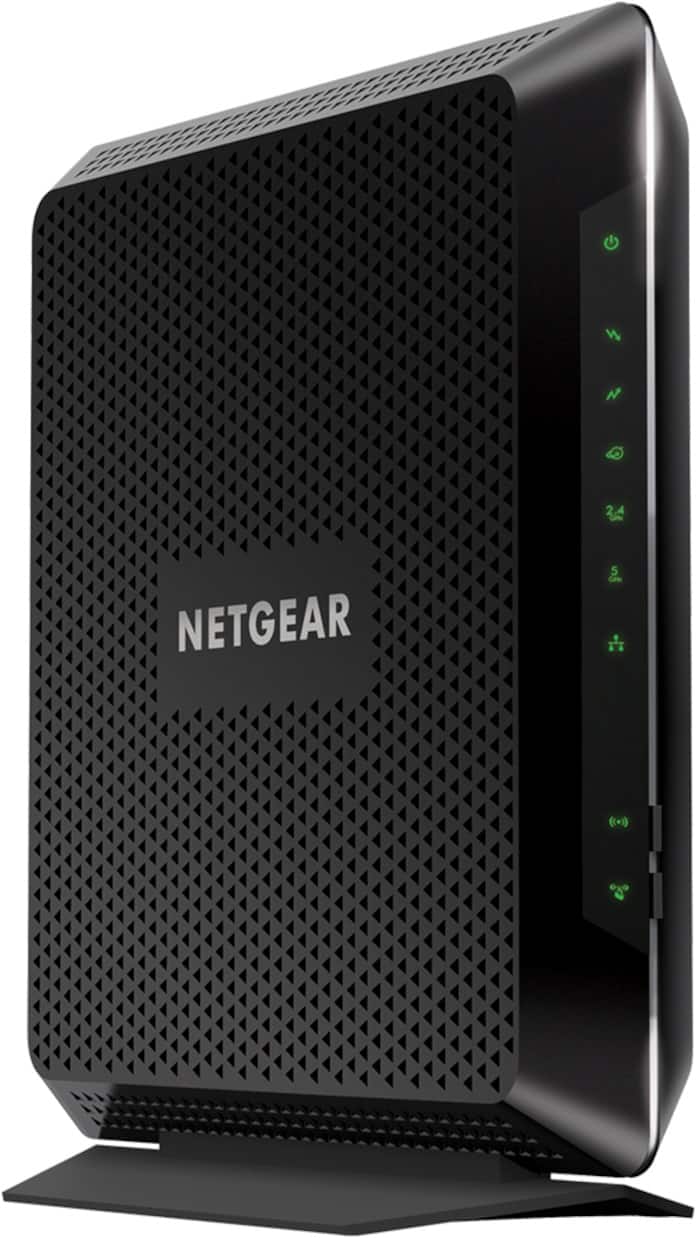
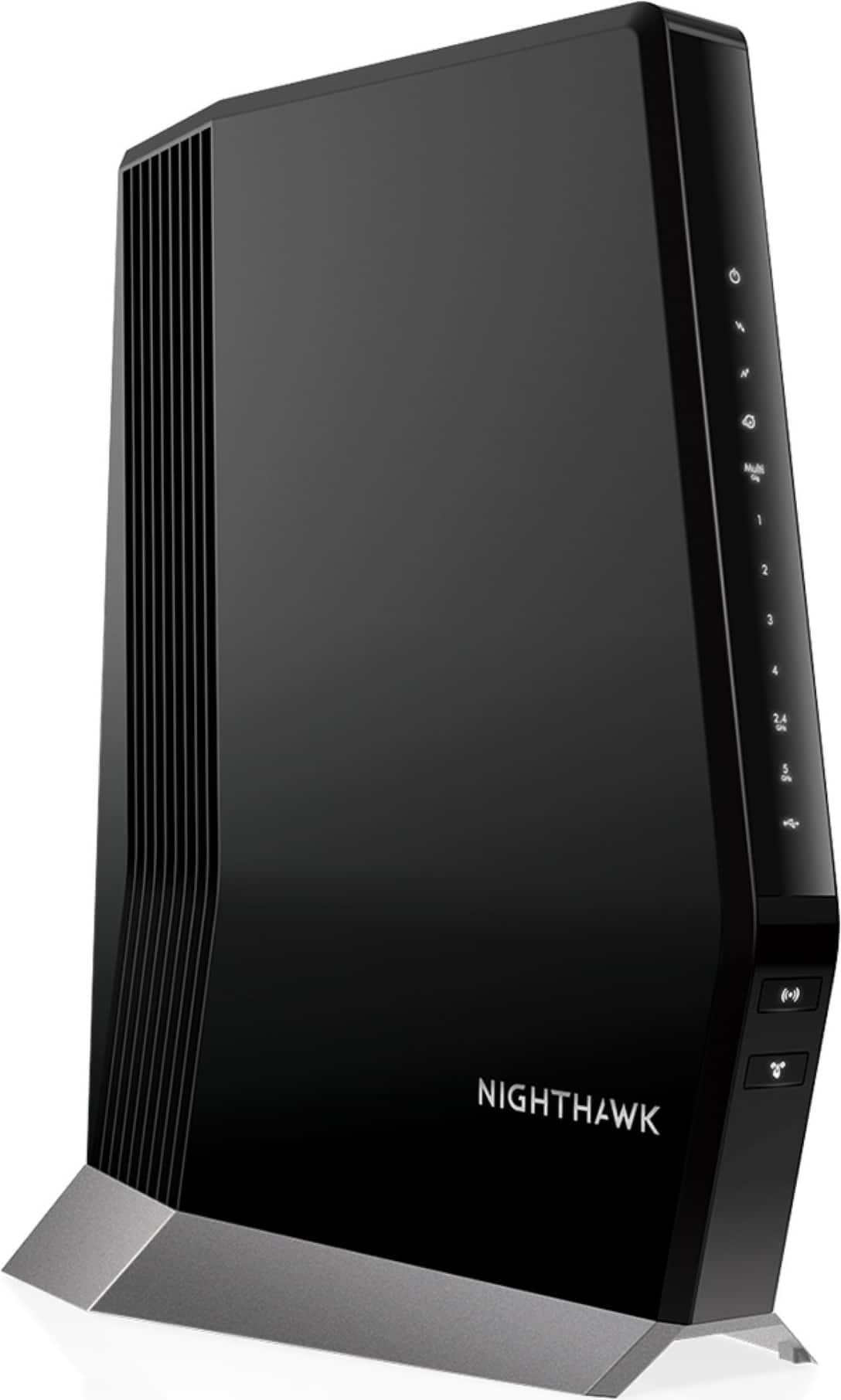
  1. NETGEAR - Nighthawk AC1900 Router with DOCSIS 3.0 Cable Modem - Black

    SKU: J2VY7YTZHG

    Great product!!!...This was a great purchase and I love that Best Buy carries top-notch items at the very best prices !!...Fast, great range, and best buy. Dual band is a lifesaver. Love it.

    Product Description

    A dual-band black modem-router combo offering up to 1.9Gbps WiFi speeds and DOCSIS 3.0 support.
    See all Wi-Fi Routers
    Your price for this item is $109.99
    Save $83
    The previous price was $192.99
  2. Nest Wifi - Mesh Router (AC2200) and 1 point with Google Assistant - 2 pack - Snow

    SKU: JJ8T5C7CRY

    BEST WIFI EVER...HANDS DOWN, THE BEST WIFI MESH SYSTEM EVER. GREAT COVERAGE, GREAT WIFI, GREAT SYSTEM....Love it!

    Product Description

    A dual-band mesh Wi-Fi system in snow color with built-in Google Assistant and parental controls.
    See all Mesh Wi-Fi
    Your price for this item is $149.00
  3. Nest Wifi - Mesh Router (AC2200) and 1 point with Google Assistant - 2 pack - Mist

    SKU: JJ8T5C72YJ

    Spotty at best...cloud connection, trouble viewing and controlling ethernet connected computers, but sometimes it works great...20 devices in the home all simultaneously accessing the Internet and all...

    Product Description

    A dual-band mesh Wi-Fi system in Mist with built-in Google Assistant and advanced parental controls.
    See all Mesh Wi-Fi
    Your price for this item is $219.99
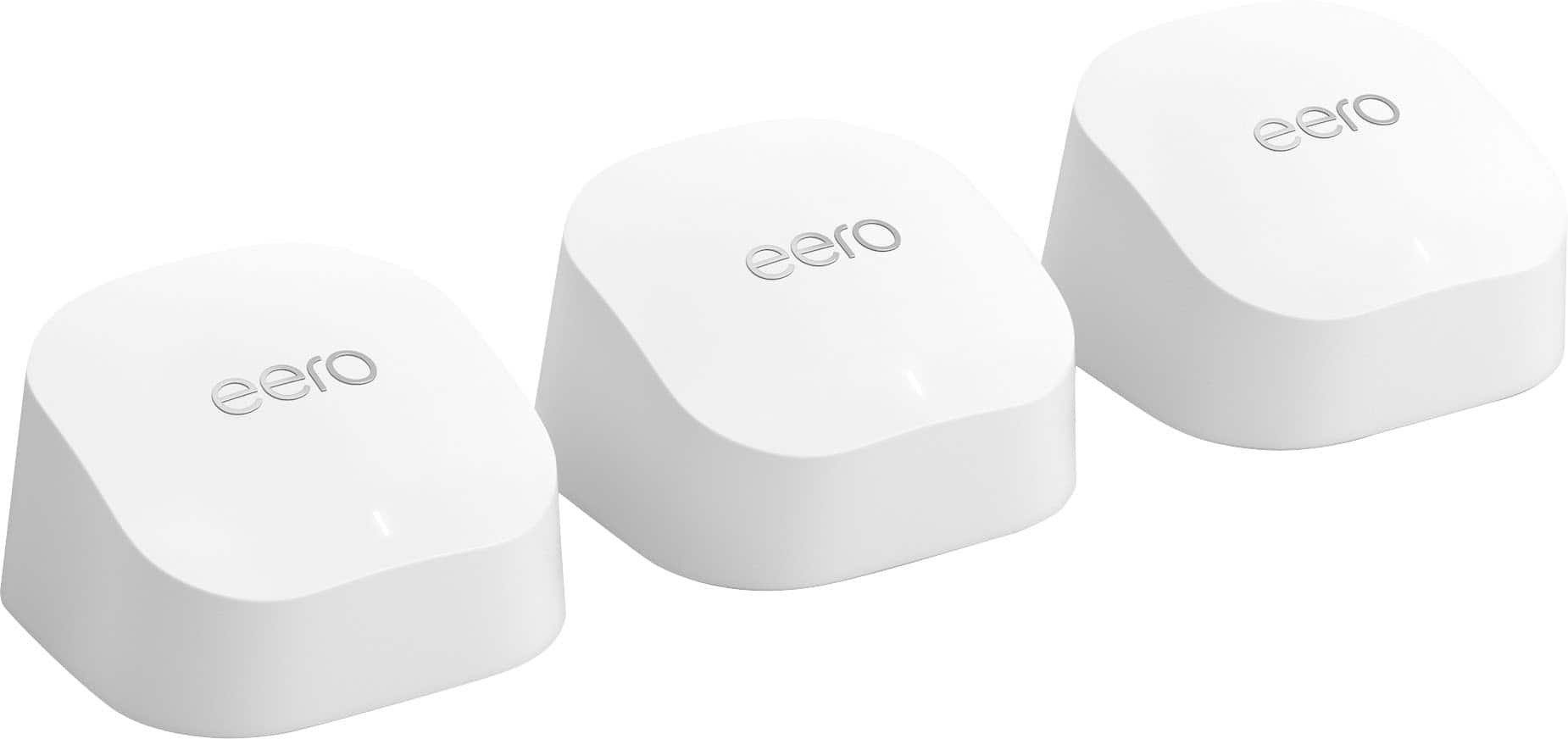
  4. eero - 6+ Dual-band Mesh Wi-Fi 6 System (3-pack) - White

    SKU: J39QV887TJ

    Best band mesh in the market...Love it. Works great at home and bought these for my son's apartment....Love this... it was the best upgrade i ever did for my home and work

    Product Description

    A dual-band mesh Wi-Fi 6 system in white offering gigabit speeds, strong coverage, and parental controls.
    See all Mesh Wi-Fi
    Your price for this item is $299.99
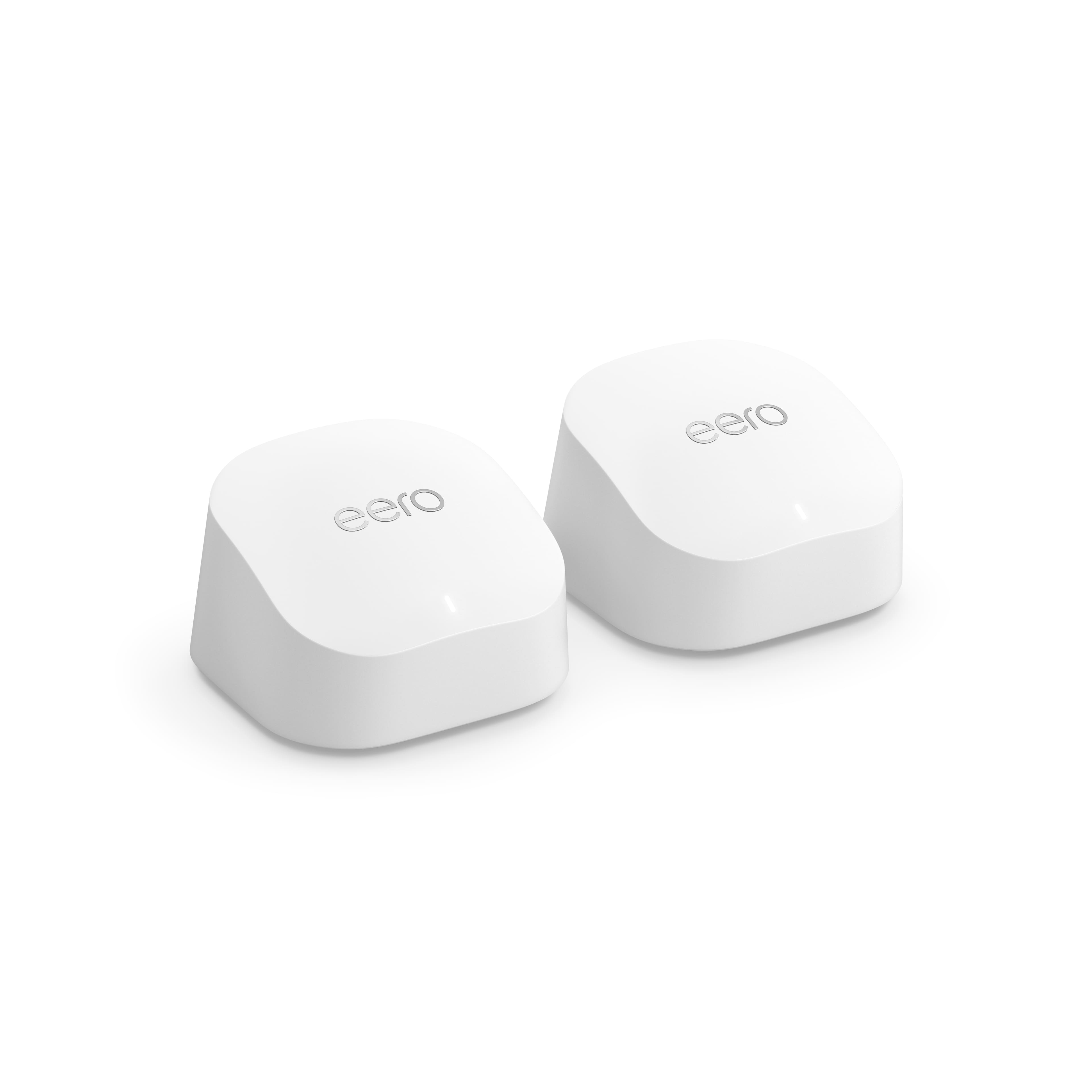
  5. eero - 6+ Dual-band Mesh Wi-Fi 6 System (2-pack) - White

    SKU: J39QV83JP8

    The eero was one of the best purchases that we made....The Geek Squad connected them for us as usual they did a great job, love the Geek Squad...Best system ever!...Absolutely love this system. App is...

    Product Description

    A dual-band mesh Wi-Fi 6 system in white offering gigabit speeds, strong coverage, and parental controls.
    See all Mesh Wi-Fi
    Your price for this item is $239.99
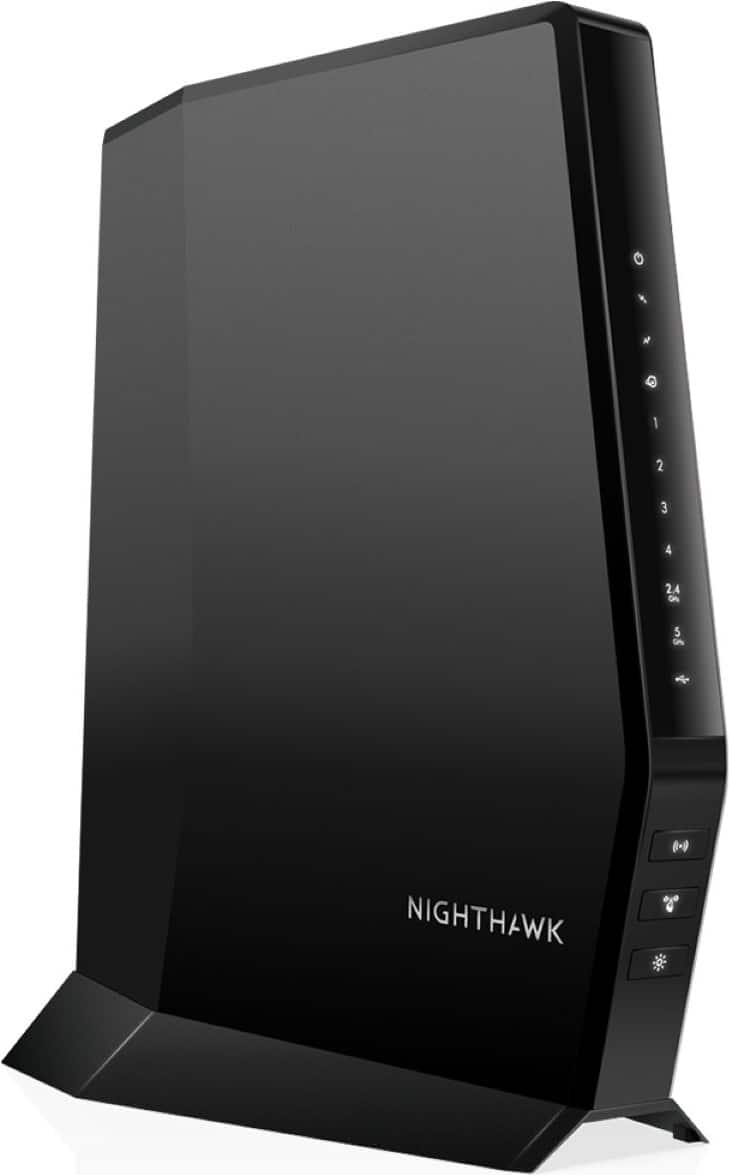
  6. NETGEAR - Nighthawk AX2700 Router with 32 x 8 DOCSIS 3.1 Cable Modem - Black

    SKU: J2VY7Y478H

    great...Fast love it so easy to set up would recommend to anyone 2850 sq ft home and no dead spots any place...we love it price and service at best buy is the best...Worked great one of the best routers...

    Product Description

    A black dual-band Wi-Fi 6 modem-router combo with DOCSIS 3.1, four LAN ports, and advanced security.
    See all Wi-Fi Routers
    Your price for this item is $299.99
    Save $80
    The previous price was $379.99
  7. NETGEAR - Nighthawk AX6000 Wi-Fi 6 Router with DOCIS 3.1 Cable Modem - Black

    SKU: J2VY7YZXRP

    Best Modem Combo...Love this modem combo.. I finally have the speeds that I'm paying for!! Great Job Everyone!!!! Kerry...I love this product, best buy I ever made. Strongly recomended

    Product Description

    A powerful black Wi-Fi 6 router and DOCSIS 3.1 modem combo for fast, reliable multi-device connectivity.
    See all Wi-Fi Routers
    Your price for this item is $499.99
  8. TP-Link - Deco AX3000 (3-pack) Dual-Band Whole Home Mesh Wi-Fi 6 System, Supports Gigabit Speeds - White

    SKU: J39QK2R4WT

    Best Mesh System...The app is great and was easy to setup. I love everything about it. Don’t buy Google Nest....The best system if you hard wire all 3 pods....I used it in a small business, the best results...

    Product Description

    A dual-band Wi-Fi 6 mesh system in white, supporting gigabit speeds and up to 150 devices.
    See all Mesh Wi-Fi
    Your price for this item is $165.95
    Save $4
    The previous price was $169.99
  9. TP-Link - Deco XE75 Pro AXE5400 Tri-Band Wi-Fi 6E Whole Home Mesh System (3-Pack) - White

    SKU: J39QK2QCVK

    Great!...Great mesh system. Easy to setup. Best Buy had the best price....Great Wi-Fi system...The best Wi-Fi mesh system I have ever tried … great coverage and speed

    Product Description

    A tri-band Wi-Fi 6E mesh system in white delivering fast, reliable whole-home coverage and parental controls.
    See all Mesh Wi-Fi
    Your price for this item is $279.99
    Save $150
    The previous price was $429.99
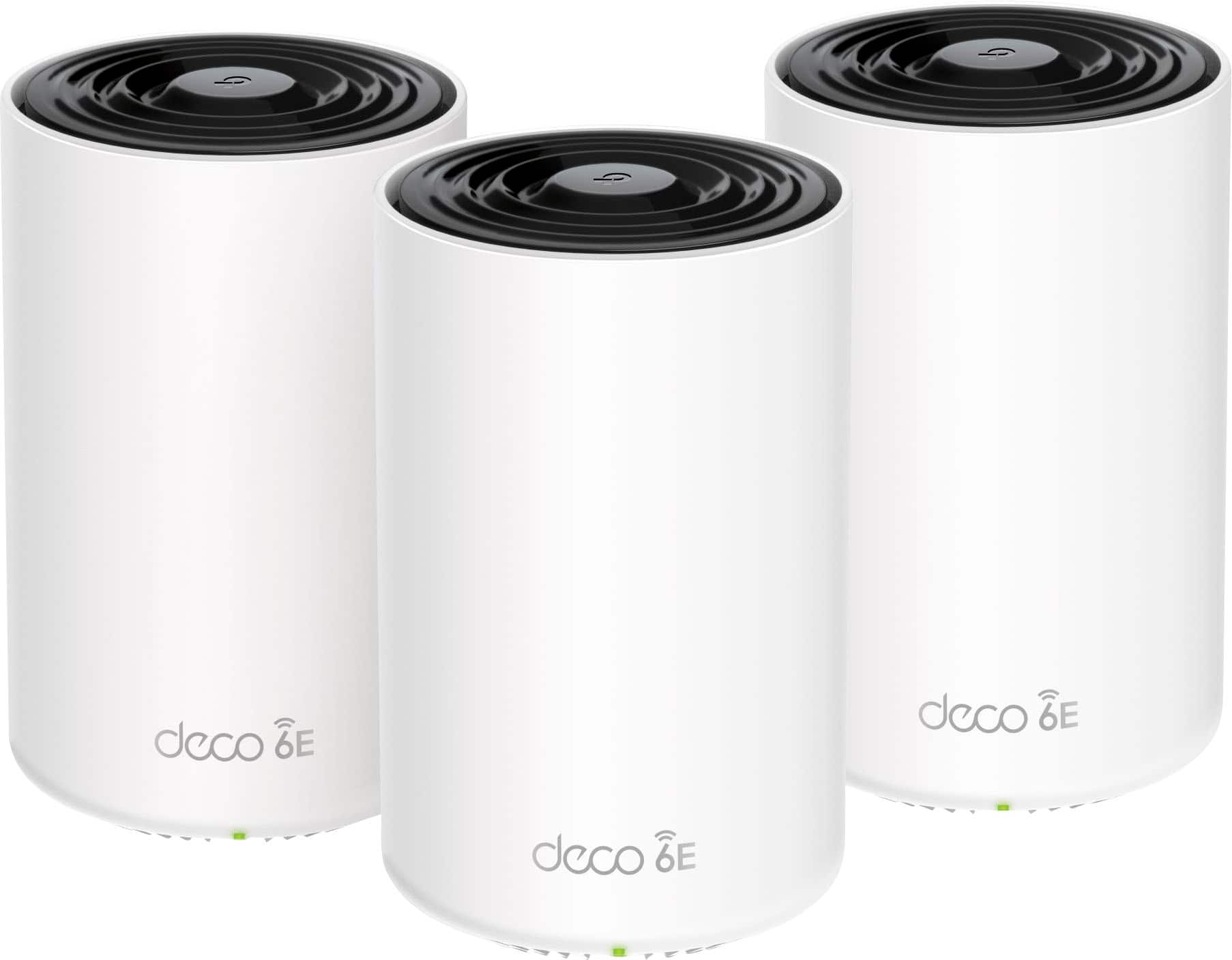
  10. NETGEAR - Nighthawk AX2400 Dual-Band Wi-Fi Router - Black

    SKU: J2VY7YZZWJ

    Great product...I love this router. So easy to set up and use. Great price and love the app....Great A...I love the features of this router the optional guest Wi-Fi is great

    Product Description

    A dual-band Wi-Fi 6 router in black with 2.4 Gbps speeds, four LAN ports, and WPA3 security.
    See all Wi-Fi Routers
    Your price for this item is $89.99

Back-to-school routines depend on a reliable connection for far more than homework. A student may be joining a live lecture from a bedroom while another family member uploads a work presentation, streams a tutorial in the kitchen and downloads a large game or software update in the background. Back To School Routers can help bring order to that busy mix of connected activity, making them a practical choice for households preparing for a new school routine, college students settling into an apartment or residence hall, and families replacing an older router that struggles when several devices are online at once. A dependable router distributes your internet connection throughout the home so laptops, tablets, phones, printers, smart displays and streaming devices can communicate smoothly. It does not create faster internet than your service plan provides, but a newer router can make better use of that connection, especially when it supports current Wi-Fi standards, multiple bands and technologies designed to reduce congestion. When comparing options, start with the size and layout of the space. A compact home or dorm room may need only a straightforward router, while a larger home with multiple floors, thick walls or distant bedrooms may benefit from stronger coverage or a compatible mesh system. Consider the number of people and devices that will be connected at the same time, not just the number of students in the household. A family of four can easily have dozens of connected devices, including smart TVs, watches, game consoles, security cameras and appliances. Coverage estimates are useful starting points, but walls, ceilings, building materials and nearby networks can affect real-world performance.

Speed and capacity are also important when choosing a router for schoolwork. Dual-band models use separate 2.4 GHz and 5 GHz connections, while newer tri-band options add another band to give compatible devices more room to communicate. The 2.4 GHz band generally travels farther and can work well through a larger portion of a home, while 5 GHz and newer bands can offer faster performance at shorter distances with less interference from some household devices. A router with automatic band steering can help place devices on an appropriate connection without requiring constant manual adjustments. Features such as beamforming, multi-user support and multi-link technology can improve how a router manages several active devices, which is useful when a video class, cloud document and research download are happening together. Wired connections remain valuable as well. Ethernet ports can provide a stable link for a desktop computer, gaming system, network printer or study-area docking station, and faster ports may be worth considering for households with a high-speed internet plan or a home server. Check the router’s supported speed ratings and port specifications alongside your modem and internet service, since every part of the network must support the desired performance. Students who move between home, campus and a shared apartment may appreciate simple setup through a mobile app, with on-screen guidance for naming the network, creating a password and checking connected devices. A router can also be a thoughtful practical gift for a student moving into a first apartment, particularly when the existing equipment is rented, outdated or shared by too many roommates. Pairing a new router with Back To School Laptops can help create a more complete study setup, from the computer used for assignments to the network that keeps online classes and cloud files accessible.

Placement and upkeep have just as much influence on performance as the specifications printed on the box. Set the router in a central, open location rather than inside a cabinet, behind a television or on the floor. An elevated shelf near the middle of the home often gives the signal a clearer path, while keeping the unit away from thick masonry, large metal objects, mirrors and appliances that may interfere with wireless communication. If the internet connection enters the home at one end of the building, a mesh point or wired access point may help extend coverage to a distant study area more consistently than simply turning up transmission power. After installation, use the router’s app or web interface to create a strong, unique network password and enable the latest available security option, such as WPA3, when all household devices support it. A separate guest network lets visitors connect without exposing shared printers, storage or other personal devices, and parental controls can help families set schedules, filter categories or pause internet access during study and sleep hours. Traffic-prioritization tools, often called Quality of Service or QoS, can give time-sensitive activities such as video calls and online classes more consistent access when someone else is streaming or downloading. These controls work best as part of a balanced household routine rather than as a substitute for a strong internet plan. Keep router firmware updated so security fixes and performance improvements are applied, and review the list of connected devices occasionally to spot equipment that no longer belongs on the network. During the warmer part of the year and through the cooler months that follow, a well-placed, properly secured router can support everything from orientation calls and digital textbooks to group projects, telecommuting and evening entertainment. The right choice comes down to the home’s layout, internet speed, number of users, desired controls and plans for future devices, with dependable coverage and straightforward management often proving more valuable than a peak speed number that few devices can use.

FAQ

When choosing a router for back to school, consider features like dual-band or tri-band connectivity, parental controls, strong security protocols (such as WPA3), easy setup, and support for multiple devices. These features help ensure fast, reliable internet for studying, streaming, and video conferencing.

Wi-Fi 6 routers offer faster speeds, improved performance in crowded networks, and better battery life for connected devices. This is especially helpful for students who need stable connections for online classes, research, and collaborative projects.

Mesh Wi-Fi systems can provide seamless coverage in larger spaces or areas with thick walls, but students should check dorm network policies before setting up a personal router or mesh system. When allowed, mesh Wi-Fi can help eliminate dead zones and maintain strong connections throughout apartments or shared living spaces where multiple students may be using the network simultaneously.

Parental controls can be valuable for families with younger students. They allow you to manage internet access times, filter inappropriate content, and monitor online activity to help create a safe and productive learning environment.

Modern routers are designed to handle dozens of connected devices at once. This is important for households or shared living spaces where multiple laptops, tablets, smartphones, and smart devices may be used simultaneously without sacrificing speed or reliability.