Best 40 Inch TV For Gaming
The best 40-inch TV for gaming should fit both your space and your console or PC setup. Compare options by resolution, refresh rate, and HDMI connectivity, and look for low input lag to help keep controls feeling responsive. Check each TV’s gaming features and compatibility to find the right fit for how you play.
What to look for in a 40-inch TV for gaming
Choosing the best 40-inch TV for gaming means balancing responsive controls, smooth motion, picture quality and connections for your setup.
1. Input Lag and Game Mode
2. Refresh Rate and Motion Clarity
3. Resolution and Picture Quality
4. HDMI Connections and Compatibility
-
1
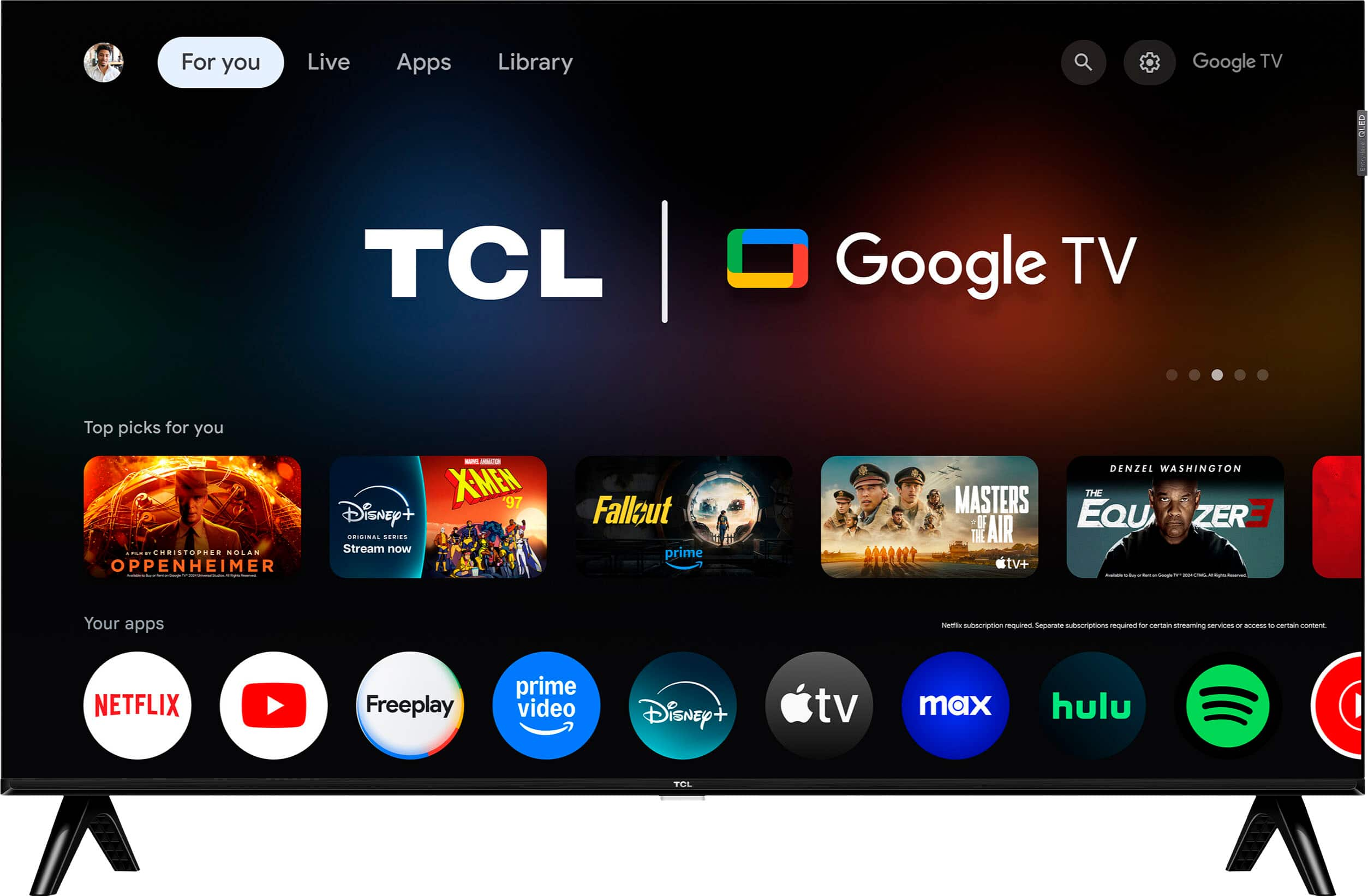
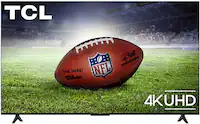
TCL - 40" Class Q3K Series 1080P FHD QLED Smart TV with Google TV (2025)
About this product
A black QLED Smart TV with 1080p Full HD, HDR, Google TV, and built-in Google Assistant.
What customers like
(643)$159.99Your price for this item is $159.99SAVE $70.00 -
2
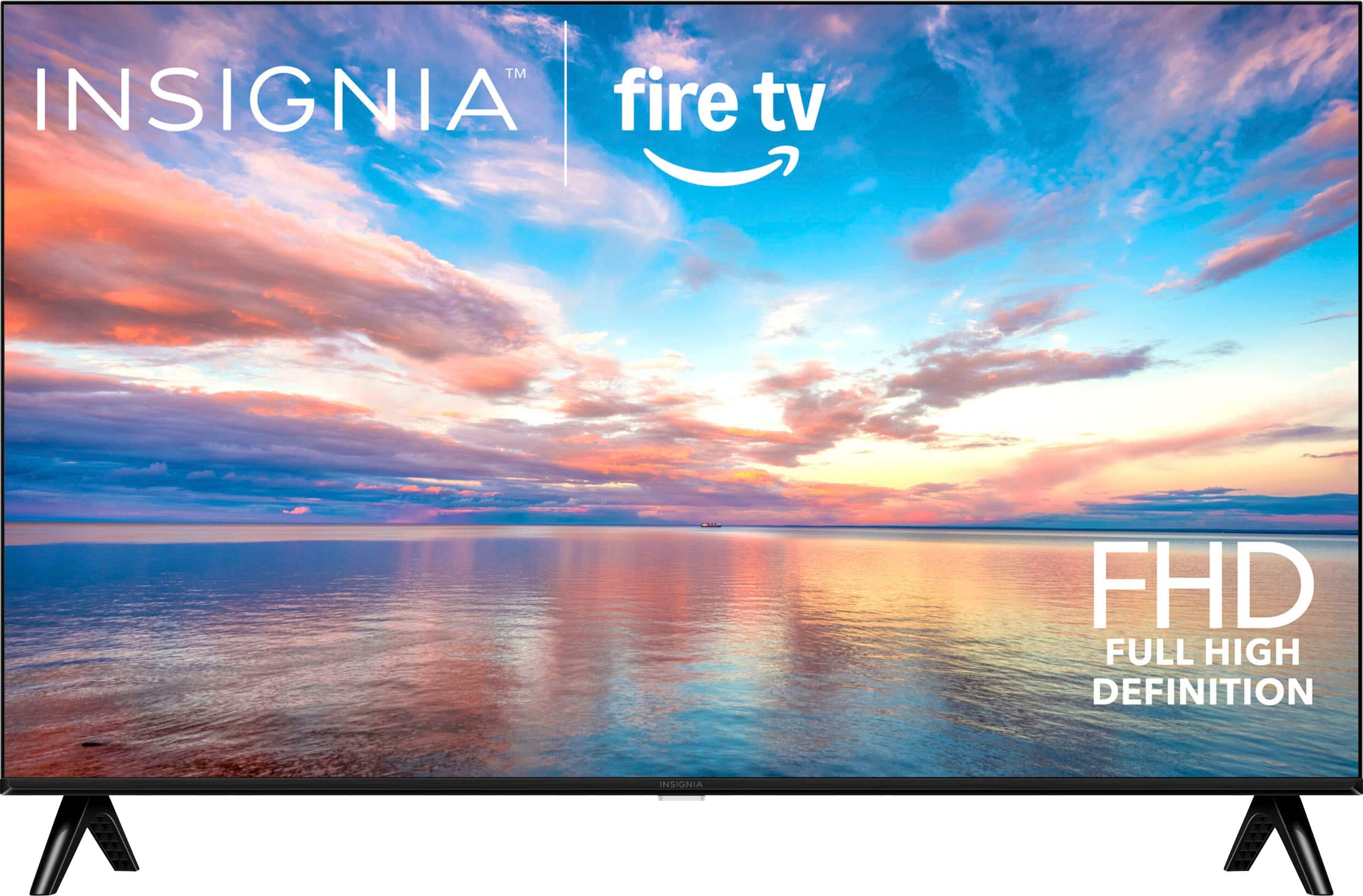
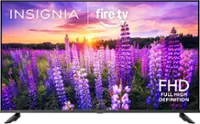
Insignia™ - 40" Class FE Series LED Full HD Smart Fire TV
About this product
A black LED smart TV with 1080p Full HD, Fire TV platform, Alexa voice control, and Dolby Atmos.
What customers like
(732)$119.99Your price for this item is $119.99SAVE $30.00 -
3
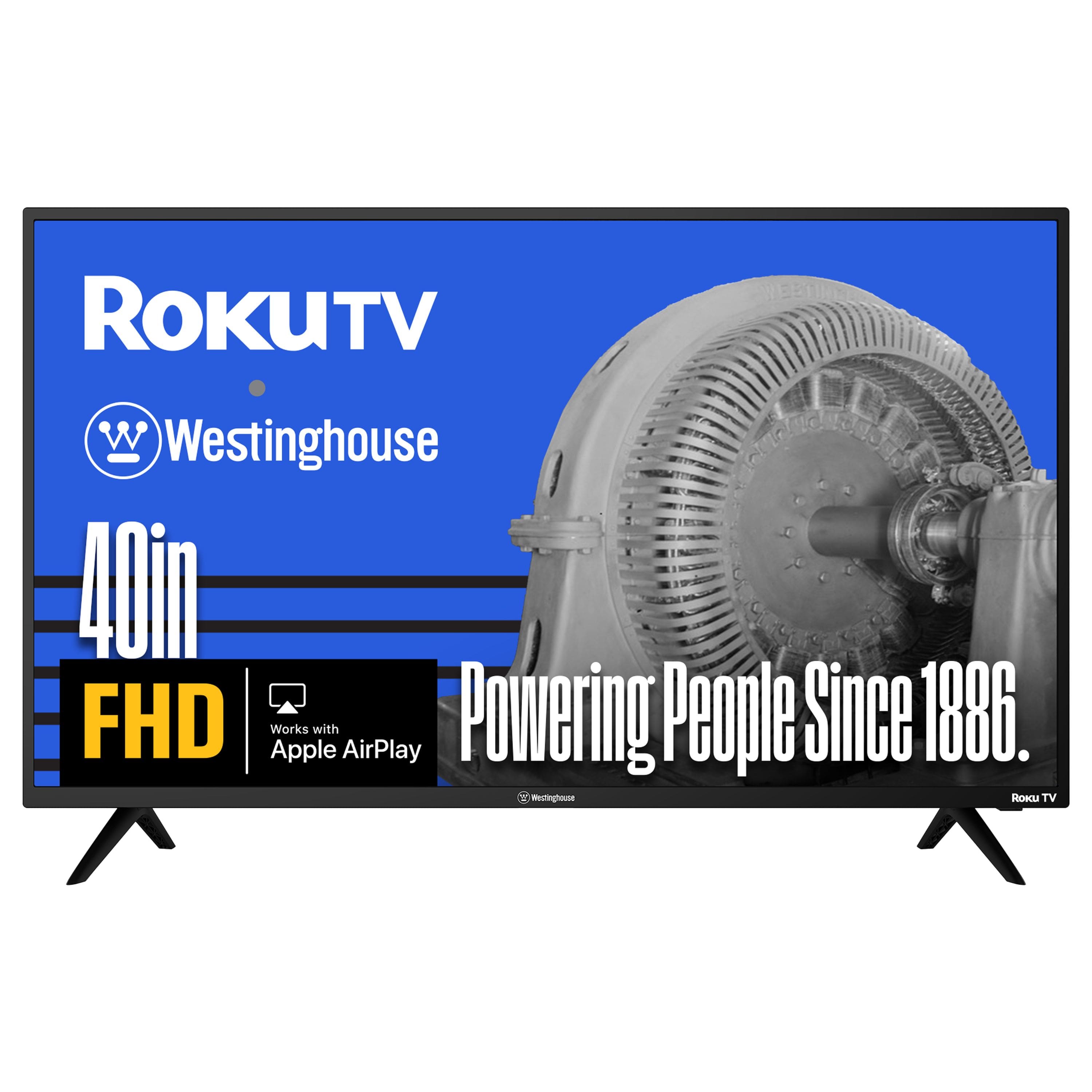
Westinghouse - 40-inch Smart Roku TV, FHD, Wi-Fi, Flat Screen, Works with Apple AirPlay, Alexa & Google Assistant
About this product
A smart LED TV with Full HD 1080p resolution, Roku platform, Wi-Fi, Bluetooth, and voice assistant compatibility.
(1)$169.99Your price for this item is $169.99SAVE $10.00 -
4

Hisense - 40" Class A4 Series LED Full HD 1080P Smart Fire TV (2025)
About this product
A black smart LED TV featuring Full HD 1080p, Fire TV, Alexa voice remote, and DTS:X sound.
What customers like
(148)$169.99 Your price for this item is $169.99 -
5
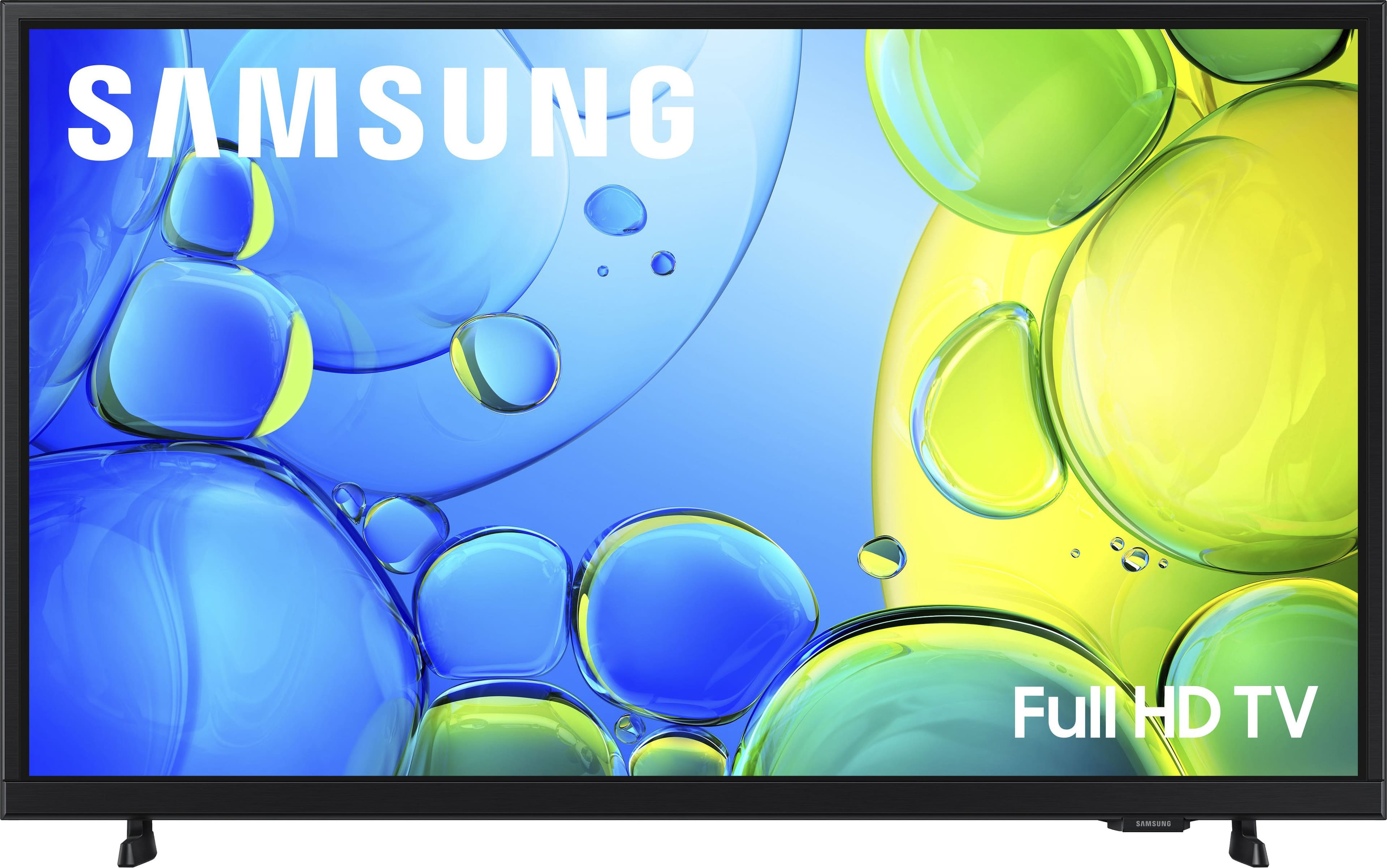
Samsung - 40" Class F6000F Series LED Full HD Smart Tizen TV (2025)
About this product
A sleek black LED Smart TV with Full HD resolution, HDR, virtual 3D sound, and Alexa compatibility.
What customers like
(1,026)$199.99 Your price for this item is $199.99 -
6

Westinghouse - 40-inch Smart Xumo TV, FHD 1080P w/Voice Remote, Flat LED Display, Apple HomeKit & Wi-Fi for streaming
About this product
A Full HD 1080p smart LED TV with voice remote, Apple HomeKit, Wi-Fi, and glare resistance.
(0)$154.99Your price for this item is $154.99SAVE $6.00 -
7
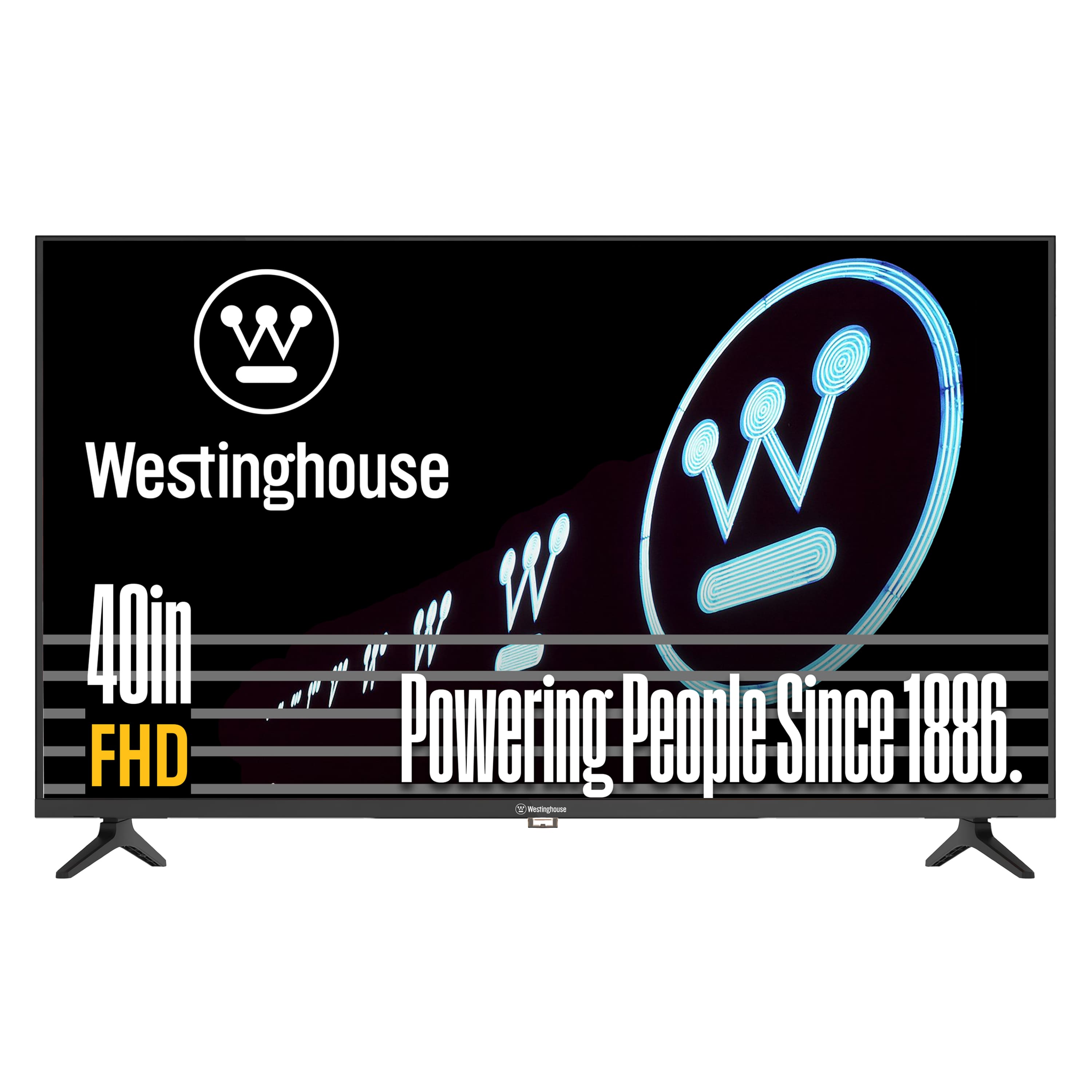
Westinghouse - 40-inch 1080p HD LED Non-Smart TV, HDMI, VGA, Compatible with Fire Stick, Roku, Apple TV
About this product
A black LED TV with 1080p Full HD, 60Hz refresh rate, HDMI/USB connectivity, and built-in speakers.
(0)$229.99Your price for this item is $229.99SAVE $70.00 -
8

Westinghouse - 40-inch 1080p HDTV ,Built-in DVD Player, Non-Smart, HDMI, Compatible with Roki TV, Fire Stick & Apple TV
About this product
A black LED HDTV with 1080p, built-in DVD player, 60Hz refresh rate, HDMI, and USB ports.
(0)$249.99Your price for this item is $249.99SAVE $80.00
Best 40 Inch TV For Gaming
FAQs
HDMI carries video and audio from a gaming console or compatible PC to a TV. Check each port’s supported resolution, refresh rate, and gaming features, since capabilities can vary between ports on the same TV. Your source device and HDMI cable also need to support the settings you plan to use.
Refresh rate, measured in hertz (Hz), describes how often a TV updates its picture. Frame rate, measured in frames per second (fps), describes how many frames a console or PC produces. A TV’s native refresh rate is different from advertised motion-processing ratings.
Game Mode is a picture setting that typically limits video processing to reduce input lag. Auto Low Latency Mode (ALLM) allows a compatible source device to signal the TV to switch into a low-latency setting automatically. Variable Refresh Rate (VRR) lets a compatible TV adjust its refresh timing to match the source device’s frame output.
HDR10, Dolby Vision, and HDR10+ are HDR formats you may encounter, but gaming support varies by TV, console, PC, and game. Check compatibility across your setup rather than assuming that every HDR format supported for movies is also supported for gaming.
Common connection options include HDMI ARC, HDMI eARC, and optical audio, depending on the equipment. HDMI eARC supports higher-bandwidth audio formats than ARC, but both devices must support the format you want to use. If you route a console through a soundbar or receiver, also check its video passthrough specifications.