Best Anti-Virus
Compare antivirus software to find the best fit for your devices and security needs. As you browse the options, check supported operating systems, the number of devices covered, malware protection features, and subscription or renewal terms to choose coverage that works for you.
What to look for in antivirus software
Choosing the best antivirus software for your needs means comparing security features, device compatibility, performance and subscription costs.
1. Threat Protection
2. Device Compatibility And Coverage
3. Performance And Ease Of Use
4. Subscription Cost And Included Features
-
1

McAfee - AntiVirus (1-Device) Antivirus & Internet Security Software (1-Year Subscription with Auto-Renewal) - Windows [Digital]
About this product
A digital subscription providing real-time antivirus, firewall, and web protection for one Windows device.
What customers like
(112)$24.99Your price for this item is $24.99SAVE $28.00 -
2
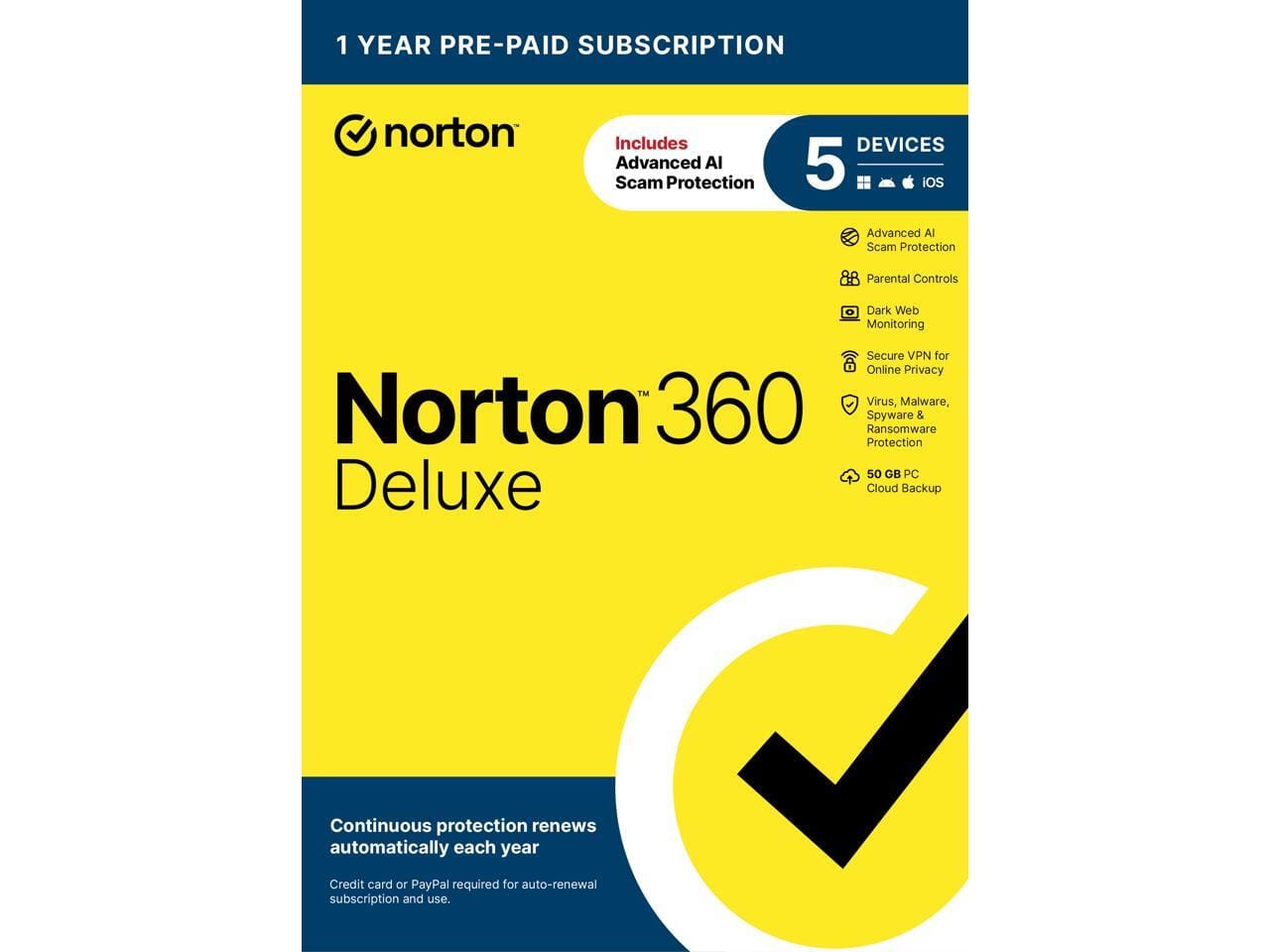
Norton - 360 Deluxe – Antivirus for 5 Devices with AI Scam Protection, VPN, Dark Web Monitoring & Cloud Backup - Windows
About this product
An antivirus suite for five Windows devices with AI scam protection, VPN, and dark web monitoring.
(0)$37.50 Your price for this item is $37.50 -
3
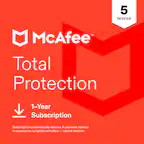
McAfee - Total Protection (5-Device) Antivirus Software with Scam Protection (2-Year Subscription with Auto-Renewal) - Windows, Mac OS, Chrome, Apple iOS, Android [Digital]
About this product
A comprehensive digital security suite offering antivirus, scam protection, identity monitoring, and VPN for five devices.
What customers like
(740)$49.99Your price for this item is $49.99SAVE $200.00 -
4
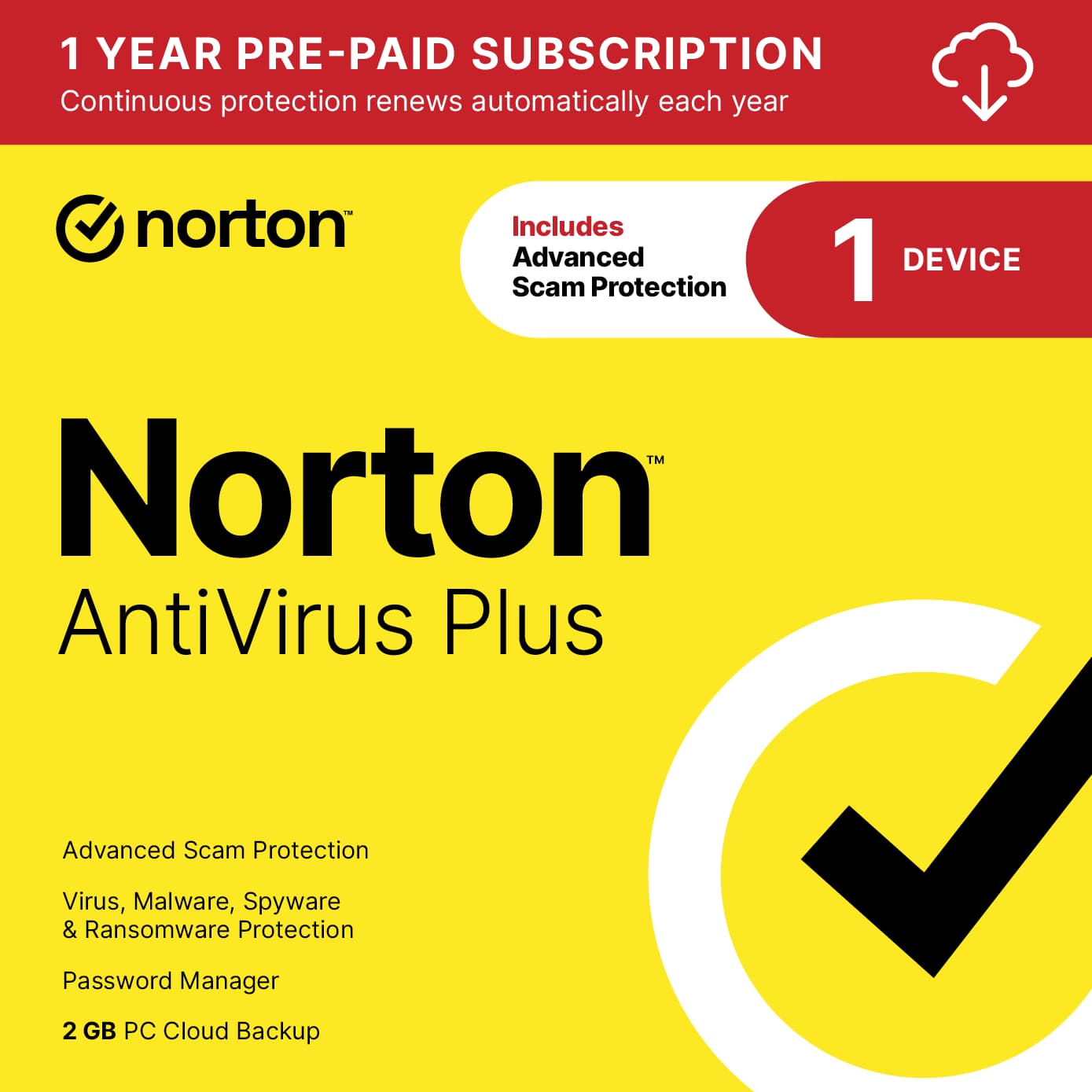
Norton - AntiVirus Plus (1 Device) Antivirus Software + Scam Protection + Smart Firewall + PC Cloud Backup (1 Year Subscription) - Android, Apple iOS, Mac OS, Windows [Digital]
About this product
A comprehensive digital security solution offering antivirus, scam protection, smart firewall, and cloud backup for one device.
What customers like
(205)$19.99Your price for this item is $19.99SAVE $30.00 -
5

Bitdefender - Antivirus Plus (1-Device) (1-Year Subscription) - Windows
About this product
An advanced cybersecurity solution for Windows PCs, featuring VPN, Safepay, ad blocker, and easy installation.
(16)$19.99Your price for this item is $19.99SAVE $20.00 -
6
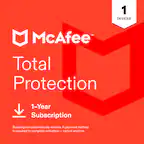
McAfee - Total Protection (3-Device) Antivirus Software with Scam Protection (1-Year Subscription with Auto-Renewal) - Windows, Mac OS, Chrome, Apple iOS, Android [Digital]
About this product
A comprehensive digital security suite offering antivirus, scam protection, identity monitoring, and VPN for three devices.
What customers like
(740)$21.99Your price for this item is $21.99SAVE $83.00 -
7

Bitdefender - Antivirus Plus (3-Device) (2-Year Subscription) - Windows
About this product
A comprehensive cybersecurity solution for Windows PCs with VPN, Safepay, and parental controls for three devices.
(11)$44.99Your price for this item is $44.99SAVE $35.00 -
8

Trend Micro - Ultimate Protection Antivirus + Scam + Identity Protection (20-Device) (1-Year Subscription) - Android, Apple iOS, Chrome, Mac OS, Windows [Digital]
About this product
An all-in-one digital security solution offering device, scam, and identity protection across major operating systems.
What customers like
(69)$20.99Your price for this item is $20.99SAVE $94.00
Best Anti-Virus
FAQs
Check the software’s supported operating systems and versions, along with any account requirements. If you use Windows, macOS, Android, or iOS devices, confirm compatibility with each platform you plan to include.
Some antivirus subscriptions include licenses for multiple devices, while others are limited to one. Review the device allowance and supported platforms to find an option that fits your household’s mix of computers, phones, and tablets.
Installation typically involves downloading the software from the provider’s official website, signing in or creating an account, and entering an activation code if one is provided. Follow the provider’s setup instructions to activate your license.
Automatic renewal extends your subscription at the end of its term using the payment method on file, according to the provider’s terms. Manual renewal requires you to renew it yourself. Check your account settings for renewal preferences and cancellation options.
Many antivirus programs let you adjust notifications and schedule scans through their settings menu. Available controls vary by software and operating system, so check the feature details if scheduling or notification preferences are important to you.