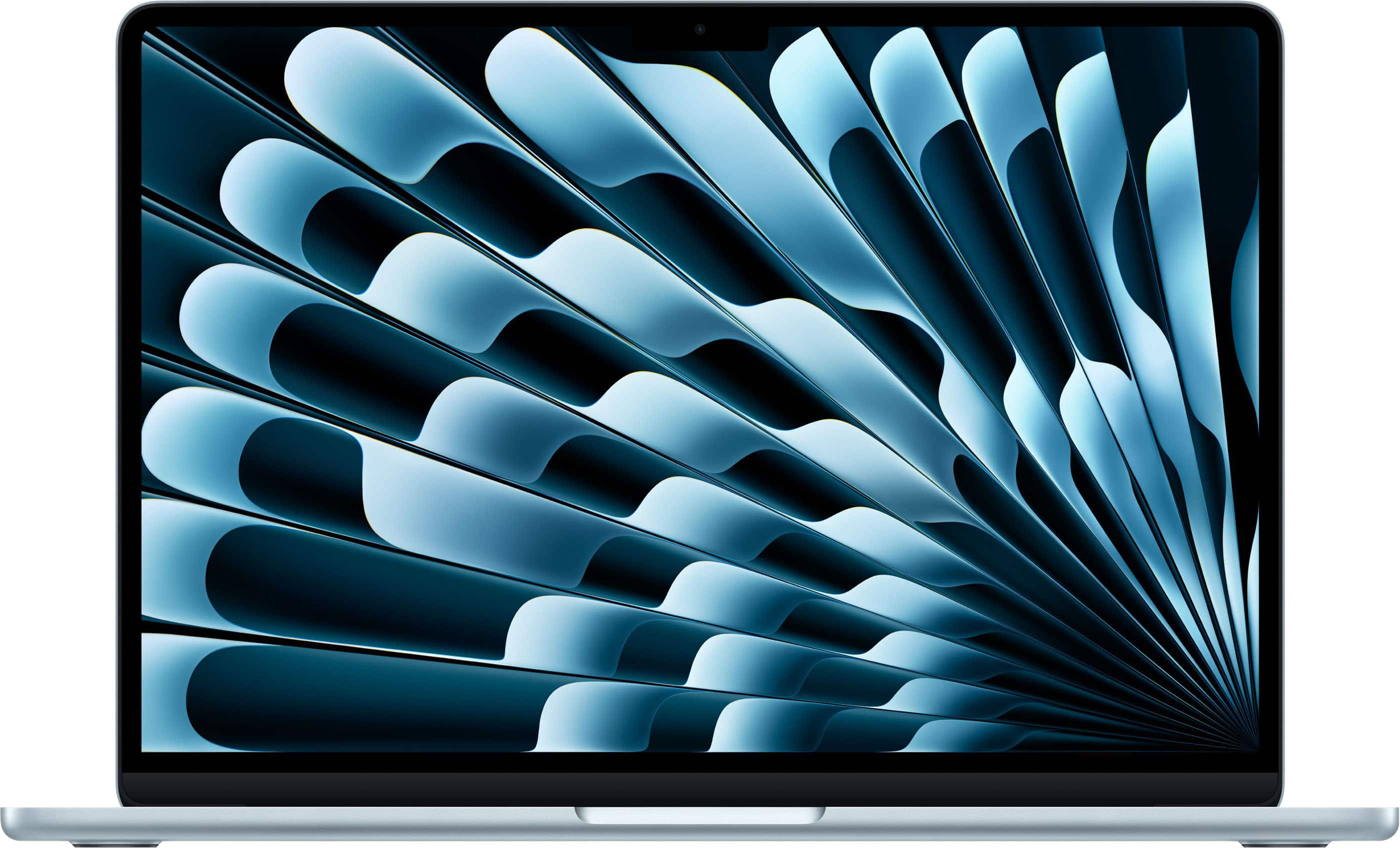
Top Rated Apple Computer For College Students
Finding the best Apple computer for college students starts with your coursework, budget, and study habits. Compare available Mac computers by performance, memory, and storage, and check that your choice supports the software your classes require. If you’ll carry a laptop between lectures, consider weight and battery life; if you mostly work at a desk, think about screen size and workspace needs.
What to look for in an Apple computer for college students
The best Apple computer for college depends on your coursework, study habits and budget.
1. Performance and Memory
2. Portability and Battery Life
3. Storage Capacity
4. Software and Accessory Compatibility
-
1
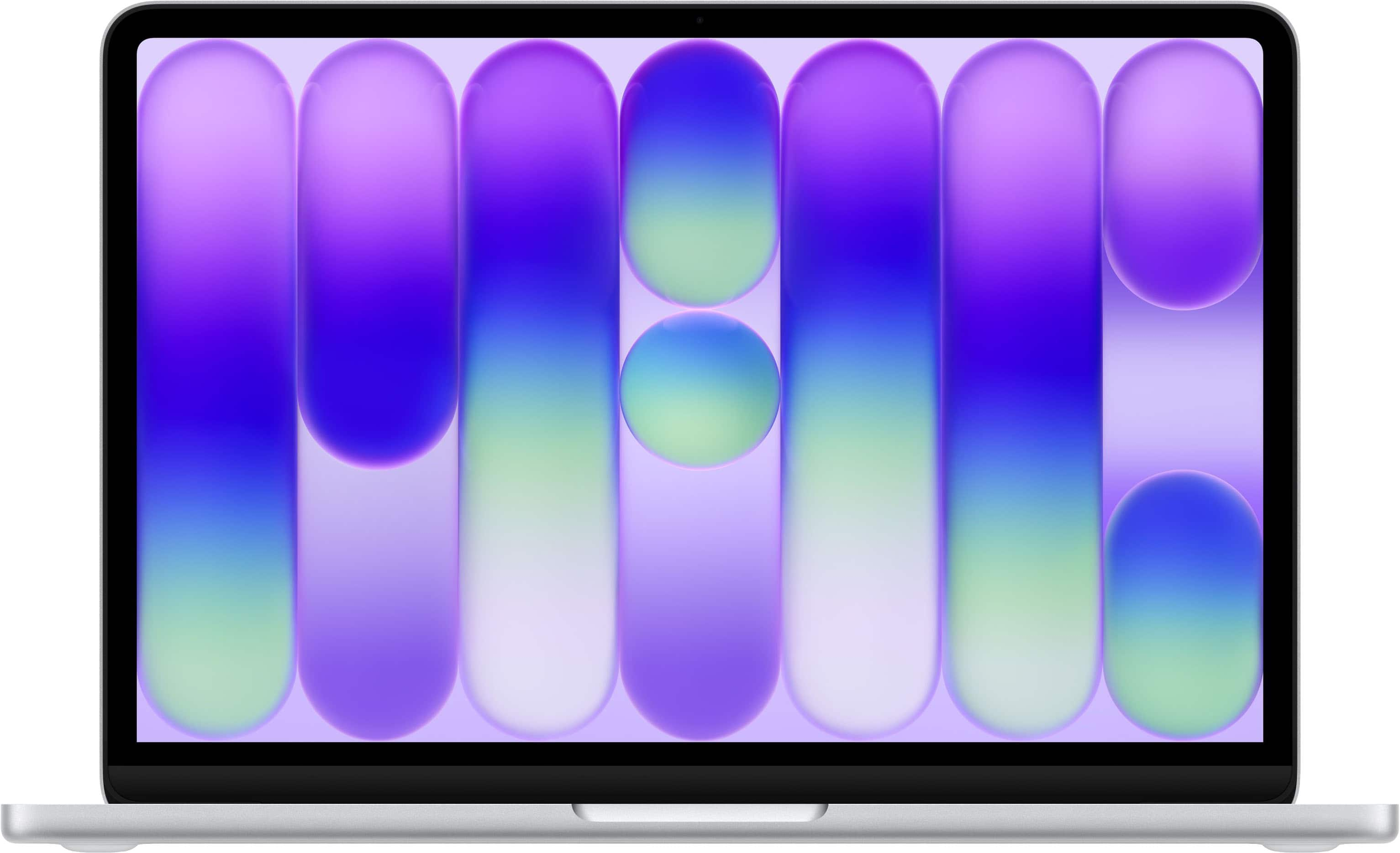
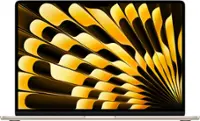
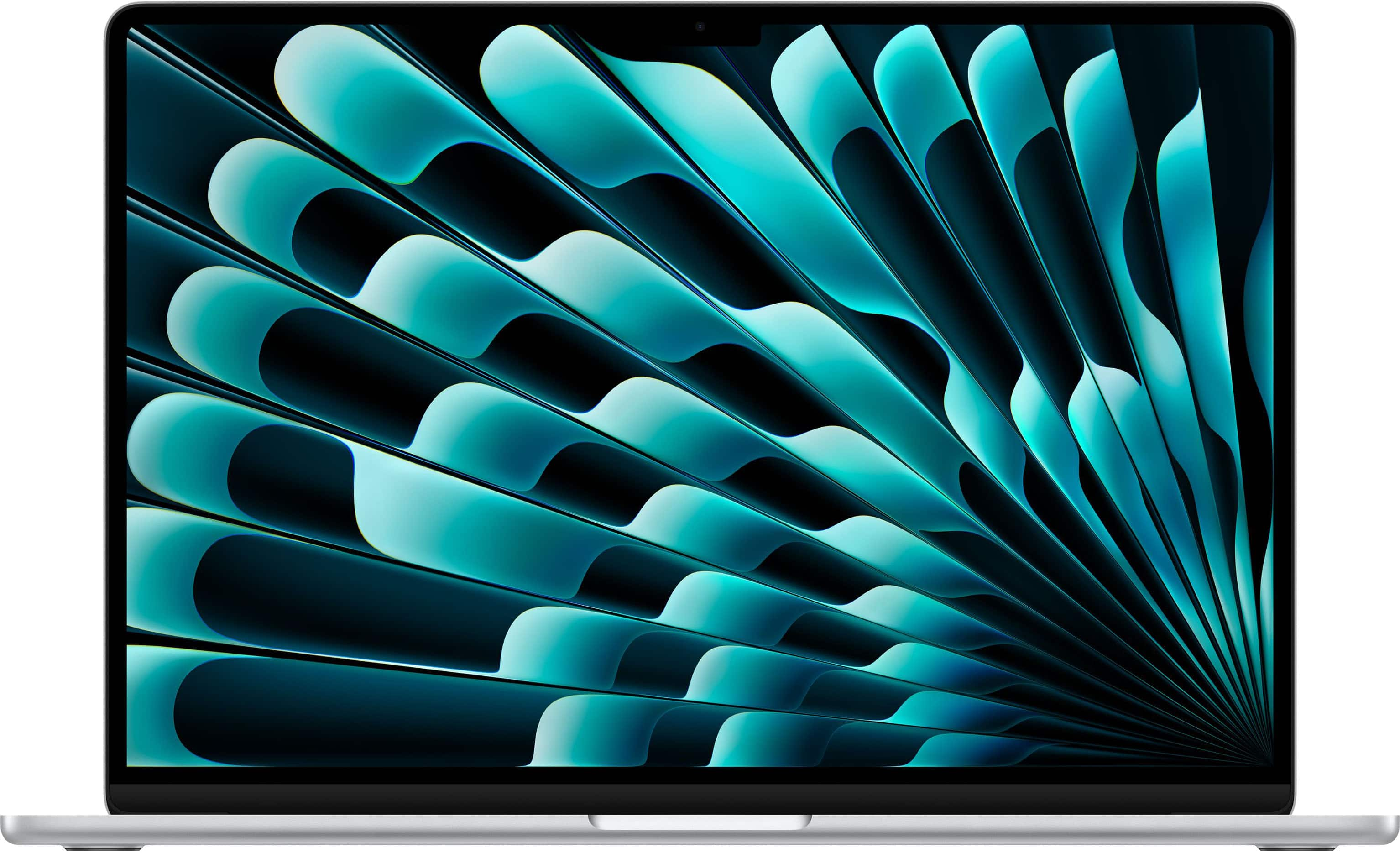
Apple - MacBook Neo 13-inch Laptop - A18 Pro chip with 6‑core CPU and 5‑core GPU - 8GB Memory - 256GB SSD - Silver
About this product
A sleek silver laptop featuring an A18 Pro chip, 8GB memory, 256GB SSD, and Liquid Retina display.
What customers like
(216)$649.00Your price for this item is $649.00SAVE $50.00 -
2
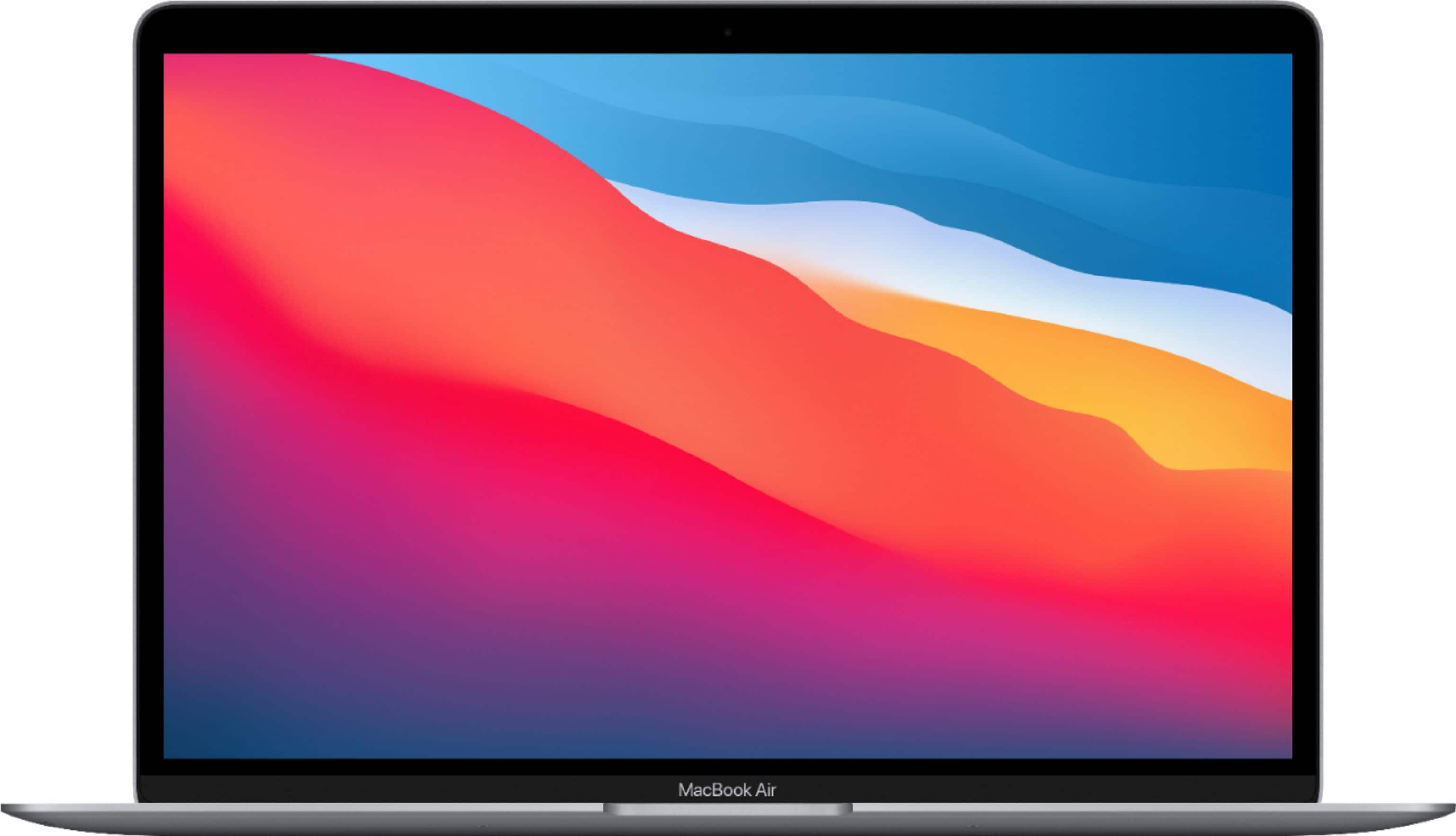
MacBook Air 13.3" Laptop - Apple M1 chip - 8GB Memory - 256GB SSD - Space Gray
About this product
A sleek Space Gray laptop featuring the Apple M1 chip, 8GB memory, and a 256GB SSD.
What customers like
(12,558)$784.95 Your price for this item is $784.95 -
3

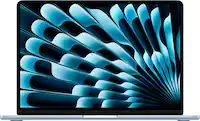
Apple - MacBook Neo 13-inch Laptop - A18 Pro chip with 6‑core CPU and 5‑core GPU - 8GB Memory - 512GB SSD - Indigo
About this product
An indigo aluminum laptop featuring an A18 Pro chip, 8GB memory, 512GB SSD, and Liquid Retina display.
What customers like
(1,592)$749.00Your price for this item is $749.00SAVE $50.00 -
4
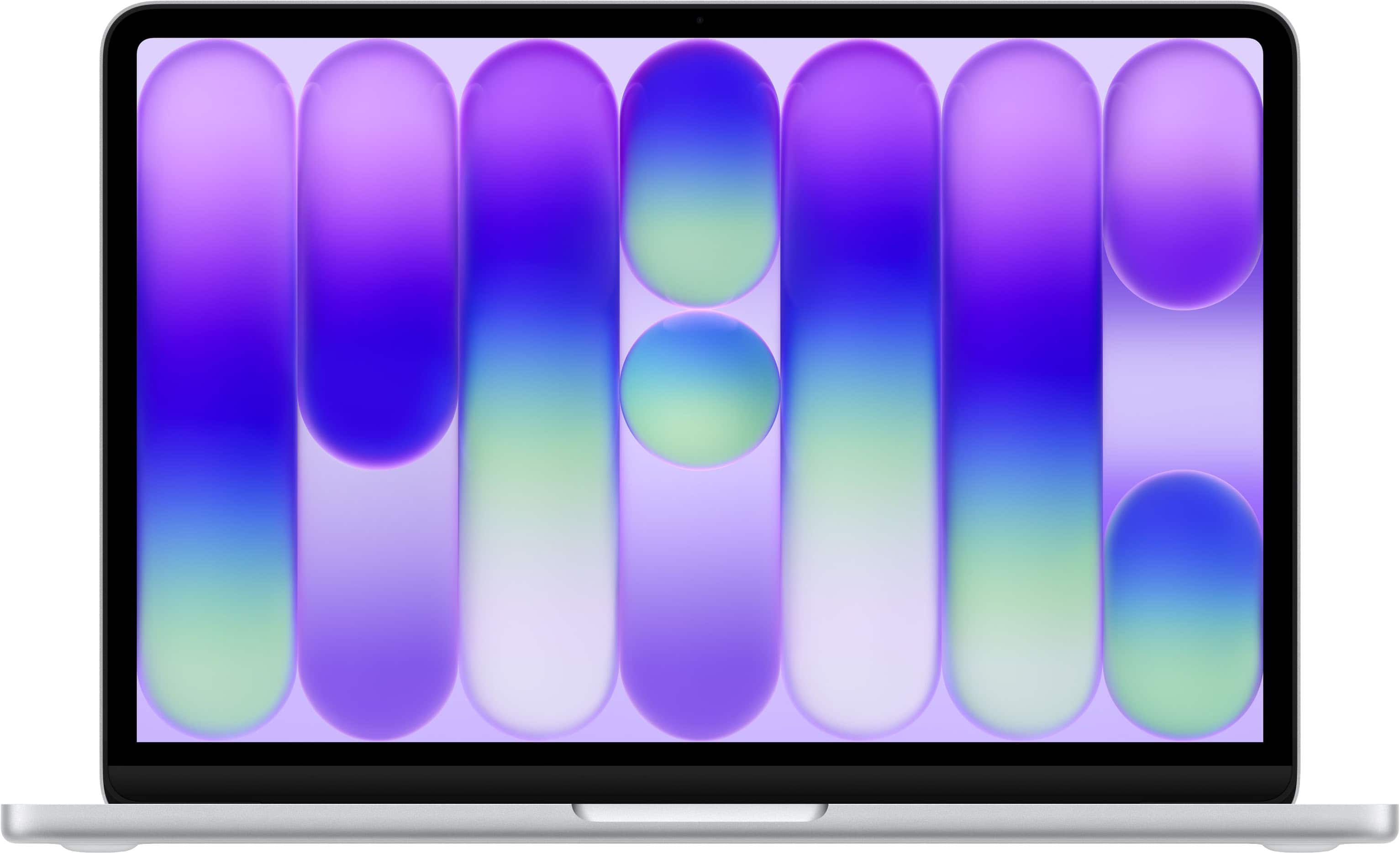
Apple - MacBook Neo 13-inch Laptop - A18 Pro chip with 6‑core CPU and 5‑core GPU - 8GB Memory - 512GB SSD - Silver
About this product
A sleek silver laptop featuring an A18 Pro chip, 8GB memory, and a 512GB SSD for productivity.
What customers like
(1,592)$749.00Your price for this item is $749.00SAVE $50.00 -
5
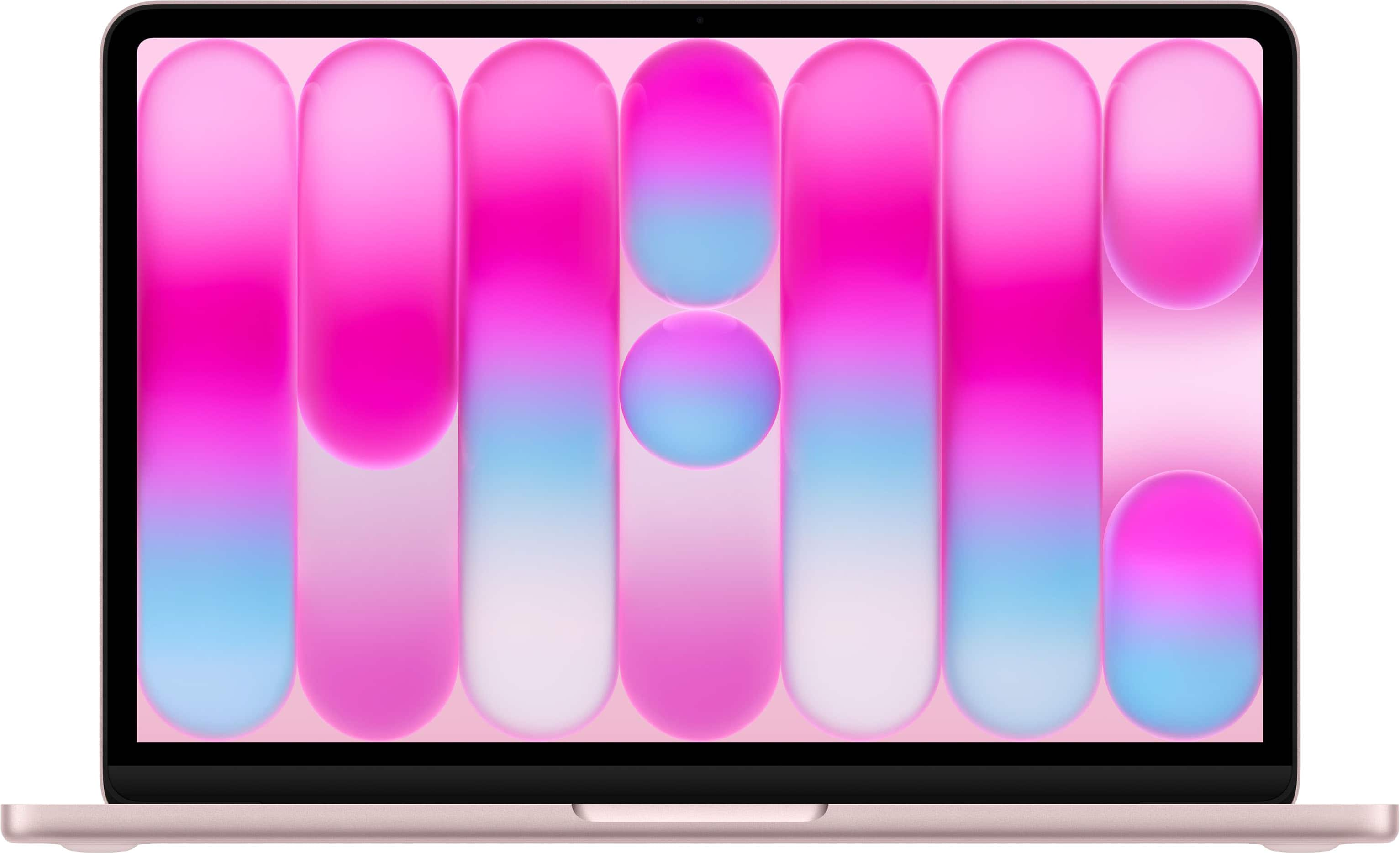
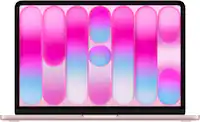
Apple - MacBook Neo 13-inch Laptop - A18 Pro chip with 6‑core CPU and 5‑core GPU - 8GB Memory - 512GB SSD - Blush
About this product
A lightweight blush aluminum laptop featuring an A18 Pro chip, 8GB memory, and 512GB SSD storage.
What customers like
(1,592)$749.00Your price for this item is $749.00SAVE $50.00 -
6

Apple - MacBook Neo 13-inch Laptop - A18 Pro chip with 6‑core CPU and 5‑core GPU - 8GB Memory - 256GB SSD - Indigo
About this product
An indigo aluminum laptop featuring an A18 Pro chip, 8GB memory, 256GB SSD, and Liquid Retina display.
What customers like
(618)$649.00Your price for this item is $649.00SAVE $50.00 -
7
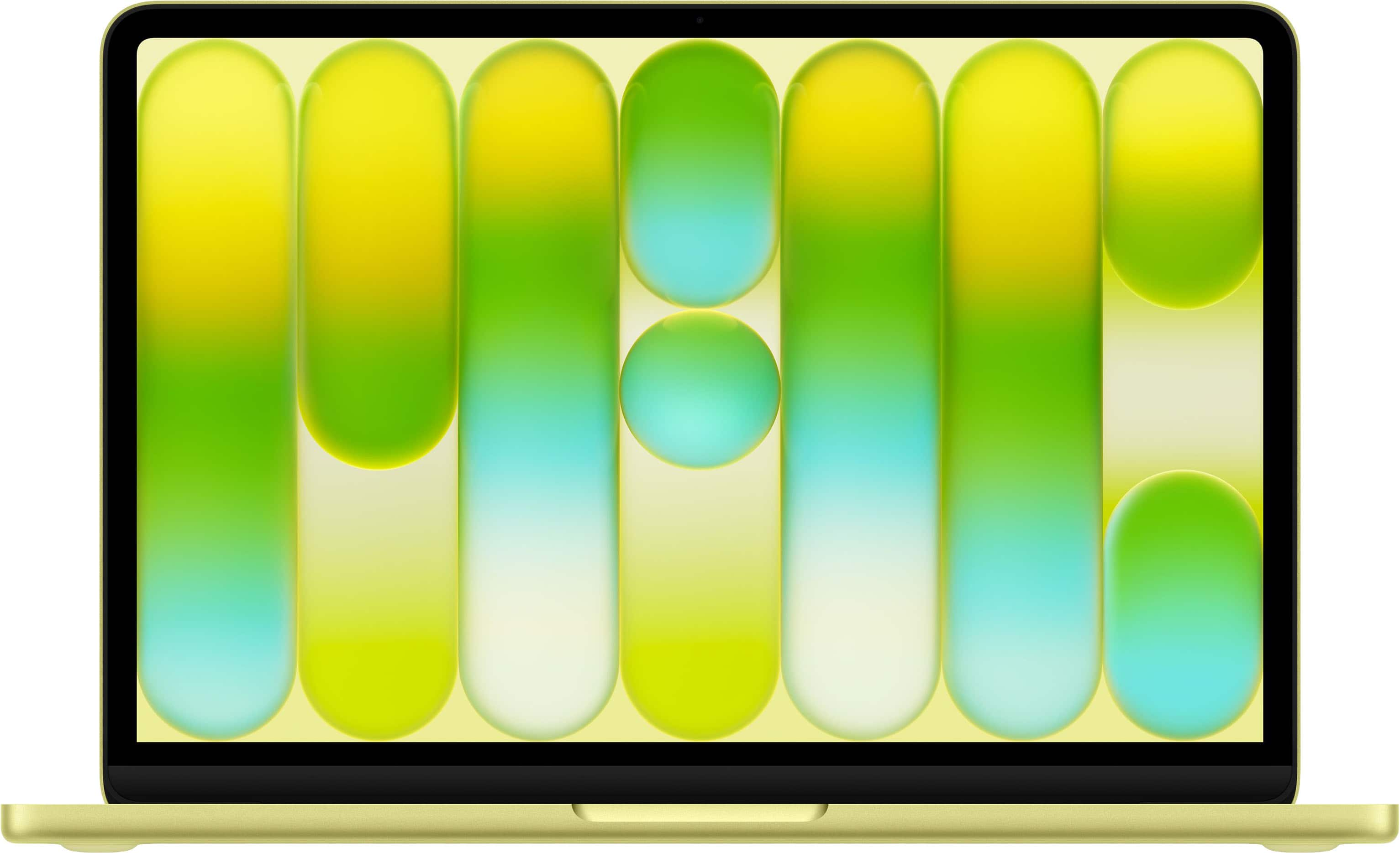
Apple - MacBook Neo 13-inch Laptop - A18 Pro chip with 6‑core CPU and 5‑core GPU - 8GB Memory - 512GB SSD - Citrus
About this product
A lightweight citrus aluminum laptop featuring an A18 Pro chip, 8GB memory, and 512GB SSD storage.
What customers like
(1,592)$749.00Your price for this item is $749.00SAVE $50.00 -
8
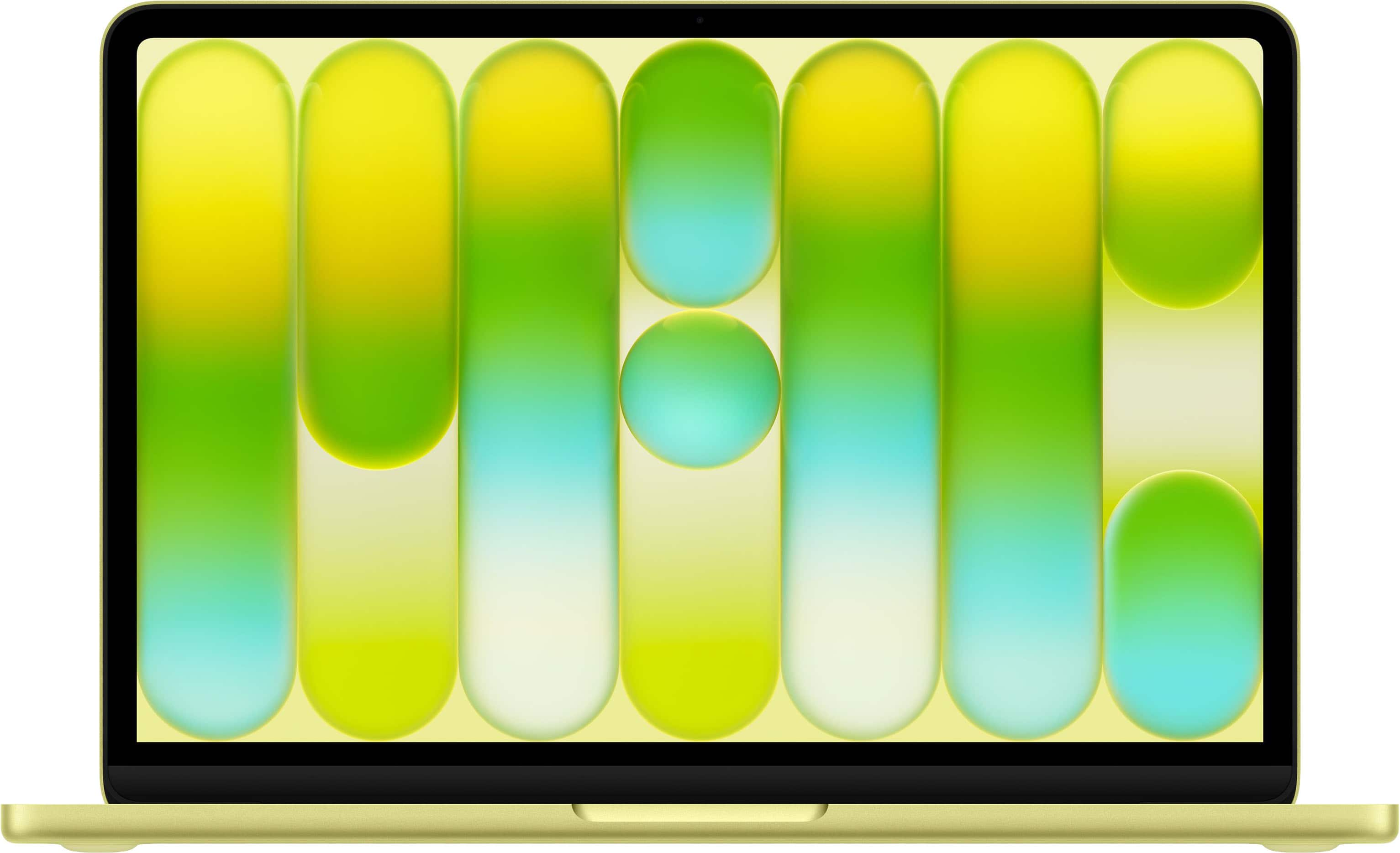
Apple - MacBook Neo 13-inch Laptop - A18 Pro chip with 6‑core CPU and 5‑core GPU - 8GB Memory - 256GB SSD - Citrus
About this product
A lightweight citrus-colored laptop with an A18 Pro chip, 8GB memory, 256GB SSD, and Liquid Retina display.
What customers like
(1,682)$649.00Your price for this item is $649.00SAVE $50.00 -
9
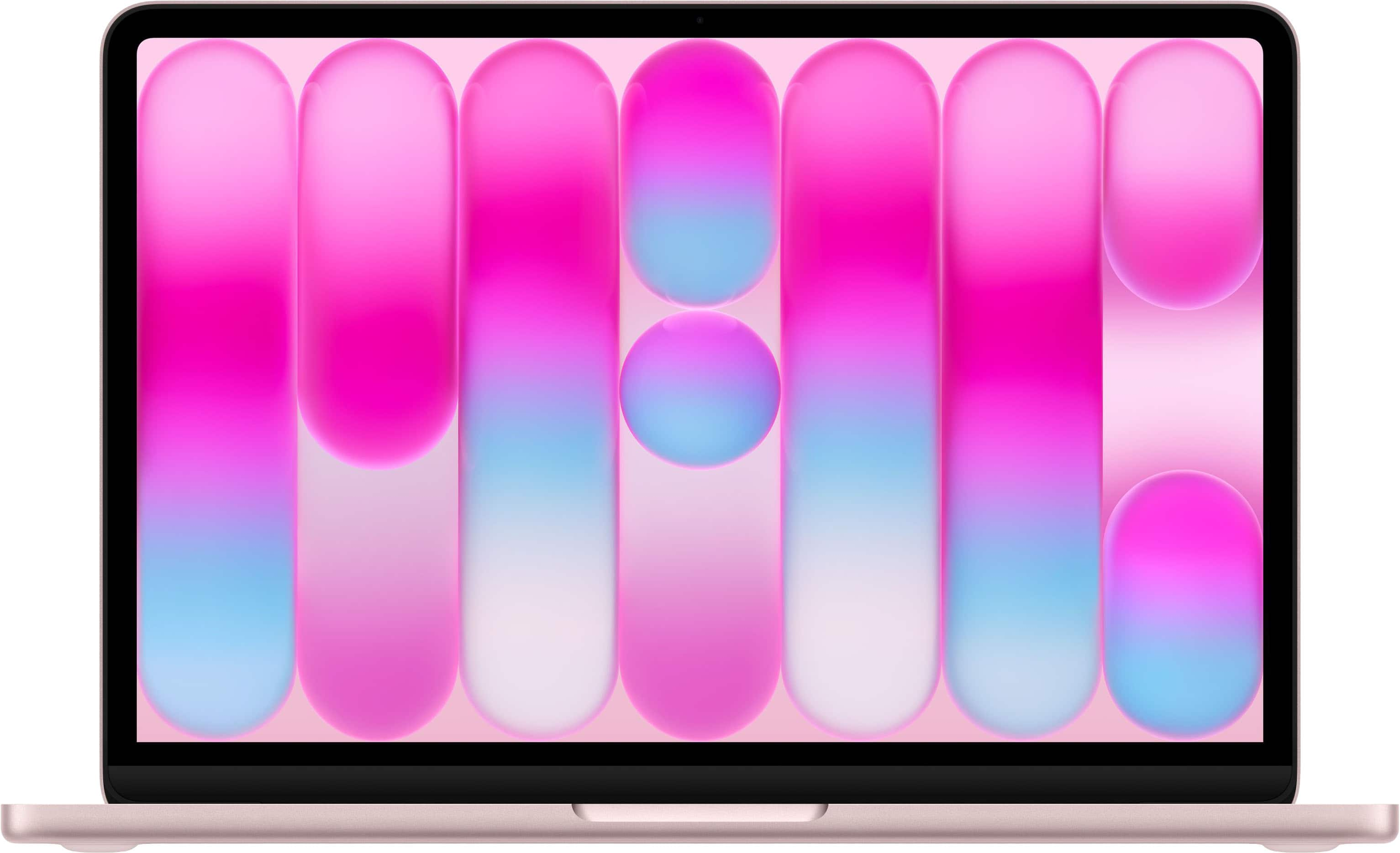
Apple - MacBook Neo 13-inch Laptop - A18 Pro chip with 6‑core CPU and 5‑core GPU - 8GB Memory - 256GB SSD - Blush
About this product
A lightweight blush aluminum laptop featuring an A18 Pro chip, 8GB memory, and 256GB SSD storage.
What customers like
(550)$649.00Your price for this item is $649.00SAVE $50.00
Top Rated Apple Computer For College Students
FAQs
Start with your college department’s computer requirements and required software. Some engineering, design, accounting, and testing applications may require a particular operating system. Confirm that your coursework tools support macOS before choosing an Apple computer.
An Apple laptop lets you bring your computer to lectures, libraries, and group study sessions. An Apple desktop is designed for a dedicated workspace. Consider where you plan to complete assignments and whether you need to bring your computer to class.
Consider the accessories you plan to connect, such as external displays, storage drives, printers, and classroom projectors. Review the computer’s port types and display support, then check whether your setup requires compatible cables, adapters, or a docking station.
Create folders for each semester and course, then use Finder tags to categorize assignments, readings, and research. Spotlight can help locate files by name or content. If you use iCloud Drive, you can also sync selected coursework across compatible devices signed in to your Apple Account.
Compatible Apple devices offer features such as AirDrop for transferring files, Handoff for continuing supported tasks, and Universal Clipboard for copying and pasting across devices. These features have device, software, account, and connection requirements, so check compatibility with the devices you already use.